The Dragon’s Dogma Music & Sound Collection – Custom Sounds add-on swaps some of Dragon’s Dogma 2’s music and sound effects for ones taken from the original Dragon’s Dogma. Buying it does not change anything on its own. The replacement stays switched off until you turn on two settings inside the Sound menu.
Quick answer: Open Options > Sound, set Change BGM and Change Sound Effects to On, press Back, then answer “Save changes?” with Yes.
What you need before you start
After installation, the game displays a one-time notice. Once you confirm “START GAME” on the title screen, it says the collection has been added and directs you to the Sound section of Options to change its settings; select OK. You will see this message only at the first launch. It won’t appear when you open the title menu again or after restarting.
Both switches are set to Off by default, so nothing changes in the game until you turn them on yourself.
Turn on Change BGM and Change Sound Effects
You can reach these settings two ways. From the title menu, pick Options. During play, open the Pause Menu, go to System, then Options. Both routes lead to the same pages. On PC, F confirms, Esc or the right mouse button goes back, and Left and Right change a value.
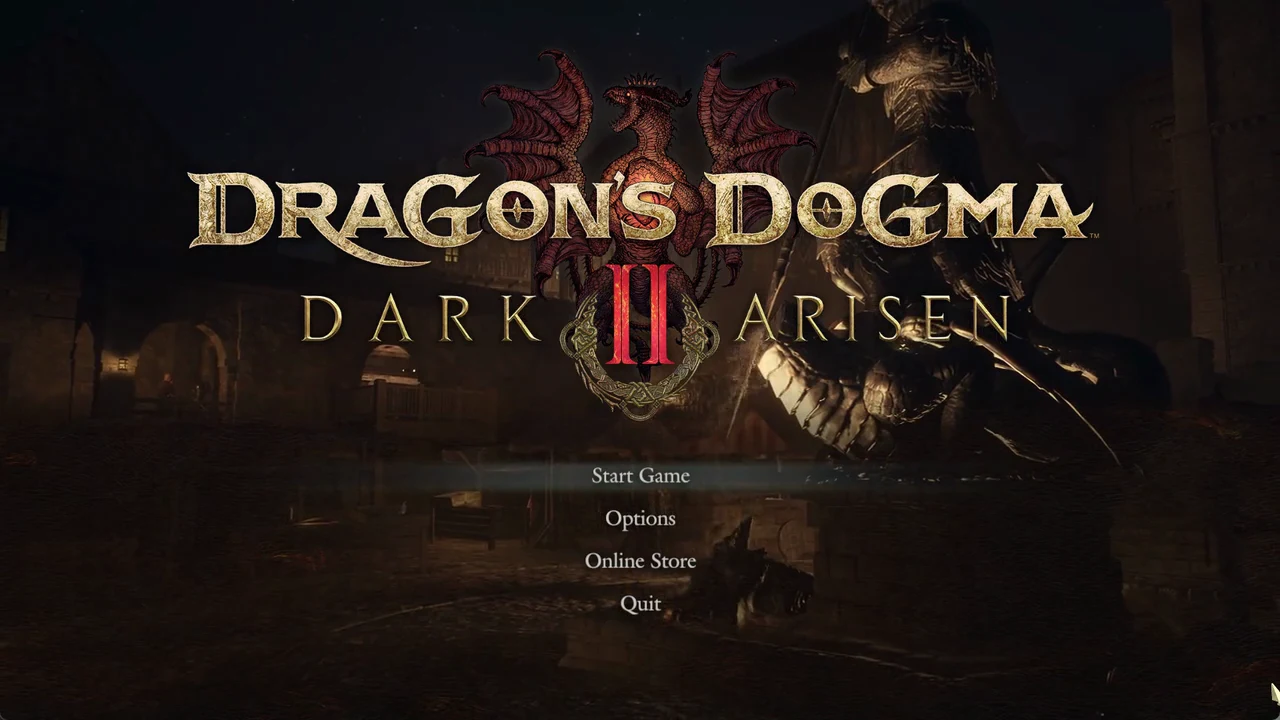
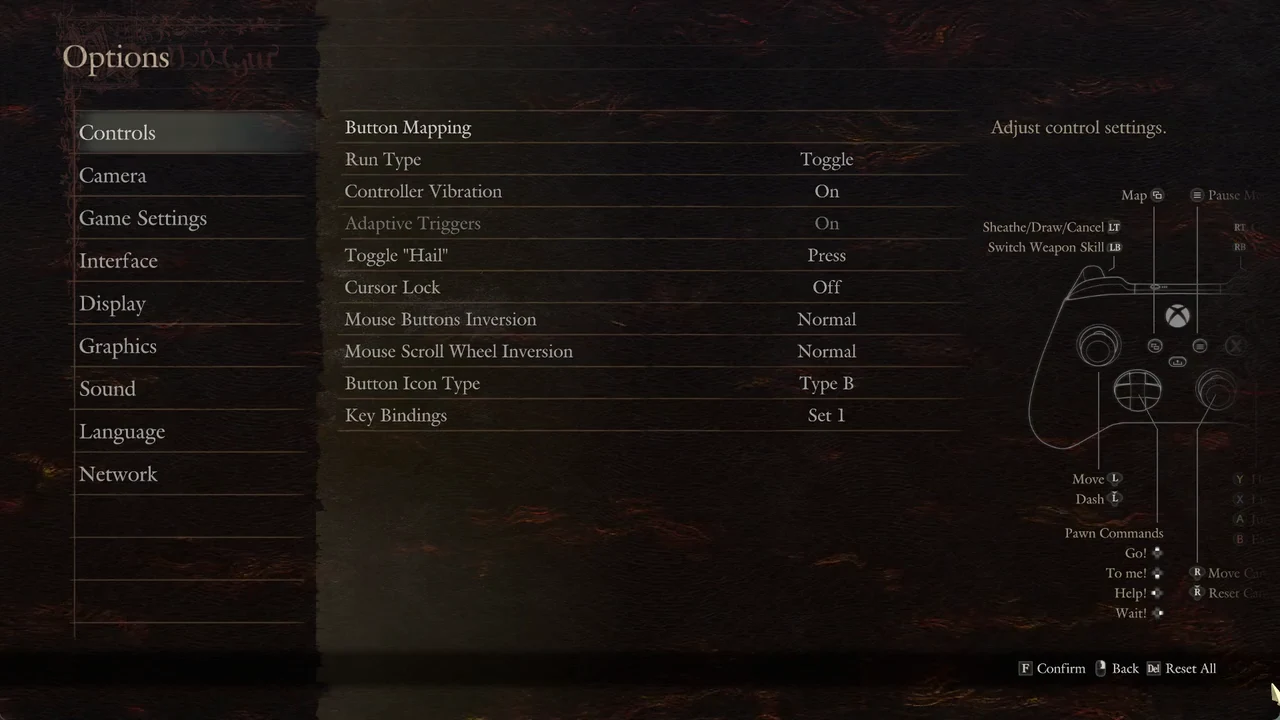
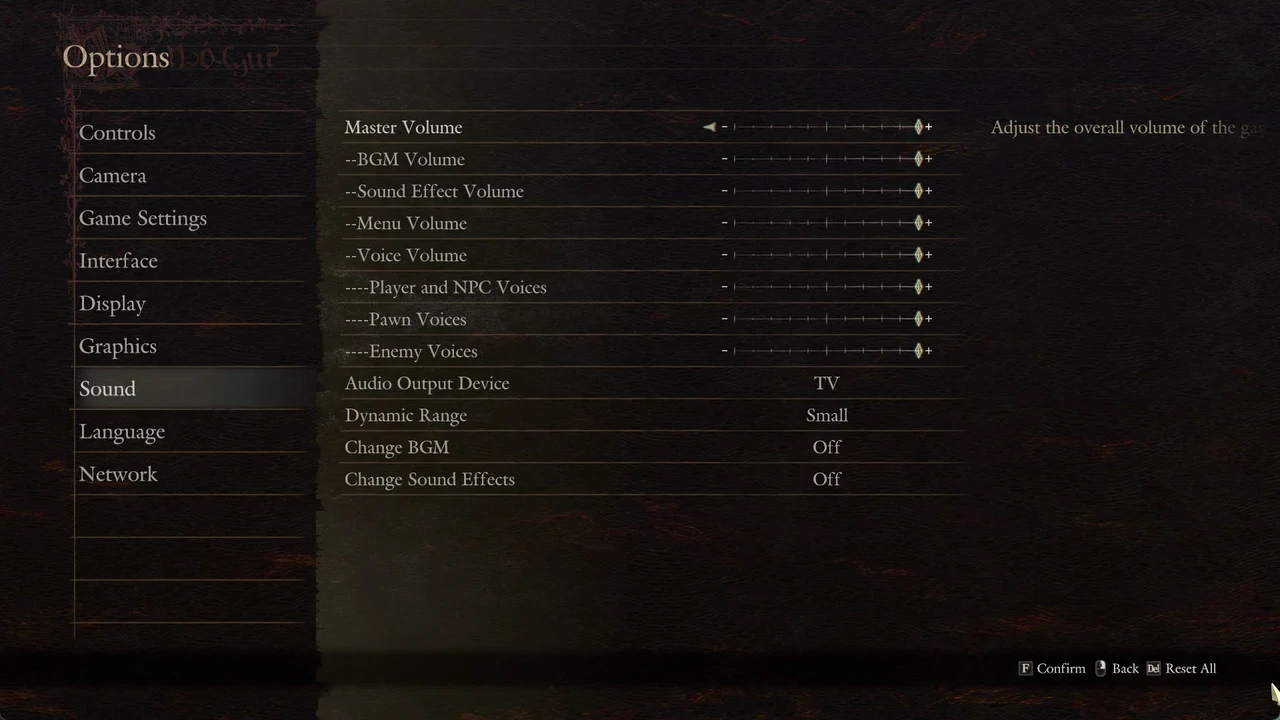
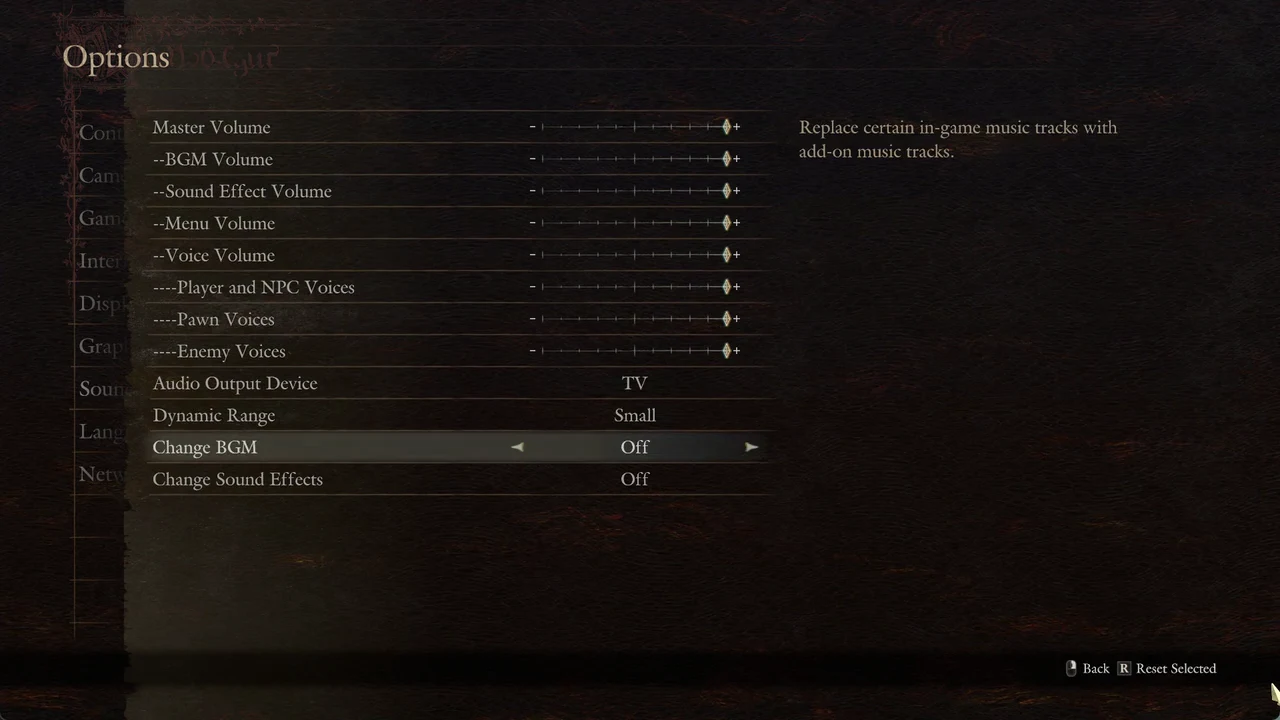
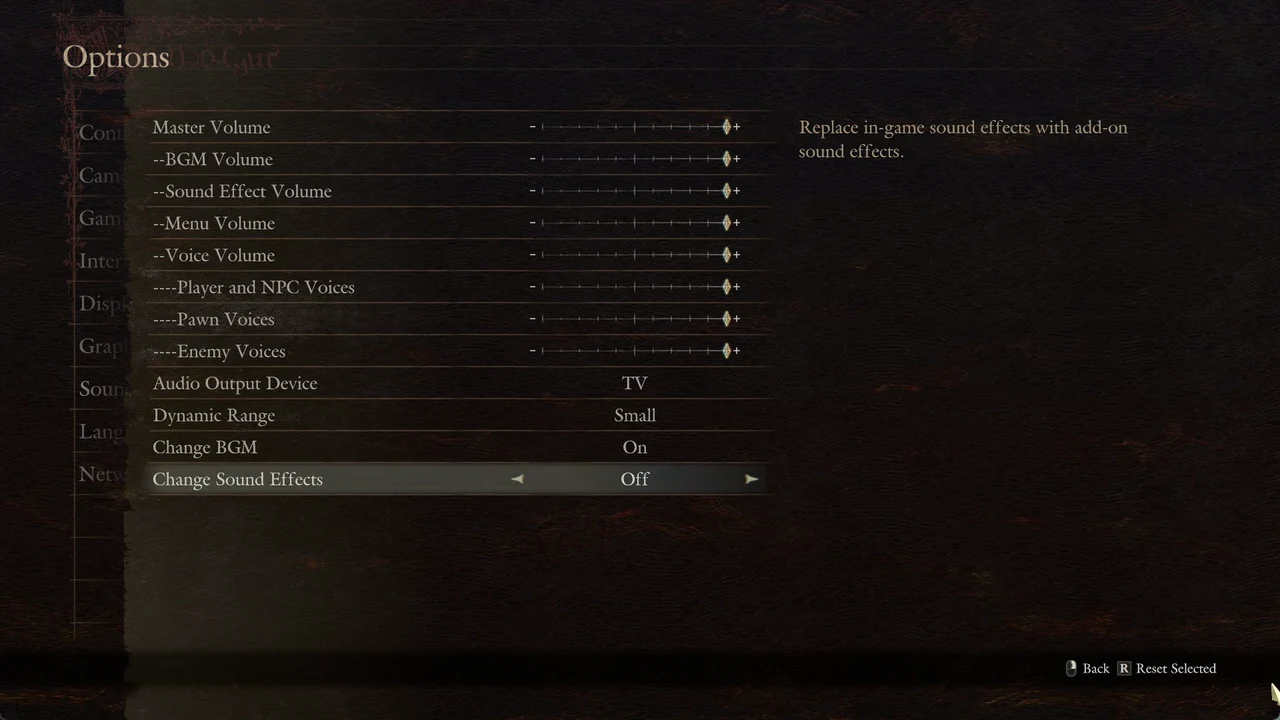
The two switches work on their own. You can leave one On and the other Off if you only want the replacement music or only the replacement effects.
How to confirm the change saved
You know it worked when the “Changes saved.” message appears and you accept it with OK. Reopening Options > Sound shows Change BGM and Change Sound Effects both reading On.
Switch back to the original audio
To restore the game’s usual music and effects, open Options > Sound and switch both rows to Off, using Left or Right to toggle each one. Press Back, select Yes at the “Save changes?” prompt, and choose OK.
What the add-on actually replaces
The wording in the menu is deliberate. Change BGM replaces “certain” in-game music tracks, not every piece of music. The game does not list which songs or which effects get swapped, and the menu gives no track names.