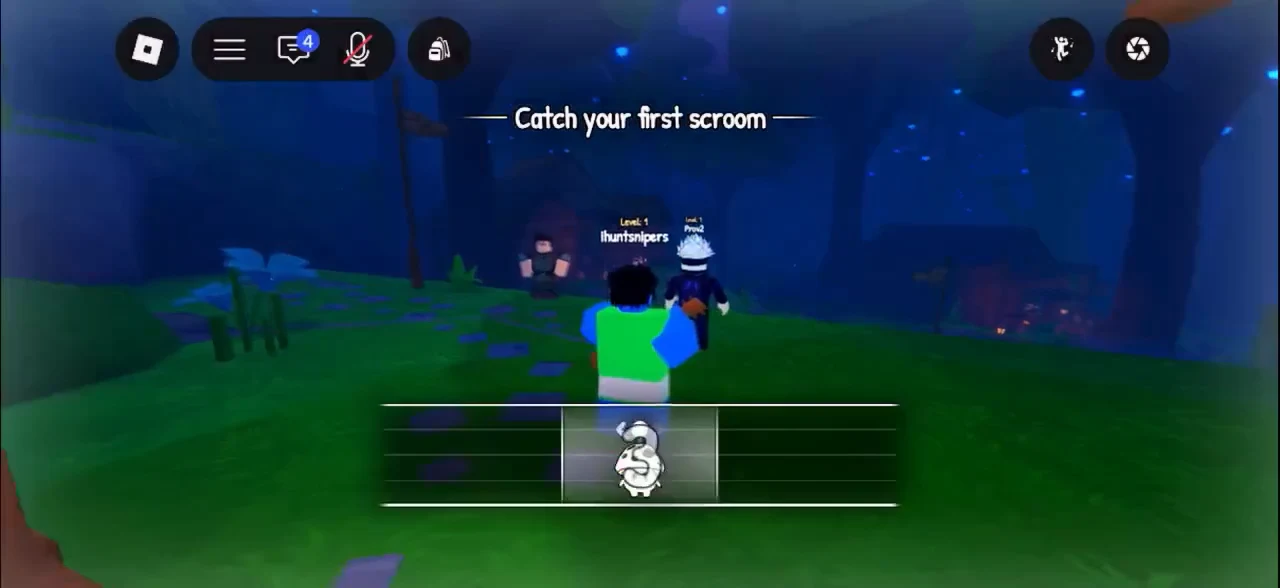
Catching a Scroom in SCROOMS is a music minigame, not a chase. You play an instrument near a mushroom creature to draw it in, tune your sound before the Scroom commits, then keep it steady inside a moving zone until a bar fills. Get all three parts right and the Scroom is yours.
Quick answer: Equip the Wooden Lute, play it near a Scroom, hit the timing marker inside the coloured wedge, hold to smooth the red waveform into a clean wave, then drag the Scroom to stay inside the catch zone until the progress bar fills.
What you need before you start
You begin in Songkeeper’s Grove, the starting area, where many tamers’ first notes still linger in the branches.
Your starting instrument is the Wooden Lute, handed to you by Leo. The hotbar holds the instrument, Equipment Bag, Index and Quest Log. Chimes, the music-note currency, are shown in the bottom right.
Equip the Wooden Lute and draw a Scroom in
Equip your instrument and play it near a Scroom.
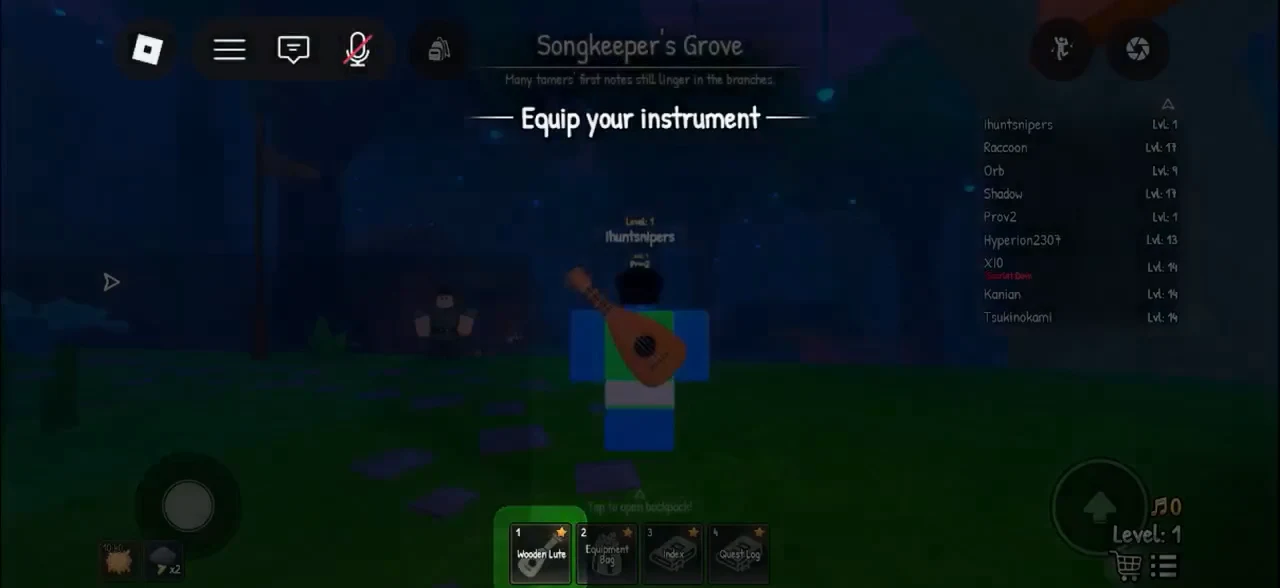
Playing the Lute next to a creature draws one in and begins the catch.
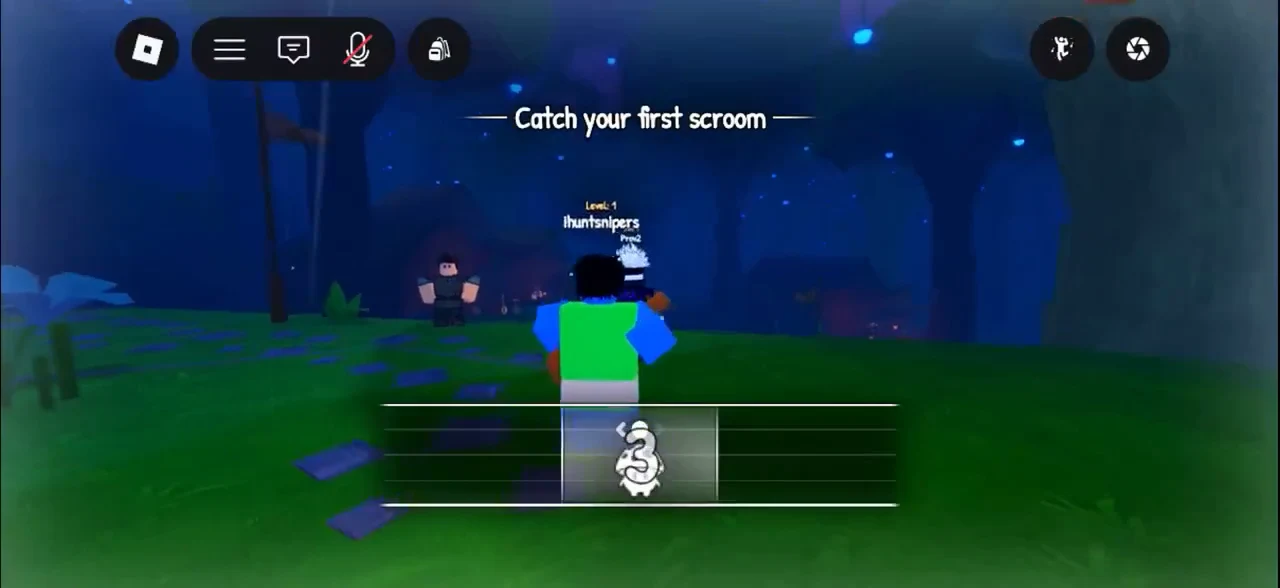
Hit the timing marker and tune the frequency
Catching happens in two musical stages before the final grab. First comes the timing meter, then the frequency slide.
A circular gauge appears with a marker moving around it. Tap on mobile or click on PC while that marker sits inside the coloured wedge. A hit is rated “Good!” or “Perfect!”.
A new instruction appears: “Hold to find the correct frequency!” Press and move the marker across the track until the jagged red waveform becomes a smooth, even wave. Finding the right frequency speeds up tuning.
A faster Tune Speed shortens this stage, and you must finish tuning before the Scroom commits. Work quickly rather than hunting for a perfect slide.
Keep the Scroom inside the catch zone
After a 3-second countdown, the catch begins. The Scroom icon sits on a horizontal bar with a highlighted catch zone that drifts left and right. Three tutorial popups spell out the rules: “This is your scroom, hold to drag it left and right!”, “This is the catch zone, keep the scroom inside it!” and “When the bar fills up, you’ll catch the scroom!”
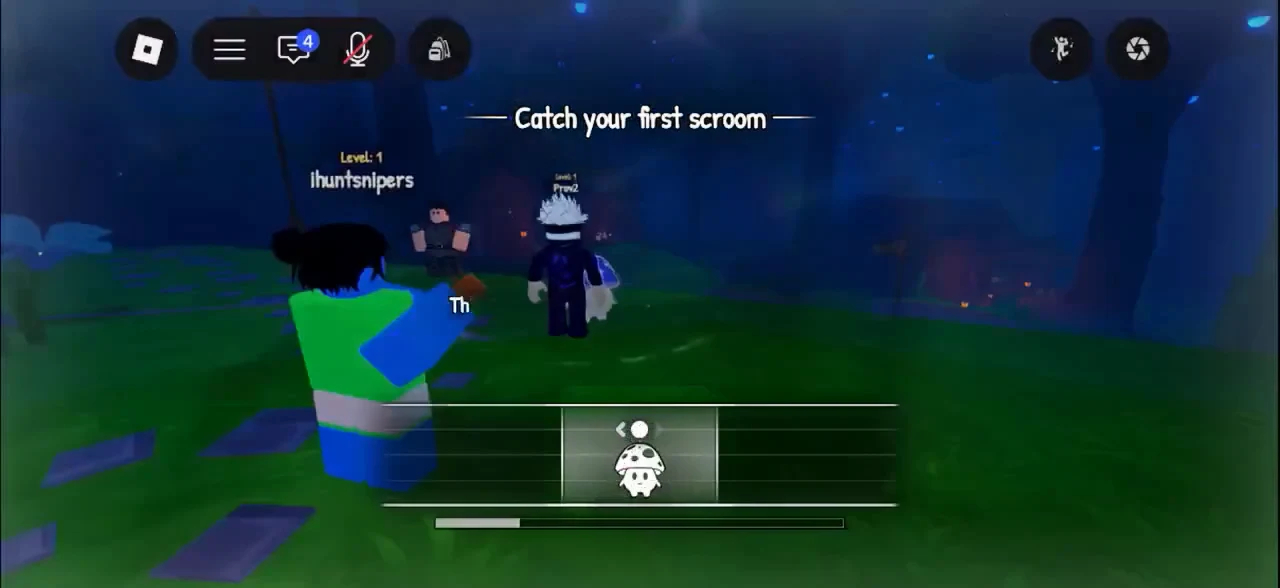
While the Scroom stays inside the zone, the progress bar at the bottom fills. Drift outside and the zone turns red, draining your progress. Hold and drag the Scroom to track the zone with small, quick corrections rather than big swings.
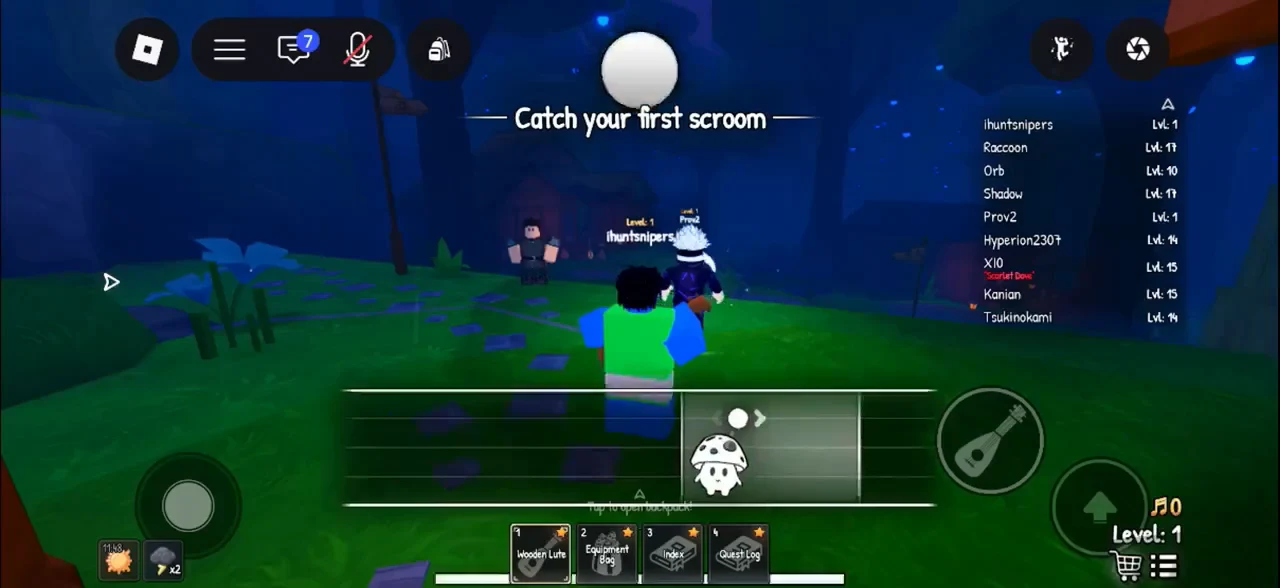
If the bar drains away, the message reads “Your Scroom got away…” and you can try again.
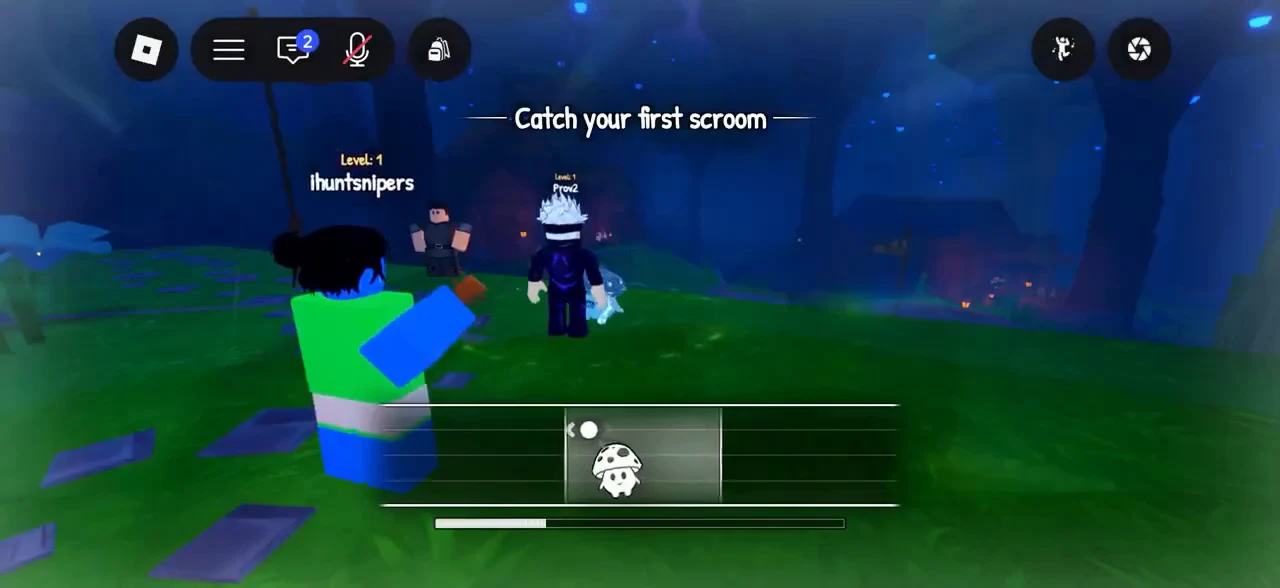
On a touchscreen, dragging a finger makes the catch zone simpler to track than with a mouse. On PC, use brief movements and adjust quickly.
How to confirm the catch worked
When the bar fills completely, a catch screen appears naming the Scroom and its frequency, such as “You caught: Bluebell! Frequency: 70.8 Hz”. A clean run can register as a “Perfect Catch”. Your first catch also awards the First Note badge (“Catch your first scroom.”).