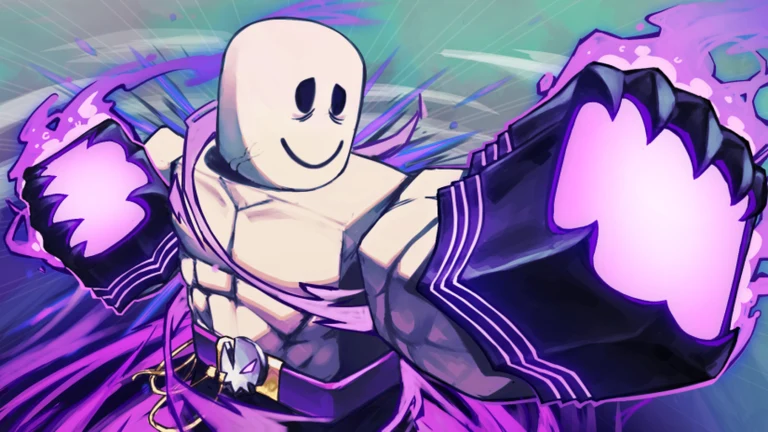
Emotes in STREET FIGHTER 6 x UBG let your fighter dance, pose, and taunt between punches on the Roblox battlegrounds map. You collect them through Emote Spins, assign them to a radial wheel, and trigger them mid-match. Here is exactly how to unlock one and lock it into your wheel.
Quick answer: Get emotes from Emote Spins (match drops, daily rewards, trades, or 25 Robux), then open the emote wheel with key 2, hold a slot, and pick the emote from the list.
How to get emotes in STREET FIGHTER 6 x UBG
Emotes come from Emote Spins. A spin pulls a random emote from the pool, so the specific one you land on is left to chance. You earn spins in a few ways, and you can also buy an emote outright.
- Complete matches for a chance at an Emote Spin drop.
- Collect daily rewards, which can include spins.
- Trade spins or emotes with other players.
- Use the Free Emote Spin button at the top of the emote wheel.
- Buy a specific emote directly for 25 Robux.
There are 75 emotes in the game, split across rarities: two uncommon emotes unlocked by default, 42 rare, 26 mythic, and five legendary, with more added over time. Standing Bow and Touch Gloves are the two you start with.
Codes are another route to free emotes. Redeeming freeemoteforall grants a free emote, and vegeta credits your account with one Free Emote. Enter these through the CODES menu on the main interface while they remain active.
To use a Free Emote Spin, open the emote wheel and press the Free Emote Spin option at the top. The reel cycles through options such as Hit Me, Virtual Insanity, Phone Summon, Sumo, Heart, Karaoke, Gangnam, Hakari, Sinister, Geddan, and Penguin before landing on one you keep.
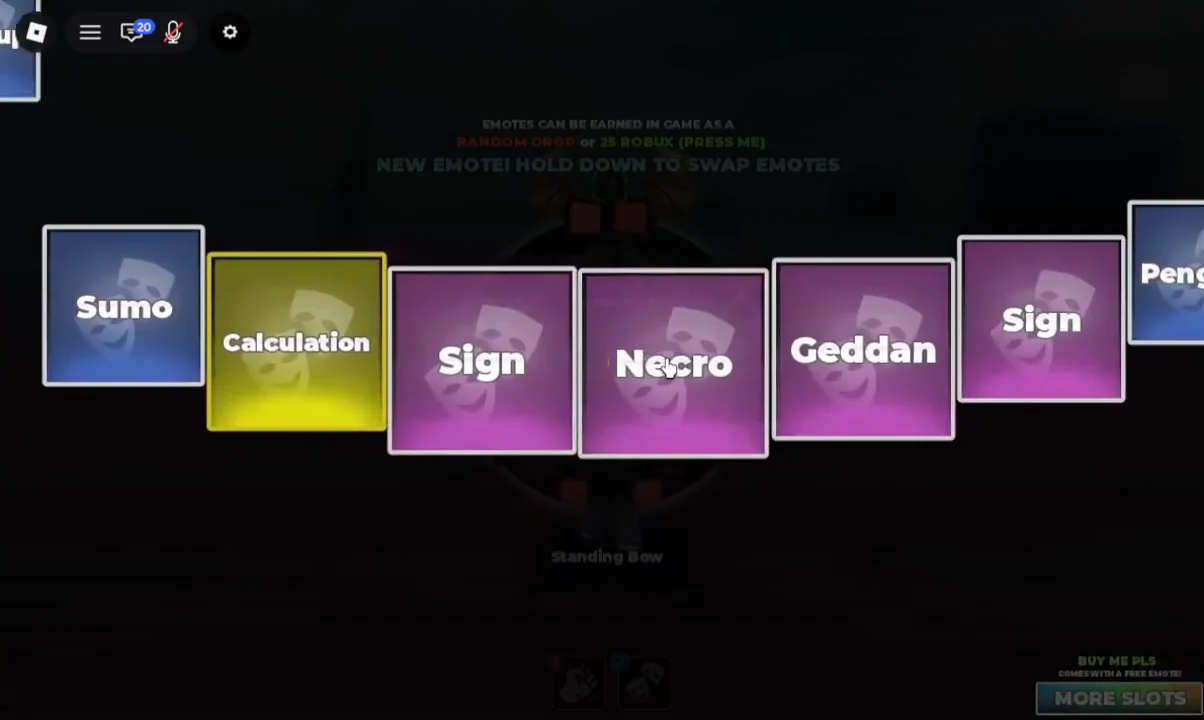
How to equip an emote to the wheel
You can equip up to four emotes at once on the default wheel, or eight if you own the More Emote Slots gamepass. Assigning an emote takes a hold-and-select action rather than a single click.
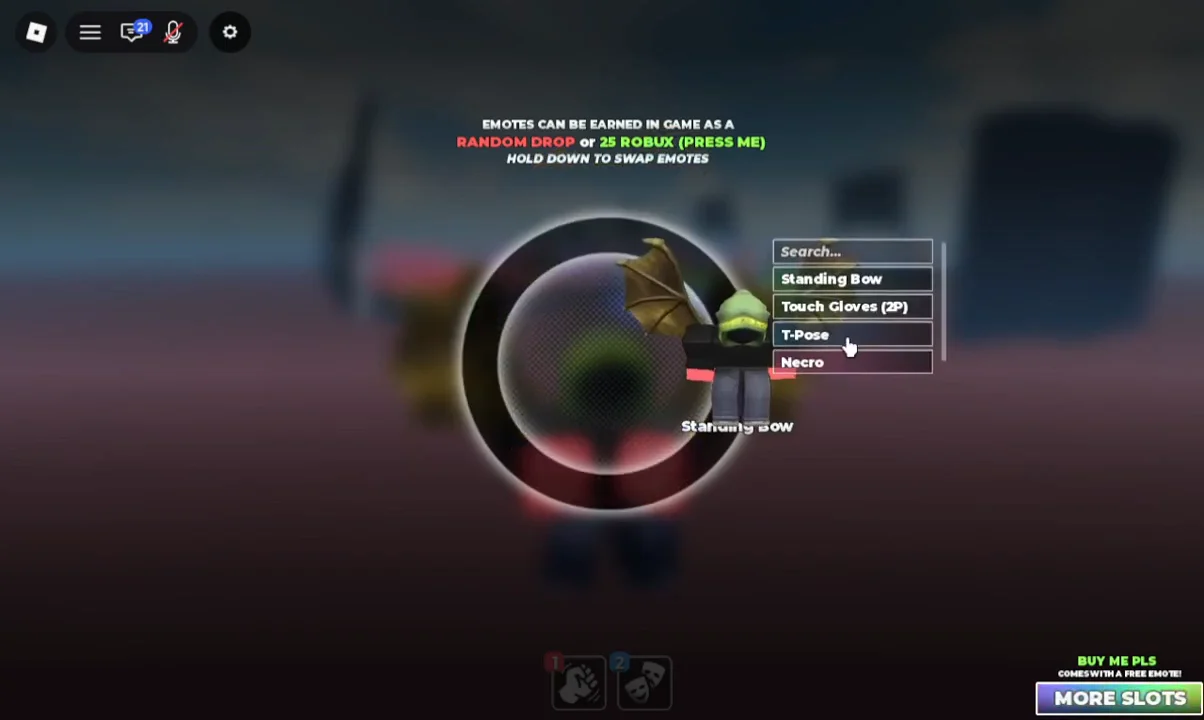
The More Slots prompt sits at the bottom right of the wheel and opens a purchase dialog for extra slots, raising your cap from four to eight.
Activate and cancel an emote
Once an emote is assigned, open the wheel and select its slot to play the animation. Effects-heavy emotes like Necro show extra particles when triggered.
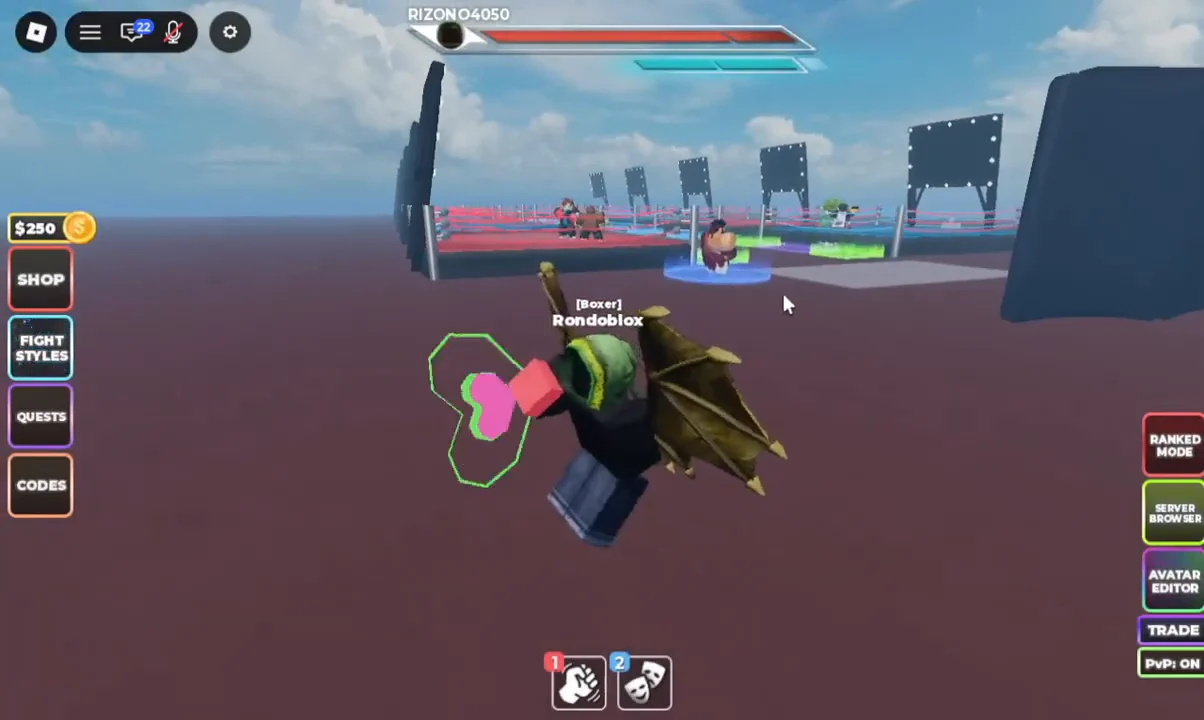
To stop an emote early, jump or move. That cancels the animation immediately so you can get back to the fight. Some emotes behave differently: looping emotes run until canceled, movable ones let you shuffle around, and toxic emotes have extra endlag, so they take longer to cancel on purpose.
Confirm your emotes are saved
Your setup is correct when the wheel shows your chosen emotes in their slots after you reopen it. Because the assignment is tied to your account, leaving and rejoining the game and pressing 2 again should show the same emotes still equipped. If they persist across a fresh server load, the change took hold.