
Hold W into a house wall, a cliff face, or a tree trunk in SCROOMS and your character does not stop. It walks straight up the surface. That is the climbing move at work, and it is also how most players end up wedged somewhere they never meant to be, staring at a dark, red-tinted view because the camera has slipped inside the geometry.
Quick answer: Put the Ocarina in hotbar slot 5 and play Homeward Melody by pressing A, S, W, A. The display goes dark for roughly ten seconds; afterward, you appear standing by your spawn signpost.
Why you climb walls and lose the camera
This works on the red trunk near the beekeeper’s ledge, the purple cliff by the waterfall, and house walls.
Once the avatar is partway up a wall, the camera has nowhere to sit. It ends up buried in the surface or jammed against the back of your head, and the view becomes unusable. Nothing is broken when this happens. You just need to peel the avatar off the wall or send it home.
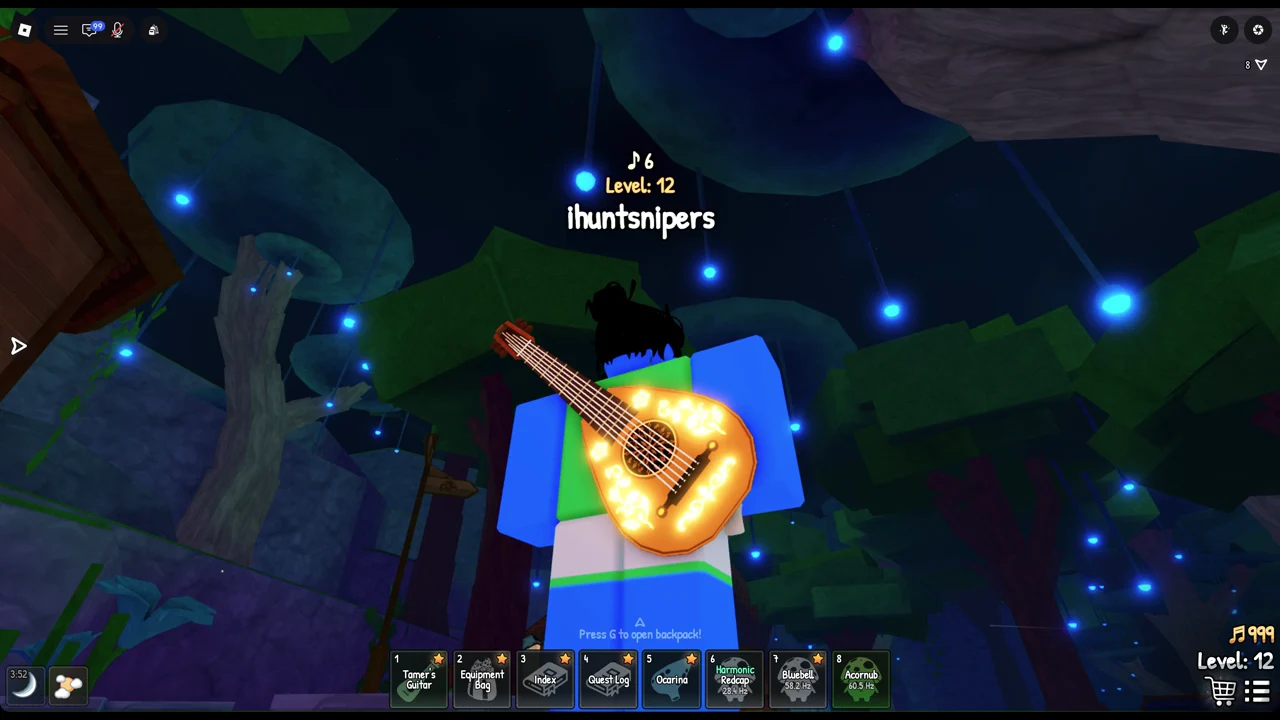
The reliable fix: play Homeward Melody
If the view is a lost cause, the Ocarina gets you out every time. Homeward Melody returns you to your set spawn point, and it works even while the camera is buried in a wall because it does not depend on seeing anything.
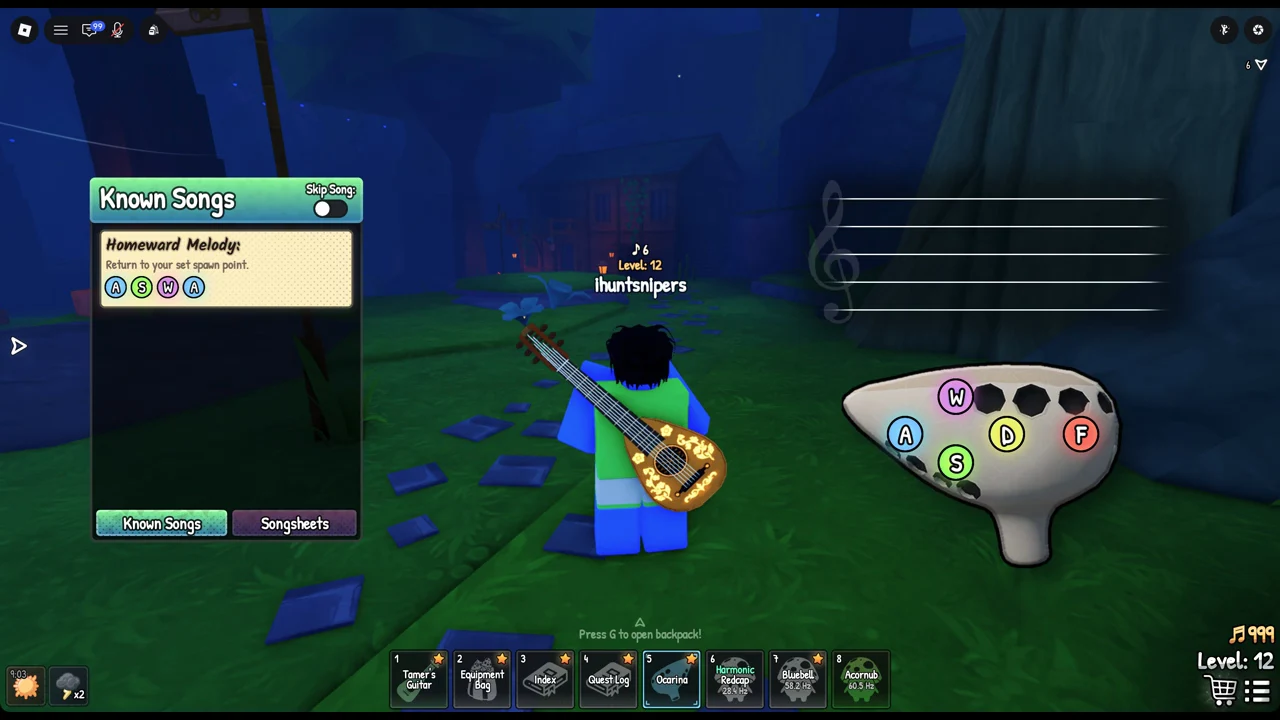
You know it worked when the screen clears and your character is standing at the spawn signpost in the open world again, free of the wall. That signpost is your set spawn point, so this always drops you somewhere you can move normally.
Free the camera without teleporting
If you would rather not lose your position, you can often recover the view where you stand. Try these before reaching for the Ocarina.
- Let go of W, then hold S to walk back off the surface. Hold the right mouse button and drag to turn the camera toward open ground before you move again.
- Scroll the mouse wheel down to zoom out to a far overview. That is the fastest way to find where your avatar actually is. Scroll up to pull the view back in close.
- When the banner “Camera Control Enabled – Right click to toggle” appears, use the right mouse button to turn the camera mode on or off.
Backing off with S and zooming out together solve most wall snags, since you can see the ground again and walk away from whatever you climbed.
Getting out of the waterfall pond
The pond below the waterfall is swimmable, so a fall into it won’t leave you stranded. Hold W and Space to swim out.
The Ocarina keys and the Skip Song toggle
The Ocarina plays on five keys, drawn in color on the instrument picture: A is blue, S is green, W is pink, D is yellow, and F is red. Homeward Melody only uses A, S, W, A, so you do not need the full set to escape a wall.
The Store offers Skip Ocarina Songs for 79 Robux. It puts a “Skip Song” toggle in the Ocarina menu, activating each song’s effect as soon as you finish playing and speeding up a teleport back to spawn. The purchase is optional: Homeward Melody does the same thing without it.
Keep the climbing move in mind as you explore Songkeeper’s Grove and the areas beyond it. The surfaces that trip you up are the same ones you can scale on purpose once you expect it, and either the camera tricks or Homeward Melody will put you back in control.