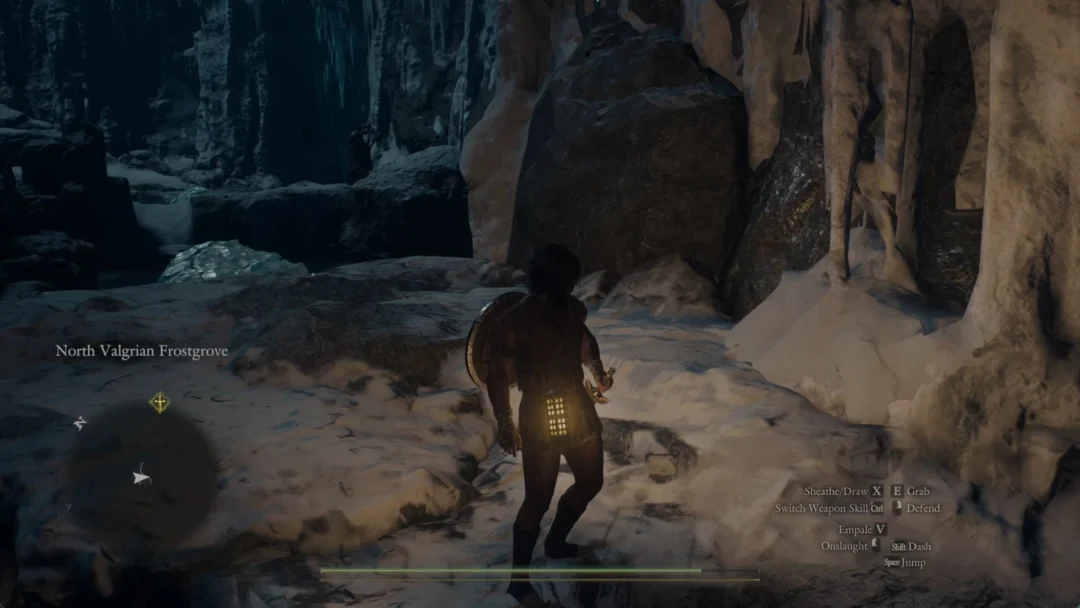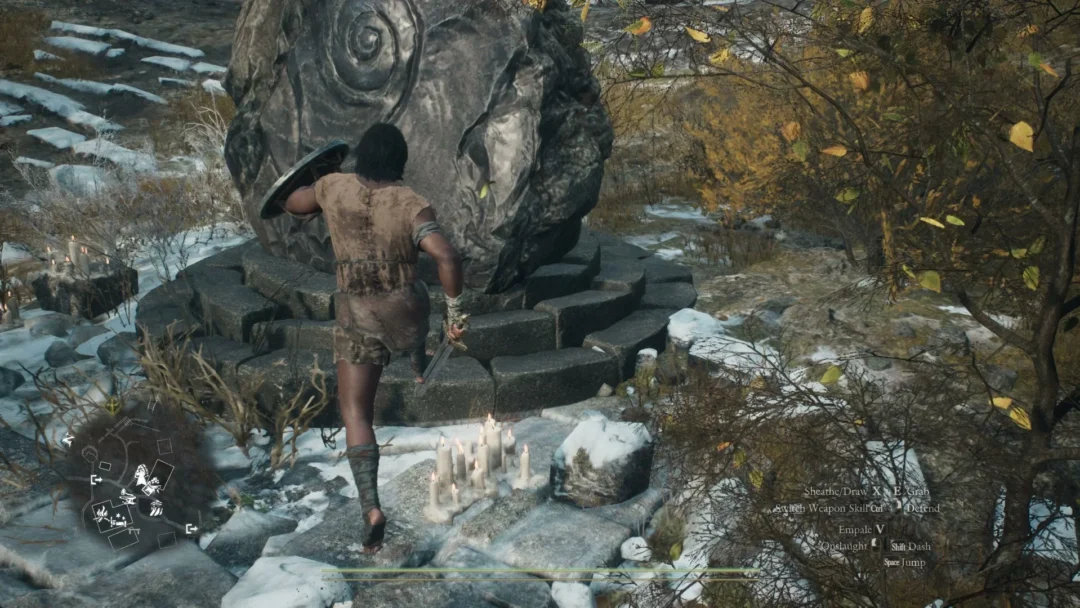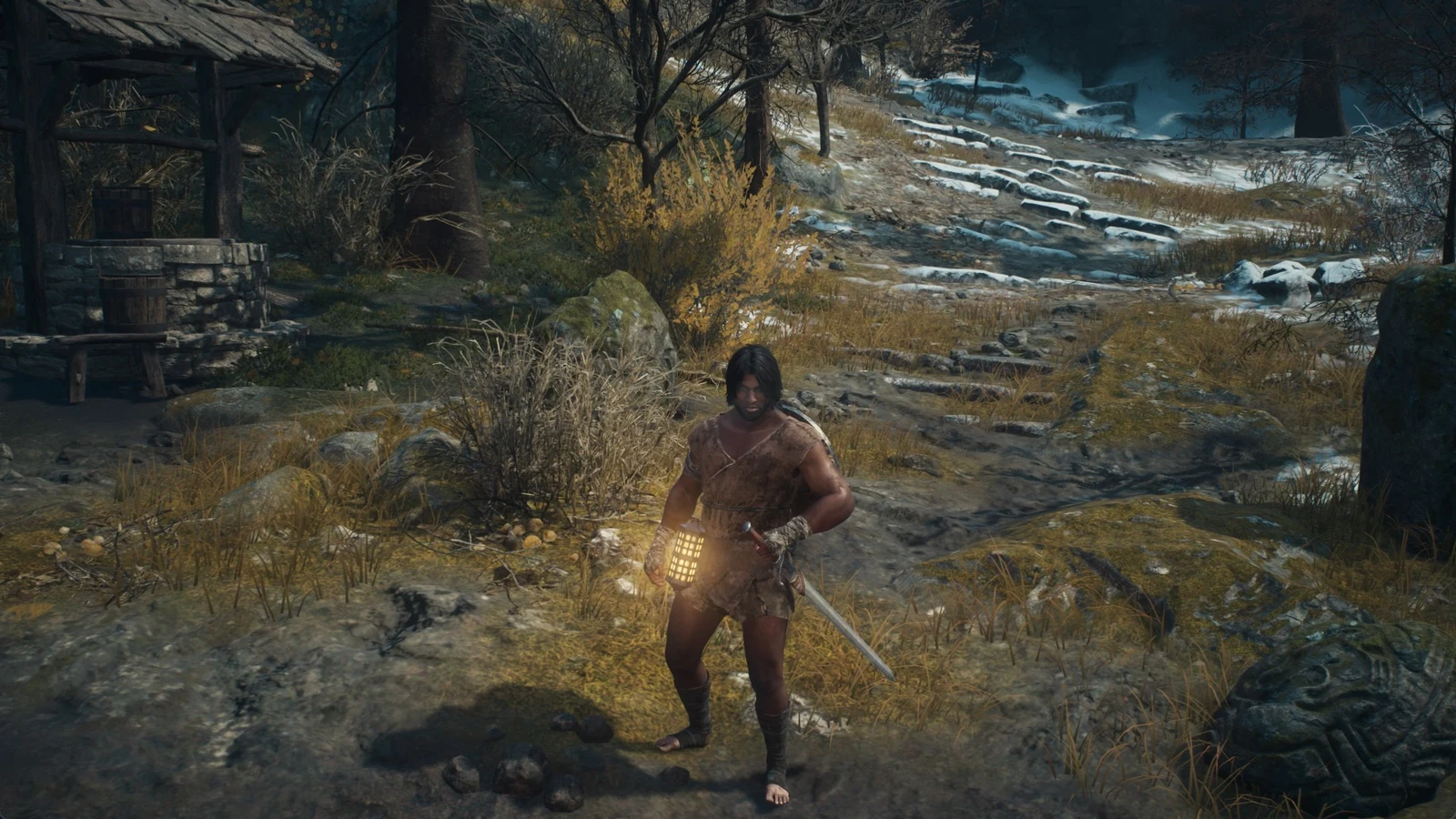
The lantern in Dragon’s Dogma 2 is a portable light worn at the Arisen’s waist. It glows from the hip as you move, run, and fight, and it burns Lantern Oil the whole time it is lit. You never hold it in a hand, and there is no equip step. As long as a lantern has fuel, it is ready to switch on.
Quick answer: Open Items, move to the Implements tab, select the lantern and choose Light. On a PlayStation pad, hold L1 and use the “Lantern On” slot on the right of the directional cross instead.
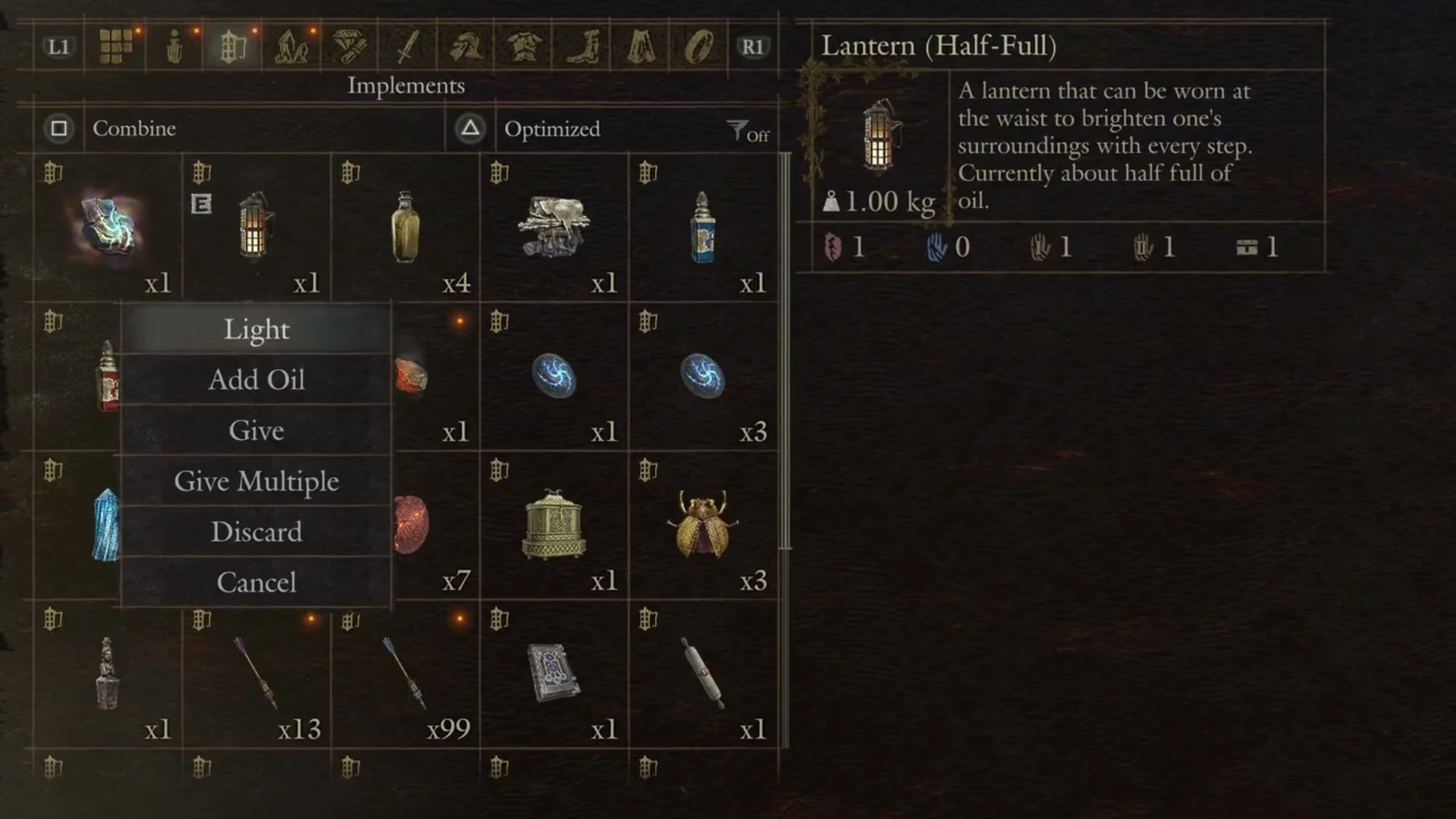
Light the lantern from the Items menu
Find the lantern in your inventory with gear such as the Eternal Ferrystone and camping kits. Its tile carries a small “E” marker to show it is equipped at your waist, so you just need to activate it.
Toggle the lantern without opening the menu
You can reach the lantern from the item-shortcut cross instead of opening the menu each time. On PlayStation, the cross at the lower-left of the screen usually controls the four pawn commands. Hold L1, which the control guide calls “Switch Weapon Skill”, to switch to item shortcuts, then choose the lantern on the right.
The right slot reads “Lantern On” while the lantern is dark and “Lantern Off” while it is burning, so the same press works both ways. When the lantern has no fuel, that slot is blank and there is nothing to press until you add oil.
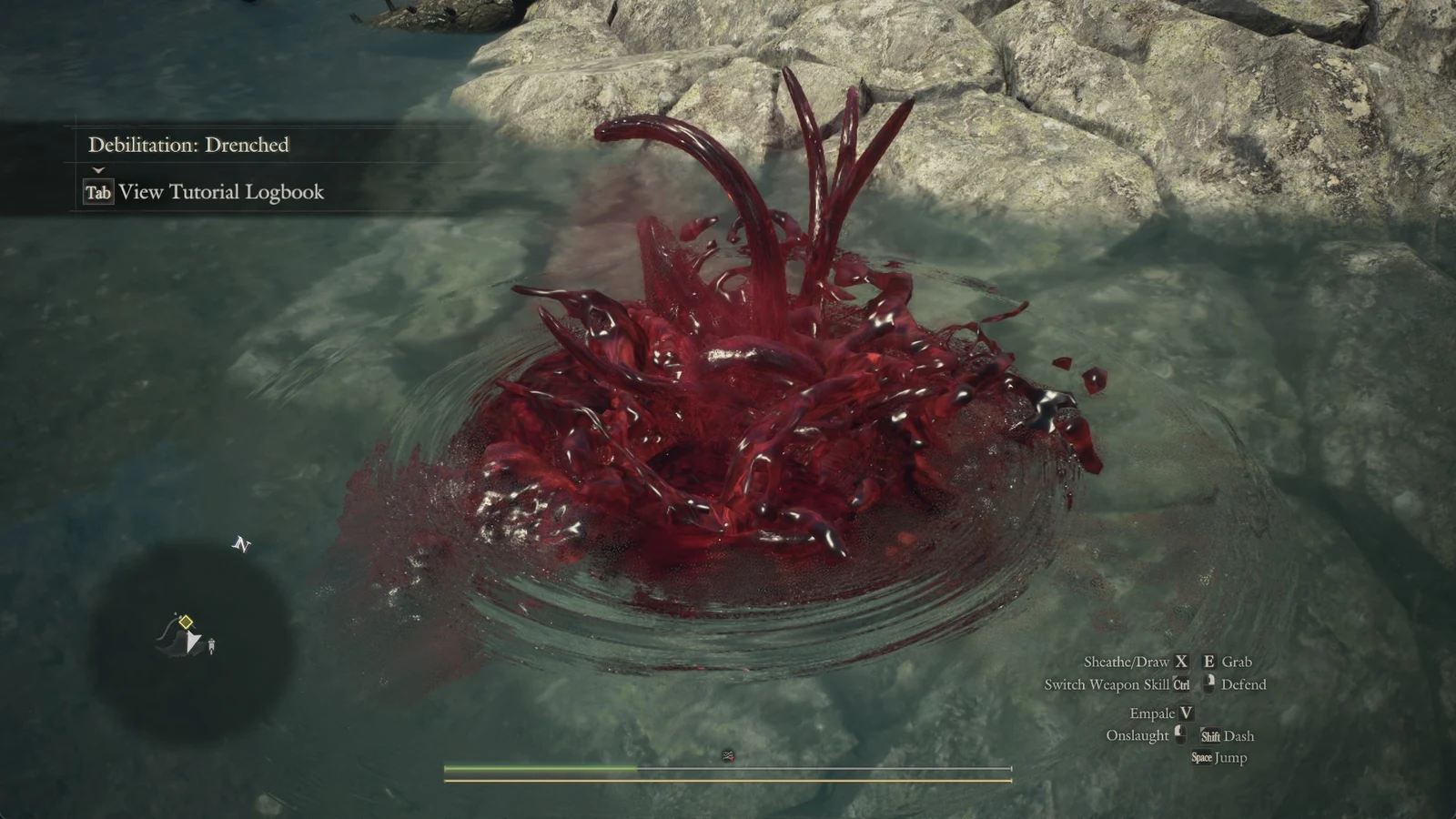
On PC, hold Ctrl: the item shortcuts appear at the lower left of the screen with “Lantern On” on R. Press R with Ctrl still held to light the lantern. In a dark area, the PC keyboard control guide also lists Ctrl + R Light Lantern. Falling into the Brine puts the lantern out, so light it again once you are back on dry ground.
The lantern uses oil only when lit. Select “Lantern Off” in daylight or in already bright rooms to conserve fuel.
Lit, the lantern casts a warm pool of light over the ground and walls close around you, enough to pick out a doorway and the rubble at your feet but not a far tunnel beyond. Think of it as a few steps across, not a searchlight. There is no fuel gauge or lantern icon on the HUD, so the only on-screen signs are the “Lantern On” / “Lantern Off” label while L1 is held and the lantern’s name in the menu.
What “Out of Lantern Oil” means
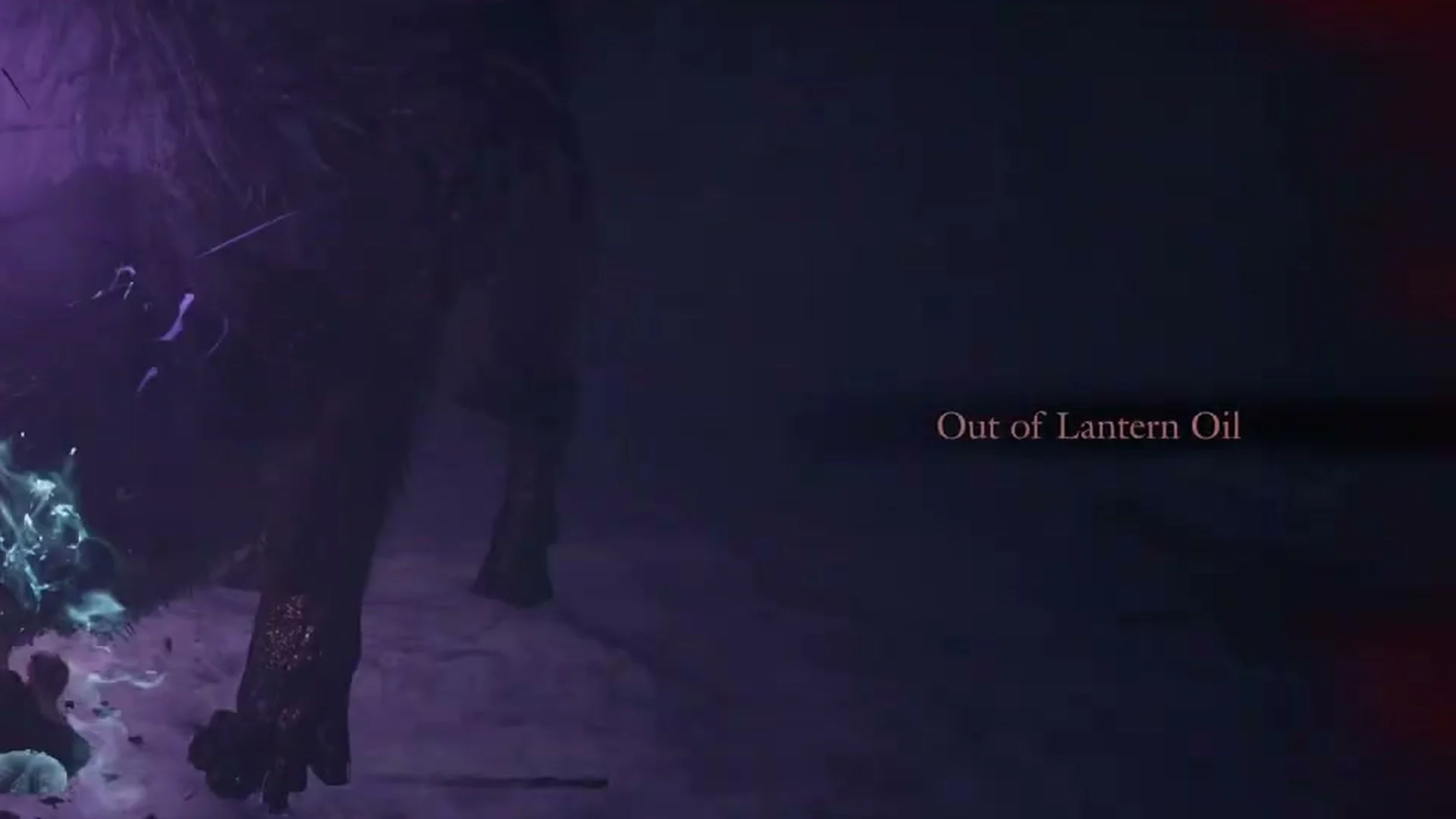
A plain-text alert reading “Out of Lantern Oil” appears on the screen’s right side, around halfway up and above the control guide. It has no box and does not pause the game, making it easy to overlook during a fight. The warning appears when the lantern consumes its remaining fuel and goes dark; its shortcut-cross slot then becomes blank.
You have not necessarily run out of Lantern Oil items. Rather, the lantern is empty and must be refilled before it can be lit again. If it remains empty, the warning will appear again when you later enter a dark corridor.
Refill the lantern with Lantern Oil
Adding oil and lighting the lantern are two separate actions. Pouring in a bottle of oil does not relight the lantern on its own, so you switch it back on afterward.
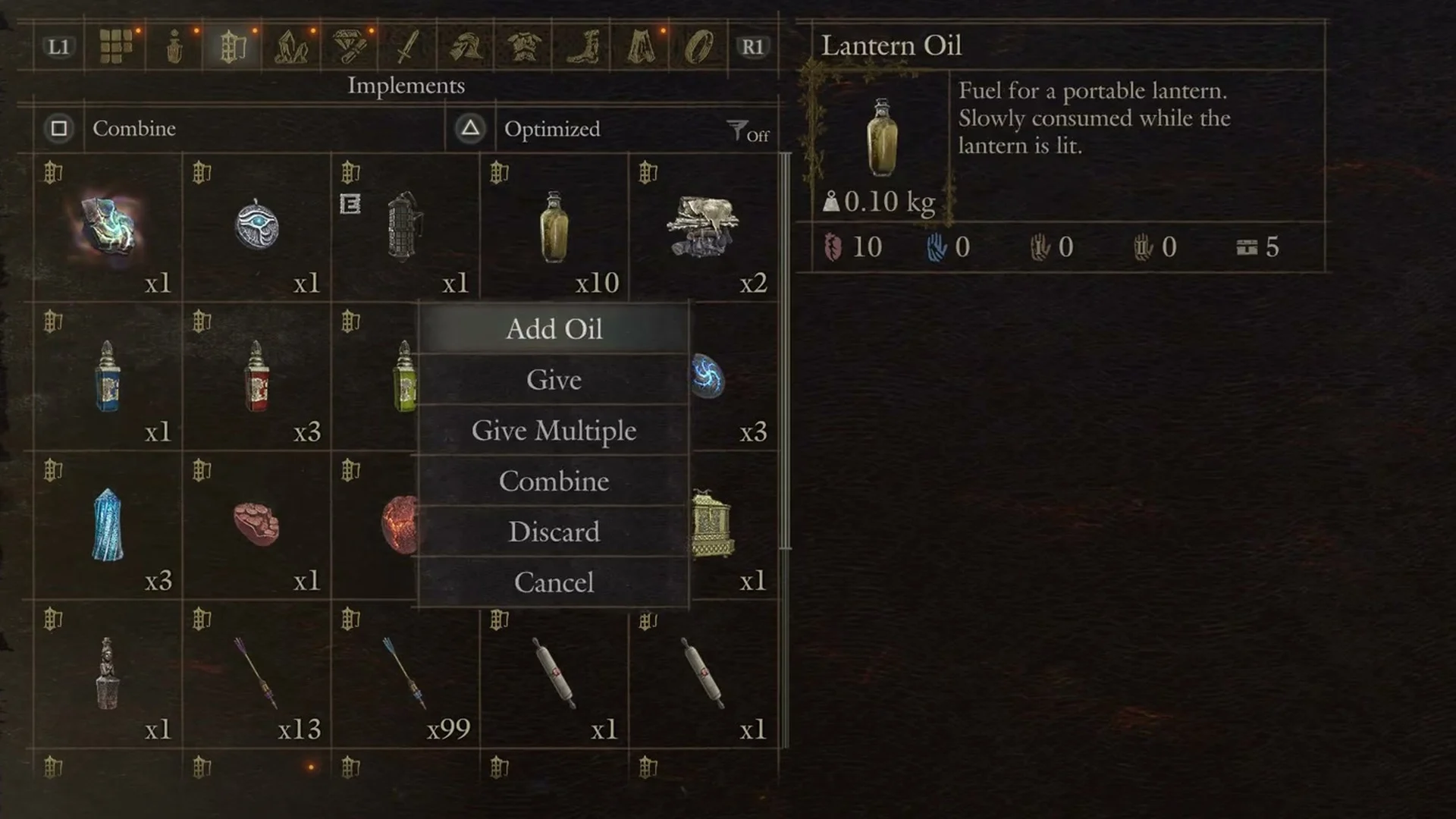
There is no need to wait until the lantern is dry. Its menu offers Add Oil even when its status is Lantern (Half-Full), so you can top up before it runs out.
Read the fuel level from the lantern’s name
The HUD provides no fuel gauge, so check the lantern’s displayed name in the Items menu to track its fuel. Its tile artwork changes as well: a glowing yellow window means oil remains, while a dark window means it is empty. As the oil burns away, the name passes through four states.
| Lantern state | What it tells you |
|---|---|
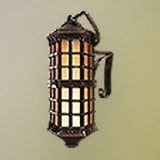 Lantern (Fueled) Lantern (Fueled) | Plenty of oil |
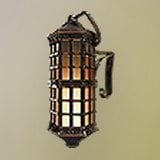 Lantern (Half-Full) Lantern (Half-Full) | About half full of oil |
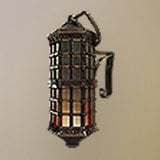 Lantern (Near-Empty) Lantern (Near-Empty) | Only a little oil remains |
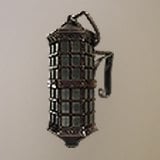 Lantern (No Fuel) Lantern (No Fuel) | Empty; cannot be lit until refilled |
Where to buy Lantern Oil and a lantern
Lantern Oil costs 100 G and weighs 0.10 kg each. Its description reads “Fuel for a portable lantern. Slowly consumed while the lantern is lit.” A stack of ten weighs about 1 kg, roughly the same as the lantern itself.
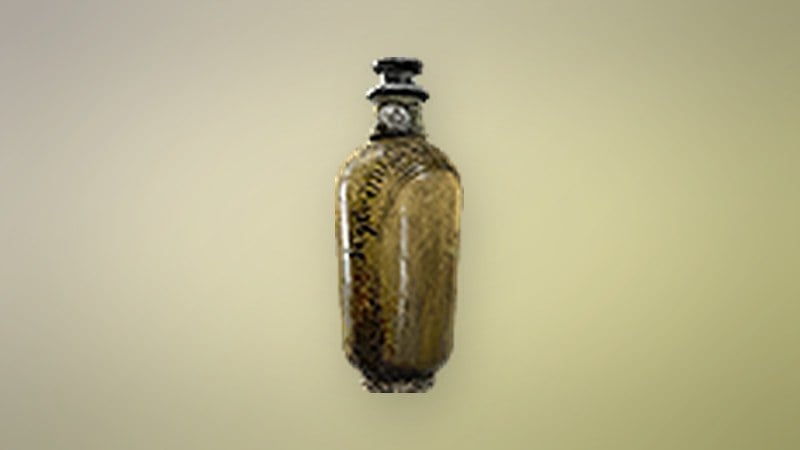
Morgus, a trader at the tent camp by the Norgandian Settlement, sells Lantern Oil for 100 G. Hal, the smith in the Norgandian Settlement, sells both Lantern Oil at 100 G and a ready-filled Lantern (Fueled) for 800 G; scroll past his roborants and curatives to reach the lantern goods. Lantern Oil also turns up as loose loot, including a bottle sitting on crates in the ice-spiked cellar beneath the courtyard of the Beorcan Stronghold, and it can drop from Snowfoot, Chopper, Hobgoblin, Ooze and Stout Undead.
Lantern Oil sells for 35 G, while a lantern brings in only 1 G regardless of its fuel state, so keep the lantern instead of selling it. The table below lists the shop prices worth knowing as you stock up.
| Item | Buy | Sell |
|---|---|---|
 Lantern Oil Lantern Oil | 100 G | 35 G |
| Lantern (Fueled) | 800 G | 1 G |
Pawns and the drenched state
A loading tip in the game states that when you light your lantern, any pawns in the party who have lanterns in their inventory will follow suit. Another tip states that your lantern is extinguished if you are inflicted with the drenched debilitation.