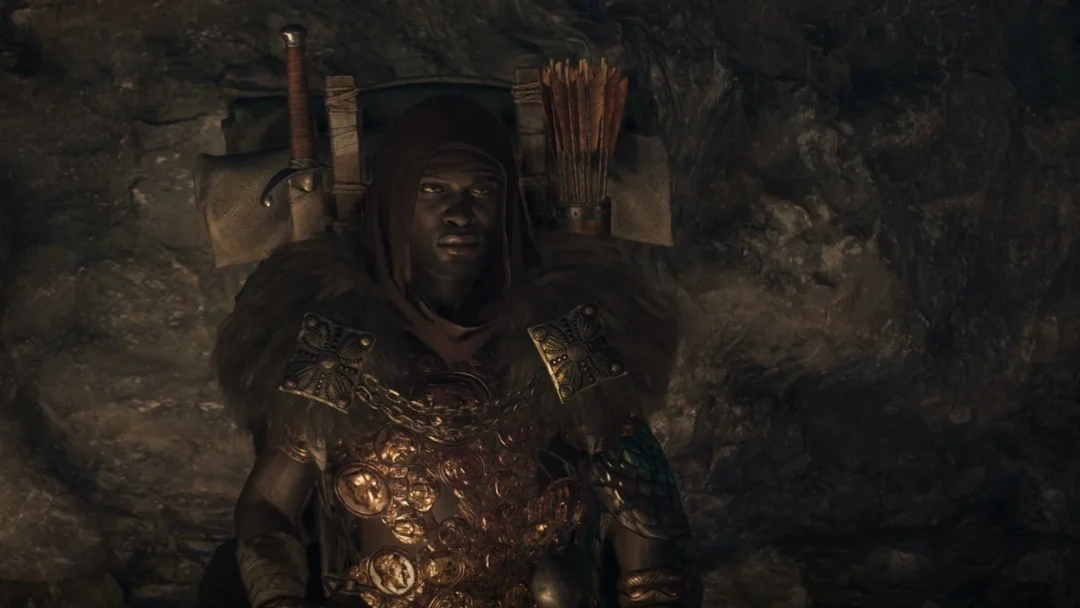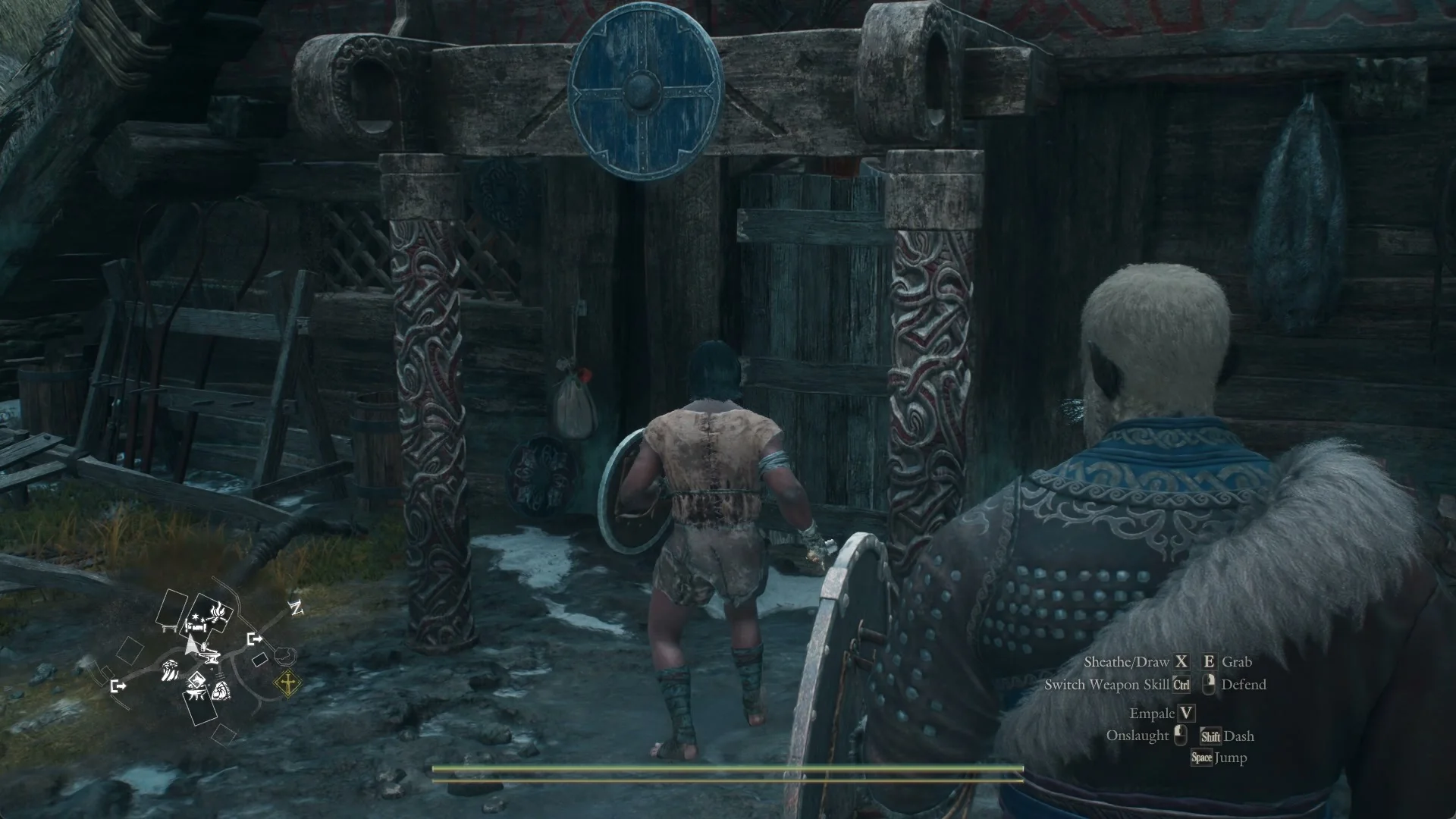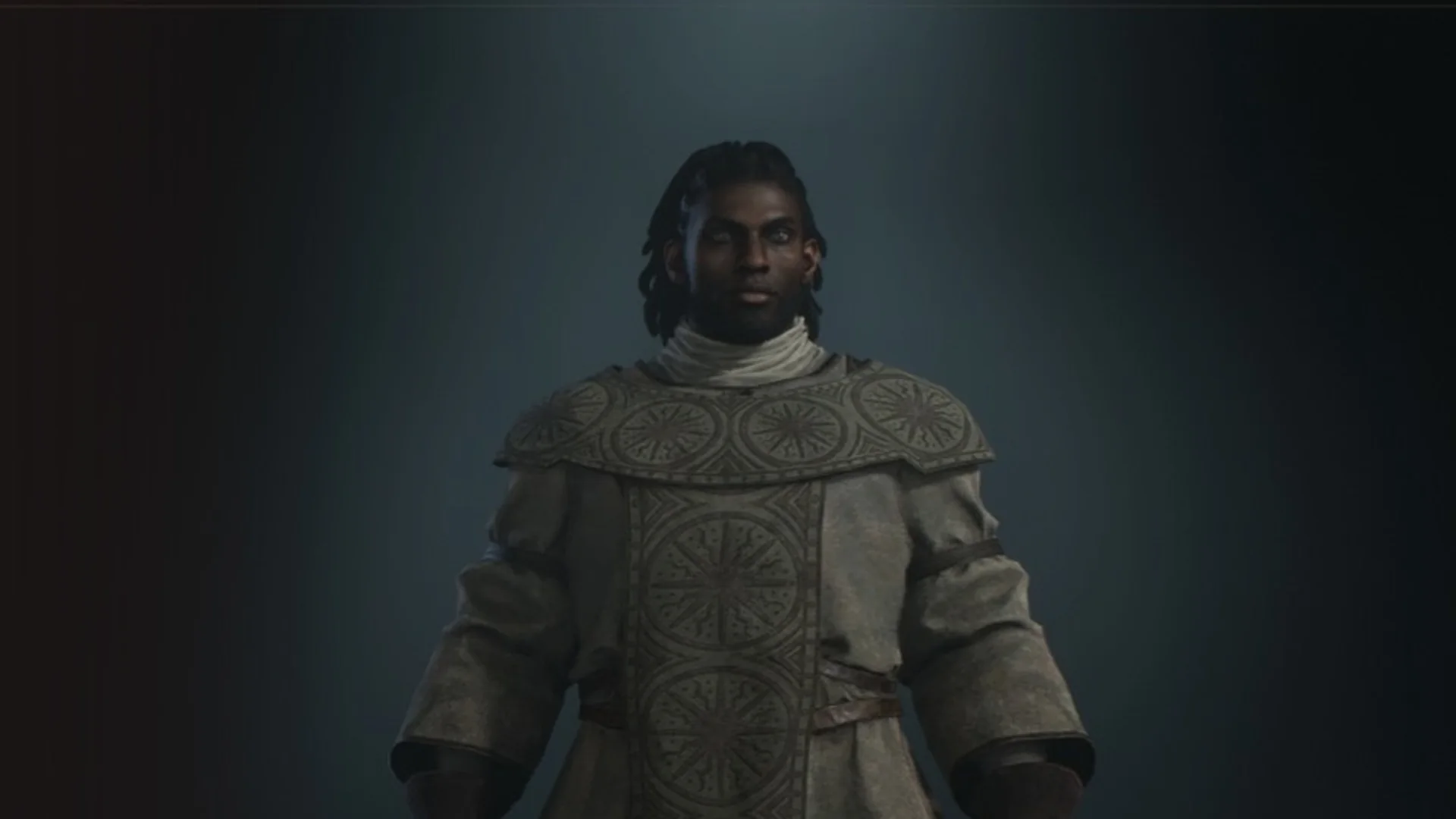
Your main pawn is the one companion who stays with you for the whole adventure and levels up at your side. You do not go looking for the moment to build one. The game opens the pawn’s Character Creator by itself at a fixed point in the story, and you cannot miss it.
Quick answer: Your main pawn is created during the second quest, Tale’s Beginning. At the Borderwatch Outpost, a scene plays at a riftstone and the pawn’s Character Creator opens by itself.
When and where you make your main pawn
The opening quest, Gaoled Awakening at the Excavation Site, does not give you a pawn at all.
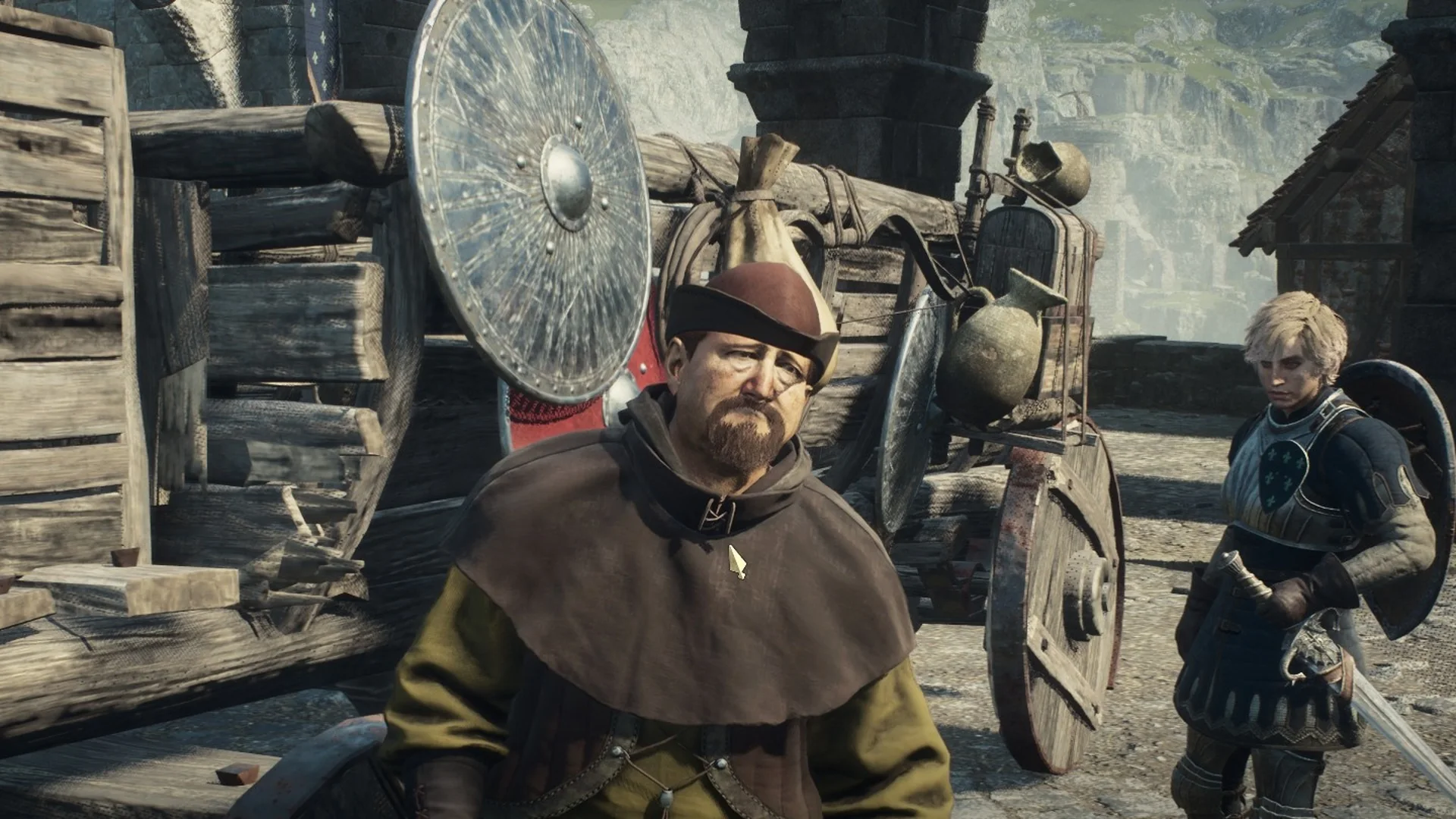
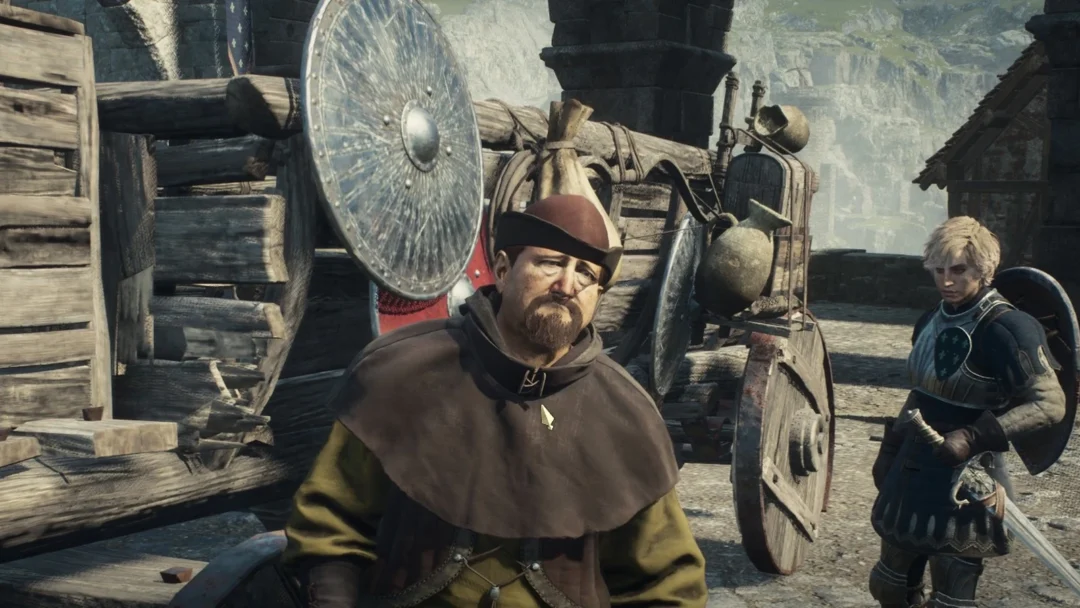
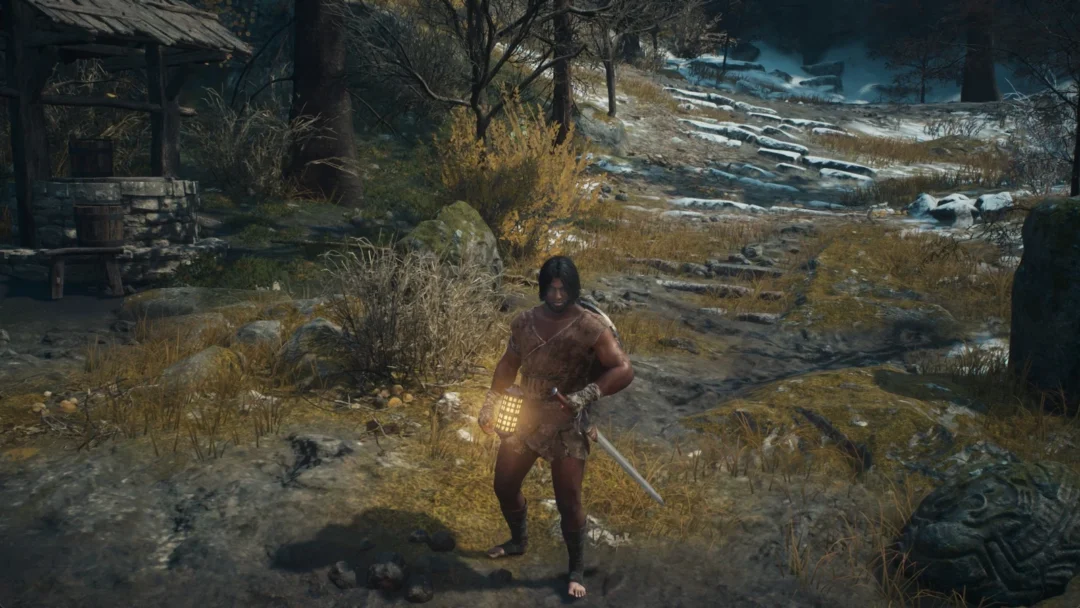
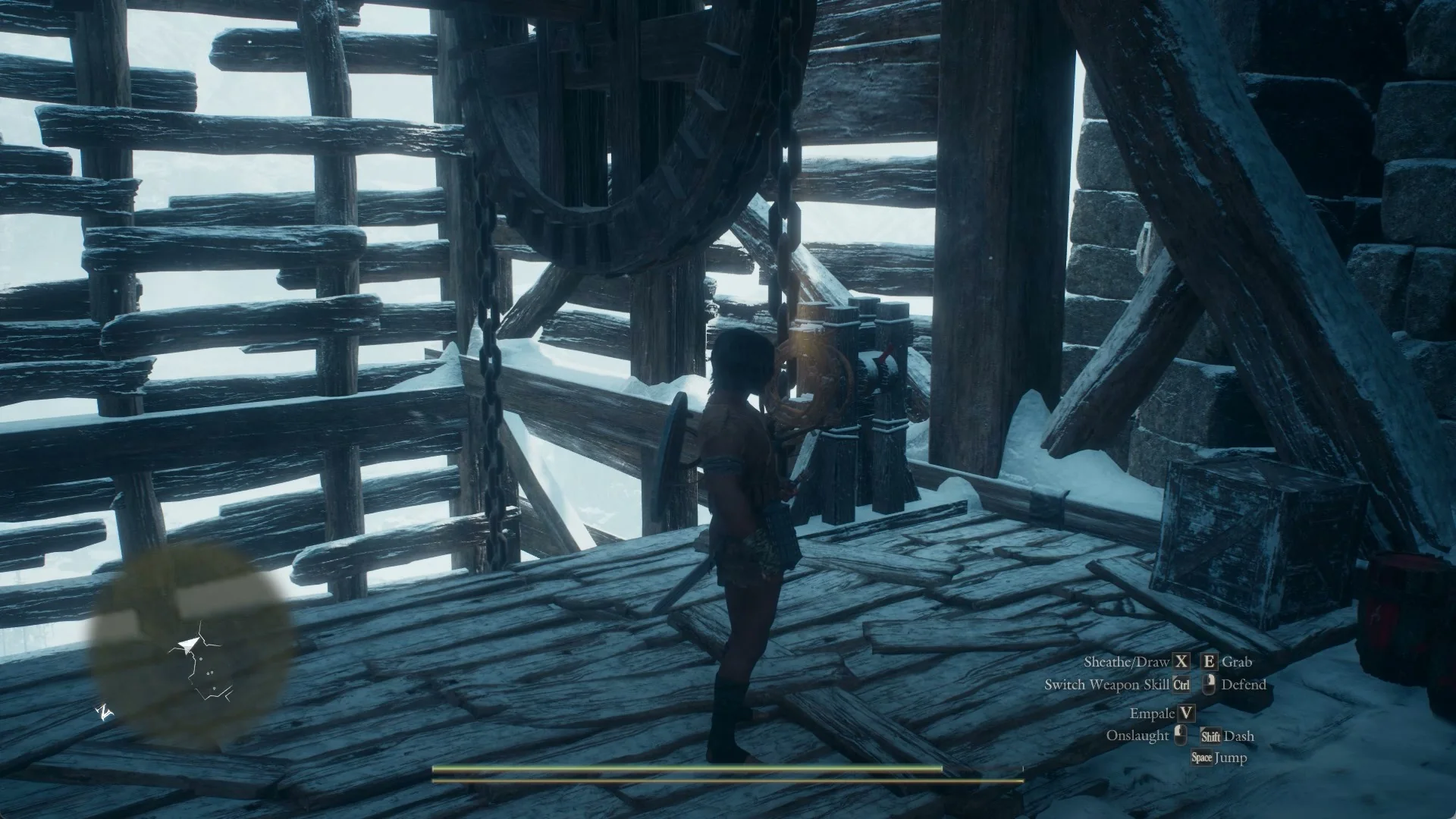
The next quest, Tale’s Beginning, starts at Ultramarine Waterfall with the task “Follow Justinn.” Following it brings you to the Borderwatch Outpost, which the place banner also names the Northern Watch Encampment. There, a scene plays out at a riftstone and the creator opens by itself. You do not have to look for it, because it is part of the story.
When you finish making your pawn, the creator closes and the Riftstones tutorial appears. It explains that touching a riftstone lets you summon pawns who meet your specified preferences. Those pawns will not level up while they accompany you, so you may need to hire new support pawns at regular intervals. Your main pawn is different: it earns experience in combat and by finishing quests, leveling up as you do.
What the creator asks you to set
The screen is titled “Character Creator,” and it is the same editor you used for your own Arisen, with one extra row for Inclination. The rows run in this order: Race, Body, Base Head, Detailed Customization, Vocation, Inclination, Voice, and Finalize.
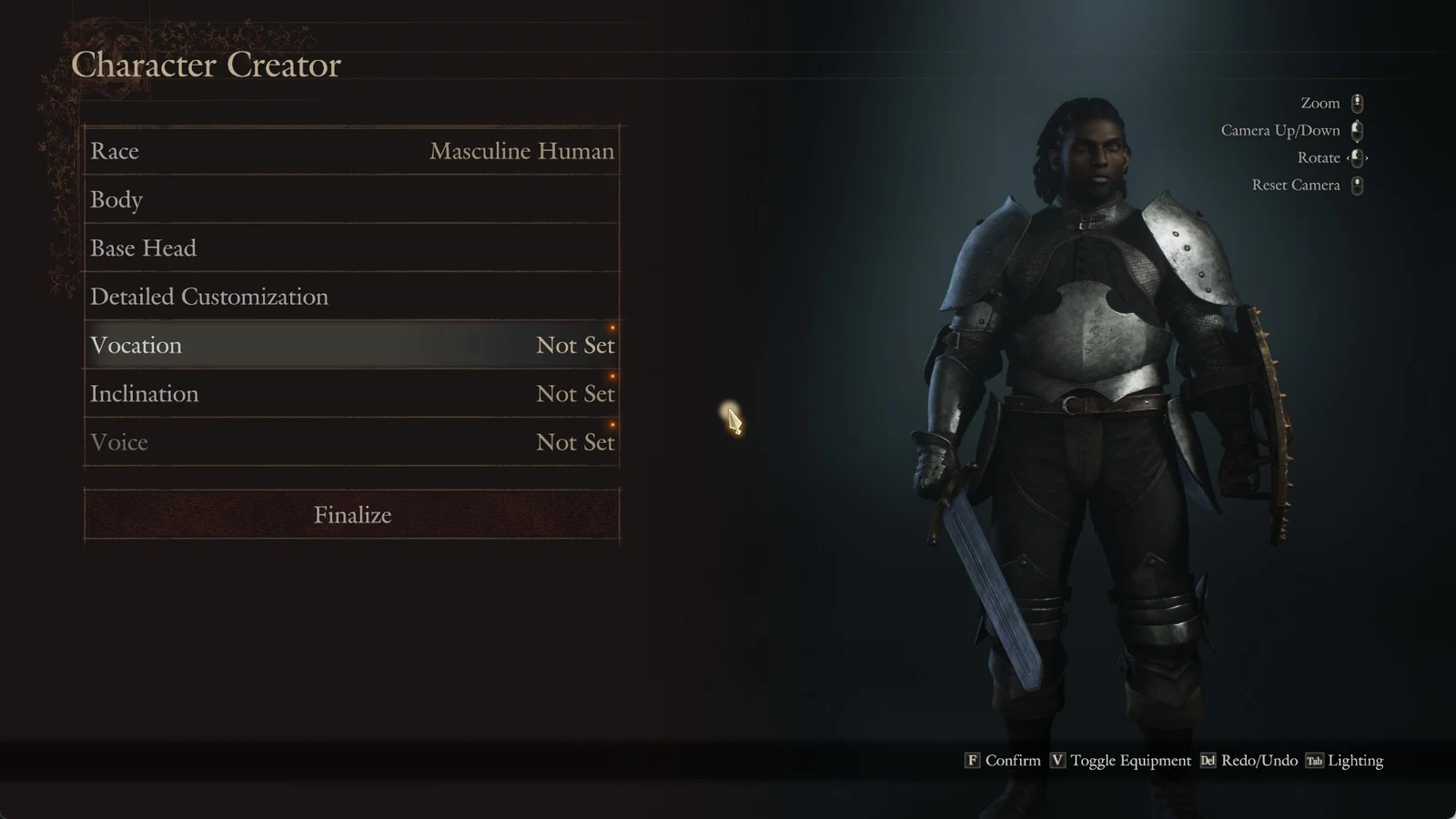
Vocation, Inclination, and Voice each initially display “Not Set”; choose all three before Finalize can be confirmed. The controls shown include F to Confirm, Toggle Equipment, Redo/Undo, and Lighting. For the view, use Zoom, Camera Up/Down, Rotate, or Reset Camera.
Vocation
There are four vocations to pick from in the creator: Fighter, Archer, Mage, and Thief. The outfit on the preview model changes as you highlight each one. Every vocation’s description ends with the same reminder, “(Vocation can be changed later.)”. The Mage’s, for example, reads: “Mages use their staves to cast a variety of spells. Their command of enchantments and curative magicks makes them a helpful addition to any party. (Vocation can be changed later.)”
Inclination: how your pawn behaves and speaks
The footer reads “Choose an inclination.” There are four options. The game’s note says the choice “will determine certain aspects of the pawn’s behavior, including their manner of speech and the actions they tend to take. However, all pawns serve the Arisen faithfully, regardless of their inclination.”
| Inclination | The game’s text |
|---|---|
| Kindhearted | Compassionate, devoted, and dutiful. The most obedient sort of pawn. Favors a balanced approach with an emphasis on support. Quick to aid allies in need. |
| Calm | Rational, shrewd, and strategizing. A pawn characterized by caution. Favors defense and evasion, employing clever tactics to survive at all costs. |
| Simple | Curious, earnest, and adventurous. A pawn with their heart on their sleeve. Enjoys exploring and gathering items, and is always up for a challenge. |
| Straightforward | Candid, flippant, and impulsive. A pawn unbound by precepts. Enjoys the thrill of combat, tackling fierce foes head-on with daring assaults. |
As you highlight an inclination, its full description appears.
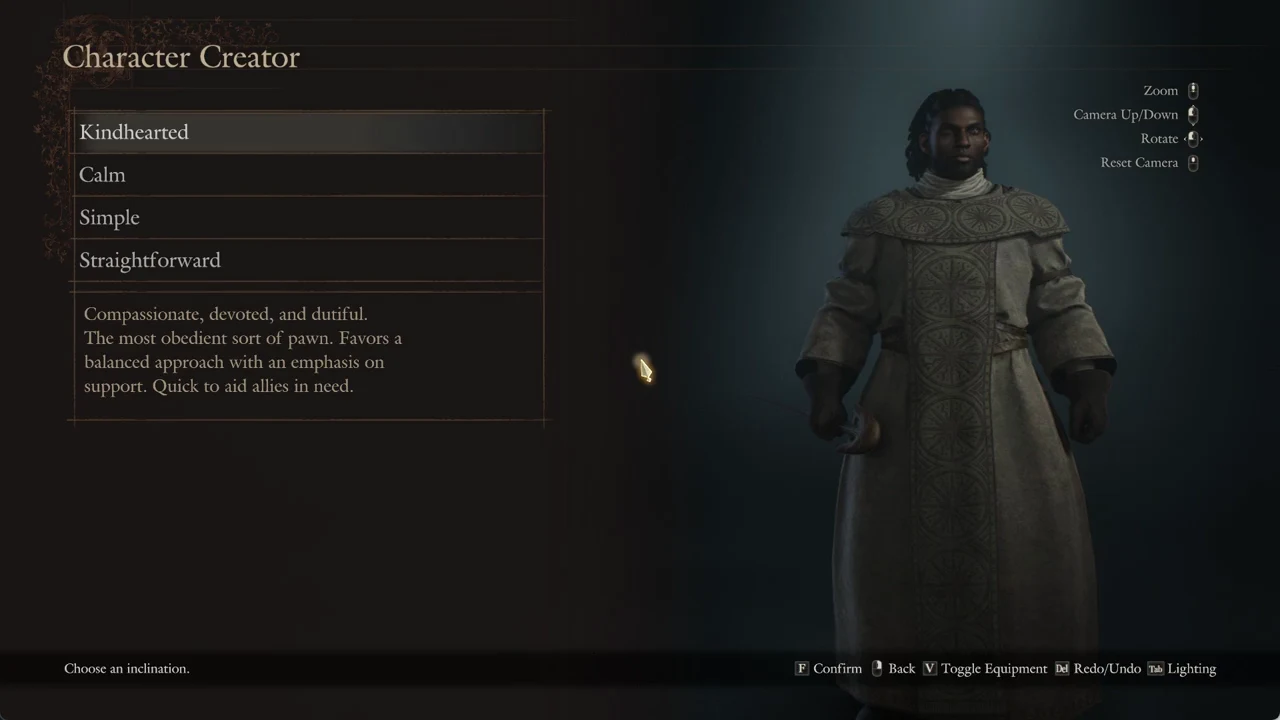
A loading tip reads “A pawn’s inclination can only be changed through the use of a special item.” The vocation, by the creator’s own text, can be changed later.
Voice: the list follows your inclination
The voice list follows whichever inclination you chose. Pick Kindhearted, for instance, and the choices run “Kindhearted – Sweet 1” through “Sweet 5” and “Kindhearted – Faithful 1” through “Faithful 5.” Press V to Test Voice and hear the highlighted option before you commit.
Finalize and confirm the pawn
Selecting Finalize opens one last panel. You enter a Name and a Moniker, then review the summary rows for Vocation, Inclination, and Voice before the game asks, “Finalize character and proceed?” with Yes and No.
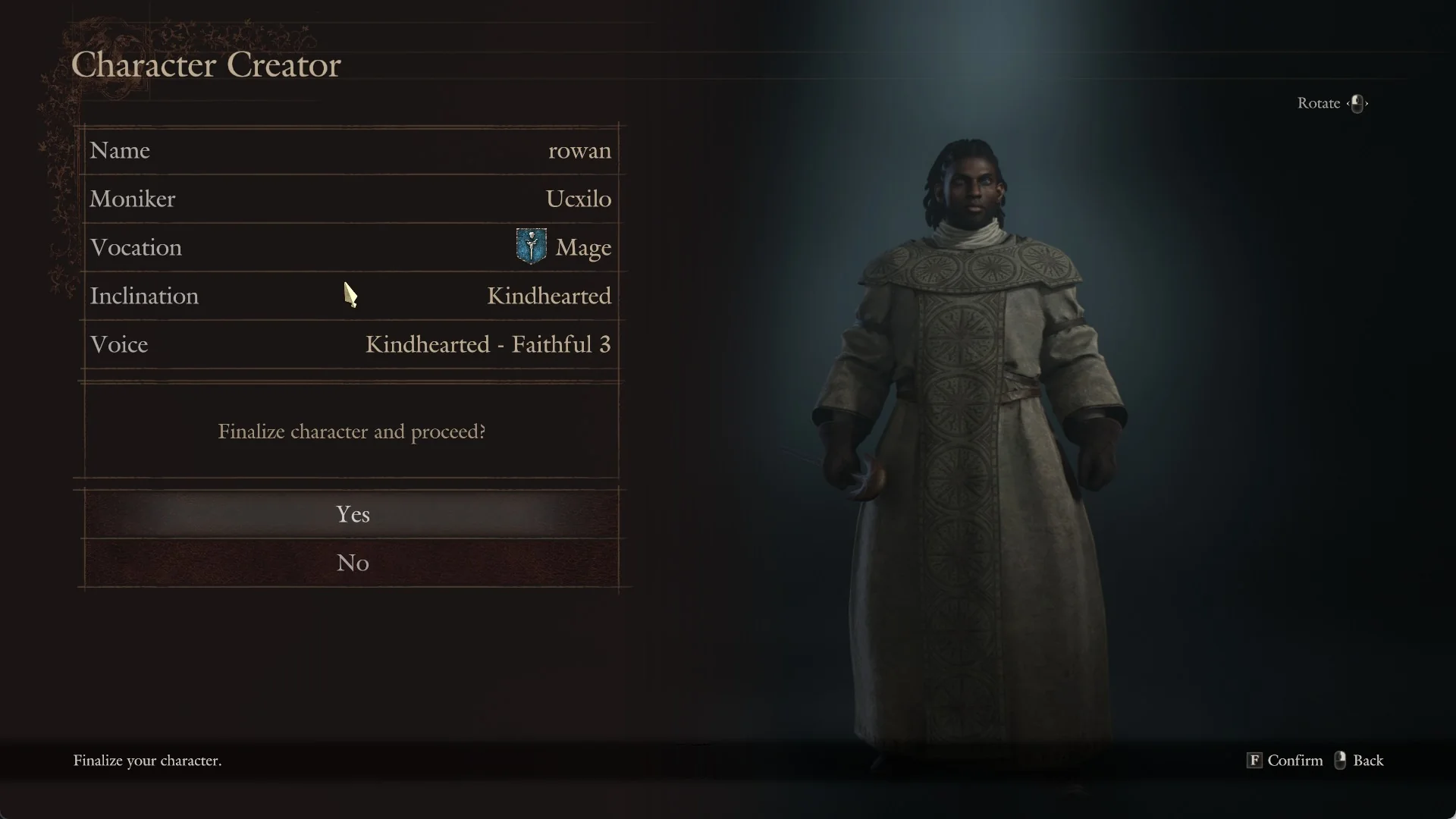
Leaving the Moniker field blank lets the game fill one in for you.
After the creator closes and the Riftstones tutorial has shown, Tale’s Beginning completes with a reward of +200 XP and 2000 G, and the next quest, In Dragon’s Wake, appears with the task “Make for Melve.”
What you can change afterward
The vocation can be changed later, and the inclination only through the use of a special item. If your main pawn is ever lost, you get it back by touching a riftstone.