Gaming Guide

Valor Mortis: How to Get the Dominatus Amber in Chapter II

The exact camp route to the red chest that holds the critical-hit healing Amber, plus how to equip it.

The exact camp route to the red chest that holds the critical-hit healing Amber, plus how to equip it.

Image: One More Level

Dominatus is an Amber in Valor Mortis that restores Health every time you land a Critical Attack. It sits inside a red ornate chest in a military camp in Chapter II, and you can claim it as soon as you cross the long bridge in that chapter. Because it heals off an action you already perform during Posture-based fights, it pairs well with a parry-heavy playstyle early in the game.

Quick answer: In Chapter II (“Regroup”), cross the bridge, climb the ladder behind the wooden wagon into the military camp, then take the left tent alcove just before the riverbank clearing and open the red ornate chest.


What the Dominatus Amber does

Dominatus restores Health whenever you perform a Critical Attack. Critical Attacks become available when you break an enemy’s Posture, which happens fastest through successful parries. The more you lean on parrying and finishing staggered enemies, the more consistent the healing becomes, which is why the “unlimited healing” framing holds up against groups that keep feeding you Critical openings.

The Amber begins at Upgrade Level 1 / 3. Later copies raise its level and boost its effect. Equip Ambers using slots at a Lantern; more slots become available at character levels 5, 15, 25, 35, and 45, letting you have up to five equipped at once.


Dominatus Amber location route in Chapter II

The chest is inside the enemy-held camp on the far side of the destroyed bridge during the “Regroup” objective. Follow this route from the bridge to the tent.
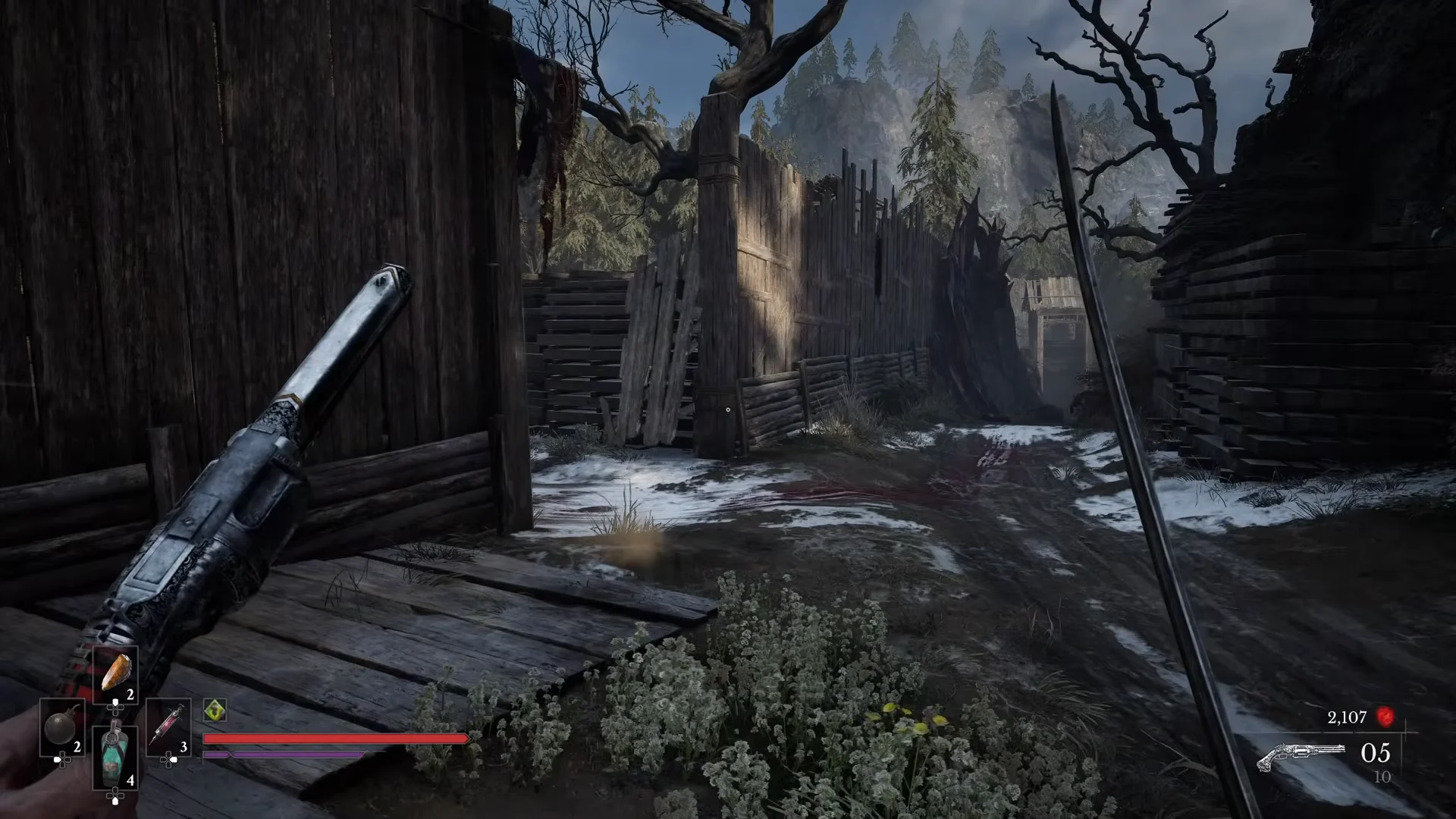
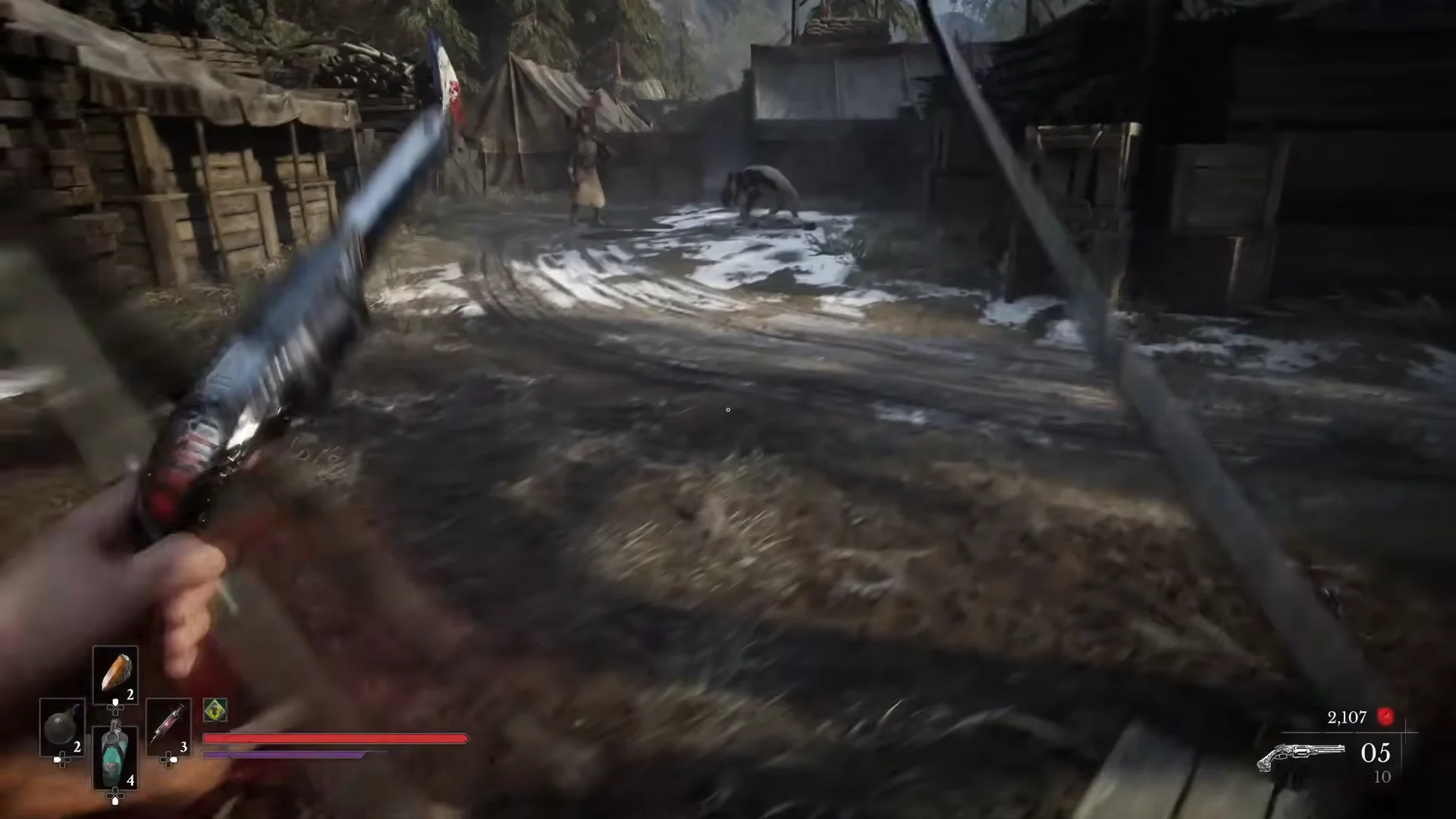
Once you cross the long snowy bridge, stay on the road and continue ahead until you come to an alcove with a wooden wagon blocking it.
Go behind the wagon and climb the wooden ladder. This takes you onto the elevated path that leads into the camp, near a Lantern rest point you can use before pushing in.
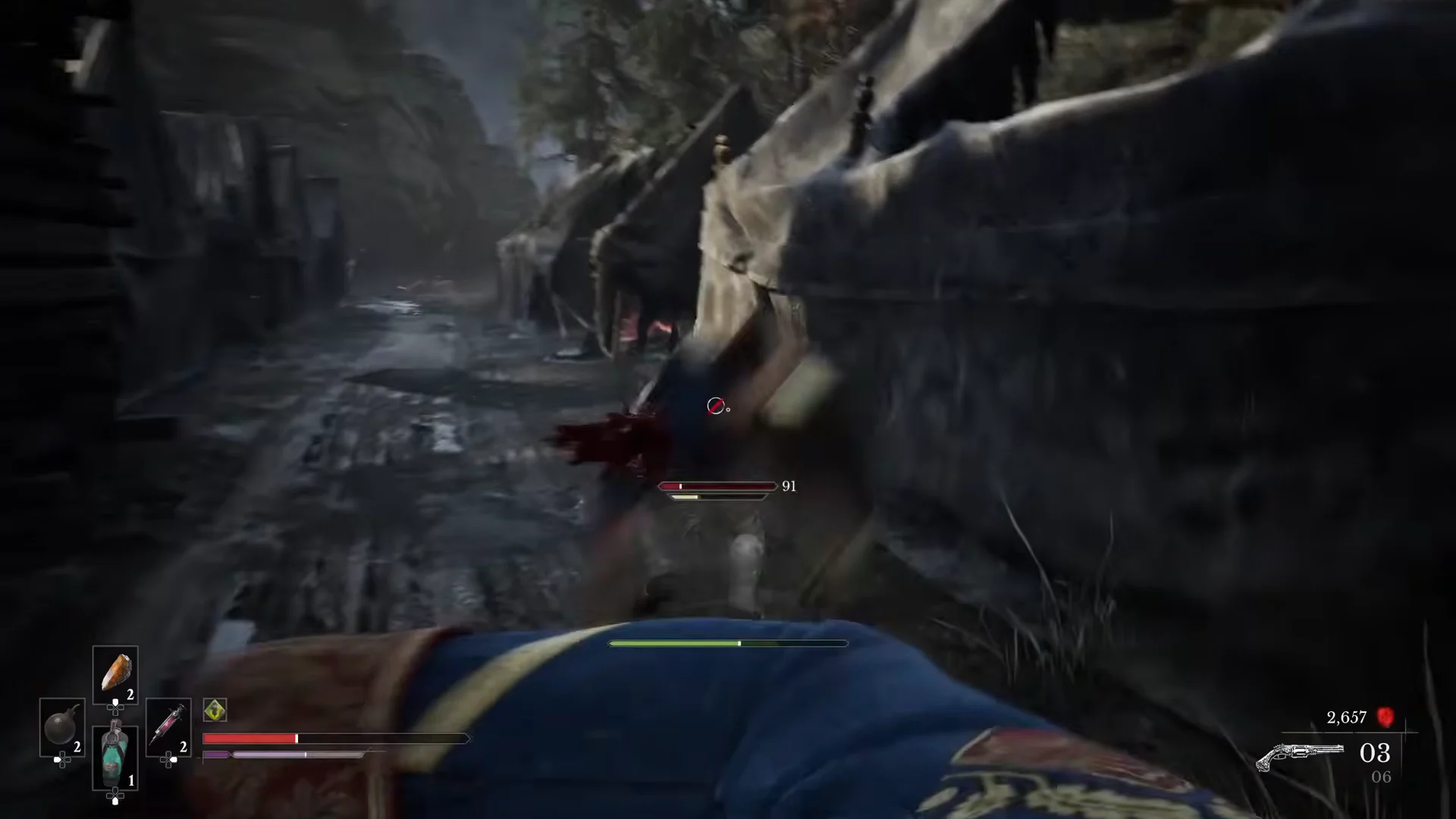
Path to the Camp00:08Path to the Camp
The wagon-blocked alcove and the ladder you climb to reach the camp approach. Shown at 00:08 in NewDengs’s video. Image: One More Level
Drop into the camp past the lantern and head forward along the main muddy road lined with canvas tents.
Entering the Military Camp00:36Entering the Military Camp
The first enemies greet you between the tents as you enter the camp. Shown at 00:36 in NewDengs’s video. Image: One More Level
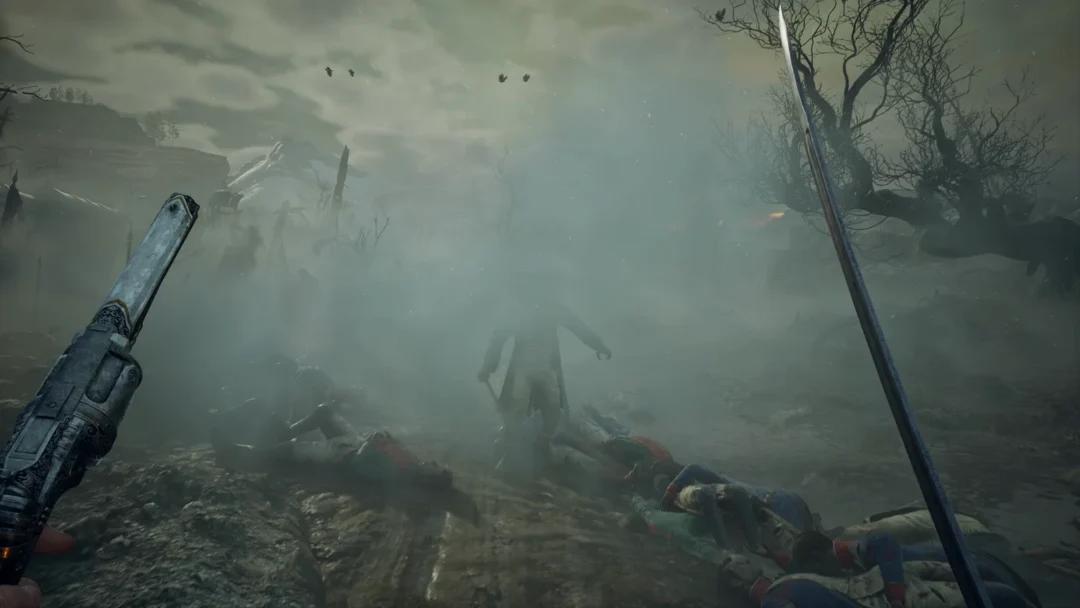
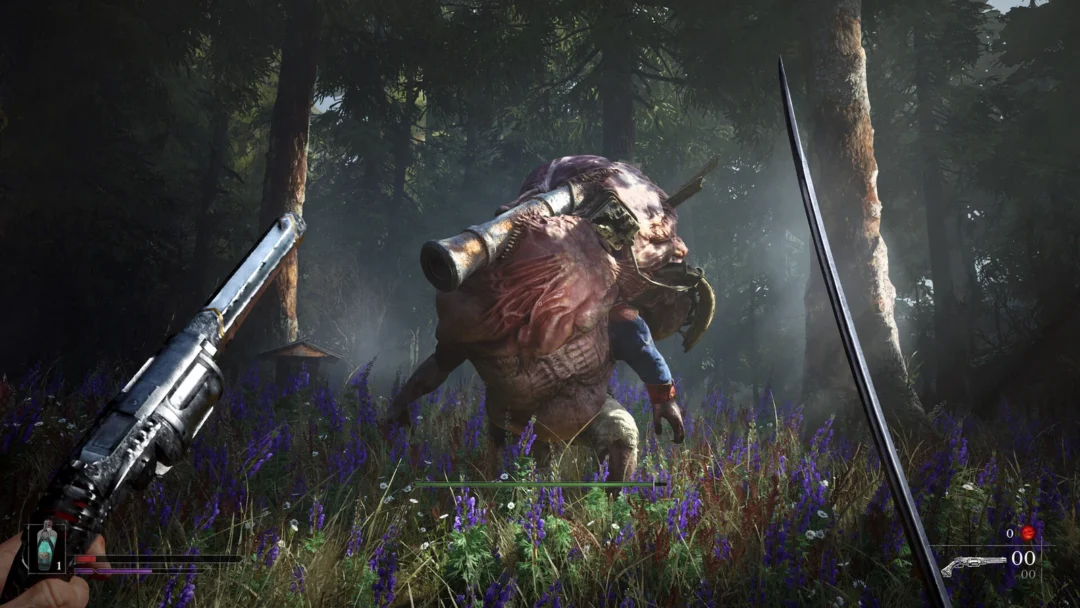
Clear or slip past the enemies on the way through. Expect dogs and crawlers, a shieldbearer that is vulnerable to fire, a rifleman on a watchtower, and grenadiers further down the corridor.
Pushing Past Grenadiers01:14Pushing Past Grenadiers
Fighting down the tent corridor past crawling enemies and a grenadier. Shown at 01:14 in NewDengs’s video. Image: One More Level
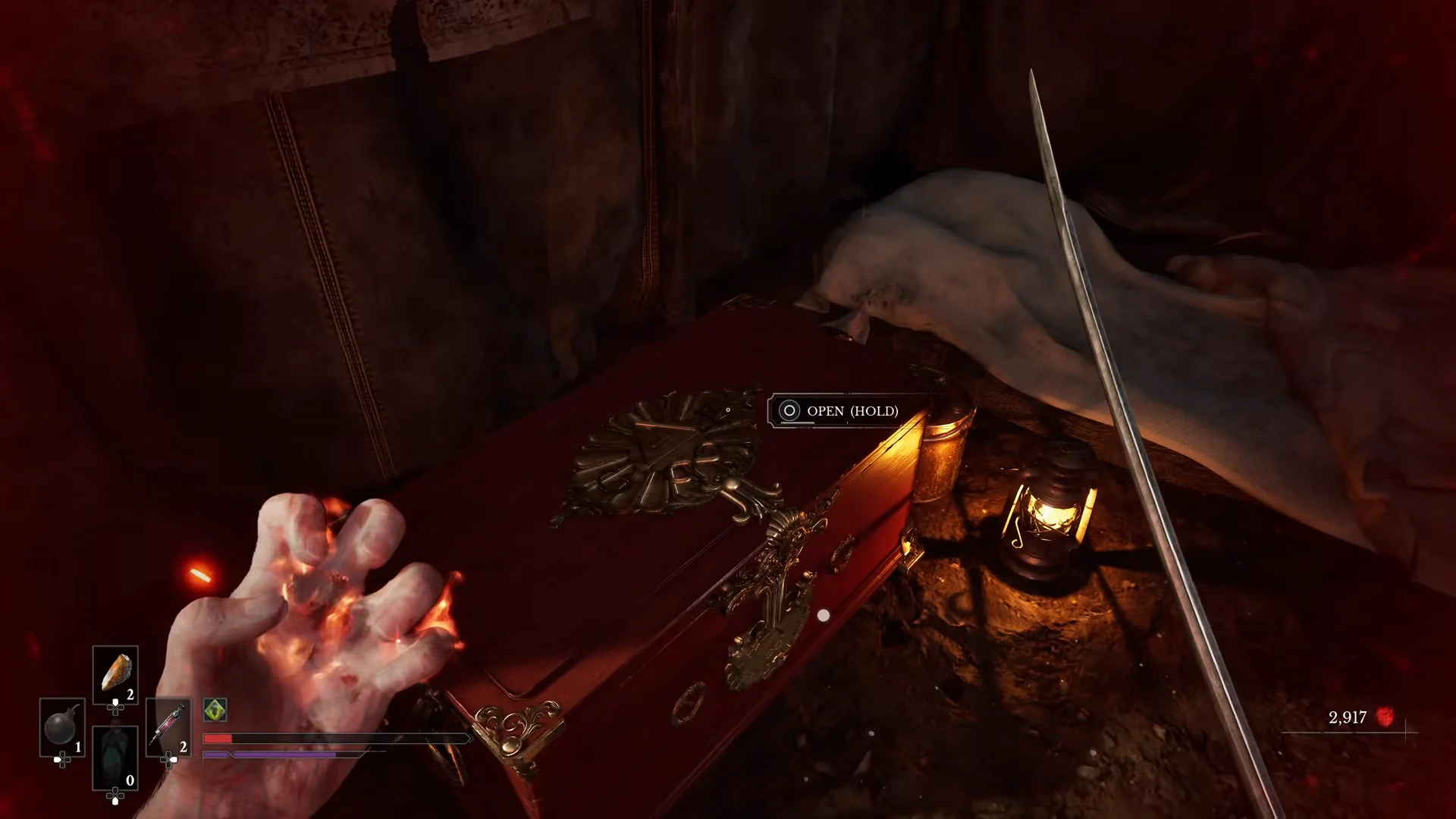
Near the end, before the path widens toward the river and trees, turn left into the sheltered tent alcove beside a wagon wheel.
Keep the interact button held on the large red ornate chest on the cot; open it and take the Dominatus Amber.
Opening the Red Chest01:36Opening the Red Chest
The red chest in the left tent alcove that holds the Dominatus Amber. Shown at 01:36 in NewDengs’s video. Image: One More Level
Pick up the document resting on the barrel right beside the chest. This is “James’ Letter to a Friend Back Home,” a collectible lore note.

On consoles the interact prompts use the Square button. Opening the chest is a hold action ([Square] OPEN (HOLD)), while the letter is a quick take.


How to equip Dominatus and confirm it worked

Picking up the Amber alone does not activate it. To equip Ambers, interact with a Lantern, where you can change them whenever you want. Put Dominatus in an empty slot there before expecting it to heal you during combat.
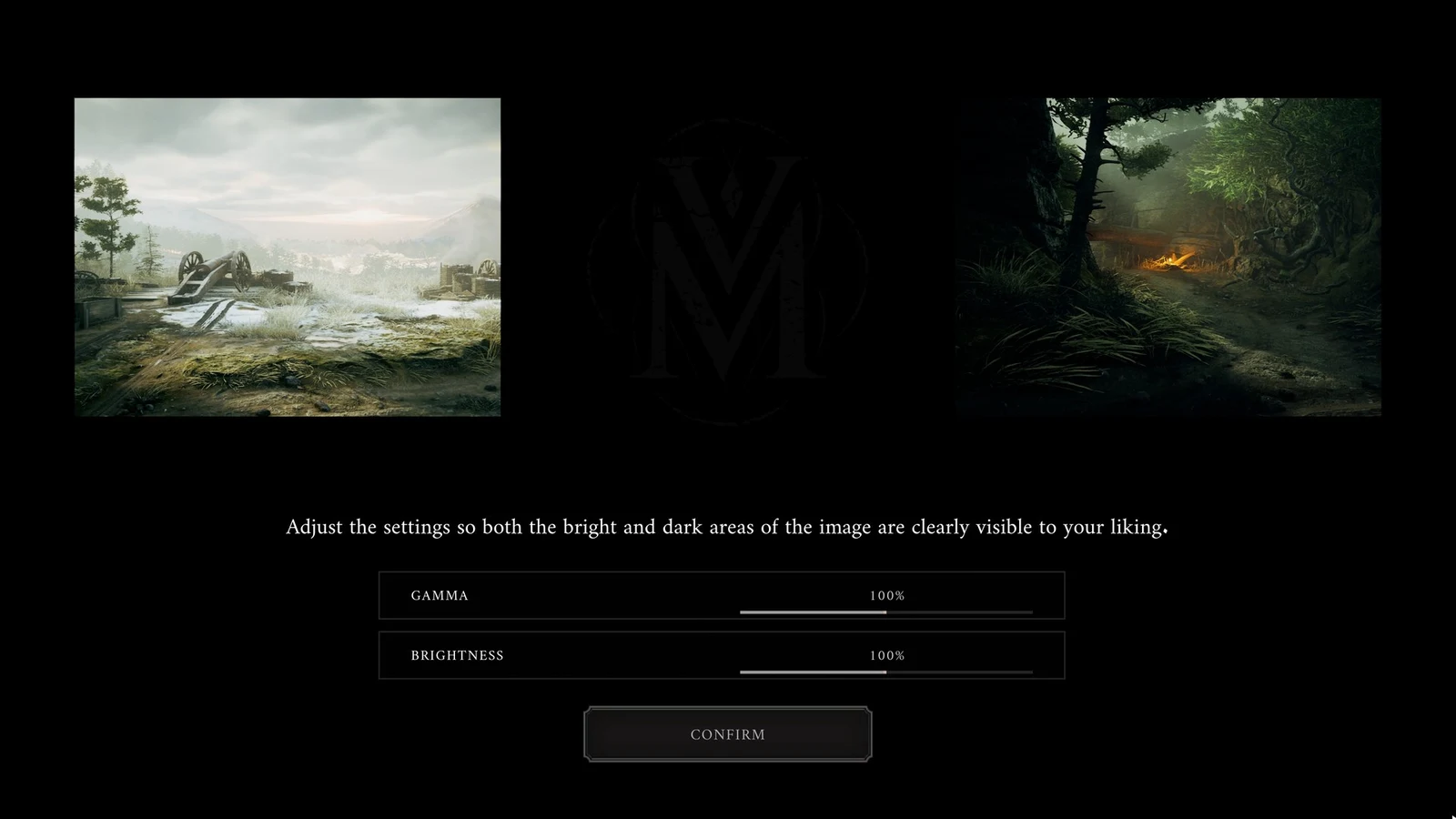
Dark settings screen with two sample landscapes and Gamma and Brightness sliders at 100 percent above a Confirm button.
The Valor Mortis display setup screen asks players to adjust Gamma and Brightness, both set to 100%, until bright and dark areas are clearly visible.

To verify you have it, open the Ambers tab in your inventory. Dominatus should appear there listing UPGRADE LEVEL: 1 / 3 with the description “Restores Health when performing Critical Attacks.” Once it is slotted at a Lantern, each Critical Attack you land will return Health during fights.