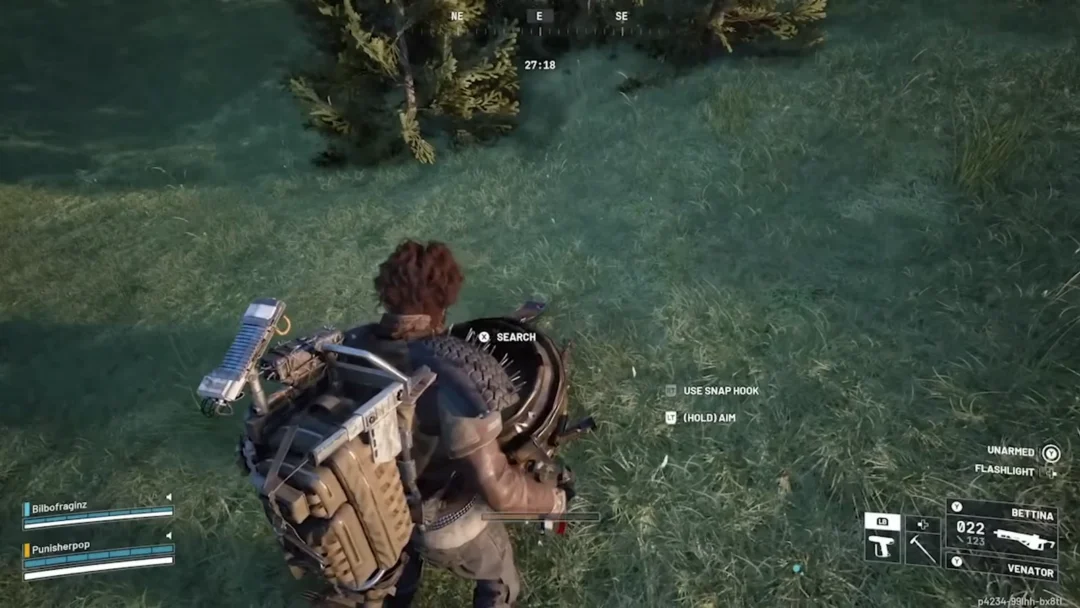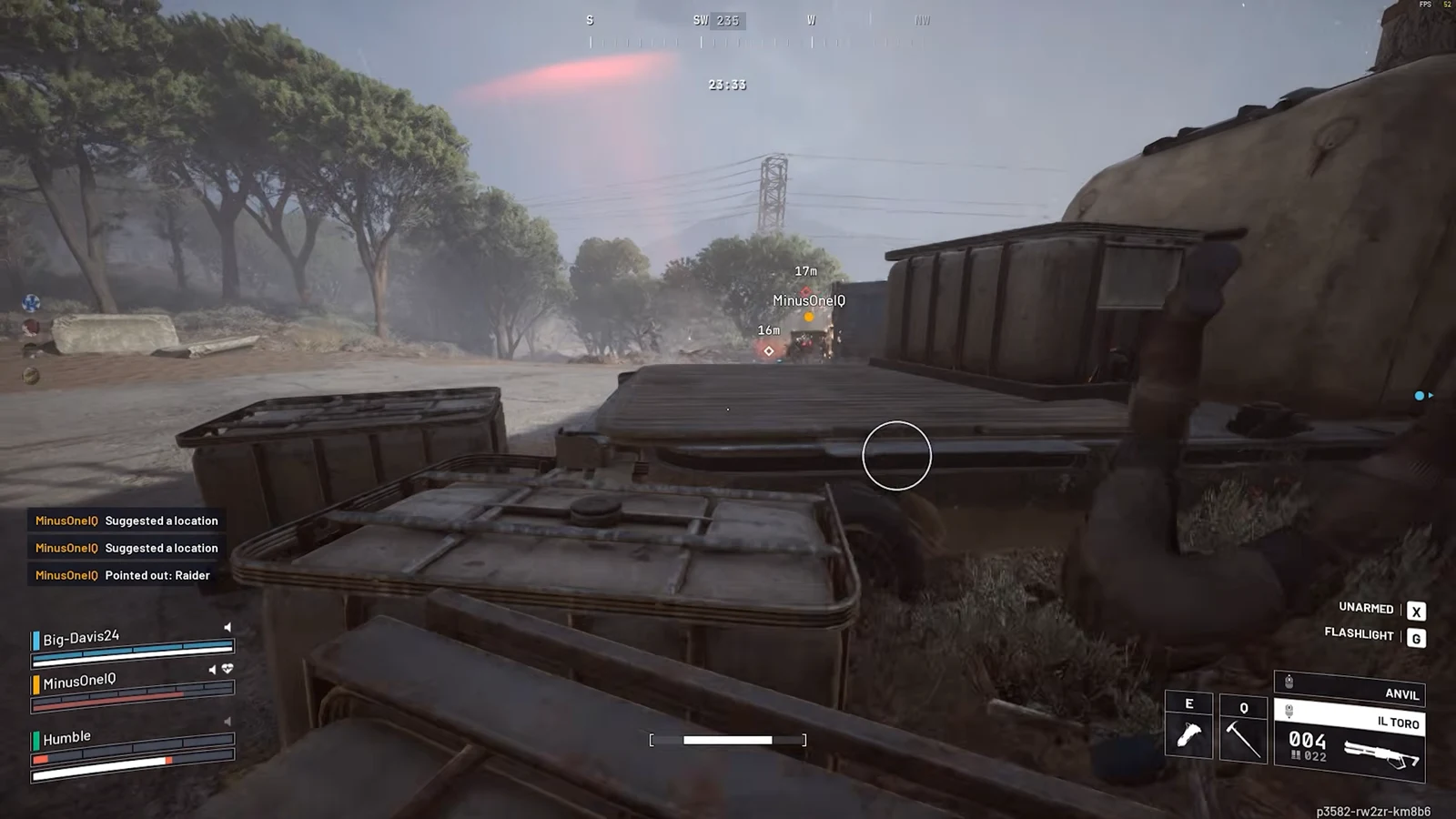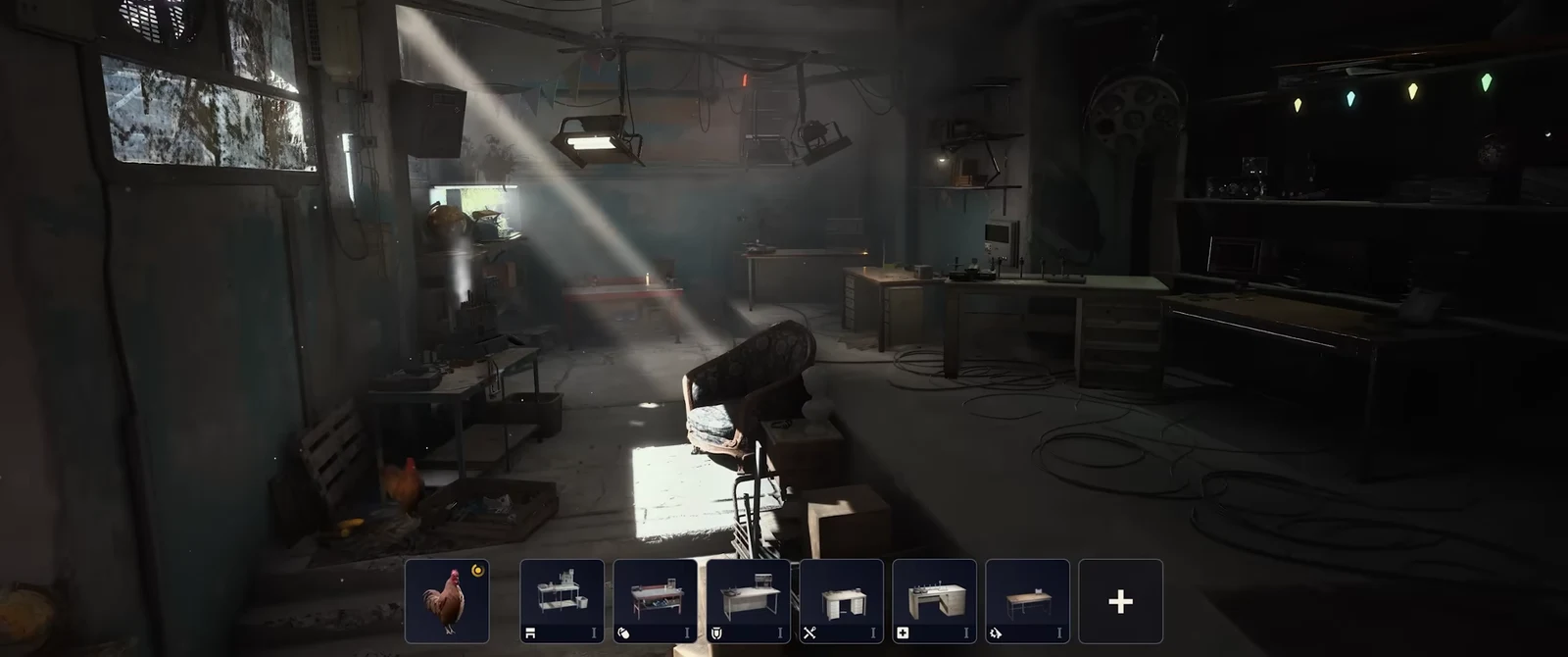
Crafting in ARC Raiders no longer forces you to dig through your stash, work out which junk breaks down into the right sub-components, recycle it, and walk back to the bench. Every workshop station now carries an Acquire Resources option that pulls in the missing ingredients for you, either by recycling items you already hold or by trading for them, and then builds the item in the same step.
Quick answer: Open a blueprint at any crafting station, press E for Acquire Resources, tick the materials you want to use from Recycle Inventory or Celeste Traders, then hold Acquire and Craft to break them down and build the item at once.
Where the Acquire Resources option appears
Acquire Resources shows up inside a crafting station whenever you select a blueprint and you are short on one or more ingredients. It sits directly beneath the Track Resources option in the blueprint panel, so you do not need to unlock anything separate to use it.
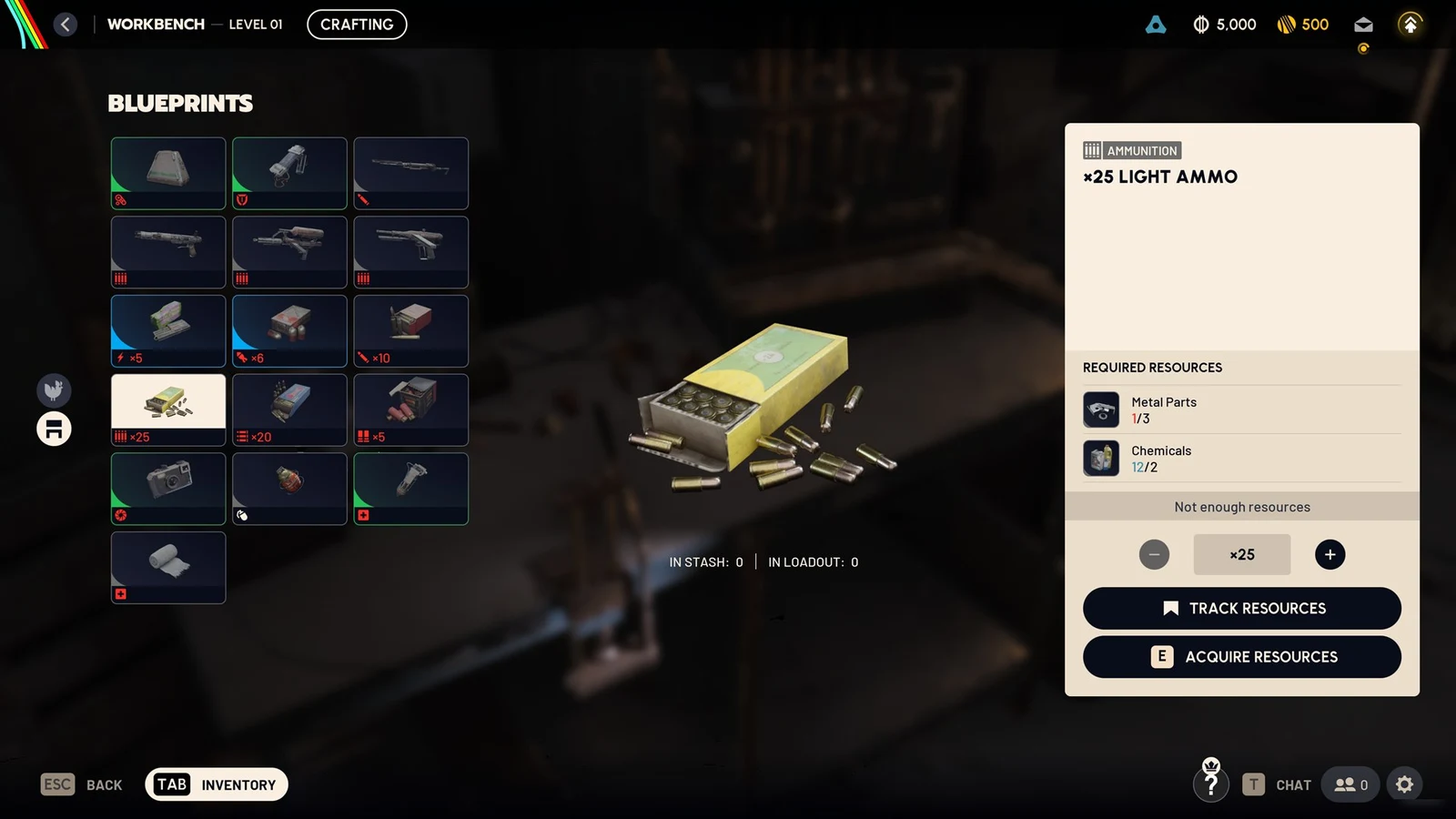
The option reads the recipe and finds every valid way to produce the parts you lack. That includes recyclable items sitting in your inventory and material trades available from Celeste. It works across the workshop, including the Refiner for refined components and the Gear Bench for shields and augments.
Quick craft an item using Acquire Resources
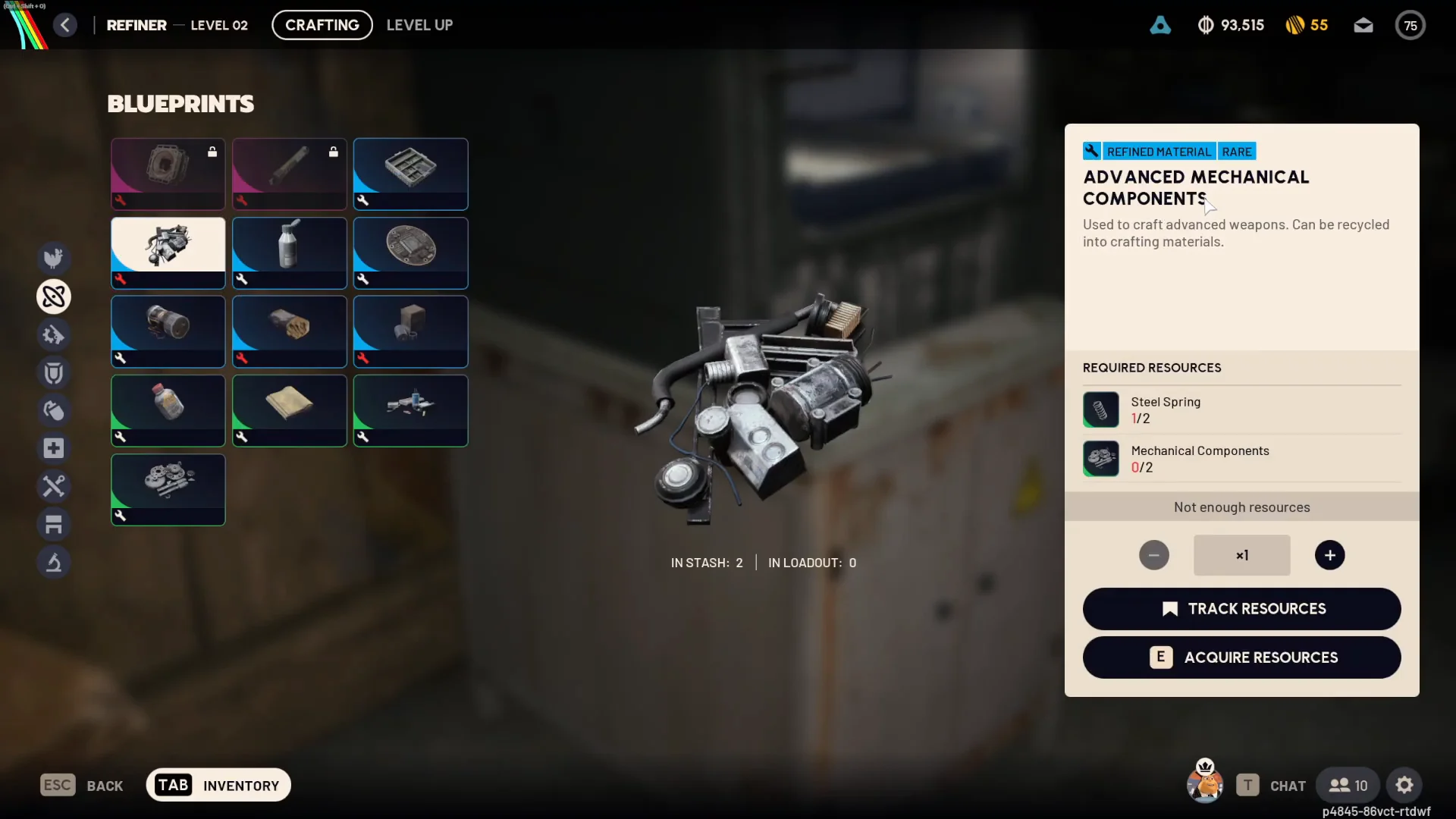
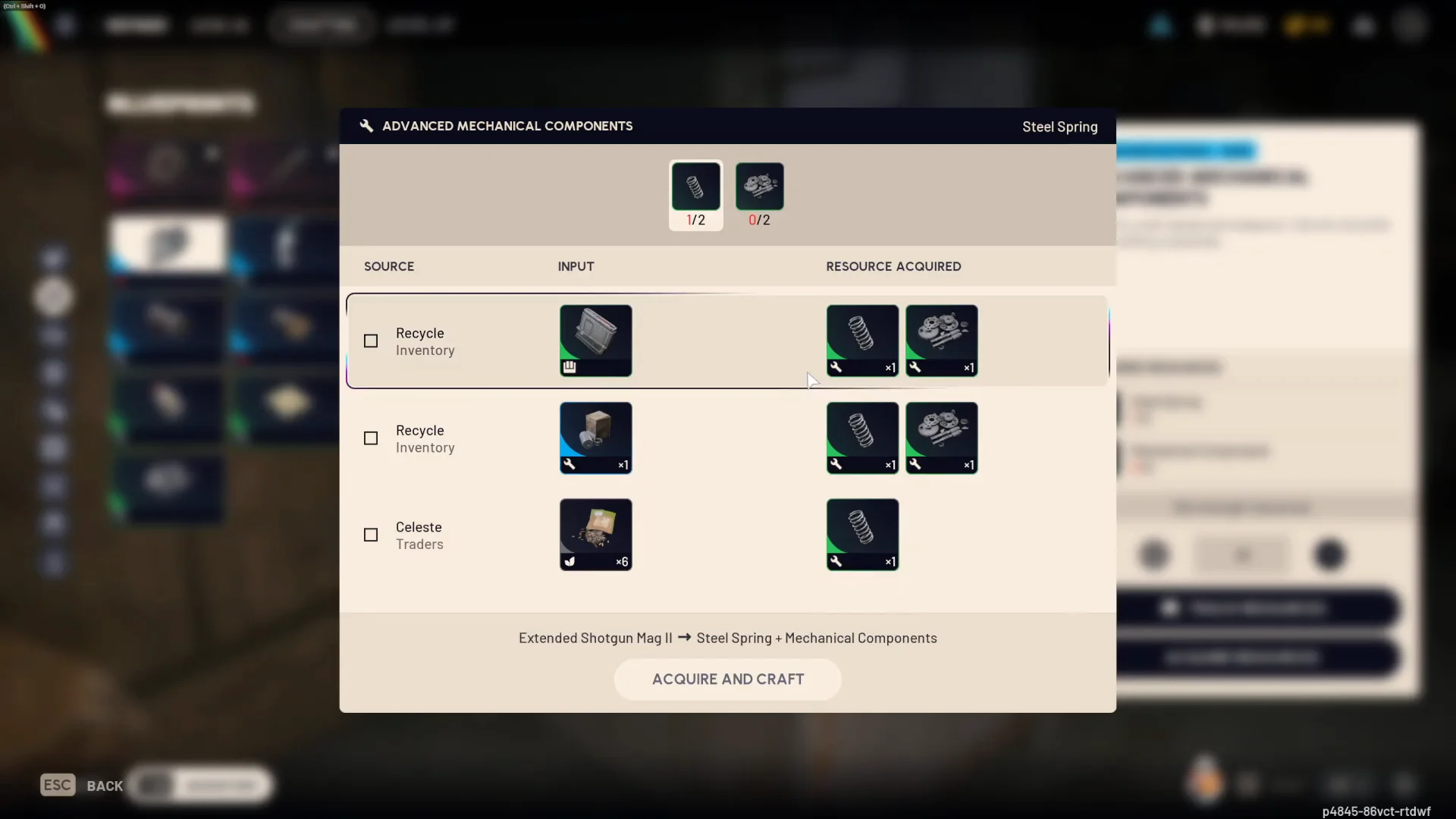
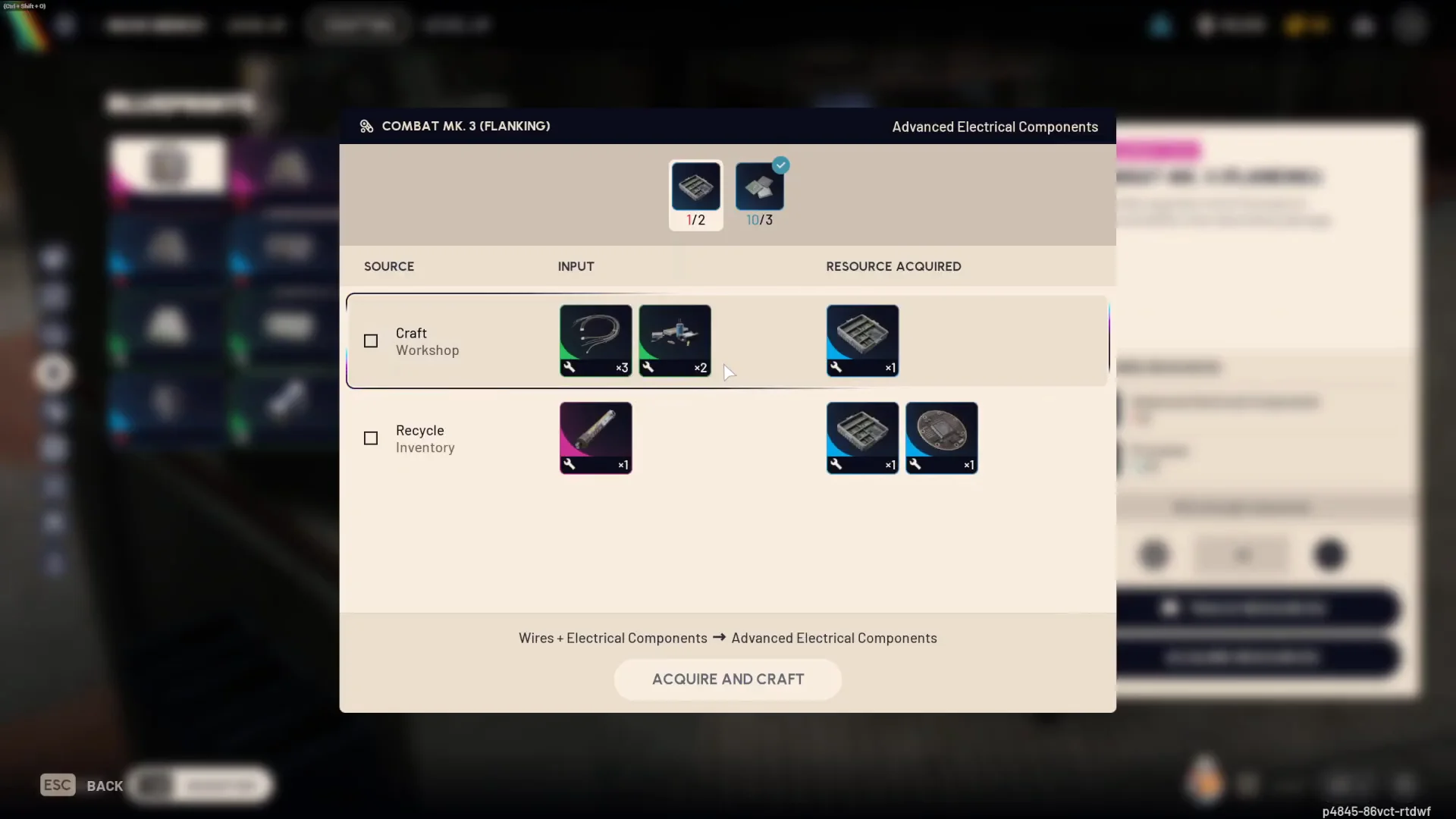
You know it worked when the blueprint’s required amounts fill to their targets and the finished item lands in your stash. There is no extra confirmation to click through after the hold completes.
Trading materials through Celeste instead of recycling
When you do not have the right items to break down, Acquire Resources can route through Celeste Traders instead. The menu lists exchanges such as Assorted Seeds for a Voltage Converter, letting you buy the missing part on the spot and craft without stepping away from the bench.
Crafting a Heavy Shield at the Gear Bench works the same way. Select it, open Acquire Resources, pick the Celeste trade that supplies the part you lack, then hold Acquire and Craft to complete the purchase and the build together.
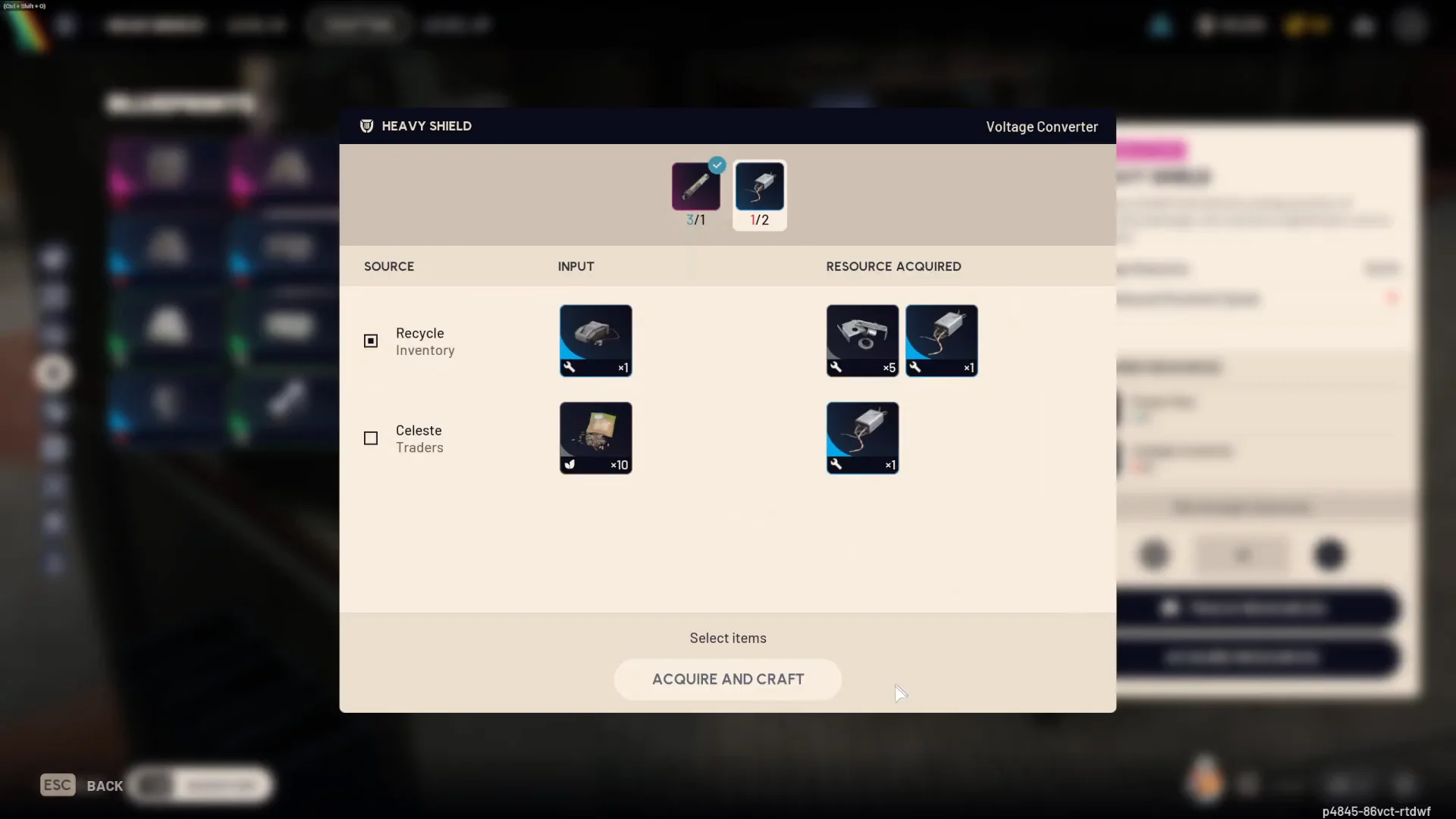
Check each box deliberately. Acquire Resources only spends what you select, so review the list before holding the craft button if there are materials you would rather keep for another recipe.
Shield stats you get from the Gear Bench
The Gear Bench builds all three shield tiers. Their trade-off is straightforward: higher damage reduction and charge come with more weight and a bigger movement penalty.
| Shield | Charge | Damage reduction | Movement |
|---|---|---|---|
 Light Shield (Uncommon) Light Shield (Uncommon) | 40 | 40% | No penalty |
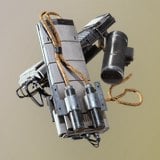 Medium Shield (Rare) Medium Shield (Rare) | 70 | 42.5% | -5% |
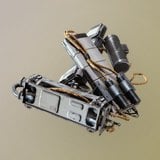 Heavy Shield (Epic) Heavy Shield (Epic) | 80 | 52.5% | -10% |
The Light Shield weighs 5 and carries no mobility cost, which keeps you fast while still blocking a share of incoming damage. The Medium Shield weighs 7 for a moderate step up. The Heavy Shield weighs 9 and blocks the largest portion of damage of the three, with the heaviest movement cost to match.
Augment loadout figures worth knowing
Augments set your backpack space, carry weight limit, and slots. The ones you can build at the Gear Bench vary in how much they carry versus how much utility they give.
| Augment | Rarity | Backpack | Carry limit |
|---|---|---|---|
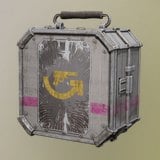 Combat Mk. 3 (Flanking) Combat Mk. 3 (Flanking) | Epic | 20 | 60 |
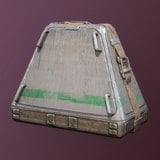 Looting Mk. 1 Looting Mk. 1 | Uncommon | 18 | 50 |
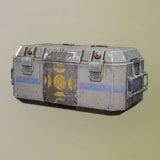 Tactical Mk. 2 Tactical Mk. 2 | Rare | 17 | 45 |
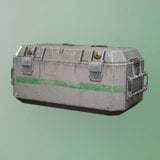 Tactical Mk. 1 Tactical Mk. 1 | Uncommon | 15 | 40 |
Combat Mk. 3 (Flanking) carries the Quickdraw effect, 2 weapon slots, 5 quick use slots, and 2 safe pocket slots, and it accepts a Light or Medium Shield. It leans toward maneuverability rather than soaking damage. Tactical Mk. 2 adds Emergency Smoke on top of its backpack and utility space, while Tactical Mk. 1 is the entry option with fewer slots. Looting Mk. 1 trades defensive capability for more backpack room and only takes a Light Shield.
Stations that support quick crafting
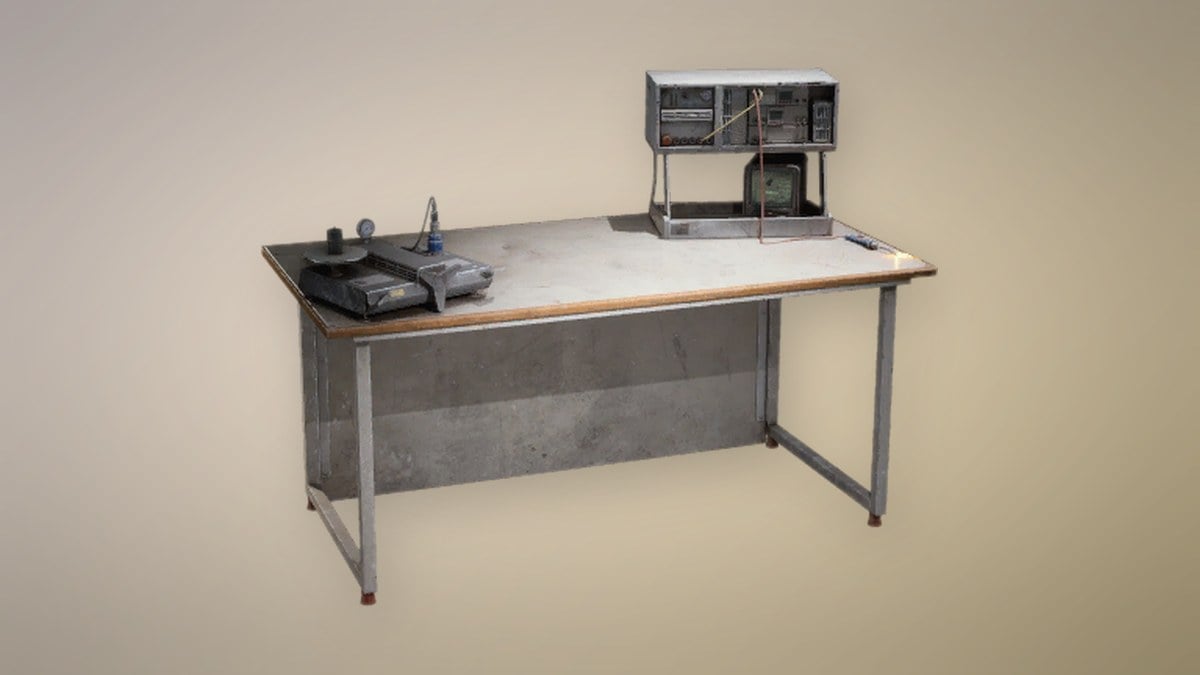
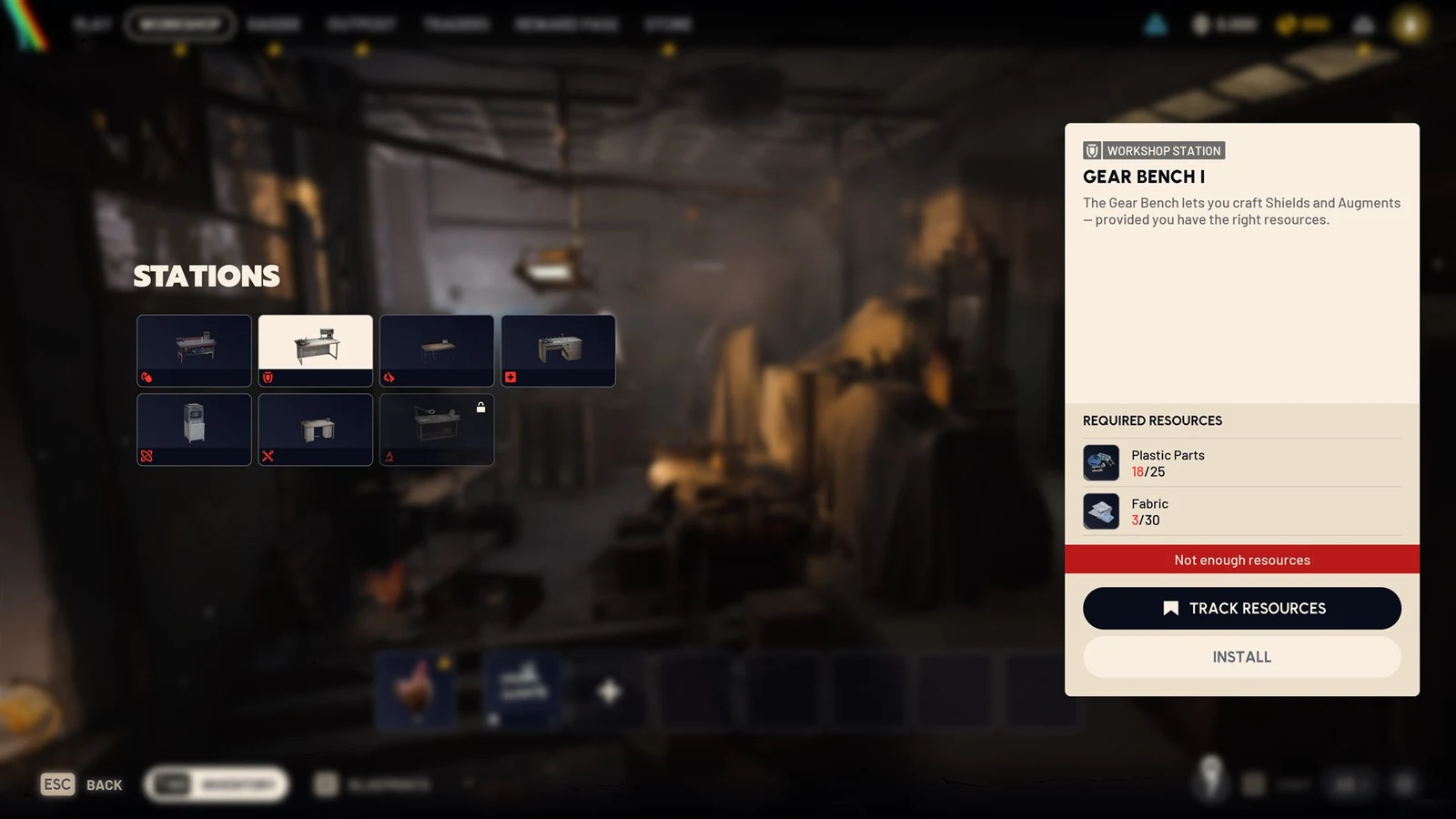
Acquire Resources works at the upgradeable benches, so it helps to know what each one is for and what it costs to install. The Gear Bench produces shields and augments and installs for 25 Plastic Parts and 30 Fabric. The Refiner turns surplus stock into custom parts and installs for 60 Metal Parts and 5 ARC Powercell. The Recycle Station breaks items down into reusable materials, which is the supply the quick craft flow draws on when you choose Recycle Inventory.
Once you have the feature in hand, the fastest routine is to open the blueprint you want, let Acquire Resources show you the cheapest route from what you already carry or can trade, and hold to build. It removes the back-and-forth that used to sit between finding a recipe and finishing it.