World of Warcraft Classic doesn’t put a leave button in the guild window. If you press O to open the Social window and click the Guild tab, you’ll find the roster, Guild Information, Show Offline Members, and Add Member. None of those options removes you from the guild. You leave by typing a slash command into chat, the same way players did in 2004.
Quick answer: Press Enter, type /gquit (or /guildquit), and press Enter again. You leave the guild right away, and chat confirms it.
How to leave a guild in WoW Classic with /gquit
/GQUIT also works. The longer /guildquit does the same thing.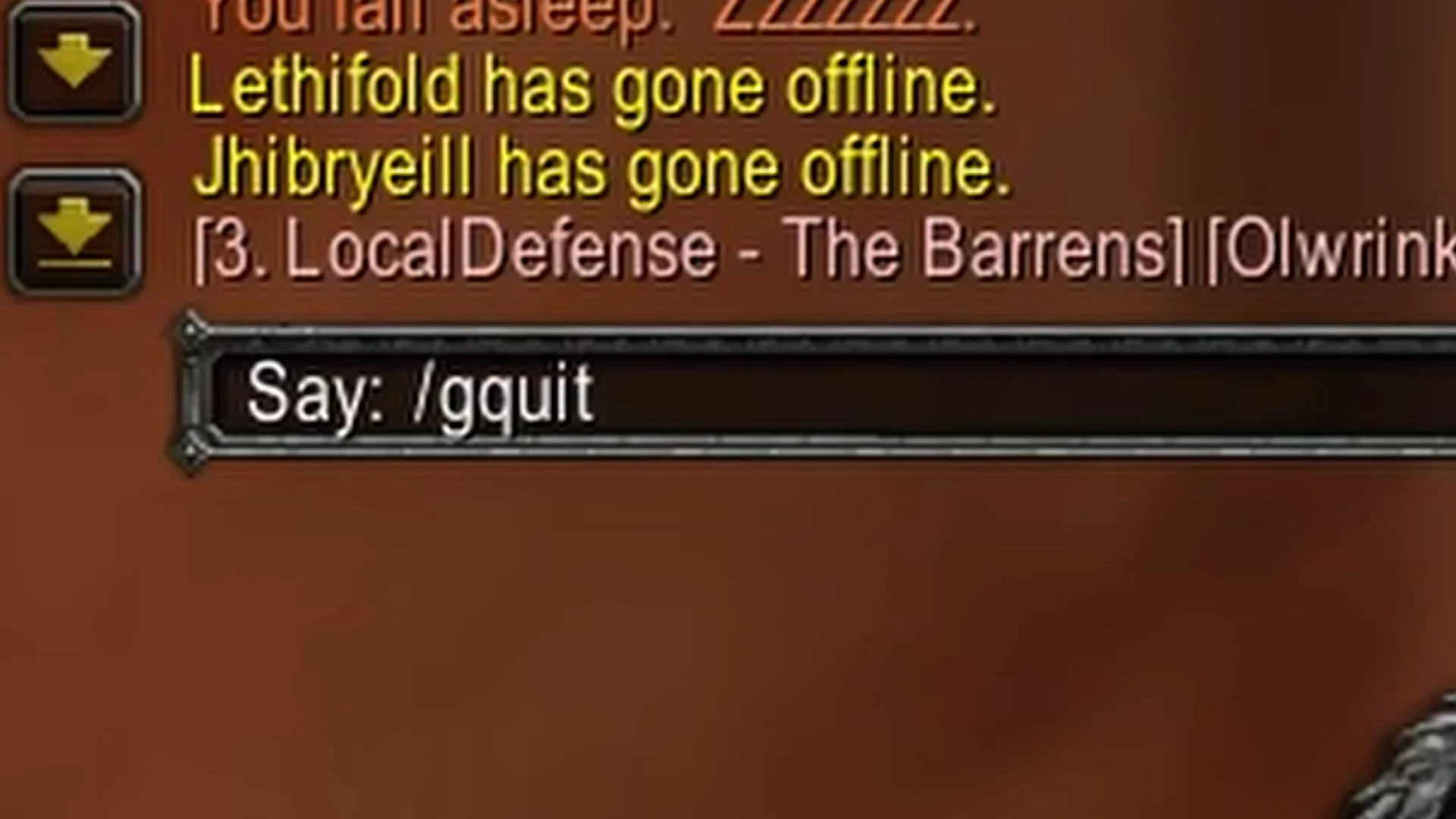
How to confirm you left the guild
If the command worked, the game shows it in three places within a second or two:
- A system message in chat reads
[Character Name] has left the guild. - The guild name in angle brackets no longer appears with your character’s name.
- The Guild tab is gone from the Social window when you reopen it with
O.
Your former guildmates also get the “has left the guild” message in their chat, so you can’t leave quietly.
Leaving a guild as Guild Master
If /gquit does nothing, check whether you lead the guild. A Guild Master can’t leave while still holding the top rank. You have two options, and they have very different results.
To keep the guild running without you, pass leadership to another member first. The new leader must be online for the transfer. Replace the placeholder with their character name:
/gleader CharacterNameAfter the handoff, you are a regular member. You can then leave with /gquit like anyone else.
/gdisband (or /guilddisband) deletes the guild for everyone, not just for you. Use it only if you want the guild gone.
Joining another guild after /gquit
Leaving doesn’t lock you out of guilds. There’s no cooldown, so you can accept an invite from a new guild right away. You can also go back to the old one if a member with invite permissions sends you an invitation. Your level, gear, gold, professions, and quests stay with your character. The only things you lose are guild membership and guild chat.