Gaming How-To

Steal An Egg: How to Steal, Place and Hatch Your First Egg

Grab a Forest egg past its sleeping guard, hatch it in your pen and start earning $2 every second.

Grab a Forest egg past its sleeping guard, hatch it in your pen and start earning $2 every second.

Your first egg in Steal An Egg takes a short run and a few clicks. You leave your pen, take an egg from beside a sleeping guard in the Forest, and run back over the safe line. Then you place it, hatch it, and put the pet down so it starts earning money. This walkthrough was played on PC on 12-13 October 2026, before the game’s Halloween update. It shows how the game looked on 13 October, so some menus and numbers may be different now.

Quick answer: Hold E at the Forest egg nearest the “SAFE ZONE” line, then run back. In your pen, left-click to place the egg, press E to hatch it, and click to place the pet.


Get speed before your first steal in Steal An Egg

Speed decides whether you get away. At the starting speed of 10, a guard wakes up and knocks you flat within about two seconds of grabbing an egg, and the egg is gone. With 10K speed, the same steal works. You don’t have to grind for it. The FREE! chest next to the pens hands out 10,000 speed for free.

  • Go to the FREE! chest by the pens.
  • Like the game, favourite it, and join its community.
  • Press Claim! to get the 10,000 speed.

Watch the clock as well. Each day lasts about five minutes, and the countdown sits in the bottom right corner. When it hits zero, night falls and the game shows “You’ve been returned to your base”. Next it shows “ALL EGG RESET!” and every egg respawns. Start your run early in the day so the reset doesn’t send you home with nothing.

Slot 2 on the hotbar holds traps, starting at “x3”. They can’t be used inside the safe zone, where the game says “Cannot use items in the safe zone!”. Outside it, select slot 2 and click the ground to drop one.


How to steal an egg in the Forest
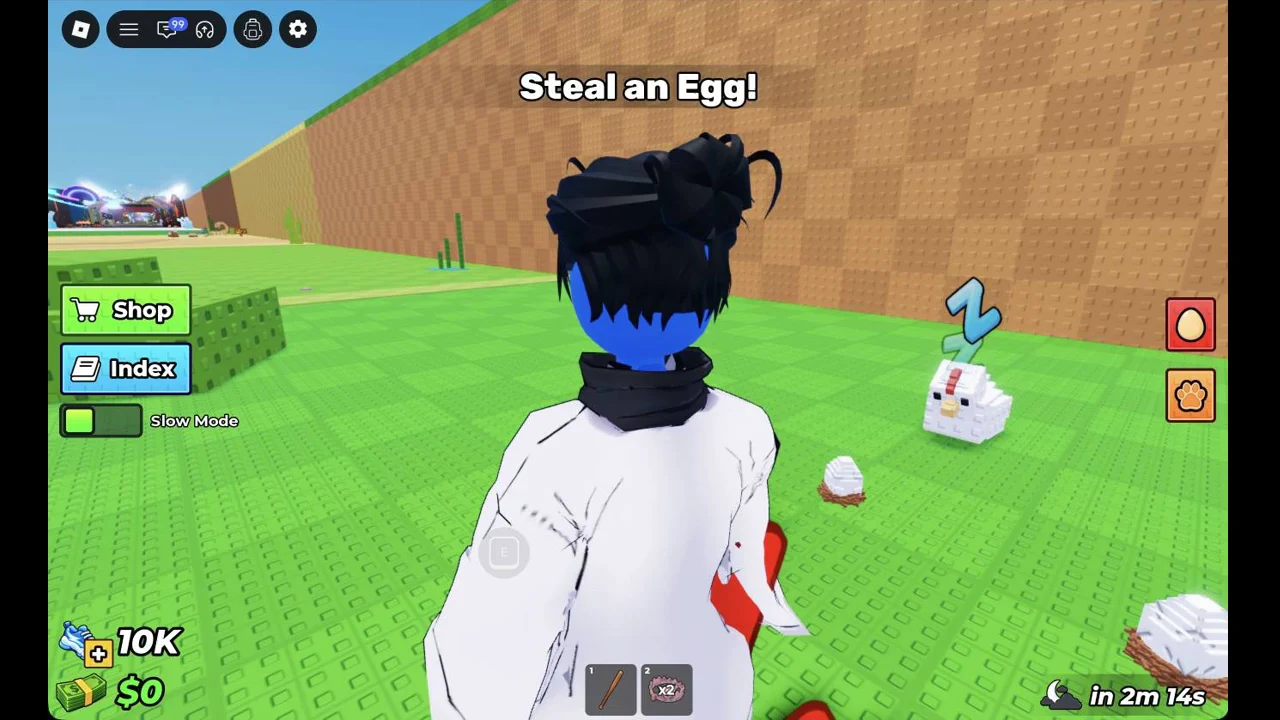
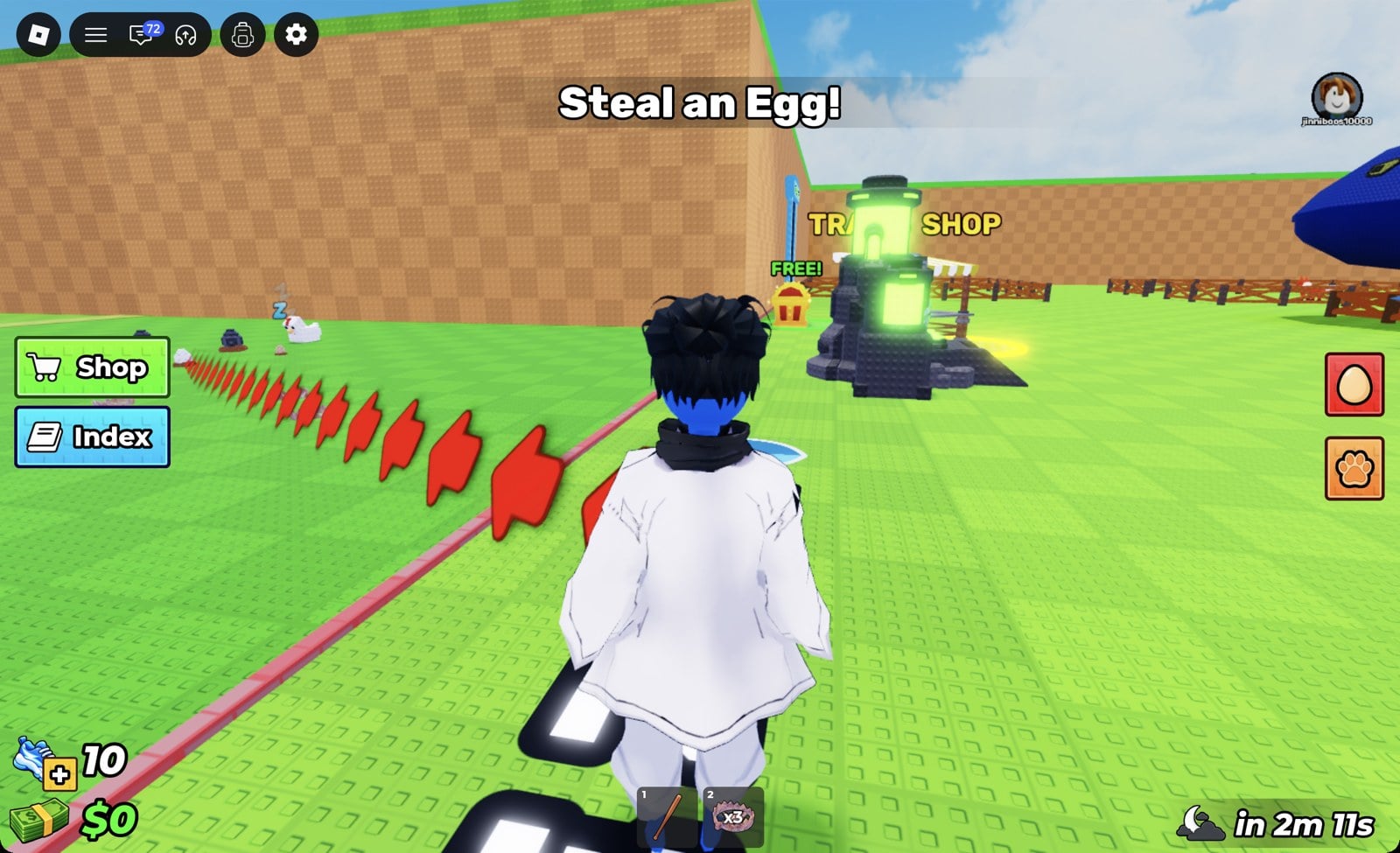
Follow the red arrow trail on the ground out of the spawn area. It crosses a line marked “SAFE ZONE” and takes you into the Forest. You’ll know you’ve arrived when the “Forest” banner appears.
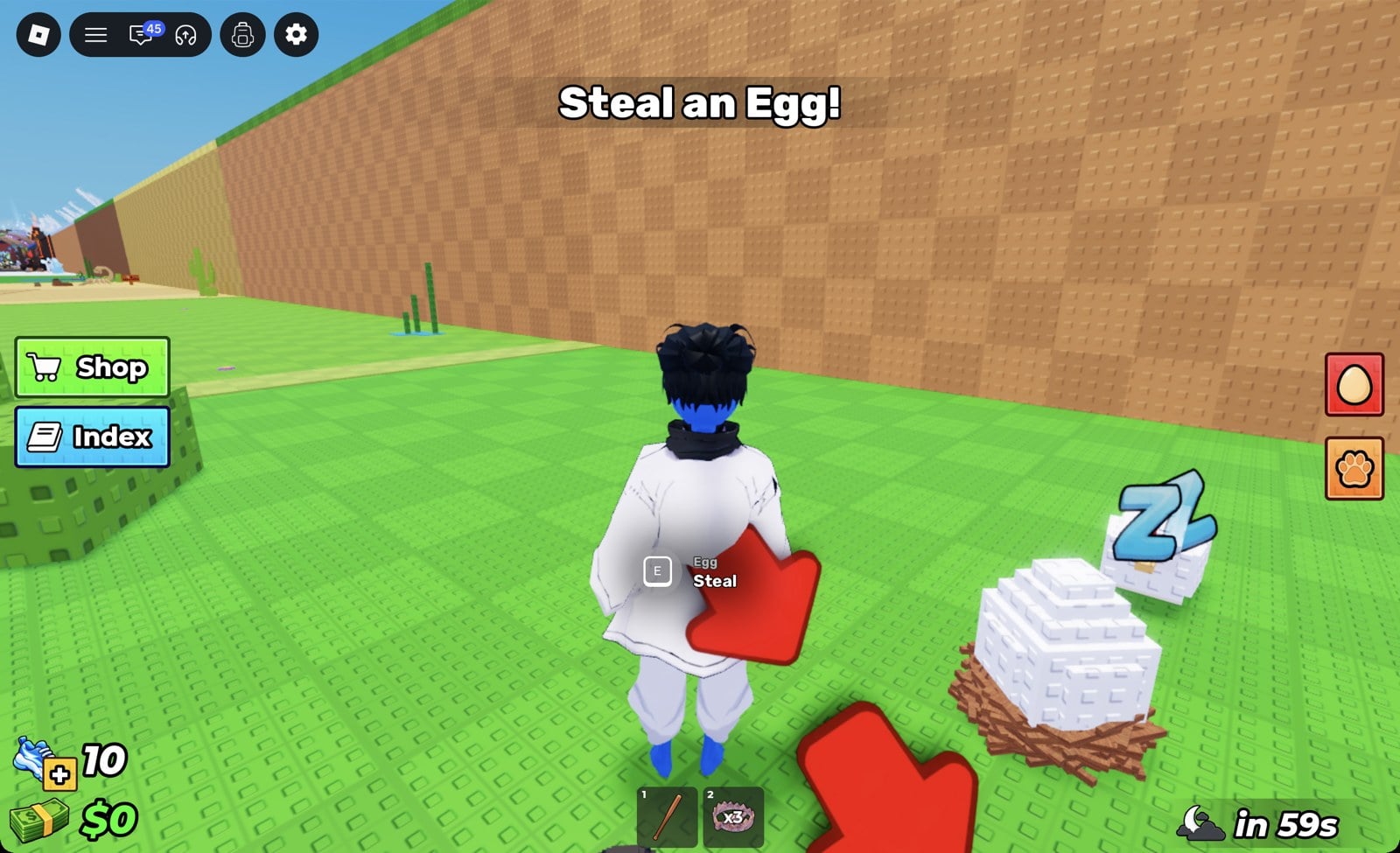
Find the eggs sitting in straw nests on the grass. A guard animal sleeps next to them with a “Z” over its head. The Forest guard we met was a white chicken.
Walk up to the egg closest to the “SAFE ZONE” line, just inside the Forest entrance. When the prompt shows “[E]”, “Egg” and “Steal”, hold E for about 1.5 seconds.
Player walking up to a sleeping chicken guard beside straw nests holding eggs in the Forest
Going for an egg next to the sleeping chicken guard in the Forest.
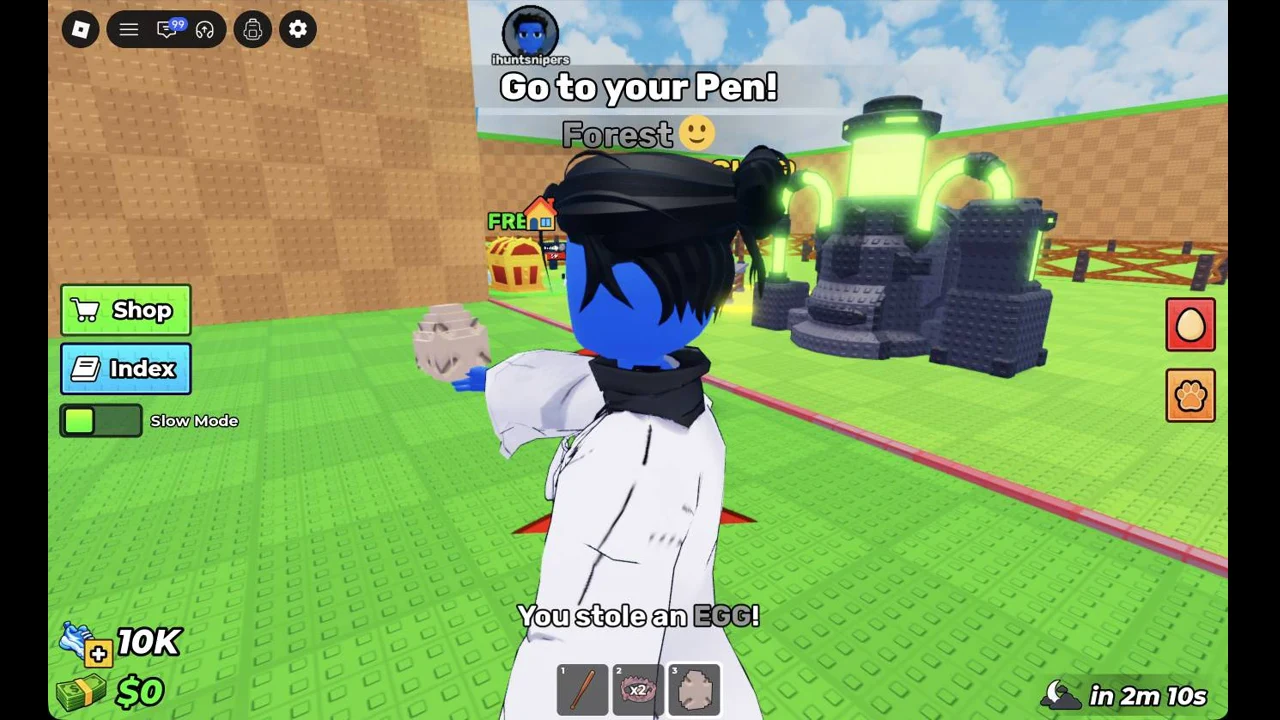
As soon as you have the egg, run straight back over the “SAFE ZONE” line. The screen shows “You stole an EGG!”, the egg appears in hotbar slot 3, and the tutorial line at the top switches to “Go to your Pen!”.
Player back near the pens with a stolen egg, You stole an EGG! on screen and the Go to your Pen! objective at the top
Carrying the stolen egg back once the “Go to your Pen!” objective appears.

Place and hatch the egg in your pen

Every player has their own fenced pen, and the tutorial walks you through the rest one prompt at a time.
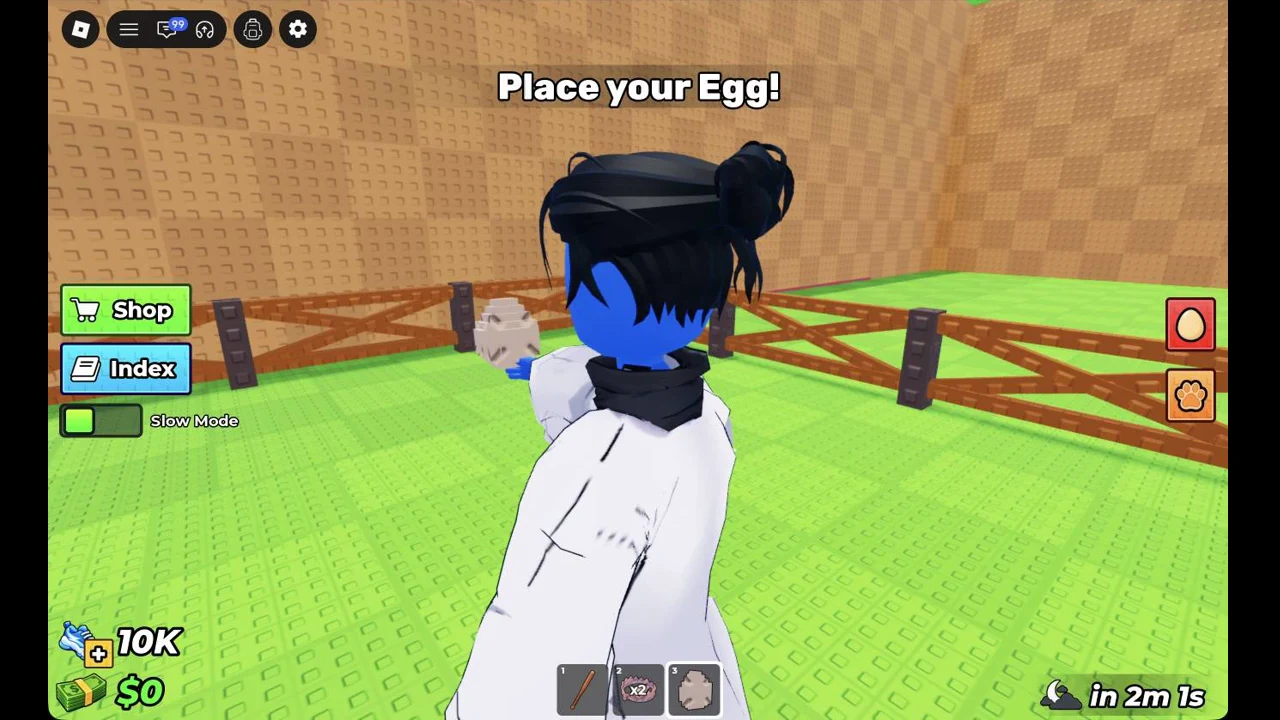
Go into your pen and wait for the tutorial to say “Place your Egg!”. With the egg selected in hotbar slot 3, left-click the ground inside the pen. The egg button on the right side of the screen now shows a red “1”.
Egg held in selected hotbar slot 3 inside the fenced pen, ready to be placed
Placing the egg in the pen with hotbar slot 3 selected.
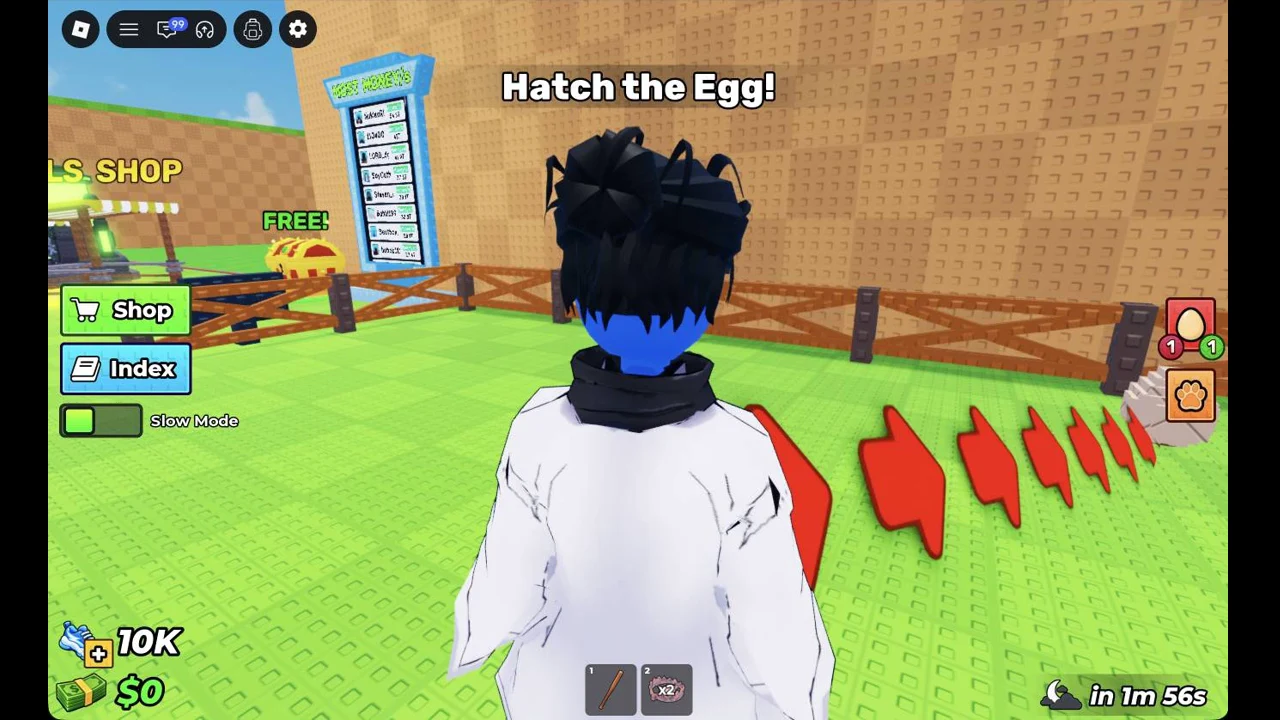
When the prompt changes to “Hatch the Egg!”, walk to the egg you placed and press E. It hatches right away into a chicken, which takes the hotbar slot the egg was in.
The Hatch the Egg! objective at the top of the screen, with a red 1 on the egg button at the right
The “Hatch the Egg!” step: the egg button on the right now shows a red 1.
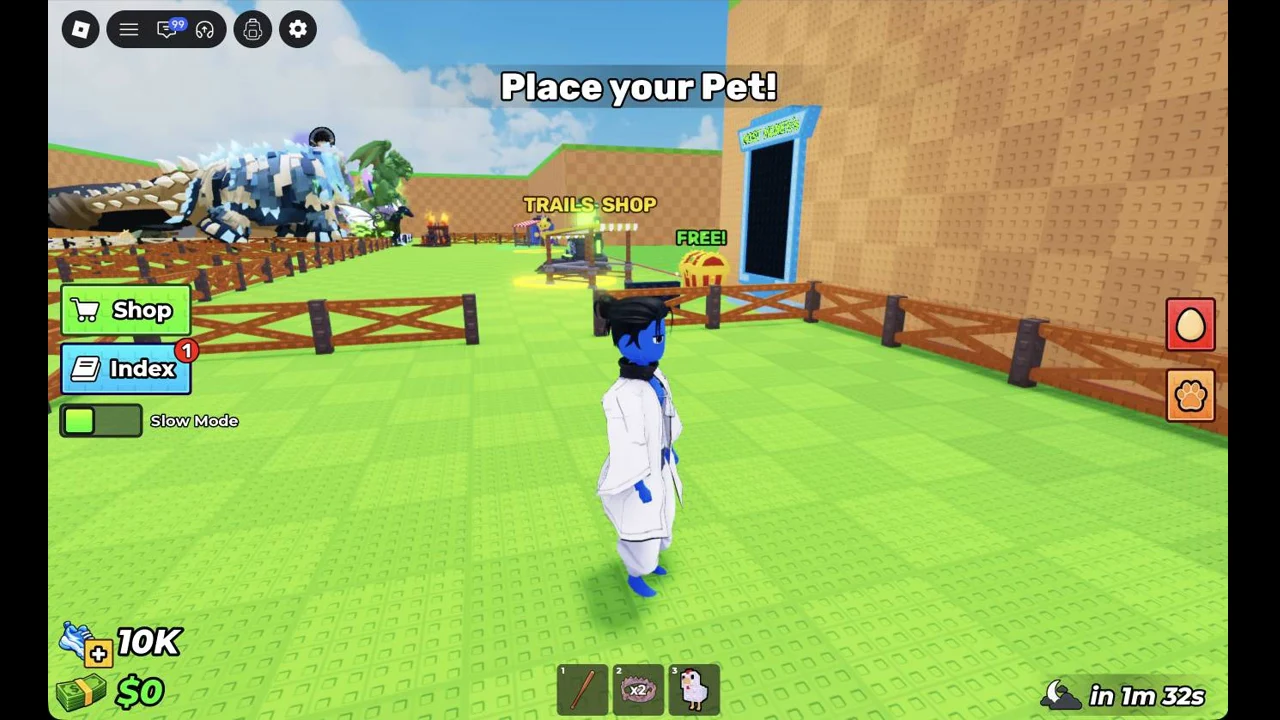
When the tutorial says “Place your Pet!”, select the chicken in the hotbar and click the ground to place it.
Pet selected in the bottom hotbar while the player gets ready to place it in the pen
The newly hatched pet selected in the hotbar, ready to be placed.
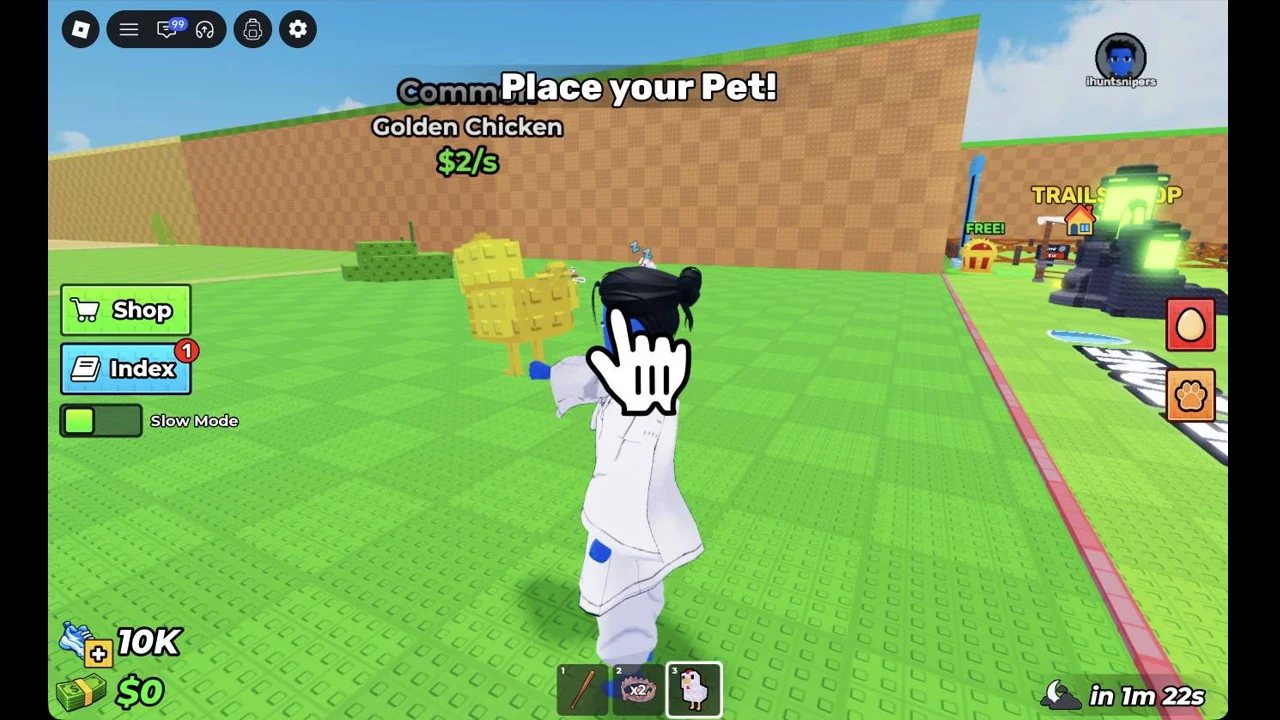
Look at the pet’s card to see what you hatched. It reads “Common”, “Golden Chicken” and “$2/s”.
Golden Chicken being placed, with its card showing an income of $2/s
Placing the Golden Chicken, which earns $2/s.

You’ll know it worked when the game shows “Sucessfully equipped Chicken!” (the misspelling is the game’s own). Your money then goes up by “+$2” every second, the chicken starts following you, and the Index button gets a red “1” for the new entry.


Earn your first $1K and upgrade the pen

A single Golden Chicken earning $2/s took the balance from $0 to $654 in a few minutes. The sign on your pen reads “Unlock:” and “$1K”. Once you have more than $1,000, the tutorial says “Upgrade your Pen!”.
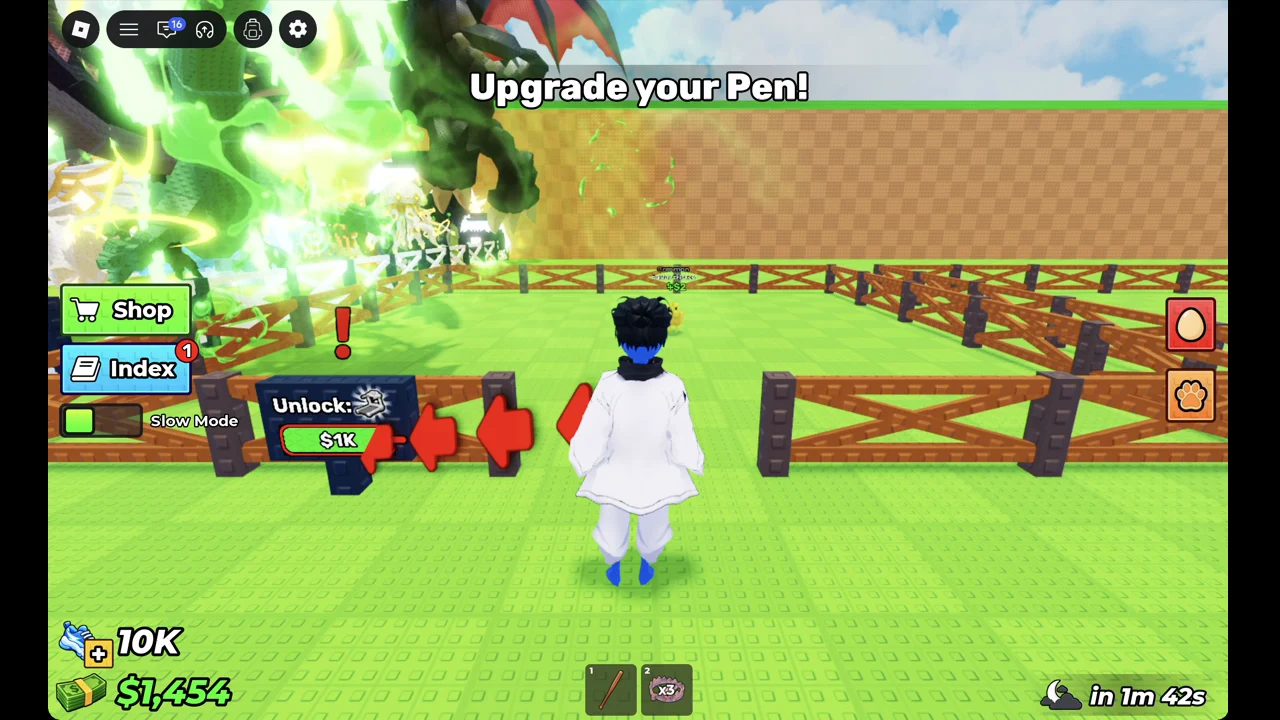
Player walking up to the pen sign showing Unlock: $1K during the Upgrade your Pen! prompt
The pen sign showing the “$1K” unlock once the “Upgrade your Pen!” prompt appears.

Pay for the upgrade and a treadmill appears in your pen. In the example run, the balance went from $1,454 to $479. The tutorial changes to “Use your treadmill to become faster“. The sign now shows “Upgrade Pen”, “Level 1 > Level 2” and a next price of “$1M”.
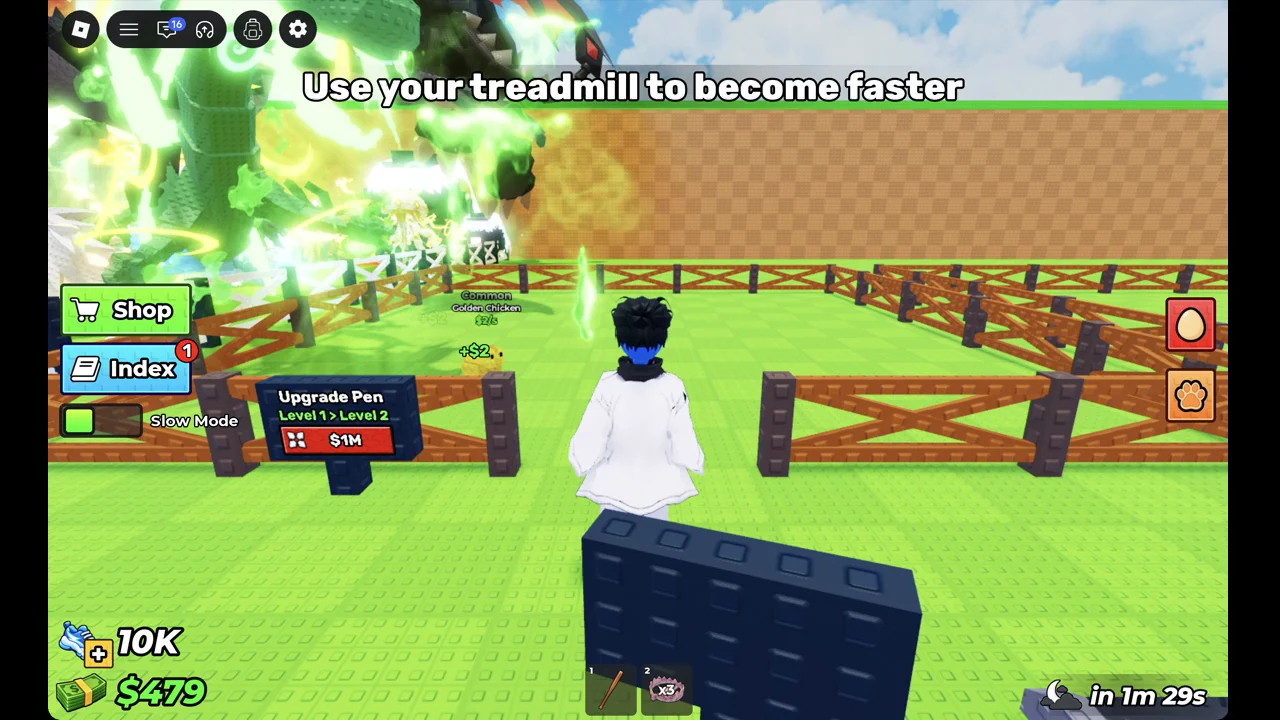
Avatar standing next to the new treadmill in the upgraded pen, with the treadmill prompt on screen
The treadmill that appears in the pen after the first upgrade.