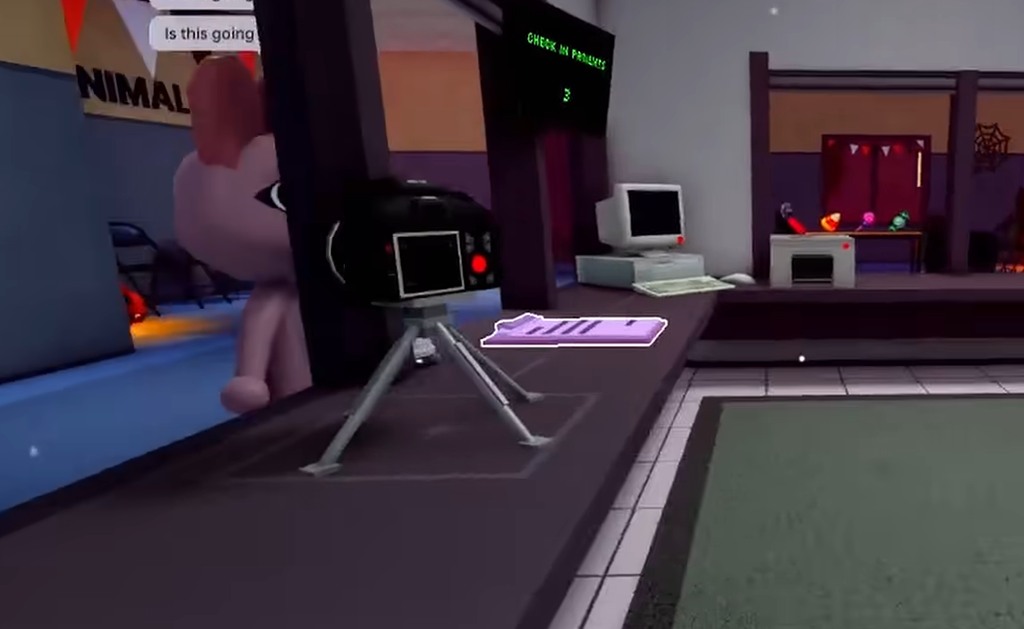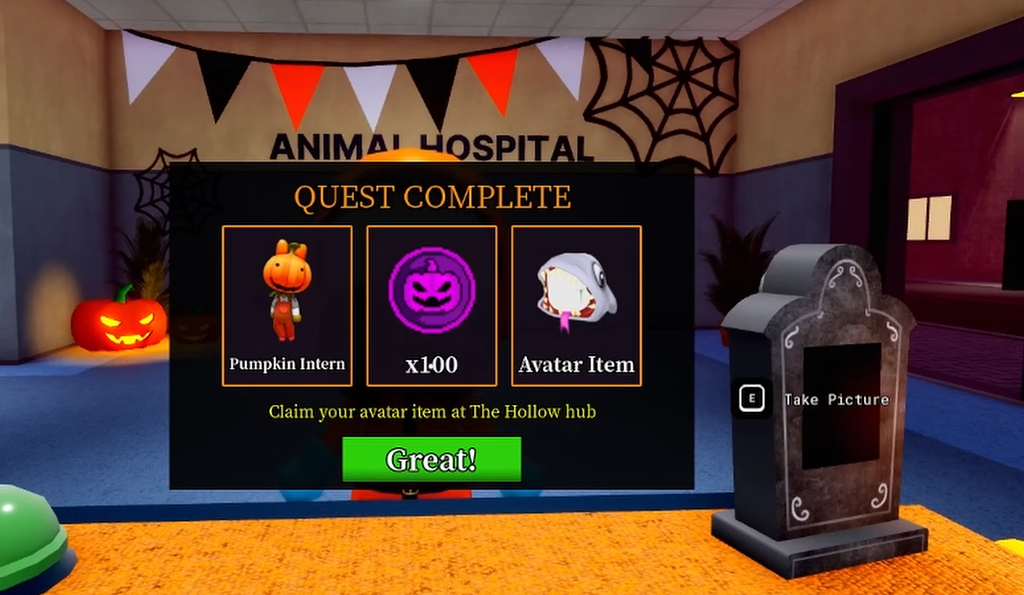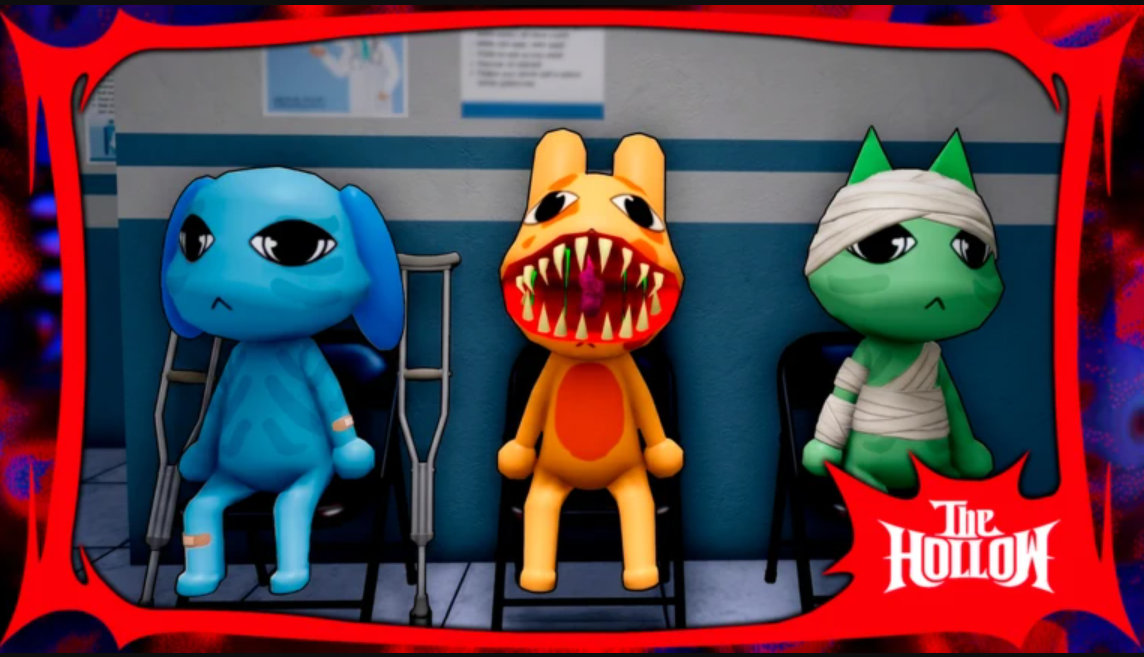
The Hollow event, which is currently underway, lets you get Halloween-exclusive rewards in various Roblox games by completing challenges. You can get the Animal Hospital badge by surviving till the second day, talking to the Hazmat NPC, collecting certain photos, and completing the final puzzle. Here’s a complete guide explaining the process.
Start a Run in Animal Hospital
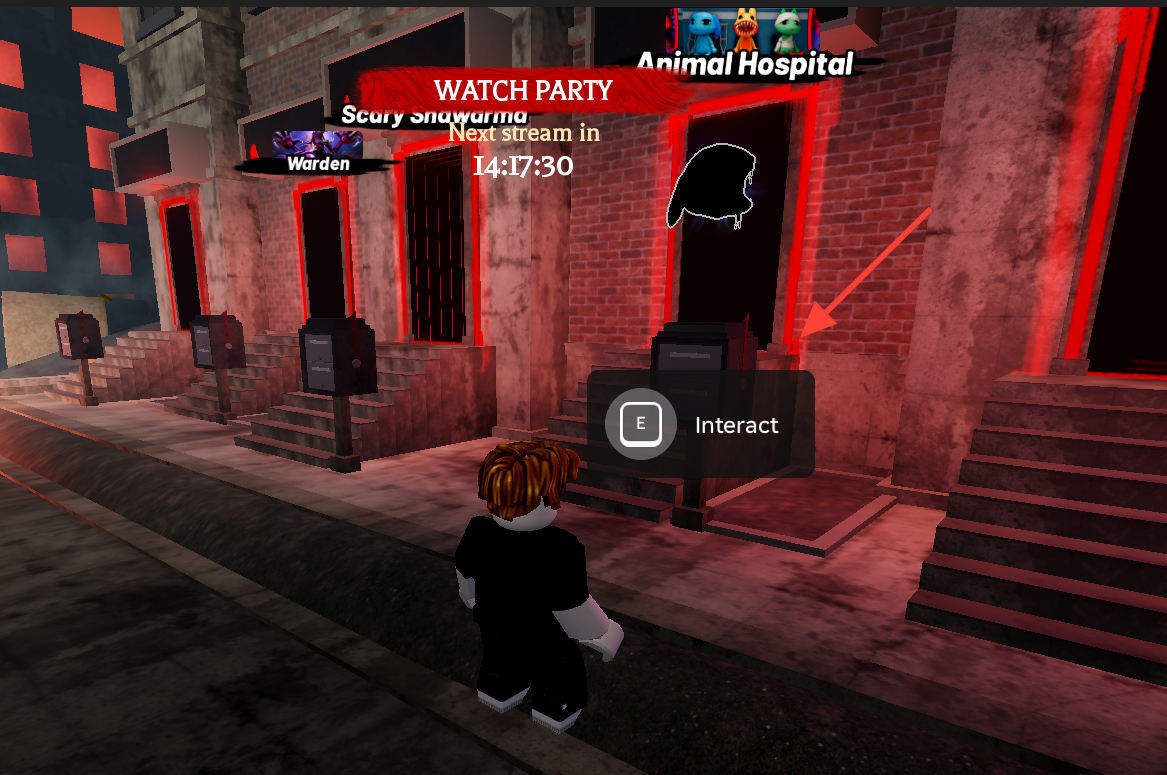
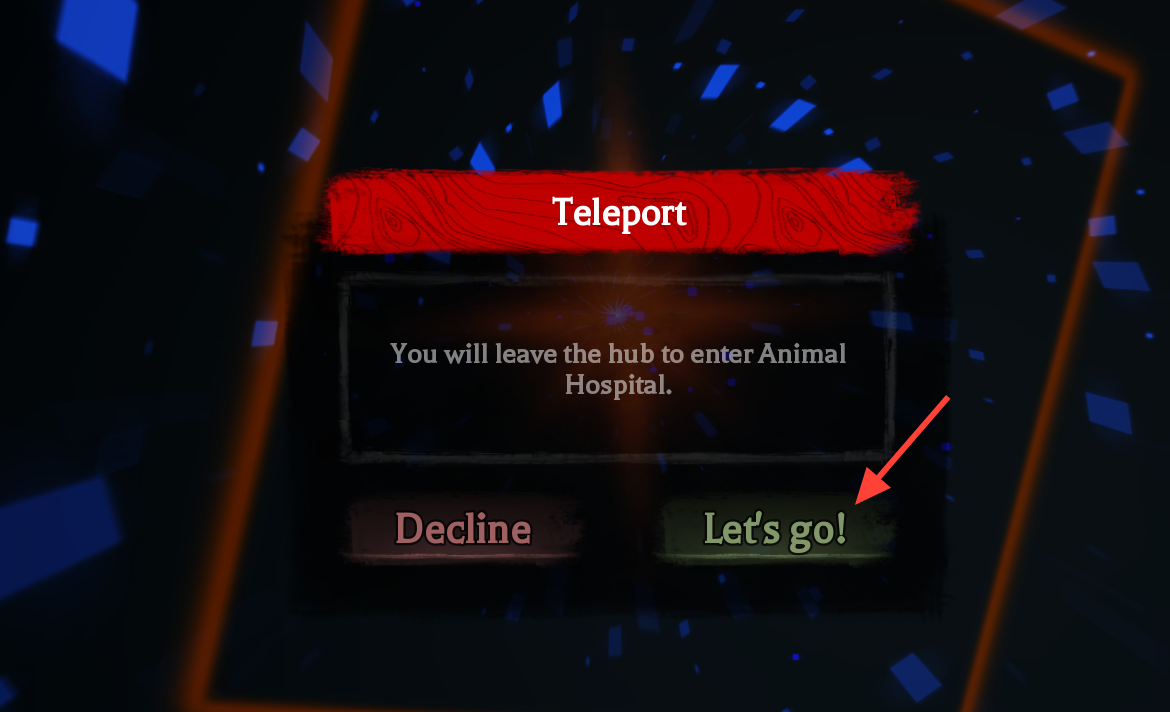
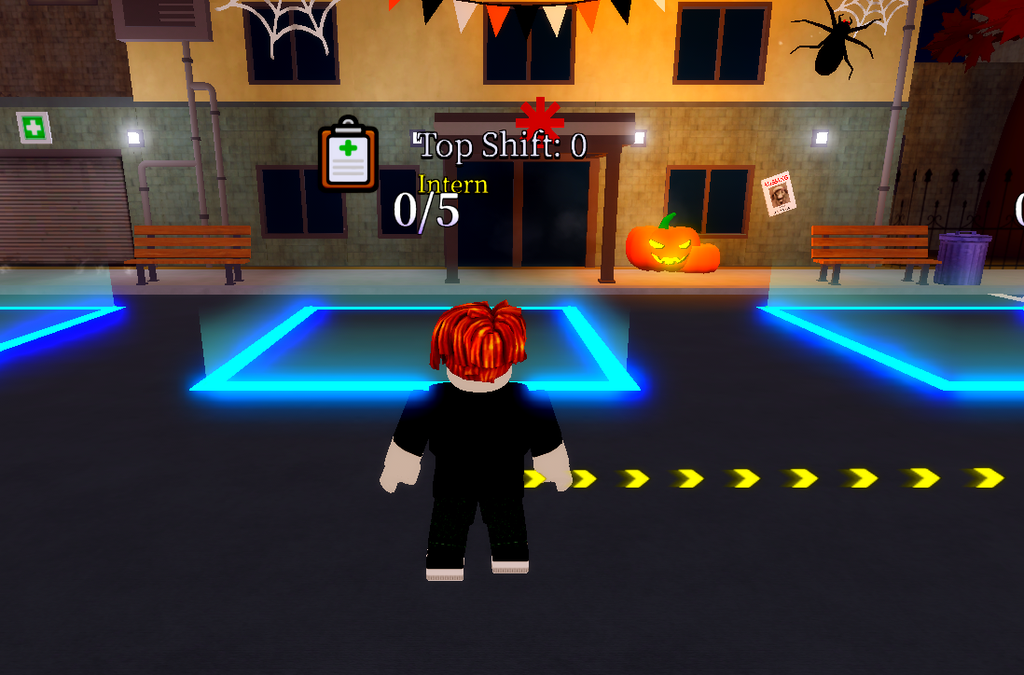
You can start the Hollow Quest directly by logging in to Animal Hospital through the Hollow event Hub.
Talk to Hazmat and Collect the Photos
Start playing and keep checking and treating patients until you survive until Day 2.
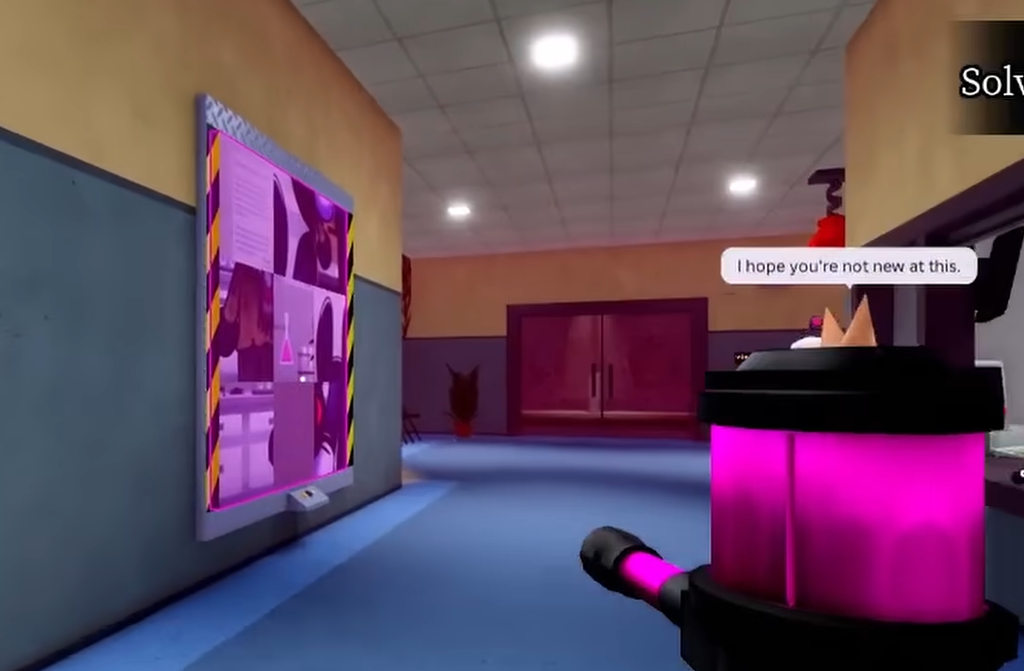
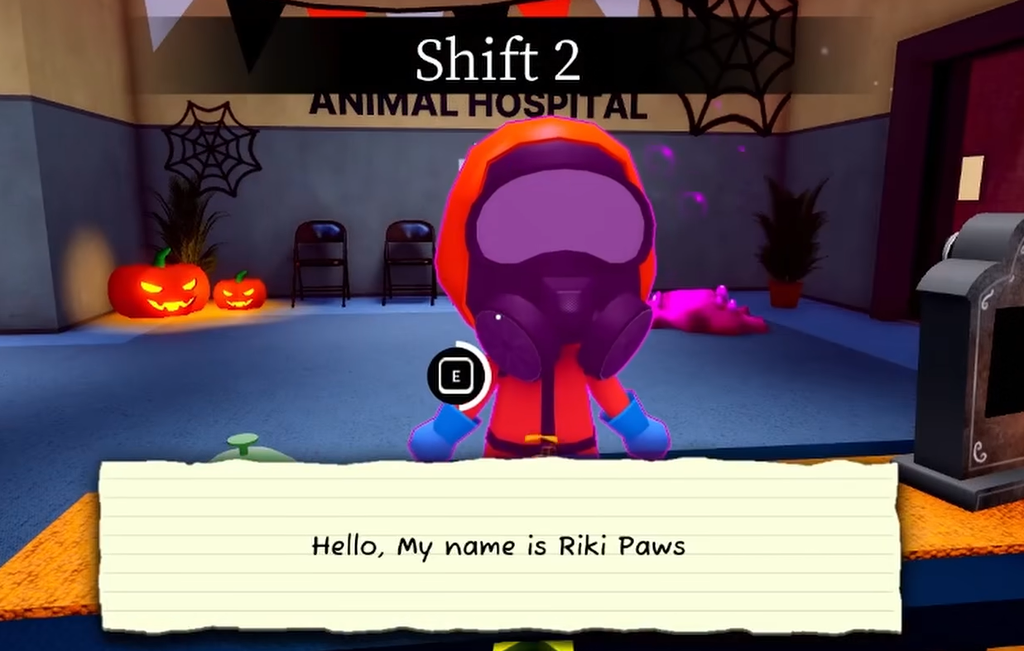
Once Day 2 starts, locate the Hazmat NPC and interact with it. You will get a vacuum cleaner from the NPC.
Look around for pink slime in the hospital and use the vacuum cleaner wherever you find it to collect photos.
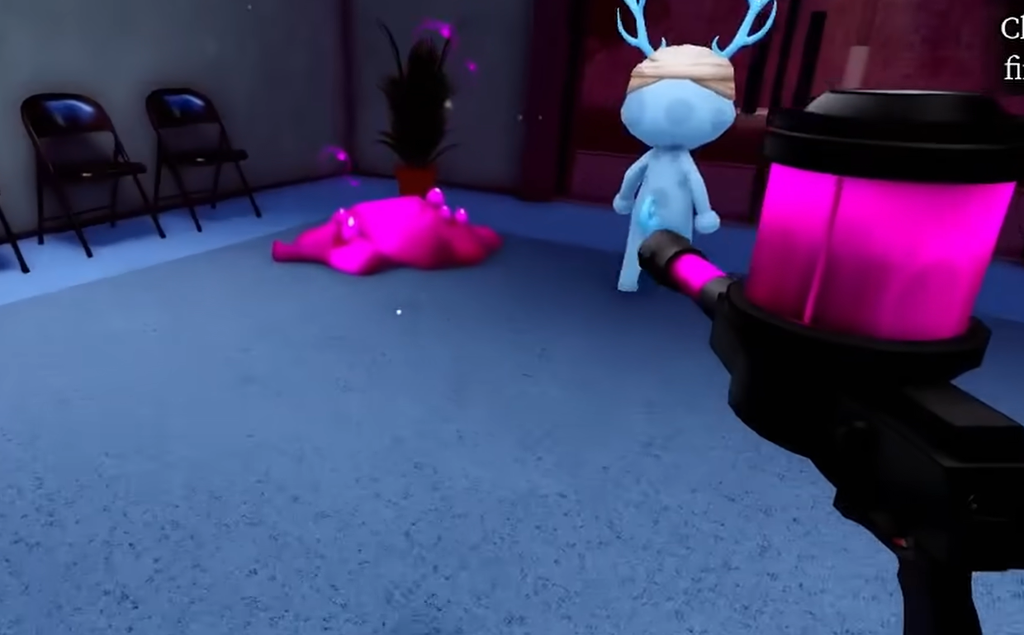
You can skip cleaning puddles that do not have any photographs inside them to save time.
While searching for the slime, make sure to stay away from the Mimic. If you are caught by it, press E to defeat it.
Finish the Puzzle