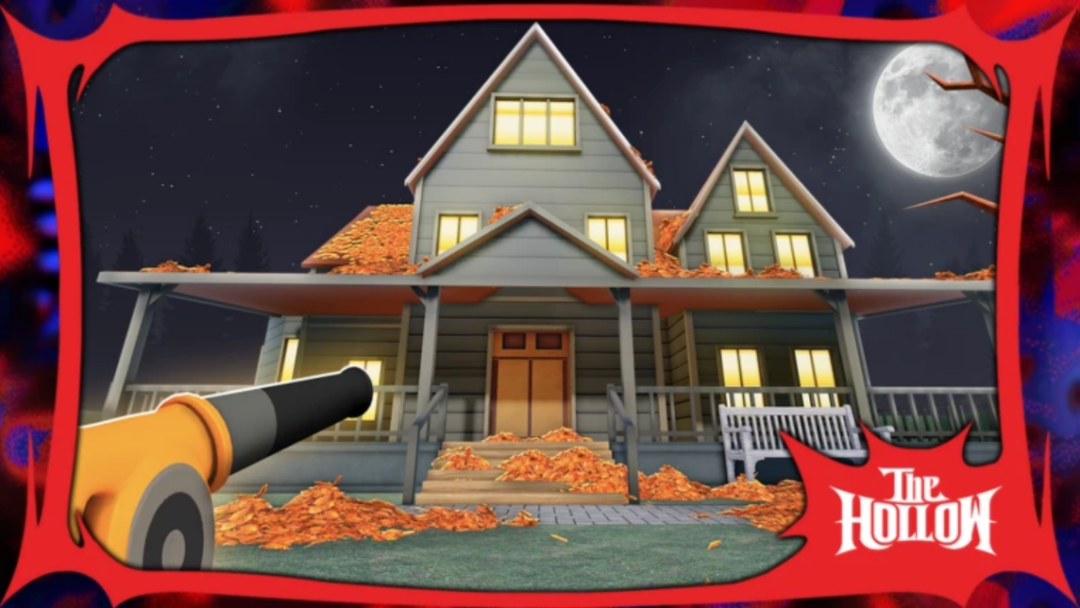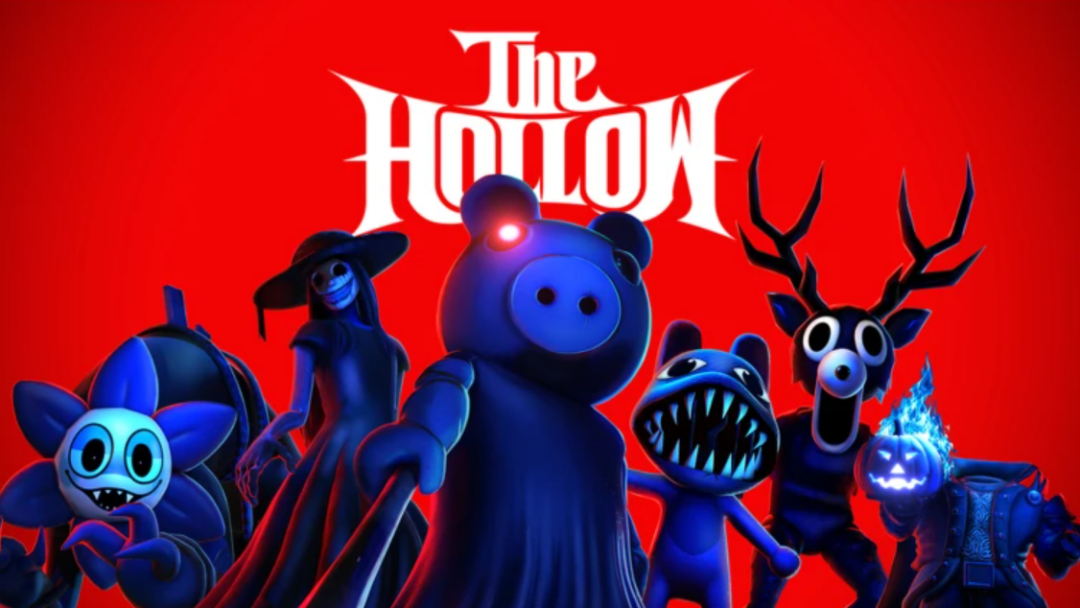
Moo Moo Mystery is one of the games that are part of The Hollow event on Roblox, which is live during the Halloween season this year. The event started on October 17th, 2026, and lets players win exclusive rewards like in-game items, characters, badges, and more by completing the event challenges. In Moo Moo Mystery, you can get the Halloween Event Player badge by collecting eight Halloween-themed items while the event is live.
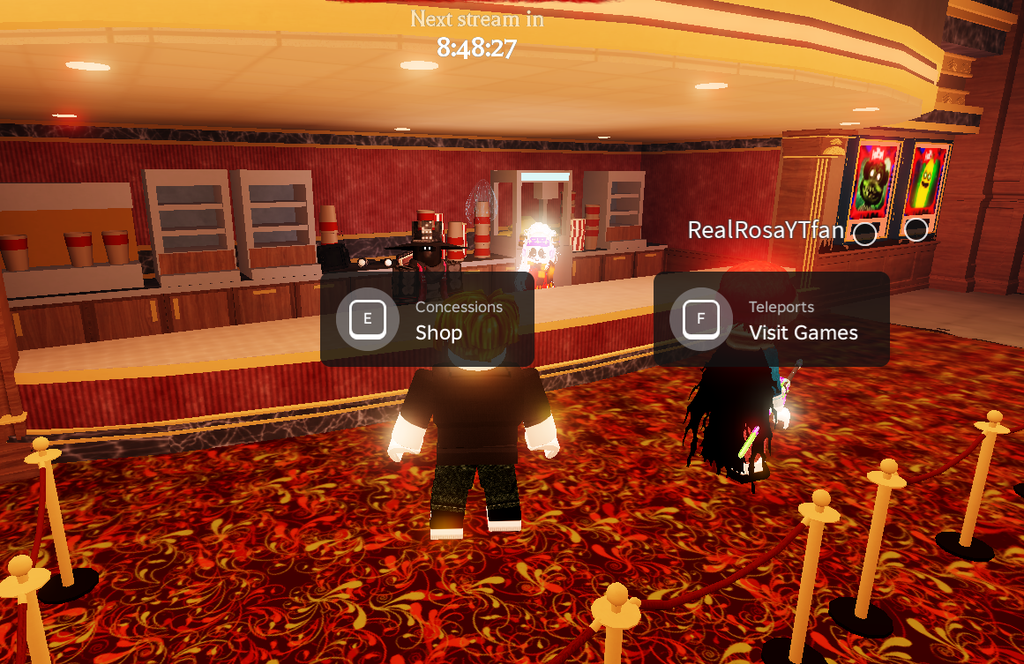
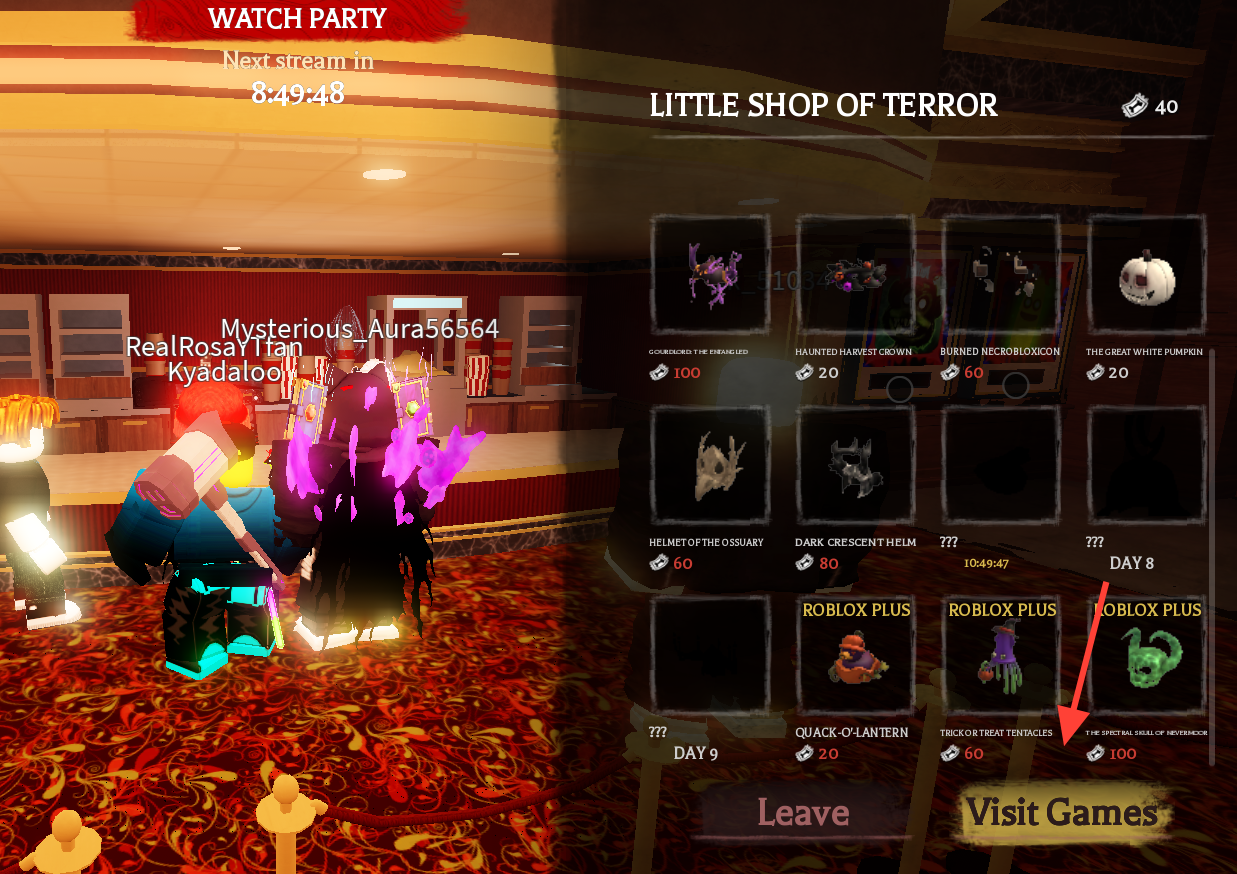
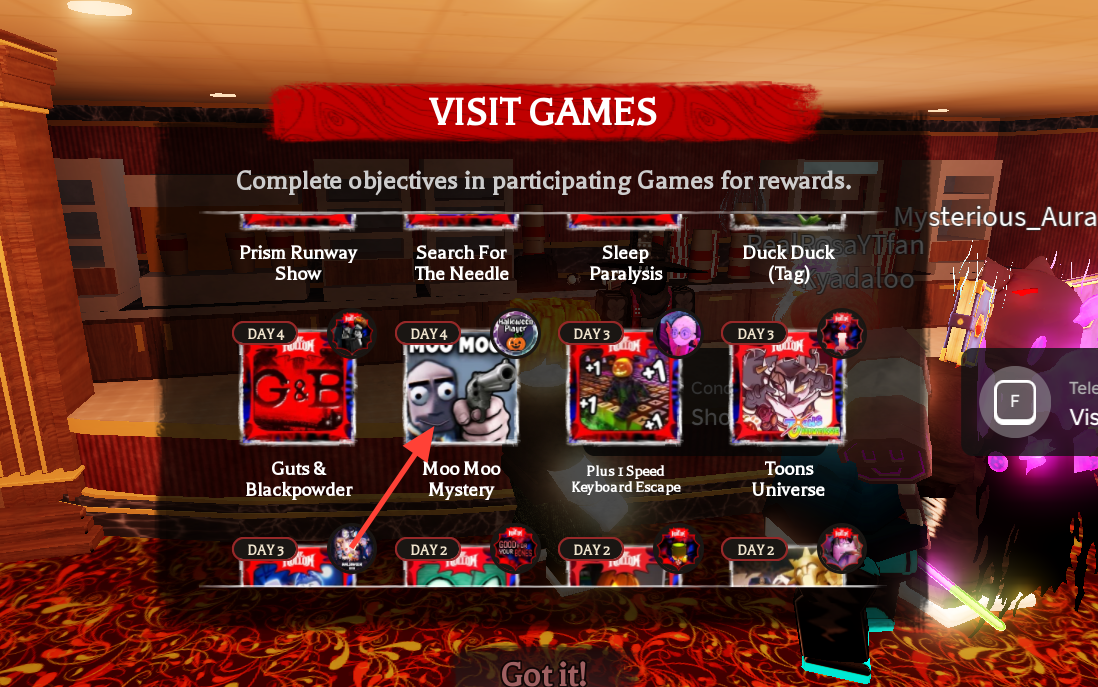
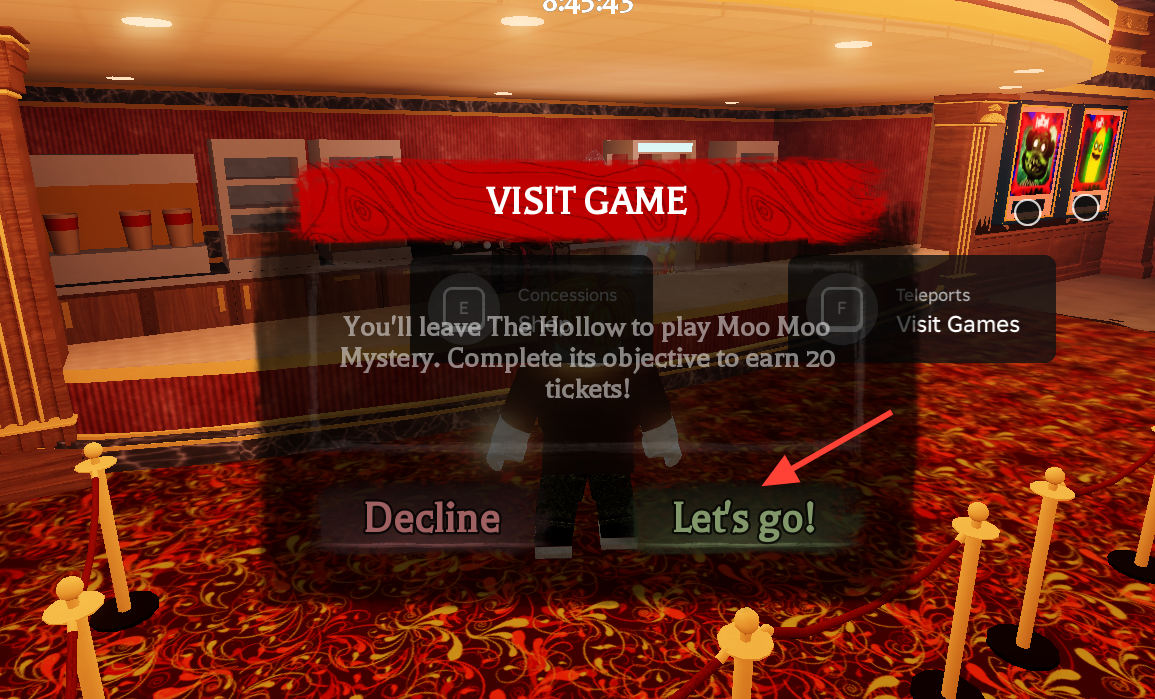
Launch Moo Moo Mystery from The Hollow Hub
To start the quest, you need to launch Moo Moo Mystery from The Hollow event hub.
Collect Quest Items
Once Moo Moo Mystery starts, you can jump into a round and start looking for eight Halloween-themed items by exploring your surroundings. Consider completing the Scavenger Hunt, finishing Daily Quests, and claiming login and playtime rewards.
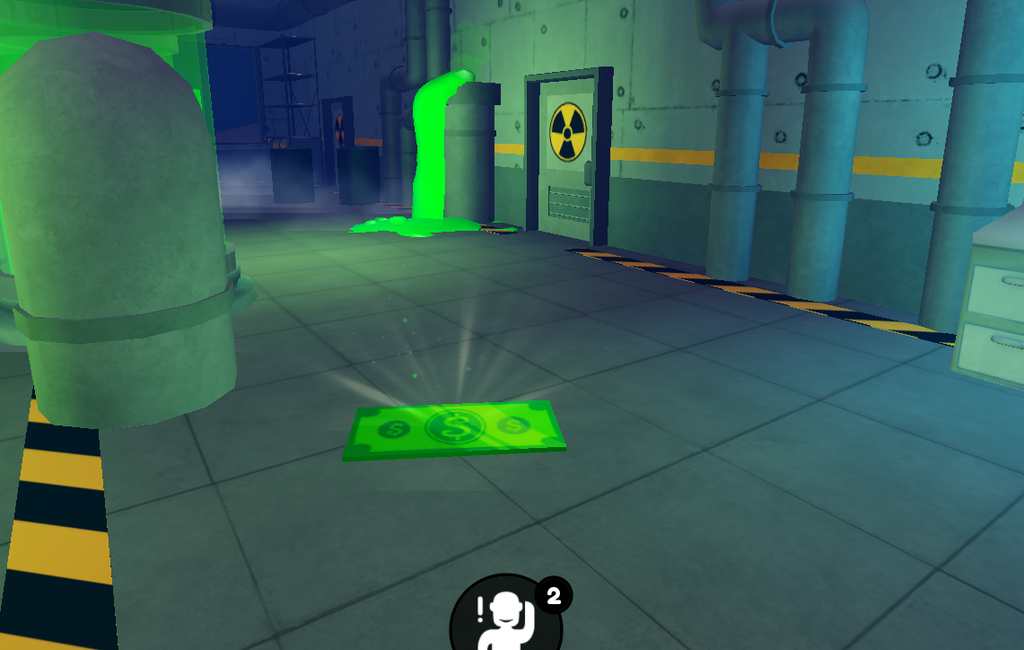
Once you successfully collect eight Halloween-themed items, click to confirm and receive the Halloween Event Player badge and 20 in-game event tickets.