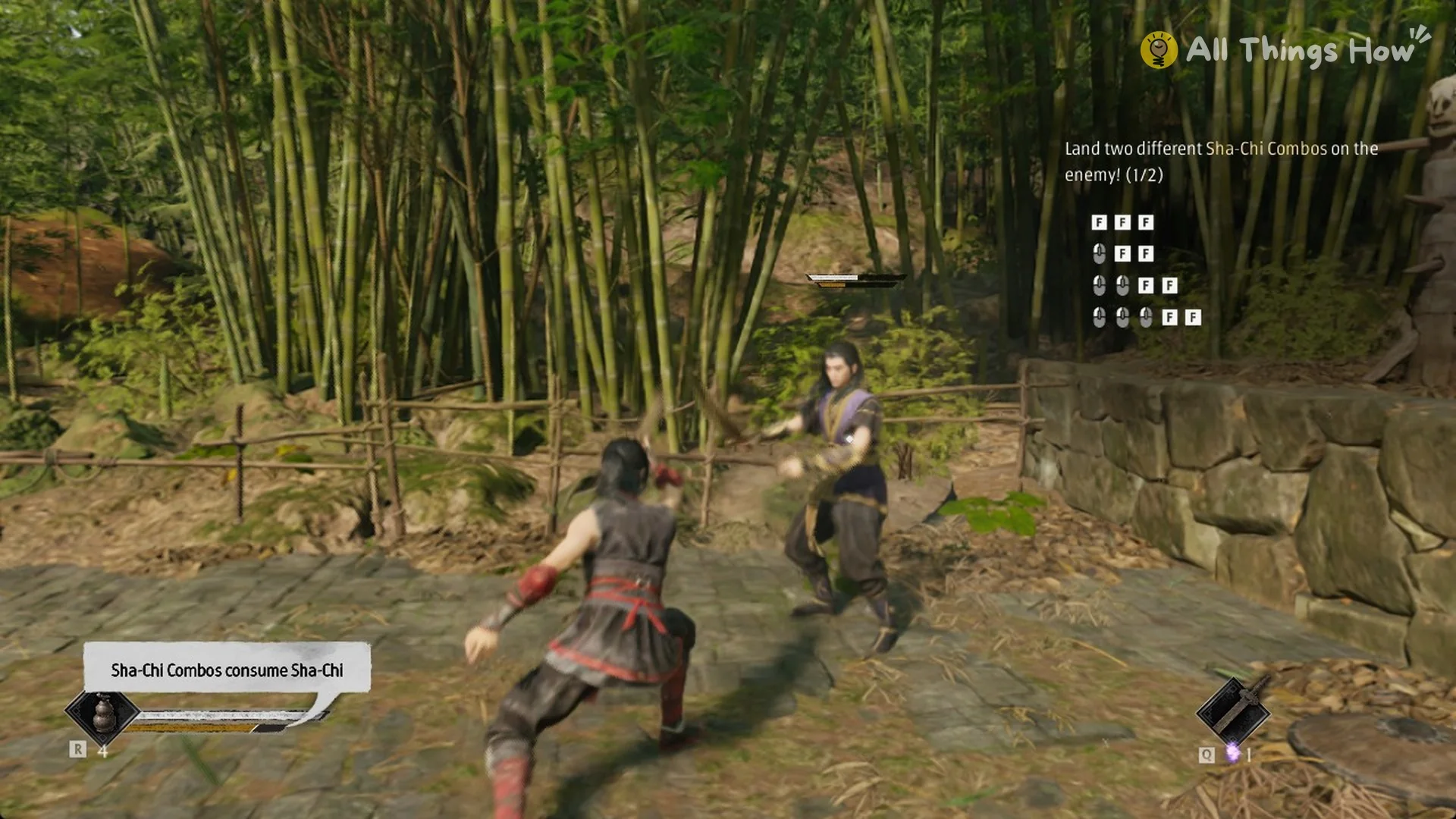
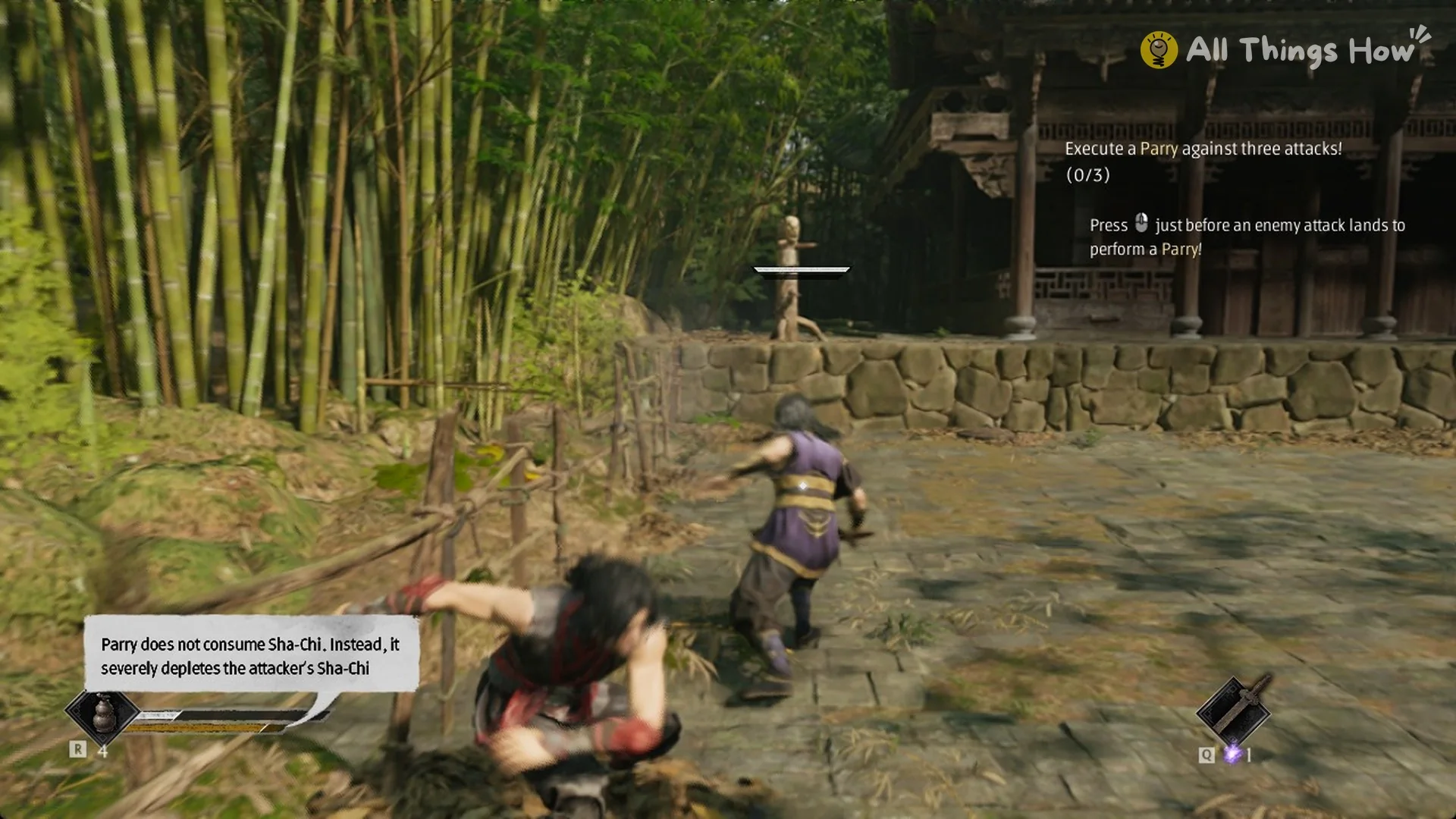
Parrying is the core defensive skill in Phantom Blade Zero. It costs you nothing, it drains the enemy’s guard, and the game marks its most dangerous attacks with a color that tells you whether to parry or get out of the way.
Quick answer: Tap Block (Right Mouse on PC) just before an enemy attack lands. Parry Blue-flash attacks the same way. Red-flash attacks can’t be blocked, so press Dodge (Left Shift) just before they land.
| Attack warning | What to press | What happens |
|---|---|---|
| Normal attack | Block (Right Mouse), just before impact | Parry |
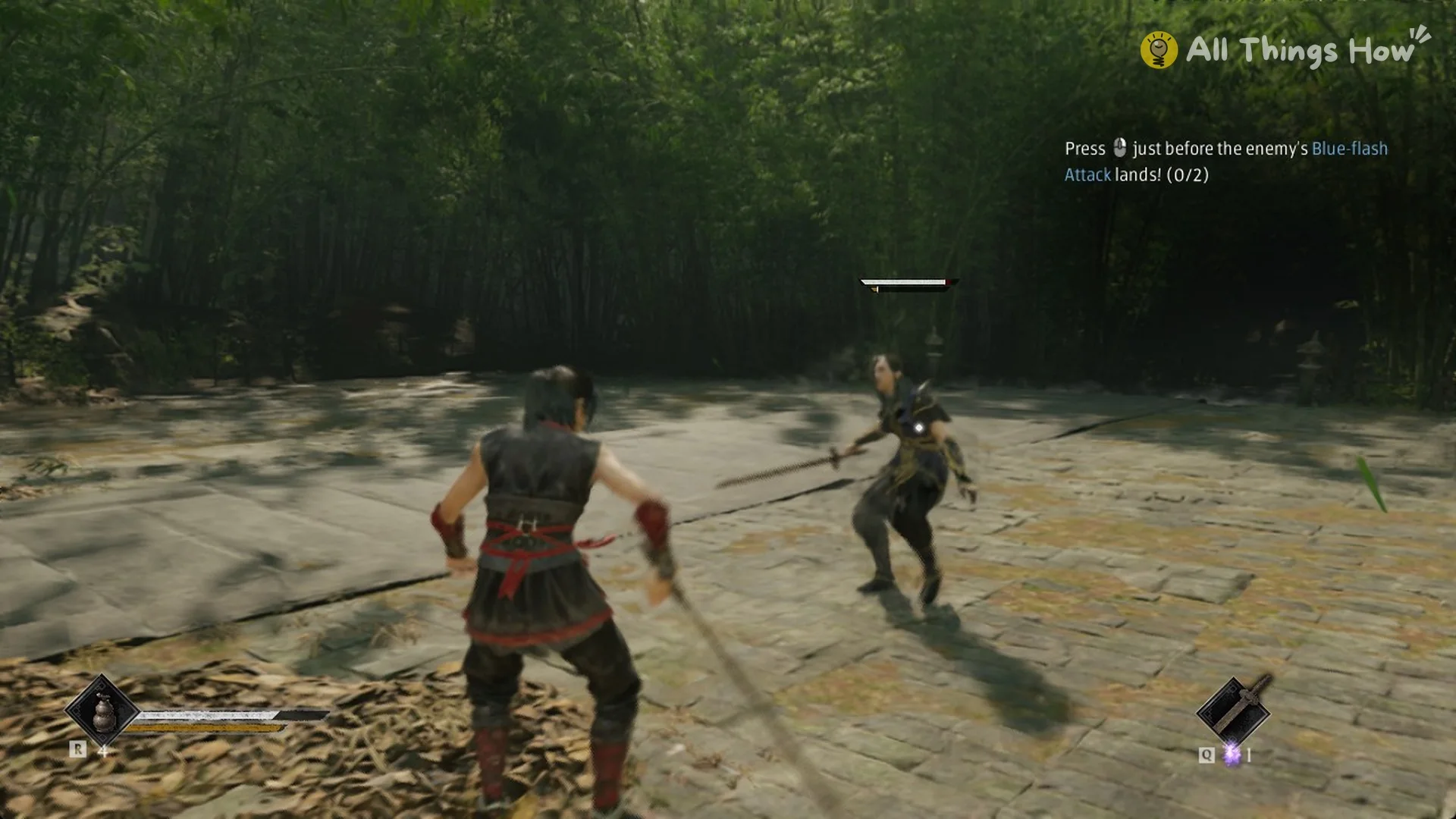
| Blue flash | Block (Right Mouse), just before impact | Parry |
| Blue flash | Block, at the exact moment of impact | Perfect Block, Ghoststep |
| Red flash | Dodge (Left Shift), just before impact | Perfect Dodge |
| Red flash | Dodge, at the exact moment of impact | Ghoststep |
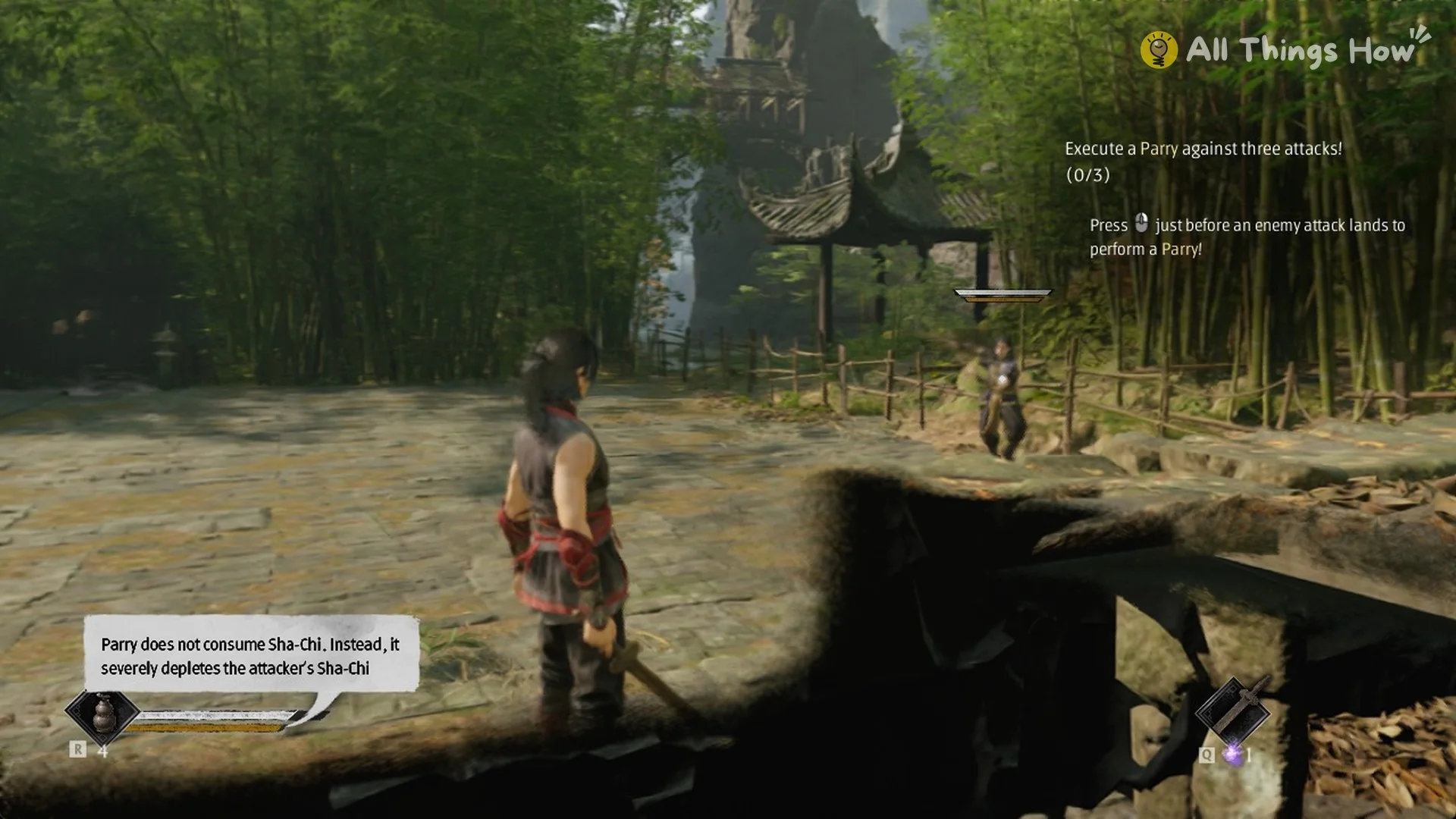
Parry timing: Tap Block, don’t hold or mash it
The game calls the block button Stance, and on PC it sits on Right Mouse by default. A parry is a single, timed press a moment before the hit connects.
Holding the button doesn’t parry. That just puts you in Guard Stance. Mashing Block rapidly doesn’t work either, because rapid presses don’t register as parries. Tap once for each incoming hit.
These are the default PC keys that matter for defense, all listed under Settings > Controls (full list in our Phantom Blade Zero controls guide):
- Block / Stance: Right Mouse
- Dodge (Dash): Left Shift
- Power Surge: Q
- Lock On: mouse wheel click
Why parrying beats holding guard: Sha-Chi
Sha-Chi works as your guard meter, and it decides whether defending wins or loses you the exchange. Holding Stance blocks hits automatically, but the stance itself “continuously drains Sha-Chi”, and every attack you absorb takes more on top of that.
A parry flips that math. The tutorial tooltip puts it plainly: “Parry does not consume Sha-Chi. Instead, it severely depletes the attacker’s Sha-Chi.” Each parry also generates Sha-Chi Essence, the resource your Power Surge spends.
Keep draining an enemy and its Sha-Chi runs out. That leaves it “Guard-Broken”, and the game is clear about what that means: “Breached targets can’t block and take extra damage.”
Blue-flash attacks: Parry them
A blue flash on an enemy’s attack means it can be parried. Use the same timing as any other parry, tapping Right Mouse just before the strike lands.
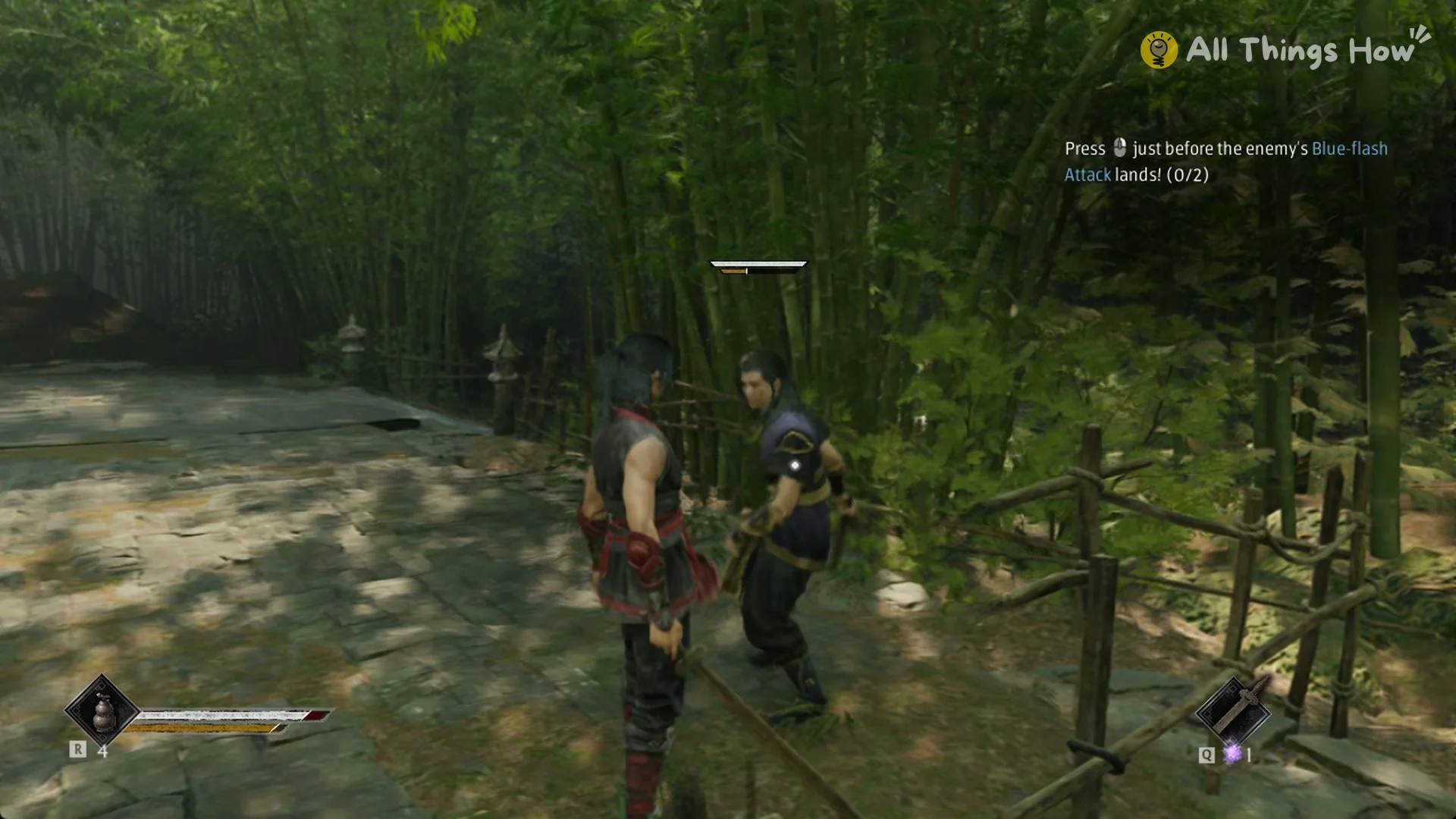
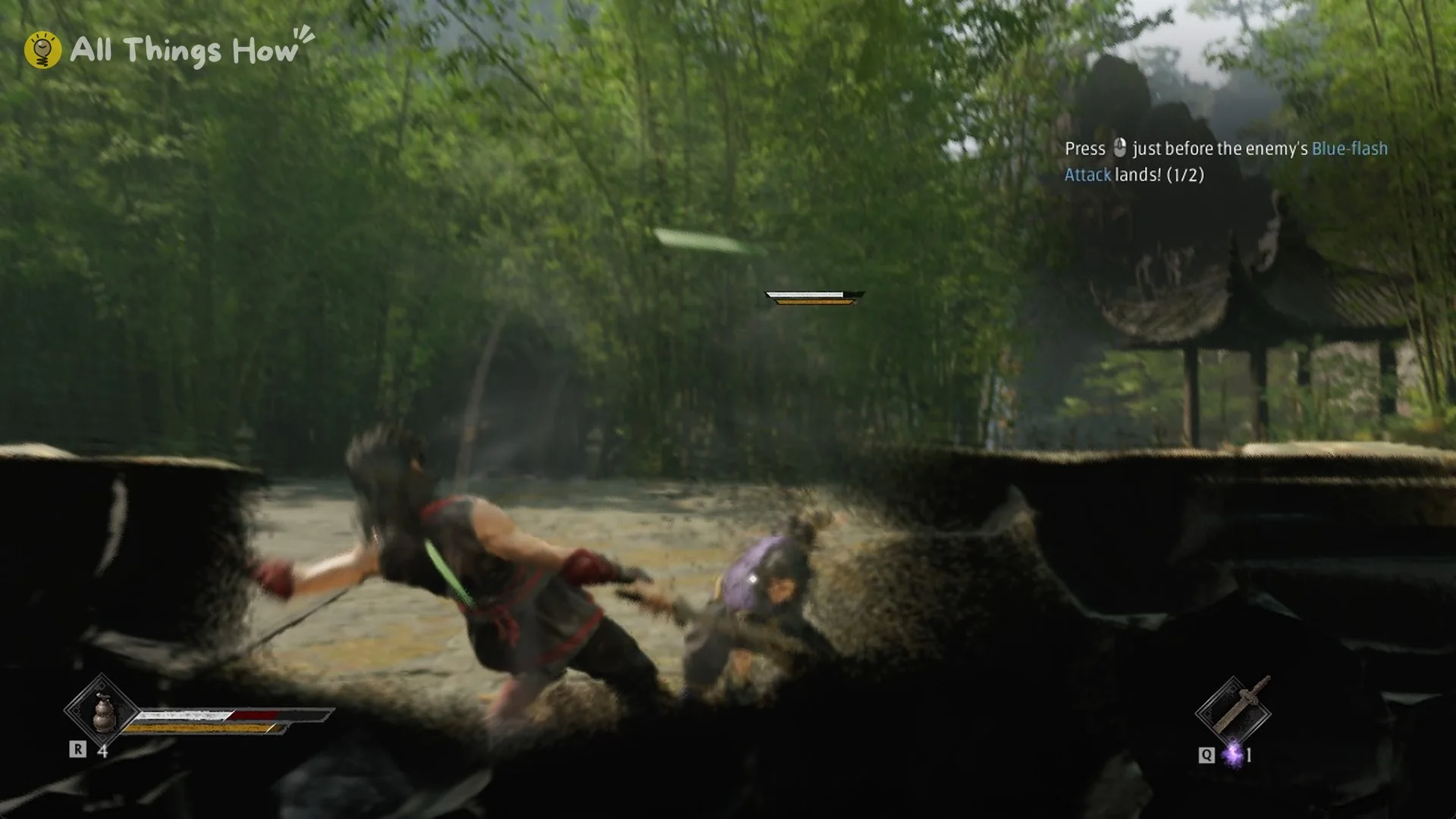
Simply blocking a Blue-flash attack with a held guard drains massive Sha-Chi, so time the press rather than turtling through it. How a held guard works is covered in our Guard Stance guide.
Red-flash attacks: Perfect Dodge instead
Red-flash attacks can’t be blocked, so Right Mouse won’t save you here. A red streak cuts across the screen as the enemy commits to the attack, and that’s your cue to press Dodge (Left Shift) just before it lands. Get the timing right and you pull off a Perfect Dodge. Both dodge types are explained in our Phantom Blade Zero dodge guide.
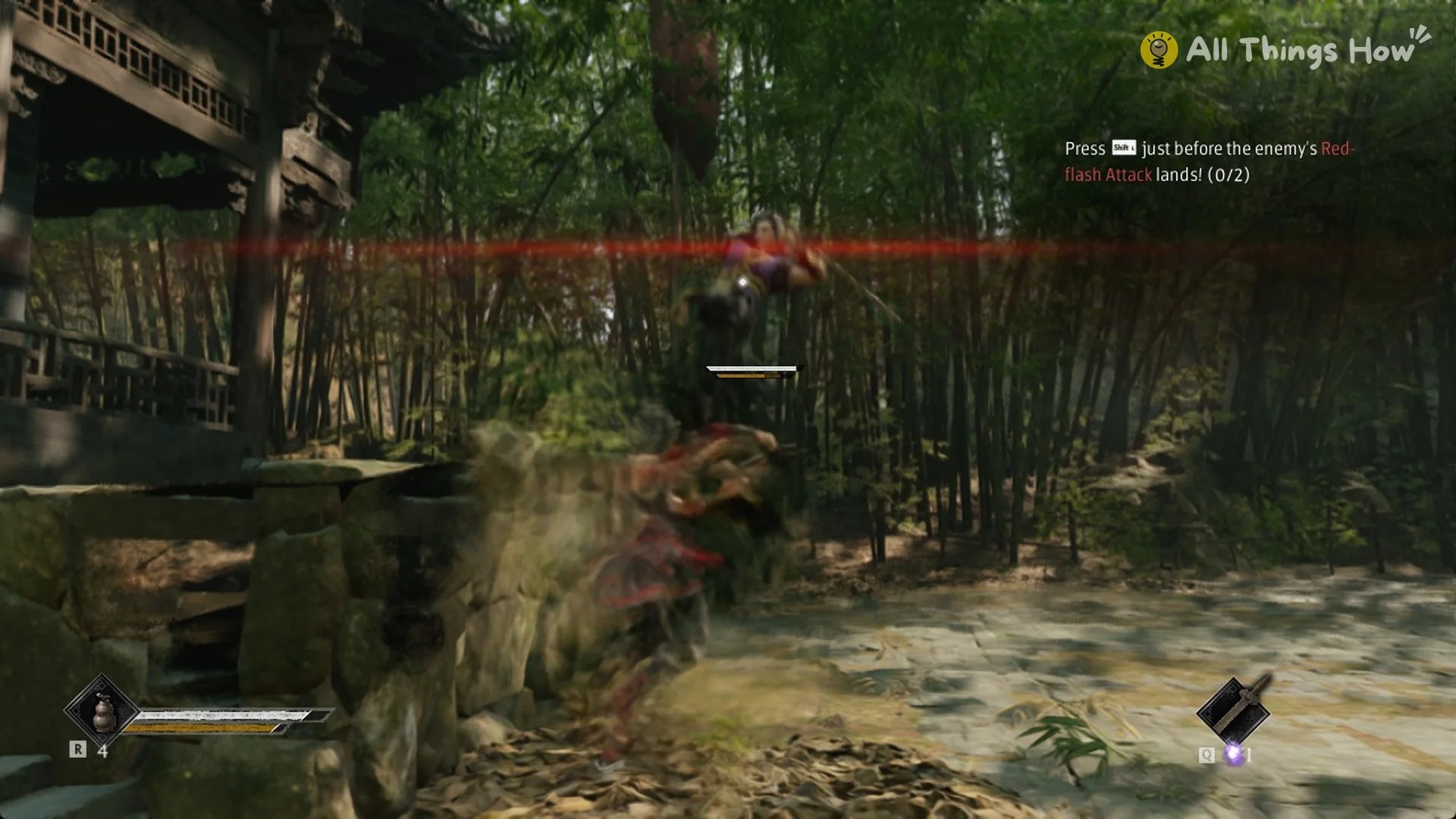
When an enemy flashes red, the game even nudges you with “try pressing Dash to counterattack!” One loading-screen tip sums up the whole system: “Parry blue and dodge red. Keep this in mind and you’ll go far.”
Perfect Block and Ghoststep
There’s a tighter timing above the parry. Pressing Stance at the exact moment of impact, rather than just before it, gives you a Perfect Block. Land one against a Blue-flash attack and you trigger a Ghoststep. The tutorial describes it this way: “tapping Deflect at the exact moment of impact to Perfect Block will trigger a Ghoststep, instantly slipping behind your foe!”
Red-flash attacks have their own version. Tap Dodge at the exact moment of impact instead of slightly early, and you Ghoststep behind the enemy the same way.
Parry window on each difficulty
The perfect deflect window shrinks as difficulty goes up, and blocking instead of parrying hurts more.
| Difficulty | Perfect deflect window | Sha-Chi damage when blocking |
|---|---|---|
| WAYFARER | 10 frames | x0.33 |
| PATHBREAKER | 8 frames | x0.66 |
| HELLWALKER | 8 frames | Full |
| 66 DAYS | 6 frames | Full |
66 DAYS has the tightest window in the game. On HELLWALKER and 66 DAYS, a held guard also takes full Sha-Chi damage, which makes timed parries close to mandatory. Every other per-mode change is in our Phantom Blade Zero difficulty modes guide.
Where Phantom Blade Zero teaches parrying
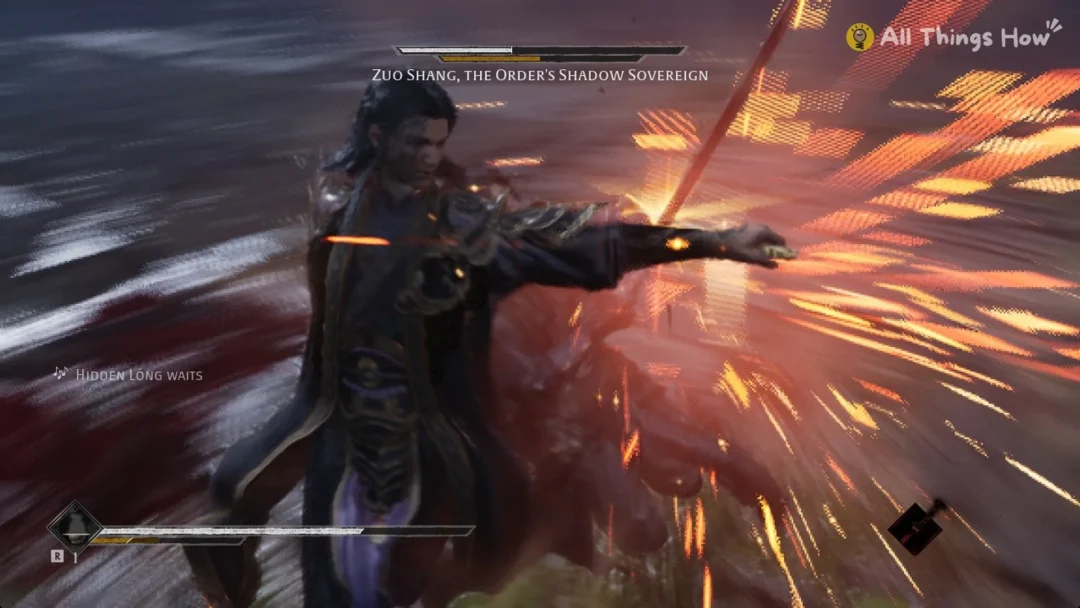
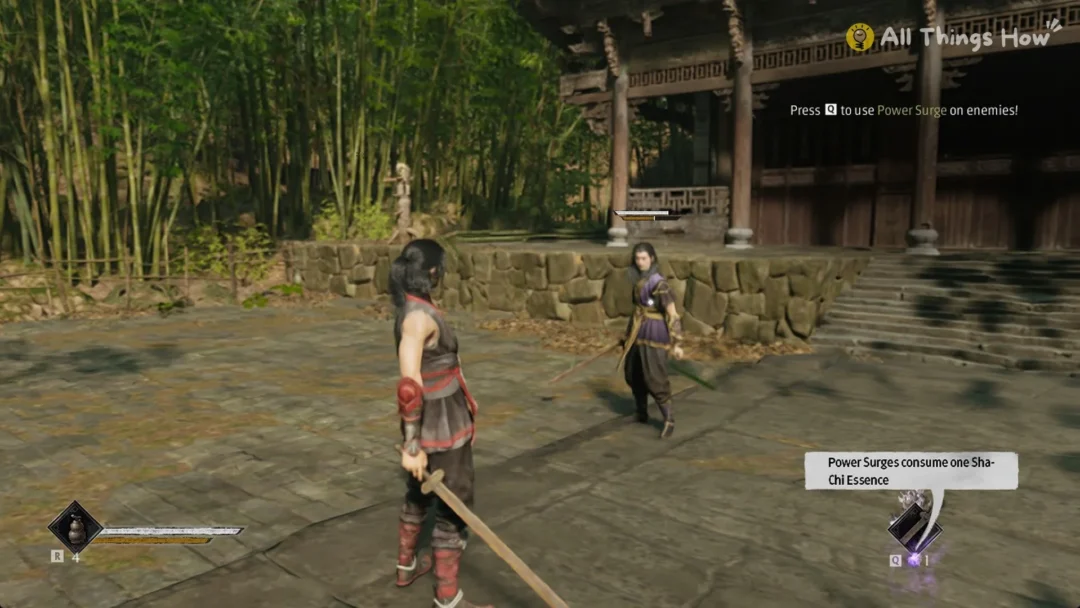
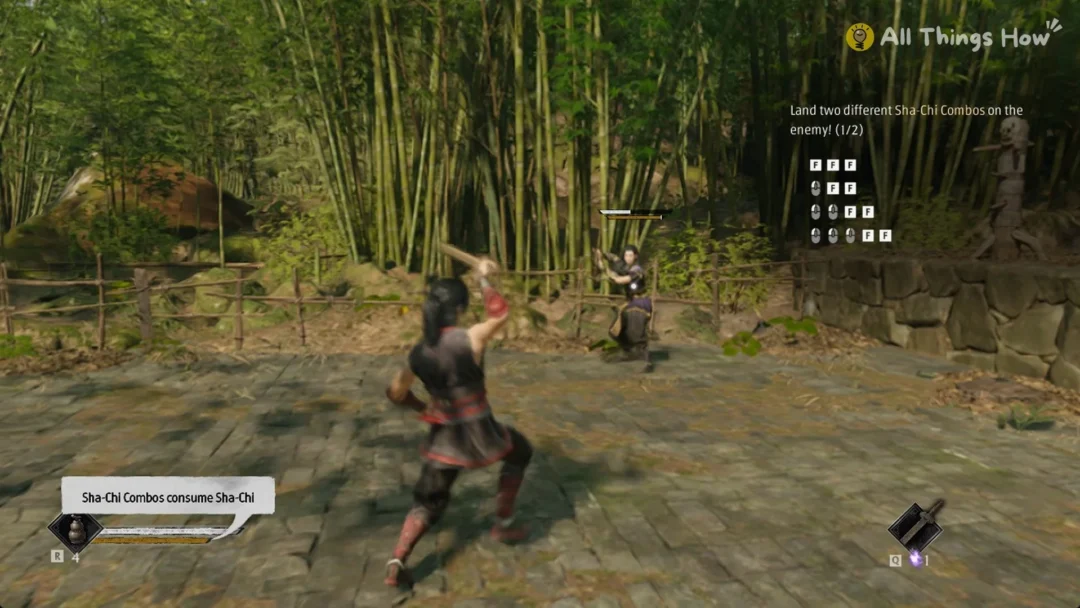
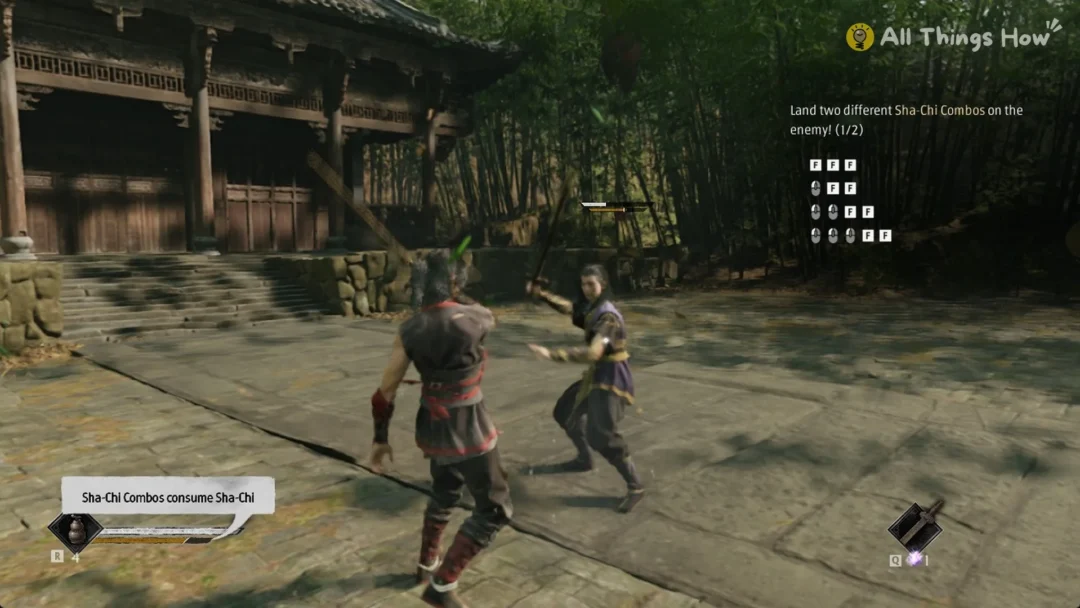
Parrying comes up in the prologue, during the sparring match with Zuo Shang in the sparring yard. The lessons arrive in order as on-screen tasks with counters, so you always know when a press counted.
If you skipped through any of these prompts, open Settings > Help. The screen notes that “Tutorials encountered during gameplay can be reviewed here.”, and the entries are grouped under Exploration, Offense, and Defense.