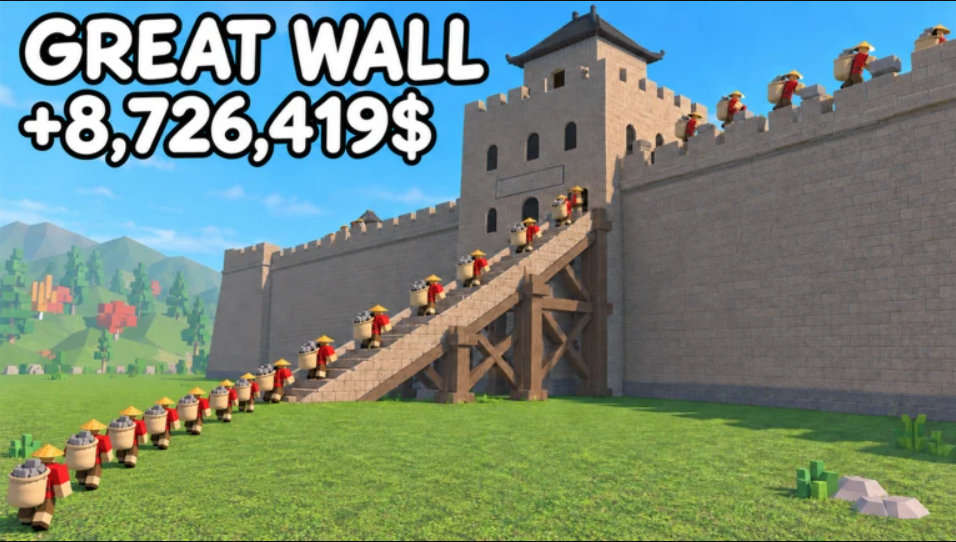
Build The Great Wall runs on a simple loop. You get stronger in the gym, haul stone out of the Quarry, and drop it onto the wall one glowing outline at a time. The game explains most of this through prompts, but it doesn’t tell you which freebies to grab, which coin upgrades matter, or what changes when the wall takes damage. Here’s how to get through the opening hour without wasting coins.
Quick answer: Train Strength and Speed to 20, claim the free Long Reach upgrade and your Day 1 reward, then repeat the Quarry-to-wall loop until the dragon event promotes you to Rammer and unlocks 2x Gym.
Build The Great Wall tutorial: Gym, free upgrade and Day 1 reward
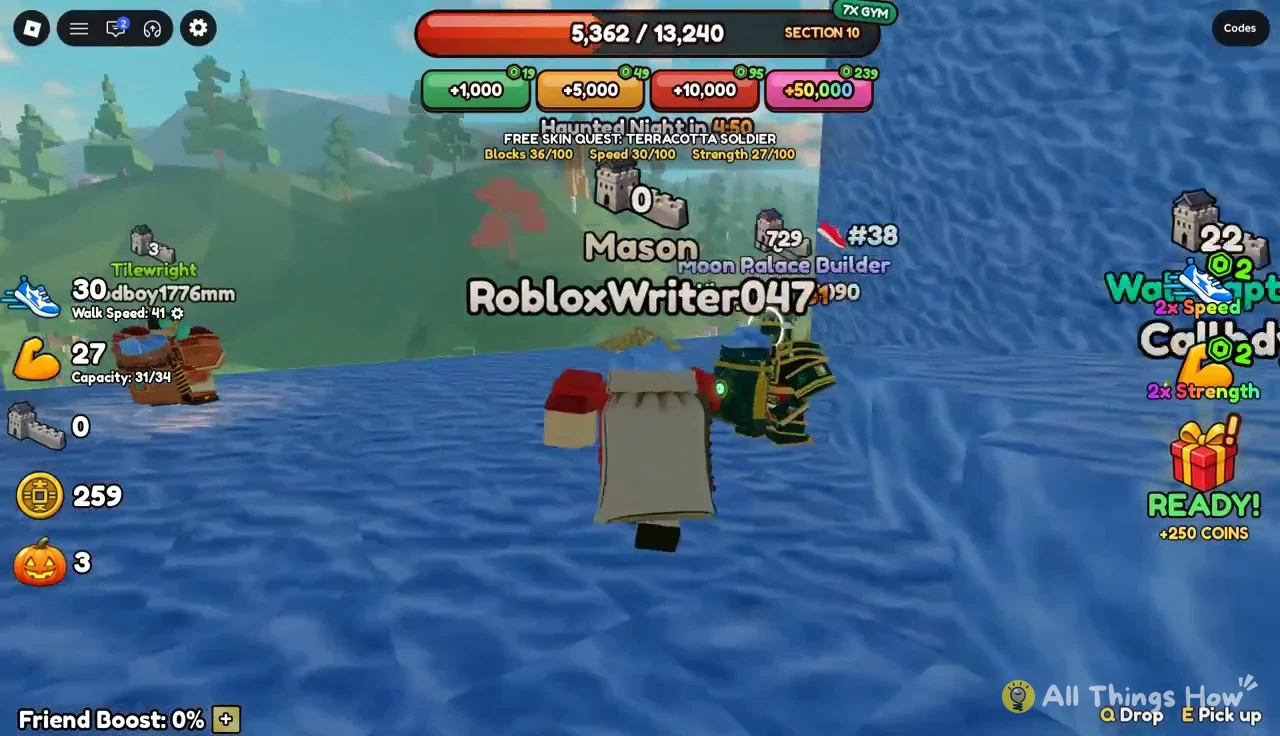
You spawn as a Mason, the starting rank shown above your name. The tutorial covers four short tasks, and each one feeds directly into how fast you build later. Strength makes your bag bigger. Speed makes you run faster. Both start at zero.
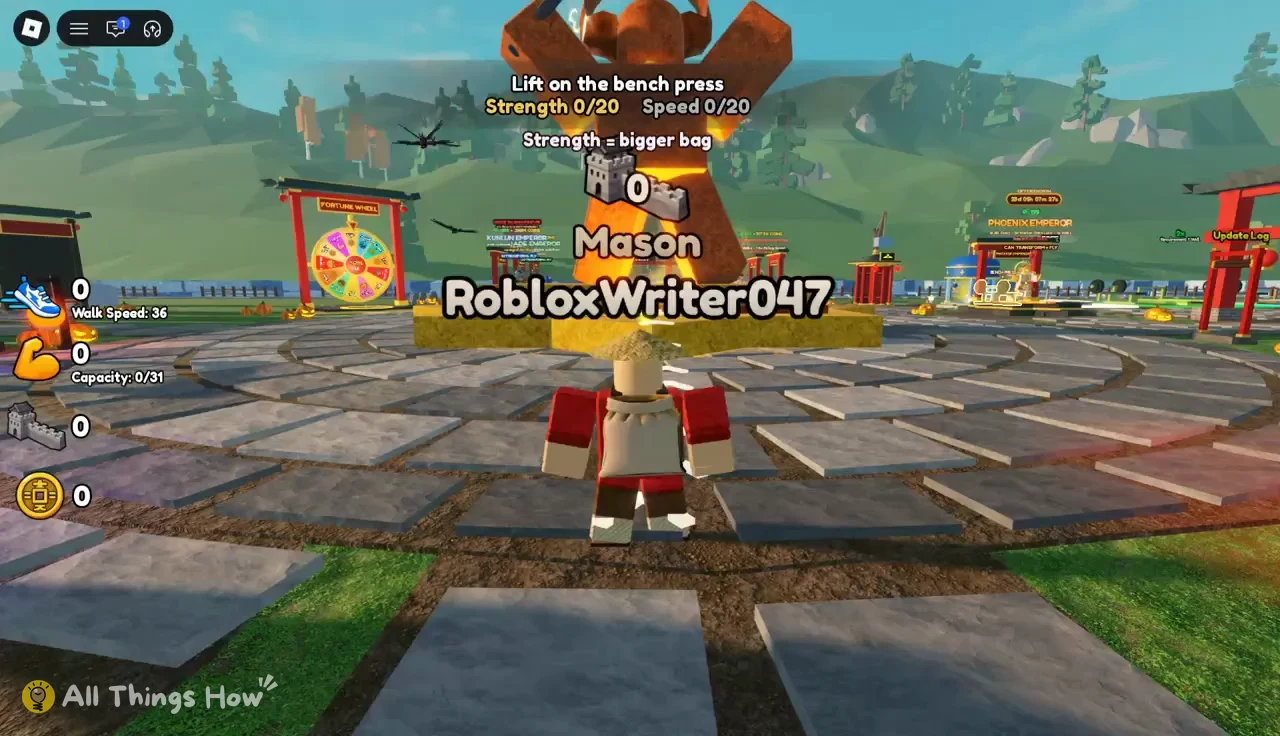
E at the Free Bench prompt and lift until Strength hits 20/20. Press SPACE to get off the bench when you’re done.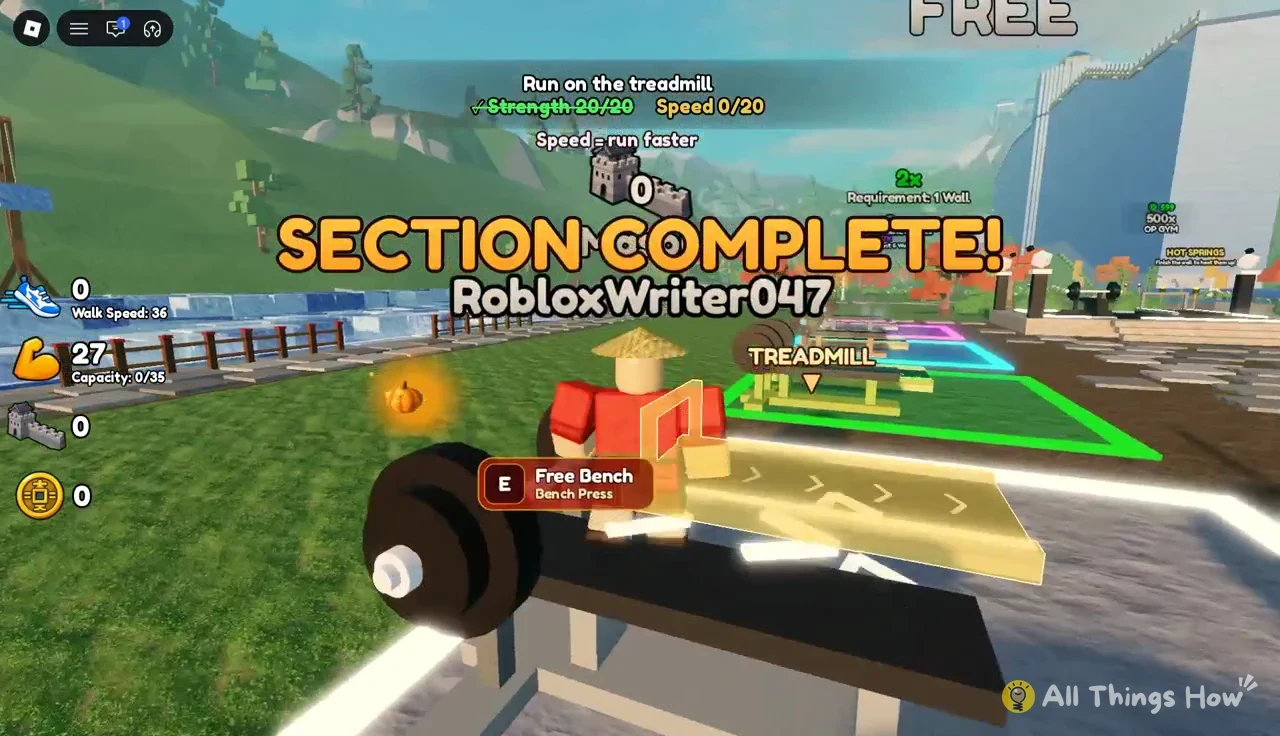
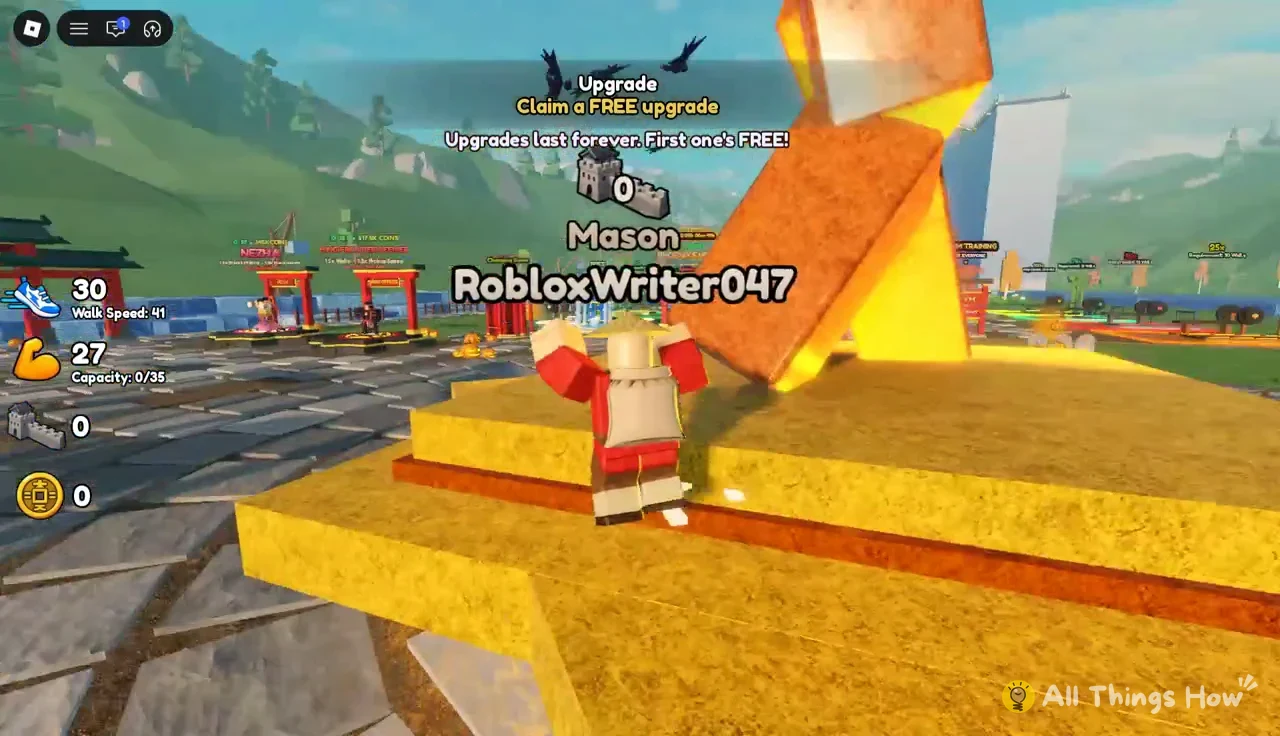
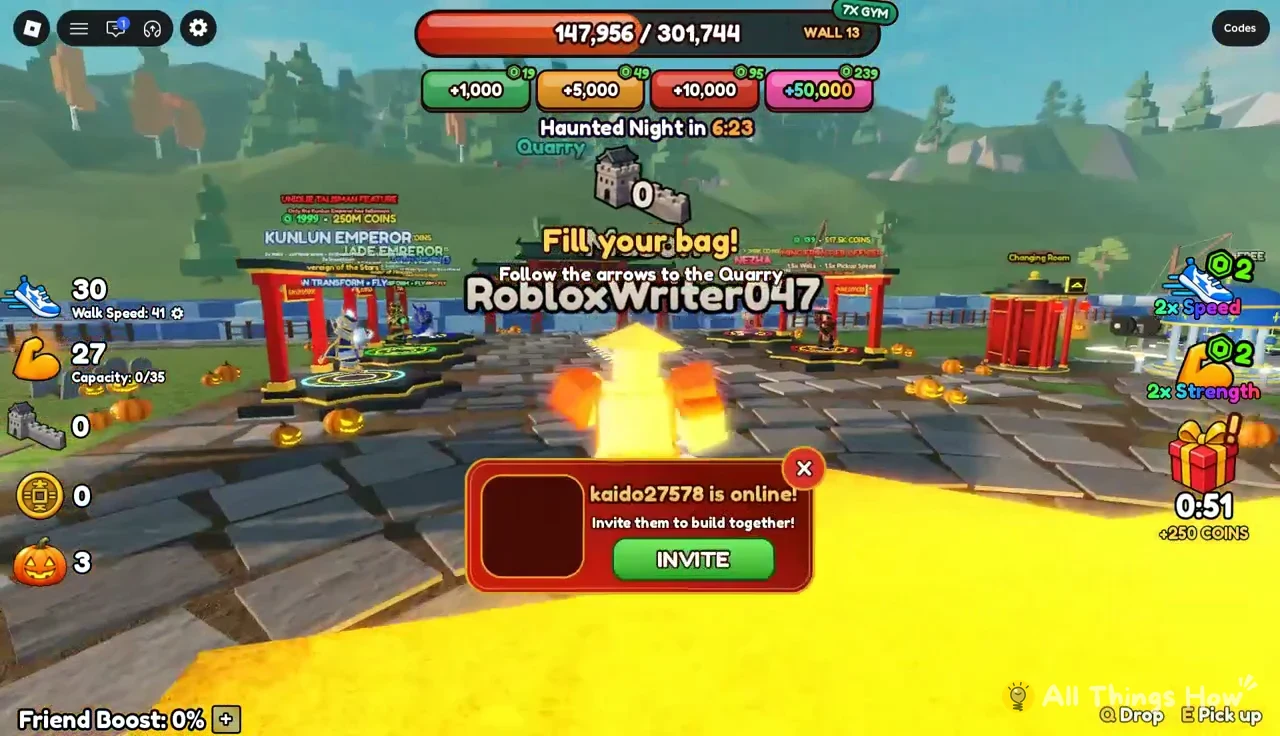
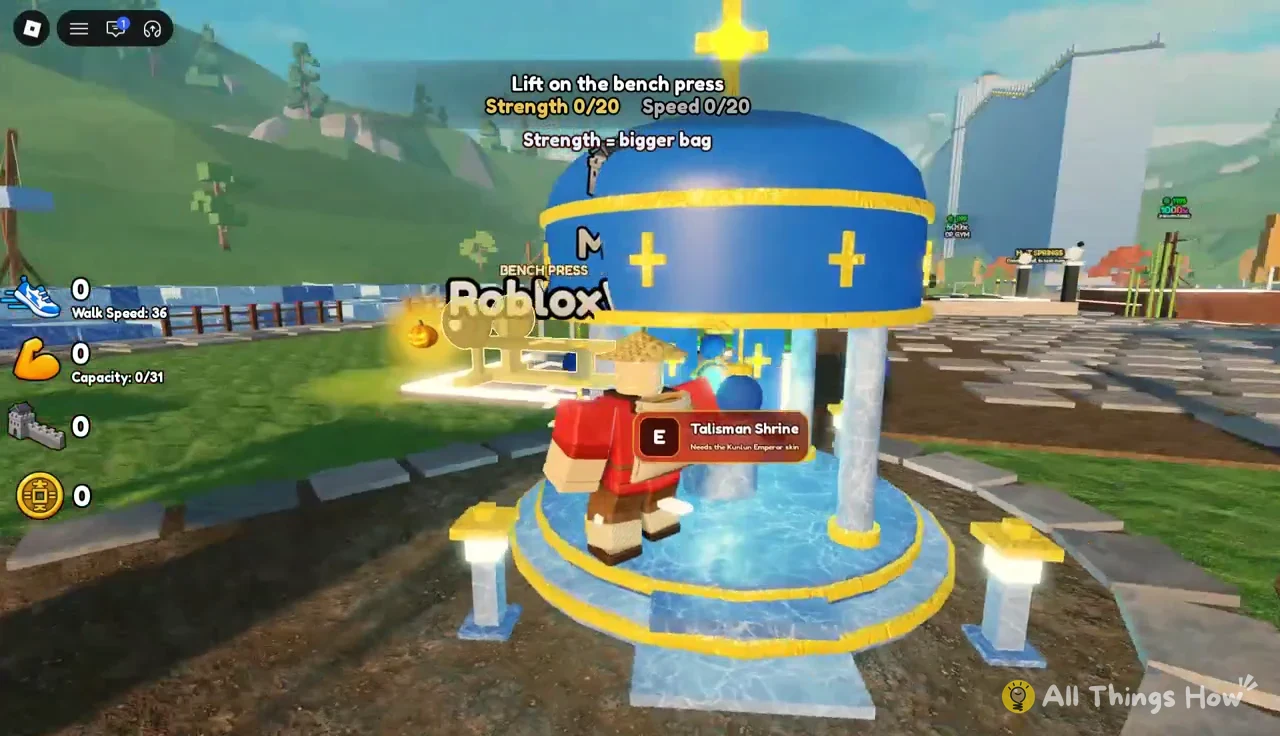
You’ll know the tutorial is finished when the game shows “Tutorial complete! Now fill your bag at the Quarry!” The plaza also has shrines you can’t use yet. The Talisman Shrine, for example, is gated behind a much higher rank.
The Quarry-to-wall building loop
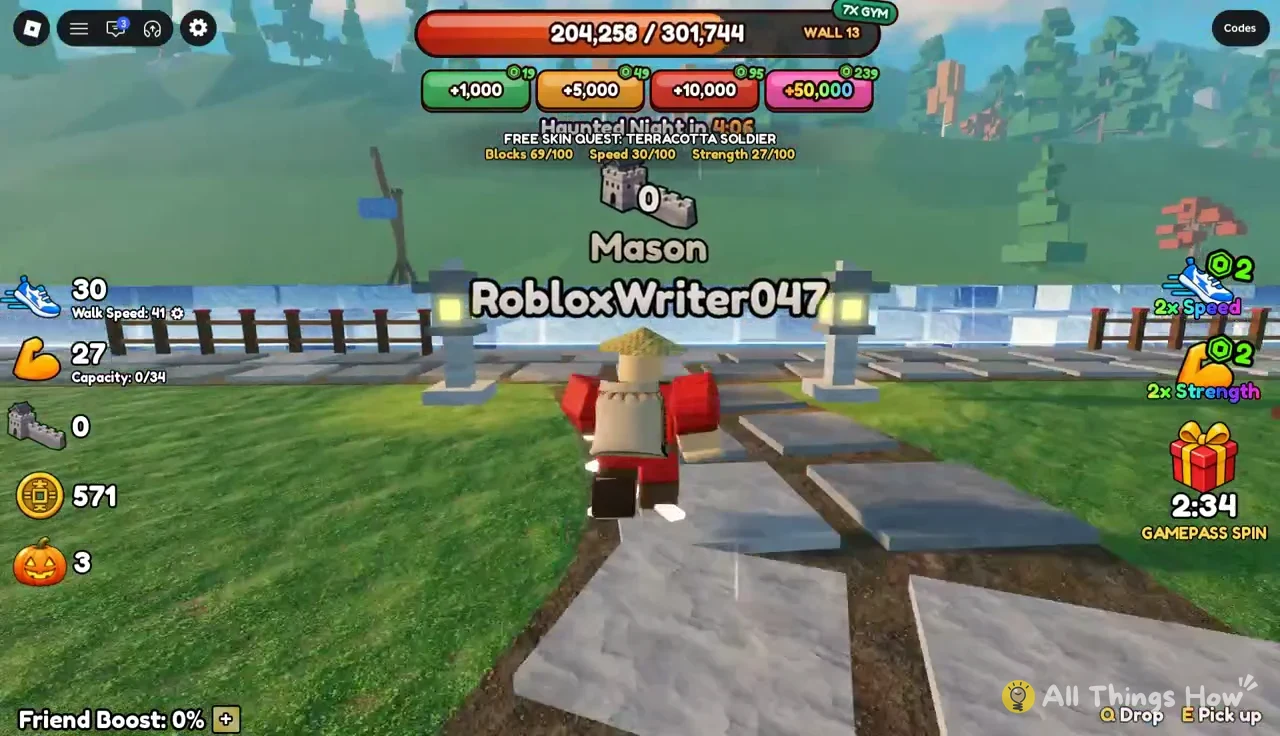
Everything after the tutorial is this loop, repeated. At starting stats your bag holds about 35 blocks, which runs out fast. That’s why the gym matters so much early on.
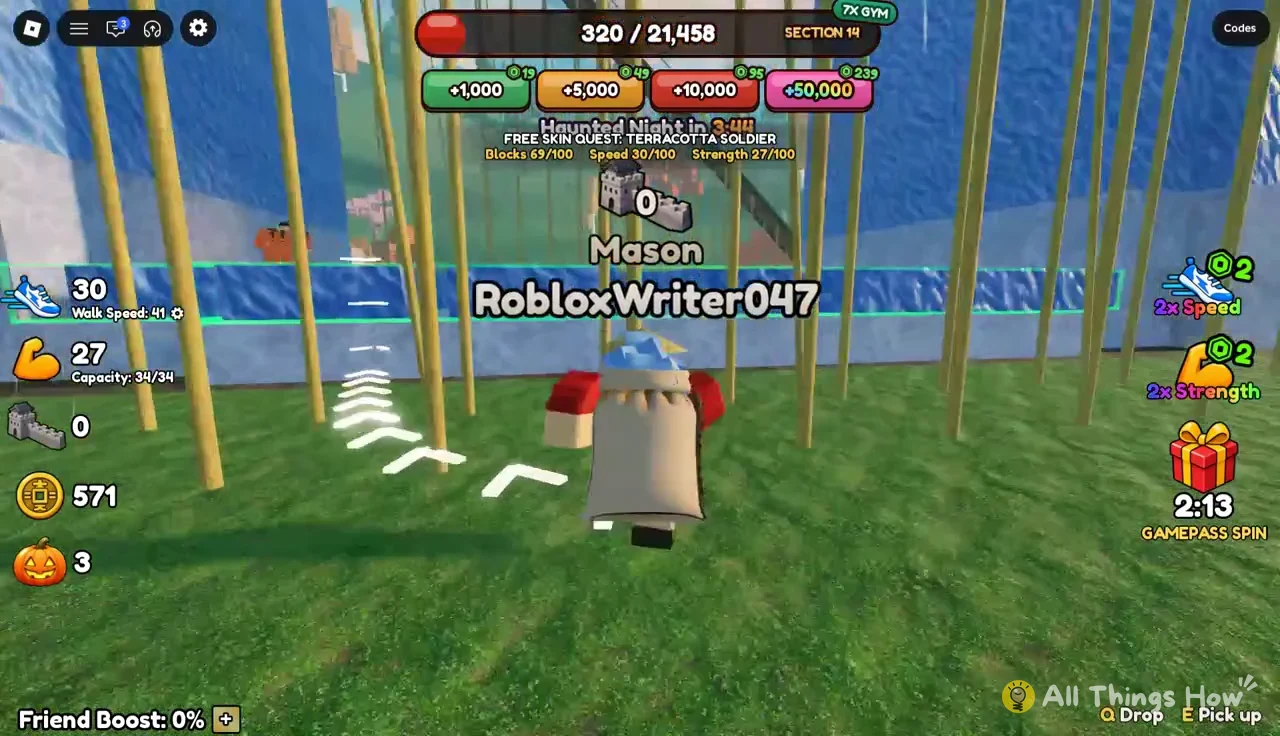
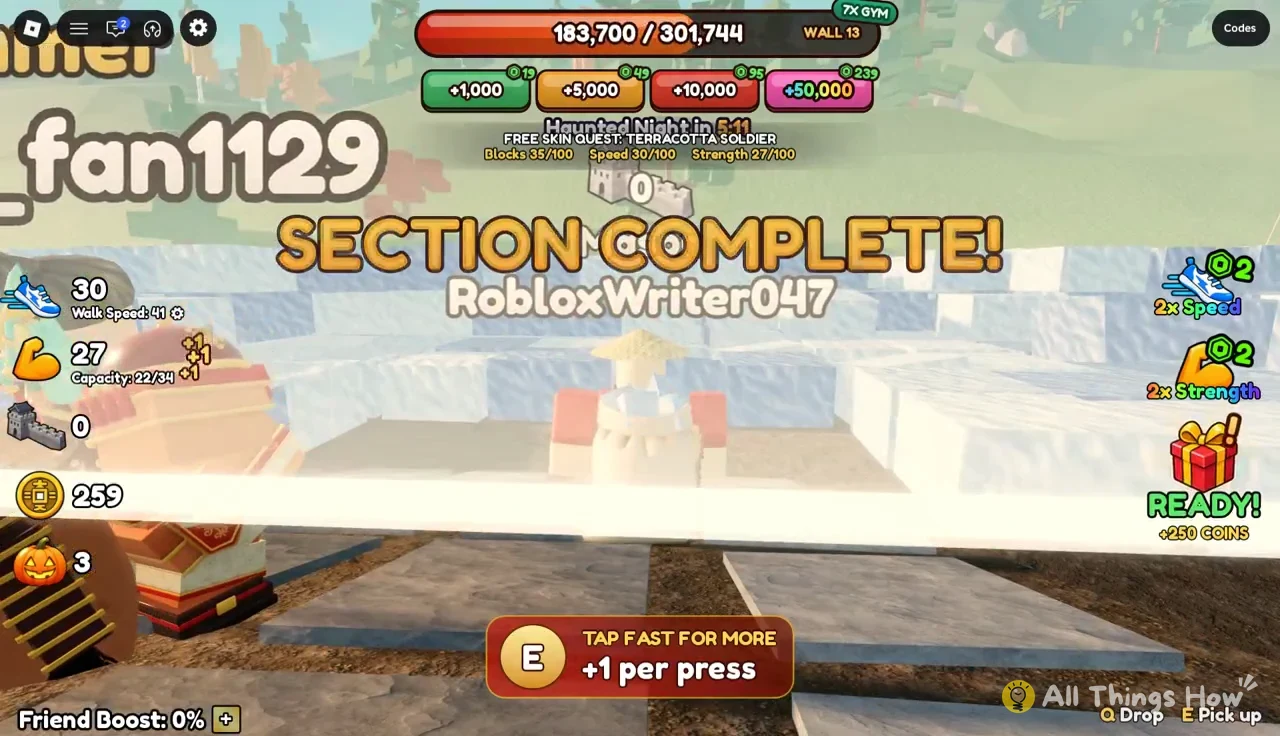
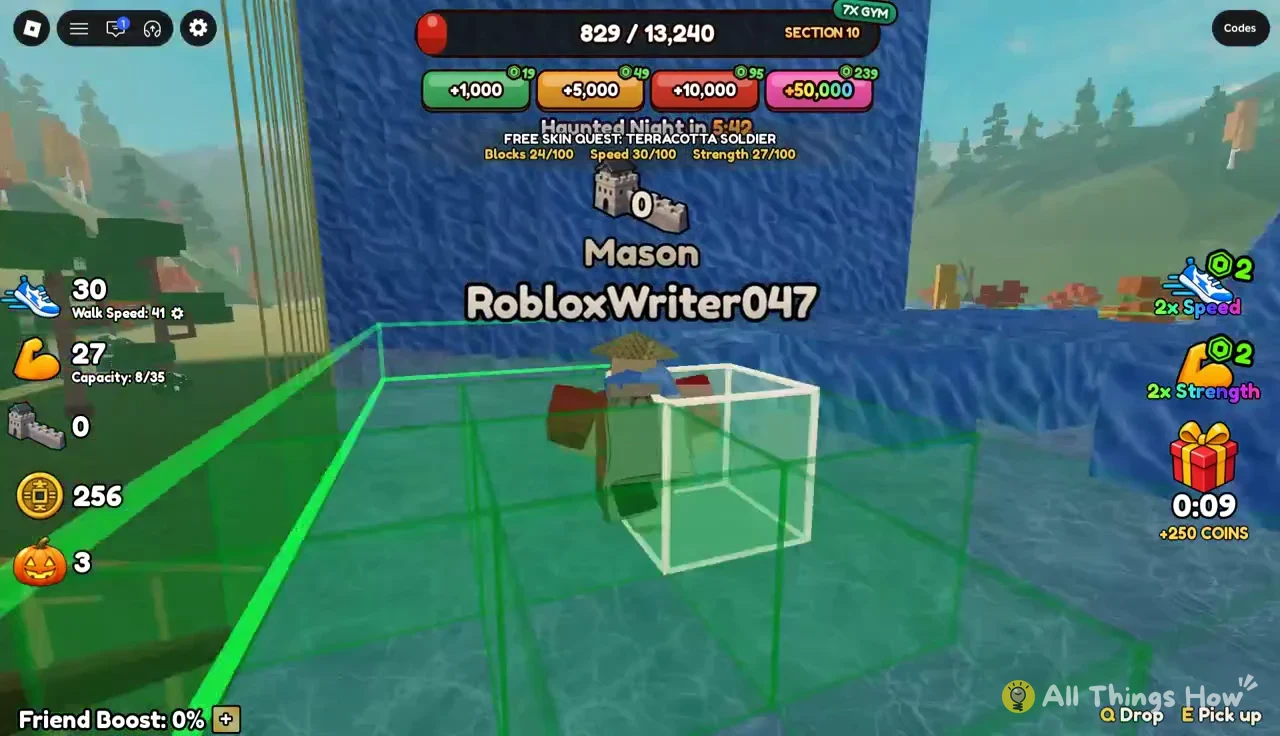
E as fast as you can at the pit’s edge. Each press adds one block (“TAP FAST FOR MORE +1 per press”), and your sack fills with blue stone as you go. The game says “Bag full! Go build!” when you hit capacity.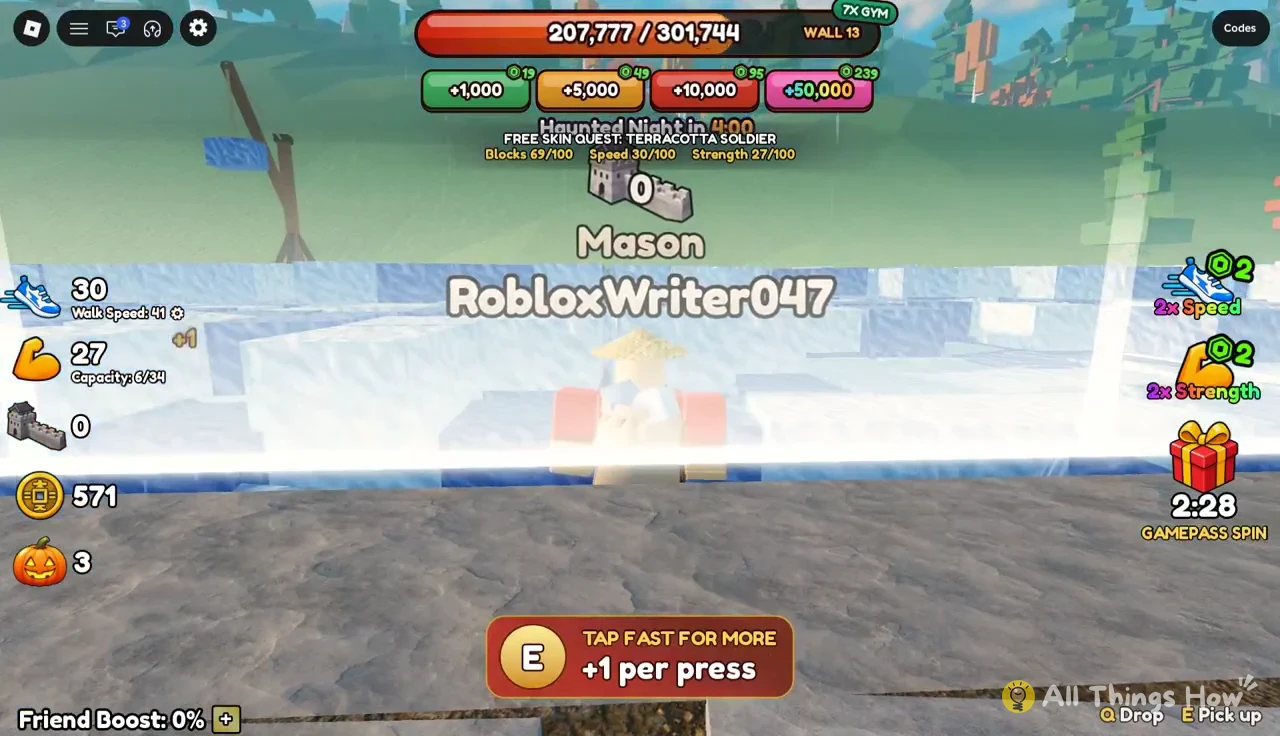
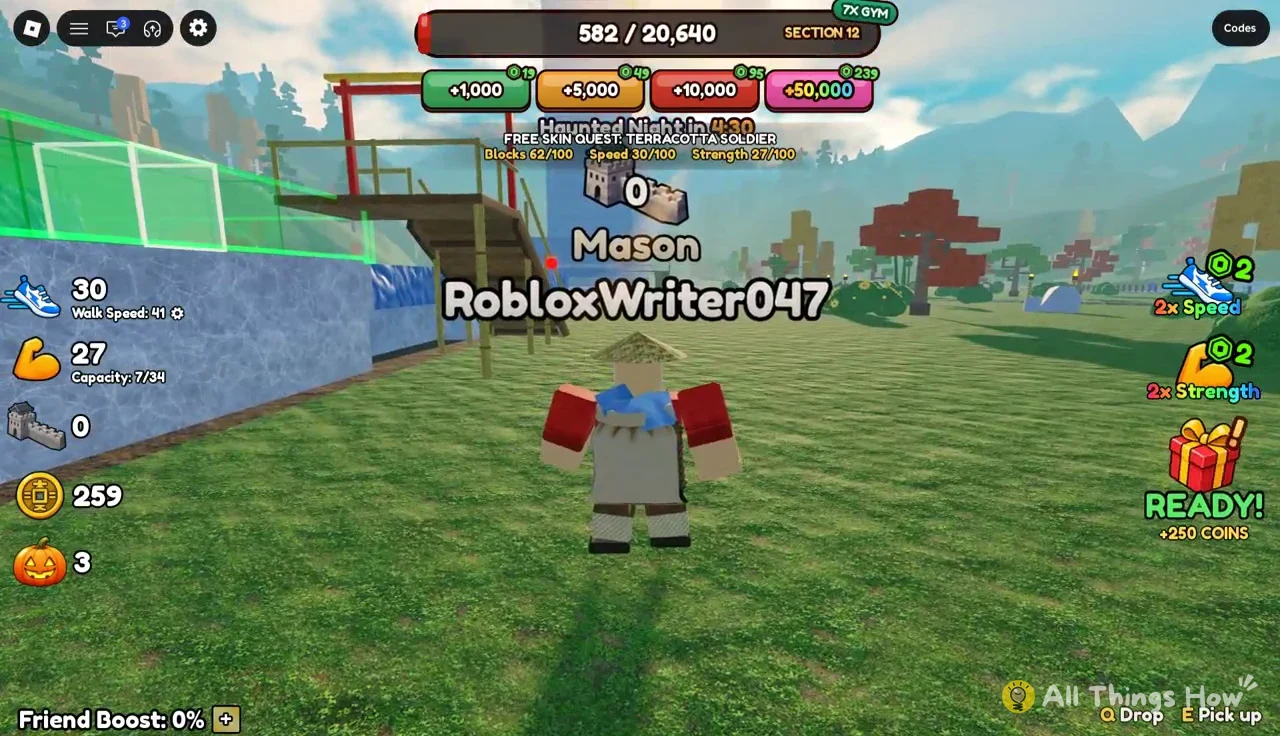
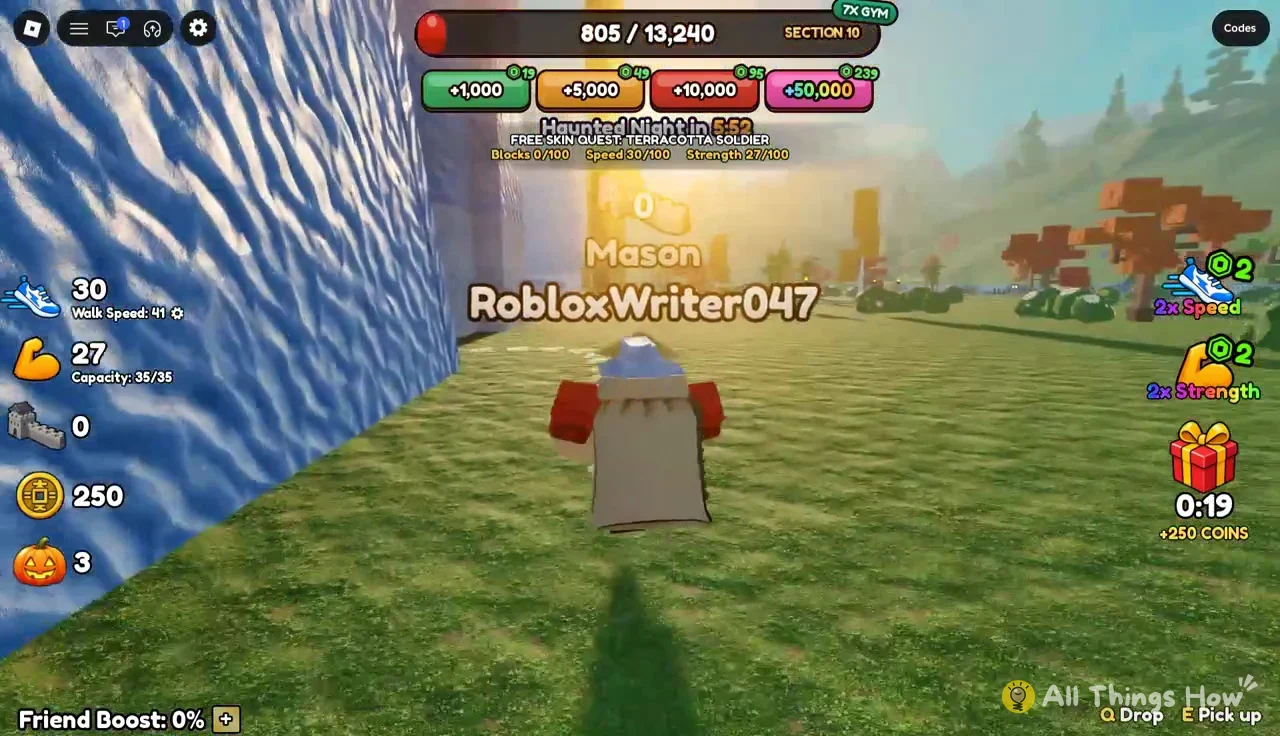
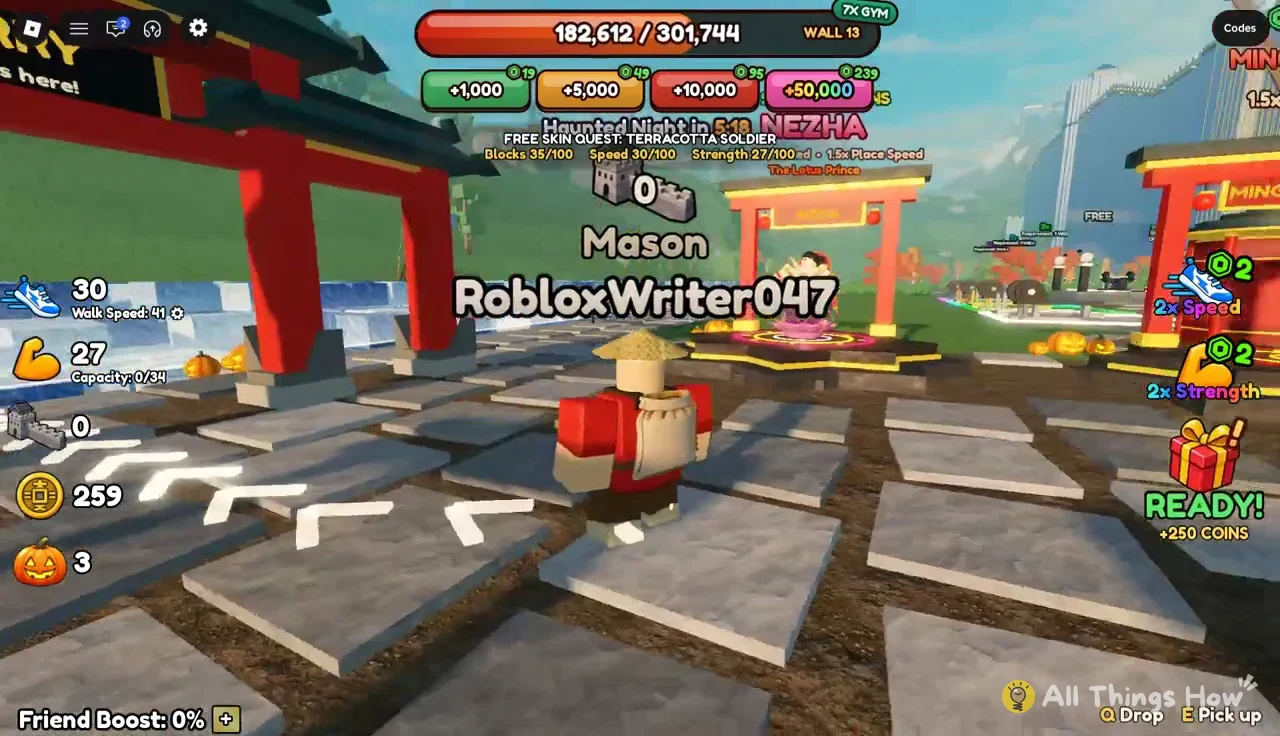
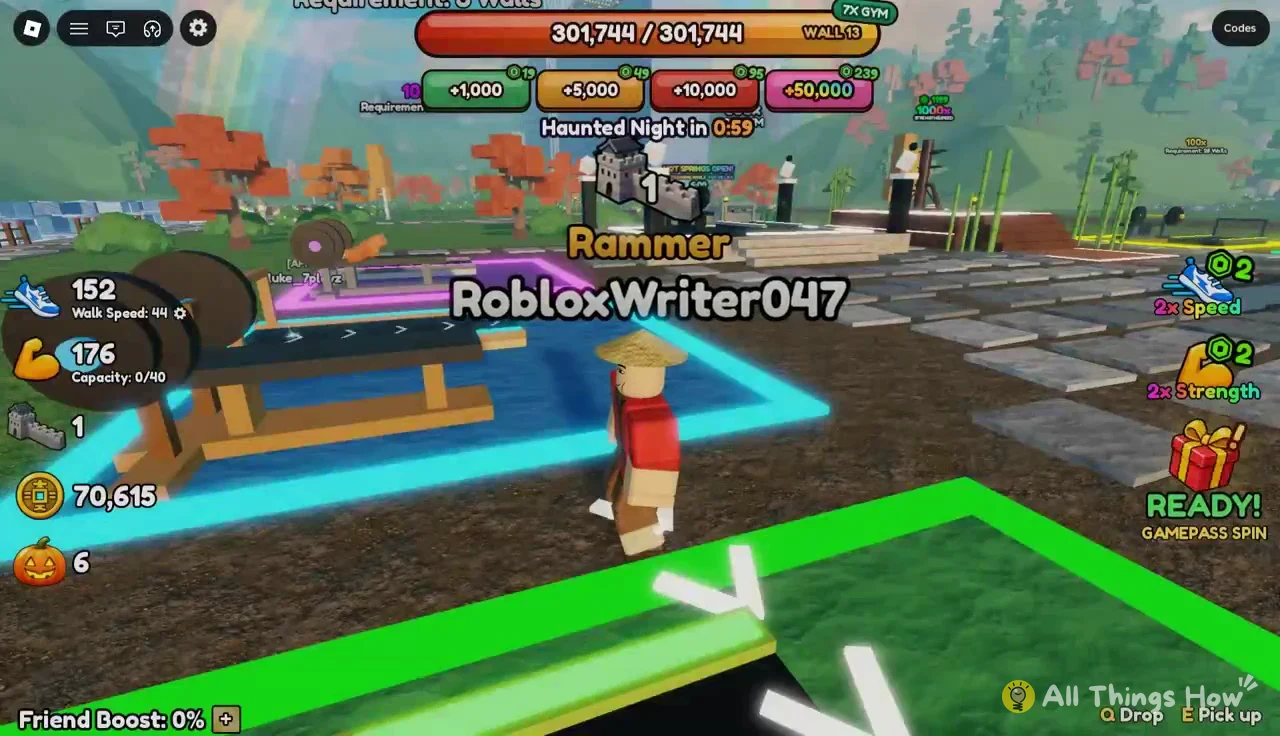
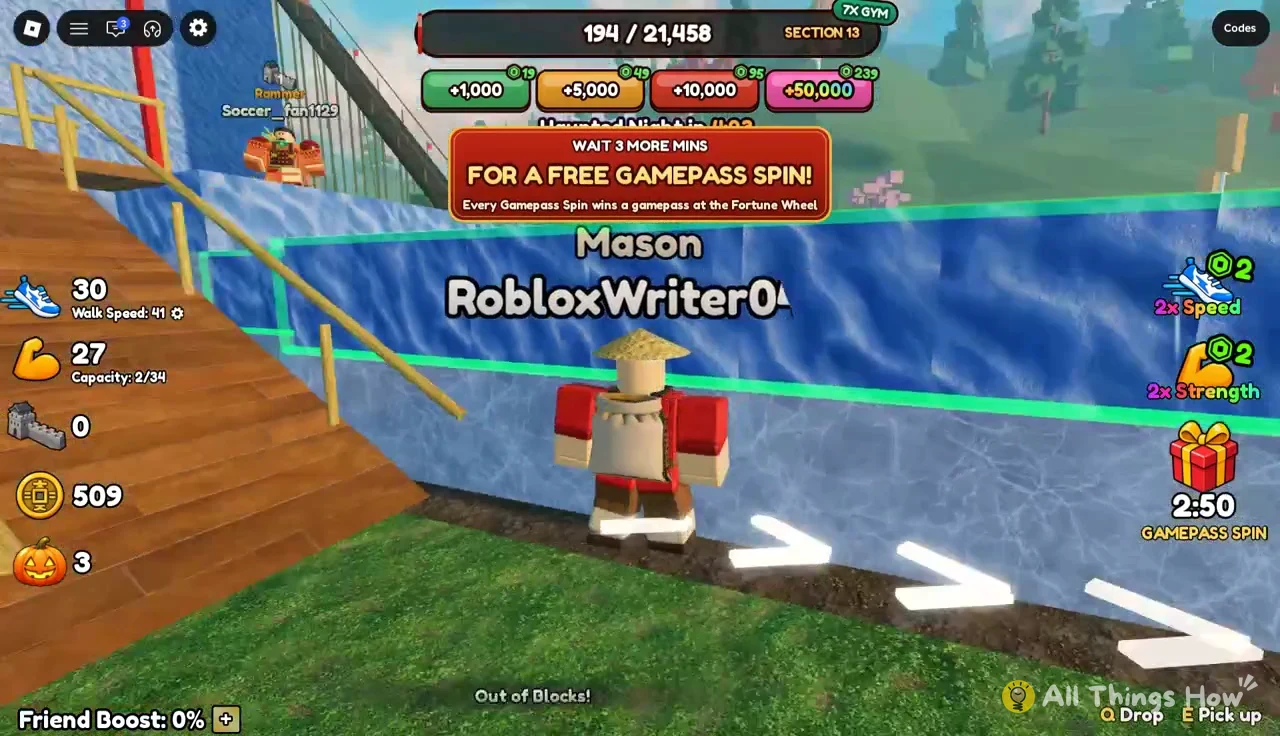
Later sections are much bigger. Wall 13, for example, needs more than 300,000 blocks in total, and it’s shared progress, so other players on the server fill it alongside you.
Best first upgrades in Build The Great Wall
The Upgrades kiosk sells permanent boosts for coins or Robux. Starting prices are low, so these are the best use of your first few hundred coins.
| Upgrade | Effect | Next level change | Next level cost |
|---|---|---|---|
| Long Reach | Build from further away | 24 → 28 studs (free) | 230 coins or 19 Robux |
| Master Mason | Chance of a free extra block | 0% → 5% | 85 coins or 12 Robux |
| Swift Hands | Build faster | 0% → 8% faster | 85 coins or 12 Robux |
| Quarry Strength | Listed in the menu | — | — |
Master Mason and Swift Hands each cost 85 coins for their first level. Your Day 1 reward alone covers both. Long Reach’s second level costs more, and a longer reach saves less time than free blocks and faster building do while your bag is still small.
Free coins, gifts and daily rewards
The game hands out a steady stream of coins and boosts. Daily Streak rewards climb each day you come back.
| Streak day | Reward |
|---|---|
| Day 1 | +250 coins |
| Day 2 | 5x Gym |
| Day 3 | +1,500 |
| Day 4 | +3 |
| Day 5 | +3,000 |
| Day 6 | 10x Gym |
| Day 7 | Phoenix Emperor |
| Quest | Free skin (Terracotta Soldier) |
Outside the streak, there are a few other freebies worth grabbing:
- Timed gift: a “+250 COINS ready! Tap the gift” prompt appears periodically. Tap it to collect.
- Free Gift: requires you to like the game, favorite it and join the community group.
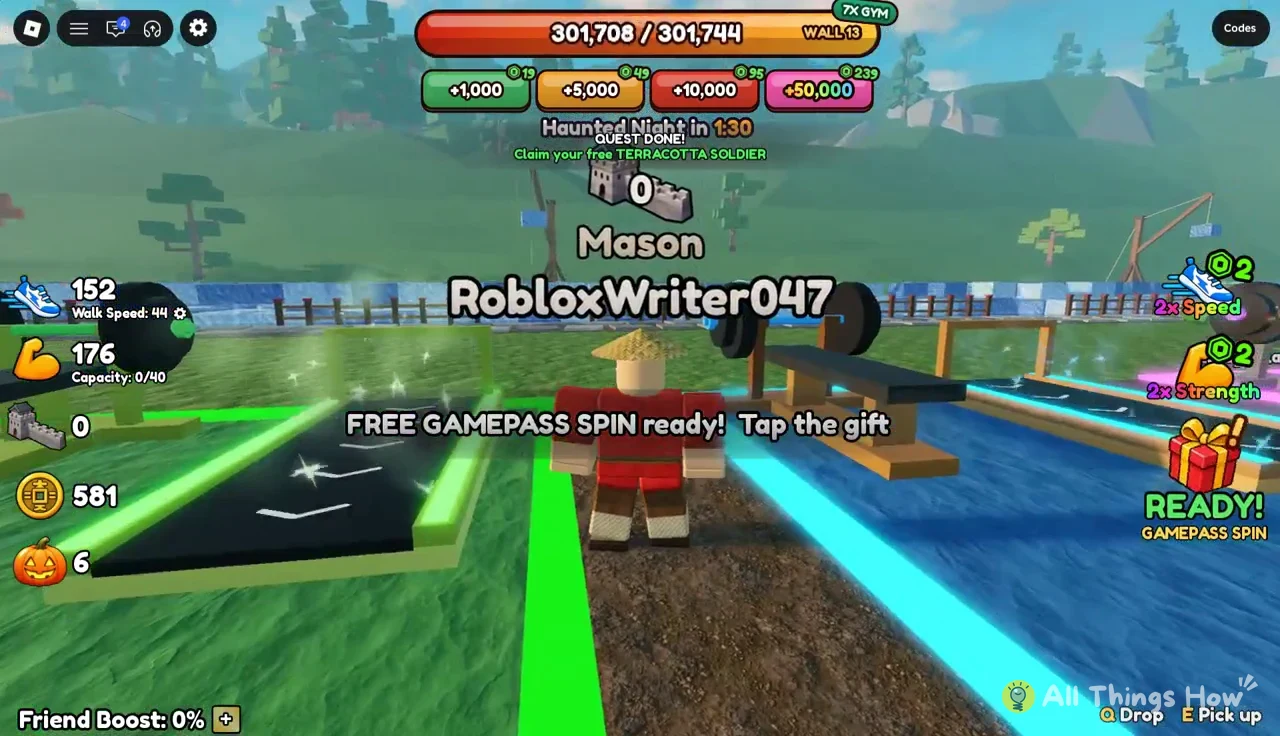
- Free Gamepass Spin: claimed from the gift button when it shows READY!
- Event pumpkins: scattered around the spawn area during the Halloween event. Walk over them to collect.
If the Free Gift says “Could not verify liked status! Please like the game and try again,” the game hasn’t detected your like yet. Like the game on its Roblox page and try again.
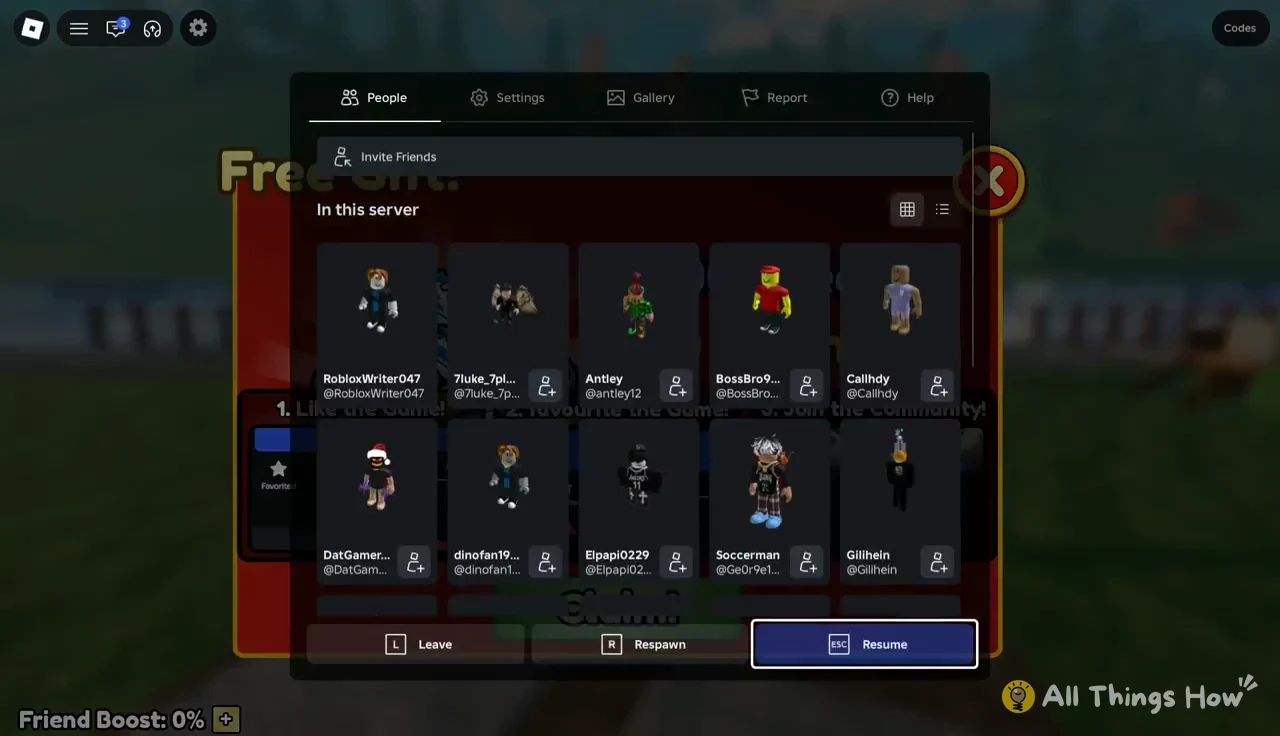
The Roblox escape menu lists everyone on your server, which helps if you want to invite friends to help with shared wall progress. Hit Resume to get back to building.
Terracotta Soldier free skin quest
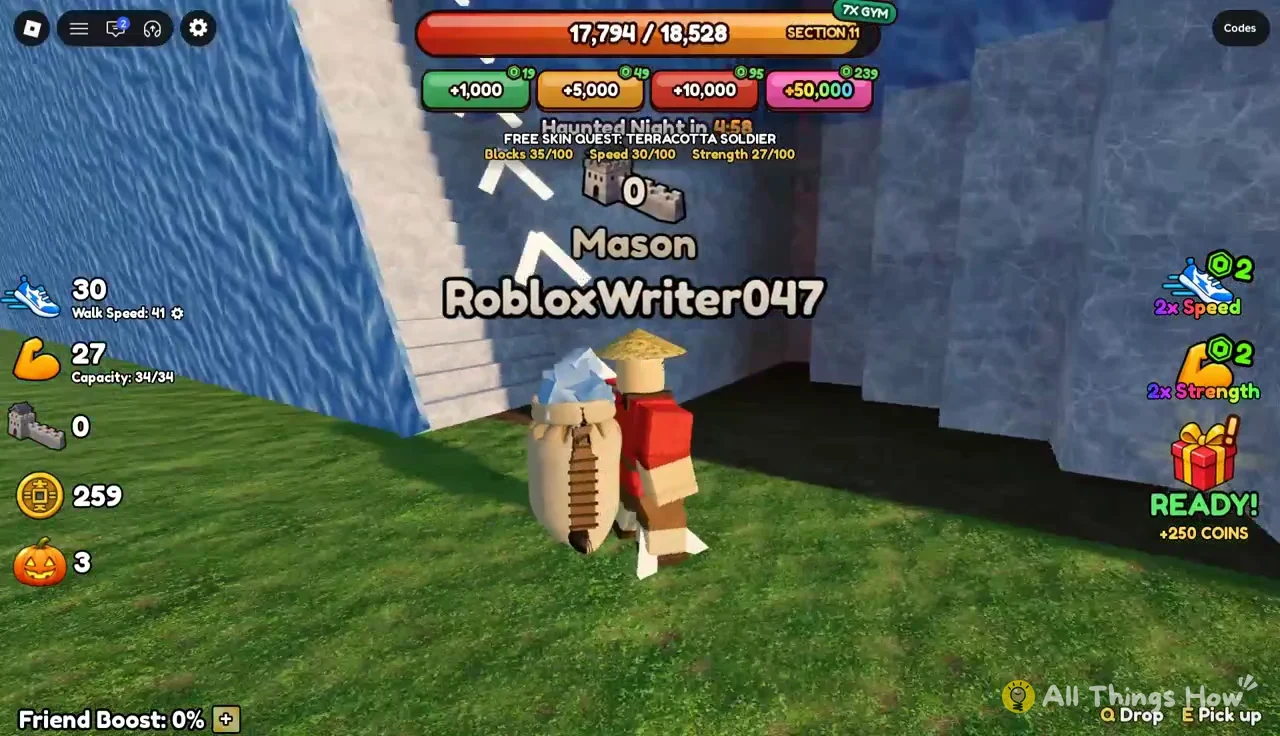
The free Terracotta Soldier skin comes from a quest that counts blocks you build. Its tracker stays on screen while you work, so you don’t need to do anything special. Keep building, and the counter fills on its own.
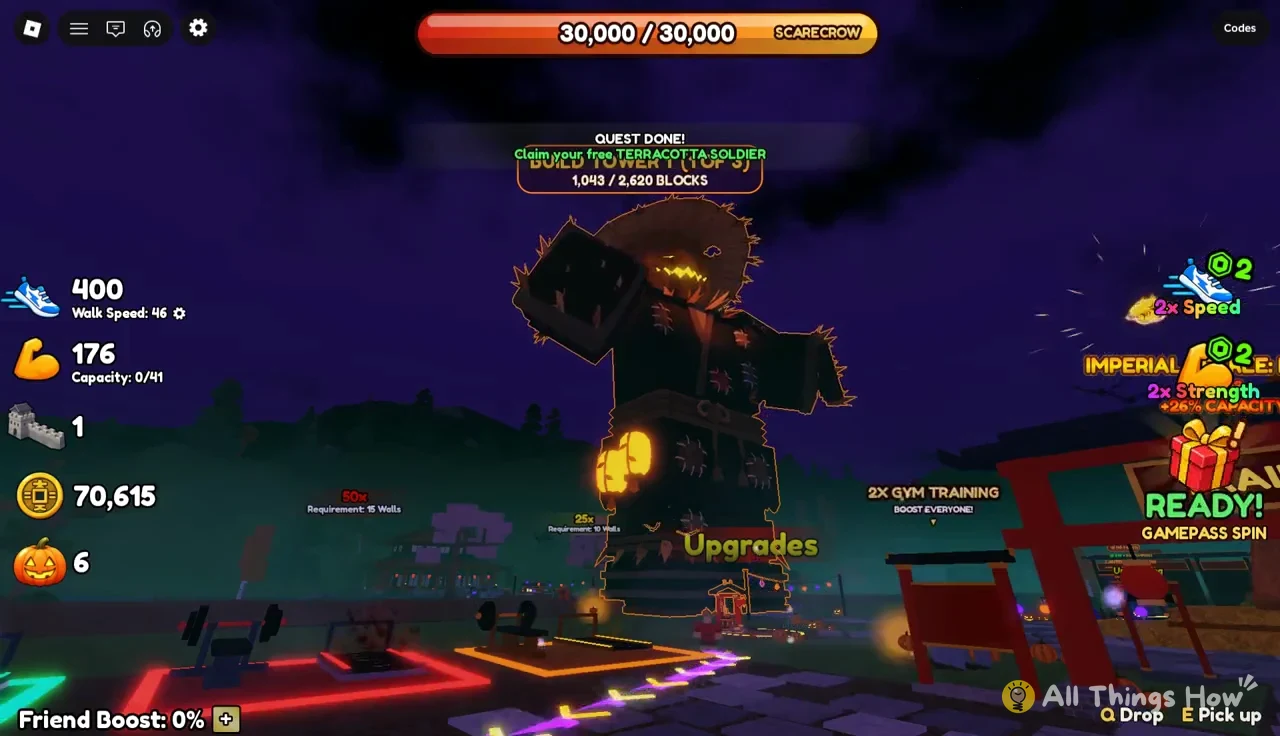
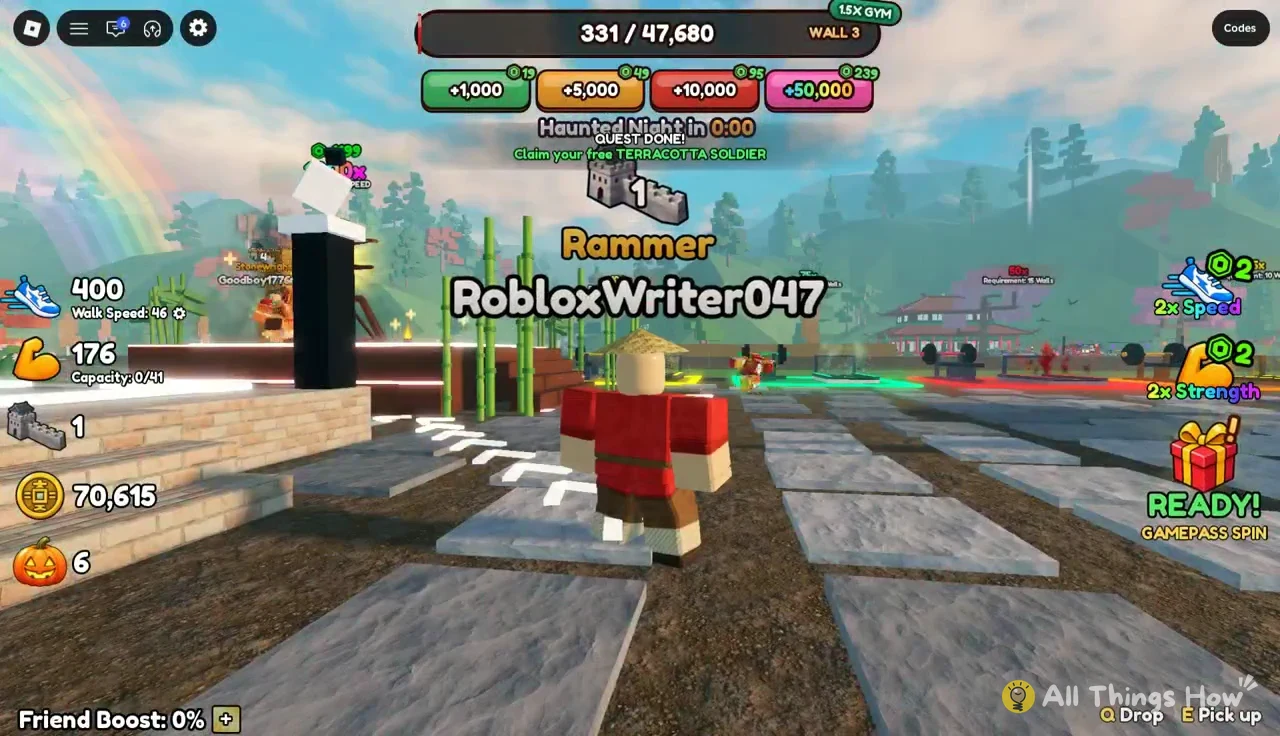
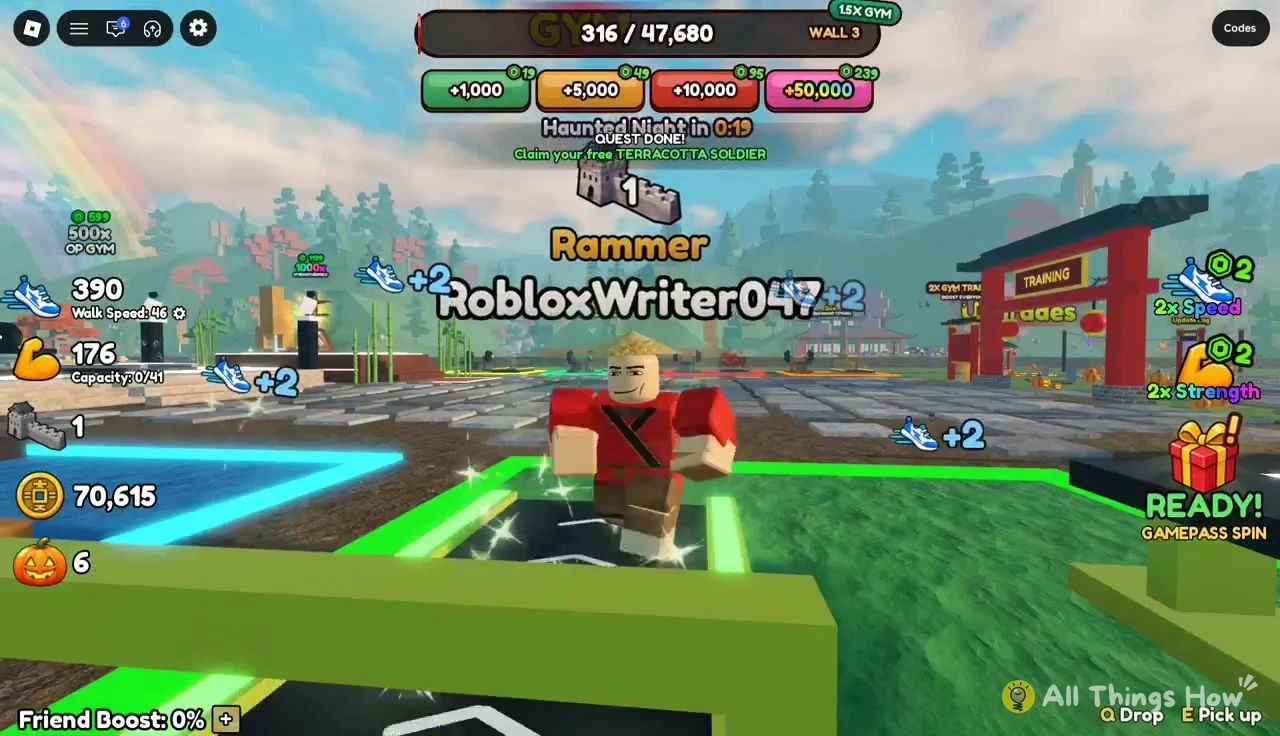
You’ll know the quest is done when a “Quest done! Claim your free TERRACOTTA SOLDIER” banner appears. Tap it to collect the skin.
Gym training after the tutorial: Multipliers and costs
Twenty Strength and twenty Speed won’t carry you far. Go back to the gym between Quarry runs. The 1.5x Gym treadmill can push Speed past 100 in a few minutes, and every point of Strength adds bag space.
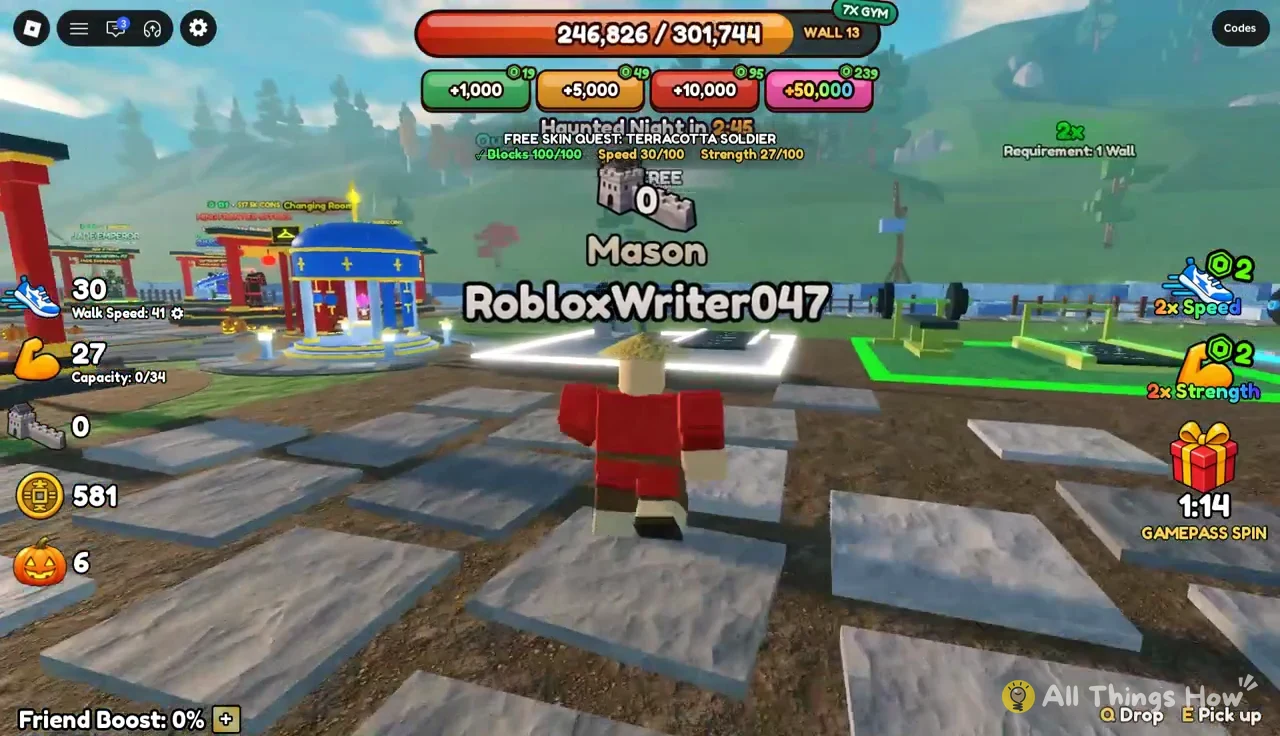
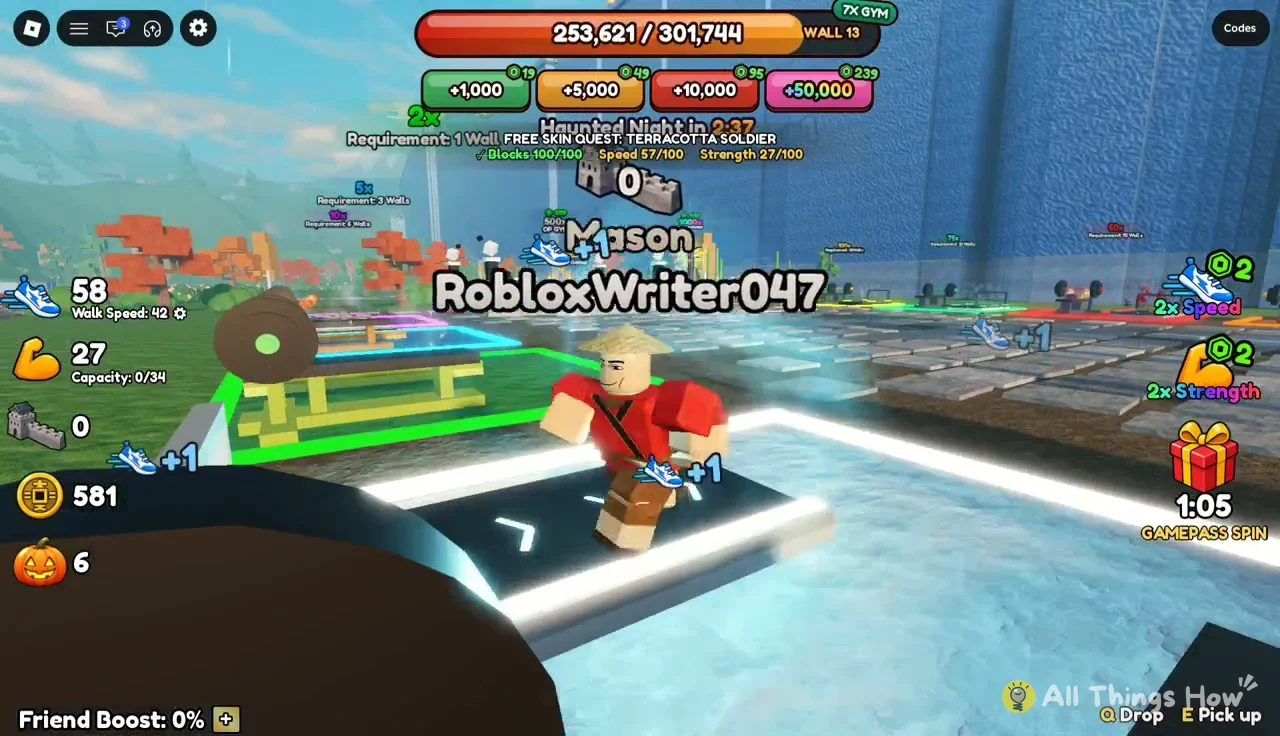
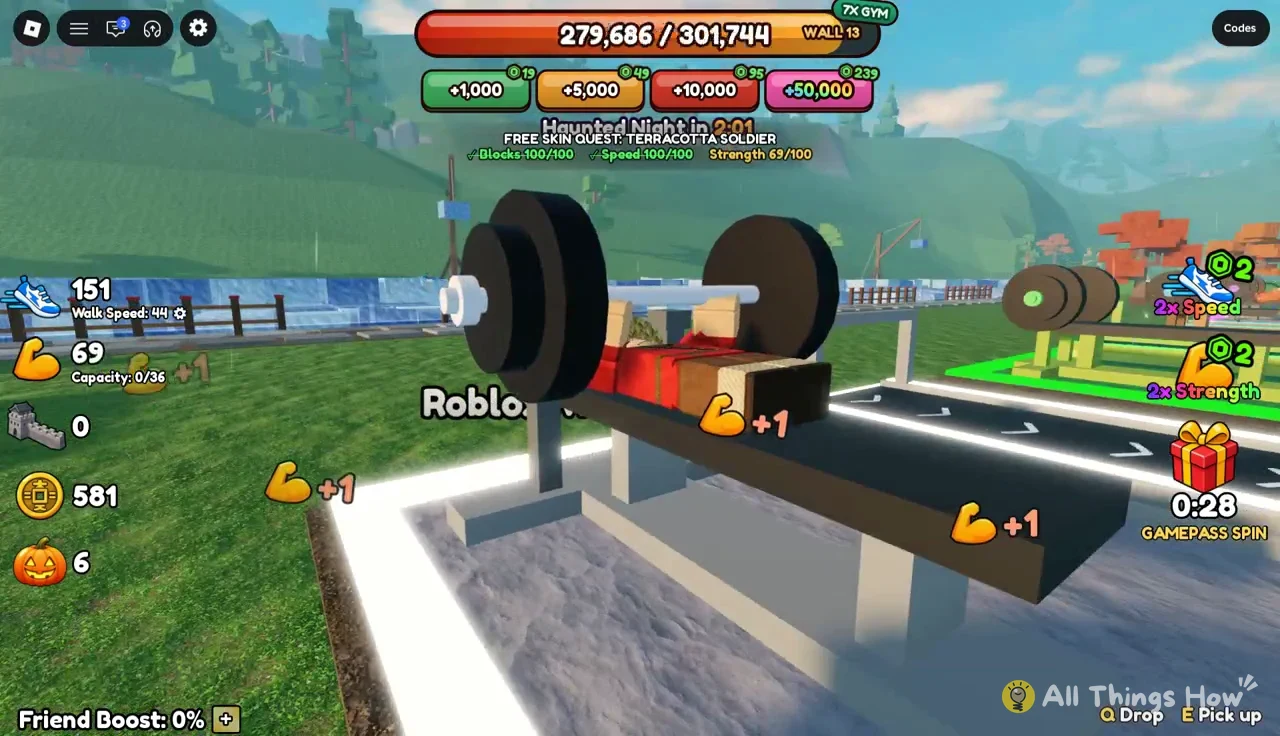
Strength works the same way. Find a Free Bench, press E, and lift. Each rep adds Strength, and with it, a bigger bag.
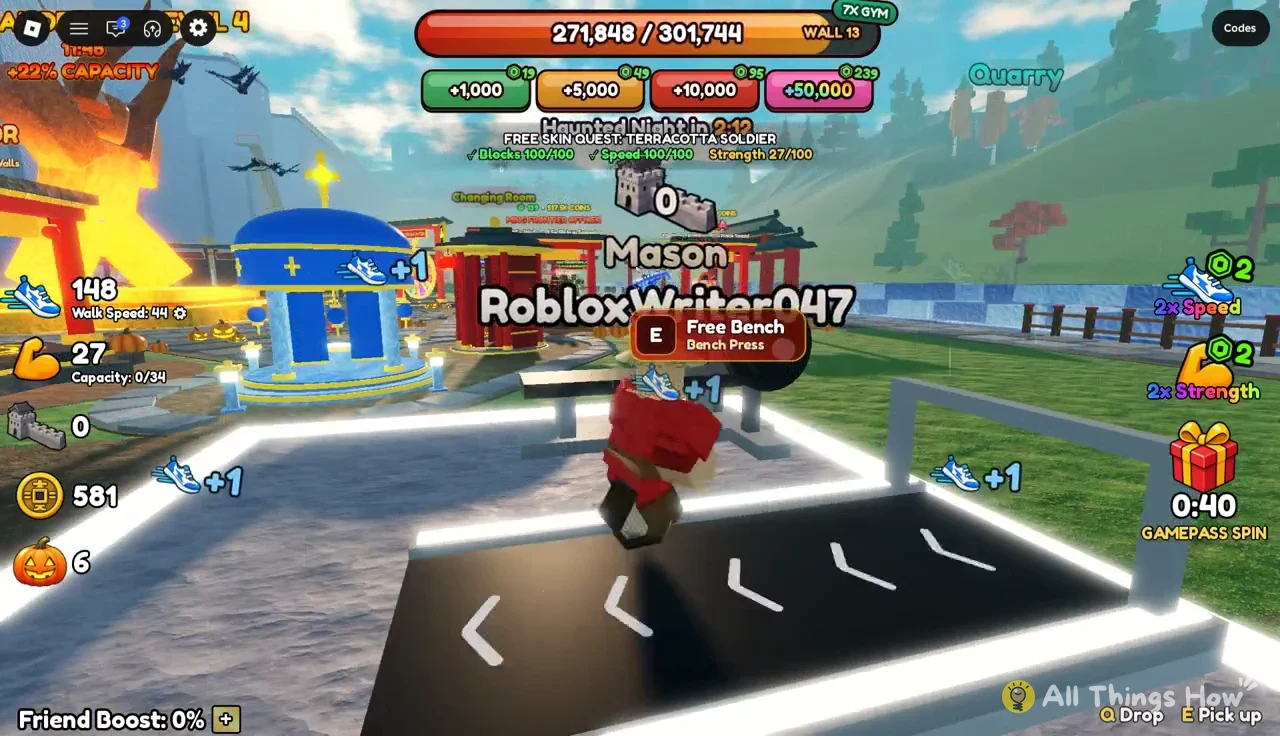
Higher gym multipliers can be bought with Robux. You don’t need them, but here’s what they cost:
| Gym | Price |
|---|---|
| Free Bench | Free |
| 5x Gym | 59 Robux |
| 10x Gym | 159 Robux |
| 25x Gym | 219 Robux |
| 500x Gym | 599 Robux |
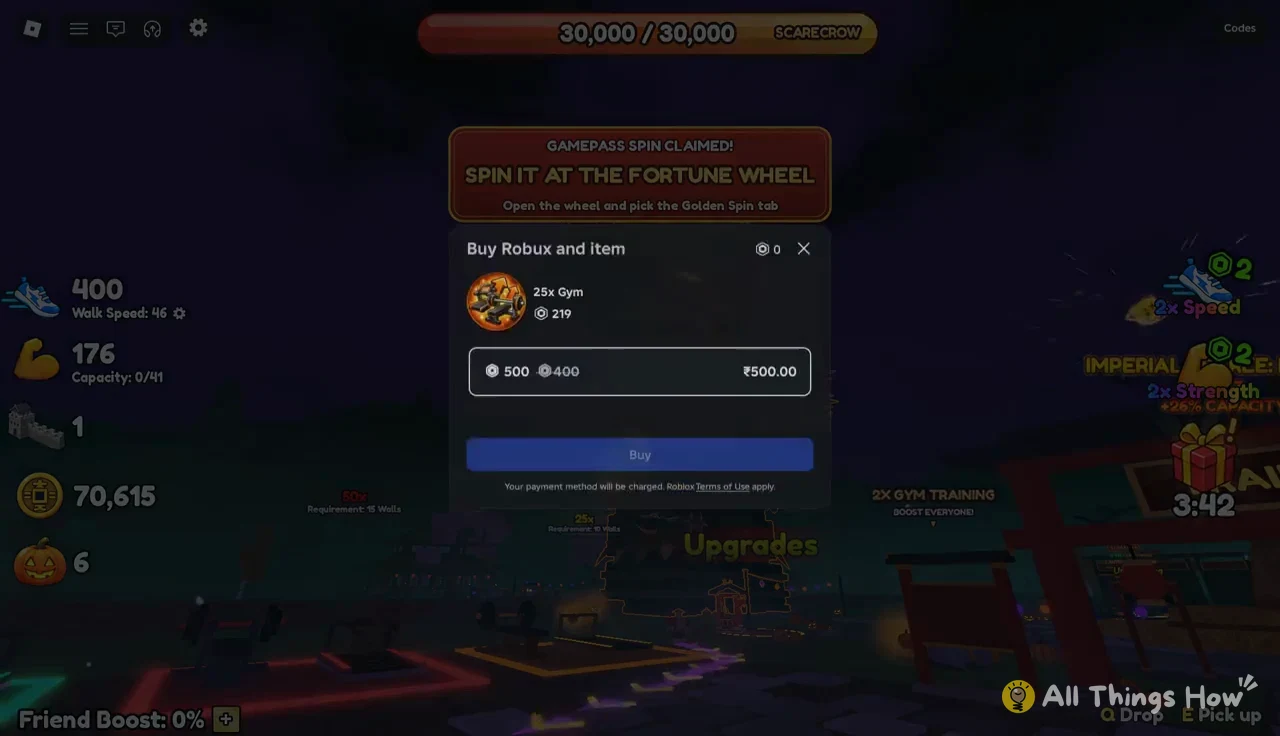
If you don’t have enough Robux, the purchase prompt bundles a Robux package with the item. In India, that’s ₹500.00 for the 500 Robux package with the 5x, 10x or 25x Gym, and ₹1,000.00 for the 1,000 Robux package with the 500x Gym. The Daily Streak also grants 5x Gym on Day 2 and 10x Gym on Day 6 for free.
Imperial Decree: Server-wide capacity boost
The central statue in the plaza opens the Imperial Decree window. The Decree is a shared coin pool that boosts bag capacity for everyone on the server, and each level runs on a timer.
- Level 5 gives +26% capacity for everyone.
- Level 6 gives +30% capacity for everyone.
- Reaching the next level takes 600K coins collected from the server.
At the start, your coins do more in the Upgrades kiosk. You’ll still benefit from whatever Decree level the server already has active.
First milestone: Dragon attack, Rammer rank and 2x Gym
Building enough of the wall triggers a cinematic. First, the top builders stand on a podium. Then a black dragon destroys part of the Great Wall with a fireball. You can skip the podium screen with the Skip button.
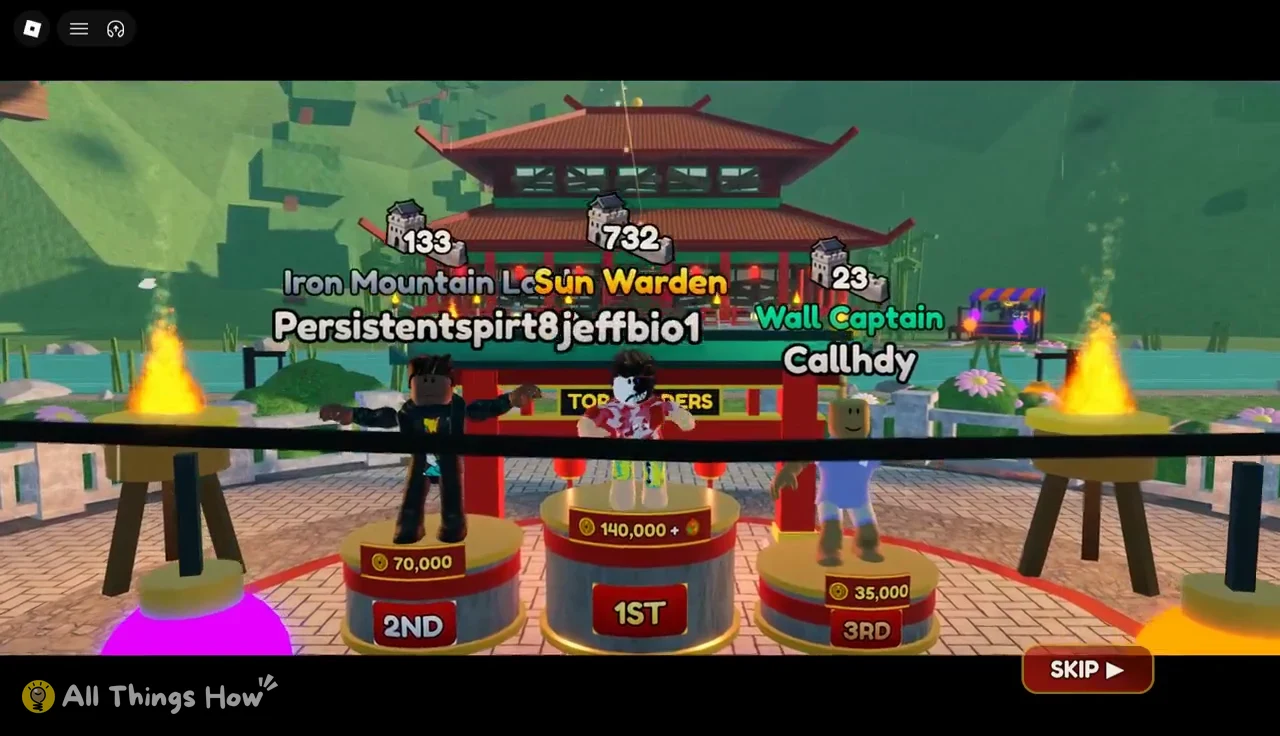
Once the cinematic ends, you’re promoted from Mason to Rammer and get a reward bundle:
- 2x Gym access (“2x GYM UNLOCKED!”)
- +70,000 coins
- +2 free wheel spins
- +1 golden spin
You’ll know it worked when your title above your name changes to Rammer. The game also shows “The hot springs have heated up!” Spend the 70,000 coins on upgrades, and head to the 2x Gym to train twice as fast.
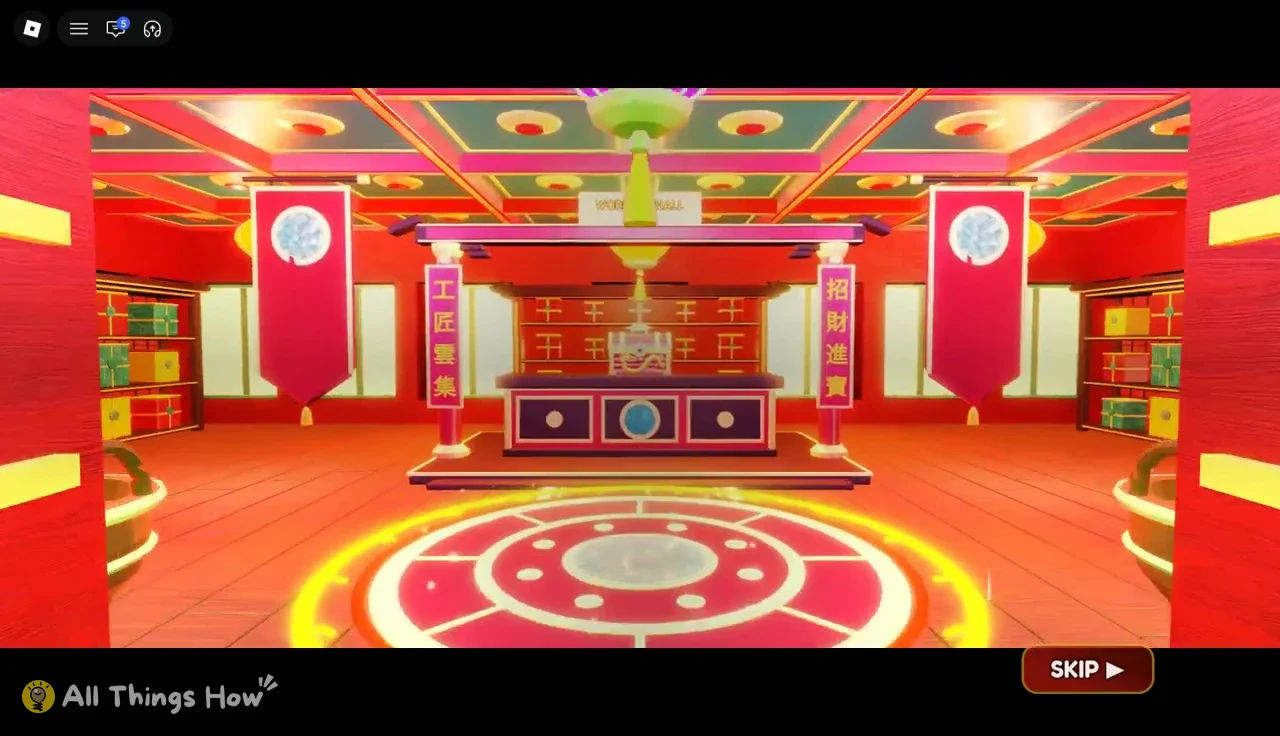
A second cutscene follows (“Something stirs…” and then “Your spirit awakens…”) as your spirit enters the Workers’ Hall pagoda. When it ends, the screen reads “WORKERS’ HALL UNLOCKED,” and Worker Crates are kept there from then on.
Haunted Night event and the Scarecrow boss
Haunted Night is a server-wide event that drops in periodically. A banner reads “HAUNTED NIGHT HAS FALLEN,” and a giant Scarecrow appears over the arena. While it runs, building earns pumpkins instead of coins.
To fight the Scarecrow, hold the build input at the event towers to fill them with blocks from your bag. Finished towers damage the boss, which has 30,000 HP. Bring a full bag. The towers use the same blocks you mine at the Quarry, so a bigger Strength stat directly translates into more damage per trip. Once the event wraps up, check the gift button for your free Gamepass Spin, then go back to the Quarry-to-wall loop that drives the rest of the game.