Bike Universe starts you at a central hub on a green Pitster 110 pit bike with no cash to spend. The early loop is simple. You ride the city and fields, smash Halloween pumpkins, string tricks into scored lines and bank them for cash, then spend that cash at the Bike Dealer.
Quick answer: Ride the free Pitster 110, smash glowing pumpkins and bank trick lines for cash. Press C for the Phone, M for Bikes and B for Build Mode. The first paid bike, the Mayo 250CC, costs $5,000.
Bike Universe starter bikes: Pitster 110 and BMX
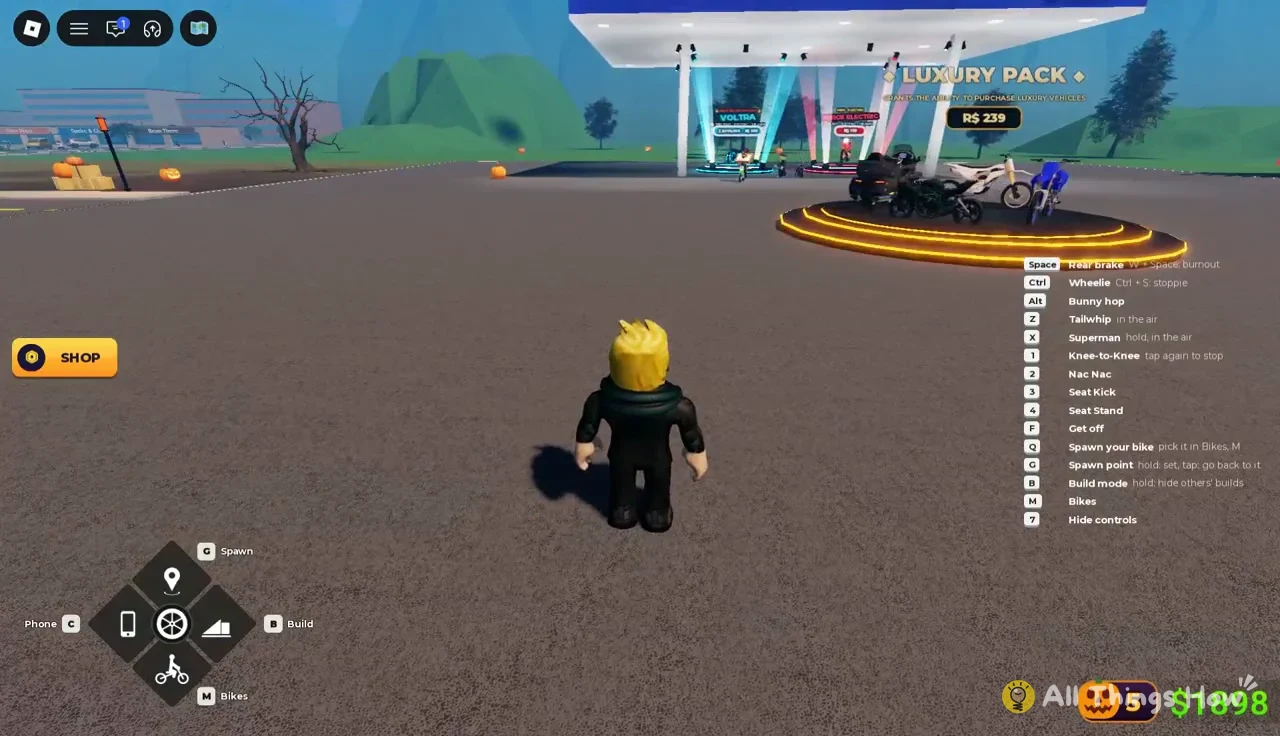
You load in already sitting on the Pitster 110, parked in front of the Luxury Pack vehicle display at the hub. The controls guide runs down the right side of the screen, and the speedometer reads 0 km/h until you move.
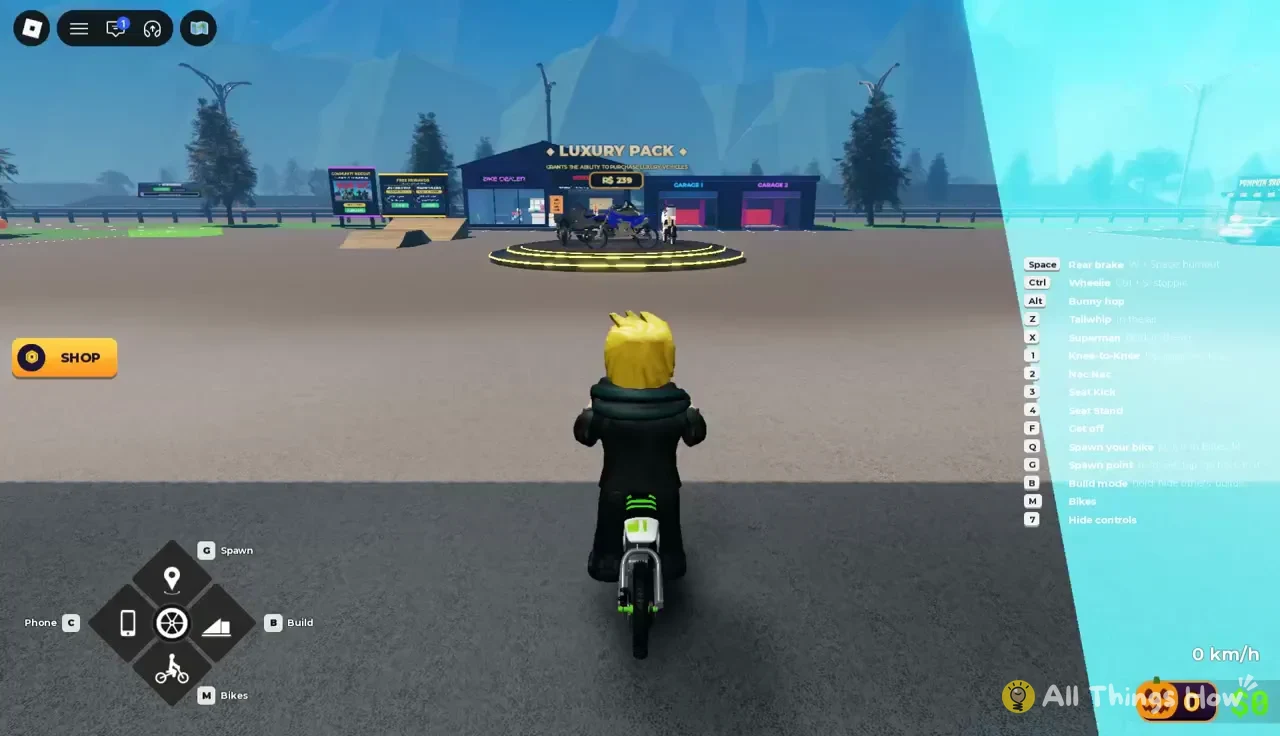
Two bikes cost you nothing. The Pitster 110 carries the STARTER BIKE label, and the pedal-powered BMX shows as FREE BIKE and OWNED in your inventory.
| Stat | Pitster 110 | BMX |
|---|---|---|
| Top speed | 70 km/h | 42 km/h |
| Acceleration | 4.0 | 3.6 |
| Handling | 8.5 | 9.5 |
| Tricks | 7.0 | 10.0 |
The Pitster is the faster of the two and is the better pick for covering ground and distance quests. The BMX gives up nearly 30 km/h of top speed in exchange for the highest trick rating of any bike in the dealer, and its description pitches it for tricks and grinding rails.
Bike Universe controls on keyboard and mobile
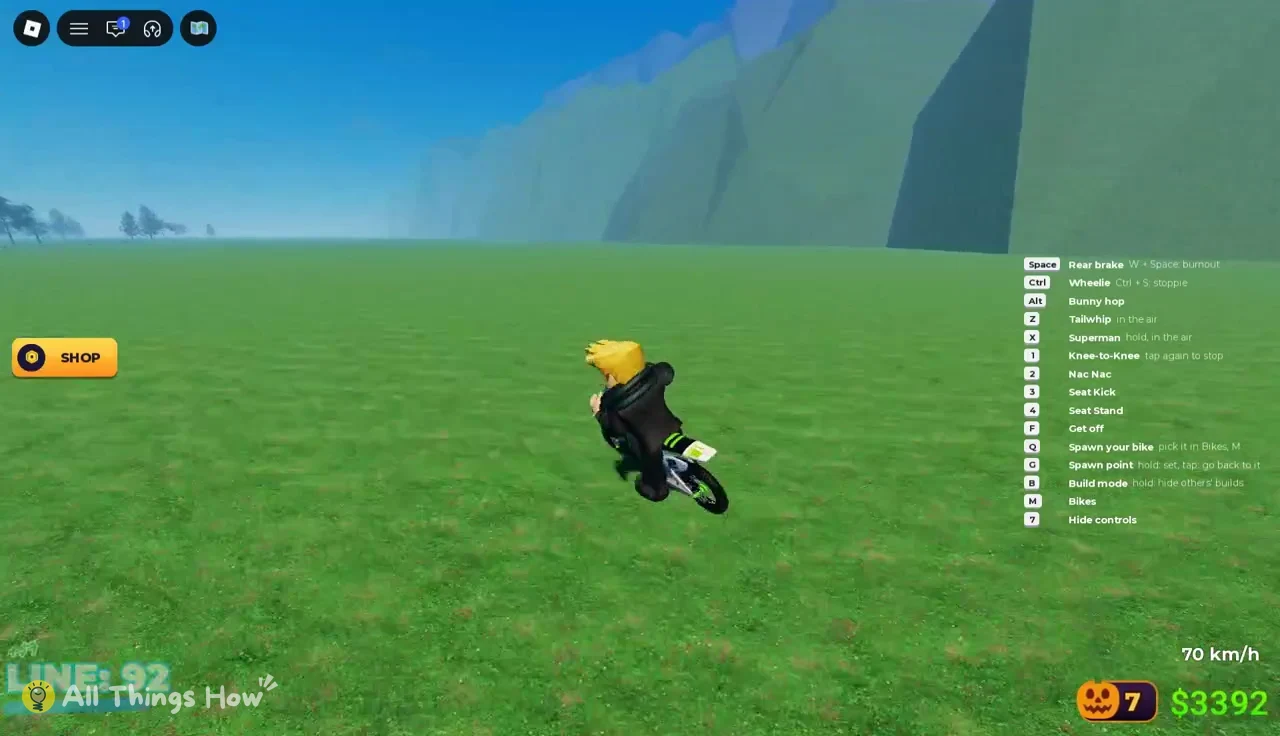
Every binding is printed on the controls overlay, and pressing 7 hides it once you have the keys memorized.
| Key | Action |
|---|---|
| Space | Rear brake |
| W + Space | Burnout |
| Ctrl | Wheelie |
| Ctrl + S | Stoppie |
| Alt | Bunny hop |
| Z | Tailwhip (in the air) |
| X | Superman (hold, in the air) |
| 1 / 2 / 3 / 4 | Equipped ground tricks |
| F | Get off |
| Q | Spawn your chosen bike |
| G | Hold to set spawn point, tap to return |
| B | Build mode (hold to hide others’ builds) |
| M | Bikes |
| C | Phone |
| 7 | Hide controls |
The number keys run the four ground tricks you have equipped. By default that is Knee-to-Knee on 1 (tap 1 again to stop it), Nac Nac on 2, Seat Kick on 3 and Seat Stand on 4. The overlay highlights the key you press.
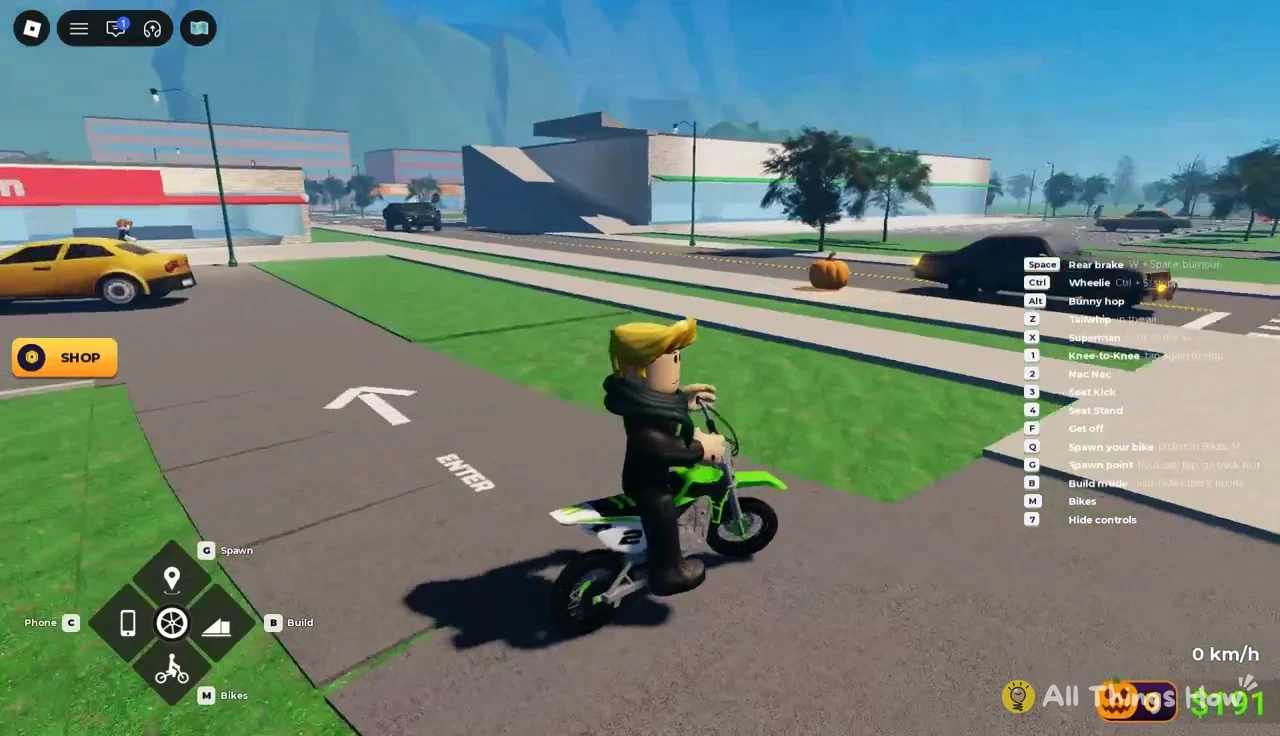
On mobile, the same functions sit on HUD buttons labelled Phone C, Spawn G, Build B and Bikes M. A Bikes, Spawn and Build cluster also stays in the bottom-left corner while you ride.
How to earn cash in Bike Universe as a new player
You have two income sources from your first minute, and neither one requires a game pass.
- Pumpkins: riding straight into a glowing jack-o’-lantern shatters it and pays 1 Pumpkin plus cash.
- Trick lines: wheelies, bunny hops and stunts add points to a running line, and banking that line turns it into cash.
Smashing Halloween pumpkins
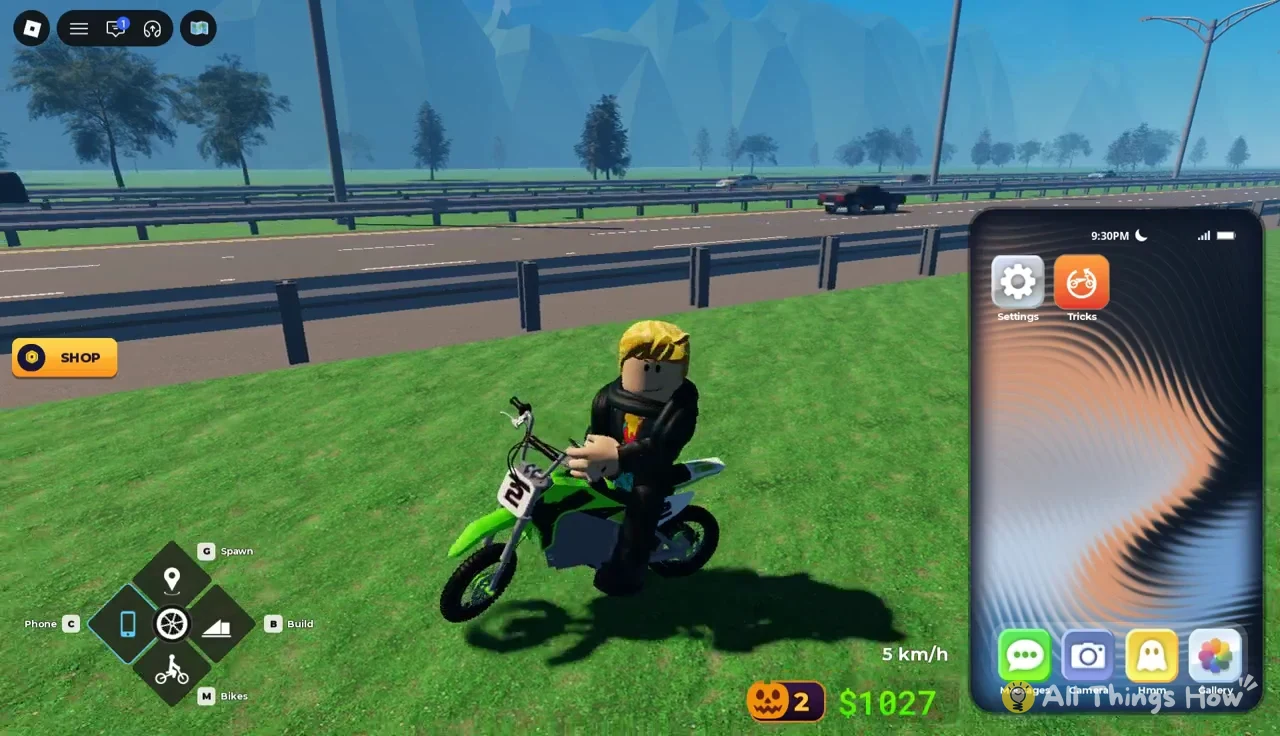
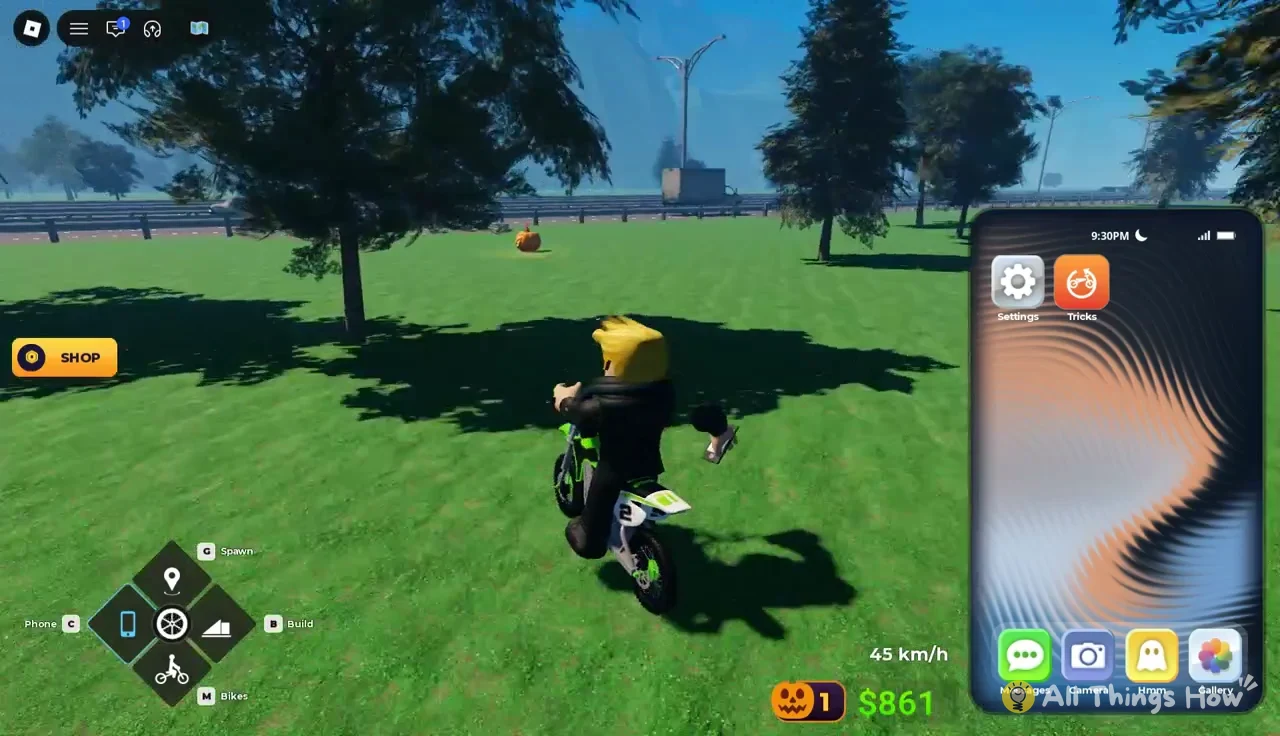
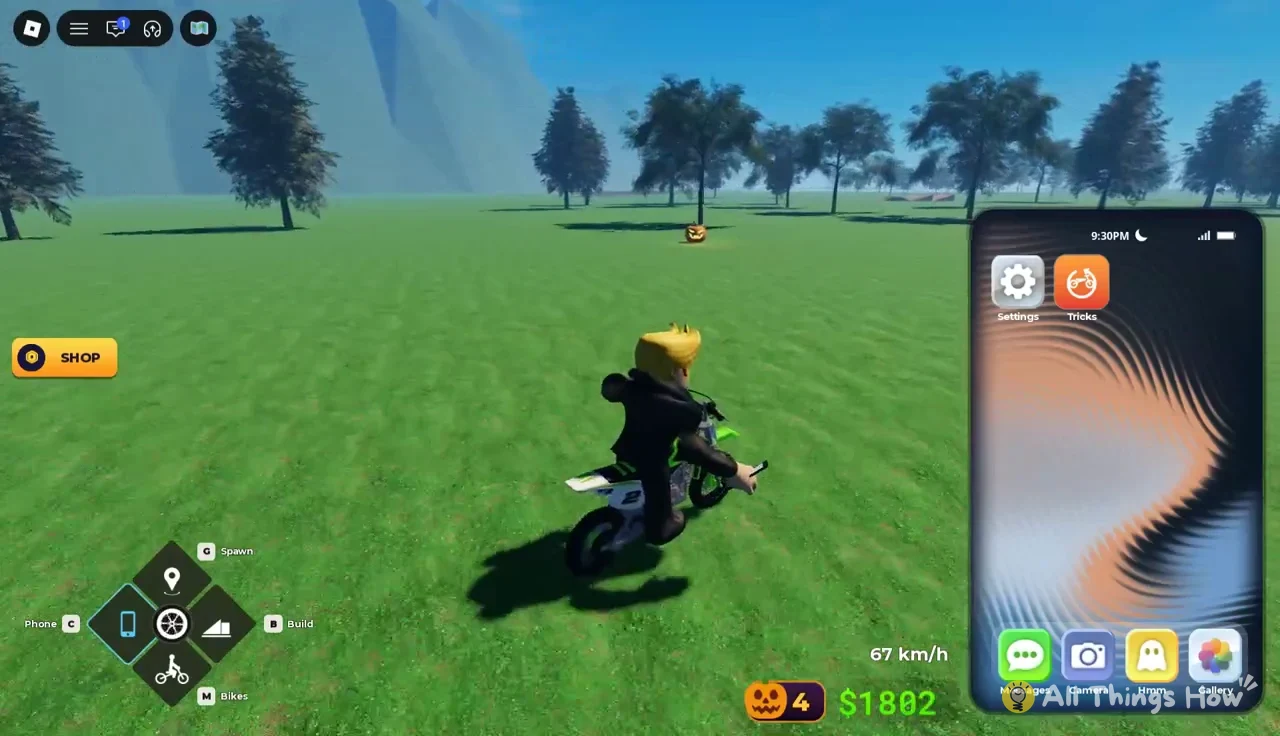
Pumpkins are spread across the sidewalks outside shops like Burger Barn, along the highway guardrails, through the meadows and around the hub pavilion. A successful hit leaves an orange glowing circle on the ground. Pumpkins feed the Pumpkin Shop stall at the hub, and they also count toward the “Smash 25 pumpkins” quest.
Starting and growing a trick line
Street furniture counts as a trick. Clipping a metal sidewalk bin, for example, pops a “Bin Blast” notification and opens a combo line. Powerslide and Air also register as you ride.
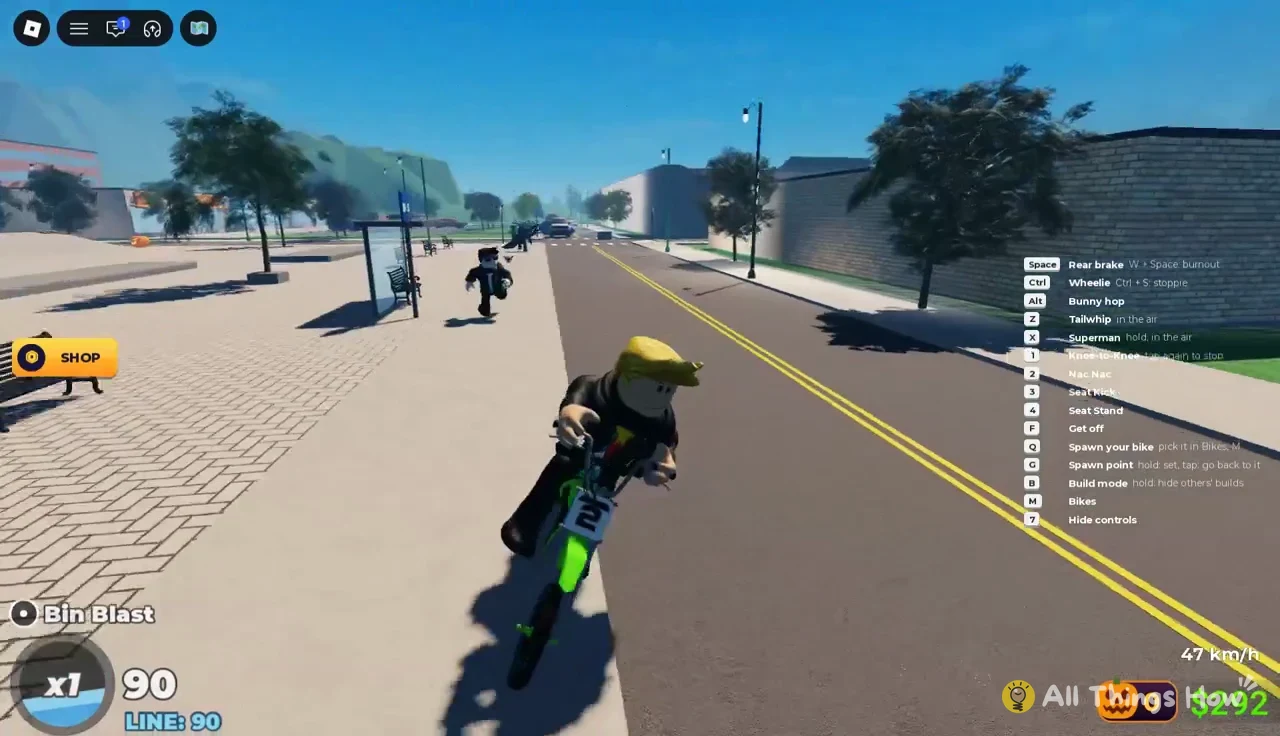
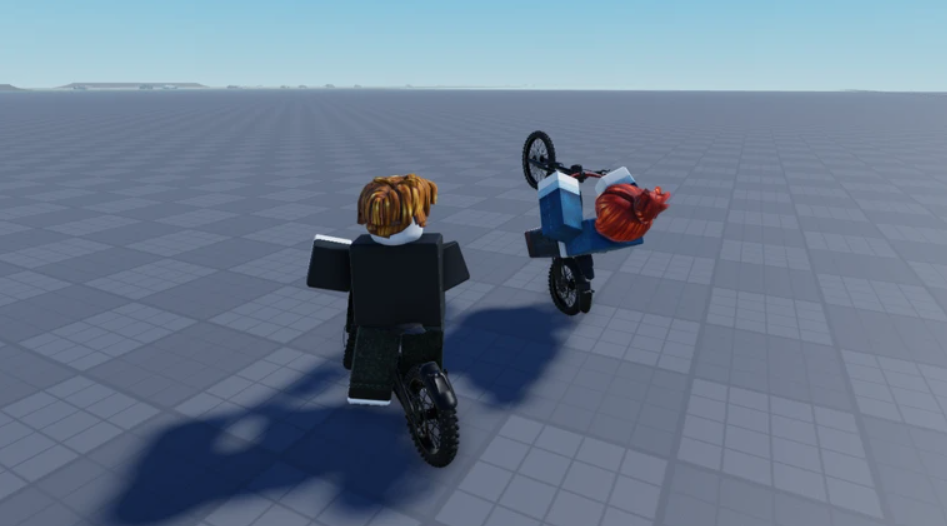
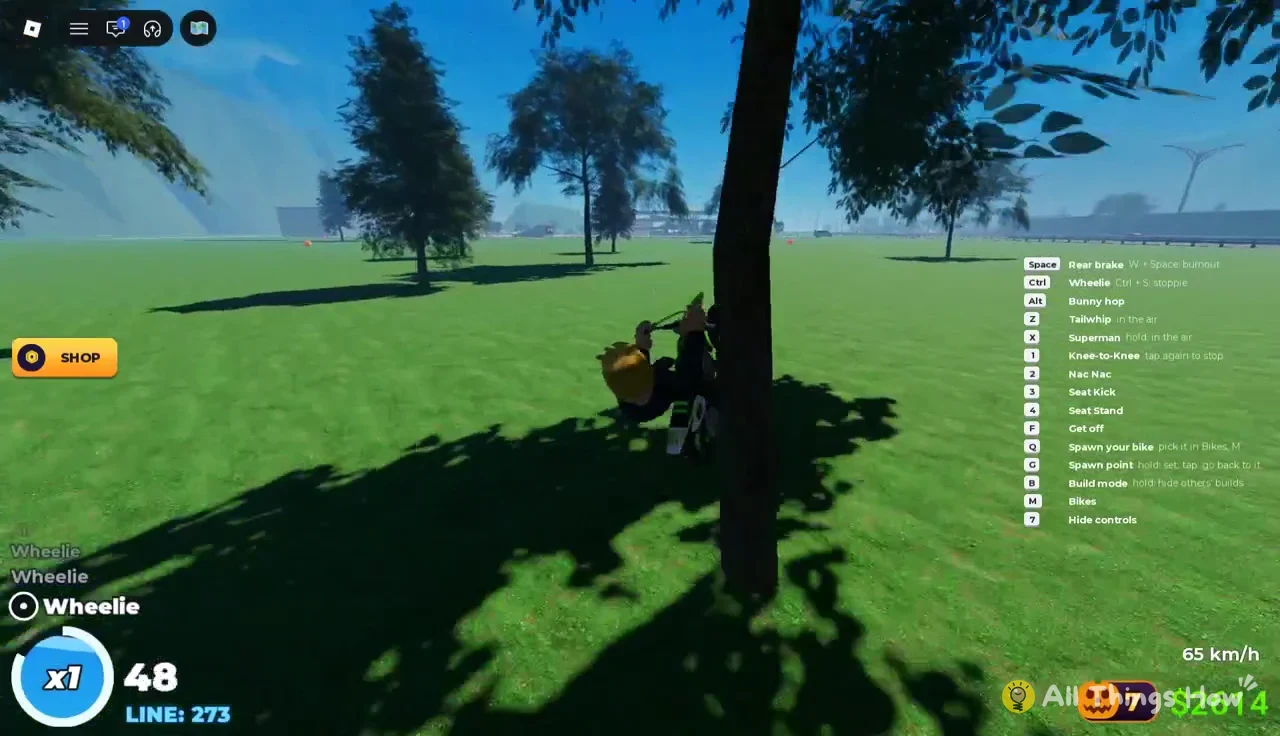
Every trick is graded SKETCHY, GOOD, GREAT or PERFECT. To hold a wheelie, press Ctrl while riding. Over-rotate backward and the trick becomes a Wheelie Scrape, and if you go much further the bike flips and your rider bails.
Pressing Alt does a bunny hop, which is the easiest way to keep a line going on flat ground.
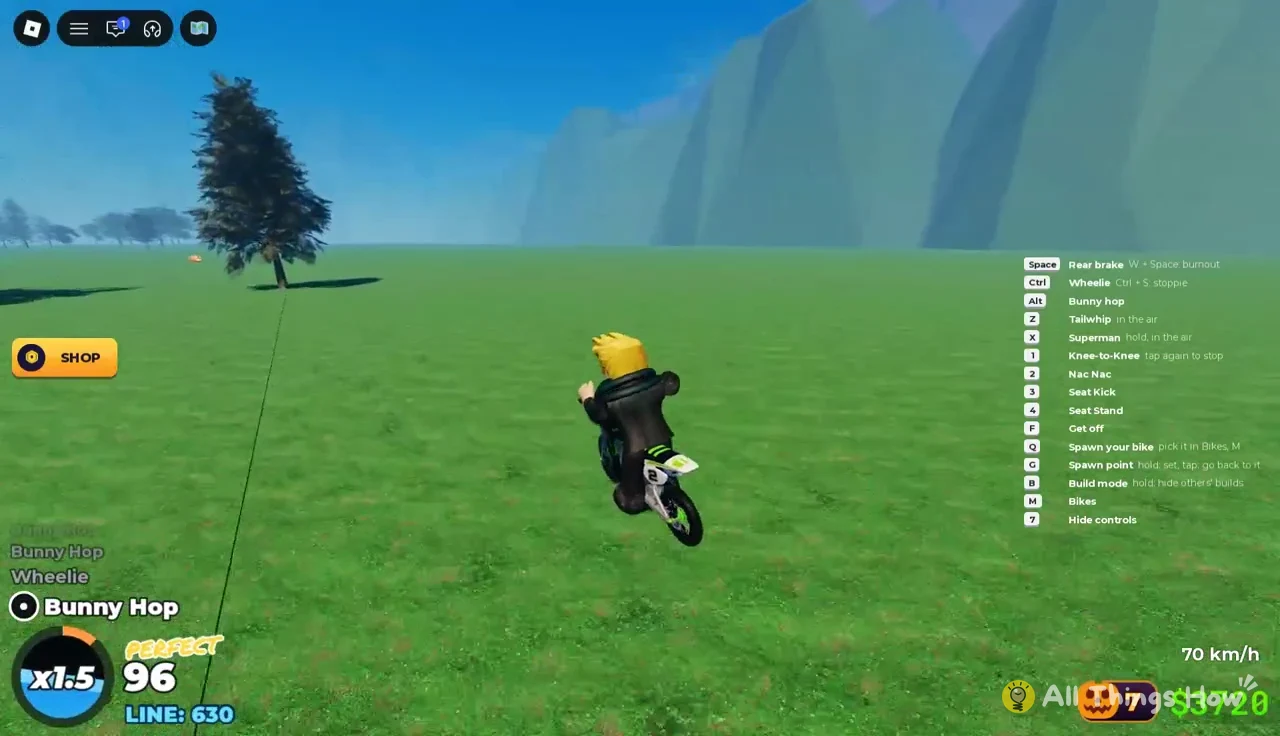
Chaining hops back to back raises the multiplier, and a short run of consecutive hops across a field takes the line to x1.5.
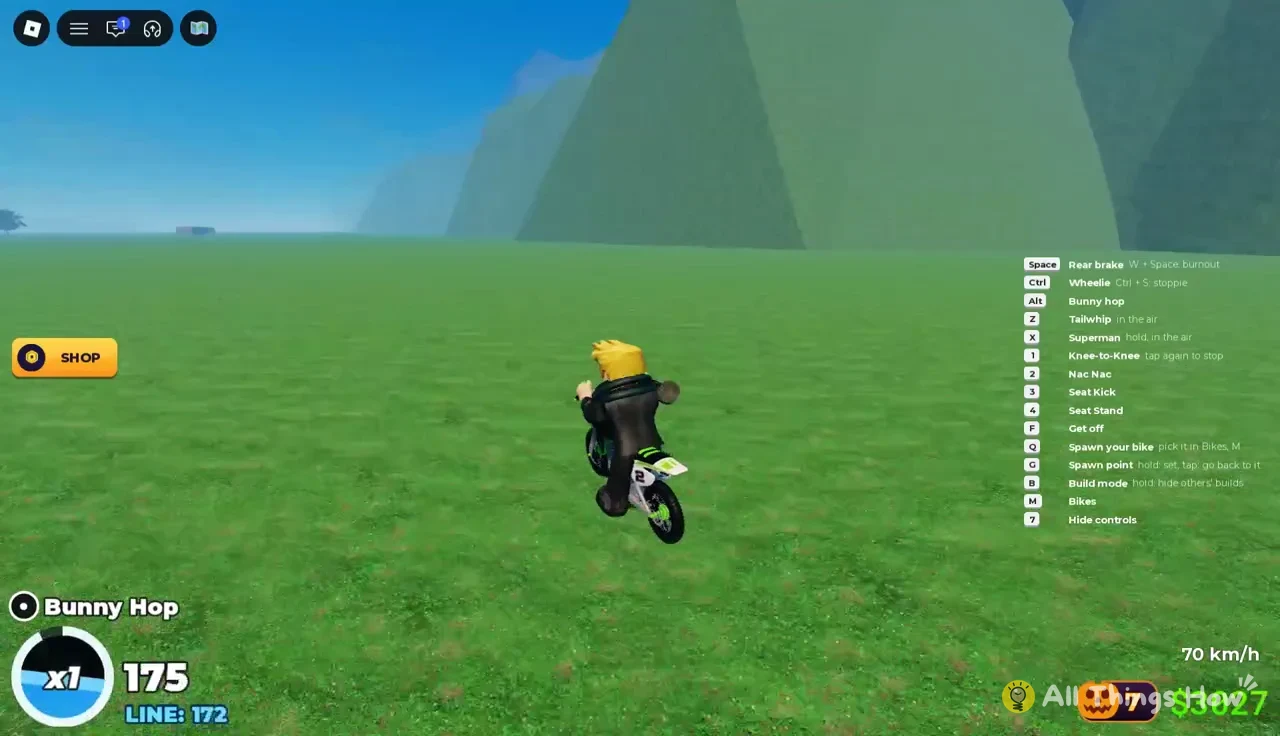
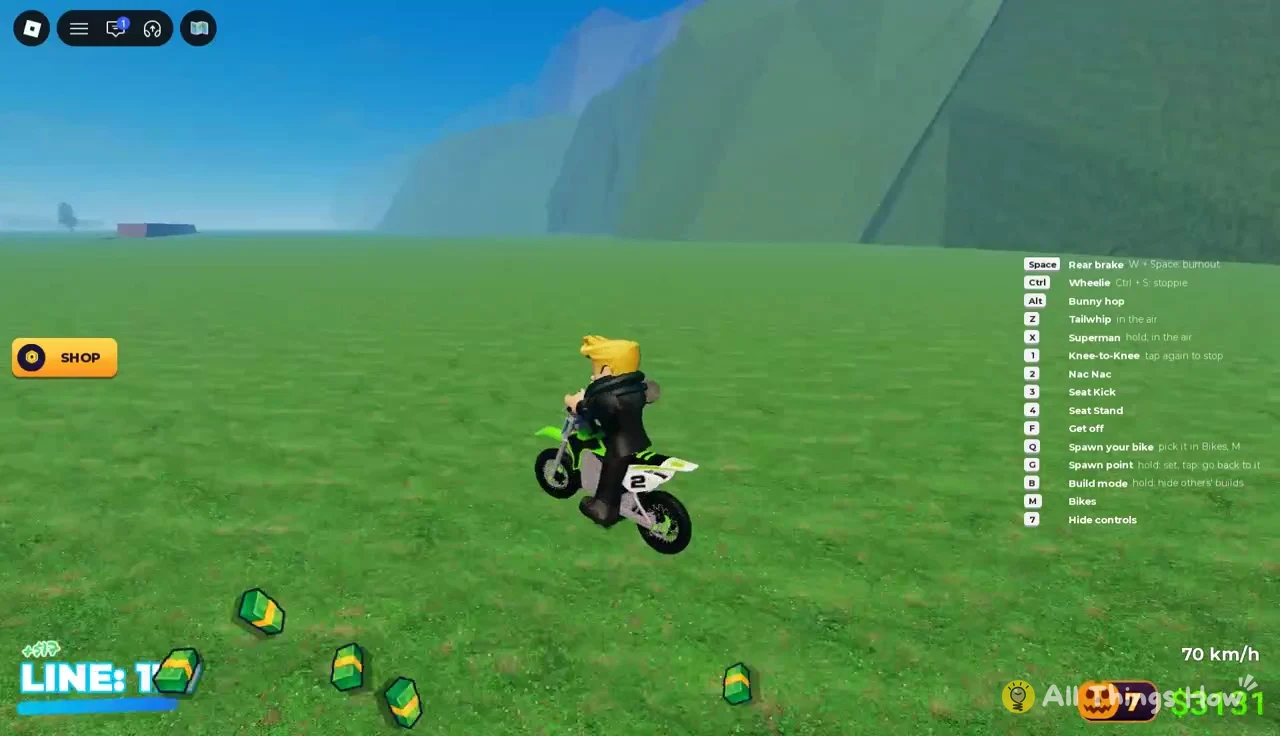
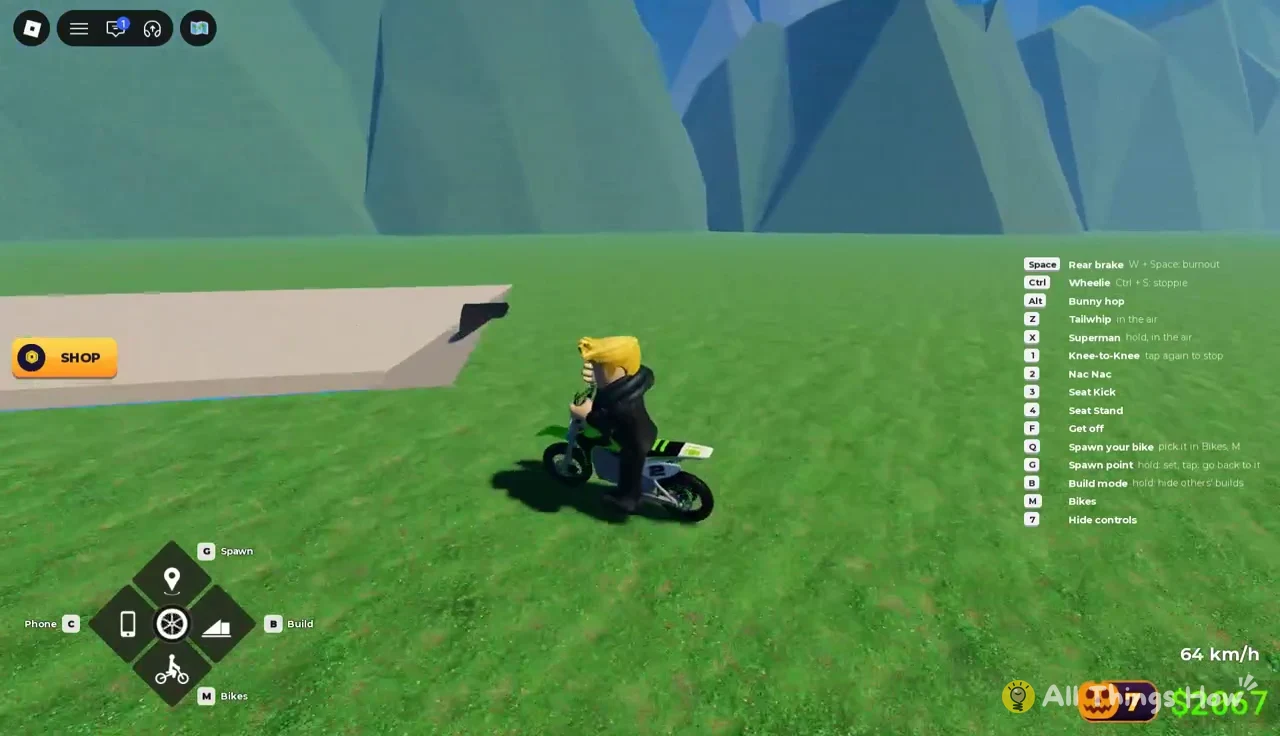
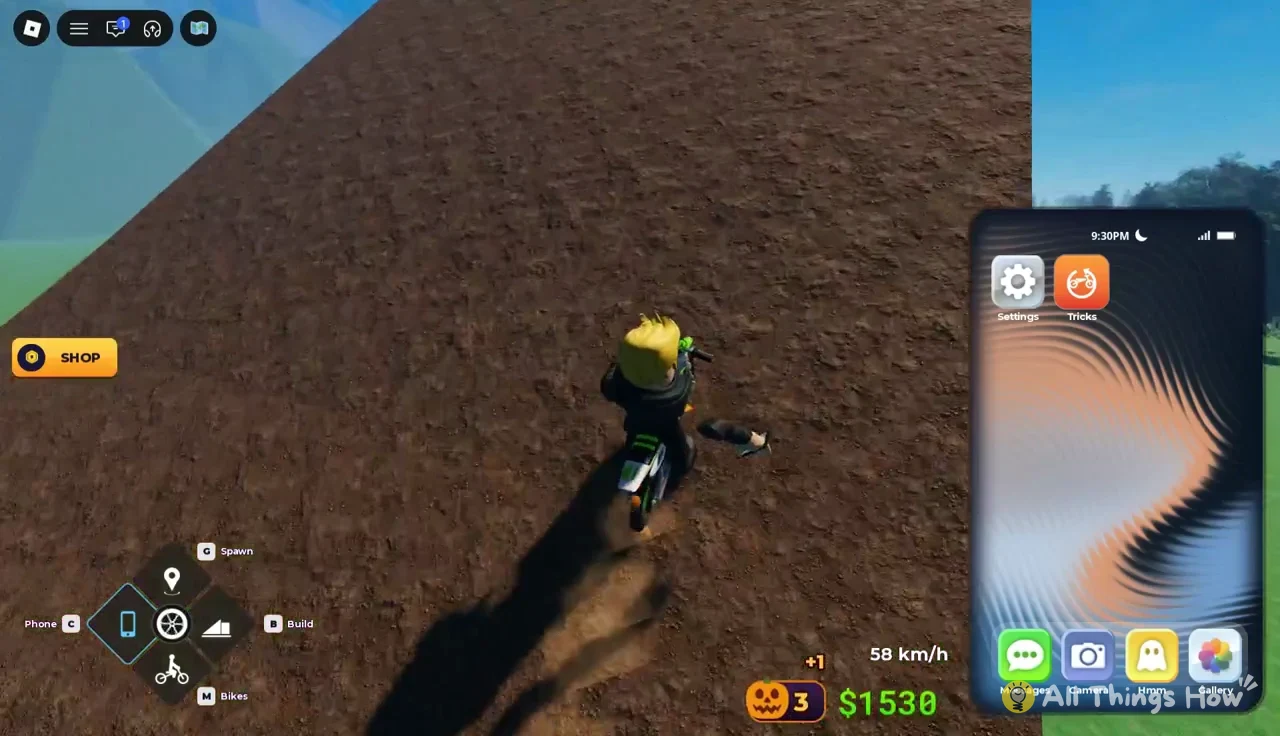
Air tricks need height. Z triggers a tailwhip and holding X triggers a Superman, and both work only while the bike is airborne. The fields have large dirt ramps that launch the Pitster high enough to fit them in.
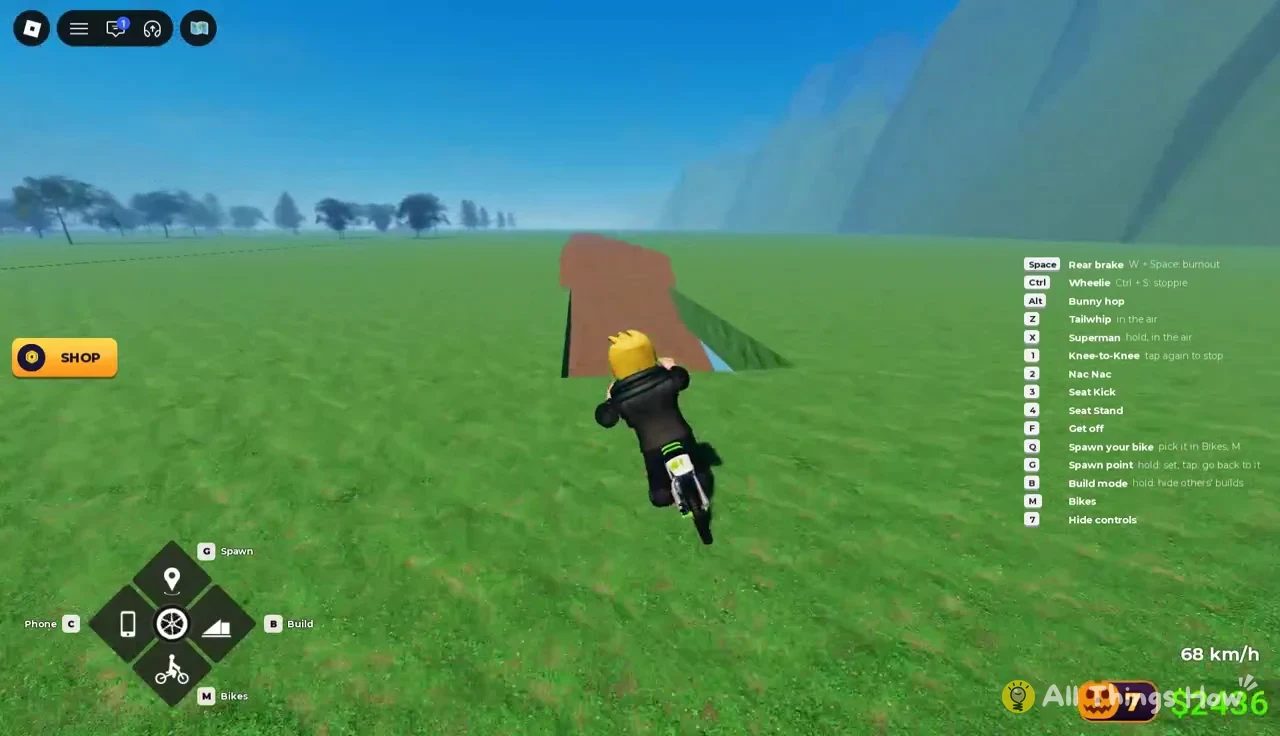
Mixing high-speed riding with sustained wheelies and your equipped number-key tricks is the quickest way to stack points before you bank the line.
Early Bike Universe quests
Quest banners appear on their own as you ride, and their counters update live on screen.
| Quest | Goal | Counts by |
|---|---|---|
| Bank a 25,000 point line | 25,000 points | One banked trick line |
| Ride 3 km flat out | 3 km | Distance at top speed |
| Smash 25 pumpkins | 25 pumpkins | Pumpkins destroyed |
“Ride 3 km flat out” only advances while you hold top speed, which is 70 km/h on the Pitster. Long open plains with no trees are the easiest place to hold that speed.
Bike Universe Phone apps: Settings and Tricks
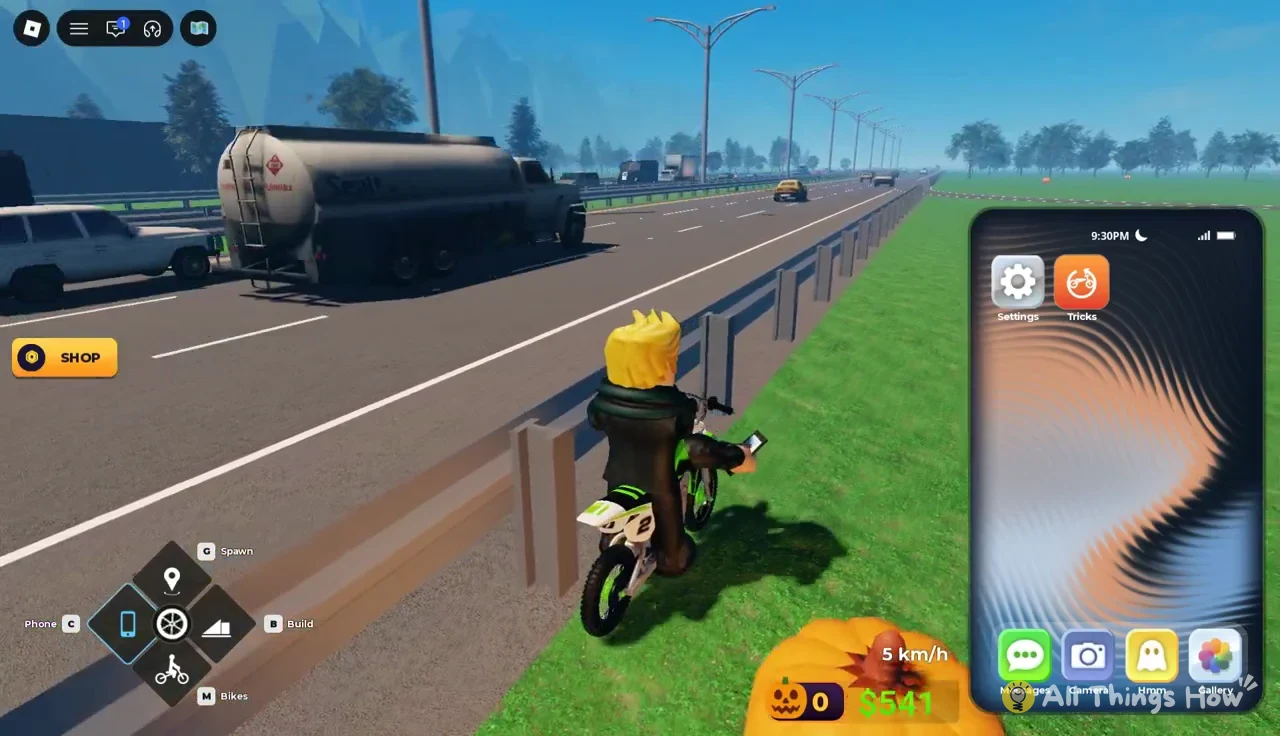
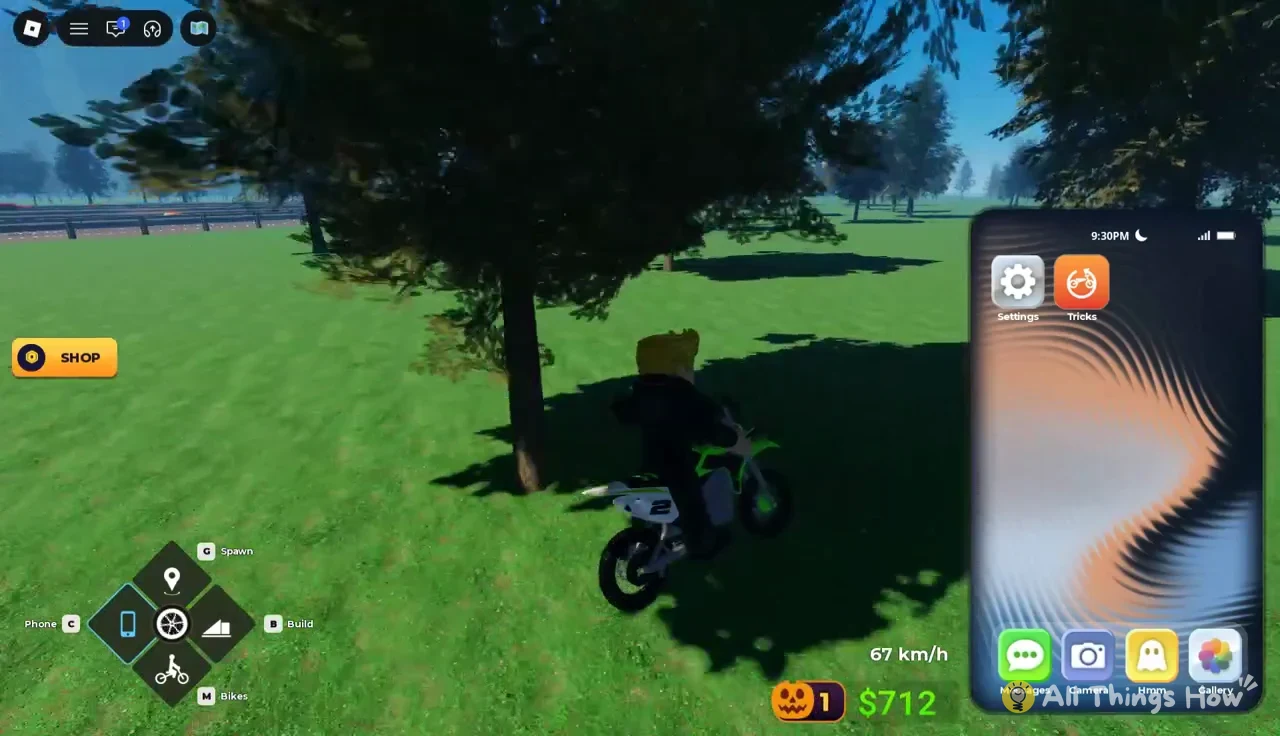
Press C, or tap the Phone button, to bring up the in-game smartphone. It opens on foot or on the bike, and you can keep riding with it open.
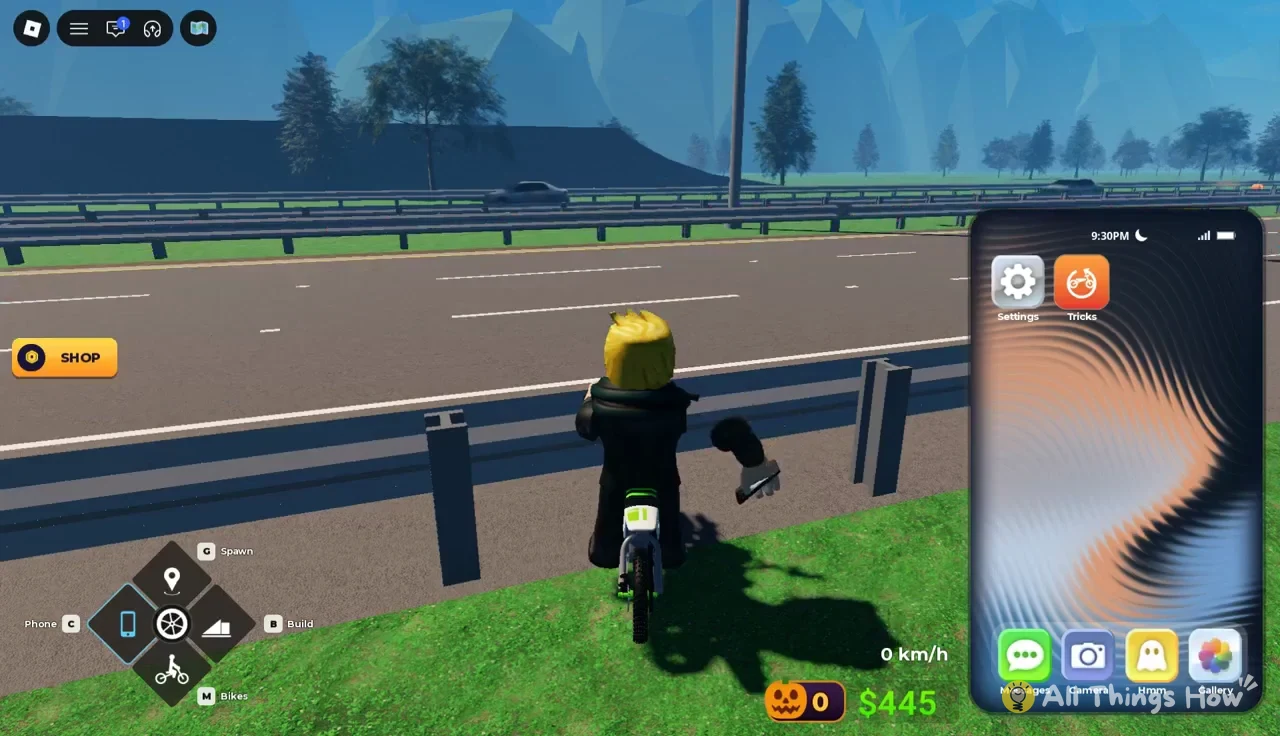
The home screen holds six apps, which are Settings, Tricks, Messages, Camera, Hmm and Gallery. For a new player, Settings and Tricks are the two that matter.
Settings app options
Settings holds three gameplay toggles, and each one changes your session immediately.
| Setting | Options | Effect |
|---|---|---|
| Police | ON / off | Off means you are never chased |
| Traffic | ON / off | Off hides cars for you only |
| Speed | Auto, km/h, mph | Speedometer units |
Switching Police off removes chases completely. That is the simplest way to practice trick lines without being interrupted.
Turning Traffic off clears cars from your own view and leaves other players untouched. Races still spawn traffic no matter how the toggle is set.
Tricks app and equipped ground tricks
The orange Tricks app sits next to Settings. Open it to see EQUIPPED GROUND TRICKS, the four moves currently bound to keys 1 through 4.
| Key | Trick | Points | Rarity |
|---|---|---|---|
| 1 | Knee-to-Knee | +300 | COMMON |
| 2 | Nac Nac | +250 | COMMON |
| 3 | Seat Kick | +300 | COMMON |
| 4 | Seat Stand | +350 | RARE |
Seat Stand pays the most of the starting four, so make it the one you spam on long straights. Nac Nac is worth the least.
As you unlock more ground tricks, you can equip and unequip them from the same screen. Whatever sits in a slot becomes that number key’s trick.
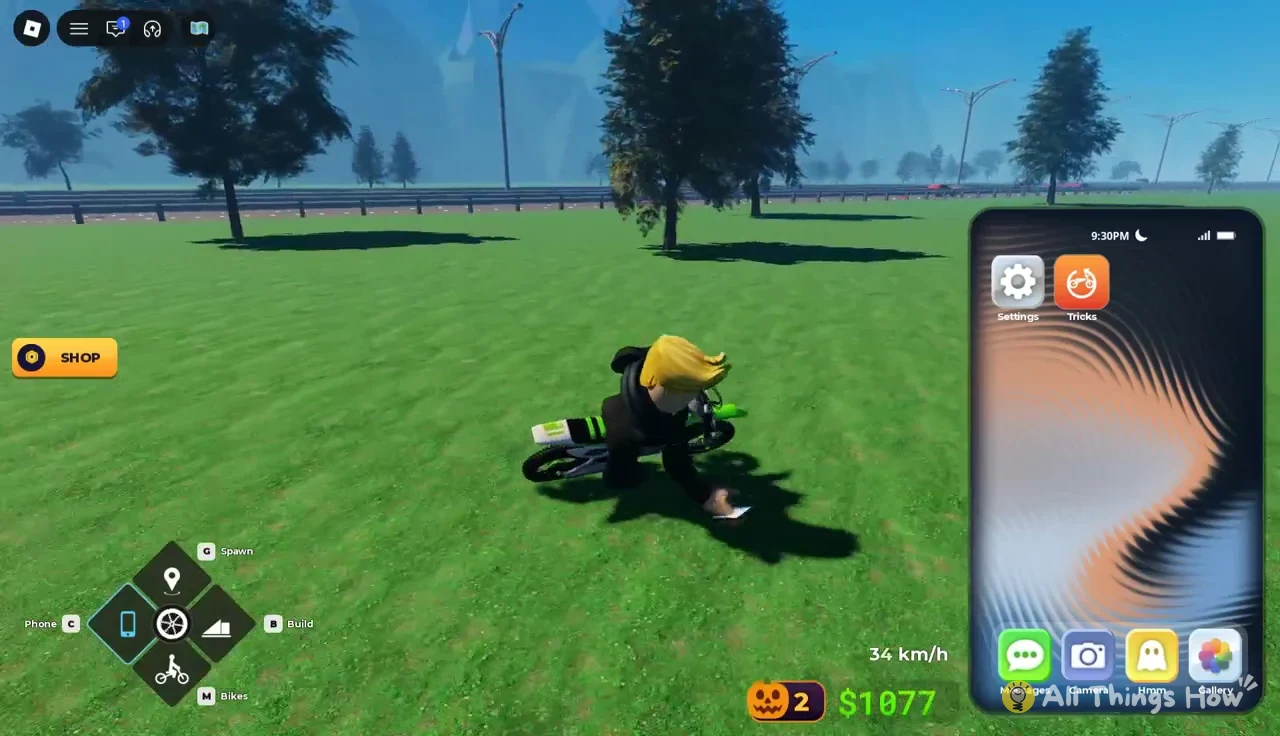
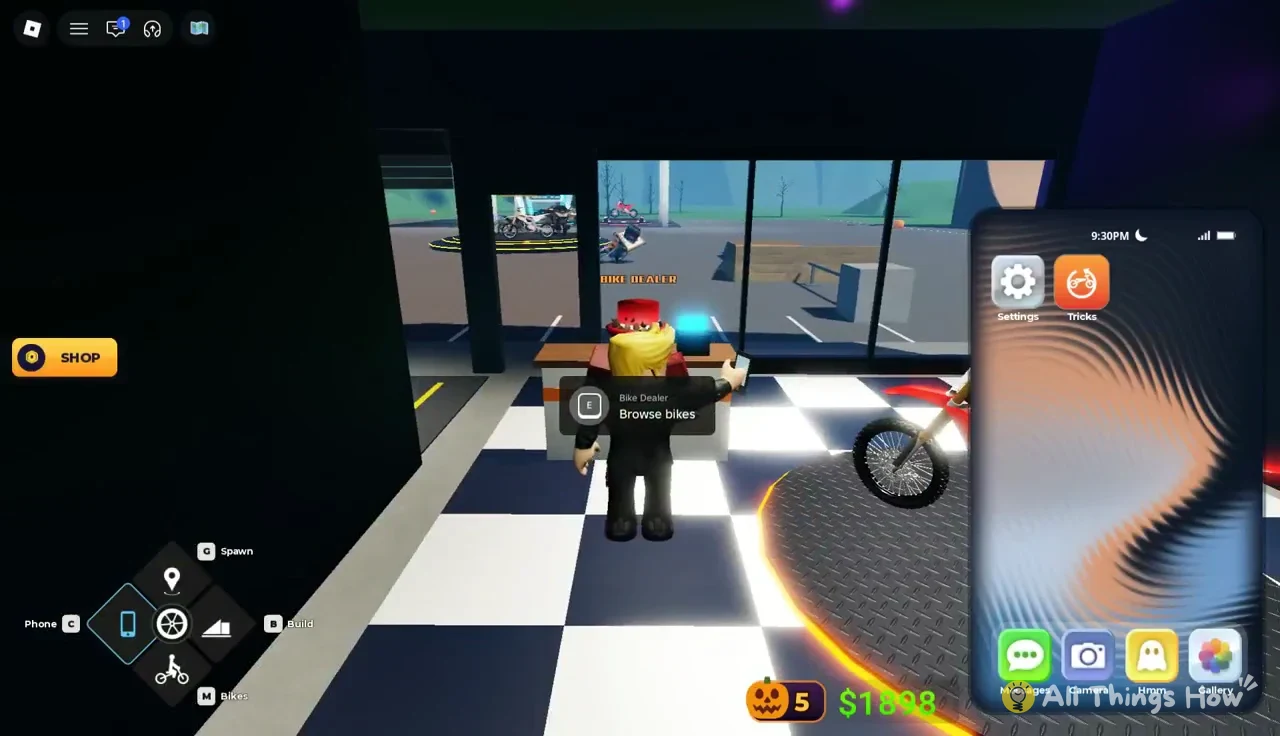
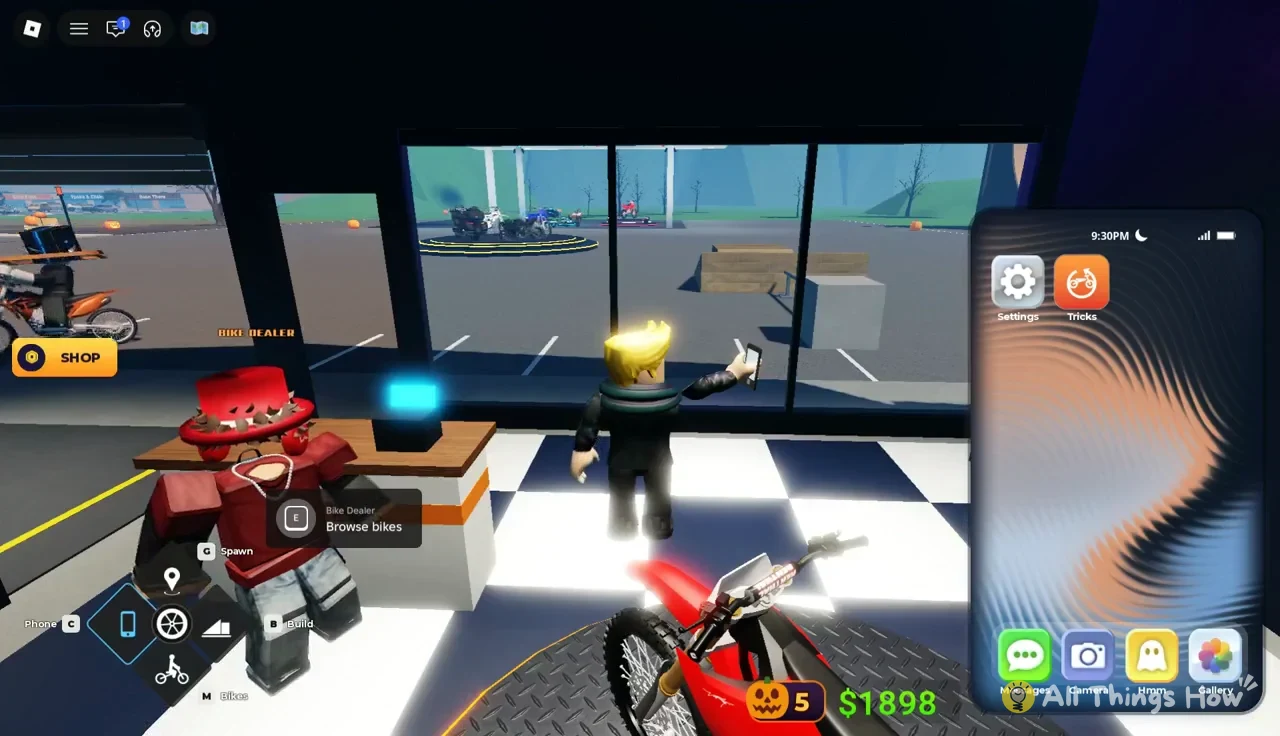
The Phone also holds My Bikes, the inventory where you equip owned bikes. It is also the shortcut to the Bike Dealer.
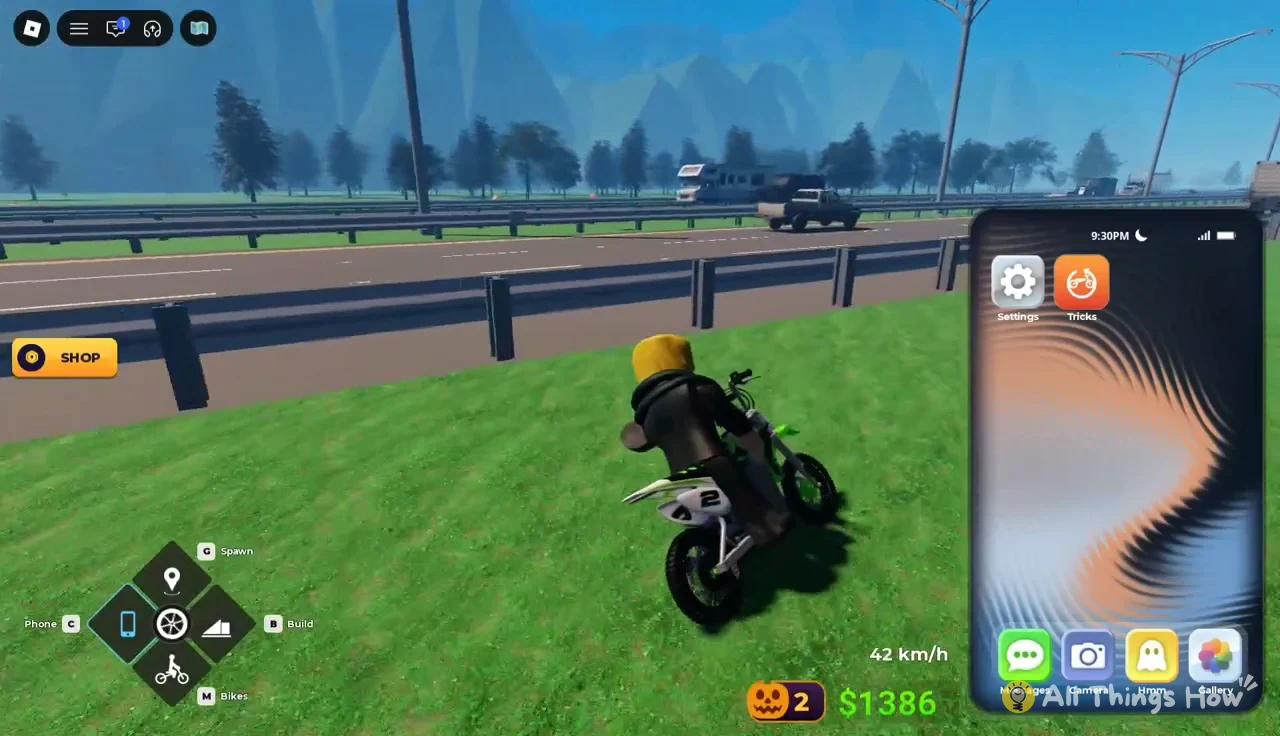
How to teleport to the Bike Dealer
You never have to ride to the Universe Moto dealership. The Phone sends you straight inside.
Bike Dealer prices and stats
Bikes are priced in in-game cash. A handful also carry a Robux price or require a pass.
| Bike | Price | Top speed | Acc / Hnd / Trk |
|---|---|---|---|
| MAYO 250CC | $5,000 | 105 km/h | 6.0 / 8.0 / 7.5 |
| BEE ELECTRIC | $18,000 | 140 km/h | 8.5 / 8.0 / 8.5 |
| ULTRA ELECTRIC | $32,000 | 145 km/h | 8.8 / 7.8 / 8.8 |
| CLASSIC | $50,000 | 165 km/h | 4.6 / 4.0 / 3.0 |
| LOW RIDER | $62,000 | — | — |
| KLM 350CC | $80,000 | — | — |
| GOLDWING TOUR | $240,000 (LUXURY) | — | — |
| SUPERMOTO 690 | $290,000 | — | — |
| VELOCE RR | $400,000 | — | — |
| SAMURAI | $550,000 (LUXURY) | — | — |
| FALCON 1300CC | $1,000,000 | — | — |
| VOLTRA | $2,000,000 / R$ 199 | — | — |
| SURGE ELECTRIC | R$ 159 (PREMIUM) | — | — |
The Mayo 250CC is the cheapest upgrade, at $5,000. It adds 35 km/h of top speed over the Pitster and improves both acceleration and trick rating. The Bee Electric is a much bigger step, at 140 km/h with better numbers across the board. The Classic is fast but scores lowest in handling and tricks, which makes it a poor first choice if you earn most of your money from trick lines.
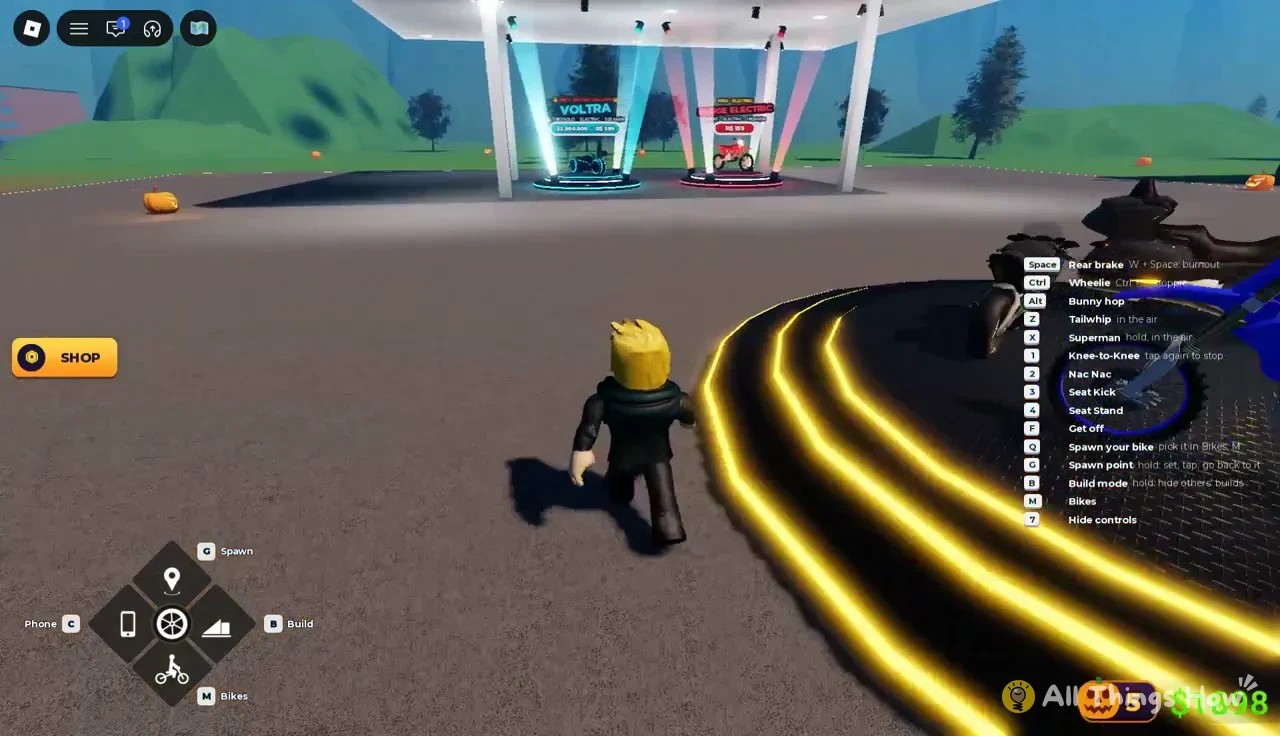
Luxury bikes have a separate requirement. The Goldwing Tour and Samurai are tagged LUXURY, and the hub banner explains that the Luxury Pack (R$ 239) grants the ability to purchase luxury vehicles.
The Starter Pack Deal is a one-time Robux bundle for R$ 35. It includes $25,000, the Bee Electric and the Pulse Wrap, and is labelled as worth $63,000. It can be bought once per player.
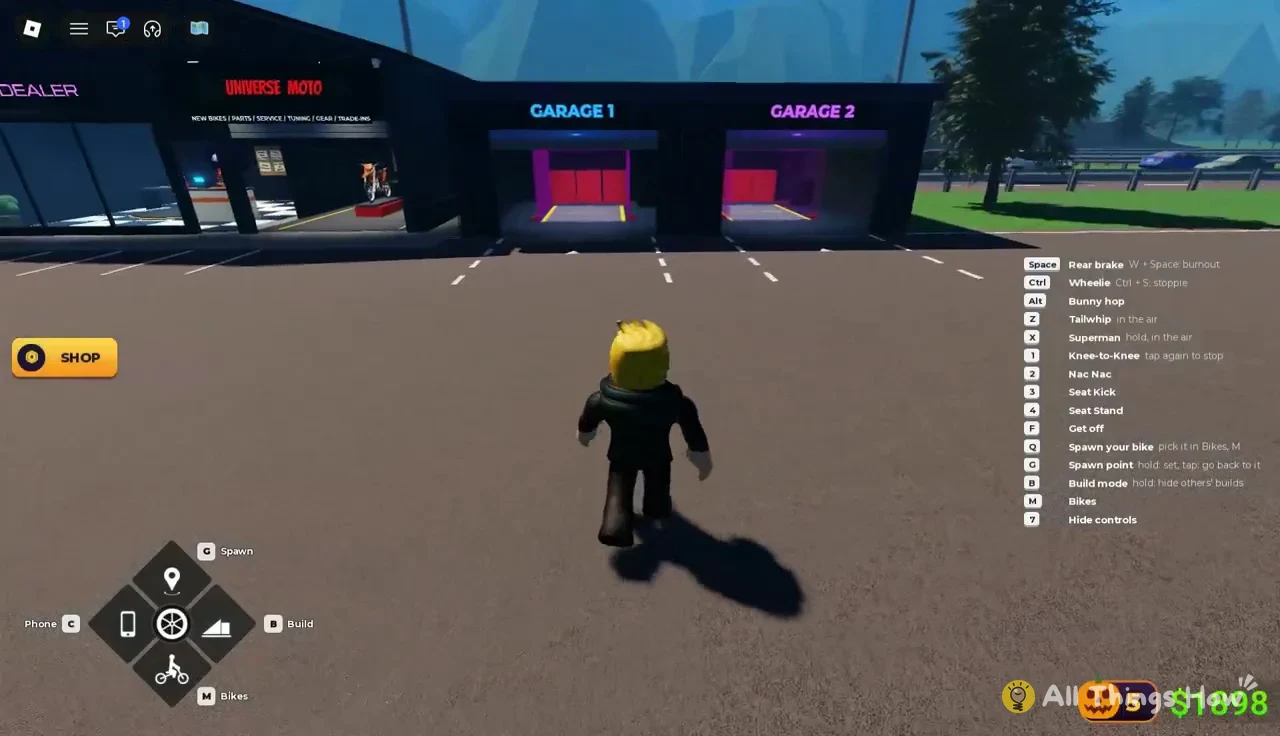
Walking out of the showroom lobby takes you through the service bays, labelled GARAGE 1 and GARAGE 2, and back out to the hub lot.
How to place ramps in Build Mode
Build Mode lets you drop your own stunt props anywhere you have open ground, and you can place up to 10 objects at a time. The first page holds eight free props, which are Kicker, Launch Ramp, Bank, Funbox, Ledge, Manny Pad, Block and Rail.
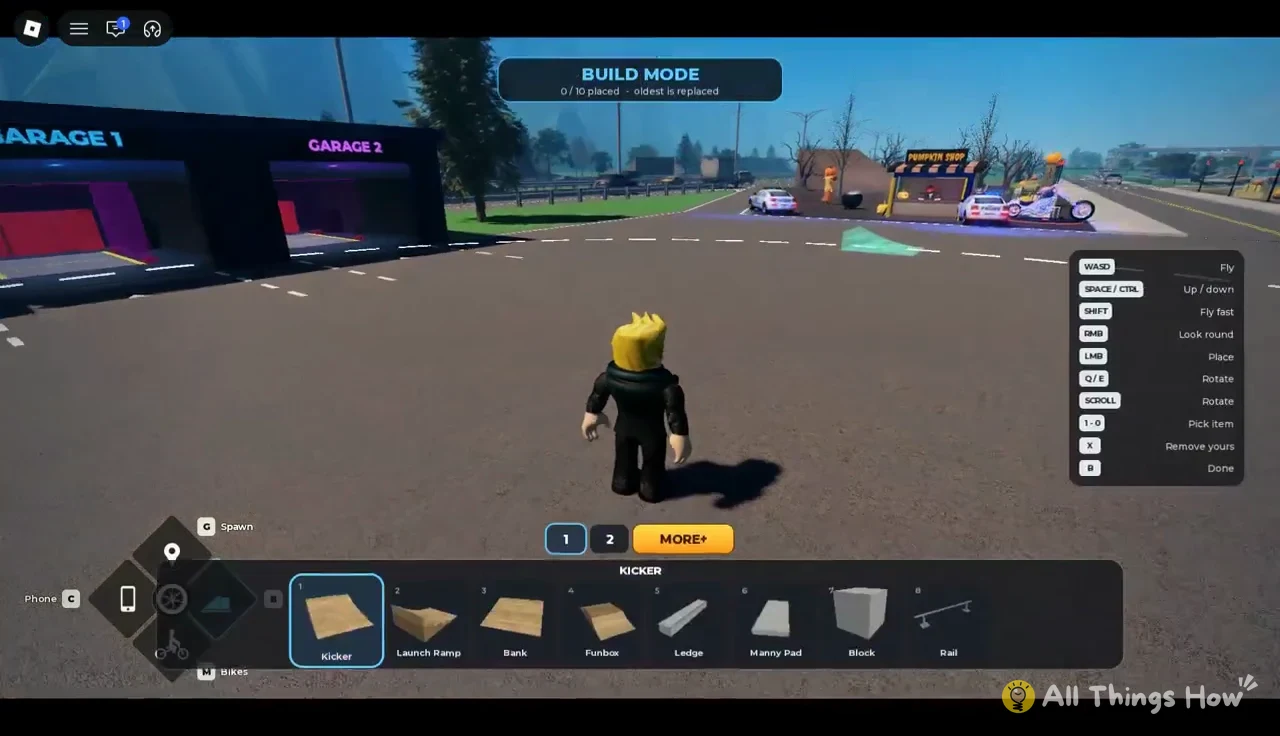
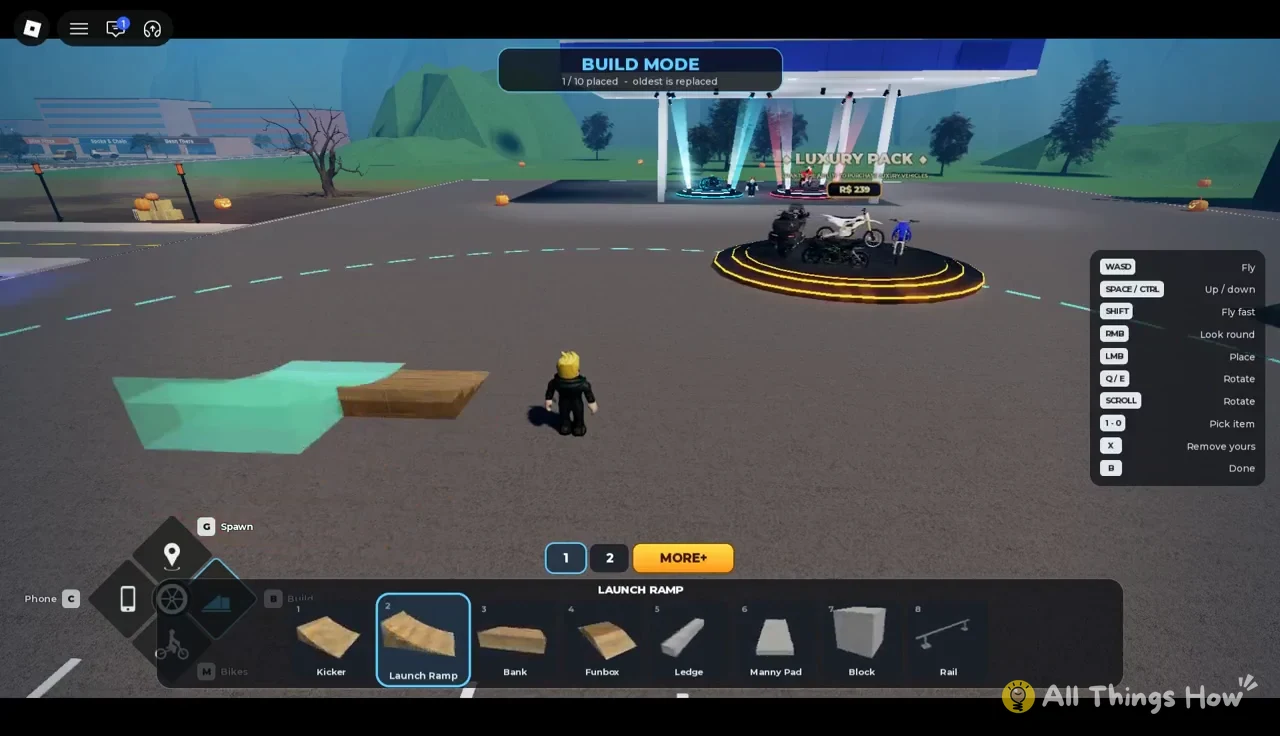
The MORE+ page lists bigger props that start out locked. Those are the Mega Ramp, Quarter Pipe, Table Top, Spine, Step Up, Gap Jump, Pyramid, Wall Ride, Long Rail, Mega Bank and Container. If other players’ builds are cluttering your area, hold B to hide them.
Crashing and remounting in Bike Universe
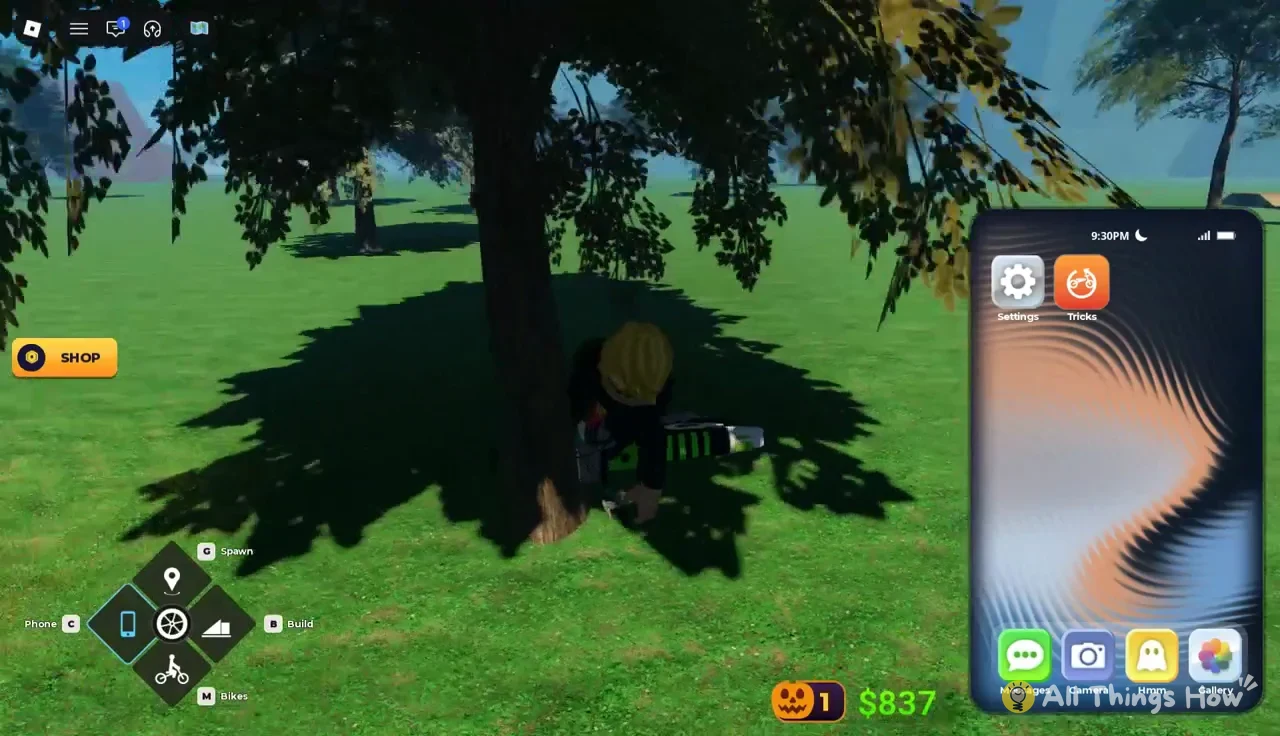
Running into a wall, a guardrail, a fence or low tree branches at speed throws your rider off and into a ragdoll. Leaning too far into a turn or over-tilting a wheelie does the same. A crash in the middle of a trick shows BAILED on screen. Tight streets lined with brick buildings are where the Pitster is easiest to clip.
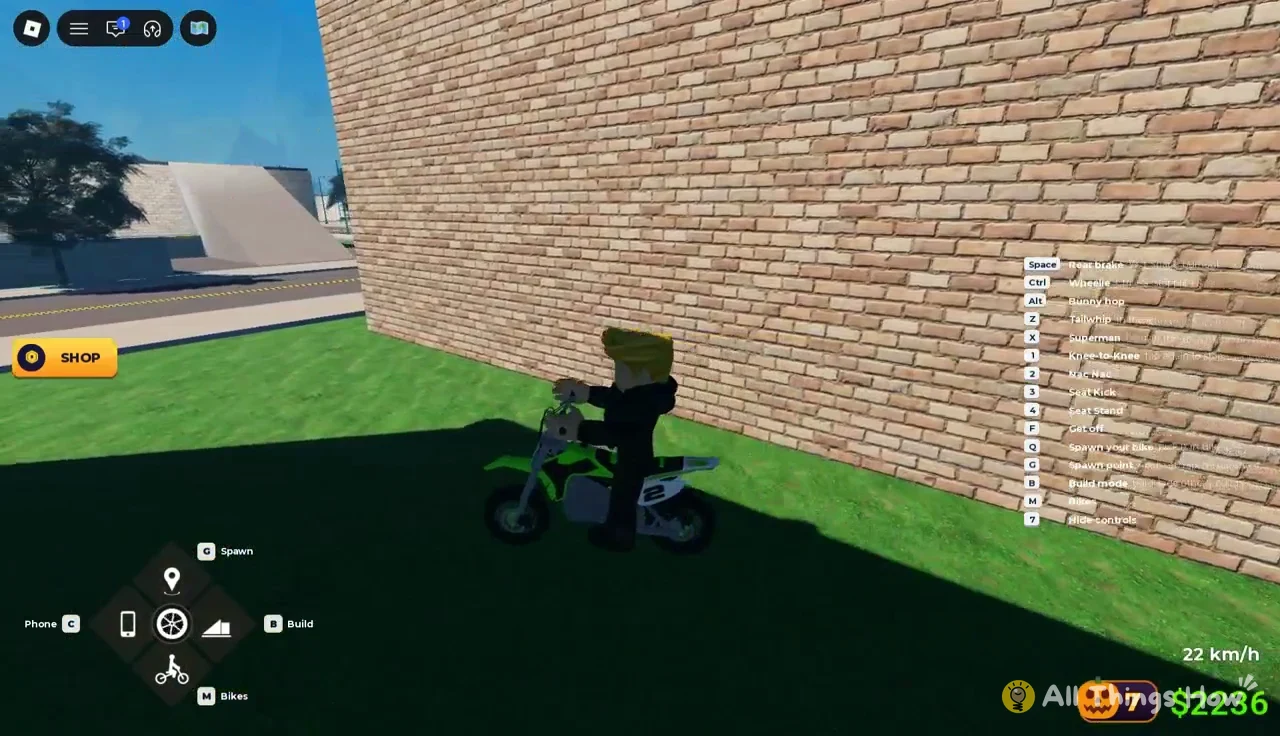
Your rider gets up automatically after 2 to 3 seconds. Walk back to the bike and press E to get back on. If the bike ends up somewhere awkward, press Q to spawn it again, or tap G to return to a spawn point you set earlier by holding G. Once you can hold a wheelie, chain bunny hops and bank a line without bailing, the Mayo 250CC at $5,000 is the first purchase within reach.