In Grow a Garden, the Roblox gardening game, Anubis Coins come from one place. You earn them by turning in fruit that carries the Hieroglyphic mutation, and that mutation comes from a sandstorm that rolls over the map once an hour. Your fruit has to be growing in the garden when the storm hits, so timing matters more than anything you buy.
Quick answer: Leave fruit on your plants during the sandstorm at the top of every hour (UTC). Harvest the Hieroglyphic fruit afterward and choose “Submit all Hieroglyphic fruits” at Trader Tina for Anubis Coins.
When the Anubis Weather sandstorm starts
Anubis Weather is the sandstorm’s name. It starts at the top of every hour (UTC) and lasts 10 minutes. Fruit can gain Hieroglyphic during the storm, and Anubis Bramble can mutate nearby fruit outside it.
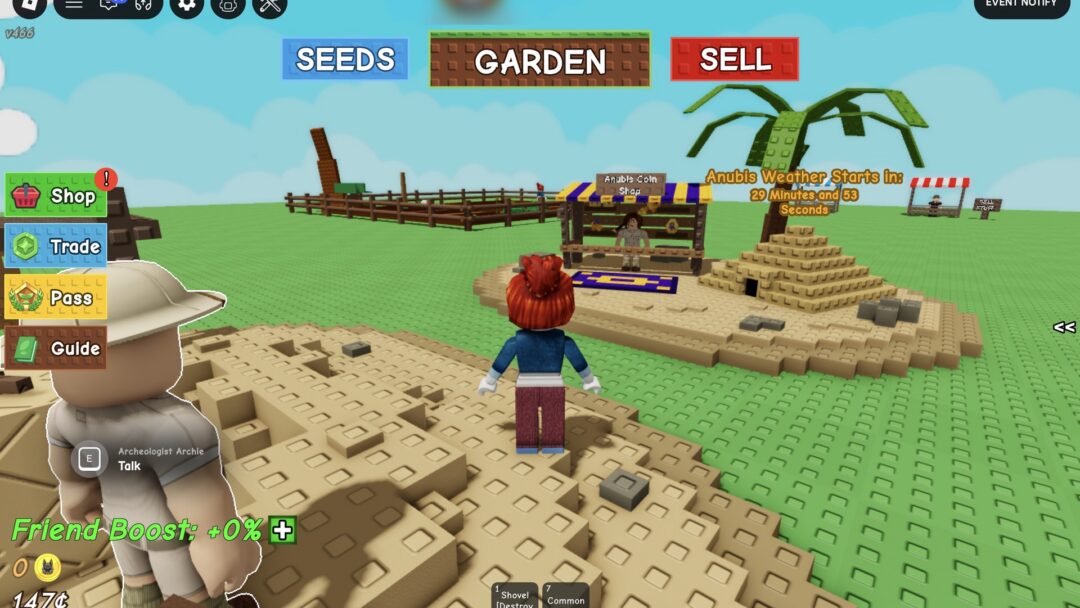
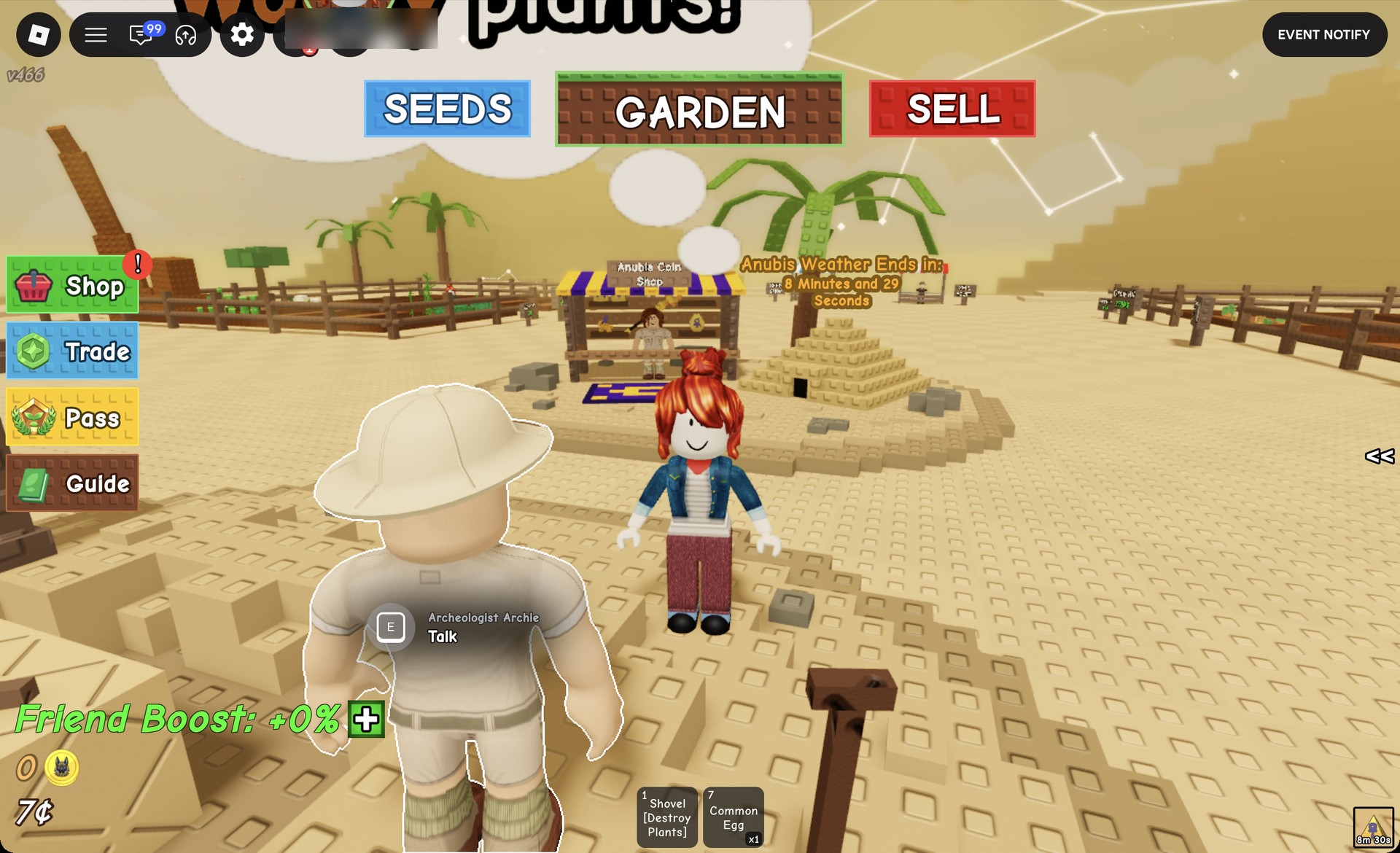
You don’t have to watch the clock yourself. A large sign in the sand area west of the market counts down to the storm, reading something like “Anubis Weather Starts in: 32 Minutes and 3 Seconds”. Once the storm is running, it switches to a countdown to the end, such as “Anubis Weather Ends In: 9 Minutes and 25 Seconds”. The weather icon in the bottom-right corner of the screen tracks the same timer.
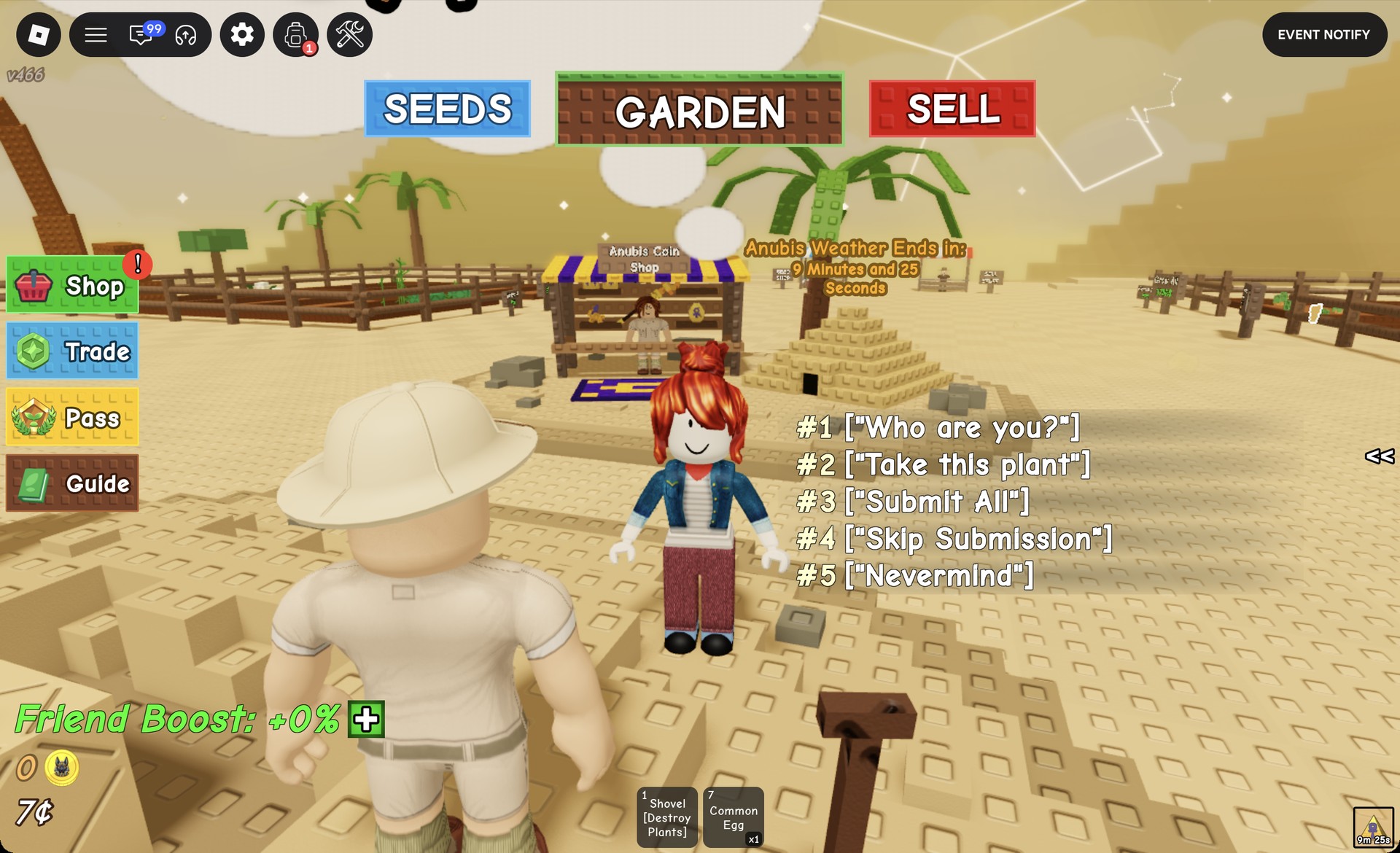
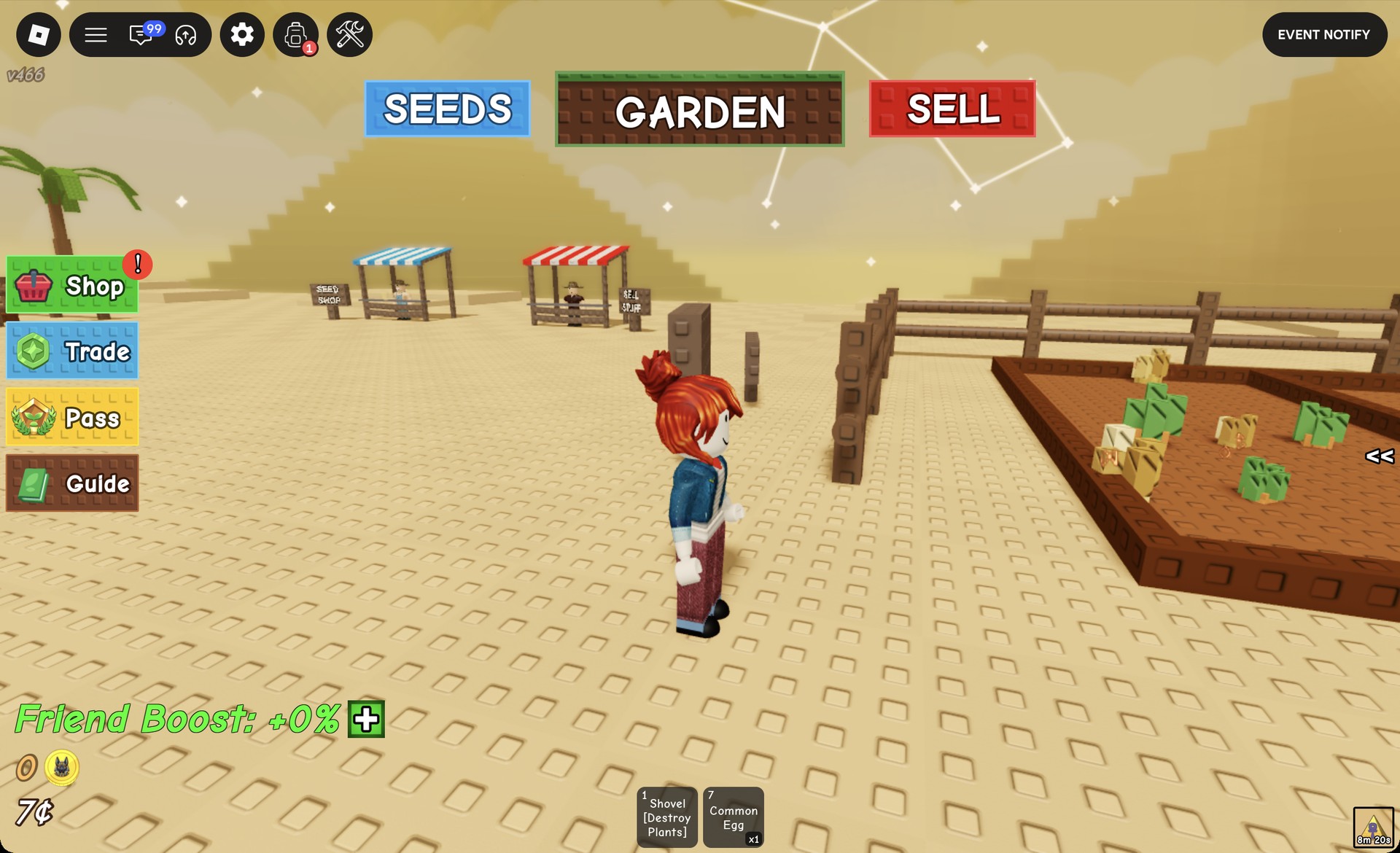
You’ll know the storm has started because the whole map changes. The ground turns to sand, pyramids appear on the horizon, and the sky takes on a sandy tint.
How to get the Hieroglyphic mutation on your fruit
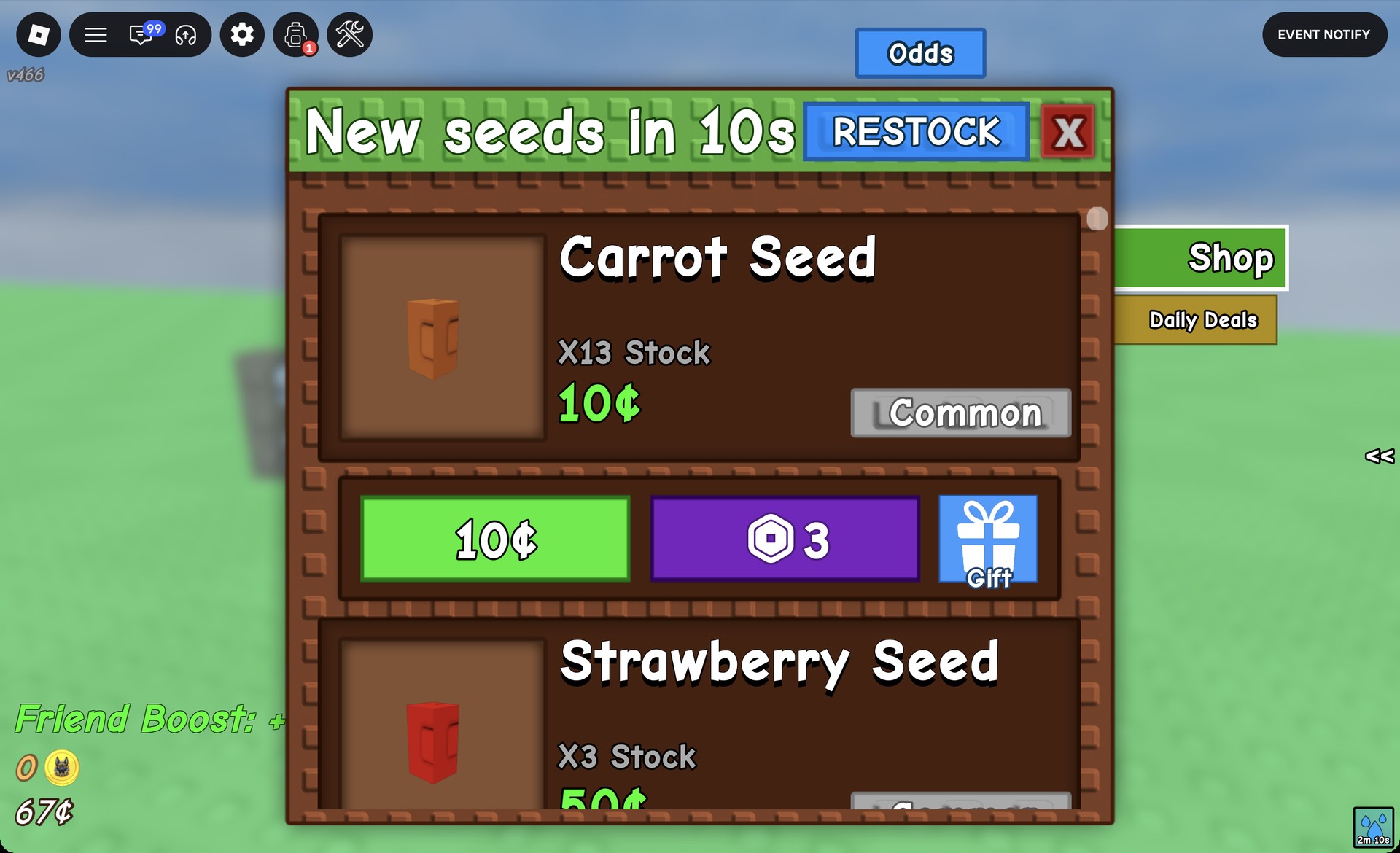
Cheap, fast-growing seeds are the easiest way in. Carrots finish growing in seconds, so you can plant them shortly before the storm and still have fruit ready.
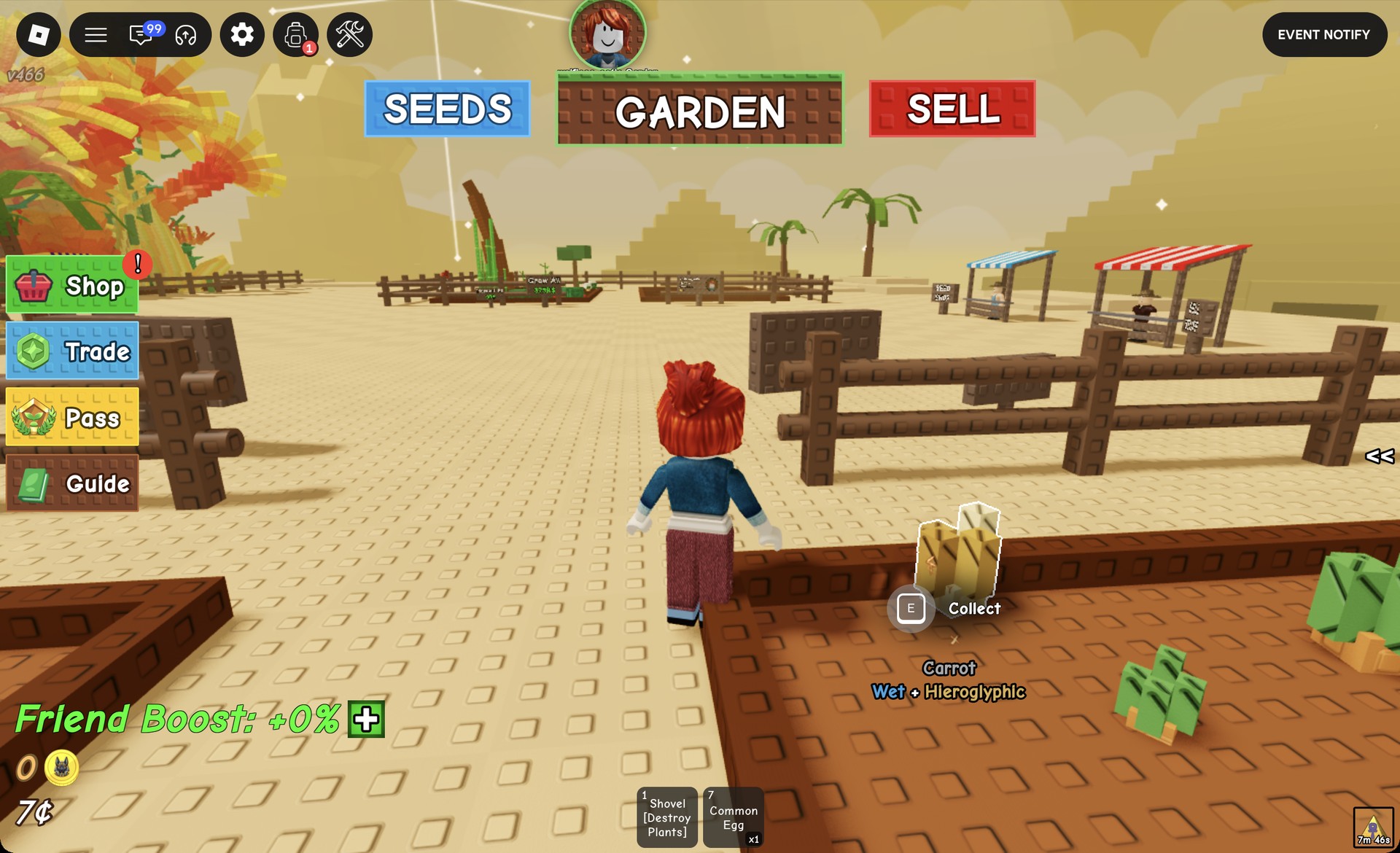
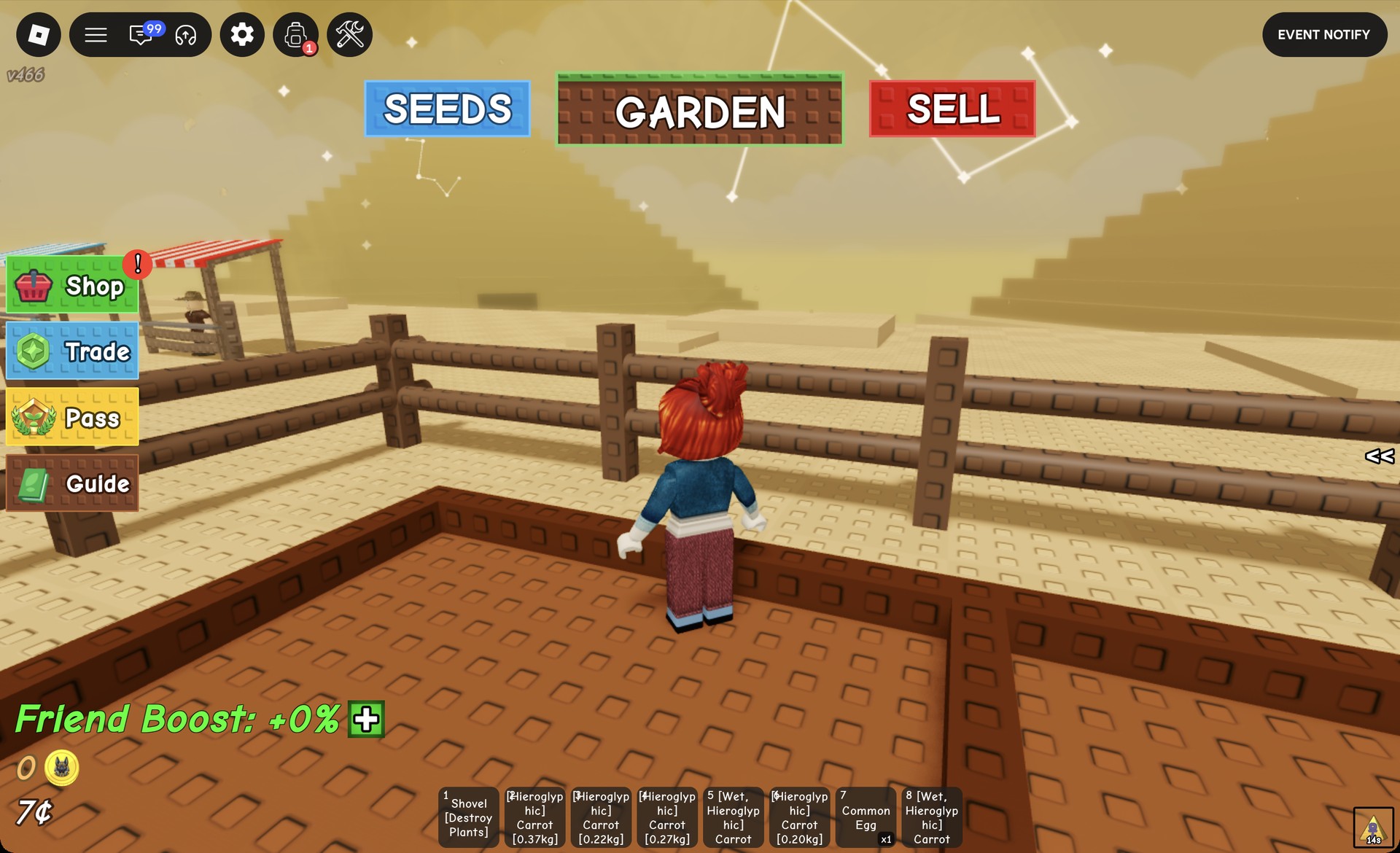
Fruit doesn’t all mutate at once. A garden of six Carrots can have half of them turn Hieroglyphic in the first three minutes and the rest by the end of the storm, so wait until the storm is over before you harvest.
How to trade Hieroglyphic fruit for Anubis Coins
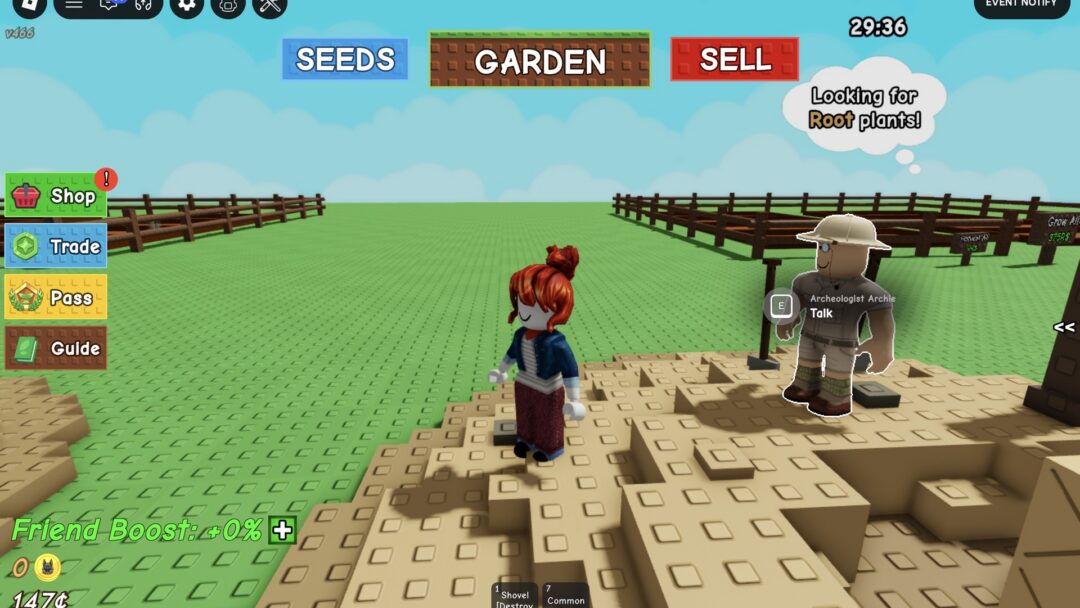
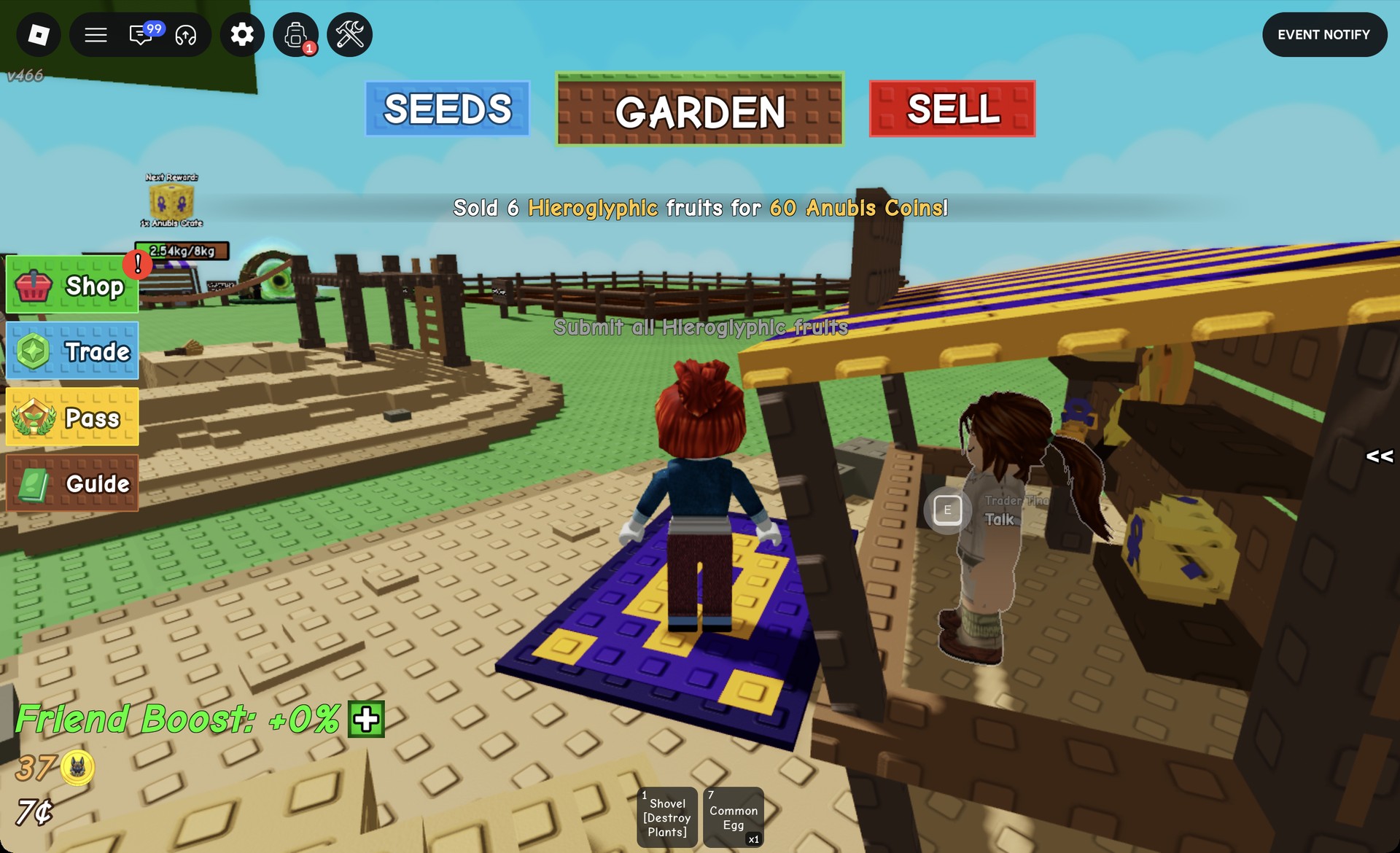
Anubis Coins come from Trader Tina, who runs the Anubis Coin Shop. Her stall is in the sand area west of the market. Look for the purple and yellow striped roof and the “Anubis Coin Shop” sign.
- #1 “Who are you?”
- #2 “What do you have for sale?”
- #3 “Submit held fruit”
- #4 “Submit all Hieroglyphic fruits”
- #5 “Nevermind”
A confirmation message tells you it worked. Six Hieroglyphic Carrots return “Sold 6 Hieroglyphic fruits for 60 Anubis Coins!”, which works out to 10 Anubis Coins per Carrot. Your balance appears above your Sheckles in the bottom-left corner, next to a gold Anubis coin icon, and climbs from 0 to 60 after that trade.
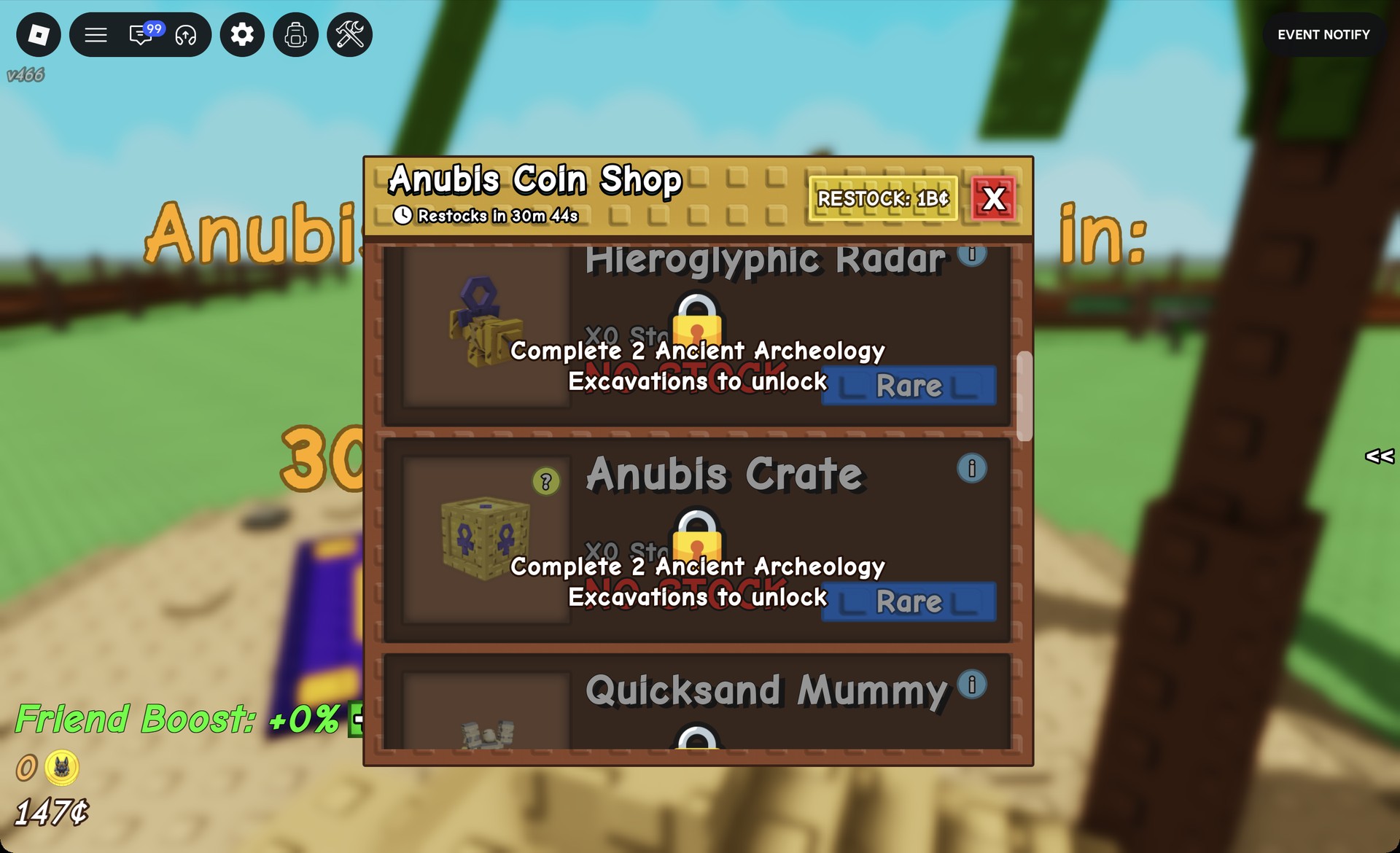
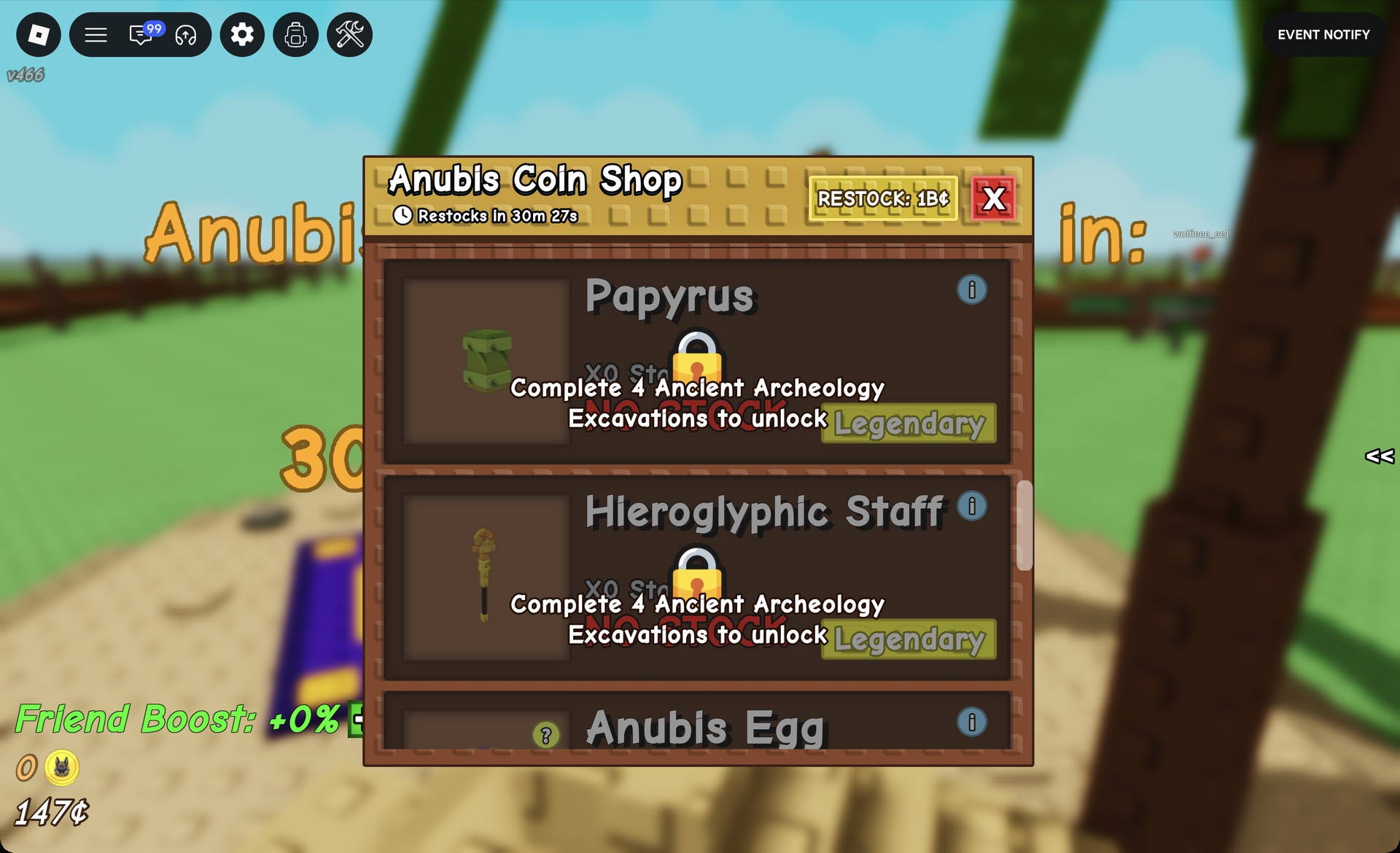
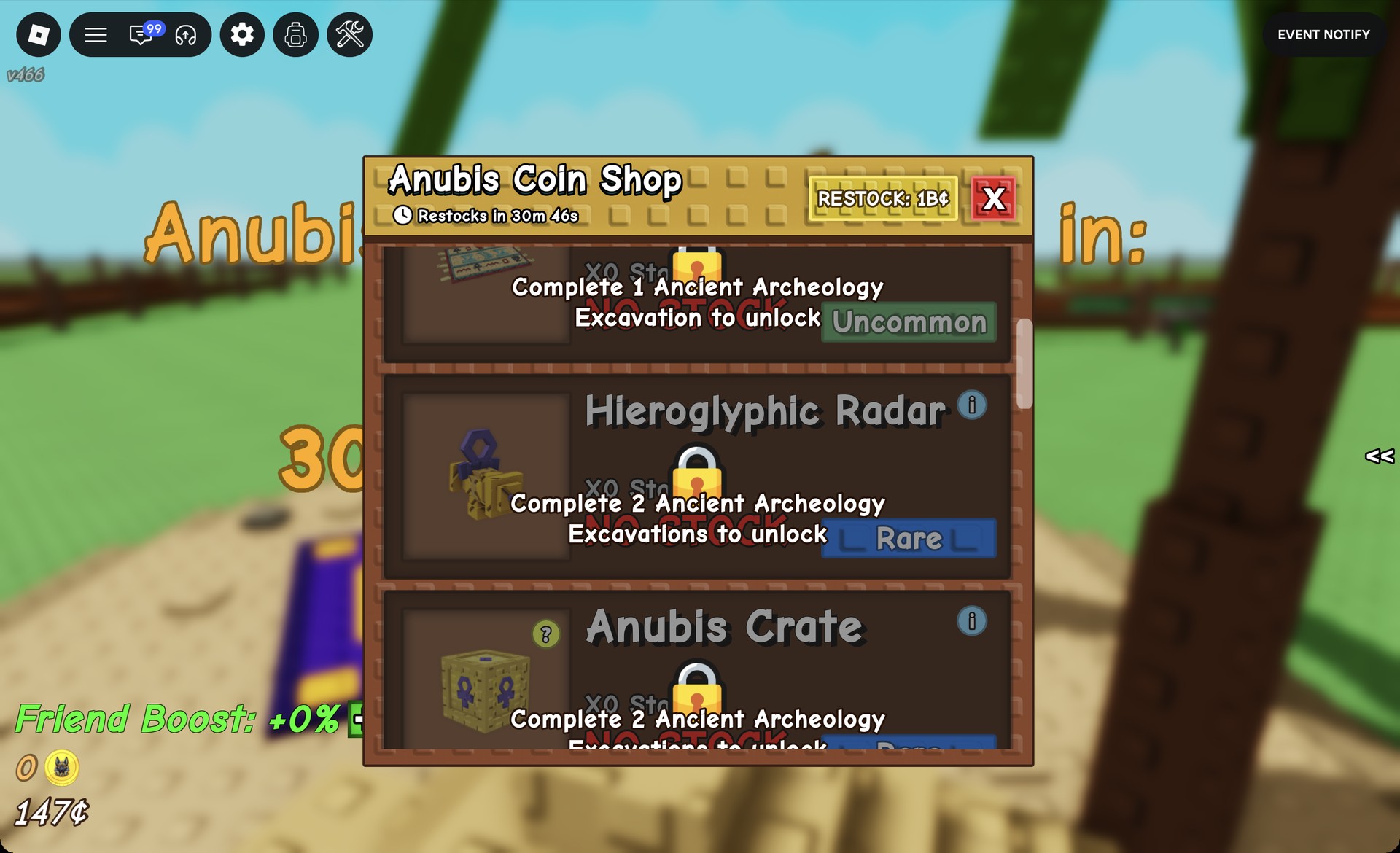
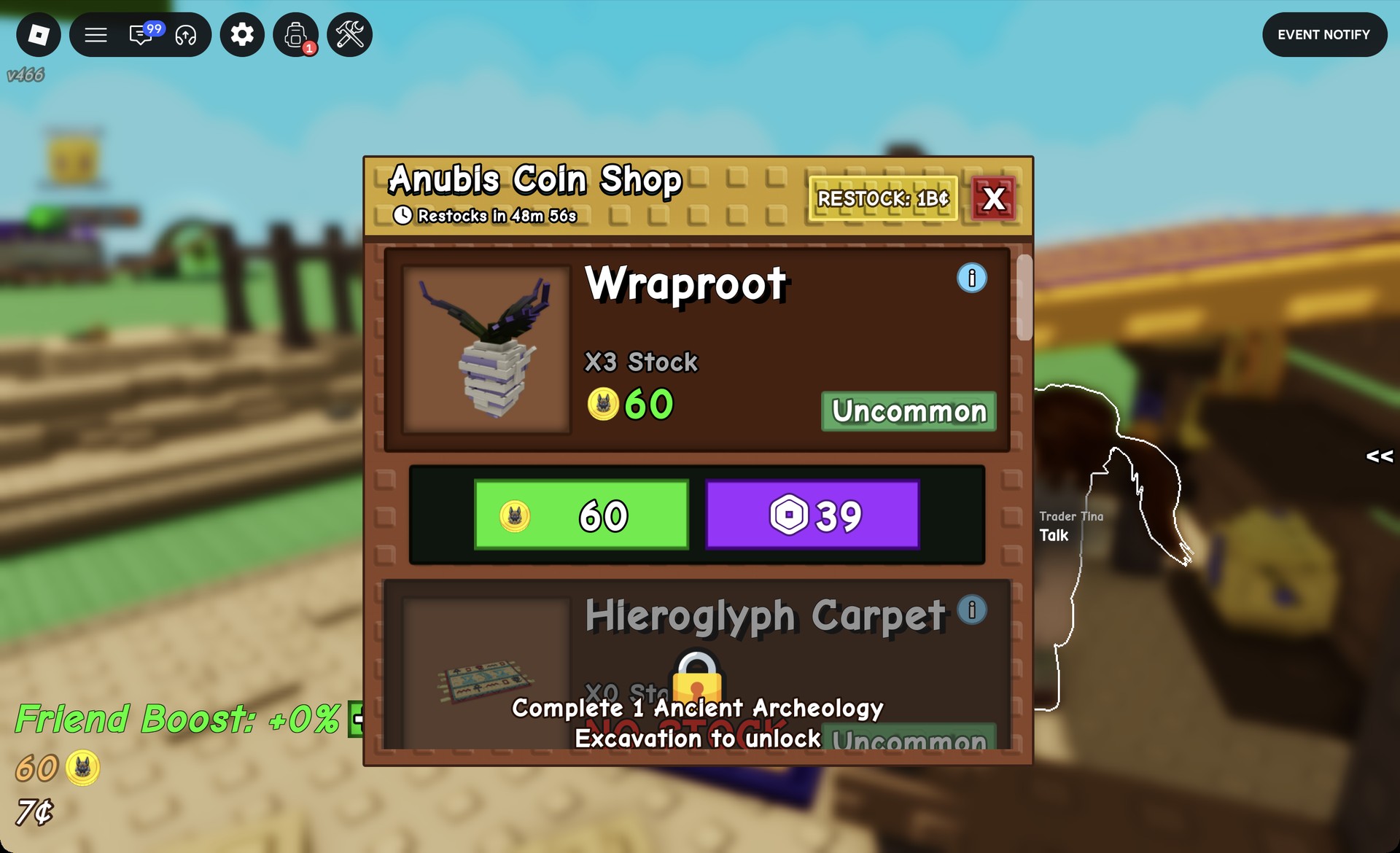
To spend the coins, talk to Tina again and pick #2 “What do you have for sale?” to open the Anubis Coin Shop. A Wraproot costs 60 Anubis Coins, so one full batch of six Carrots covers it. Buy it with the green coin button, not the purple “39” button beside it, which charges Robux. The stock counter drops from “X3 Stock” to “X2 Stock”, your coin balance returns to 0, and “Wraproot Seed [X1]” shows up in your backpack.
Ways to get more Hieroglyphic fruit
Plant more: every fruit in the garden can pick up the mutation during a storm. Other options connected to Hieroglyphic include a seed, a pet, and two gear items.
| Name | Type | Where it comes from |
|---|---|---|
| Anubis Bramble | Transcendent seed, Limited | Bottom of Sam’s Seed Shop |
| Hieroglyphic Staff | Gear | Anubis Coin Shop; Archeologist Archie’s dig rewards |
| Uraeus | Pet | Anubis Egg |
| Hieroglyphic Radar | Gear | Anubis Coin Shop (250 Anubis Coins after 2 excavations); Archeologist Archie’s dig rewards |
Anubis Bramble doesn’t need the storm at all. Its description reads “PLANT ABILITY: Every 10 minutes, mutates a nearby fruit with Hieroglyphic and has a 2.5% chance to apply Blackout to a nearby Hieroglyphic fruit!”, and it keeps working between storms.
Hieroglyphic Staff “Grants extra Hieroglyphic mutations during a Dune Storm”. In the Anubis Coin Shop it costs 1,250 Anubis Coins and becomes available after 4 Ancient Archeology excavations.
Uraeus can trigger during a storm: whenever Hieroglyphic is applied, there’s a 4% chance to give the mutation to one more fruit, increasing to 8% as Uraeus levels up. This extra effect can happen as many as three times in a storm.
Hieroglyphic Radar “Scans and collects fruits with Hieroglyphic mutation!”, which saves you from walking the garden fruit by fruit.
Hieroglyphic fruit: Anubis Coins or Sheckles
Tina isn’t the only buyer. Hieroglyphic is an x3 value mutation when you sell normally to Steven, so a valuable fruit can be worth more as Sheckles than as Anubis Coins. Cheap fruit like Carrots is a different story. Its Sheckle value stays low even when tripled, so it’s better spent on Anubis Coins.
None of this requires real money. The purple Robux buttons, the “RESTOCK: 1B¢” button, and the “Grow All” (375R$) and “Harvest All” (9R$) boards are all optional. A handful of 10¢ seeds and a well-timed storm are enough to start earning Anubis Coins.