Stand Out lets you park a Stand with D’Arby, the card shark who sits at a table on the street in O’ahu. His STAND STORAGE screen holds up to three Stands, one per token. You win the first token in a game of Go Fish, and you pay Robux for the other two. A stored Stand can come back out as a chip in your inventory and go back on the table whenever you like.
Quick answer: Hold the interaction key at D’Arby, beat him at Go Fish through CHALLENGE to unlock Token 1, then press STORE <stand>. Use WITHDRAW CHIP and SLOT <stand> BACK IN to swap.
Where to find D’Arby and open Stand Storage
D’Arby is in O’ahu. When you arrive, the location banner reads “NOW ENTERING O’ahu — Sunshine, palm trees, and STAND USERS…”. He sits at a card table against a red brick wall at the side of a street in town, and the name plate over his head reads Darby.
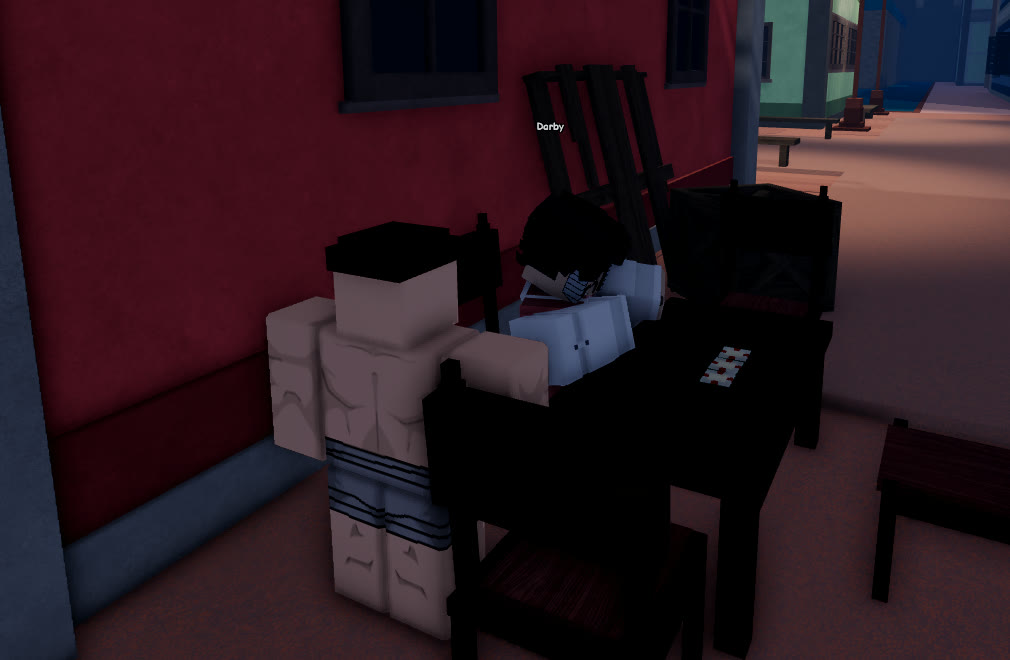
Walk up to him and a single interaction prompt appears. Hold the key shown on that prompt for about a second, and the STAND STORAGE screen opens. Nothing happens if you only tap the key.
If the screen won’t open, you are probably tapping the key. A short press does nothing, so keep it held.
Stand Out Stand Storage slots and costs
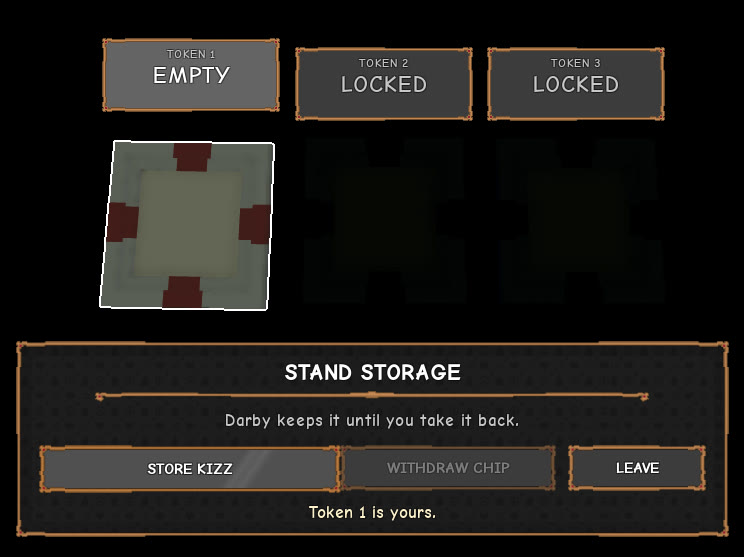
Three tokens run across the top of the screen, labeled TOKEN 1, TOKEN 2, and TOKEN 3. Each token sits above a card that shows the Stand stored there, so you get three Stand slots in total. Below the cards you’ll find one line of info, up to three buttons, and a message line. LEAVE is always on the right.
All three tokens start locked, and each one tells you how to open it.
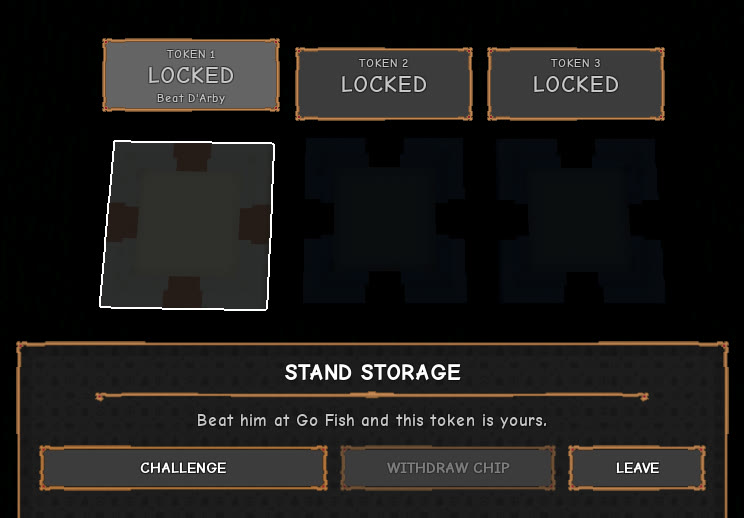
| Token | Locked card reads | Button | Cost |
|---|---|---|---|
| Token 1 | LOCKED / Beat D’Arby | CHALLENGE | Free (win at Go Fish) |
| Token 2 | LOCKED / R$ 119 | UNLOCK: R$ 119 | R$ 119 |
| Token 3 | LOCKED / R$ 159 | UNLOCK: R$ 159 | R$ 159 |
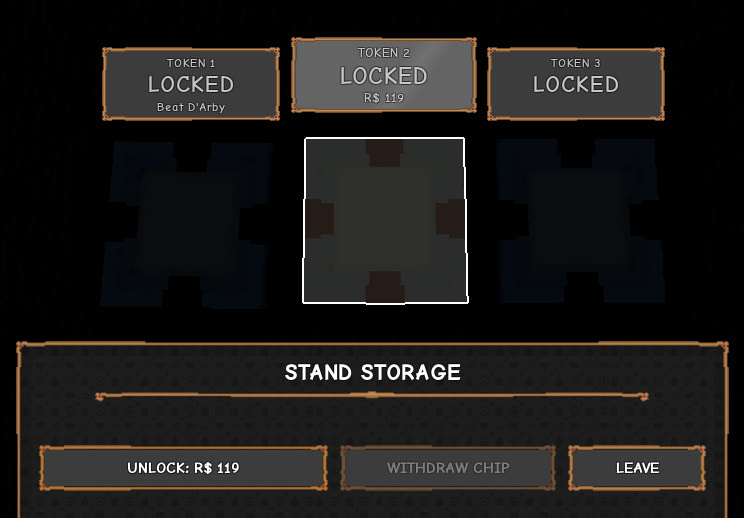
When you select Token 1, the info line reads “Beat him at Go Fish and this token is yours.” Tokens 2 and 3 are priced in Robux, not Dalas. Nothing on the STAND STORAGE screen costs Dalas (for ways to earn it, see how to earn Dalas fast), and the WITHDRAW CHIP button has no price next to it. To get your first Stand slot without paying, win Token 1. Token 2 or Token 3 then gives you a slot beyond that one.
How to beat D’Arby at Go Fish for Token 1
Press CHALLENGE on Token 1. D’Arby starts a conversation and seats you at his card table. Cards are named by suit only, and FISH, BEYOND, SHARK, and BASS are among the suits you can be dealt. The rules work like this:
- Each player starts with four cards, and you take the first turn.
- On your turn, ask for a suit you already hold. If D’Arby has cards of that suit, he hands over all of them.
- If he has none, you go fish and draw from the pile. Drawing the suit you asked for gives you another turn.
- Four cards of one suit make a book.
- When D’Arby asks for one of your suits, click your own cards to hand them over.
The table shows book slots labeled D’ARBY and YOU, a LAST PLAYS log that opens with “D’Arby deals four cards each.”, D’ARBY’S HAND with his card count, and the draw pile, which starts at “24 LEFT”. When it’s time to draw, his speech bar says “Go fish, so click the deck to draw.”
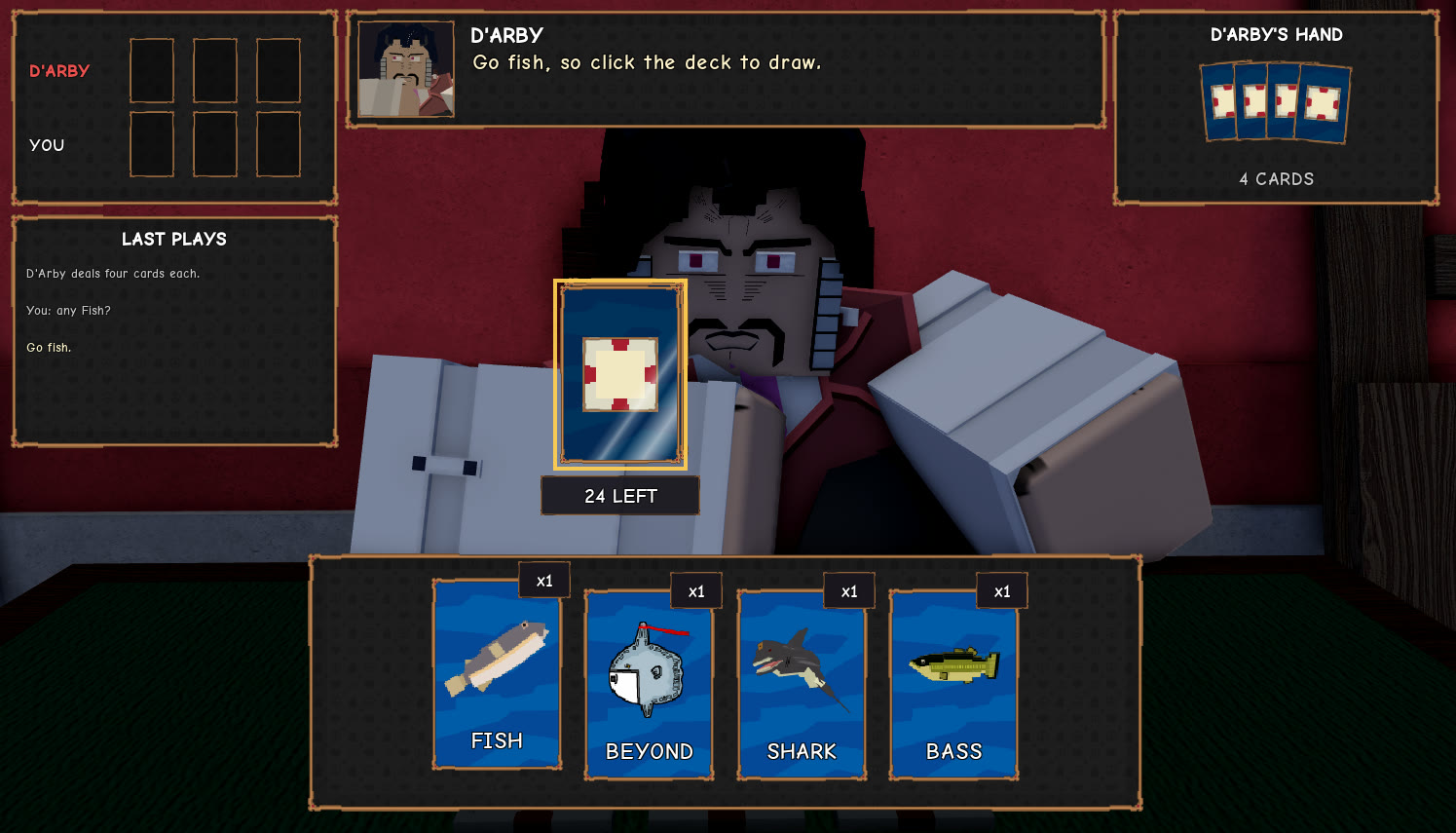
The approach is simple. Only ask for suits you hold, only take from the pile when he tells you to go fish, and click the requested cards when he calls one of your suits. Nothing in the Go Fish game charges Dalas.
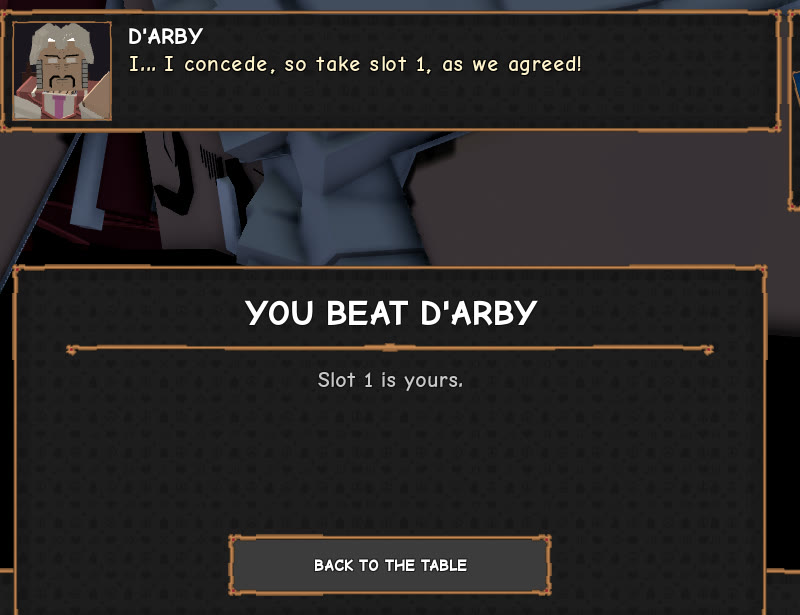
When you win, a panel shows “YOU BEAT D’ARBY” and “Slot 1 is yours.”, and D’Arby says “I… I concede, so take slot 1, as we agreed!” The only button is BACK TO THE TABLE. When you lose, he says “A most enjoyable game, and your soul will make a fine…” and drops you back on the street, a long way from his table. Walk back and challenge him again. His next greeting reads “Back for another game, and shall I go over the rules first?”, with the replies 1. Just deal, 2. Go over the rules, 3. Not now.
To check that the win counted, open the storage screen again. Token 1 is no longer locked, its card is empty, the message line reads “Token 1 is yours.”, and the button now says STORE followed by your equipped Stand’s name.
How to store a Stand and swap it back
Storing and retrieving go in a loop. STORE puts a Stand away, WITHDRAW CHIP takes it out so you can carry it, and SLOT … BACK IN returns it to the table. The example below uses Kizz, and the button names change to match whichever Stand you have.
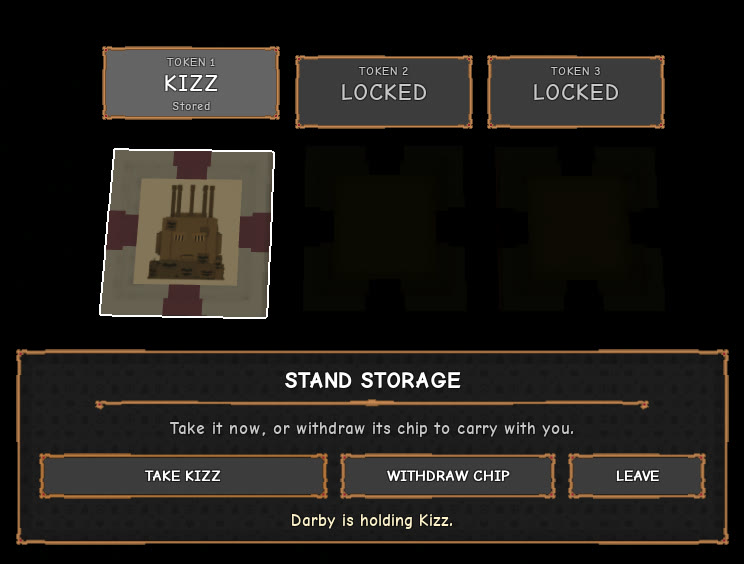
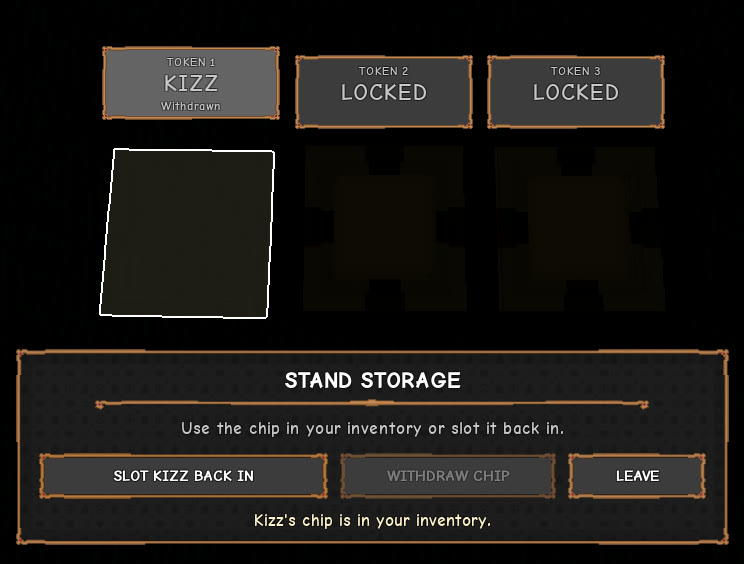
Read the word under the Stand’s name on the token card to see where it is. “Stored” means D’Arby is holding it. “Withdrawn” means its chip is in your inventory. Steps 3 and 4 make the round trip, and none of it costs Dalas.