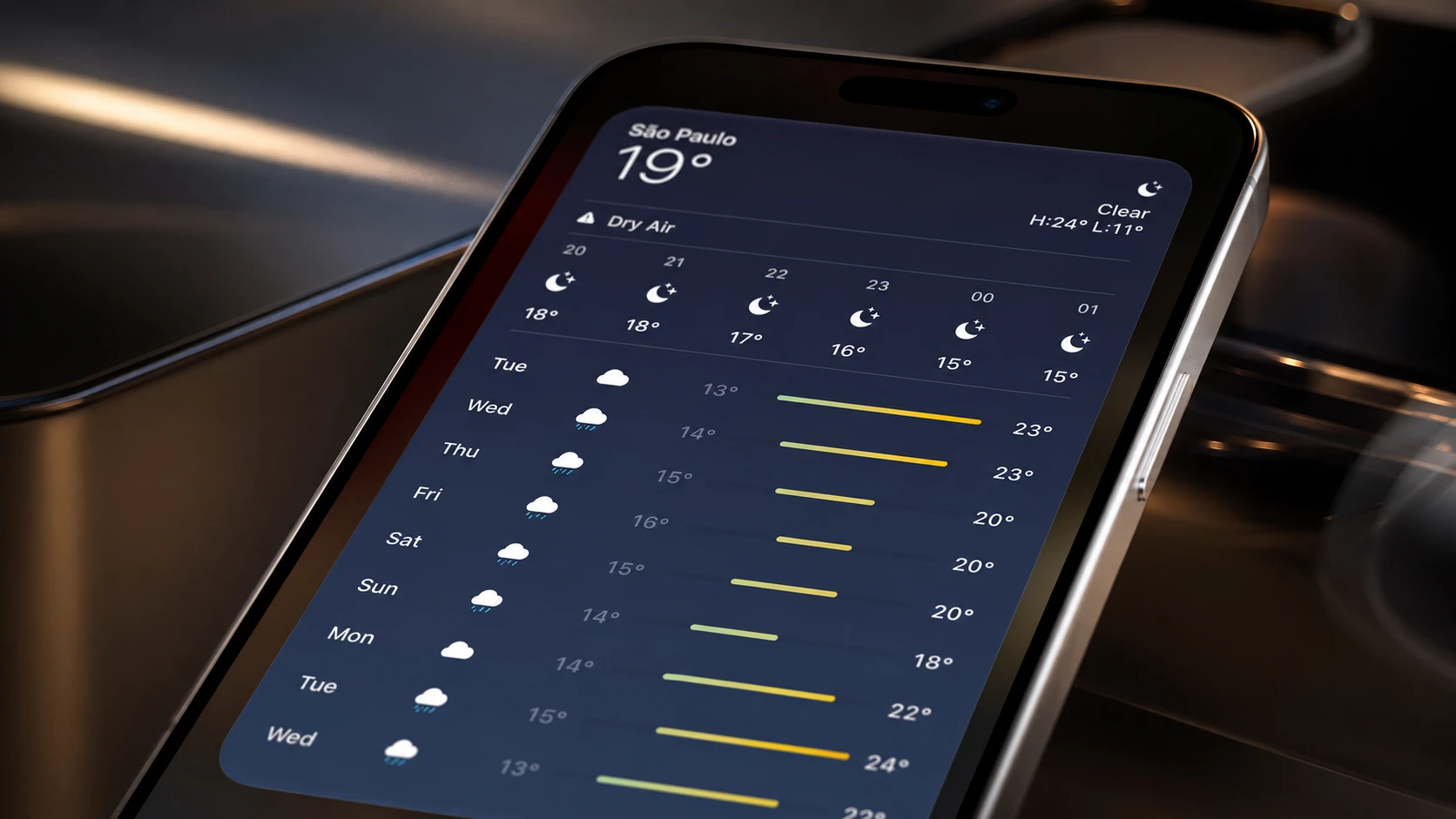
iOS 27 introduces a fourth widget size that fills an entire Home Screen page. The new extra-large widget gives apps a much wider canvas to show information without making you open the app, and it works on both the Home Screen and in Today View.
Quick answer: In iOS 27, add an extra-large widget the same way you add any widget, then drag the bottom-right handle to expand it to the full-page 4×6 size, or pick a widget that already offers the extra-large option.
What the extra-large widget size is
Widgets in iOS have come in three sizes for years. iOS 27 adds a fourth that takes over a full app page, so a single widget can display far more at a glance than the existing options. Apple confirmed the change as part of the broader iOS 27 announcement at WWDC26.
Here is how the new size compares with the ones already on your phone.
| Widget size | Grid | Footprint |
|---|---|---|
| Small | 2×2 | Quarter panel |
| Medium | 4×2 | Half panel |
| Large | 4×4 | Two-thirds panel |
| Extra-large | 4×6 | Full app page |
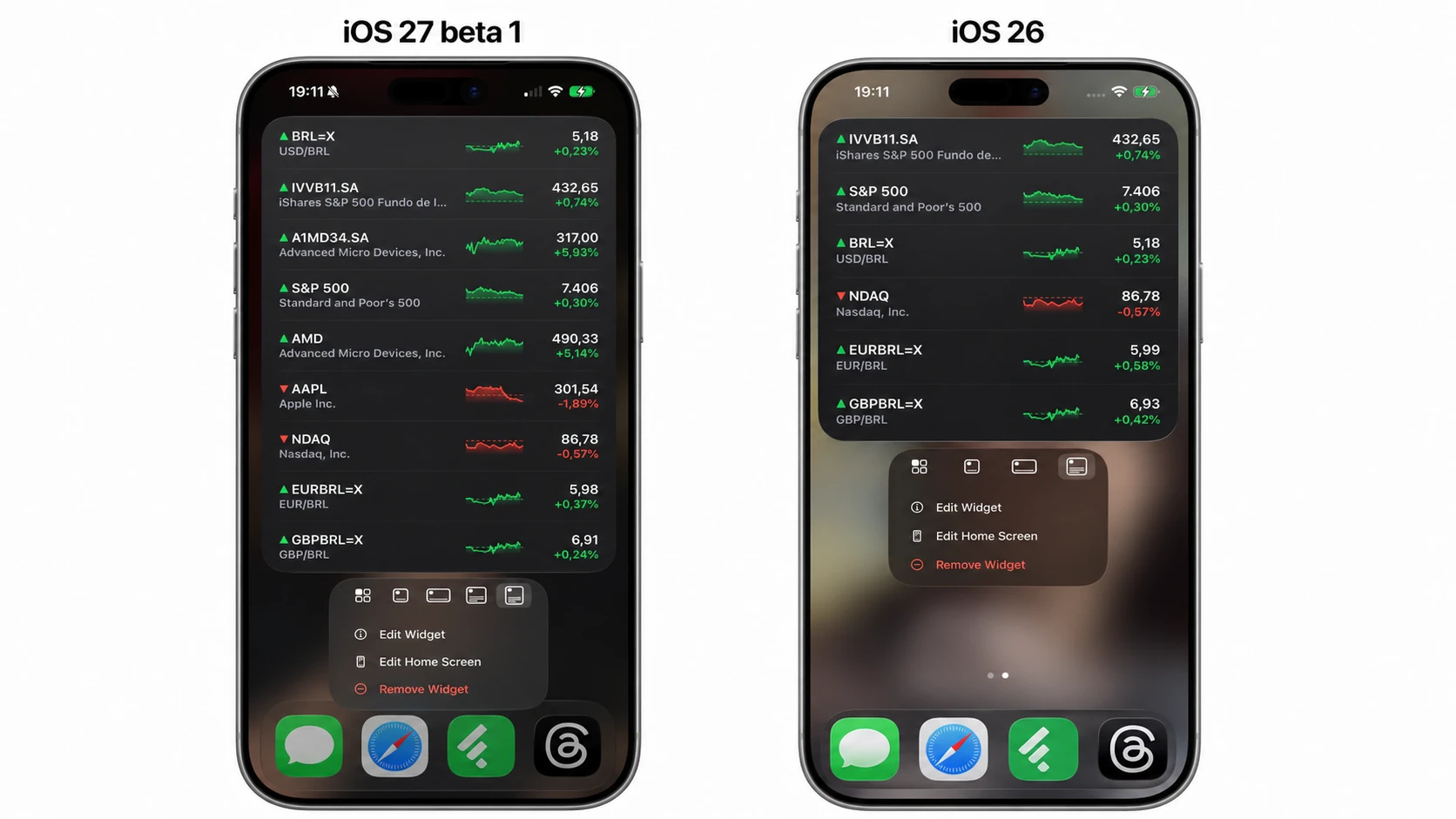
How to add an extra-large widget
You will know it worked when the widget snaps to fill the whole page and shows more content than the large size did.
Which apps support extra-large widgets
At launch, only a small set of Apple’s built-in widgets offer the extra-large option. That list is expected to grow as third-party developers update their apps to add the size before the public release. If a widget does not expand to the full page, it simply does not support the new size yet.
Note: The extra-large widget is one of many smaller refinements in iOS 27, alongside changes like independent volume controls for alarms, timers, and system sounds.
When iOS 27 and extra-large widgets arrive
iOS 27 is in developer beta now, with a public beta planned for July. The full release is set for this fall, alongside new iPhones. The update runs on every iPhone that supports iOS 26, which covers the iPhone 11 and later, so the extra-large widget size will be available across that same range of devices once you install the update.