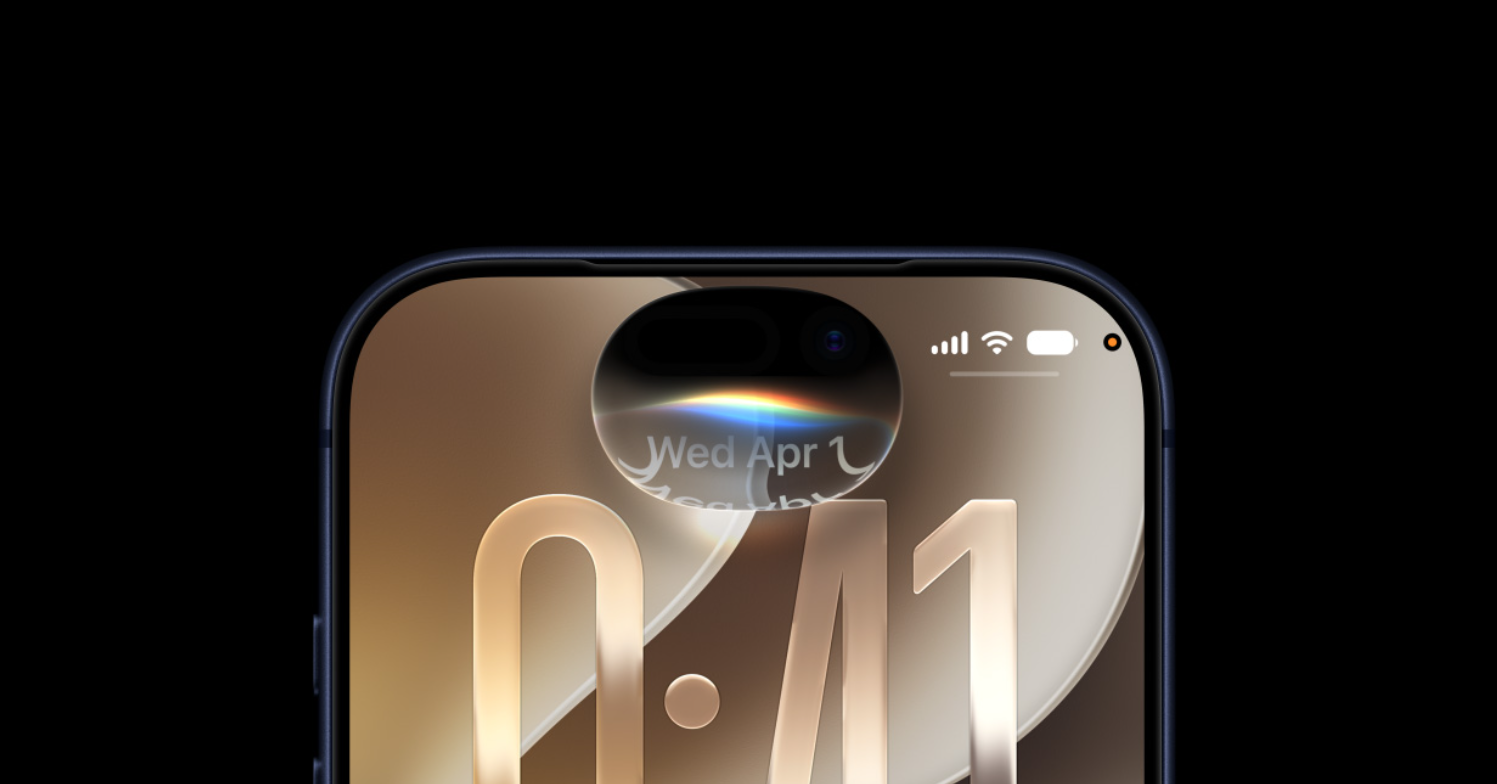
iOS 27 puts a paste shortcut directly on the iPhone keyboard, so copied content shows up as a button you tap once instead of long-pressing a text field. When you copy something in one app and switch to another, the keyboard offers to drop that content in for you.
Quick answer: Copy text, a link, or a photo in one app, open a text field in another app, and tap the “paste from [app]” button that appears above the keyboard to insert it.
What the one-tap paste shortcut does
The shortcut sits in the same strip above the keys where typing suggestions normally appear. After you copy something, that space shows a labeled paste option tied to the app you copied from. Tapping it inserts the content into the current field without any long-press or hunting for a menu.
It handles more than plain text. Links, photos, and other copied content all work, which makes it useful for quickly sending a screenshot to someone in a chat. Because the feature lives in the keyboard itself, it works across many pairs of apps rather than being limited to Apple’s own software.
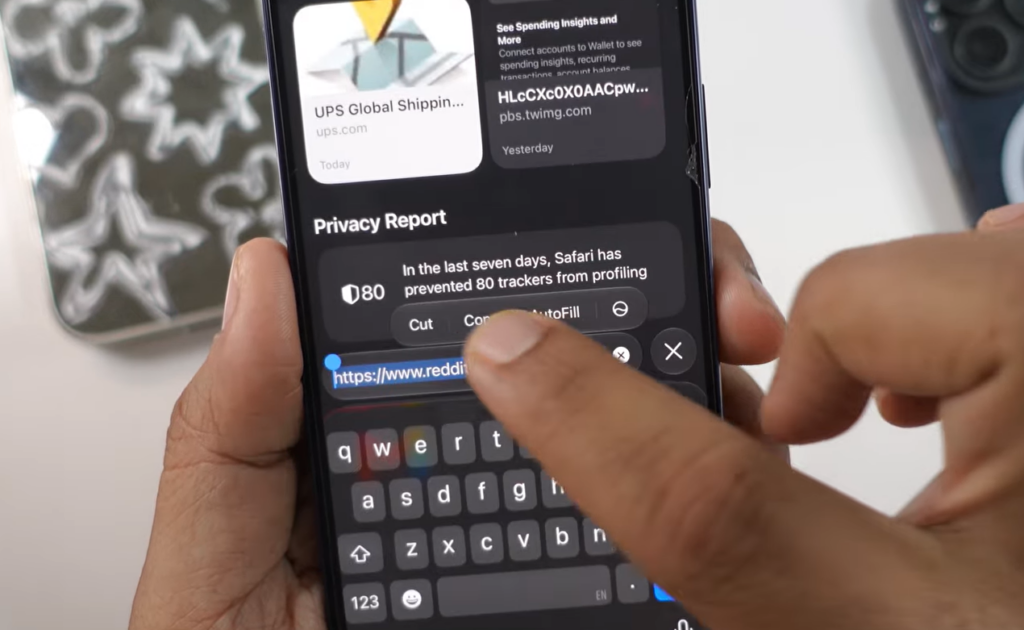
How to use it, step by step
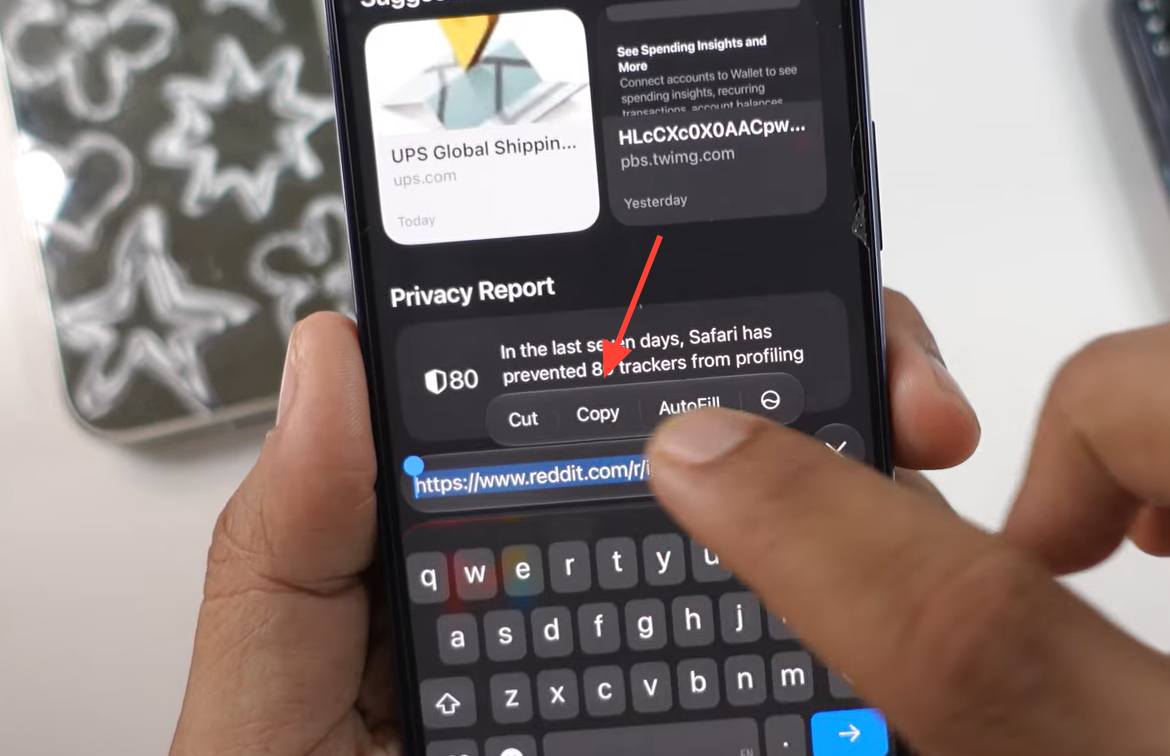
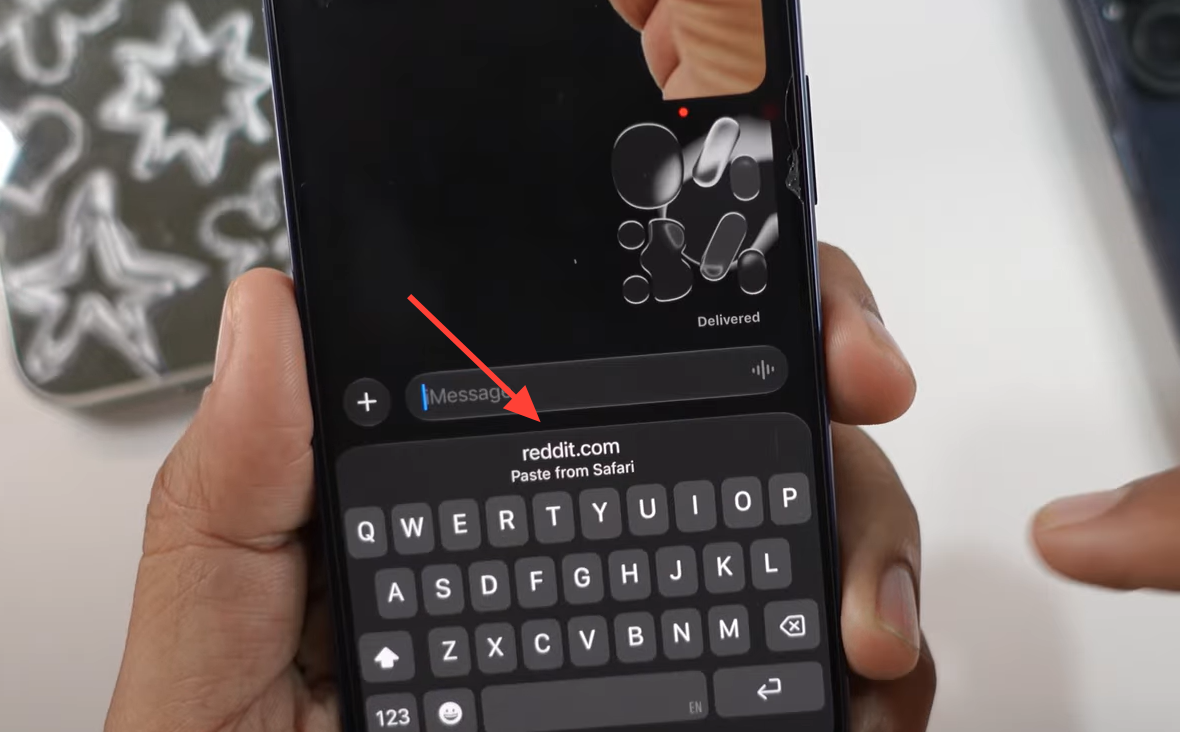
You know it worked when the copied content appears in the field right after the tap. If the shortcut does not show, it usually means nothing has been copied recently, so copy the item again and reopen the keyboard.
Examples that show the feature in action
| Copied in | Pasting into | Shortcut shown |
|---|---|---|
| Safari (a link) | Notes | paste from Safari |
| Reddit (a photo) | Messages | paste from Reddit |
These pairings are just two examples. Since the shortcut is part of the keyboard, the same behavior carries over to other combinations of apps where you copy in one place and type in another.
How it differs from existing paste options
Before this change, pasting meant long-pressing a text field and choosing Paste from the pop-up menu. The one-tap shortcut removes that step for the most common case, which is moving something you just copied from another app.
This is separate from Universal Clipboard, which copies and pastes wirelessly between your Apple devices. The keyboard is also not new to this kind of behavior. It has surfaced one-time verification codes above the keys since iOS 12, and the paste shortcut extends that same idea to your own copied content.

Availability and supported iPhones
iOS 27 is currently in developer beta, with a public beta due in July. Apple is expected to release the update to all users in September, and it will run on iPhone 11 and newer models. The paste shortcut is included as part of that release rather than as a separate download.
The feature fits the wider pattern in this release, which leans toward faster performance, quicker animations, and refinements to everyday actions rather than sweeping redesigns. Once you have it, tapping to paste becomes a routine part of moving content between apps.