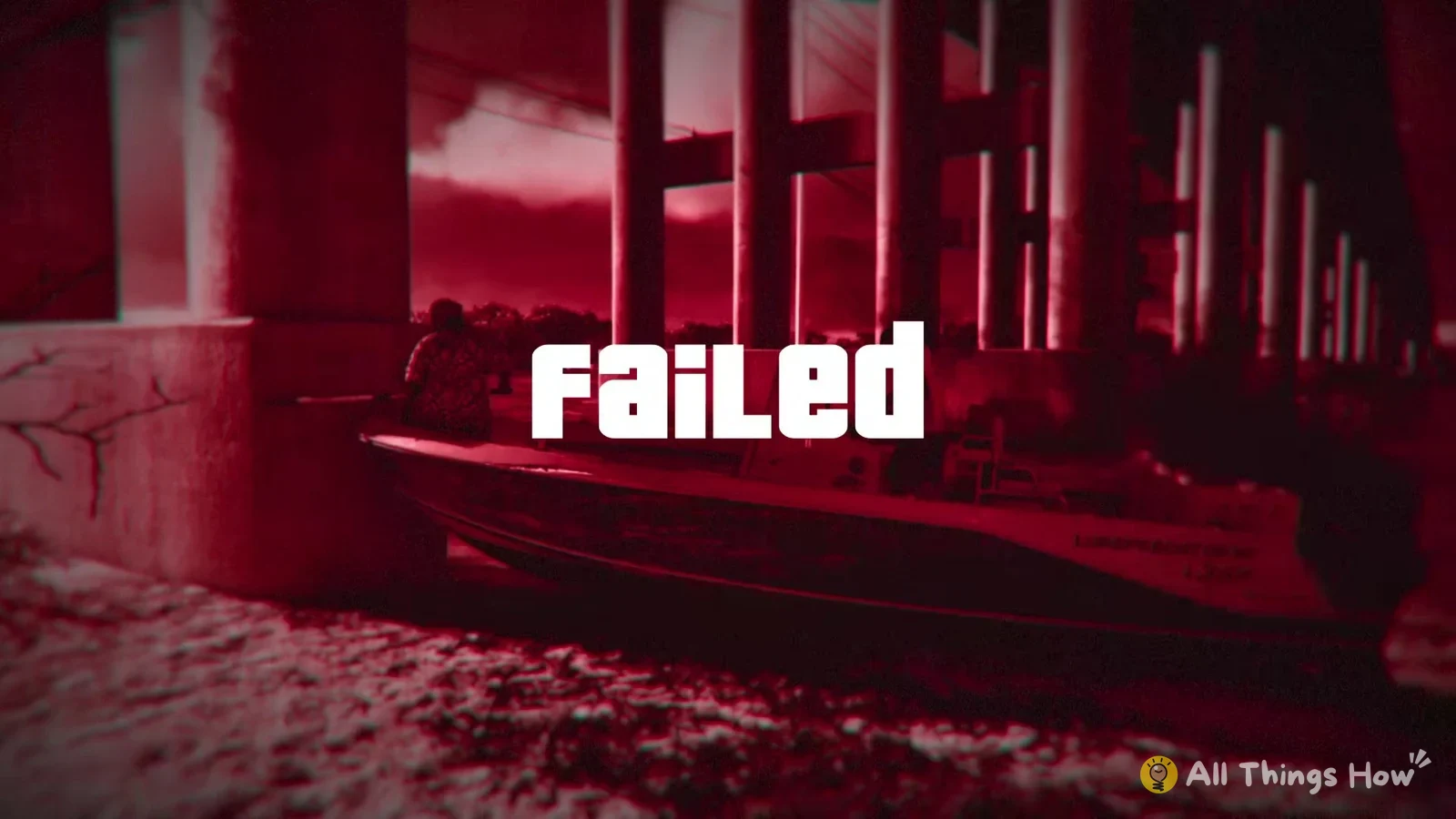
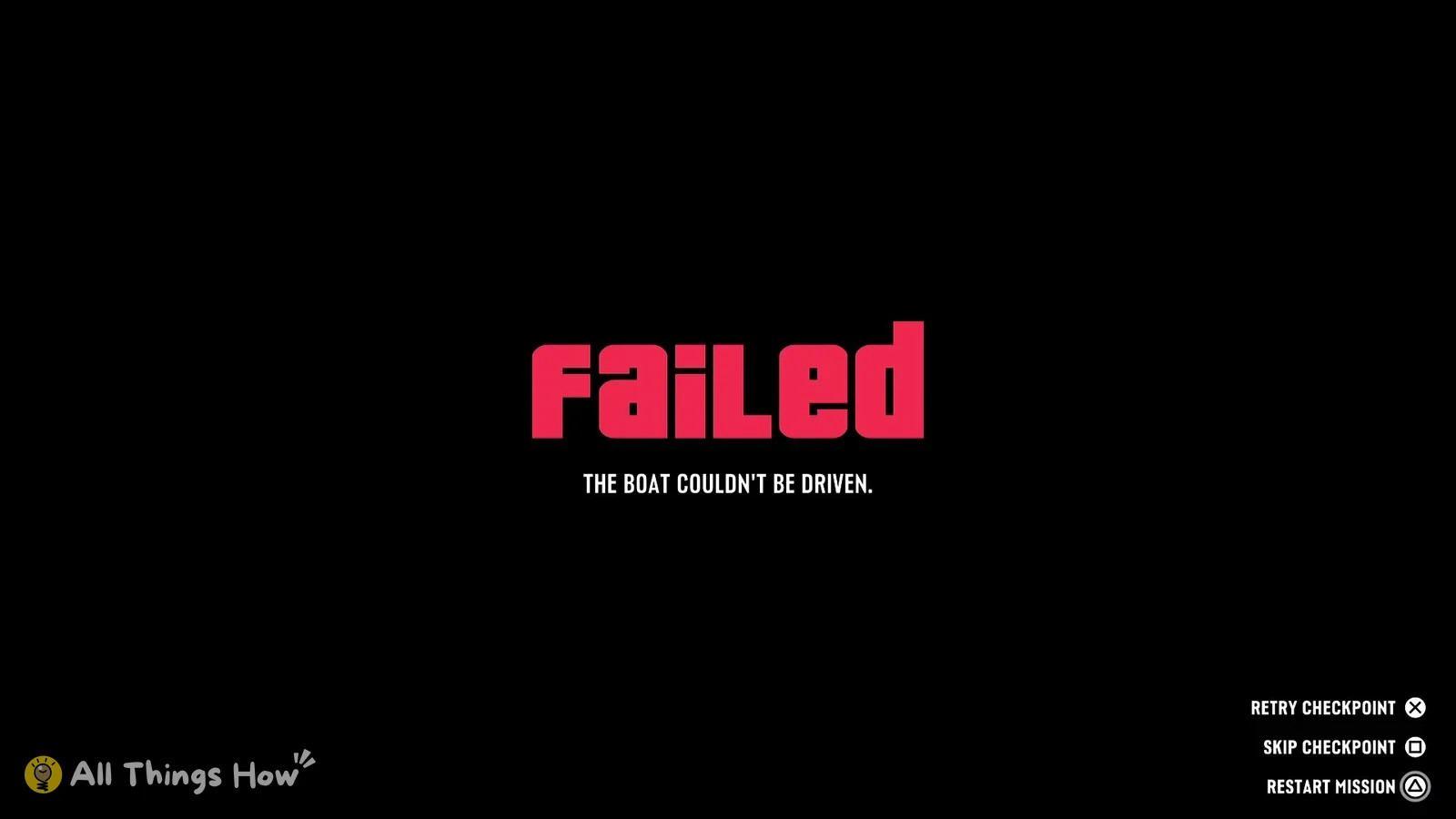
When you fail a mission in GTA 6, the game doesn’t send you all the way back to the start. The fail screen gives you three ways to continue, and the pause menu lets you jump back to your last checkpoint even when the mission is still running.
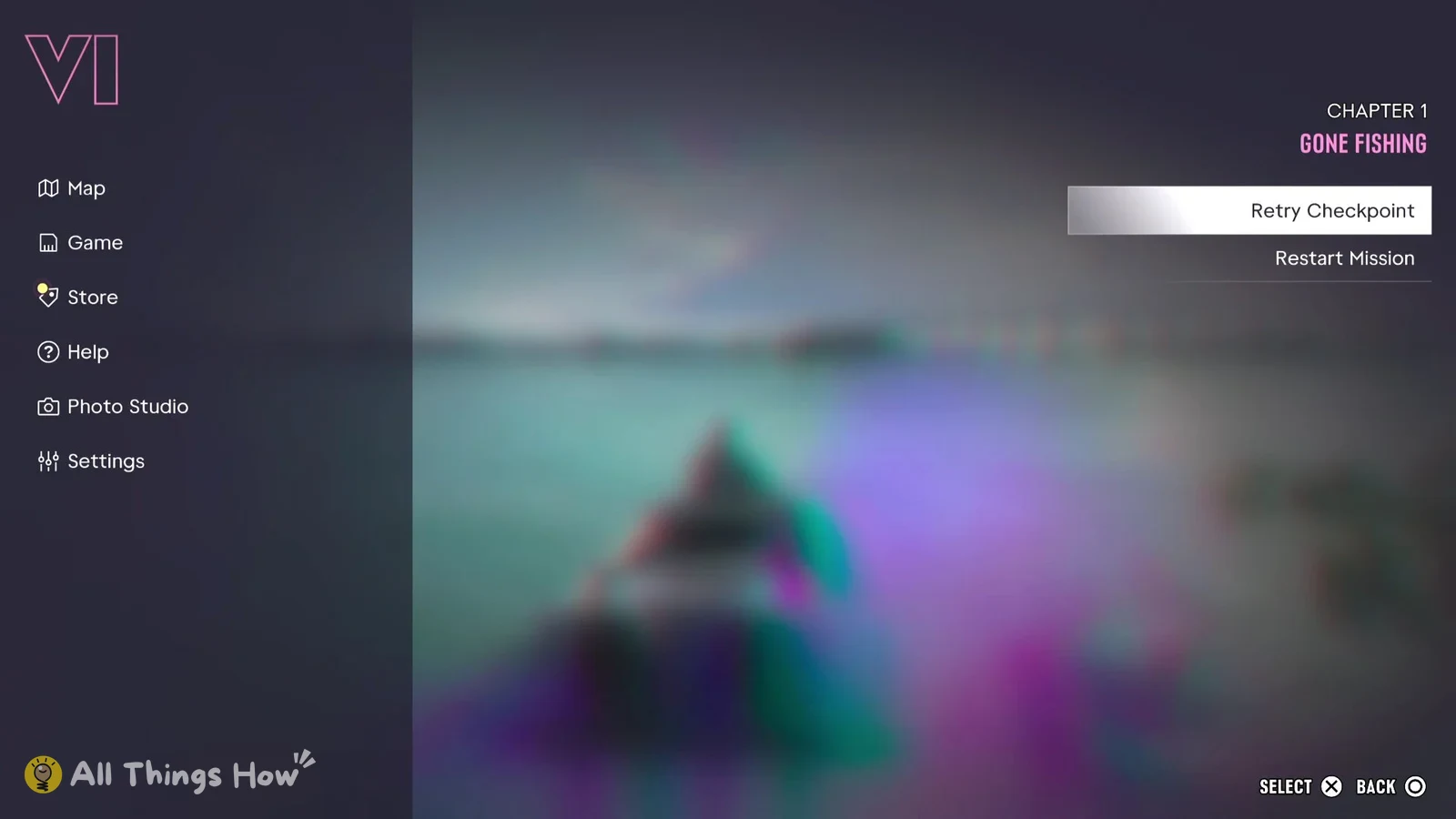
Quick answer: On the mission failed screen, press Cross to retry the checkpoint, Square to skip it, or Triangle to restart the mission. To retry before failing, press Options and pick Retry Checkpoint.
GTA 6 mission failed screen buttons
The button prompts below are for the default PS5 controls. They show up in the bottom-right corner of the screen once the mission has failed.
| On-screen option | Button |
|---|---|
| RETRY CHECKPOINT | Cross |
| SKIP CHECKPOINT | Square |
| RESTART MISSION | Triangle |
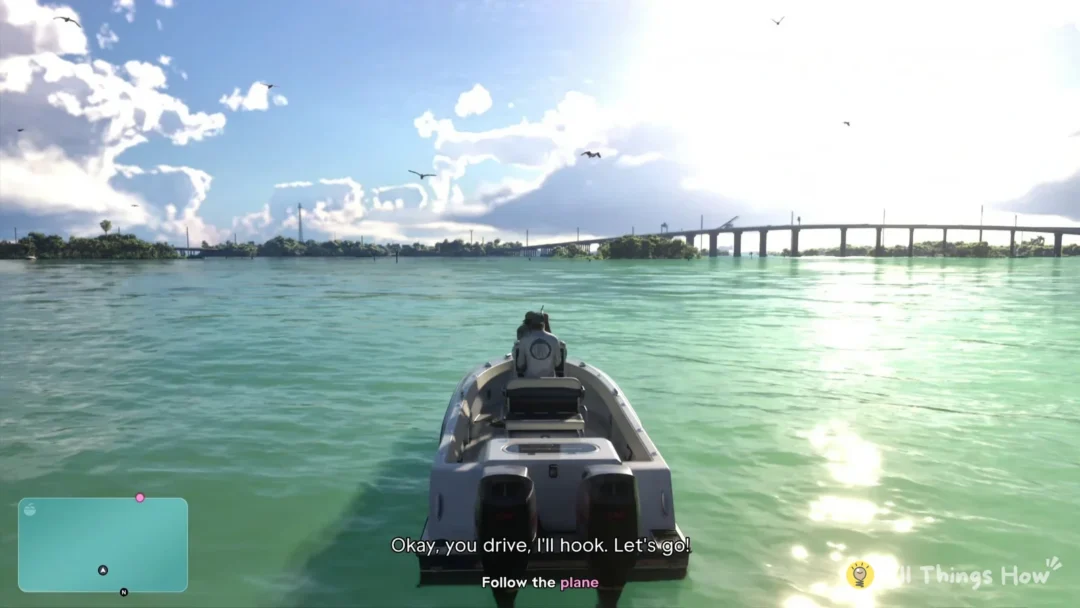
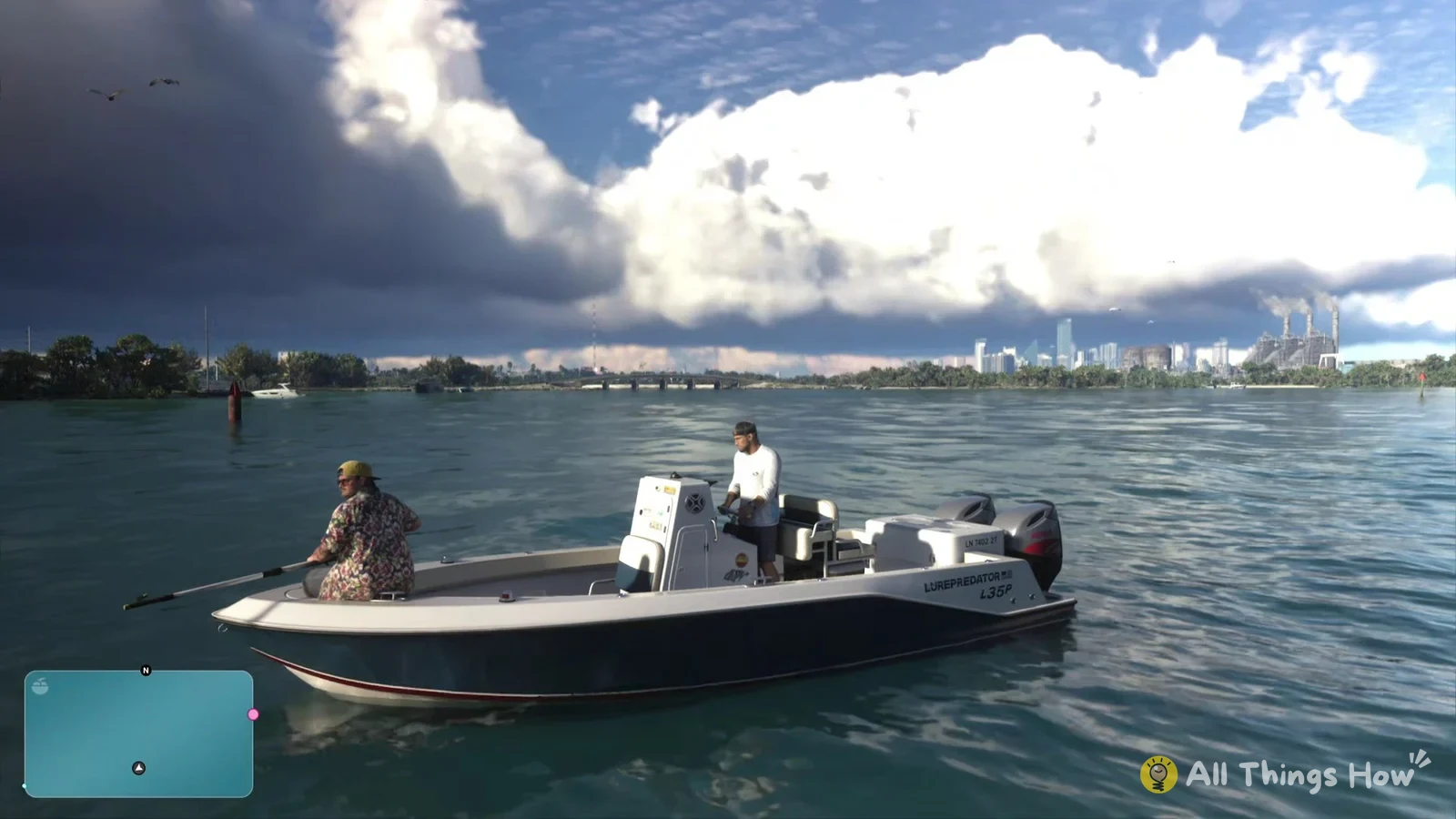
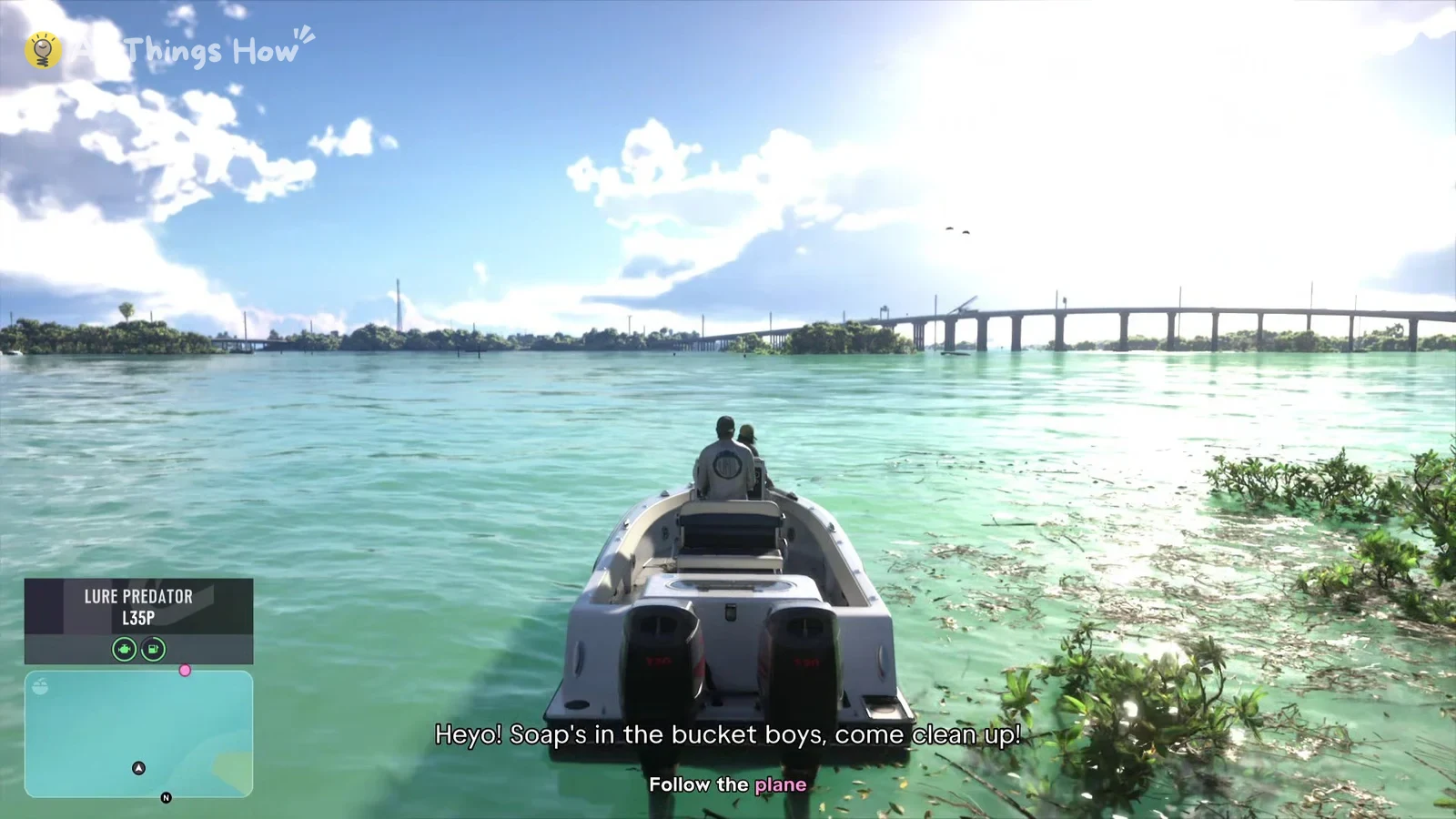
Retry Checkpoint takes a few seconds to load. Then you’re put back at the start of the section where you failed, with that section’s objective and dialogue playing again. In “Gone Fishing”, that means you’re back in the boat with the objective “Follow the plane” on screen.
Skip Checkpoint only shows up on the fail screen. It isn’t in the pause menu, so if you want to skip a section, you need to fail it first and choose Square.
Retry a GTA 6 checkpoint from the pause menu
If you’re stuck or a section is going badly but the mission hasn’t failed yet, you can reload the checkpoint yourself. The pause menu has a mission panel on the right side that shows the current chapter and mission name, like “CHAPTER 1” and “Gone Fishing”, with “Retry Checkpoint” and “Restart Mission” listed under it.