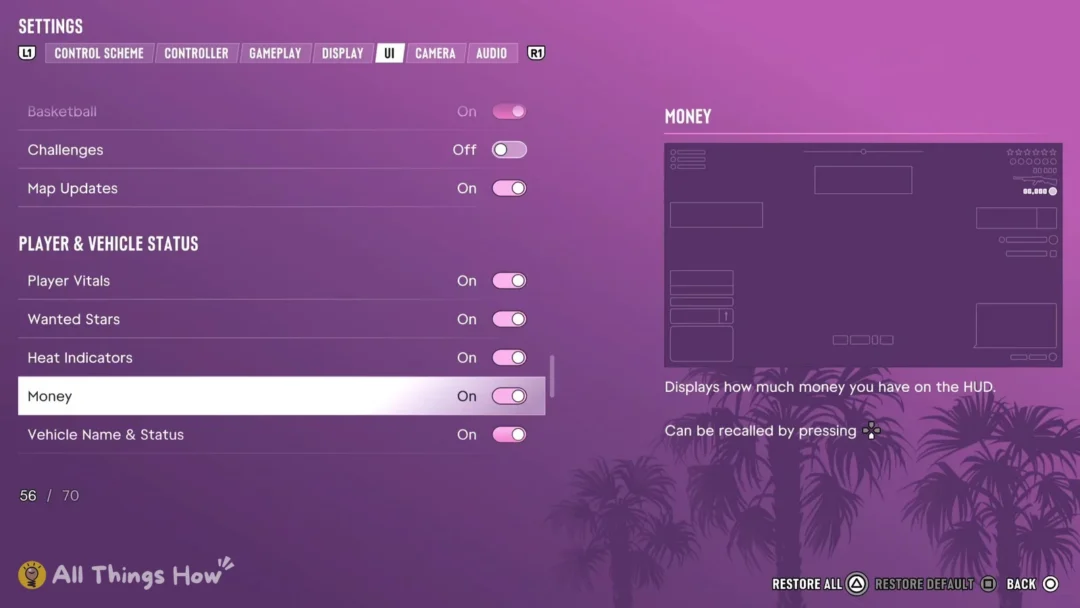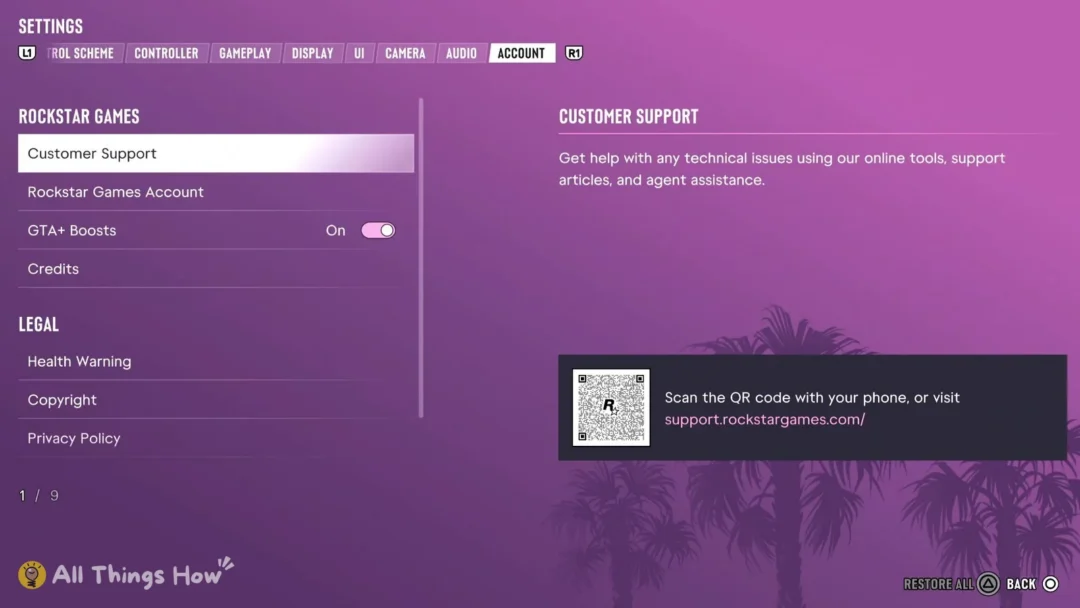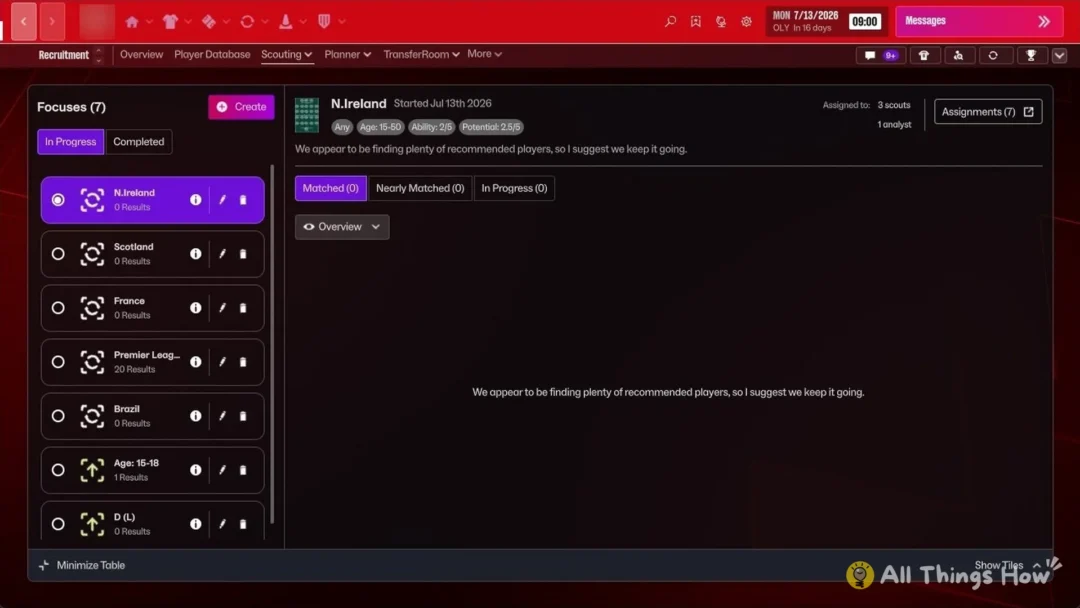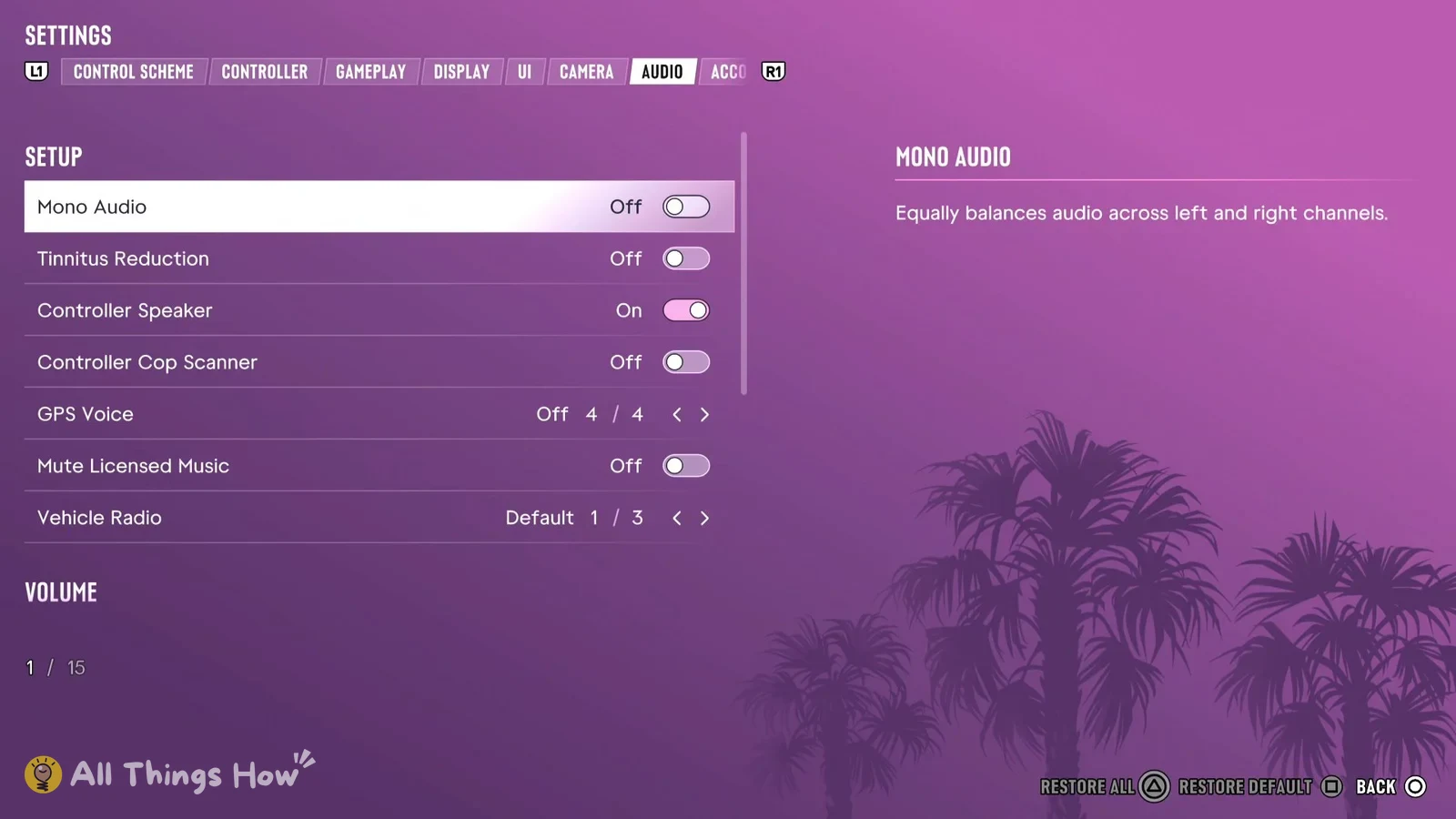
If voices and gunshots in Grand Theft Auto VI don’t line up with what’s happening on screen, Rockstar Games Customer Support has a fix for both PlayStation 5 and Xbox Series X|S. The two support articles went up on November 19, 2026, the day the game came out. They also apply to other Rockstar Games titles on those consoles.
Quick answer: Plug headphones into your controller. If the sound lines up there, turn on Game Mode on your TV, then set ALLM to Off on PS5 or tick Allow Auto Low-Latency Mode on Xbox.
Check where the GTA 6 audio delay comes from
Before you change any settings, work out whether the problem is coming from the game or from the way your TV and audio hardware are set up. You can test it either of these ways:
- Plug a pair of headphones straight into your controller and listen while you play.
- Capture a video clip of the game with the console’s own capture feature: Share Play on PS5, or Xbox Capture on Xbox Series X|S.
Watch the captured clip on a different device, not on the same TV setup you’re testing.
If the sound matches the picture through the controller headphones or in the clip, the game itself is fine. The delay is coming from your TV configuration or audio hardware setup, and the console fixes below are the ones Rockstar gives for that case.
Fix GTA 6 audio delay on PS5
Switch on Game Mode on your TV or display first, then turn off the latency reduction setting on the console.
Fix GTA 6 audio delay on Xbox Series X|S
Turn on Game Mode on your TV or display here too, and then make sure the console is allowed to use Auto Low-Latency Mode.
PS5 and Xbox low latency settings side by side
The console setting goes in opposite directions on the two platforms, so check you’ve used the right one for your system.
| Console | TV or display | Console setting |
|---|---|---|
| PS5 | Game Mode on | Auto Low Latency Mode (ALLM) set to Off |
| Xbox Series X|S | Game Mode on | Allow Auto Low-Latency Mode ticked |
Go back into GTA 6 after making both changes. If dialogue and sound effects now match the picture through your normal TV and speakers, the fix worked.
Contact Rockstar support if the audio is still out of sync
Rockstar says Game Mode plus the console setting can “sometimes” clear up the desync, so it won’t work for everyone. If your audio still lags, open a ticket with Rockstar Games Customer Support using the Submit a Request option, which takes requests 24/7.