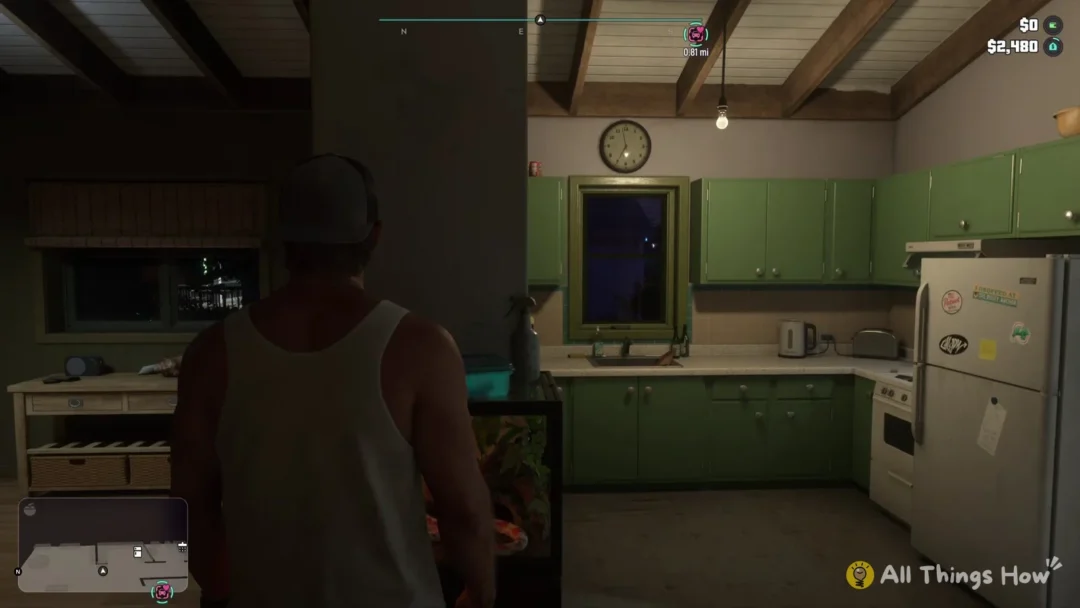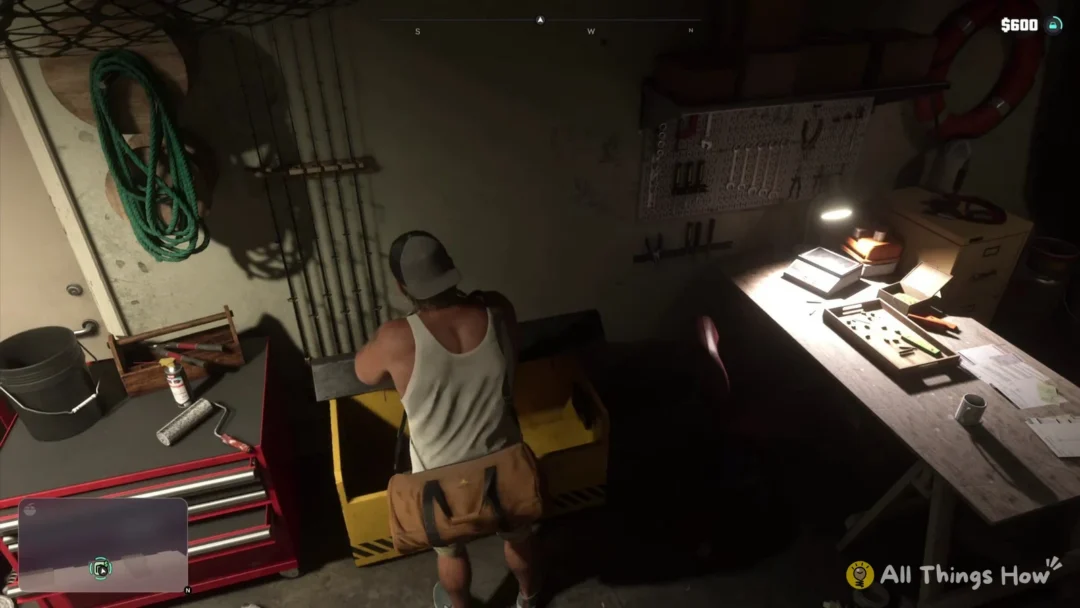
Unwanted Attention is the Chapter 1 mission in GTA 6 where Jason and Cal go after a car Brian wants back. The car is sitting in the Hamlet Police Impound, the yard is full of cops, and a guard is standing right next to it when you get there.
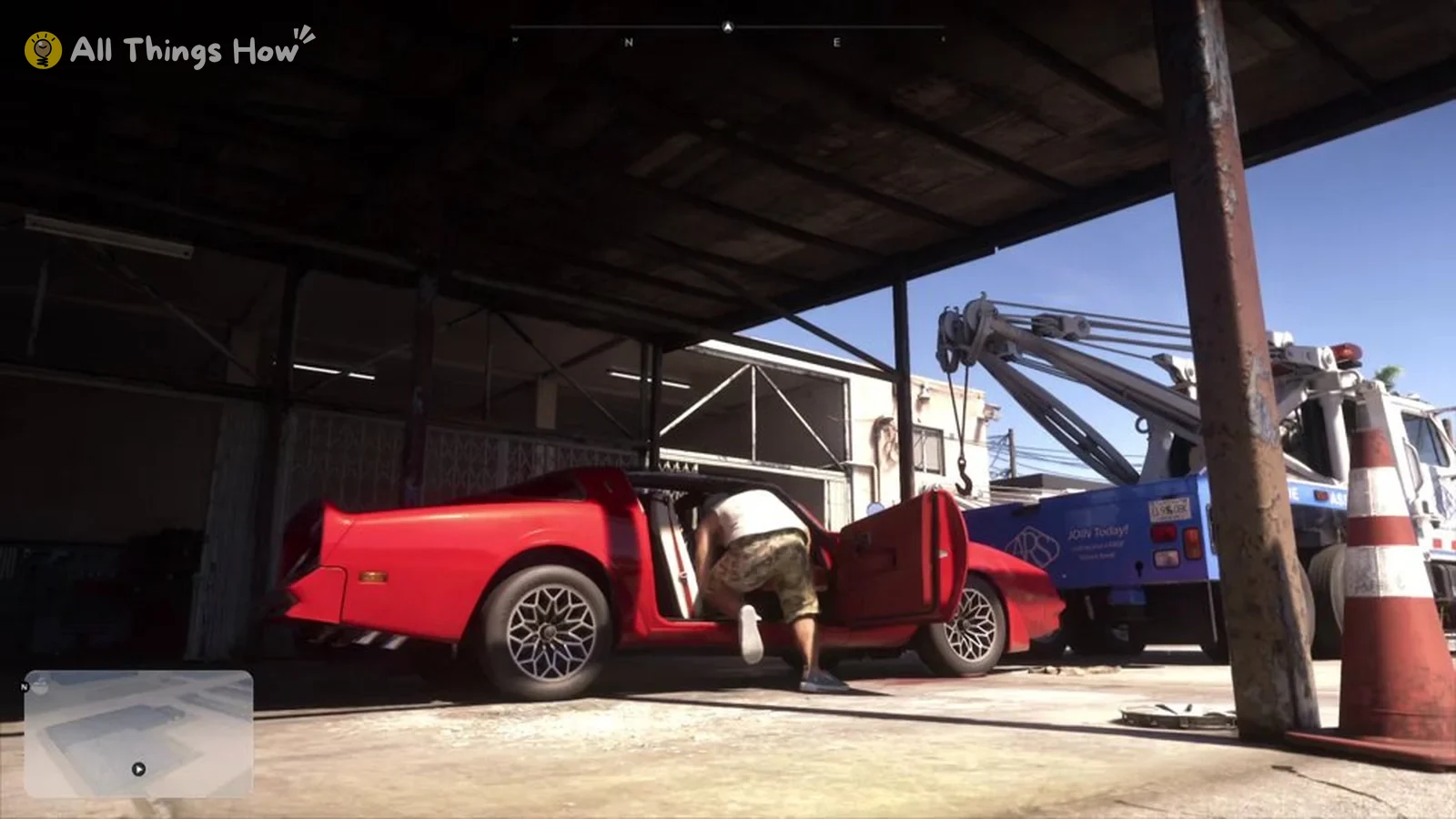
Quick answer: In the yard’s covered bay, the red Imponte Phoenix is attached to a white-and-blue tow truck. At the truck’s rear, hold Triangle on “RELEASE TOW HOOK”; once the car drops, get in and hotwire it.
How to start Unwanted Attention
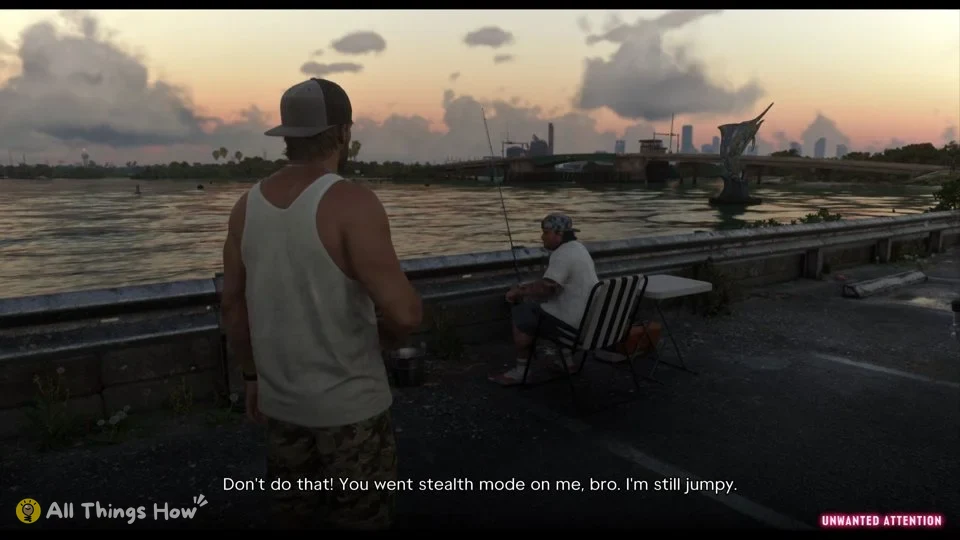
Open the pause map and look for the pink C marker labelled “GO SEE CAL”. Its description reads “Brian wants something taken care of. Meet up with Cal and find out what it is.” Cal is at the north-east tip of Key Lento, by the water next to the highway, fishing off the seawall. Walk up to him and the title “UNWANTED ATTENTION” comes up at the bottom right of the screen.
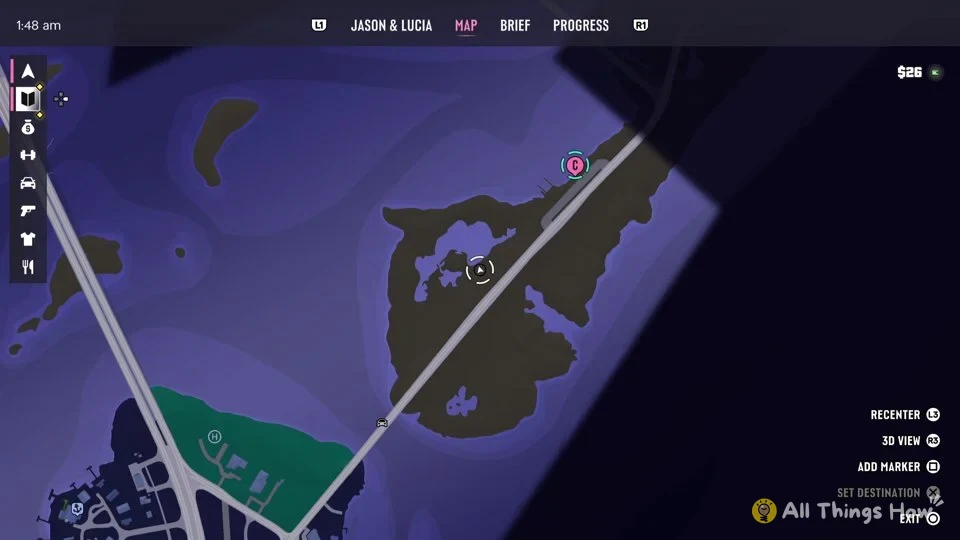
Once it’s running, the mission card on the pause map says “UNWANTED ATTENTION – Work with Cal to recover a car from a police impound lot for Brian.” The mission’s pause panel shows “CHAPTER 1” above “UNWANTED ATTENTION”.
Unwanted Attention objectives
These are the objectives in the order the game gives them:
| # | Objective |
|---|---|
| 1 | “Get in Cal’s truck” |
| 2 | “Drive to Hamlet with Cal” |
| 3 | “Drive to the impound with Cal” |
| 4 | “Search the impound for the Phoenix” |
| 5 | “Steal the Phoenix” |
| 6 | “Lose the cops” |
Driving to the Hamlet police impound
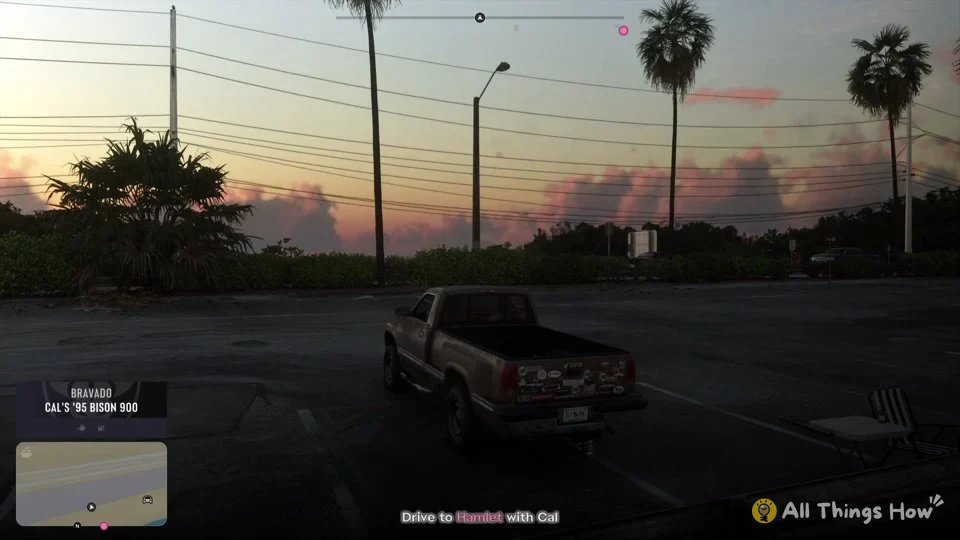
Cal rides with you in his truck. The vehicle card identifies it as BRAVADO – CAL’S ’95 BISON 900. As you leave the Keys, you’ll cross a drawbridge marked “DRAW BRIDGE AHEAD”. If it’s raised when you arrive, wait for it to lower by itself.
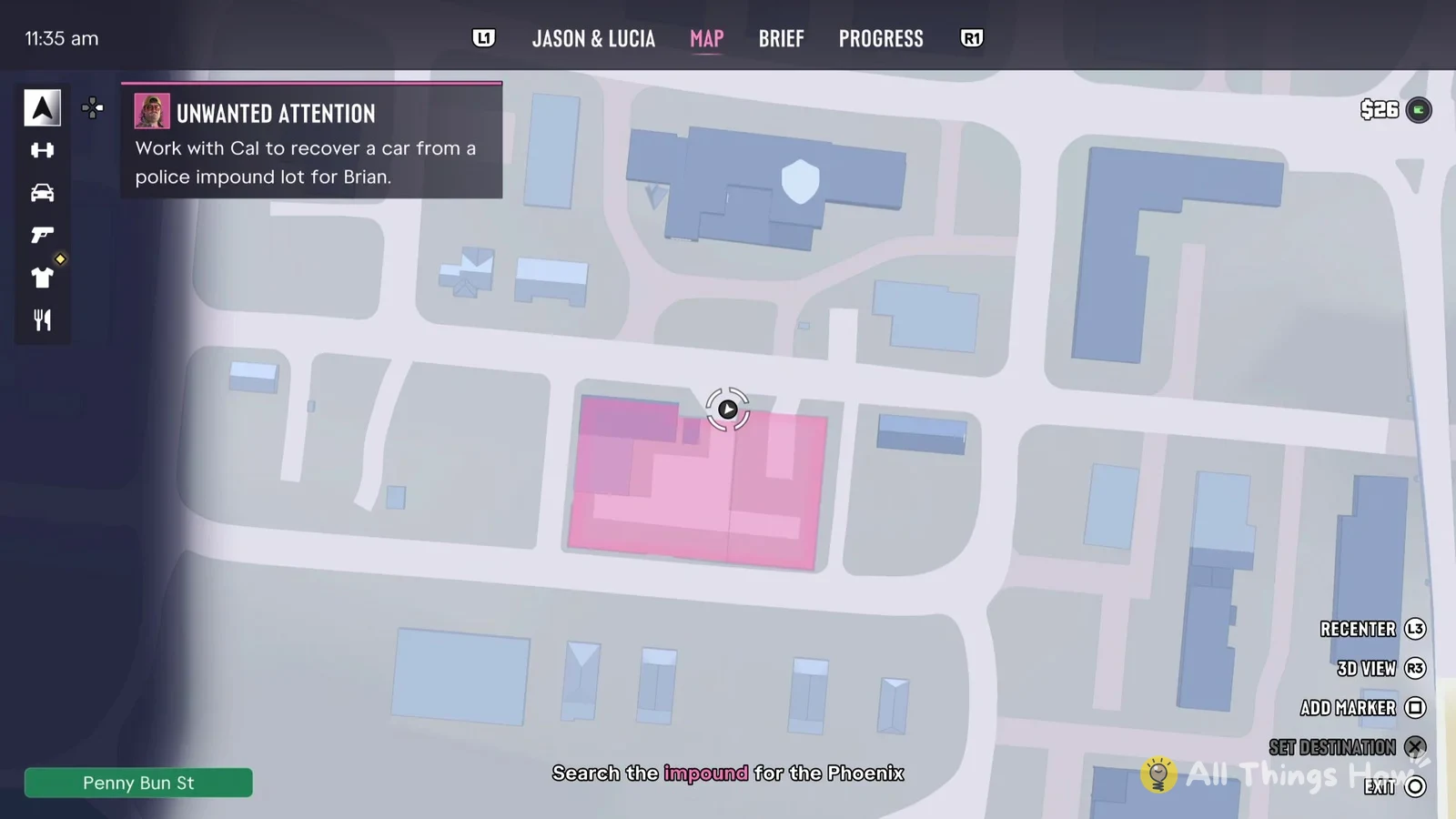
Look for the impound on Penny Bun St in Hamlet, opposite the Hamlet Police Department. The department is marked with a shield icon on the map, and the impound’s block appears pink on the pause map, making it easy to spot once you’re nearby.
How you get the Cop Scanner
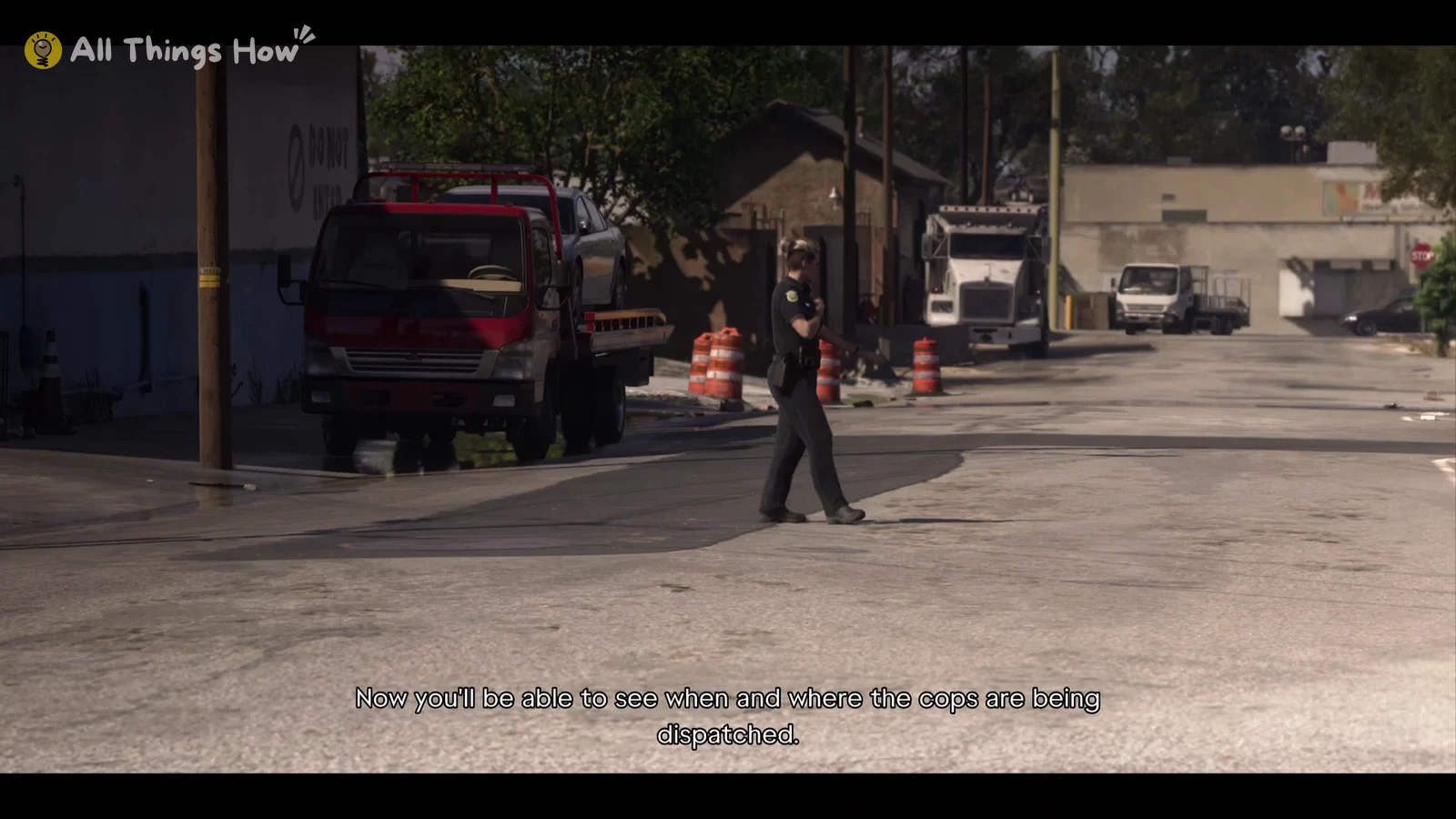
Parked outside the impound, Cal takes Jason’s phone, says “Alright, lemme see here…”, and then tells him “Now you’ll be able to see when and where the cops are being dispatched.” Jason answers with “so the car is a red Imponte Phoenix.” Cal drives off with the truck and the objective switches to “Search the impound for the Phoenix”.
You’ll know the Cop Scanner is unlocked when the notification “Settings – Cop Scanner Installed” pops up at the bottom right, along with a help box that reads “You can now listen in on cop radio frequencies and will be notified of dispatch areas.”
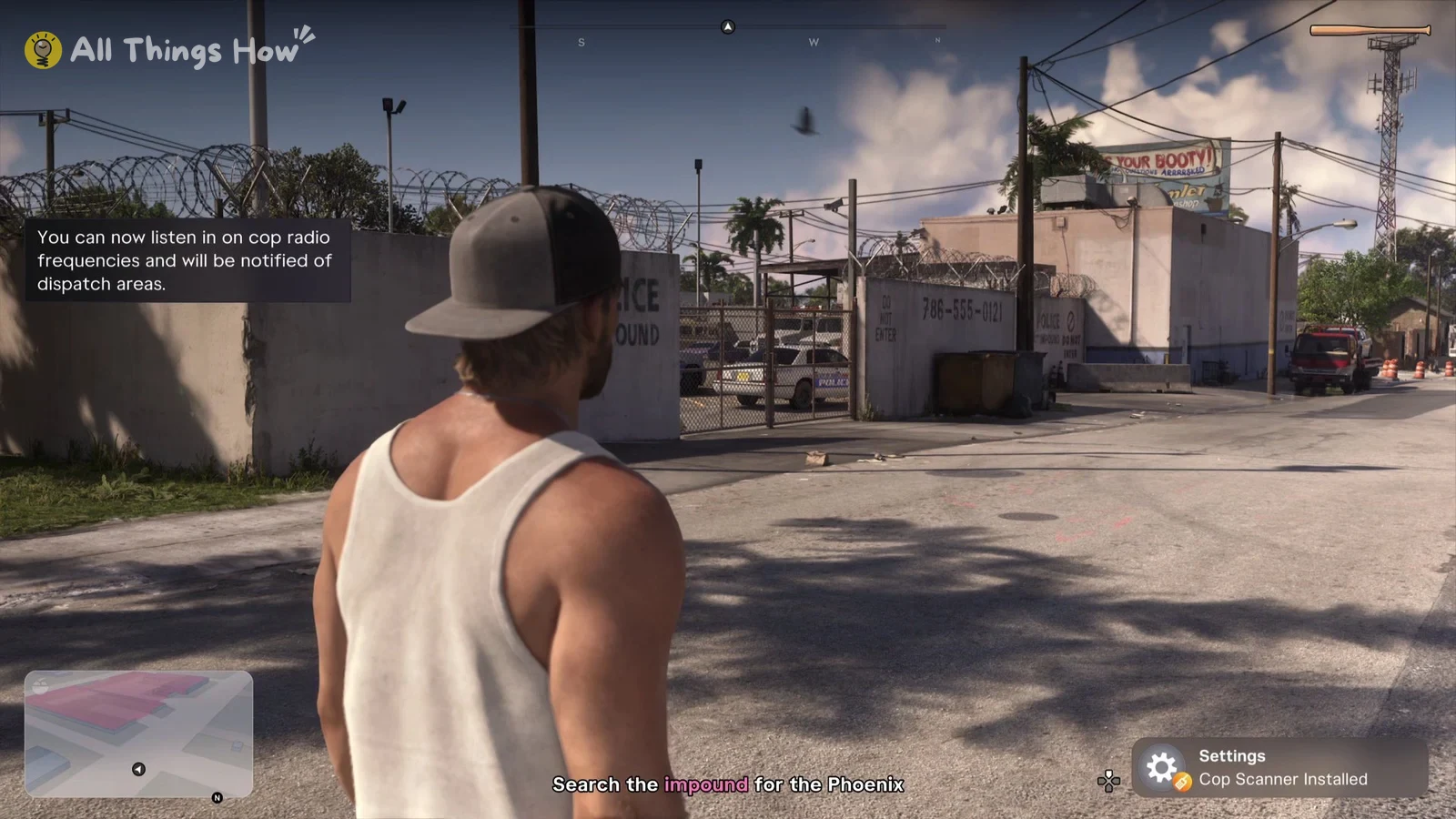
How to get into the impound without being seen
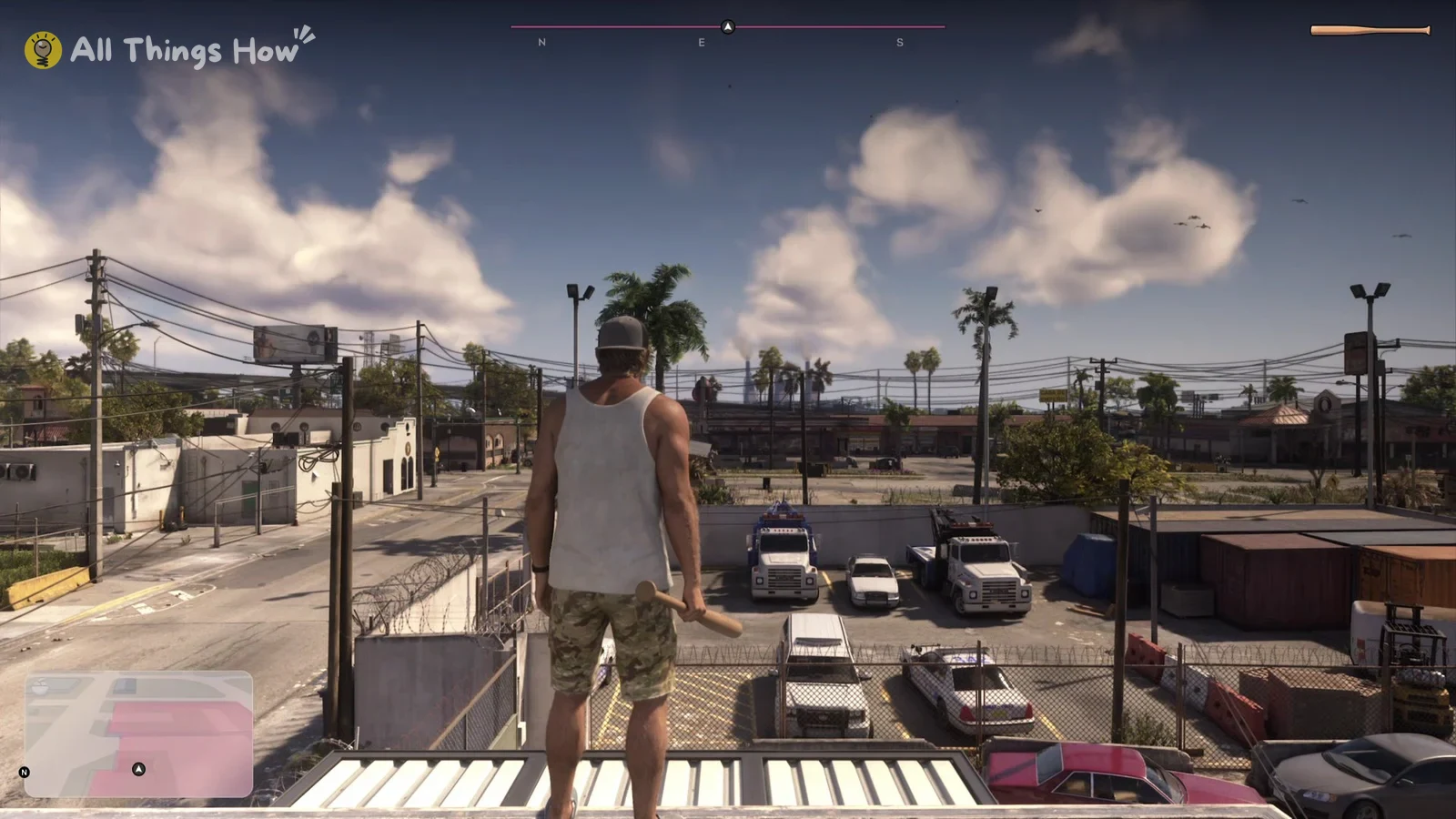
There are two ways in that are easy to spot from the street: the chain-link front gate and a yellow scissor lift against the side of the building. The lift gets you onto the roof, where you can look over the whole yard before you drop in.
The front gate
The gate has a Square “BREAK OPEN” prompt. Just inside, a help box tells you “Move quietly and stay out of sight to avoid detection.” Going in this way, Jason got spotted soon after. When that happens, a star lights up at the top right of the screen (one filled star in a row of six outlines), a “SURRENDER” prompt on R1 shows up at the bottom right, and the pause map puts a blue police search circle around the impound.
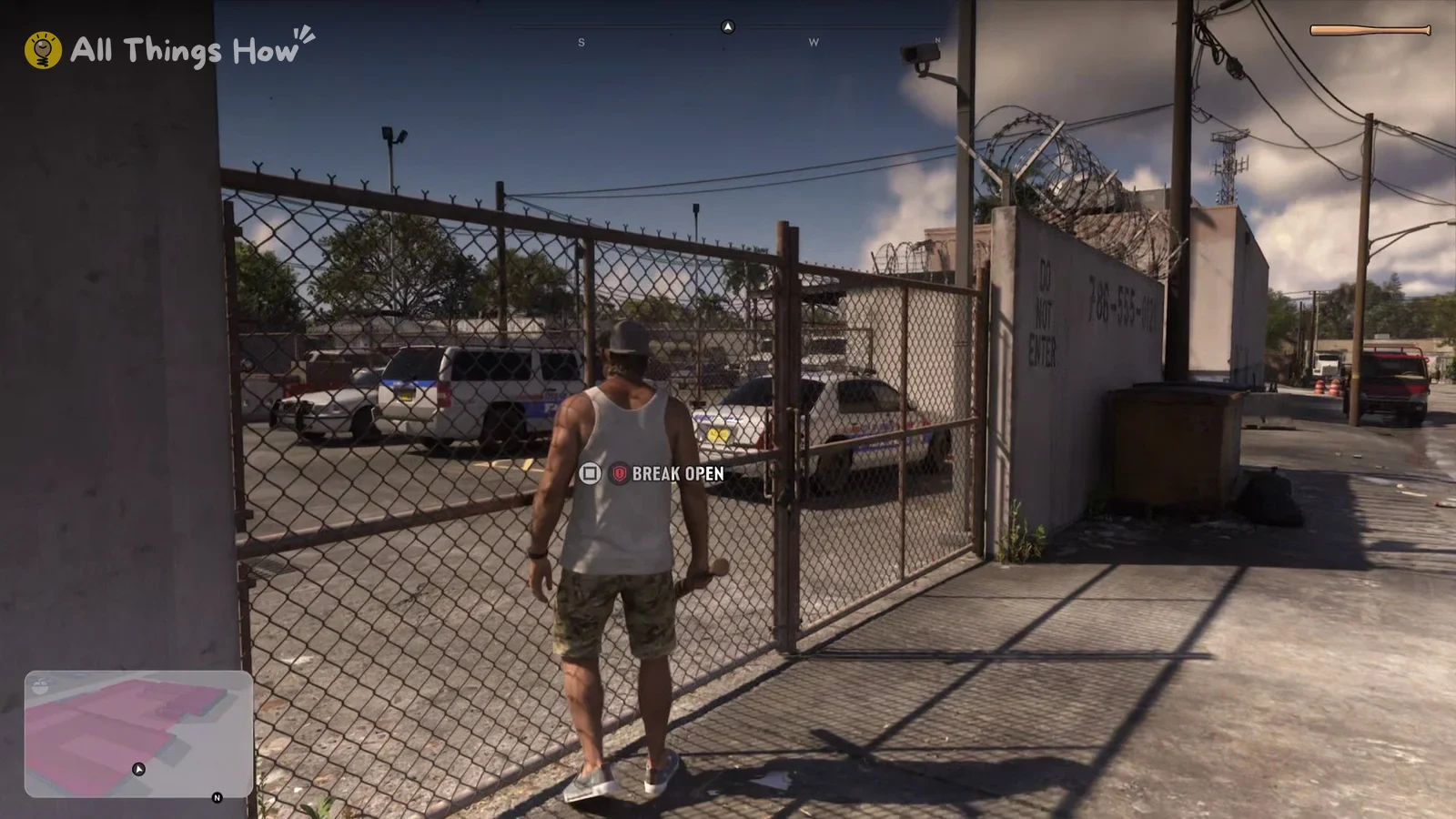
The scissor lift and the roof
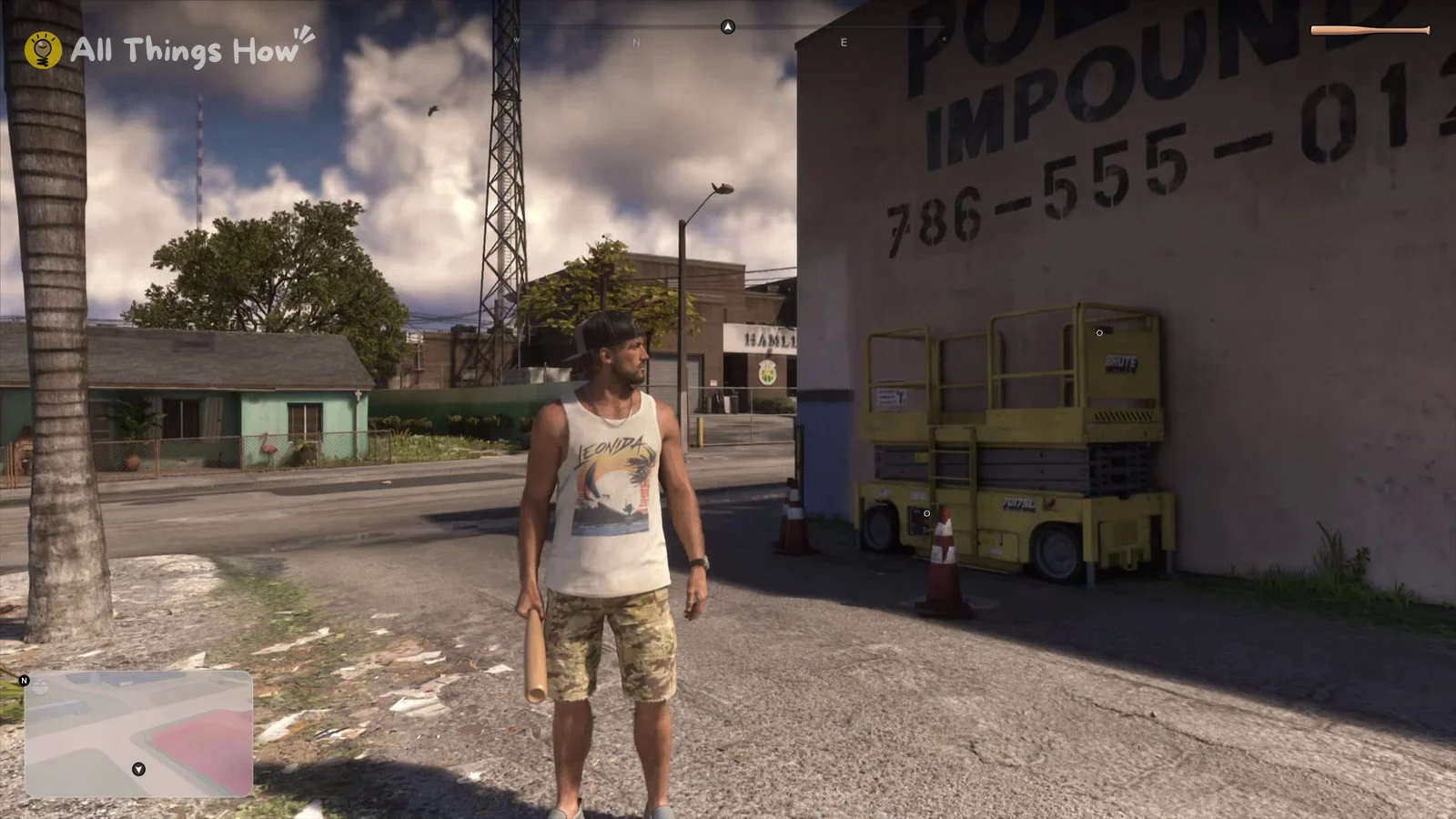
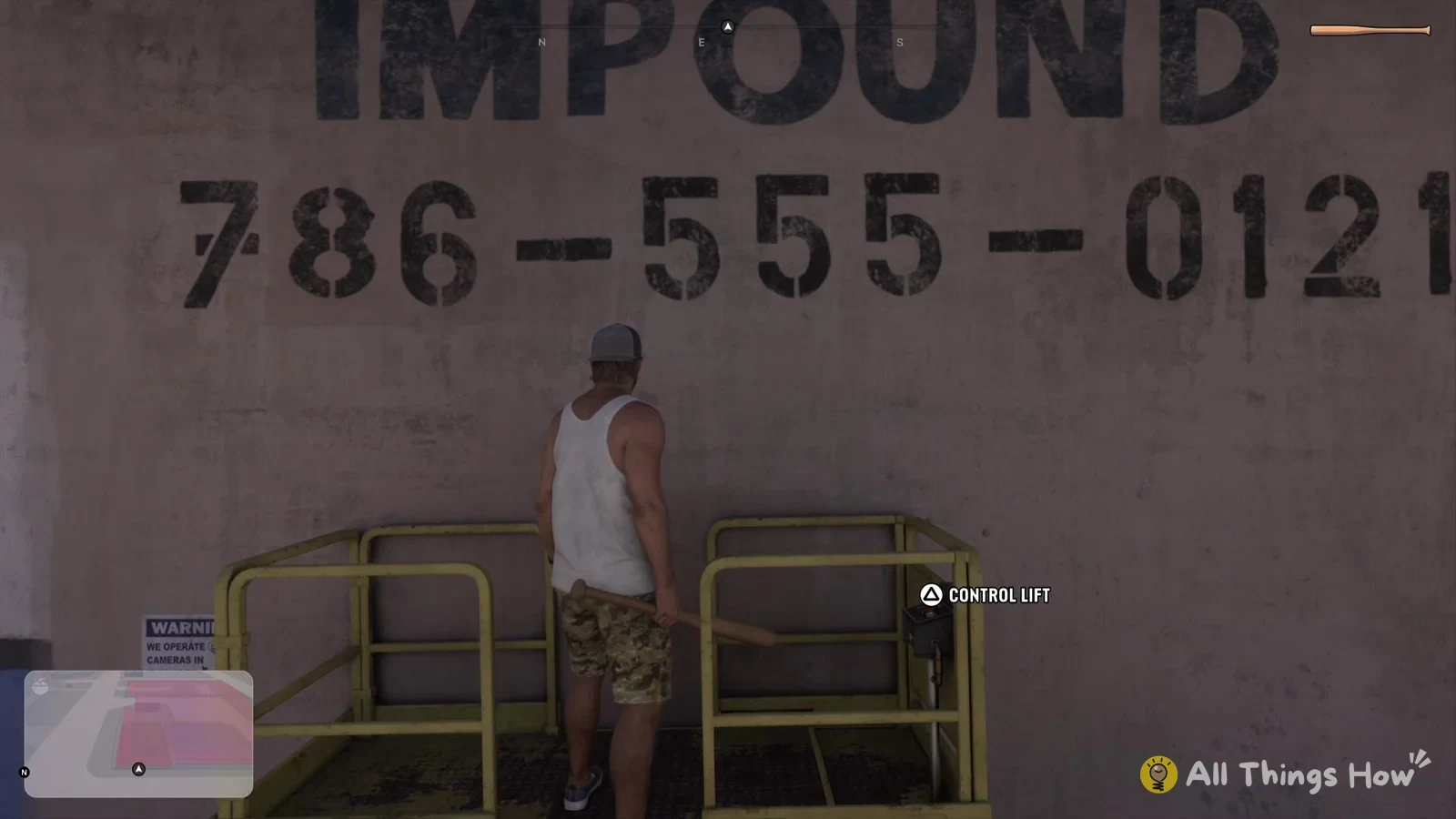
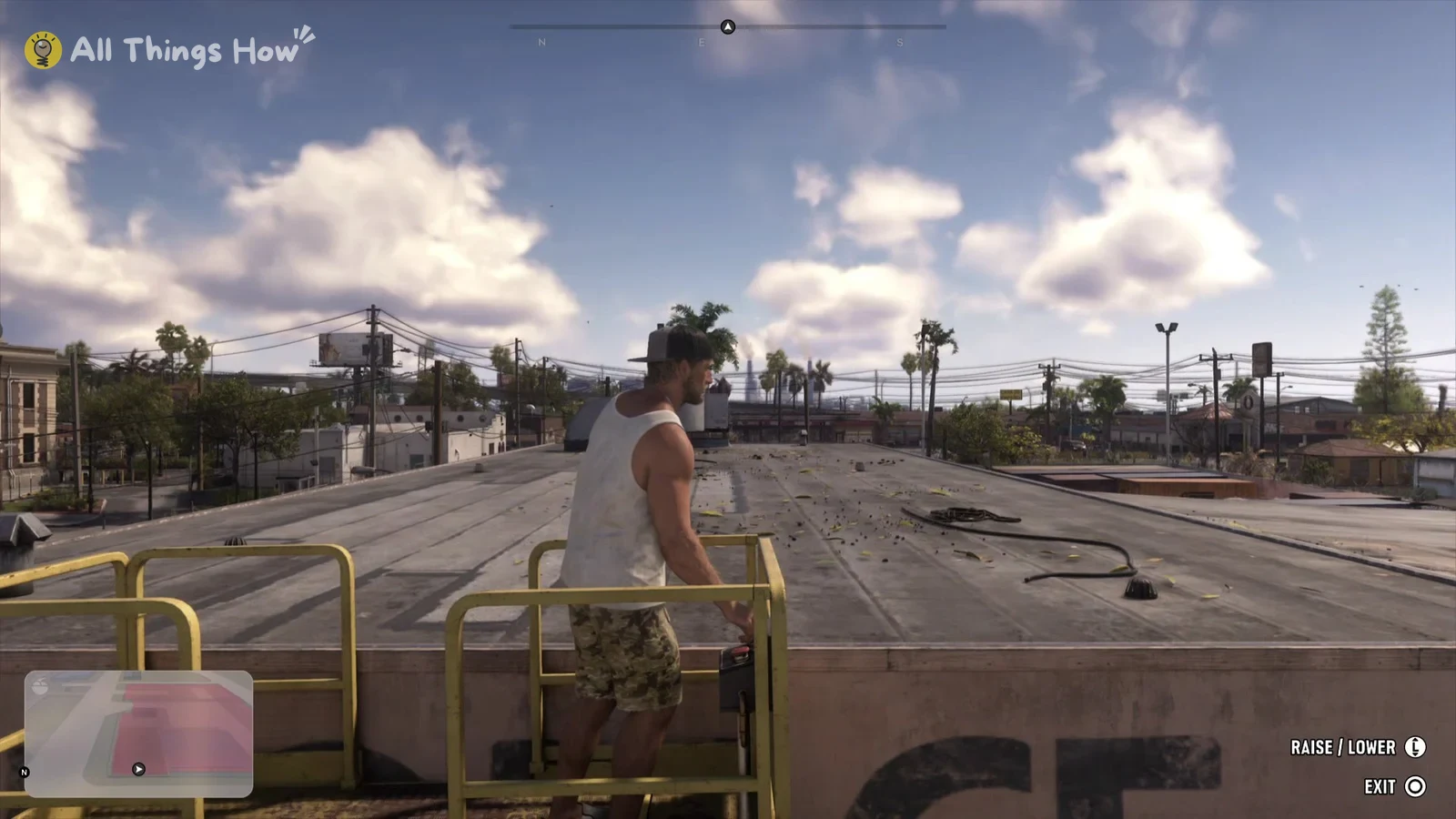
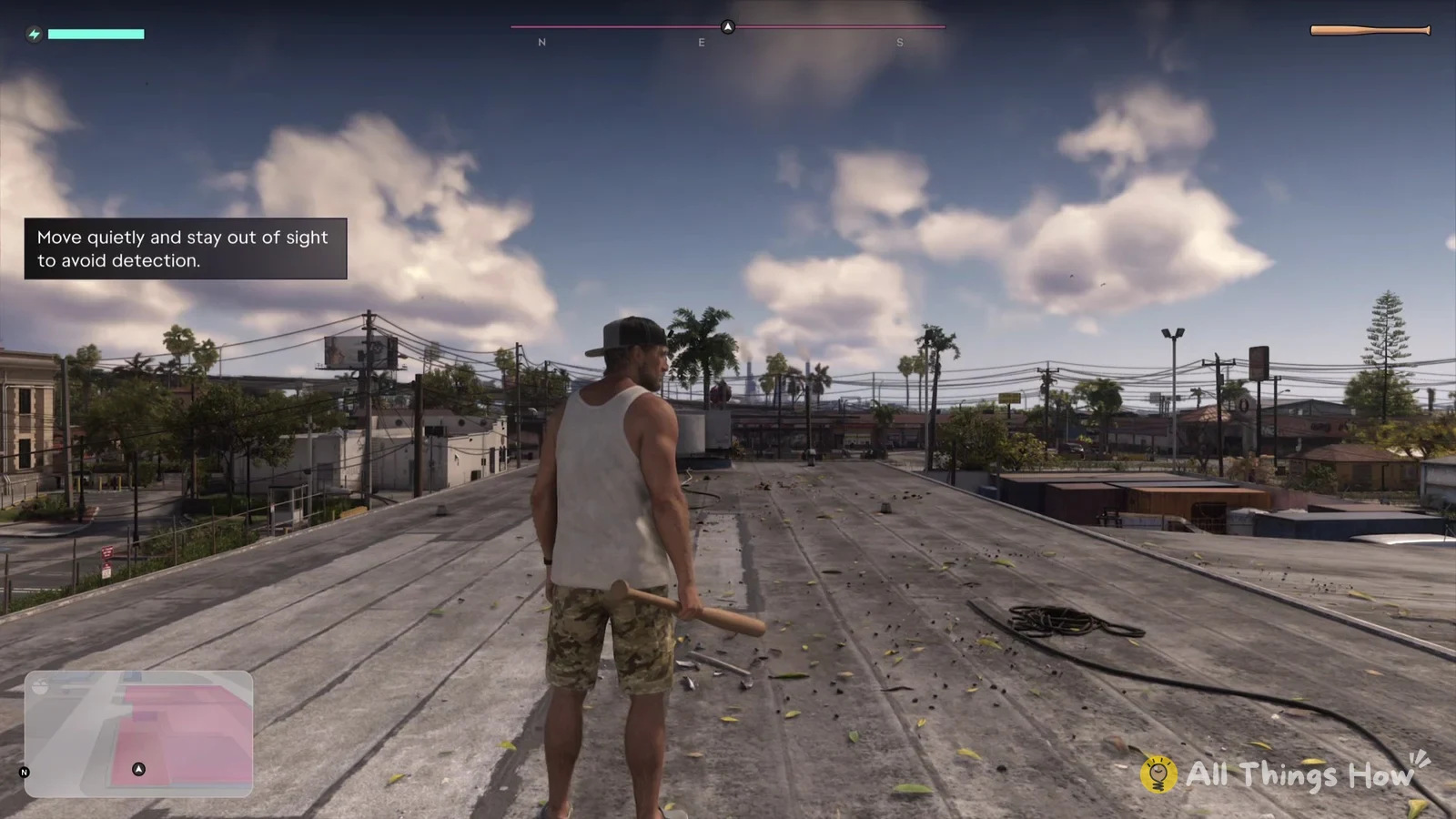
Police cars, tow trucks and impounded cars fill the yard below the roof. If you find the lift already raised, use the panel at its base on the ground to lower it; it has the same CONTROL LIFT, RAISE / LOWER and EXIT prompts.
Where to find the Phoenix in the impound
Head for the back of the yard. Against the barbed-wire wall there’s an open-sided covered bay, and inside it is a red Imponte Phoenix hitched to the back of a white-and-blue tow truck marked “1-999-ARS-LIFT” and “ROADSIDE ASSISTANCE”. When Jason reaches it, the objective changes to “Steal the Phoenix”.
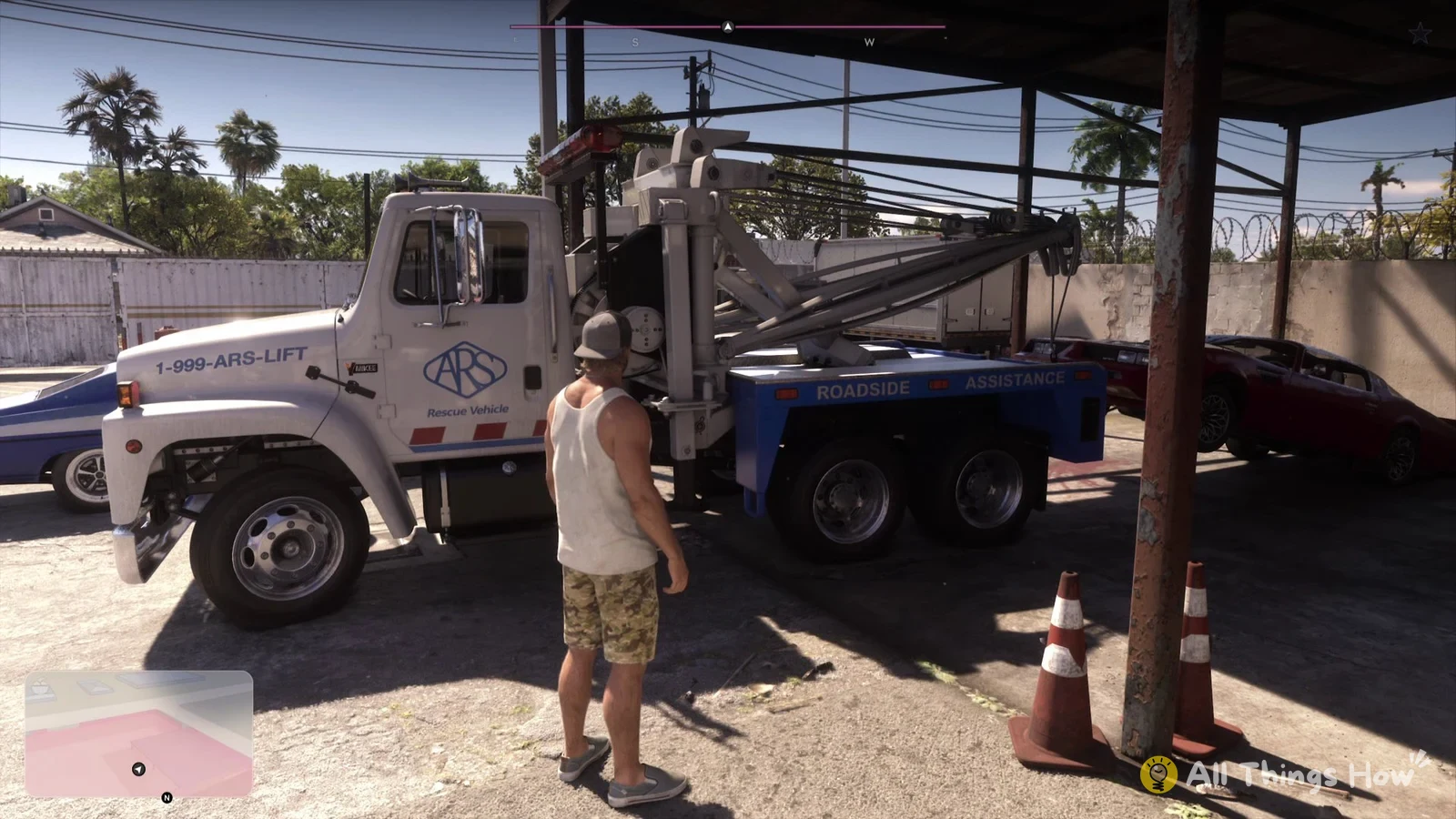
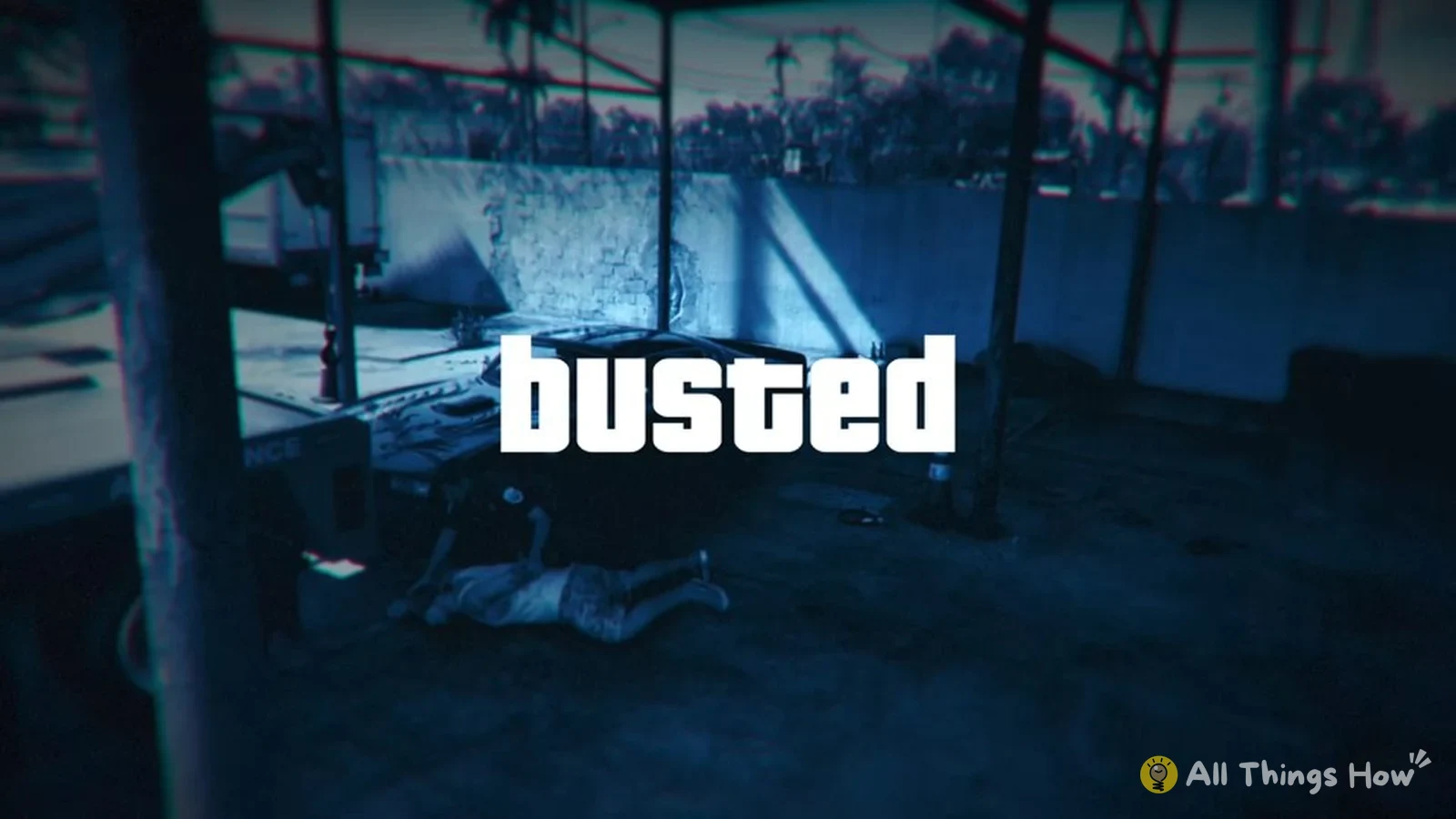
A police guard stands in that bay near the car, and another one came out of a door when Jason dropped off the far end of the roof into the back lot. If a guard reaches Jason he grabs him, and that ends in the BUSTED screen.
How to release the tow hook and hotwire the Phoenix
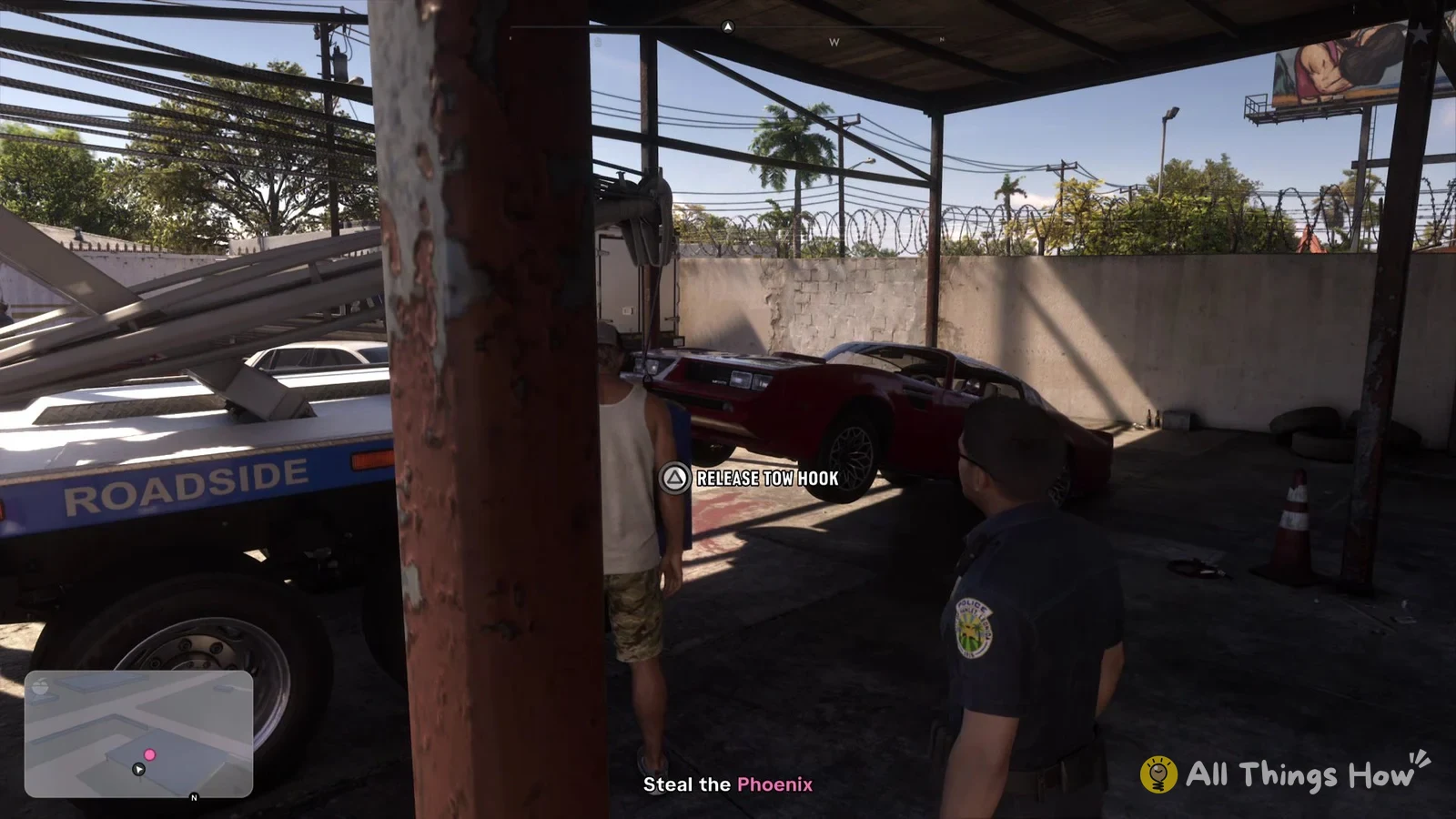
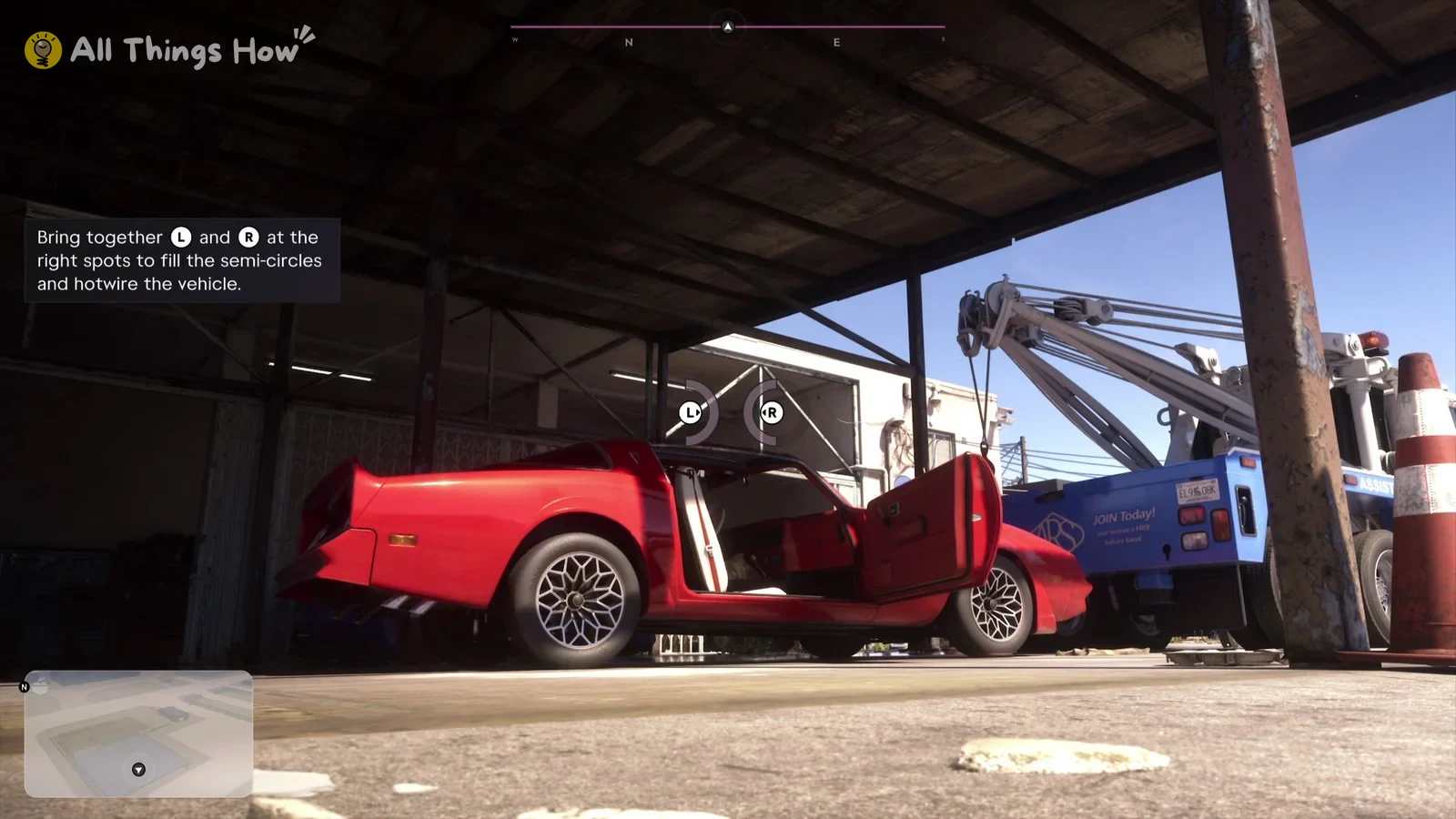
You’ll know it worked when the engine starts. Within a second or two “Crime reported” comes up, a wanted level kicks in and the objective becomes “Lose the cops”. The Phoenix ends up nose-first right behind the tow truck’s rear bumper, so you’ll need to reverse before you can turn out of the bay.
If you get busted
Choose from RETRY CHECKPOINT (Cross), RESTART MISSION (Triangle) or QUIT MISSION (Circle) on the BUSTED screen. RETRY CHECKPOINT returns you to the street outside the impound. The scissor lift remains where you left it, so if it’s still raised, you can head straight back to the roof.

The escape from the police and the rest of Unwanted Attention will be added here once the mission has been played through.