Taxis in GTA 6 come through a phone contact called Paradise Taxi. You call it, the cab drives to a road near you, you pick a destination on the map, and the fare comes out of the cash you’re carrying. Button names here are the PS5 default controls.
Quick answer: Tap up on the D-pad, go to Contacts > All Contacts, highlight Paradise Taxi, then press Cross on Call. At the cab, press Triangle to climb in, choose your destination on the map, and hold Cross to confirm.
How to call a taxi in GTA 6
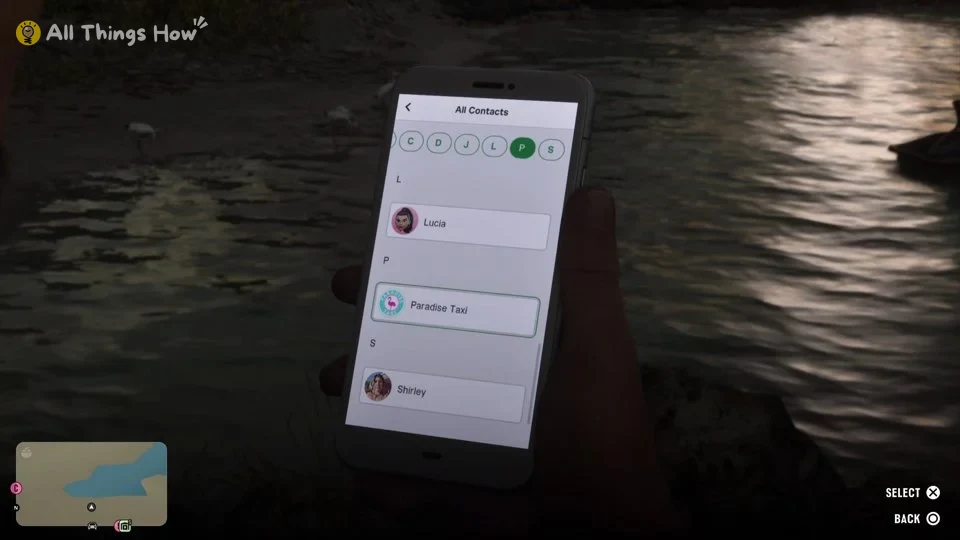
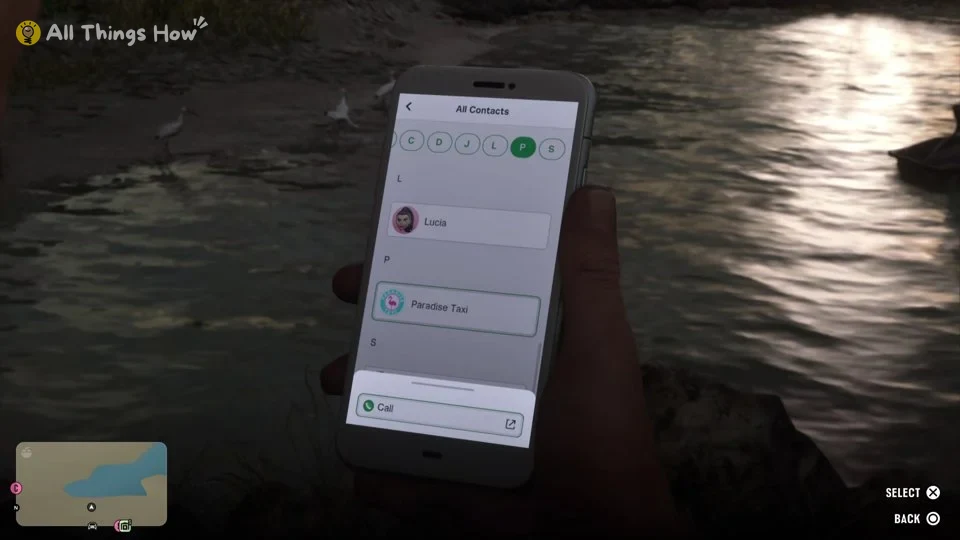
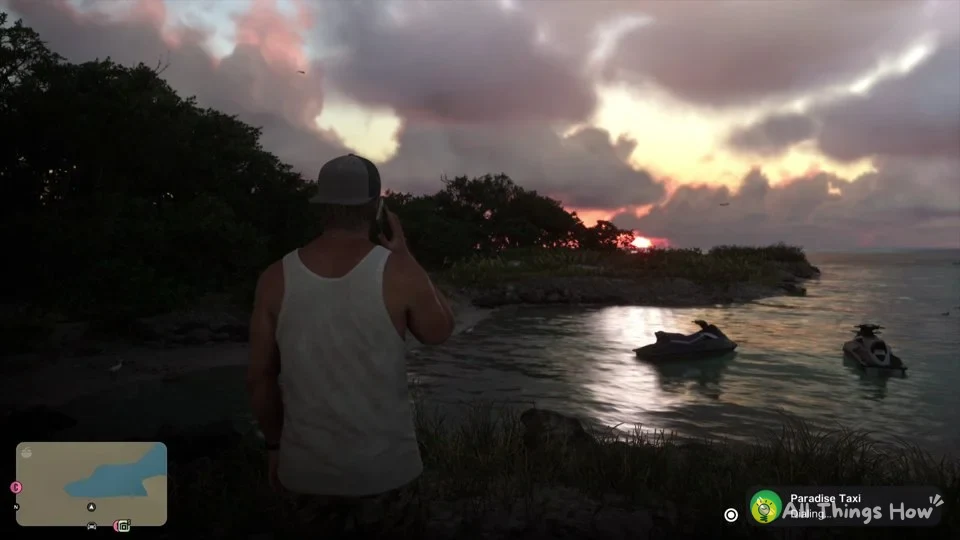
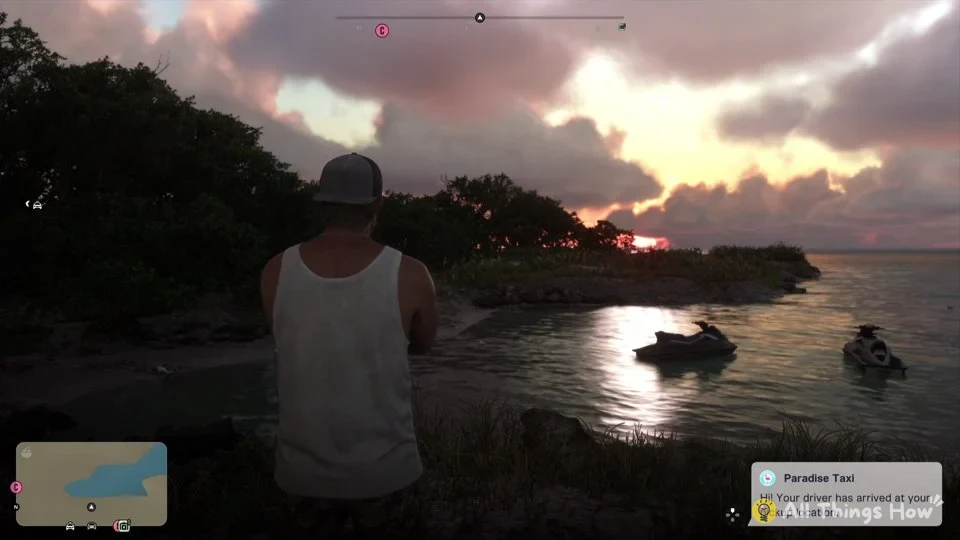
Where the Paradise Taxi picks you up
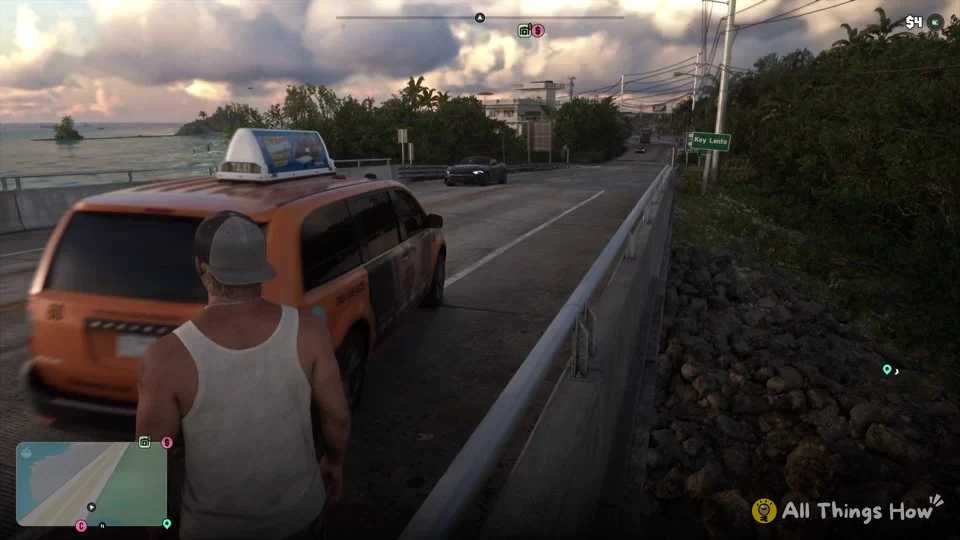
The cab doesn’t come straight to where you’re standing. If you call from somewhere off the road, like scrub by the water, the driver pulls up on the nearest road and waits there, even if that road is the highway. You’ll have to walk over to it.
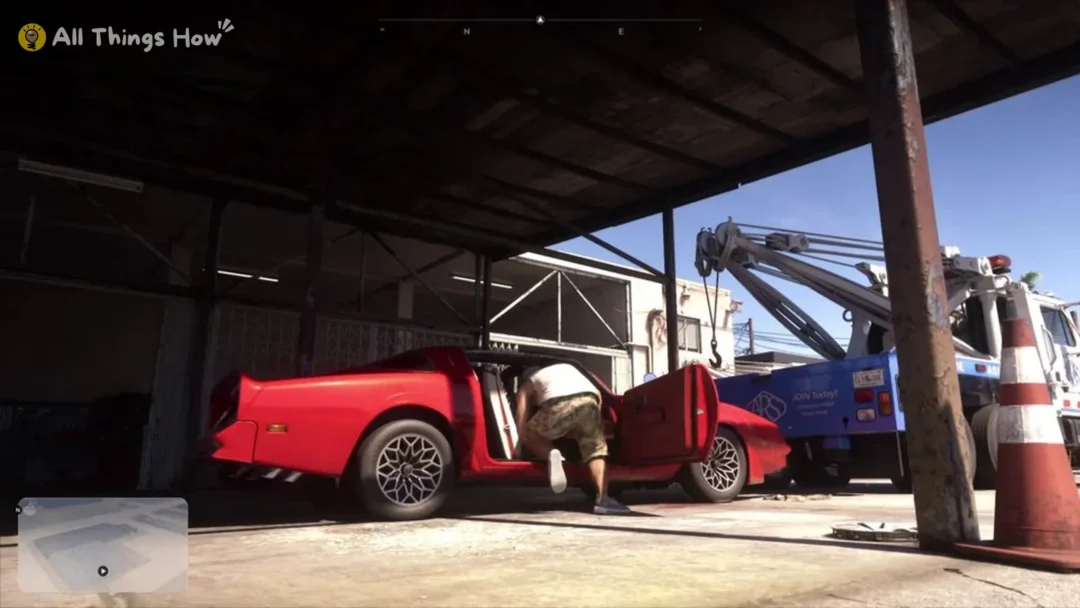
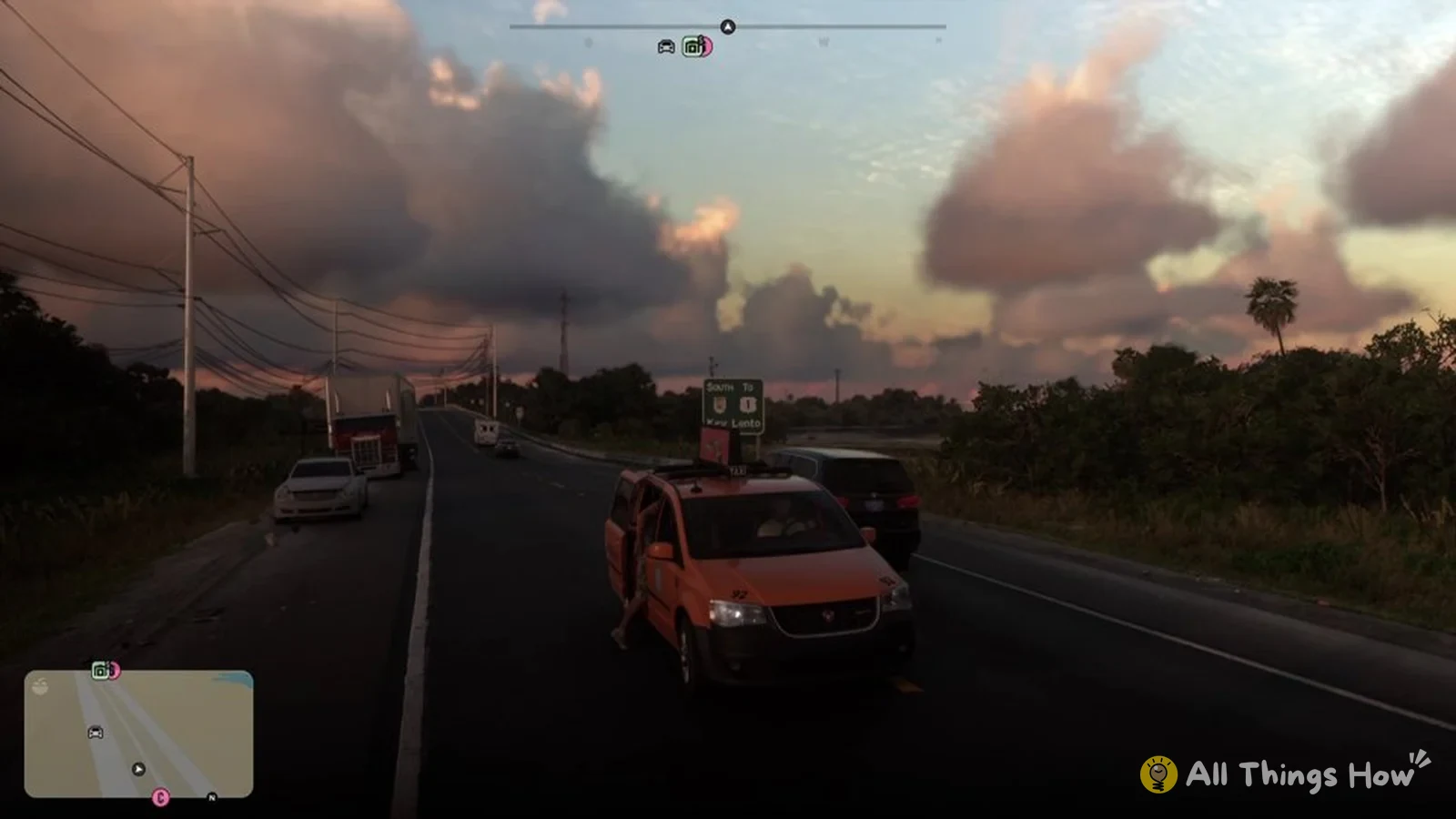
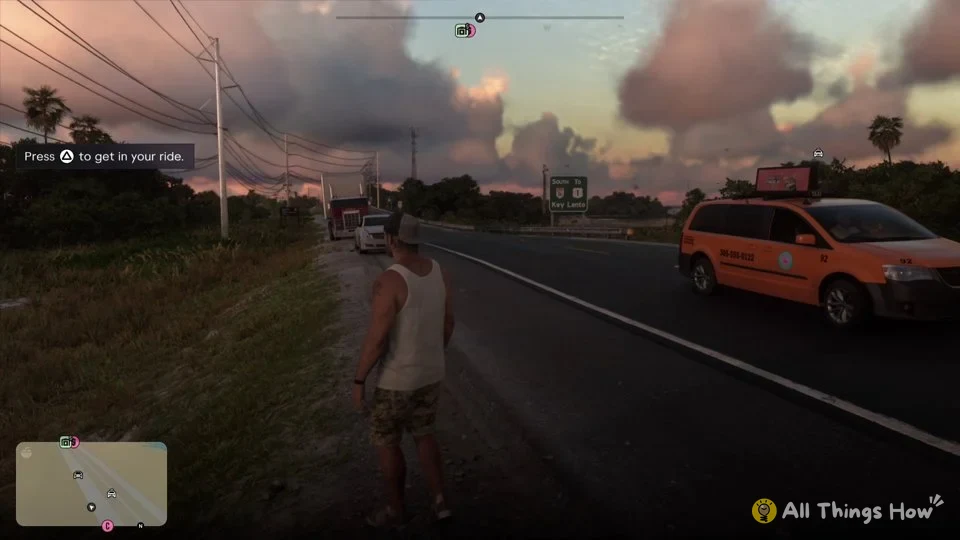
Paradise Taxi cabs are easy to spot once you know what to look for:
- An orange minivan with a lit sign on the roof and a number painted on the side
- A small car icon on the minimap
- You’ll also see the same car symbol along the compass bar across the screen’s top
- A marker floating above the cab itself
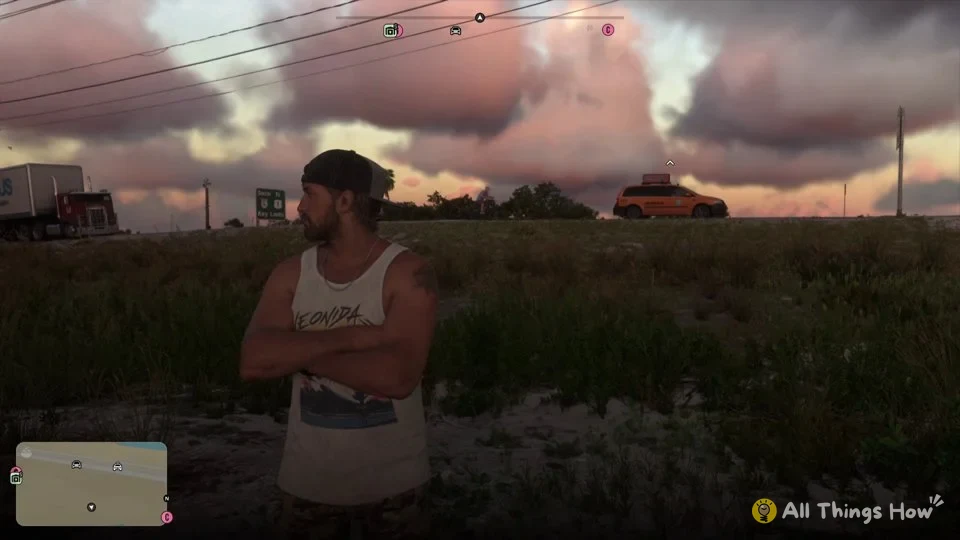
When you get close, a help box shows “Press [Triangle] to get in your ride.” Press Triangle and Jason climbs into the back seat.
How to set a taxi destination on the map
The moment Jason sits down, the game opens the full map, the same one you see from the pause menu, with “Set a destination” written along the bottom. These are the buttons listed on the right side:
| Map option | Button |
|---|---|
| RECENTER | L3 |
| 3D VIEW | R3 |
| ADD MARKER | Square |
| SET DESTINATION | Cross |
| EXIT | Circle |
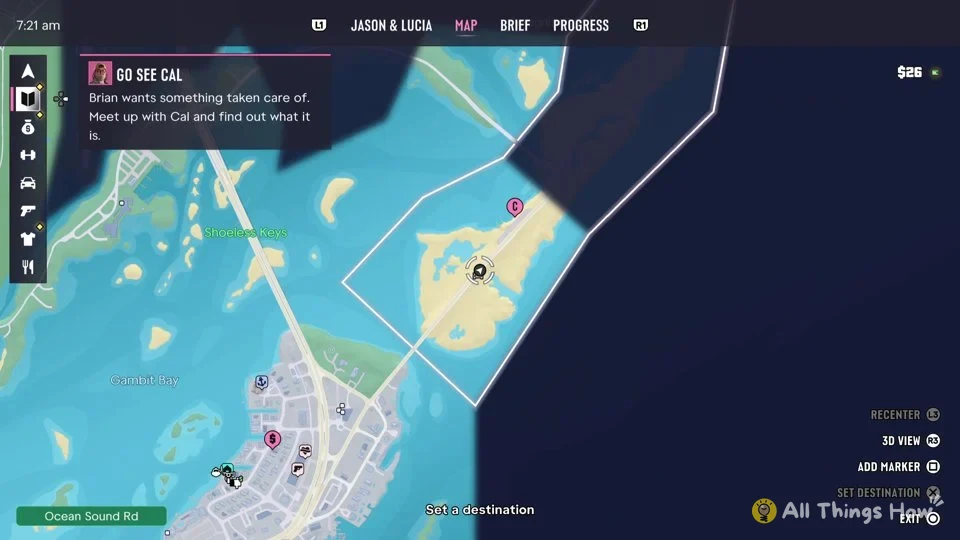
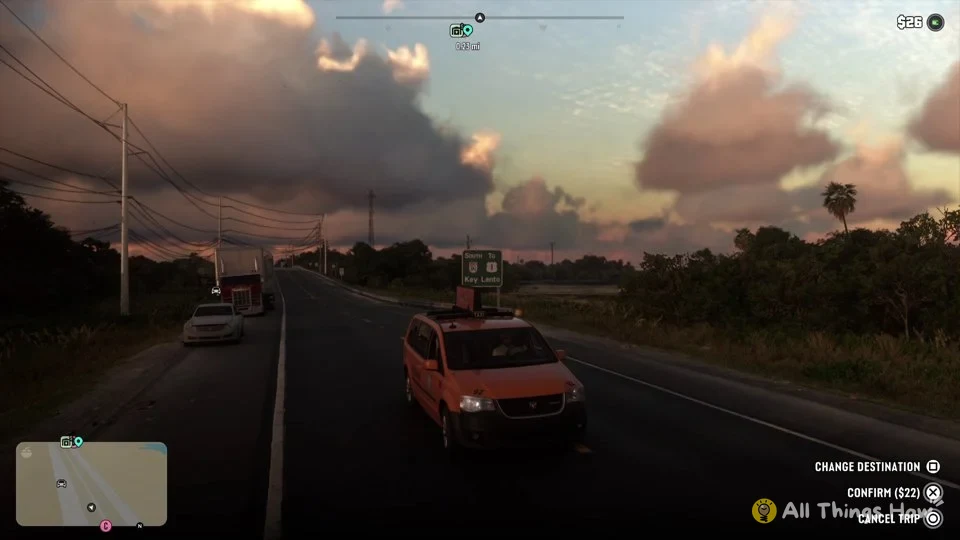
Move the cursor to where you want to go and press Cross for SET DESTINATION. The map closes and you’re back in the cab. Three prompts show up at the bottom right of the screen: CHANGE DESTINATION on Square, CONFIRM on Cross with the fare in brackets, and CANCEL TRIP on Circle. The compass strip also shows how far away your destination is, right under its marker.
How much a taxi costs in GTA 6
You see the price before you pay, because it’s printed inside the CONFIRM prompt. Two trips show how the fare goes up with distance:
| Distance to destination | Fare on CONFIRM |
|---|---|
| 0.23 mi | $22 |
| 0.46 mi | $34 |
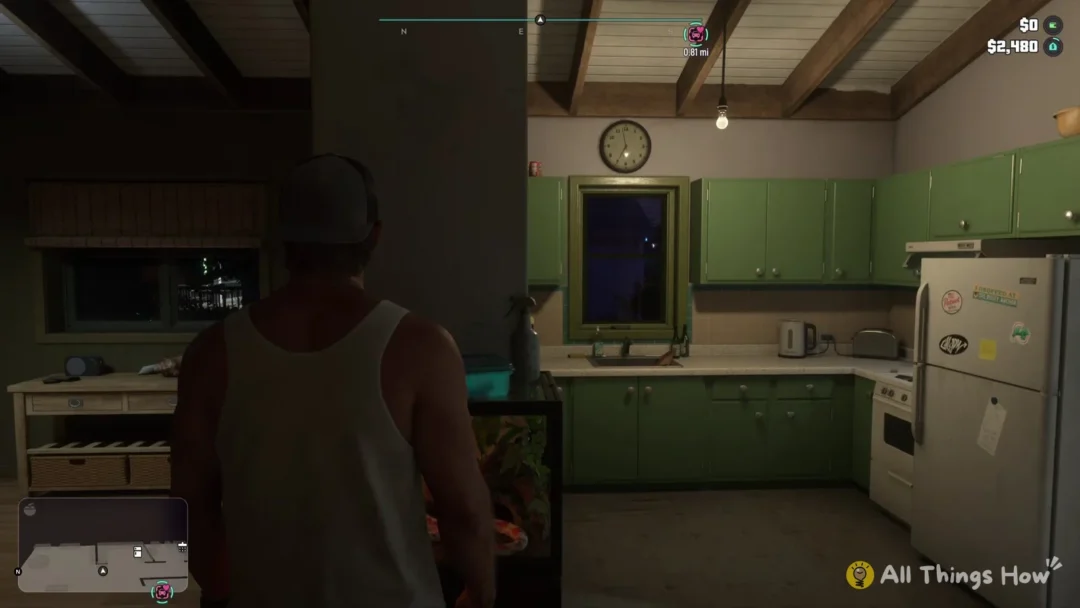
Jason pays the fare with his cash on hand, shown by the total in the screen’s top-right corner. If he can’t cover the cost, the trip won’t go through. With $26, choosing a destination that costs $34 displays “Insufficient funds for the journey.” and greys out CONFIRM ($34). Pick a nearer spot and the fare drops to $22, so CONFIRM ($22) lights up again.
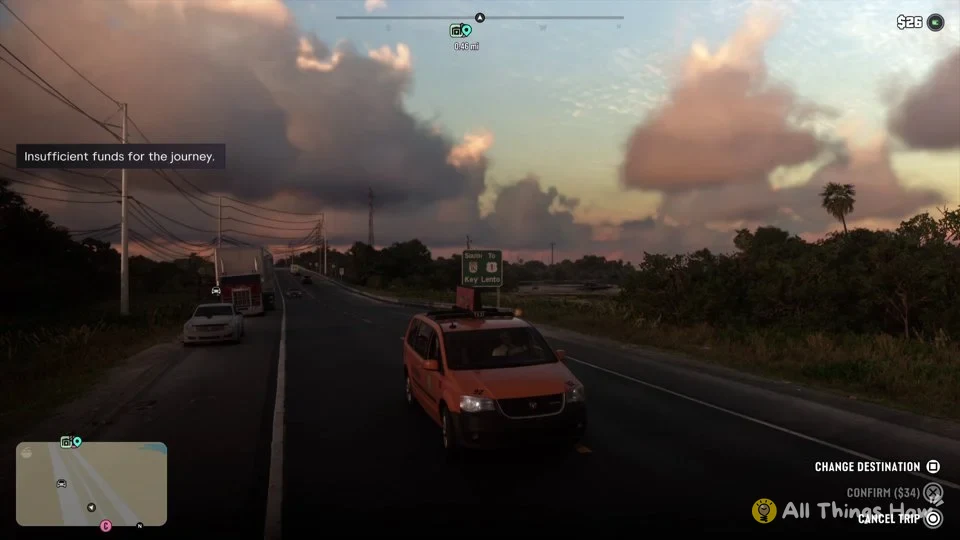
If CONFIRM is greyed out, press Square for CHANGE DESTINATION and pick somewhere nearer until the fare fits the cash you’re carrying.
How to confirm the fare and ride
Cancel or change a taxi trip
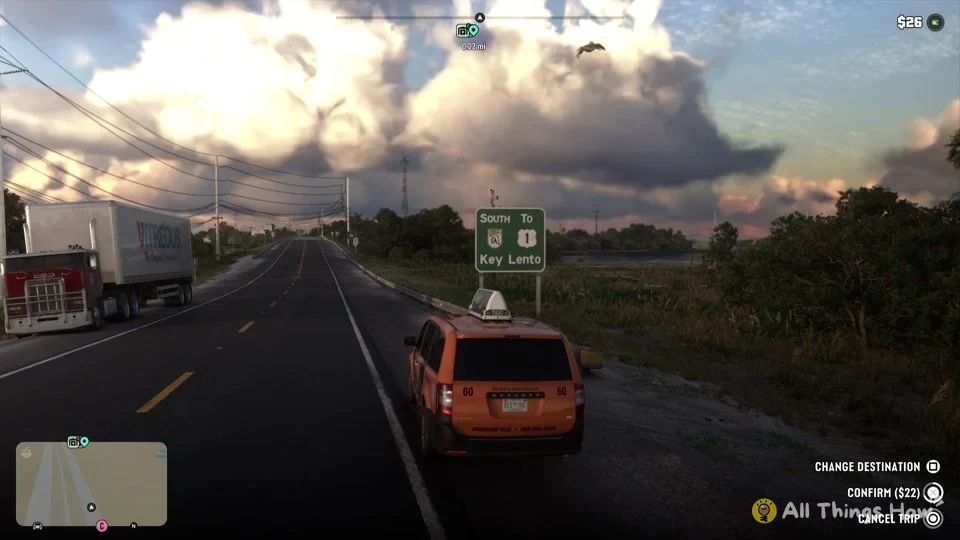
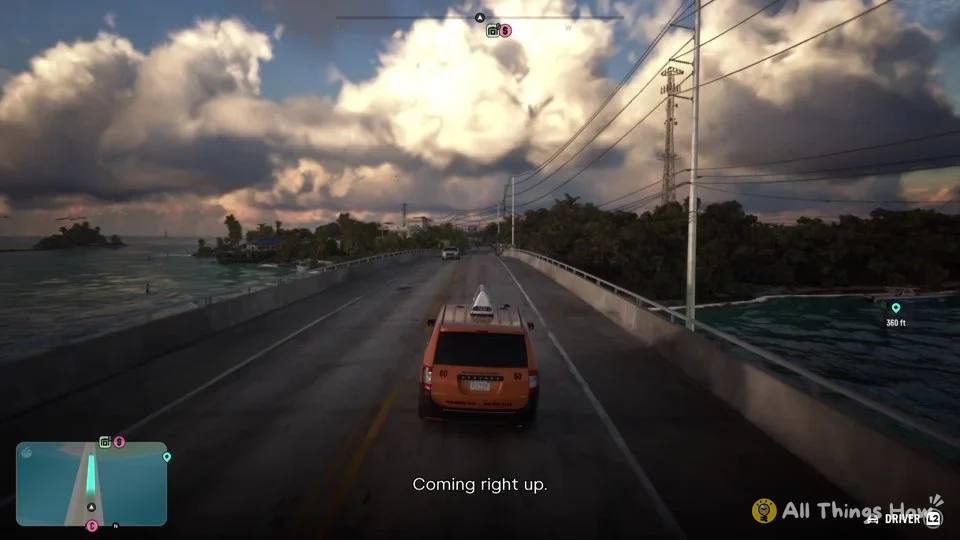
Until you hold Cross on CONFIRM, nothing is paid. Press Square for CHANGE DESTINATION to go back to the map and pick a different spot, which also gives you a new fare. Press Circle for CANCEL TRIP if you don’t want to go anywhere.
Paradise Taxi also remembers where you went last. On your next call, the CONFIRM screen with the old destination and its fare comes up as soon as Jason sits down, skipping the map. CHANGE DESTINATION on Square is still there if you want to go somewhere else this time.