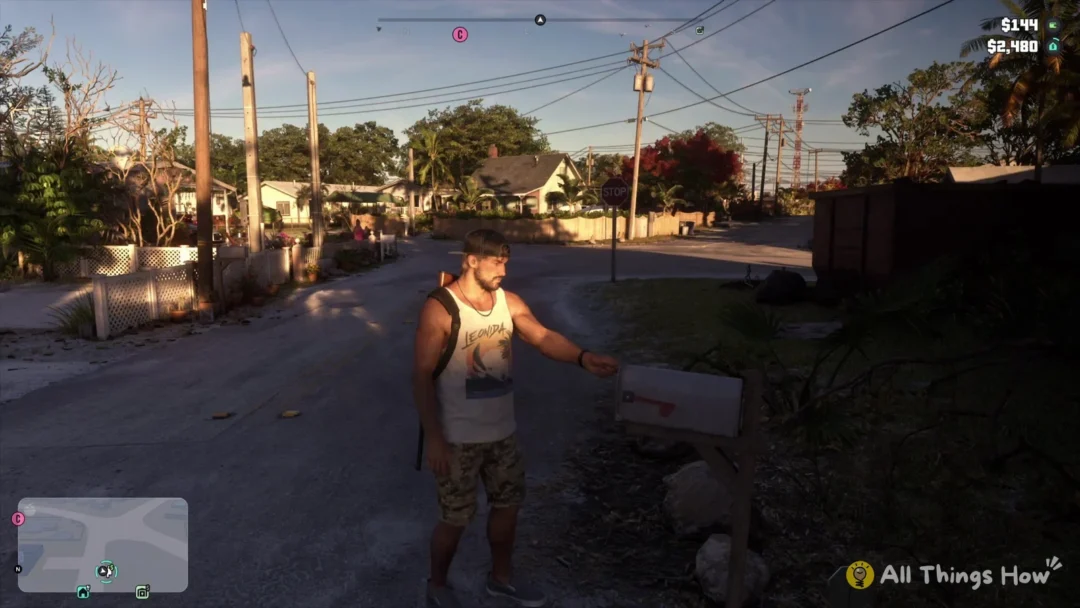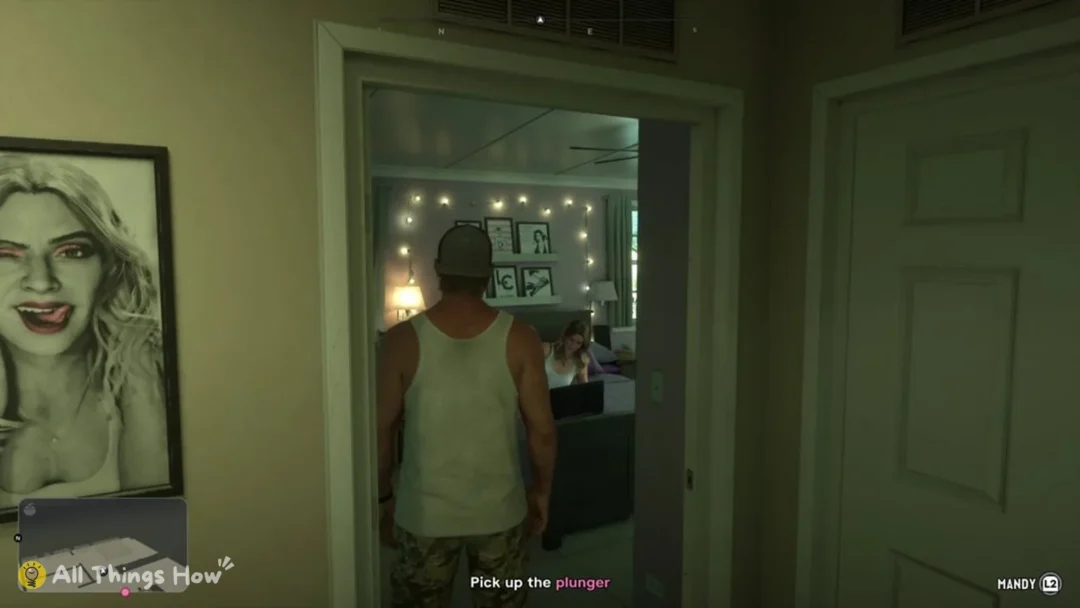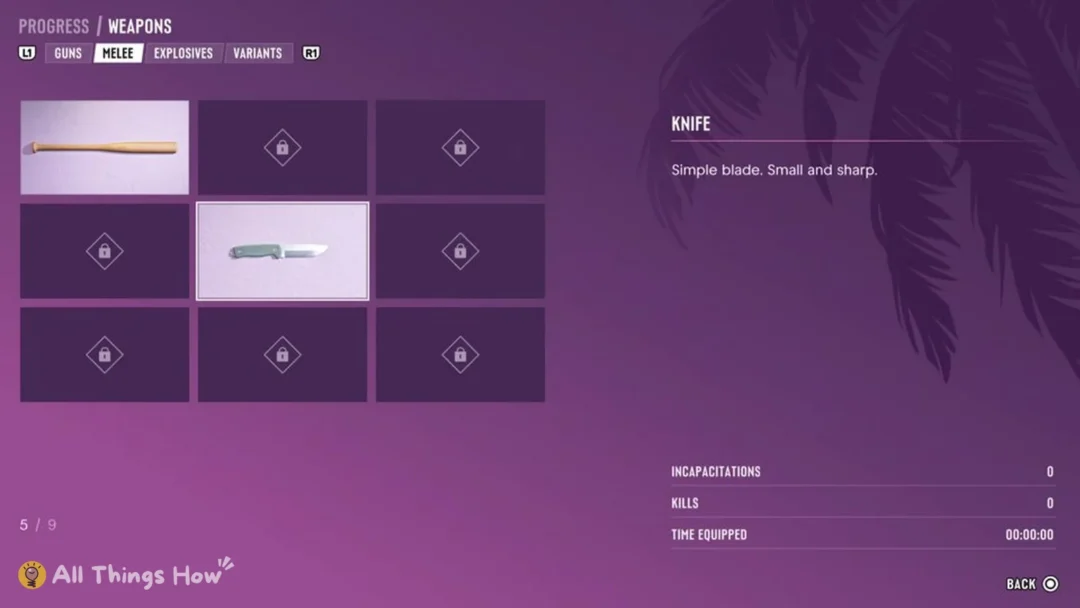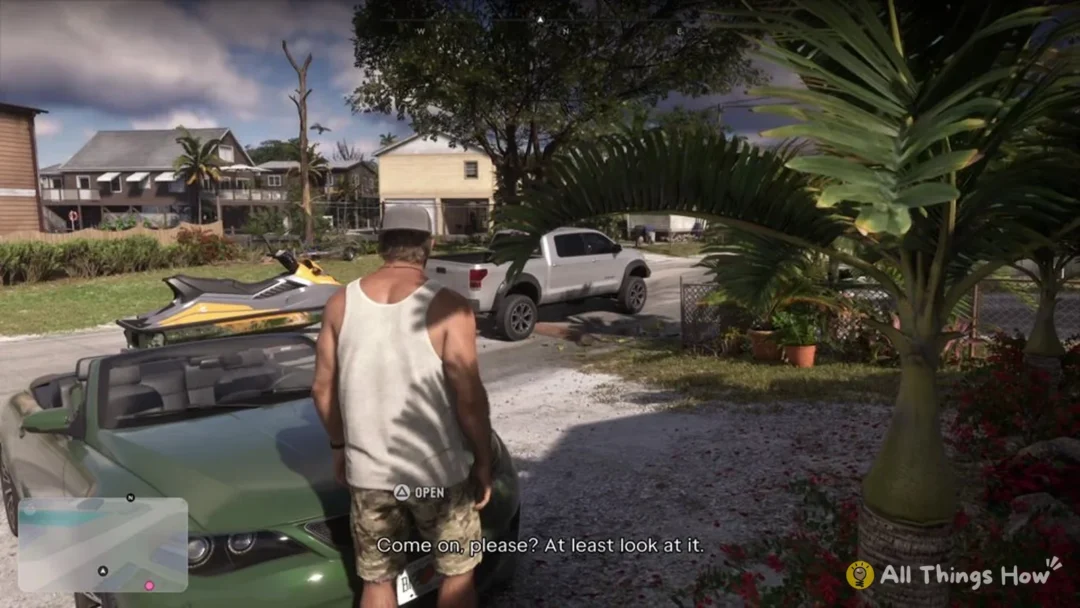
Jason doesn’t need a gym to start training in GTA 6. His house in the Keys has workout spots on the back deck and under the house, and every set you finish shows up in the Fitness app on his phone. The controls below are the PS5 default layout.
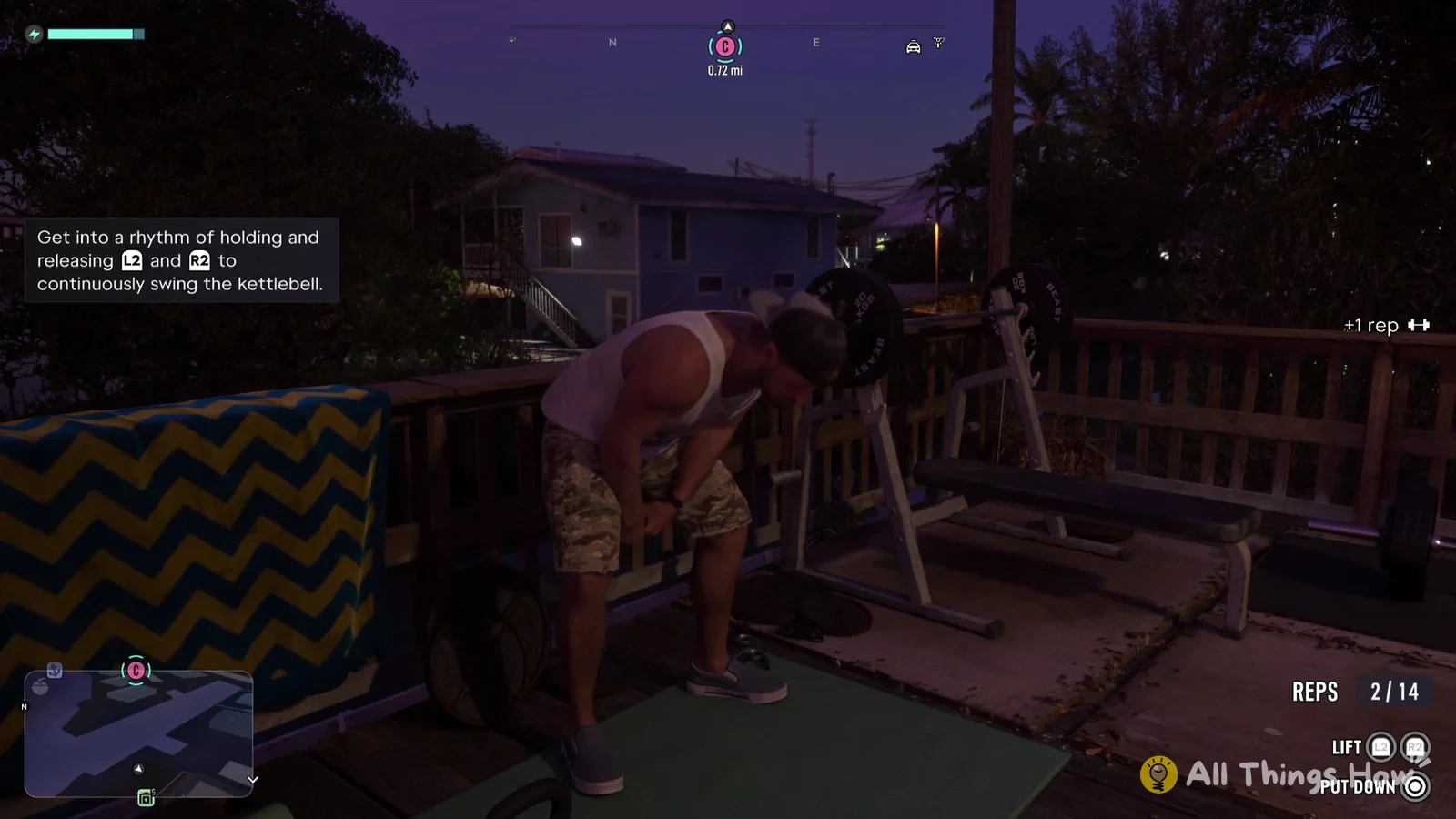
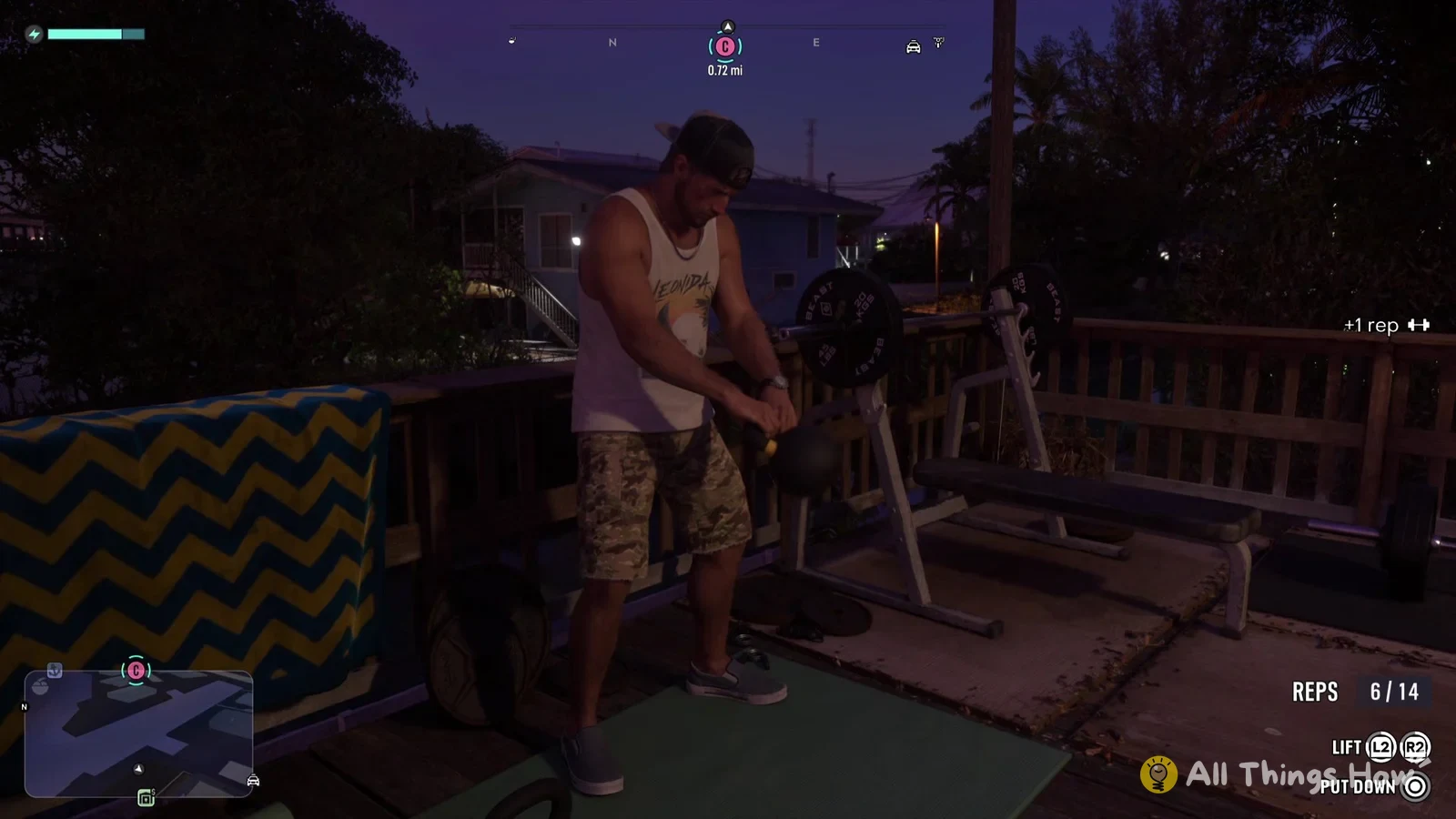
Quick answer: On Jason’s deck, choose KETTLEBELL SWINGS at the kettlebell with Triangle. Press and release both L2 and R2 in a steady pattern until the rep count fills. Your levels are in the Fitness app.
Where to work out at Jason’s house
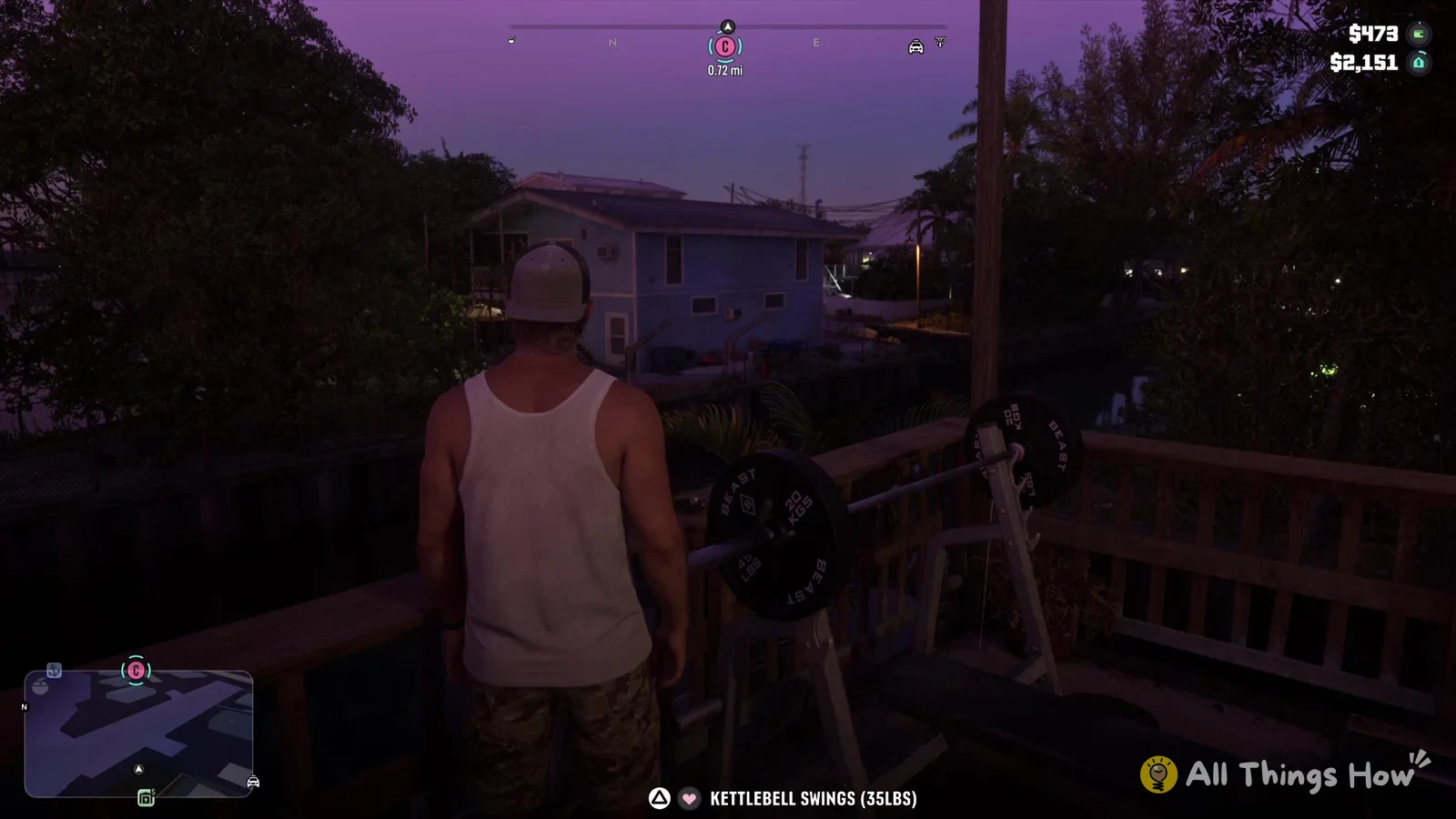
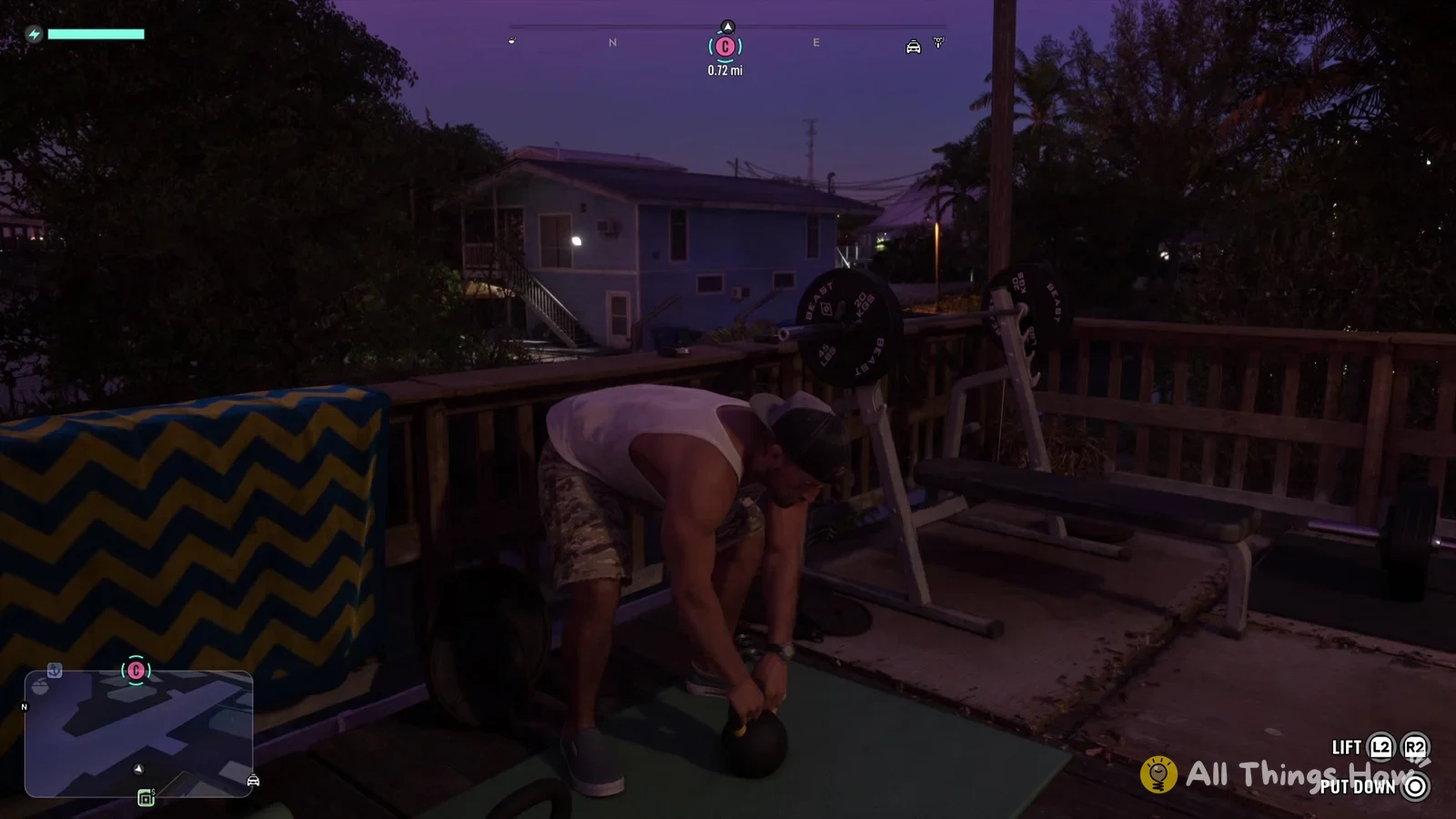
- Kettlebell on the back deck, next to a bench press. Prompt: Triangle “KETTLEBELL SWINGS (35LBS)”.
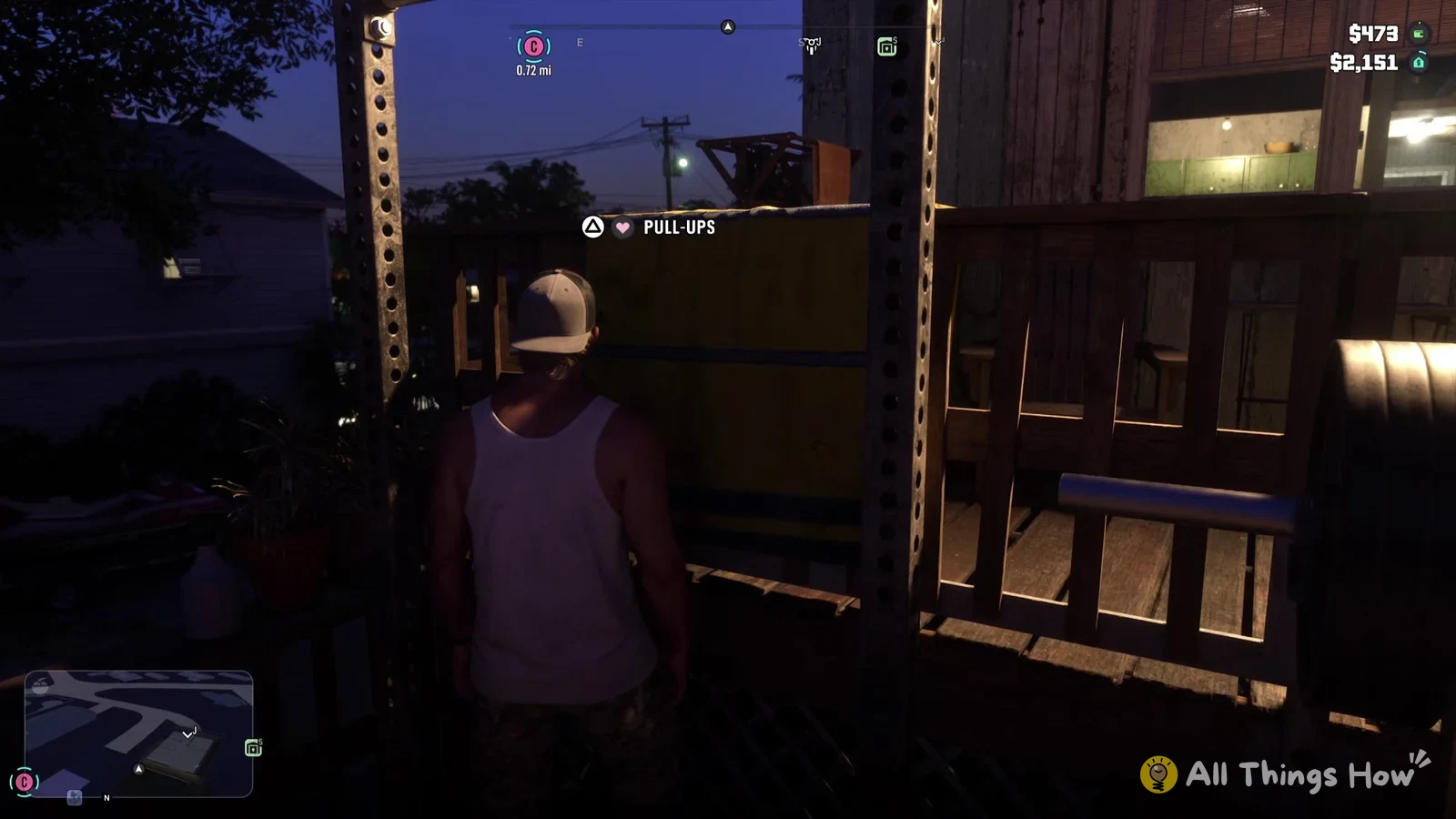
- Pull-up bar under the house. Prompt: Triangle “PULL-UPS”.
Gym memberships are separate. The Stats screen shows “Gym Memberships Purchased 0 / 8”, which means you can purchase eight memberships.
How to do kettlebell swings in GTA 6
What a kettlebell workout gives you
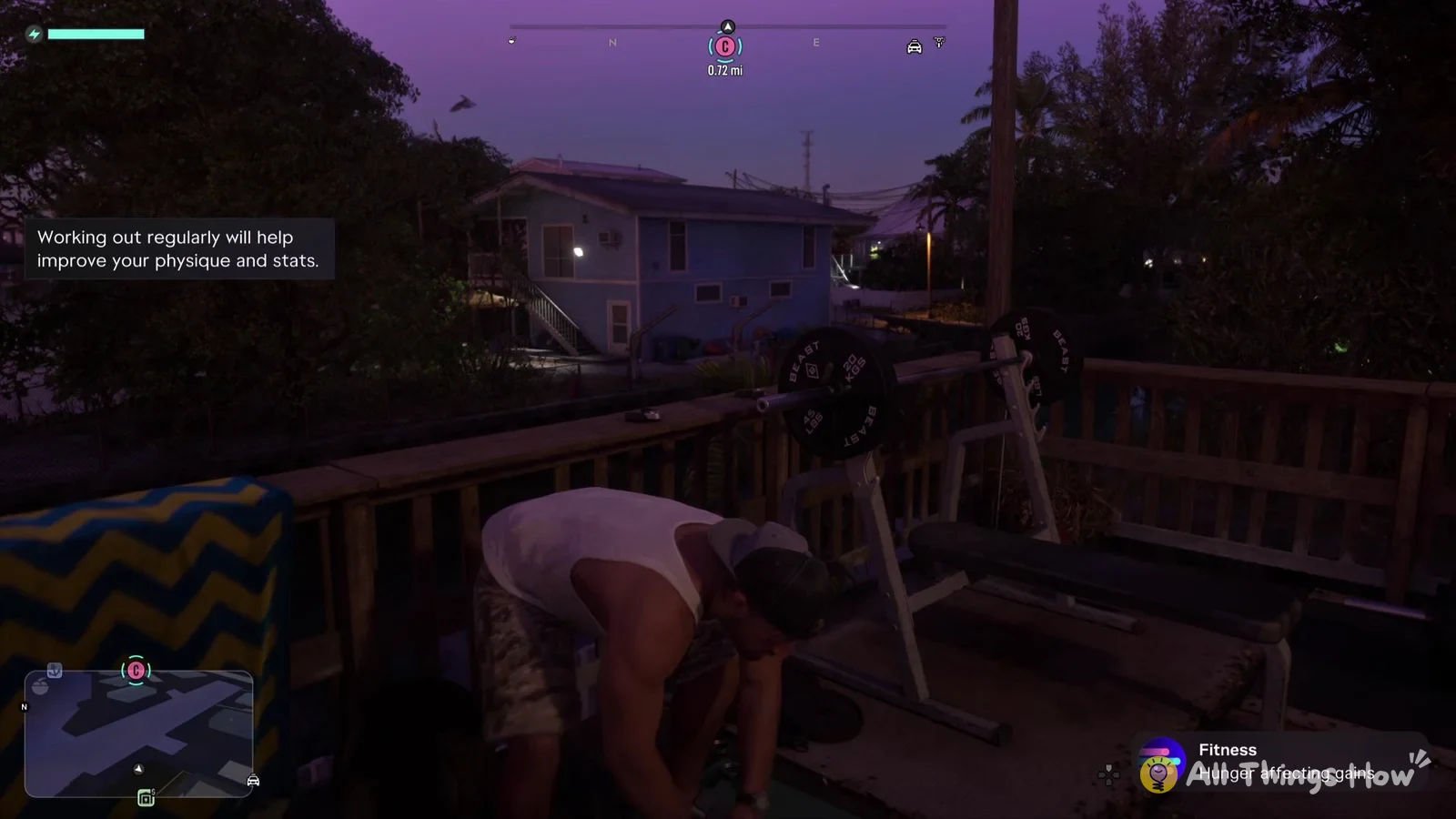
A finished set of swings pops up a notification reading “Strength Workout +2%”. Next to it, a tip explains where that progress goes: “Strength training and cardio impacts your health and stamina. Track progress in the Fitness app”.
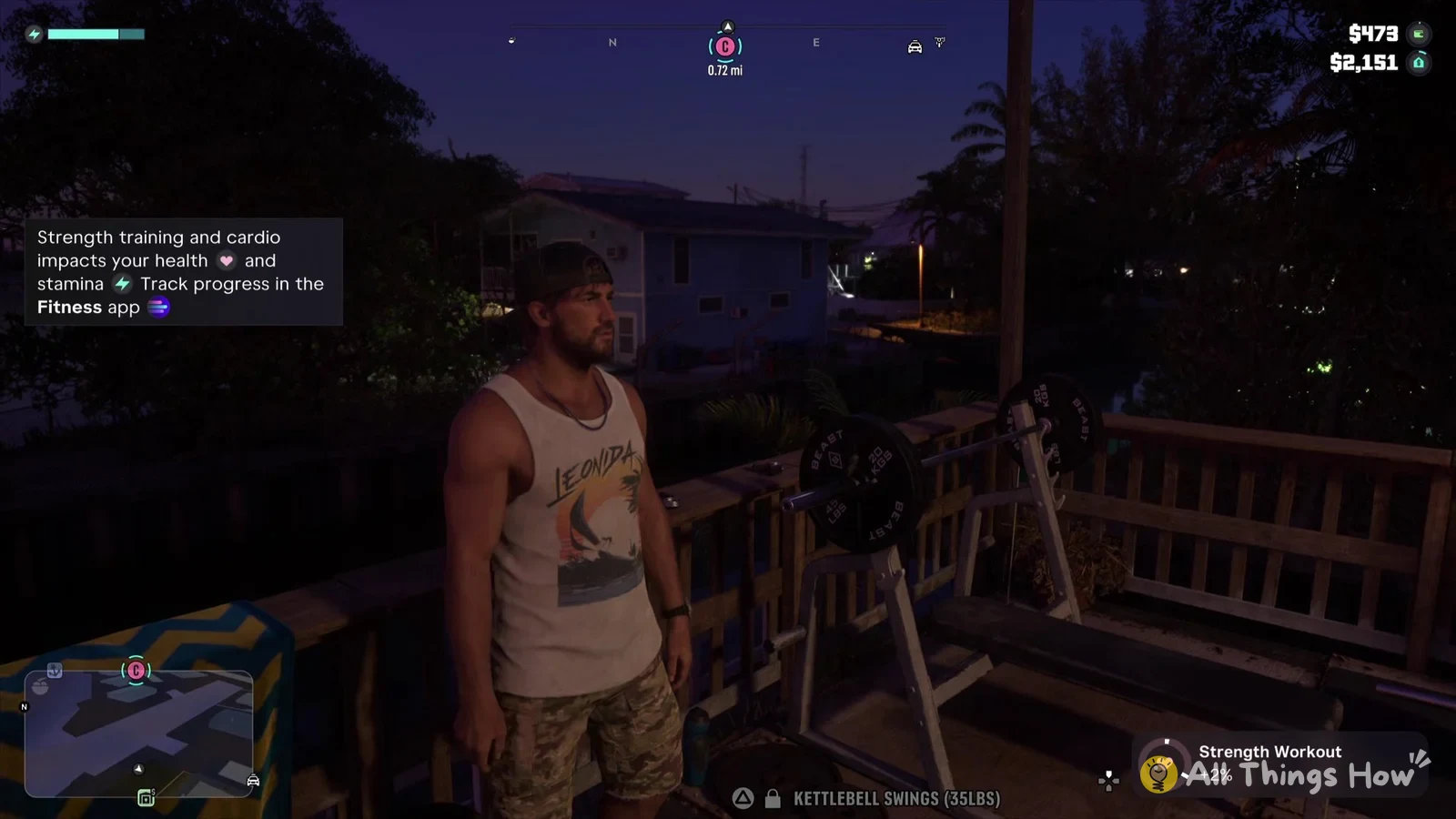
After the set, the kettlebell prompt shows a padlock, so you can’t do another set straight away.
If Jason is hungry while you train, a phone notification can come up reading “Fitness – Hunger affecting gains”.
How to check your Strength, Cardio and Focus levels in the Fitness app
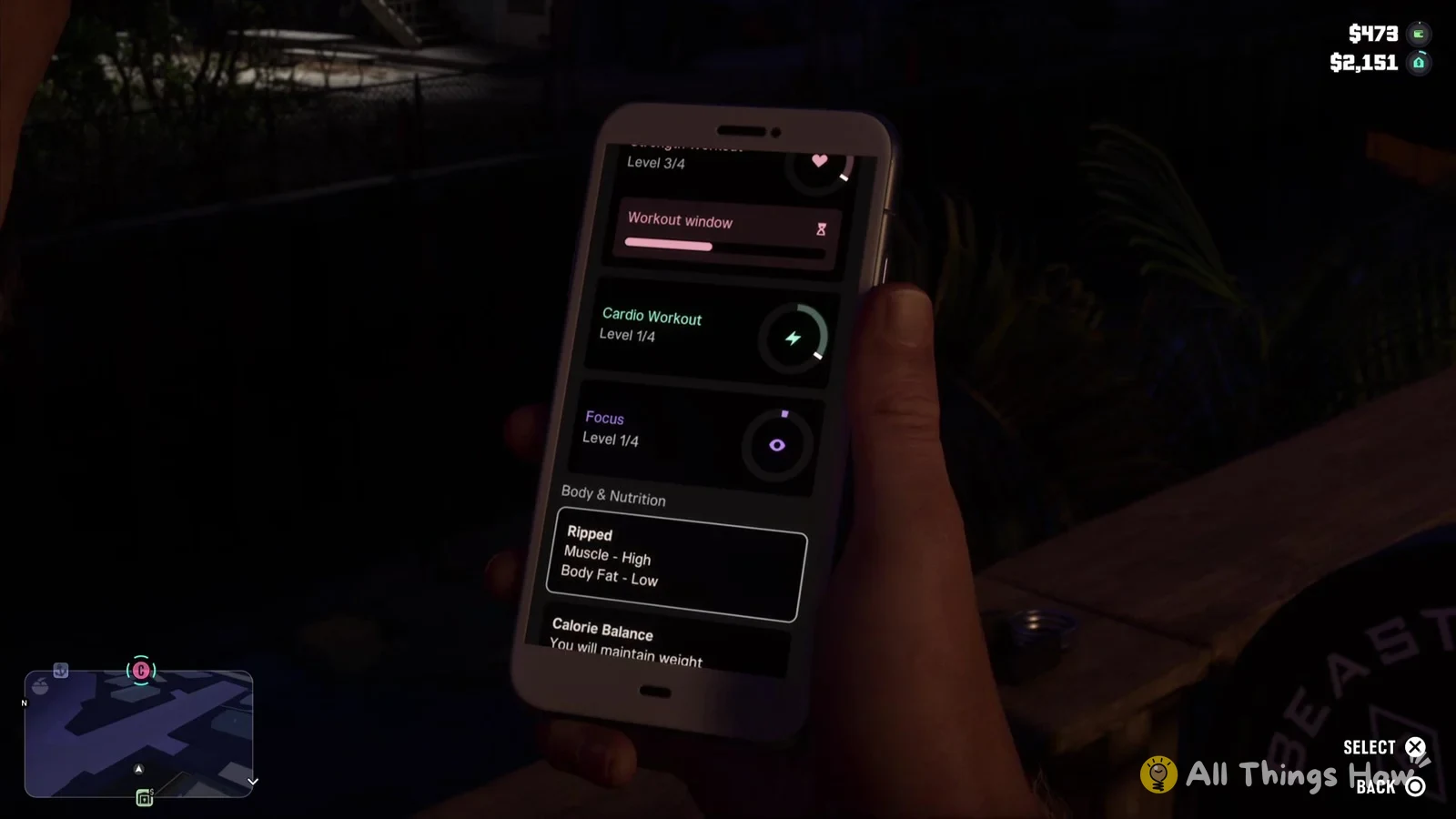
Open Jason’s phone and pick the Fitness app, the purple icon with coloured bars on it. It’s the fourth icon in the top row of the home screen. You can also get to it from the Reminders list, where a line can read “Hungry – Health recovery is affected until fed.”
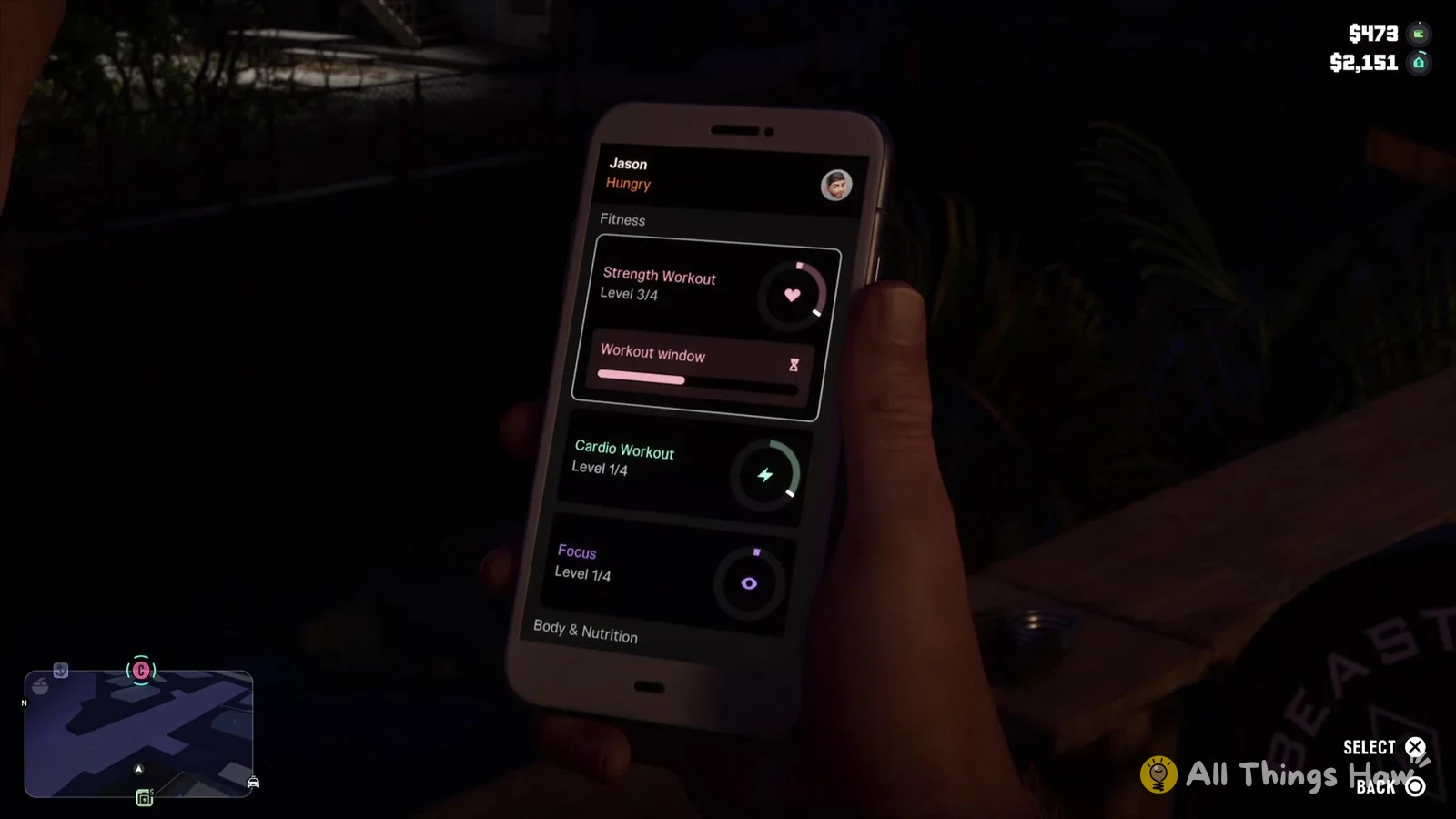
The top of the app shows the character’s name, “Jason”, and his current status, such as “Hungry”. Under “Fitness” there are three levels, and each one goes up to 4. Partway into the story, Jason’s can look like this:
| Row | Level shown | Icon |
|---|---|---|
| Strength Workout | Level 3/4 | Heart |
| Cardio Workout | Level 1/4 | Lightning bolt |
| Focus | Level 1/4 | Eye |
Below Strength Workout there’s a bar labelled “Workout window” with an hourglass icon, which was partly filled, with roughly half of it coloured in.
Further down, the “Body & Nutrition” part of the app sums up Jason’s build and diet. With the levels above it read “Ripped – Muscle – High – Body Fat – Low” and “Calorie Balance – You will maintain weight”.