Quick answer: A and D move, Space jumps, left click swings, right click uses items, R opens the health panel and C opens crafting. The backquote key (`) opens the console, and cheats turn off achievements until you restart.
Casualties: Unknown plays on keyboard and mouse. The mouse handles your hands and the keyboard handles movement, menus and game speed, and every one of those bindings can be changed in Settings.
Casualties: Unknown default controls
Movement is on A, D, W and S. Holding S makes you crouch down and dig into the ground below you, and holding Space makes you jump higher. You can also jump off walls.
Left click swings, which means attacking or using whatever tool is in your main hand. Digging by swinging wears you out fast. Right click is Use items/Cancel and covers item interactions. Right-clicking your own character opens the inventory, and clicking away from it closes it again.
The number keys set game speed: 1 is normal, 2 is fast and 3 is super fast. Running time faster gets pain or exhaustion out of the way sooner.
The Marksman gets two extra keys of its own: E racks the slide and G ejects the magazine.
| Action | Default key |
|---|---|
| Move left | A |
| Move right | D |
| Move up | W |
| Crouch | S |
| Jump | Space |
| Swing | Left mouse button |
| Use items/Cancel | Right mouse button |
| Throw | T (hold) |
| Switch hands | Q |
| Ragdoll | X |
| Health panel | R |
| Crafting menu | C |
| Favourite item | F |
| Customize item | N |
| Toggle inventory | Tab |
| Normal speed | 1 |
| Fast speed | 2 |
| Super fast speed | 3 |
| Expand item description | Left Shift |
| Show item labels | Left Ctrl |
| Bark | B |
| Toggle debug console | ` (backquote) |
| Pause | Esc |
| (Marksman only) Rack slide | E |
| (Marksman only) Eject mag | G |
How to change keybinds and control settings
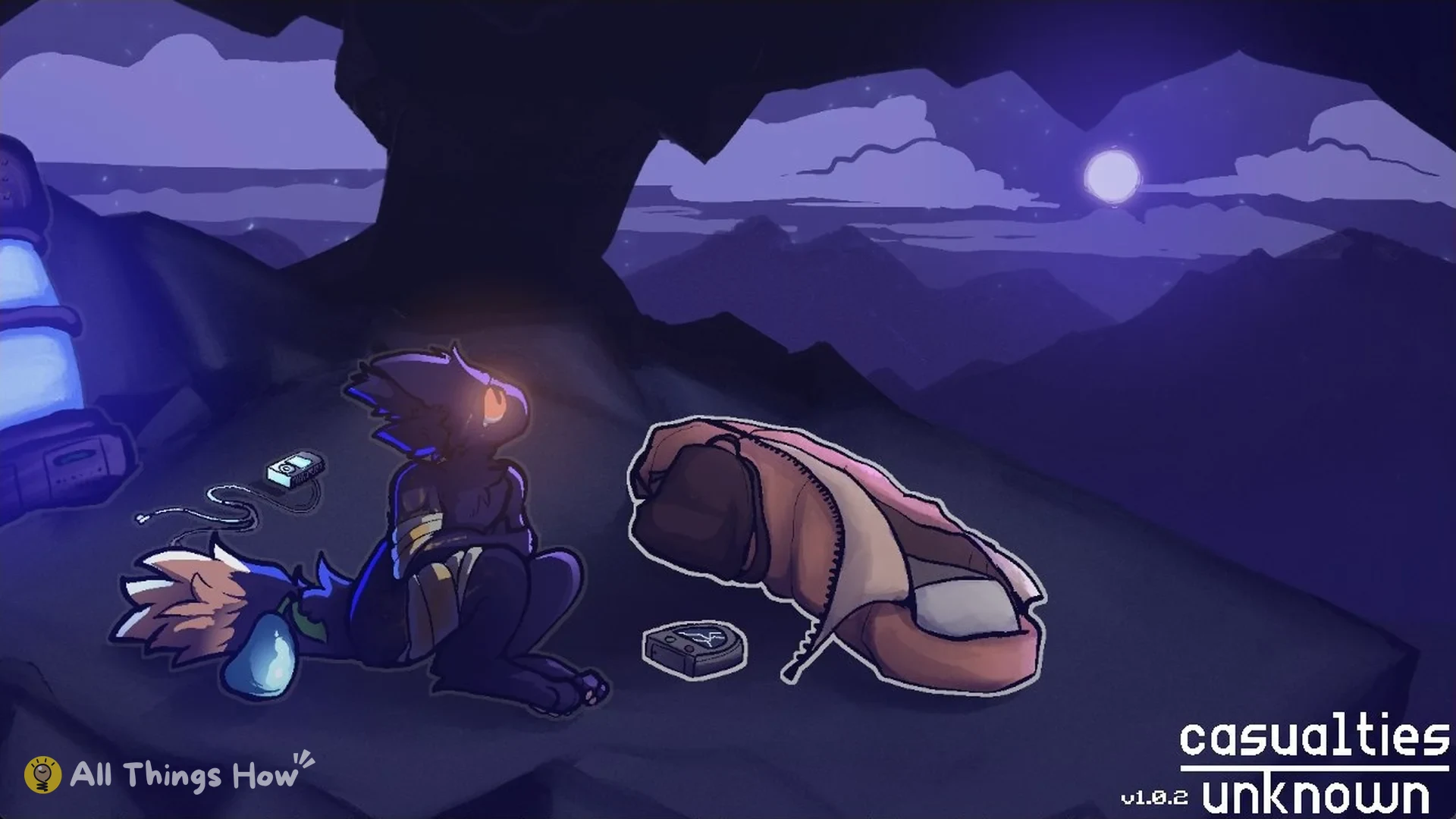
The main menu isn’t a list of buttons. It’s a scene, and you open Settings by clicking the lifepod. If you’re already in a run, press Esc to bring up the pause menu and use the settings button there. You can rebind every action listed above from Settings.
A few options change how the controls behave rather than which key they’re on:
- Auto-jump: when it’s on, your character keeps jumping for as long as you hold the jump key, like the older jump.
- Label view toggle: with this enabled, the item label key switches labels between visible and hidden with a press, so you don’t have to hold it.
- Inventory use leniency (default 0.95): sets the wait between opening your inventory and being able to use an item.
- Always expand item descriptions: item descriptions appear in full right away, without you holding the expand key.
How to open the console
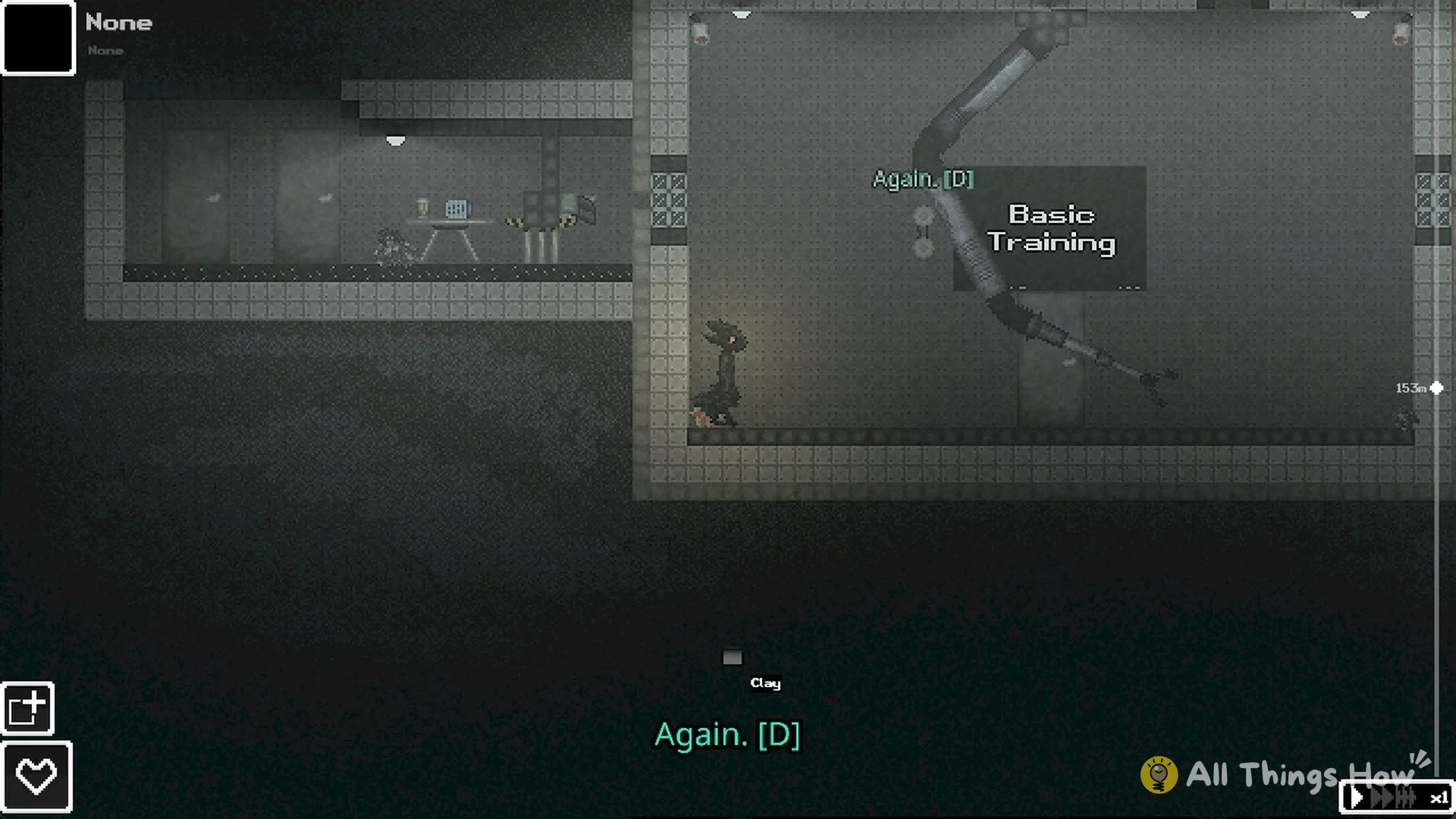
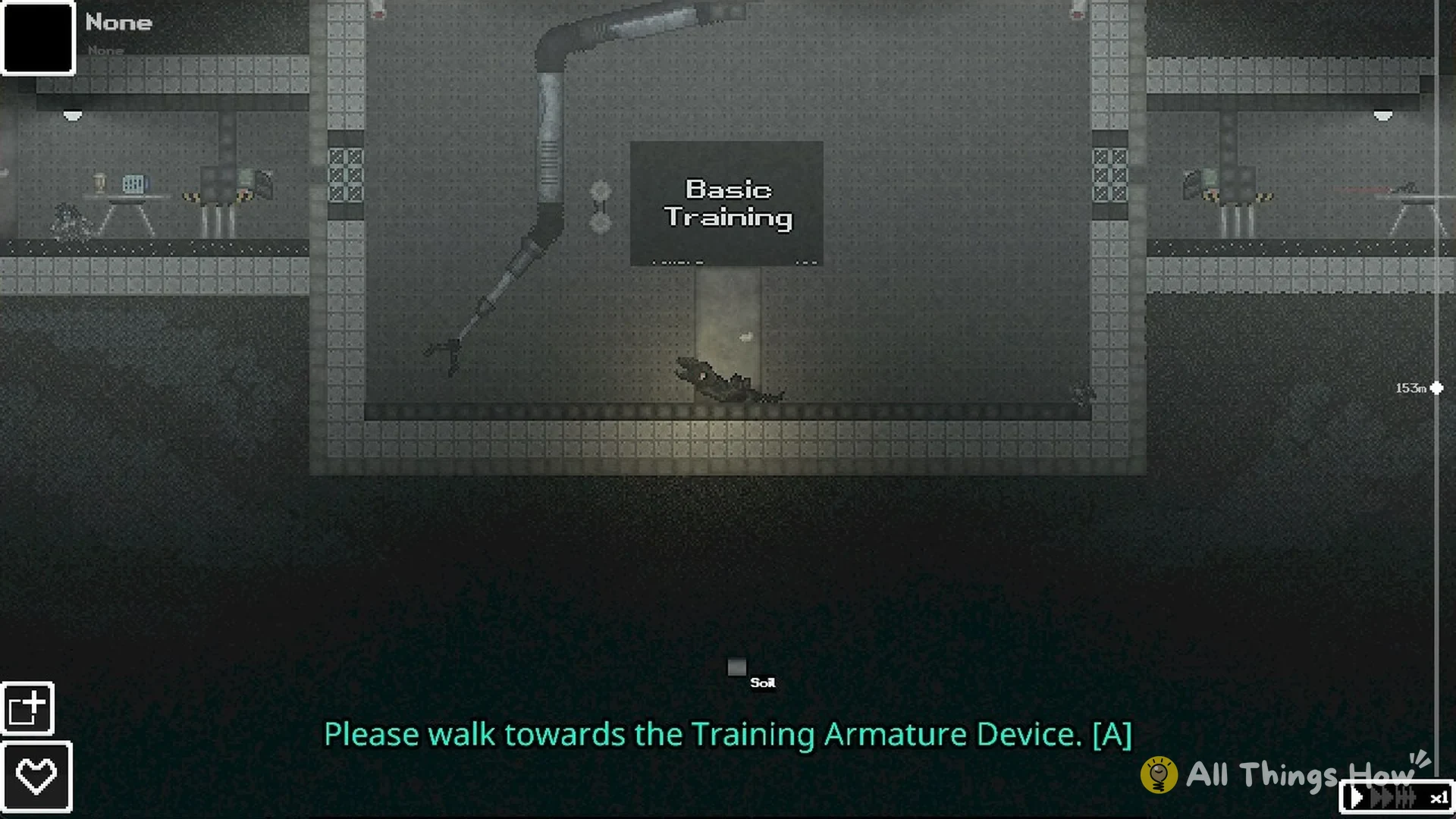
Press the backquote key (`) to open or close the debug console. On most keyboards it’s the key just under Esc. When it opens, the console greets you with “Welcome to the console! You can safely use any command in the sandbox.” The Sandbox is one of the training courses on the training device in the main menu.
Type help to bring up the list of commands, then scroll to see the whole thing. Arguments go after the command name, separated by spaces. Anywhere a command wants a position, you can give it cursor, player, random or x,y coordinates.
Cheat commands turn off achievements
The moment you use a cheat command, the console prints a red warning: “You used a cheat command. Achievements are disabled until you restart the game.” That run’s save also gets marked as cheated, so if you load it later you’ll see “This save was previously cheated. Achievements are disabled until you restart the game.”
To test commands without giving up achievements, use the Sandbox or a run where losing them won’t bother you.
nukeplayerprefs erases all progress, including unlocked content. Only enter it if you’re ready to start over.
All console commands
| Command | What it does |
|---|---|
help | Shows the command list. |
heal | Fully heals your character. Add true to leave dismembered limbs off. |
coagulate | Stops all bleeding. |
kill | Instantly kills your character. |
spawn | Spawns an item or building at a position, with optional condition (0 to 1) and amount. |
spawncategory | Spawns every item from a loot pool, with zero gravity. |
tp | Teleports you to a position (the cursor if left empty). |
skiplayer | Skips to the next layer, or straight to the layer number you give. |
saveandquit | Saves and returns to the main menu. Loading puts you at the start of the current layer. |
starterkit | Spawns a semi-random kit of containers, tools and medicine, with experience based on the current layer. |
addxp | Gives experience in str, res or int. |
resetskills | Sets all skills to zero. |
timescale | Sets the game speed (it cannot be 0). |
noclip | Toggles flight with no player collision. |
fullbright | Toggles full lighting. |
freecam | Moves the camera separately with the arrow keys. |
ui | Toggles the main interface. |
amputate | Instantly removes a limb. |
reattach | Reattaches a removed limb. |
setbodyfield | Sets a value on your body. |
setlimbfield | Sets a value on one of your limbs. |
unchipped | Turns Unchipped mode on or off. |
applylayermodifier | Applies a layer modifier by its number. |
addliquid | Adds an amount (mL) of a liquid to the item in your main hand. |
locate | Finds objects by name and teleports you to one. |
explode | Makes an explosion at a position, with optional damage settings. |
floodfill | Fills a spot with a liquid (up to 2,048 tiles at once). |
spawncharacter | Spawns a character by number at a position. |
plushies | Creates every plushie in a line next to you. |
dunemode | Starts the dunepocalypse until you close the game. |
music | Plays a new track, skips time in the current one or opens the MP3 menu. |
playsound | Plays a sound by its ID. |
talk | Makes your character say something. |
alert | Shows an in-game alert. |
log | Adds text to the console history. |
echo | Toggles command logs on or off. |
clear | Clears the console log. |
copylog | Copies the console log to the clipboard. |
setconsoleheight | Sets the console height (default 300). |
setconsolecolor | Sets the colour of the console text or background. |
bind | Adds, lists or clears custom key binds that run commands. |
repeat | Runs commands several times with a delay. |
addcustomcommand | Adds your own command made of other commands. |
removecustomcommand | Removes a command you added. |
loglocale | Prints a game text string to the console. |
openfolder | Opens the saves, locale or music folder. |
errorlogging | Toggles error logging. |
setachievement | Unlocks an achievement. |
nukeplayerprefs | Deletes all progress. Never use it unless you want a full reset. |
Casualties: Unknown console FAQ
Why doesn’t the backquote key open the console?
Look at the “Toggle debug console” keybind in Settings. It can be rebound, and some keyboard layouts put the backquote on a different key.
Do I lose achievements forever after cheating?
No. Restarting the game brings them back, provided you don’t load the save you cheated on.