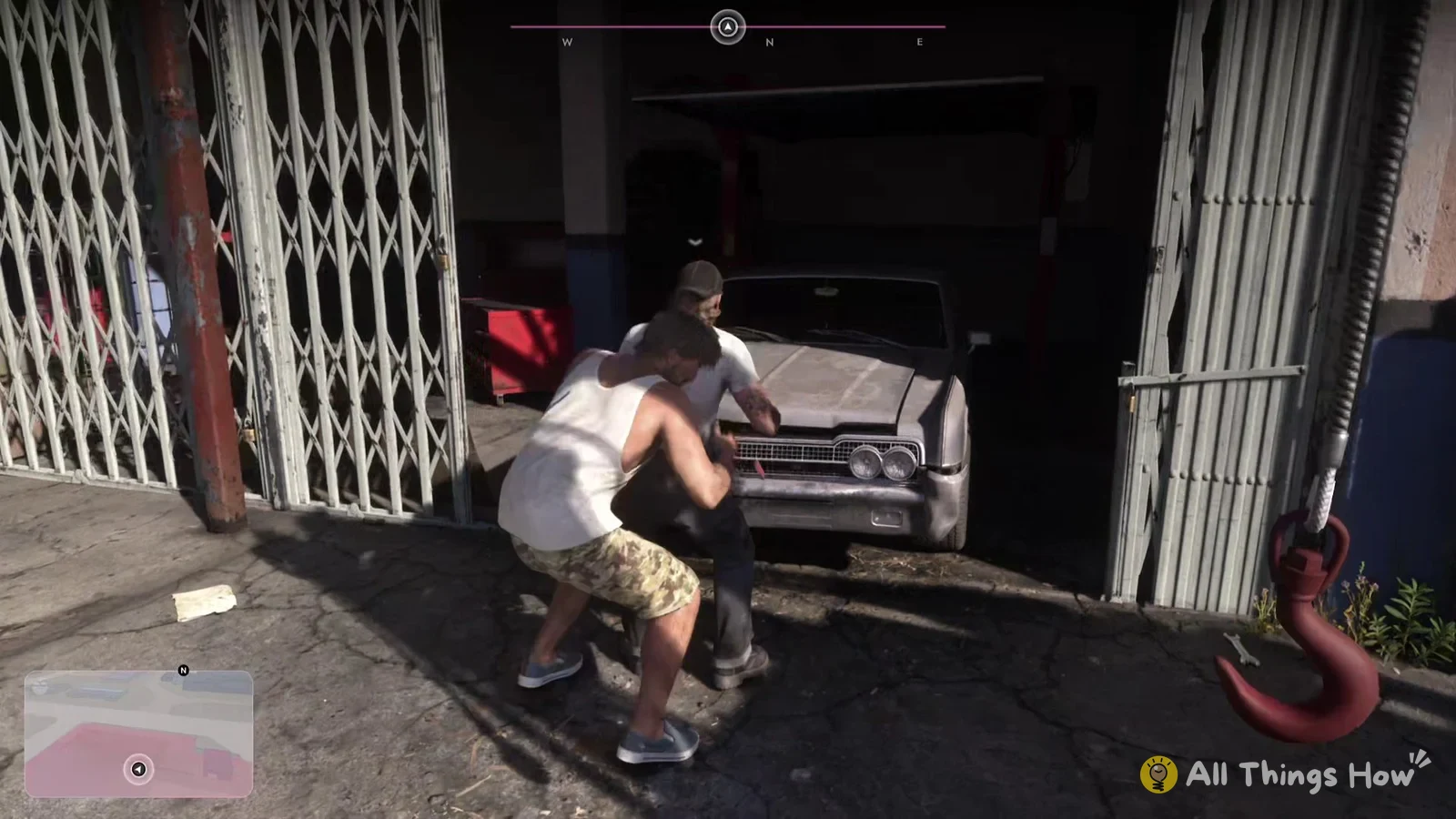
Stealth in GTA 6 runs on a short set of buttons. You crouch to make less noise, grab an enemy from behind, then mash a button to take them down, and throwing objects or whistling lets you split a guard off from the group first. The buttons below are from the Default control scheme on PS5.
Quick answer: Get behind an enemy without being seen, keep R2 held to grab them, then tap Square repeatedly for a stealth takedown. The game’s Help menu identifies Circle as crouch.
How to do a stealth takedown in GTA 6
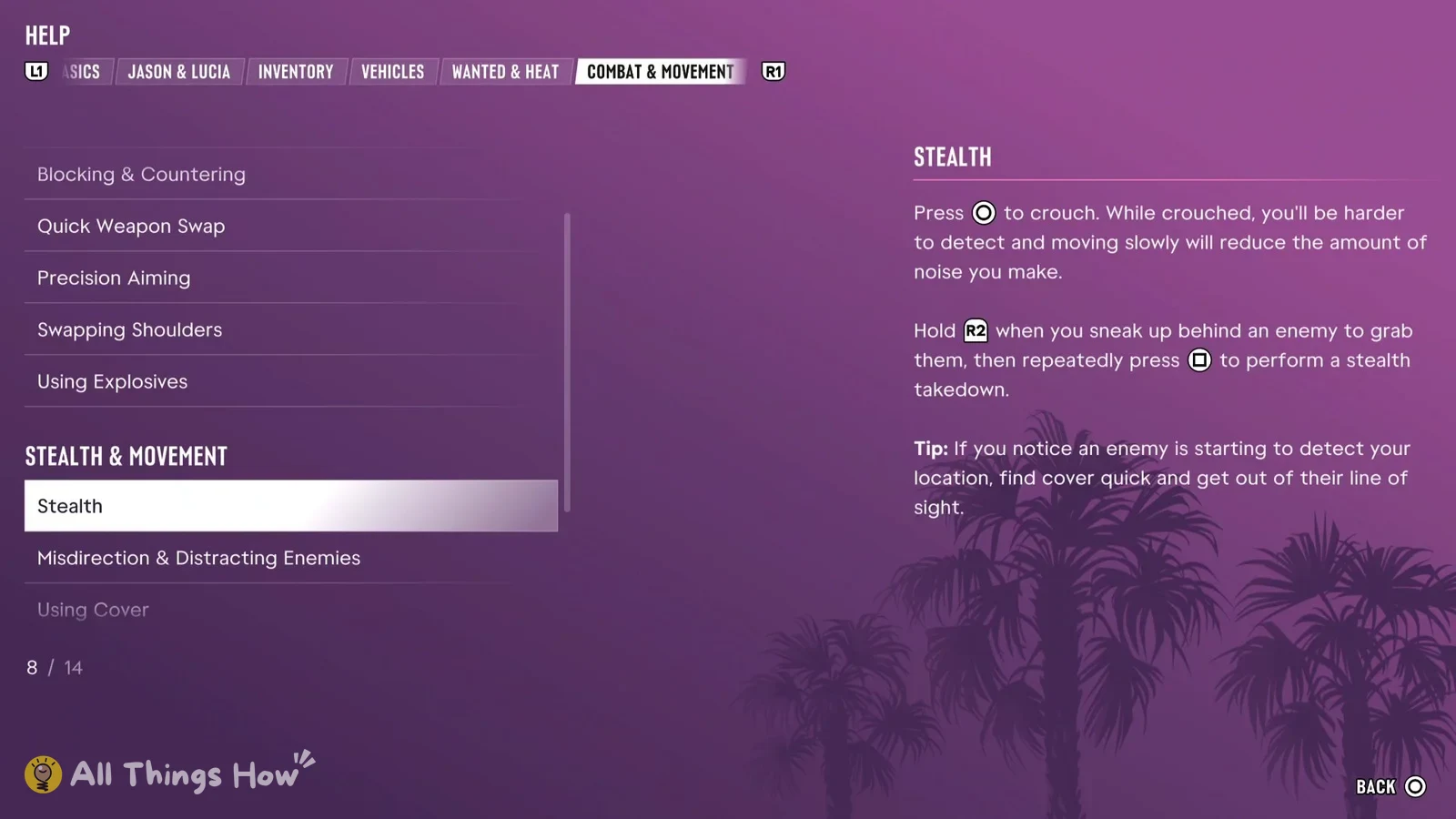
You’ll find the controls in the pause menu under Pause > Help > COMBAT & MOVEMENT > Stealth, which reads: “Hold [R2] when you sneak up behind an enemy to grab them, then repeatedly press [Square] to perform a stealth takedown.”
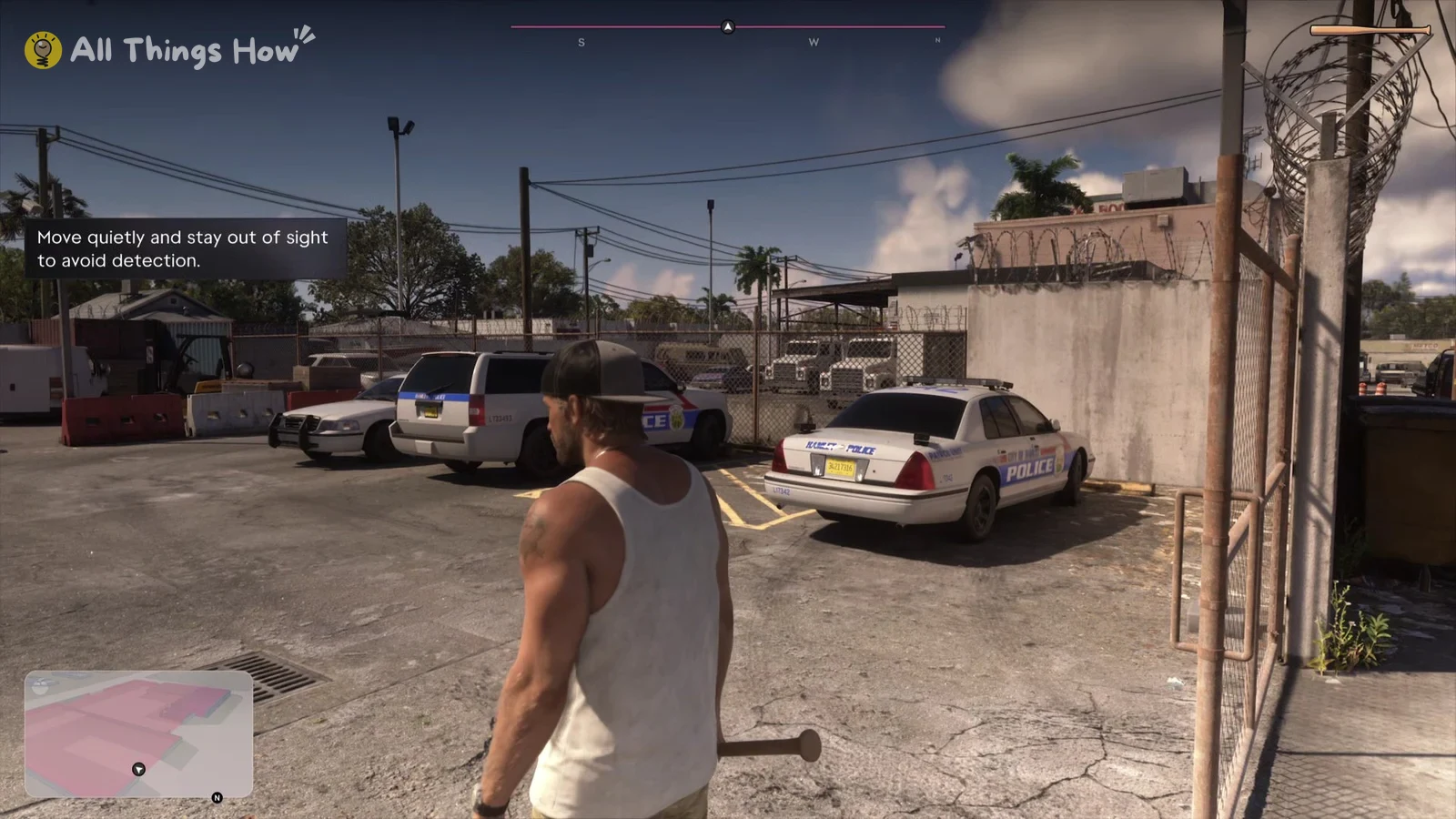
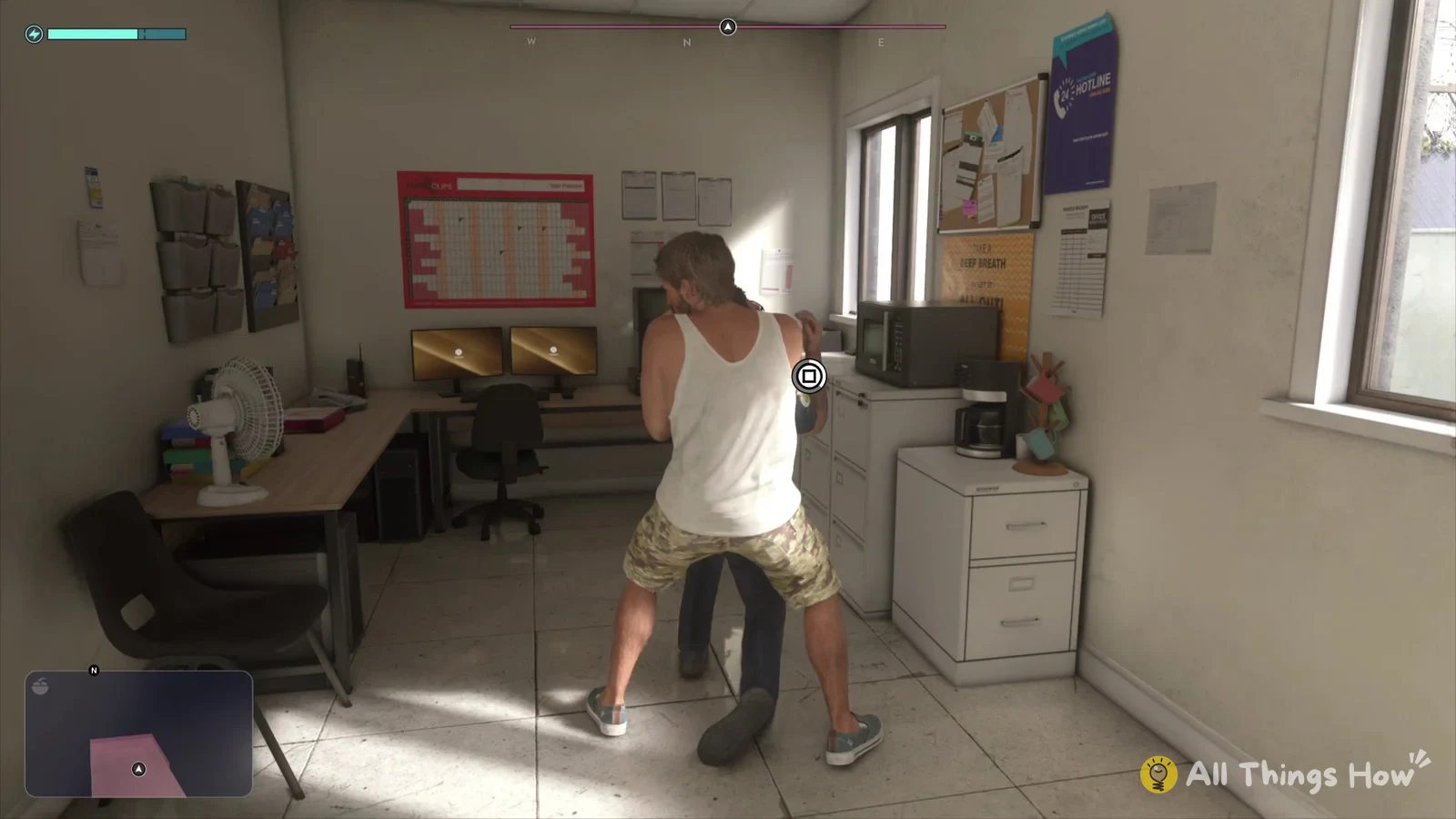
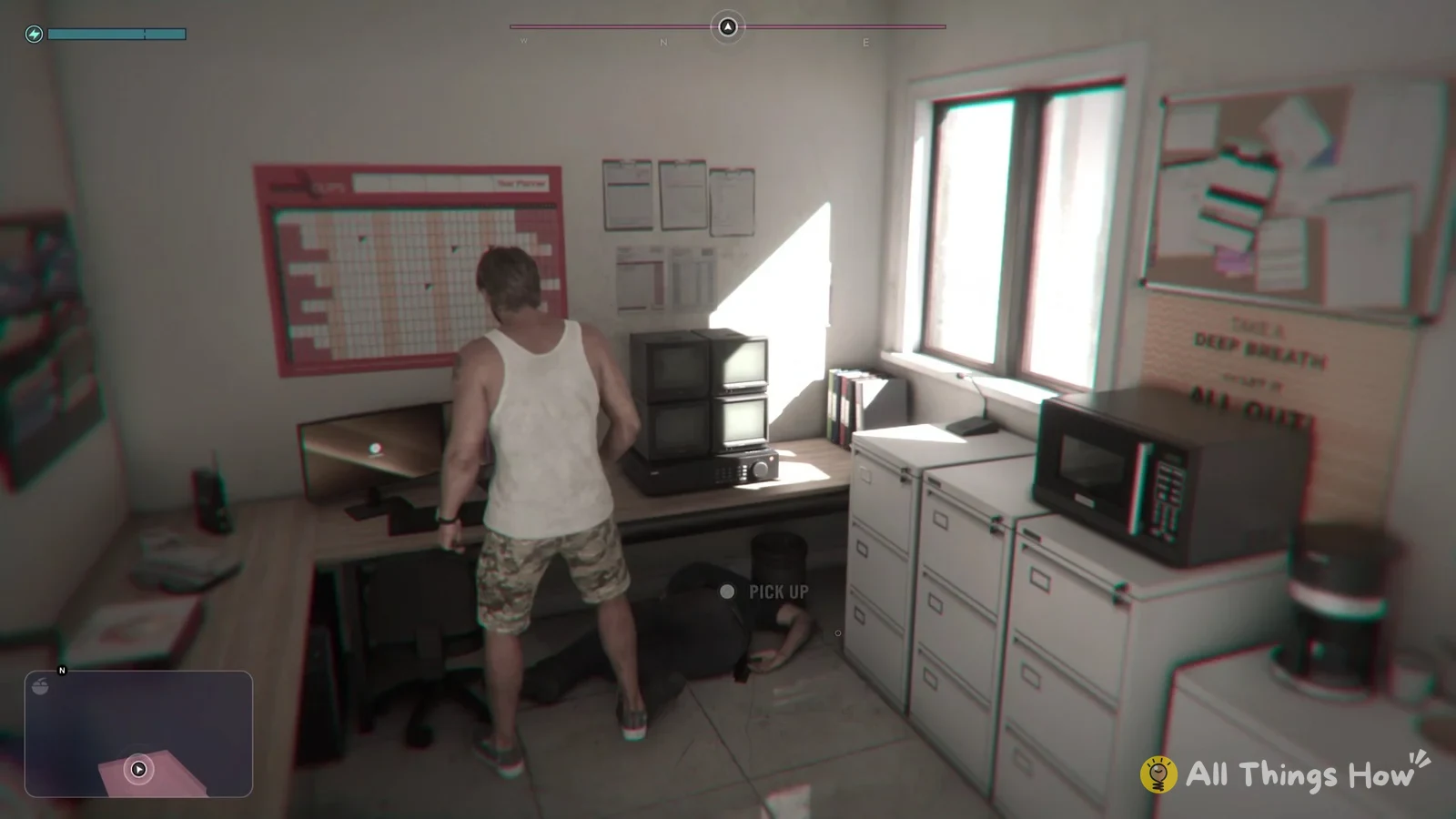
How to crouch in GTA 6
The same Stealth Help page says “Press [Circle] to crouch. While crouched, you’ll be harder to detect and moving slowly will reduce the amount of noise you make.”
The game mentions crouching in three places, and they don’t all match:
- The Stealth Help page: “Press [Circle] to crouch.”
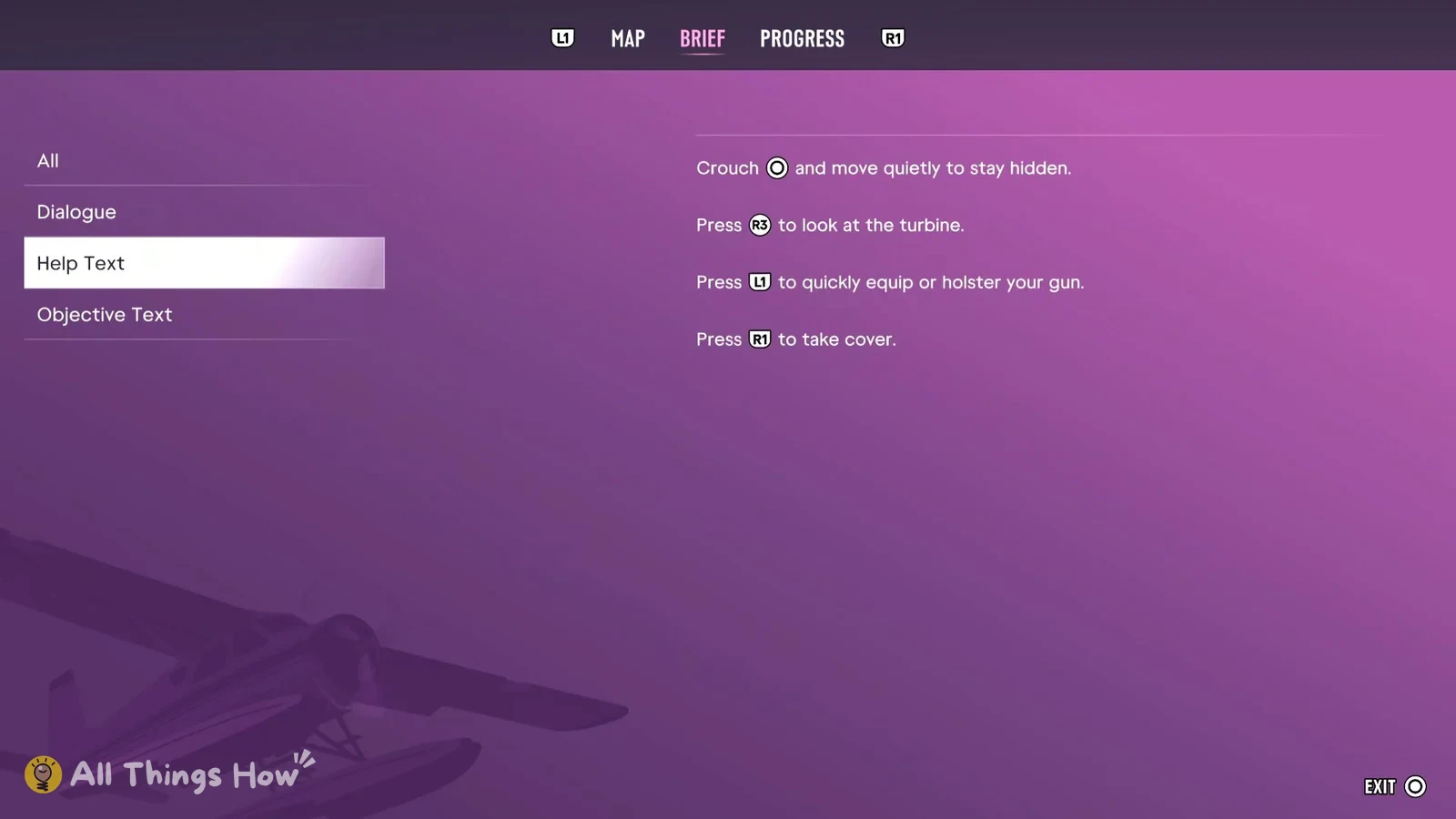
- The Brief log in the pause menu, under Help Text: “Crouch [Circle] and move quietly to stay hidden.”
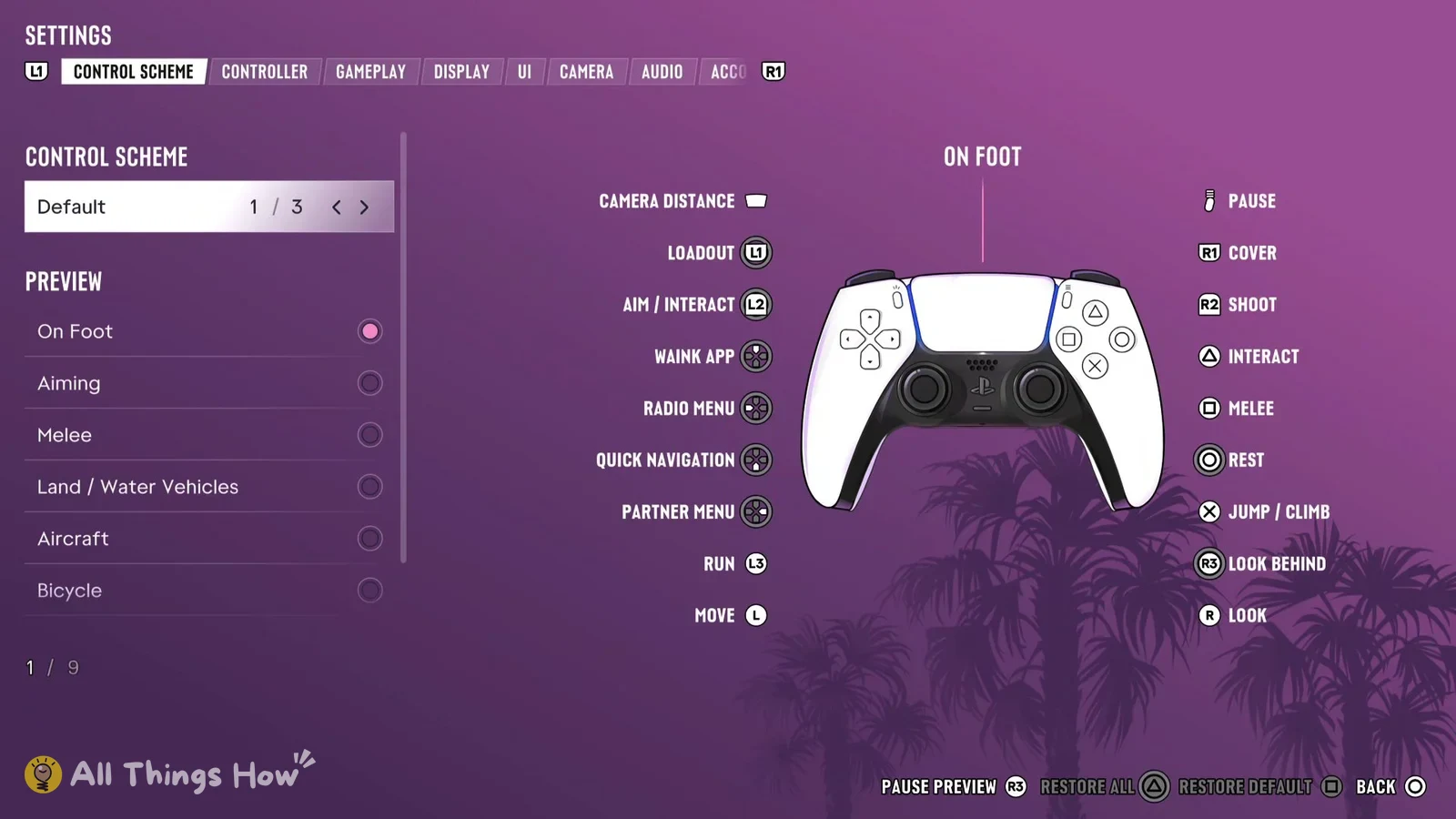
- Settings > Control Scheme > Default, “On Foot” preview: Circle is labelled “REST”, and no button there is labelled crouch.
The On Foot preview assigns MELEE to Square, JUMP / CLIMB to Cross, COVER to R1, RUN to L3 and LOOK BEHIND to R3. If Circle won’t crouch for you, open the On Foot preview at Settings > Control Scheme to check its assigned action.
What happens if you’re seen
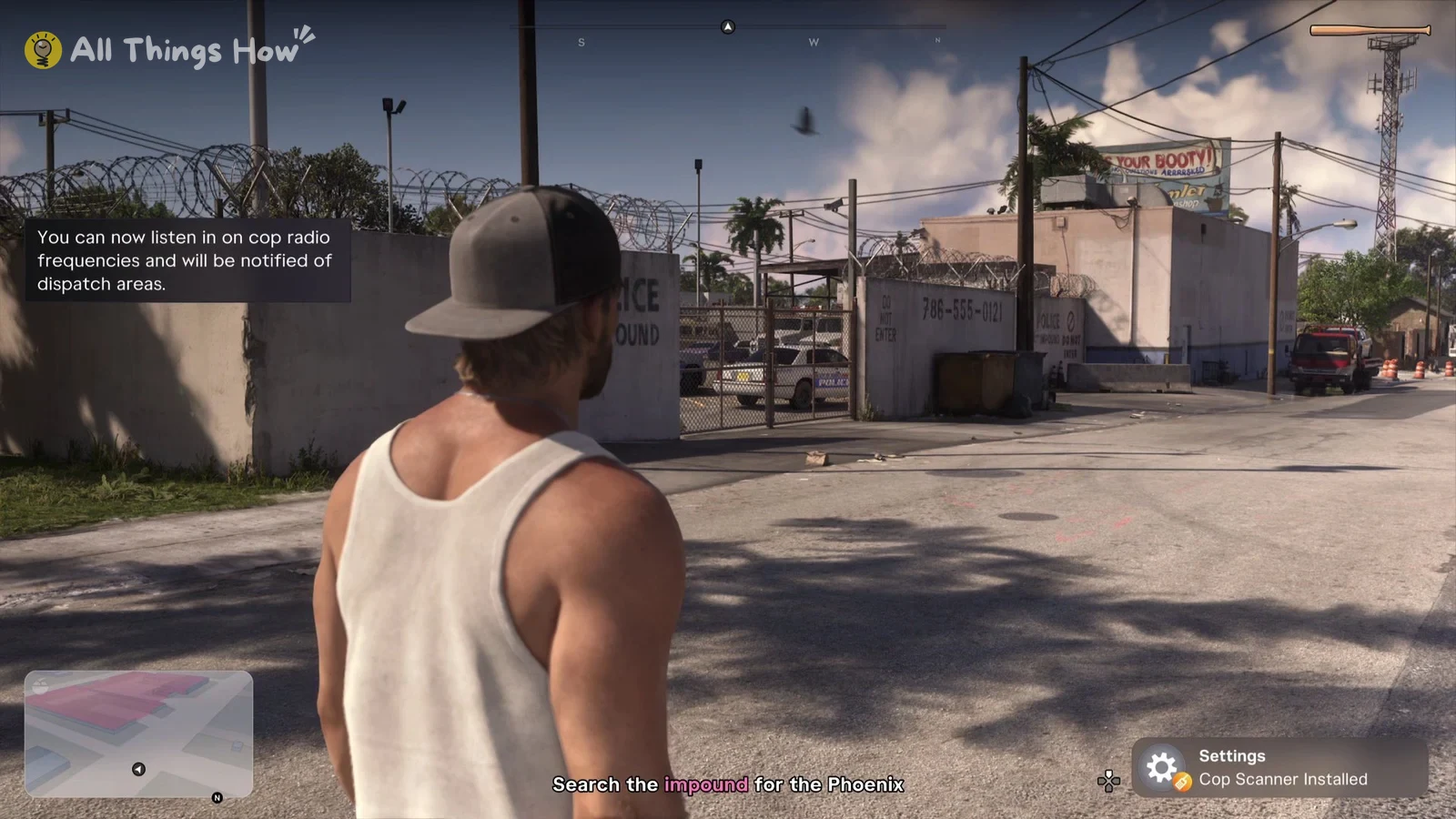
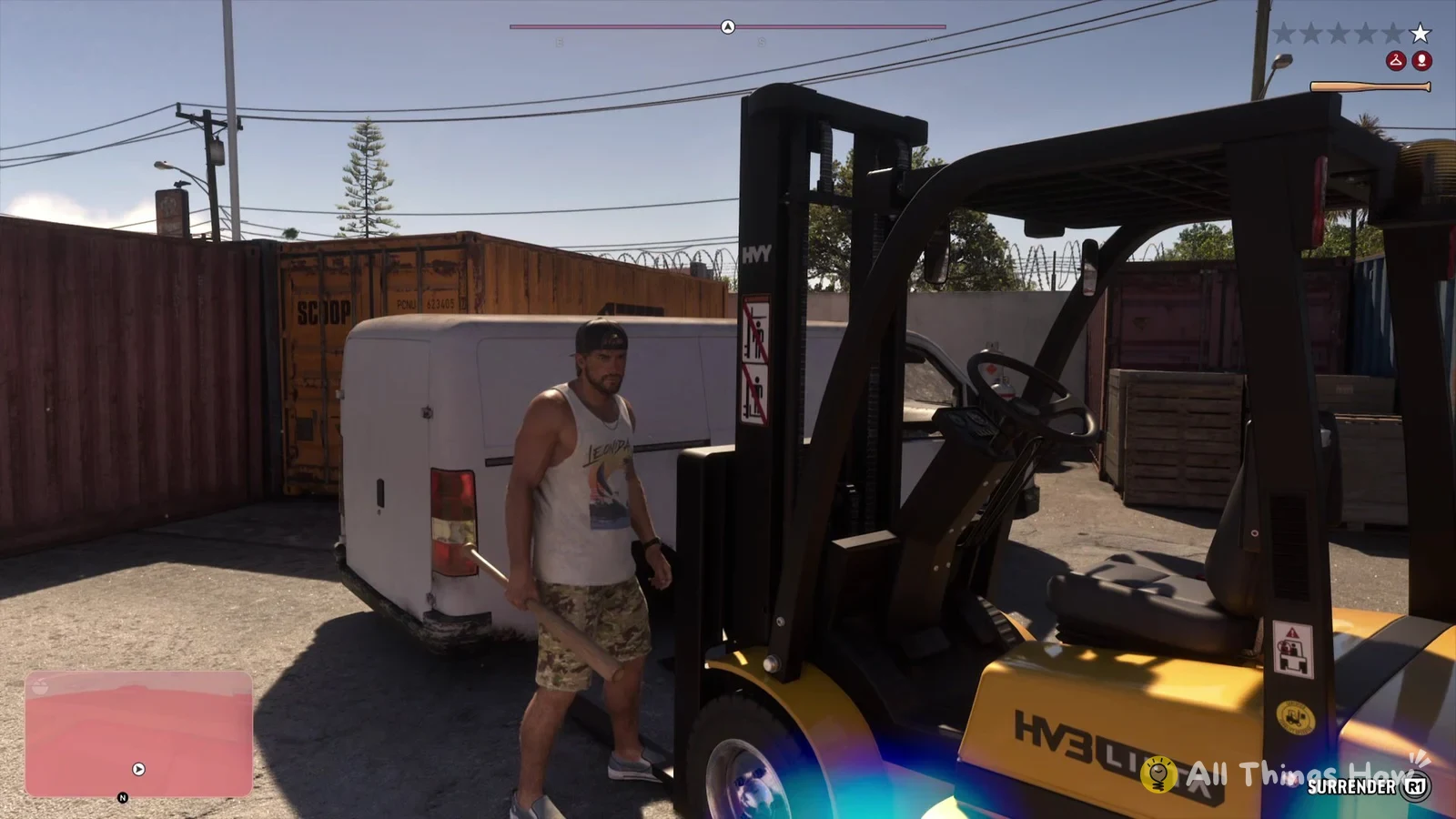
When someone spots you, a star lights up at the top right of the screen and a “SURRENDER” prompt on R1 shows at the bottom right. If a takedown gets noticed, a “Crime reported” line can also pop up at the right of the screen.
The Stealth Help page has a tip for when it starts to go wrong: “Tip: If you notice an enemy is starting to detect your location, find cover quick and get out of their line of sight.” R1 takes cover, which the Brief log spells out as “Press [R1] to take cover.”
Stealth takedowns and your criminal profile
How hard you go at an enemy you’ve grabbed or already put down can bring up one of two help boxes:
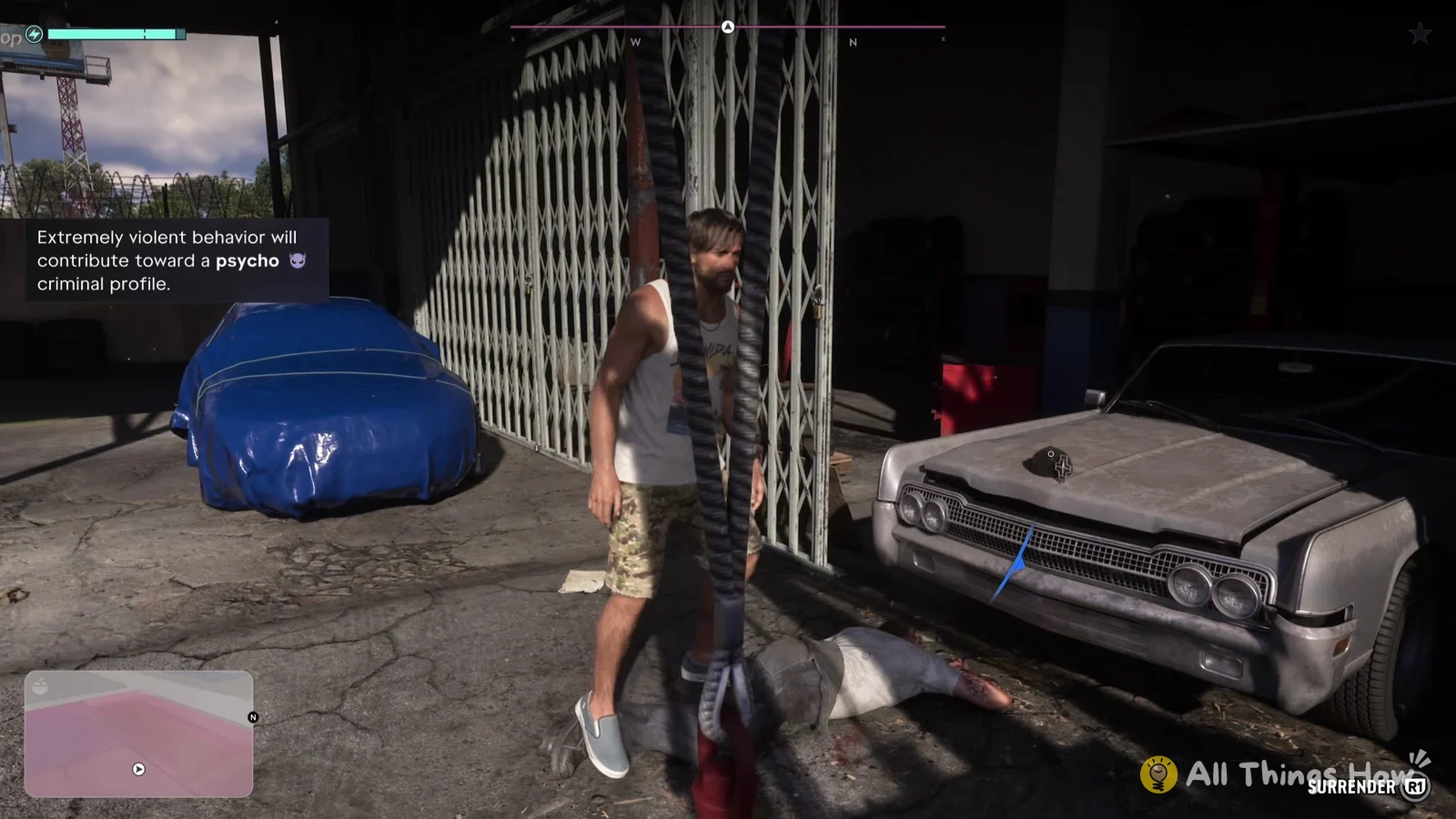
- “Extremely violent behavior will contribute toward a psycho criminal profile.”
- “Indiscriminate violence will contribute toward a violent criminal profile.”
How to distract enemies in GTA 6
Distractions have their own Help page, “Misdirection & Distracting Enemies”. It covers two ways to move a guard where you want them. The first is throwing things: “While hidden, misdirect enemies to prevent detection. You can pick up objects like glass bottles, then press or hold [R2] to throw them and draw enemies away from you.”
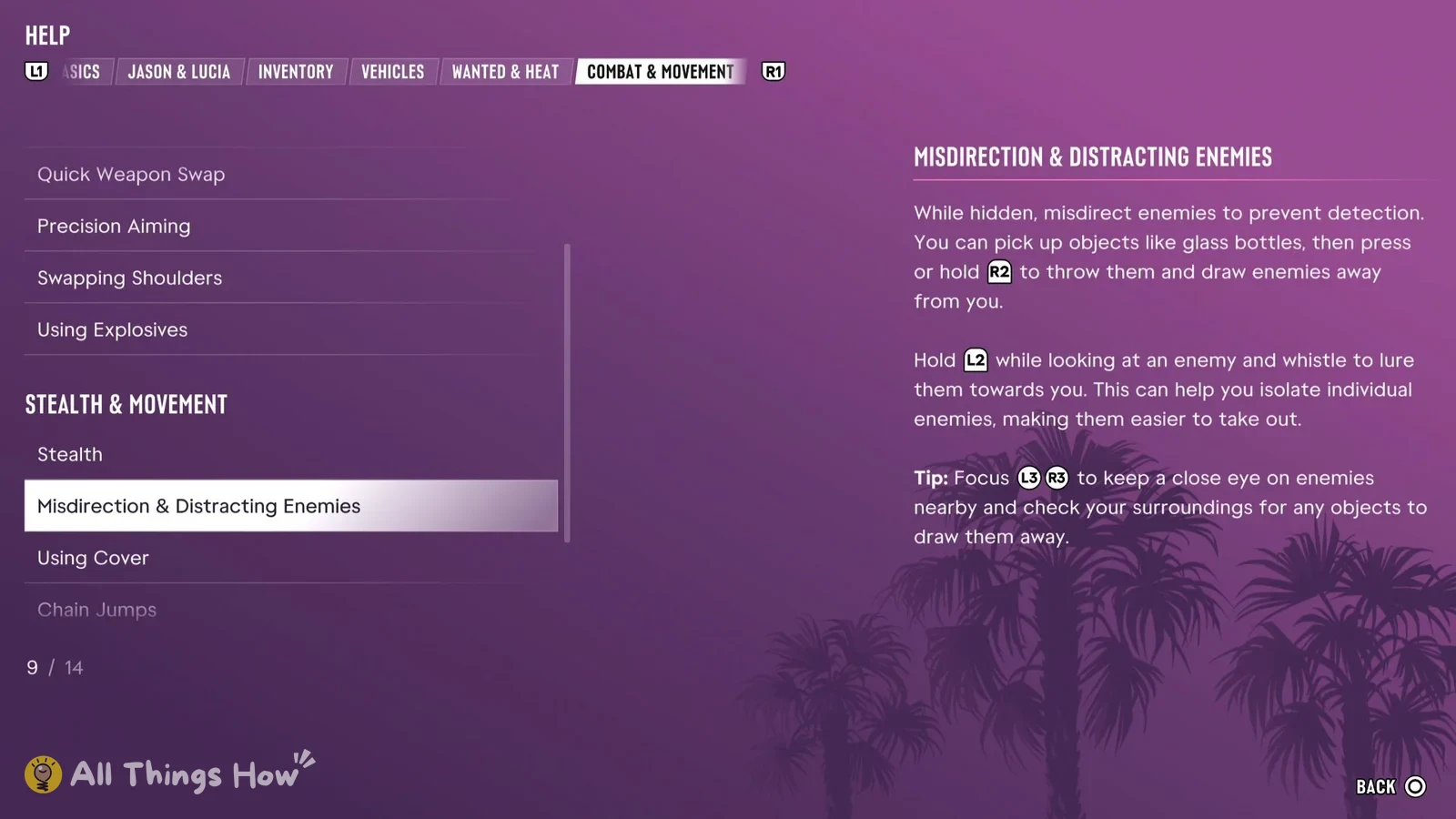
The second pulls an enemy toward you instead, which sets up a grab from behind: “Hold [L2] while looking at an enemy and whistle to lure them towards you. This can help you isolate individual enemies, making them easier to take out.”
The page also suggests using Focus to watch guards and spot things to throw: “Tip: Focus [L3][R3] to keep a close eye on enemies nearby and check your surroundings for any objects to draw them away.”
GTA 6 stealth controls
| Action | Button | Where the game says it |
|---|---|---|
| Crouch | Circle | Stealth Help page, Brief log |
| Grab an enemy | Hold R2 from behind | Stealth Help page |
| Stealth takedown | Press Square repeatedly | Stealth Help page |
| Take cover | R1 | Brief log, On Foot preview |
| Throw an object | Press or hold R2 | Misdirection Help page |
| Whistle | Hold L2 while looking at an enemy | Misdirection Help page |
| Focus | L3 + R3 | Misdirection Help page |