Grand Theft Auto VI puts a lot of its rules in the Help menu, in small help boxes and in text messages, and they’re easy to miss until one of them stops you. The ones below cover stealing cars, saving, losing money and a couple of side activities.
Quick answer: Cars in your neighborhood are off-limits, and keyless ones won’t let you hotwire them. You can’t save while a mission is underway. Getting killed or arrested takes your pocket cash, but some errands are free.
Keyless cars can’t be hotwired in GTA 6
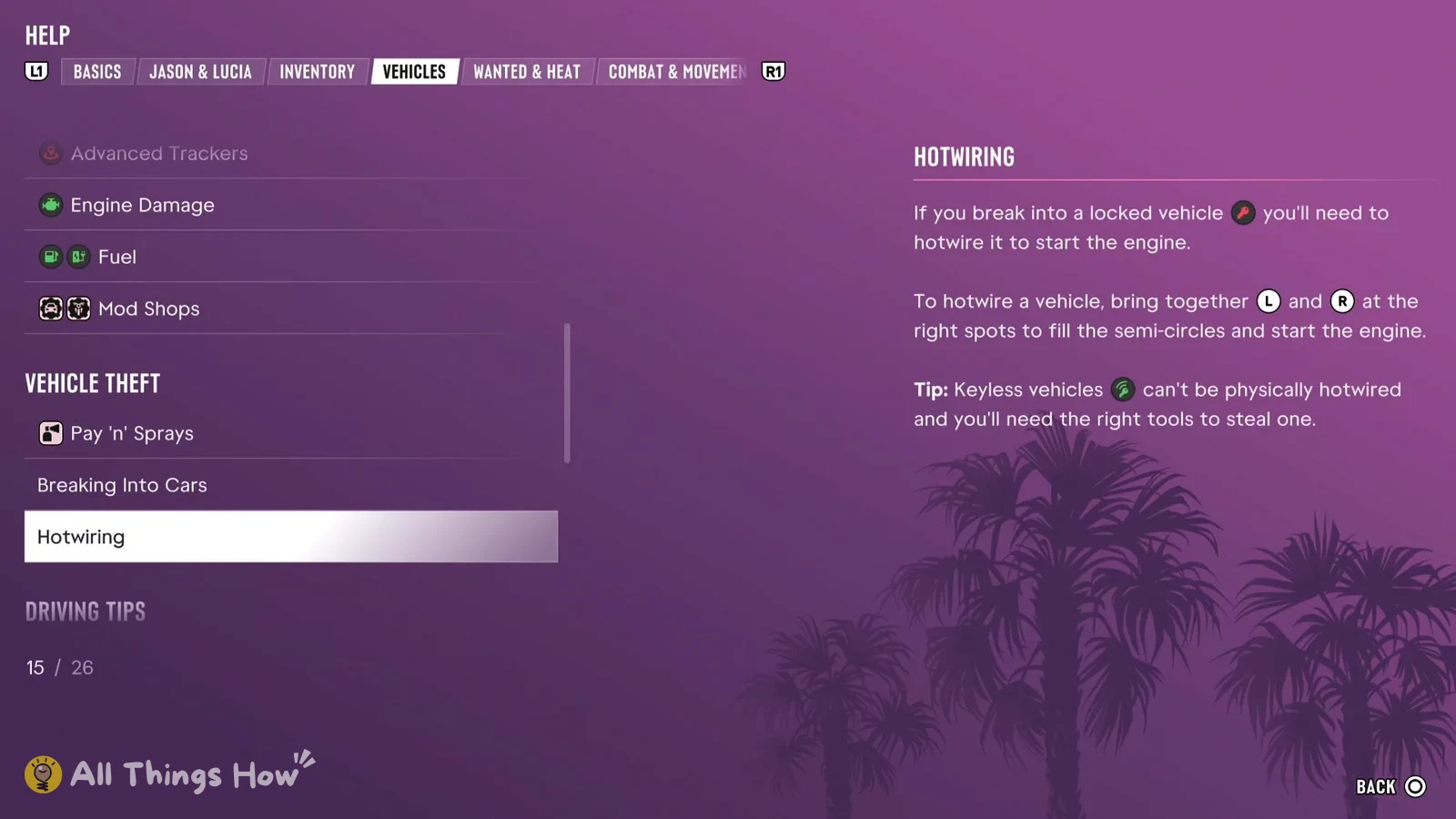
Under Help > VEHICLES > Hotwiring, the game spells out that the usual hotwiring trick won’t work on every car:
“Tip: Keyless vehicles can’t be physically hotwired and you’ll need the right tools to steal one.”
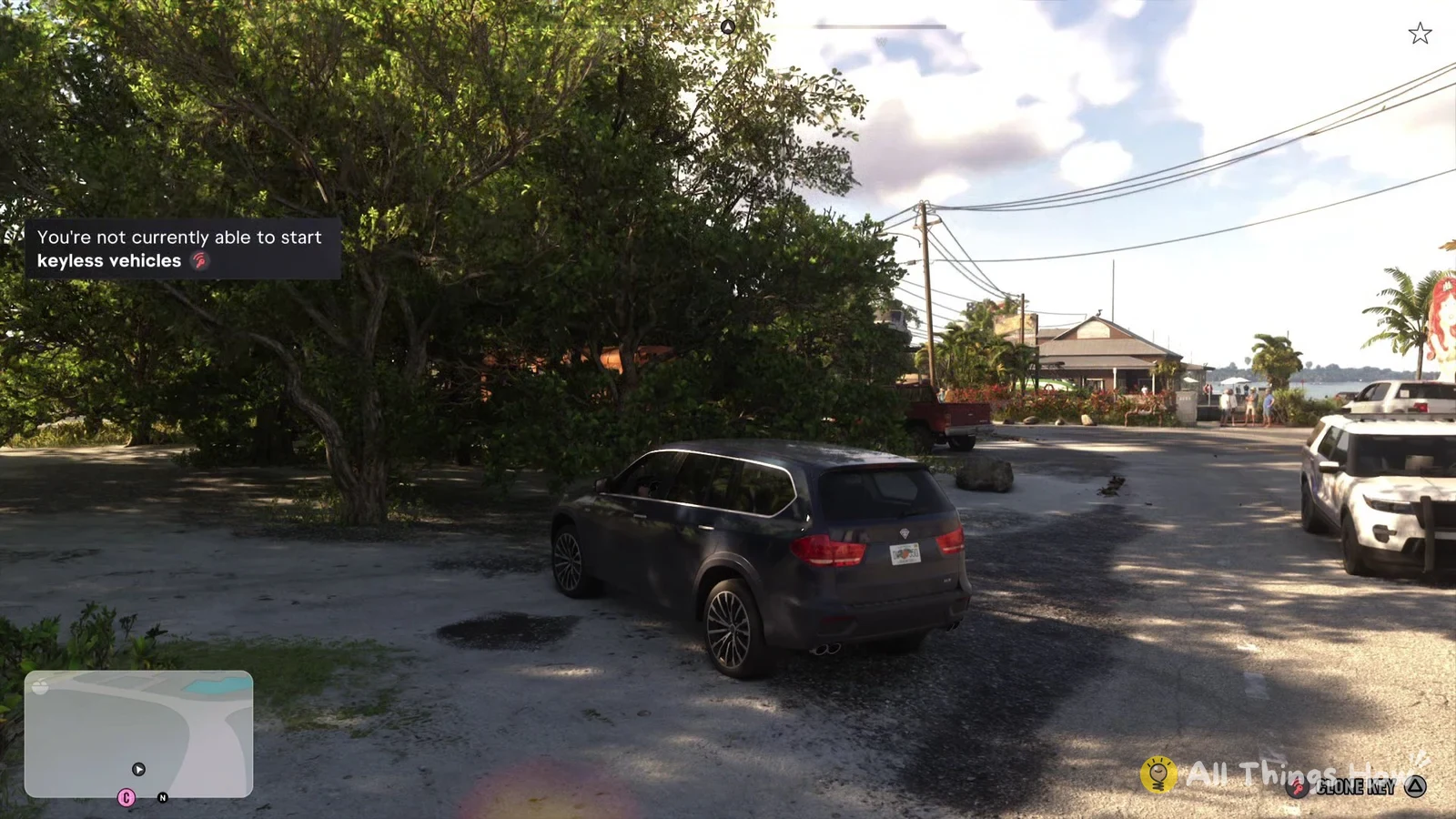
Walk up to one of these cars and the help box reads “You’re not currently able to start keyless vehicles”, while the CLONE KEY prompt stays grey. For the regular method on cars that do have an ignition, here’s how to hotwire a car in GTA 6.
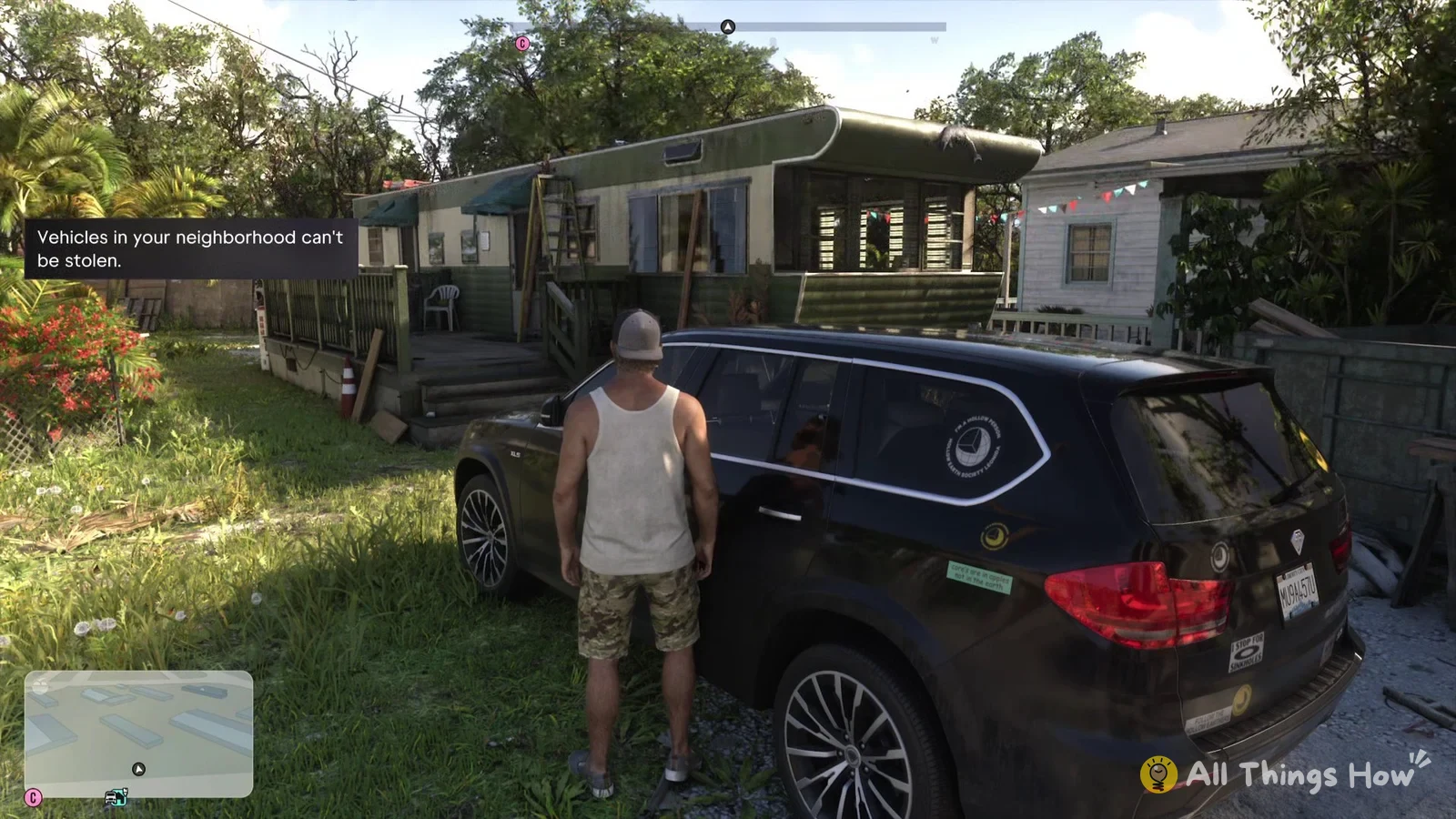
Cars in your own neighborhood can’t be stolen
Vehicles in your neighborhood can’t be stolen.
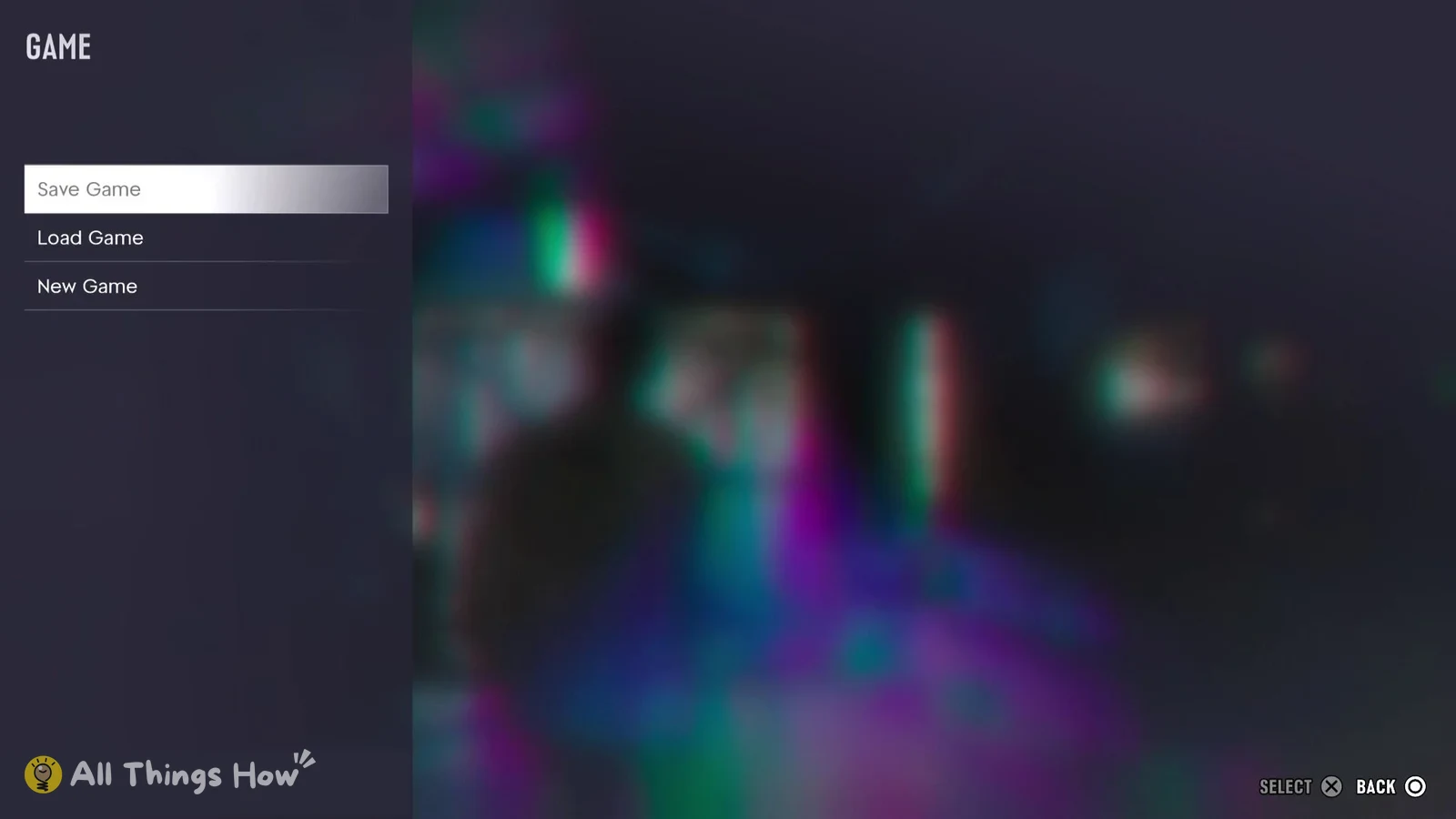
Save Game is greyed out during a mission
Open the pause menu and go to the Game tab while a mission is running, and Save Game shows in grey and can’t be picked. Finish the mission first, and the option opens up again. The full process is in how to save in GTA 6.
The GTA 6 autosave sits in its own slot
Your manual saves and the autosave don’t share a slot. In Game > Load, the autosave is marked with “(Autosave)” in front of its name, for example “(Autosave) Prologue (2%)”. More on how it works is in the GTA 6 autosave breakdown.
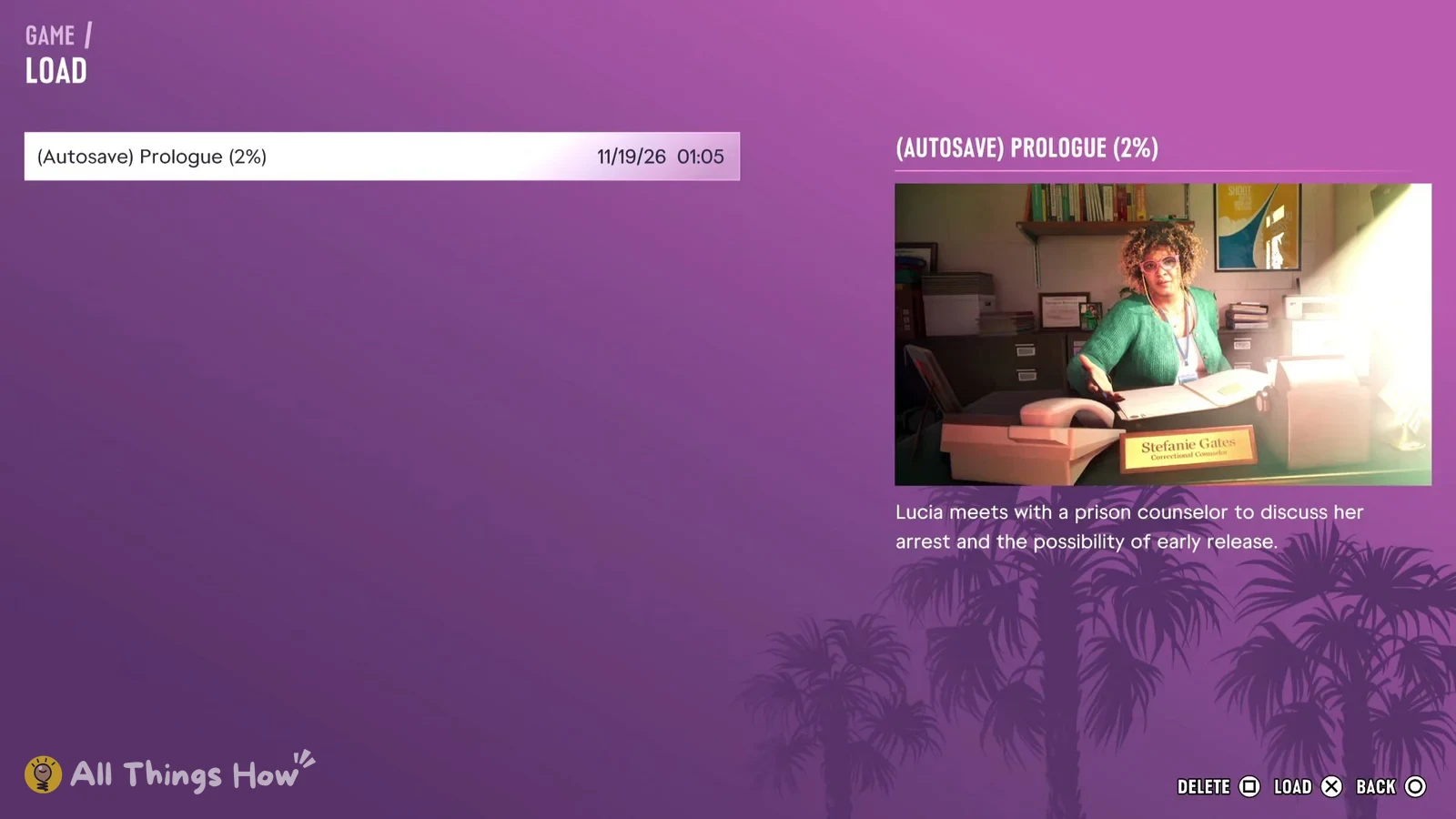
Getting wasted or busted costs your pocket cash
Help > WANTED & HEAT > Wasted & Busted lists what you give up when you go down:
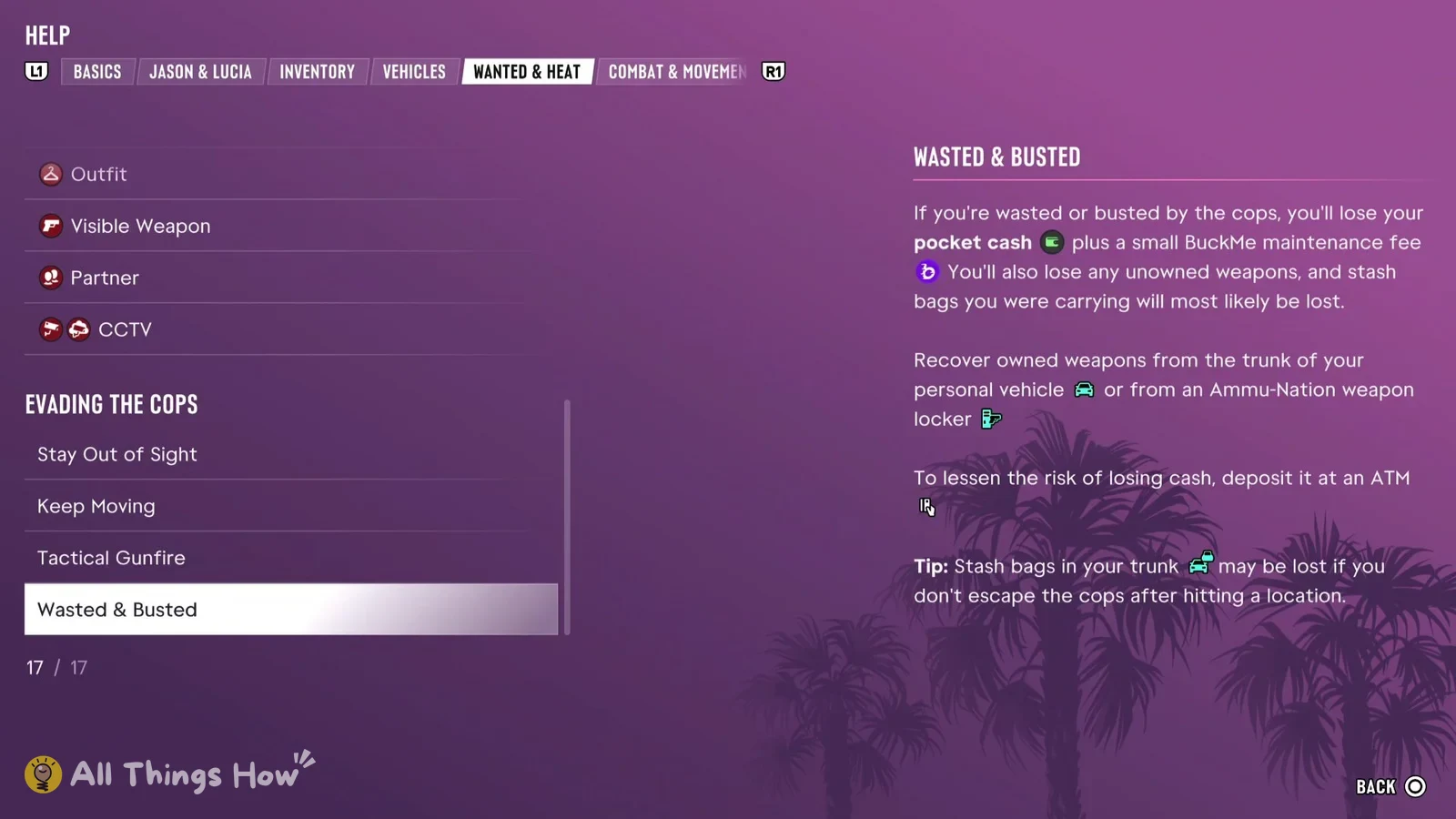
“If you’re wasted or busted by the cops, you’ll lose your pocket cash plus a small BuckMe maintenance fee. You’ll also lose any unowned weapons, and stash bags you were carrying will most likely be lost.”
Weapons you own aren’t gone for good: “Recover owned weapons from the trunk of your personal vehicle or from an Ammu-Nation weapon locker.” The same page also tells you how to protect your money, with “To lessen the risk of losing cash, deposit it at an ATM.” There’s more detail on how much money you lose when you die in GTA 6.
GTA 6 pocket cash has a limit
Each character has a pocket cash limit. In Help > MONEY > Pocket Cash, the entry says “Jason and Lucia can each carry up to $20,000 in pocket cash and it’s accepted by most businesses for smaller purchases.”
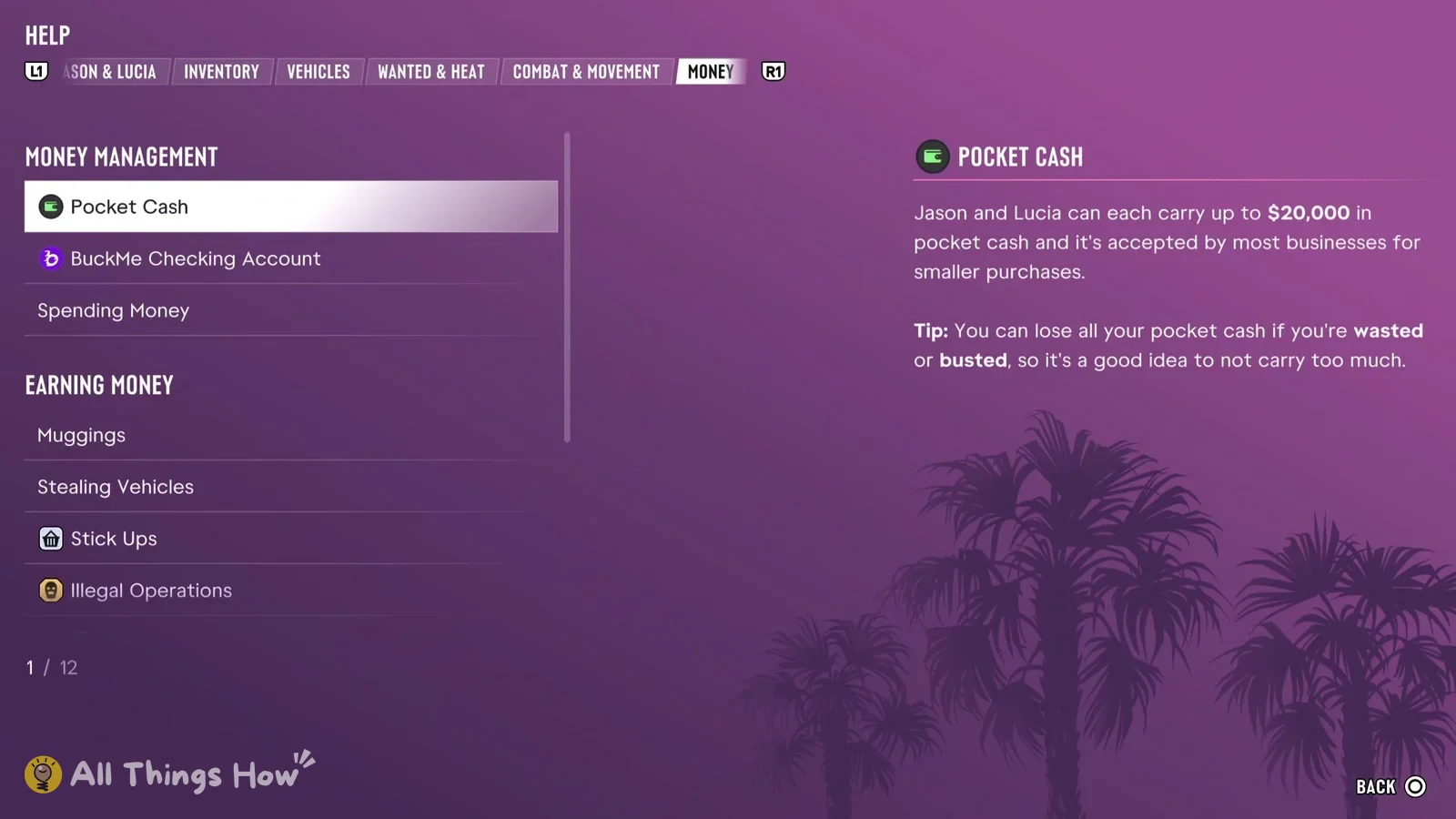
The same page warns, “You can lose all your pocket cash if you’re wasted or busted, so it’s a good idea to not carry too much.” The GTA 6 cash limit page covers pocket cash and BuckMe side by side.
The Grand Majestic gym is upstairs in a hotel
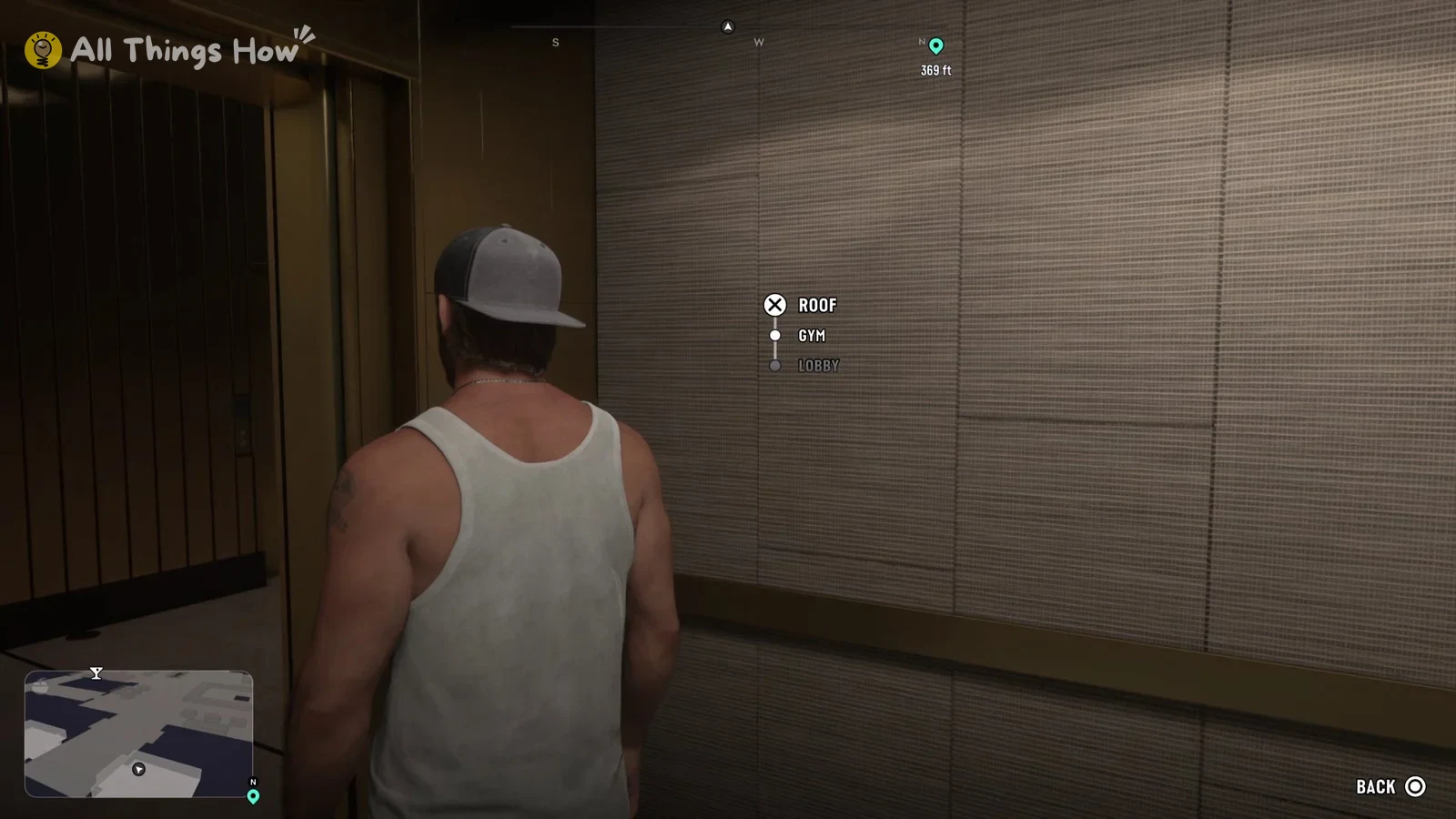
Take the lift and pick “GYM” from the floor list, which reads “ROOF”, “GYM”, “LOBBY”. Directions are in the Grand Majestic gym location page.
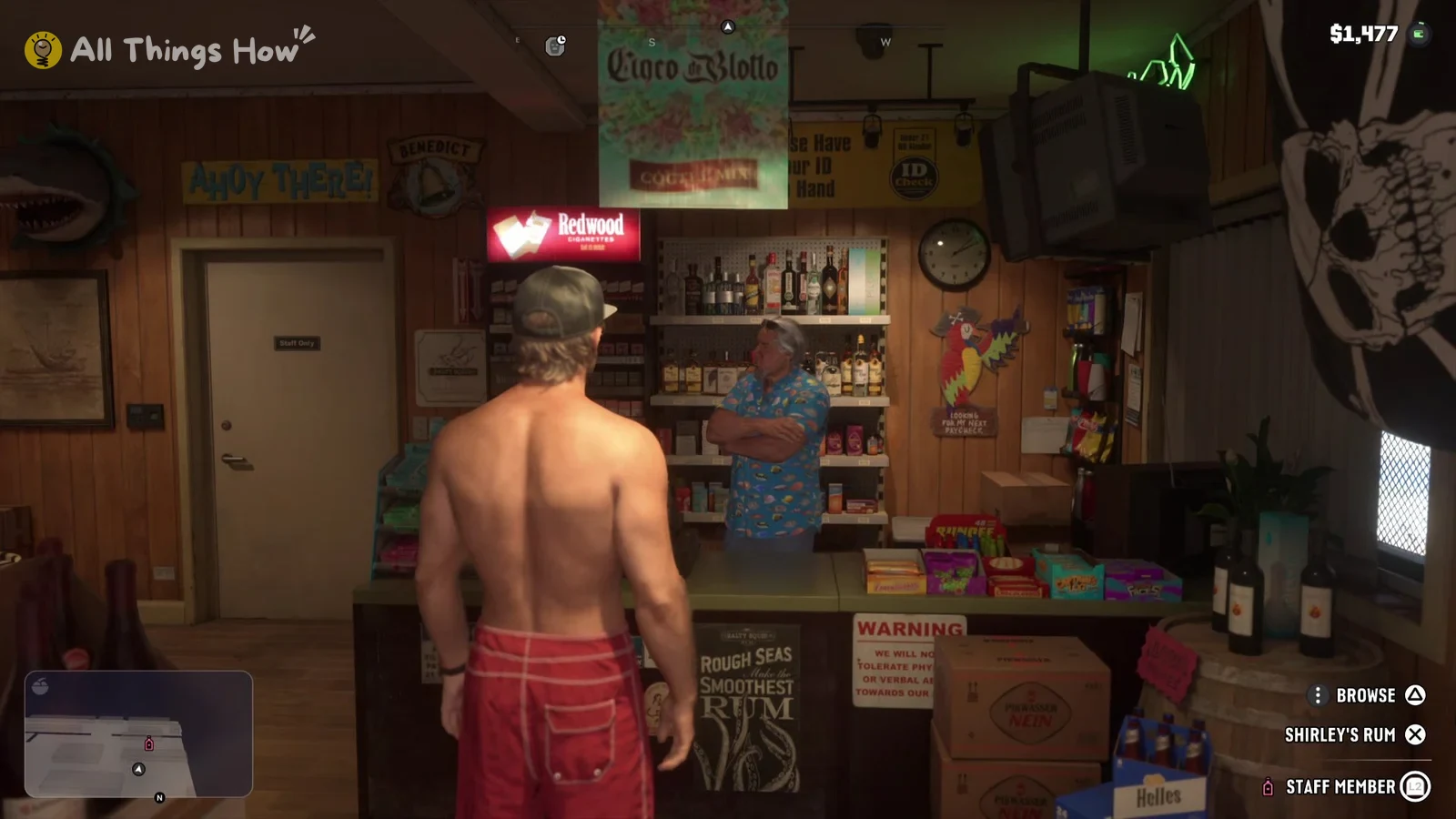
Shirley’s rum costs nothing
When you go to pick up the rum, the clerk’s menu lists “SHIRLEY’S RUM” with no price next to it, and your cash stays at $1,477 before and after you take it. The errand itself is in Get Shirley’s Rum.
Failed mission options: retry, skip or restart
Fail a mission and the game gives you three ways to carry on, each on its own button:
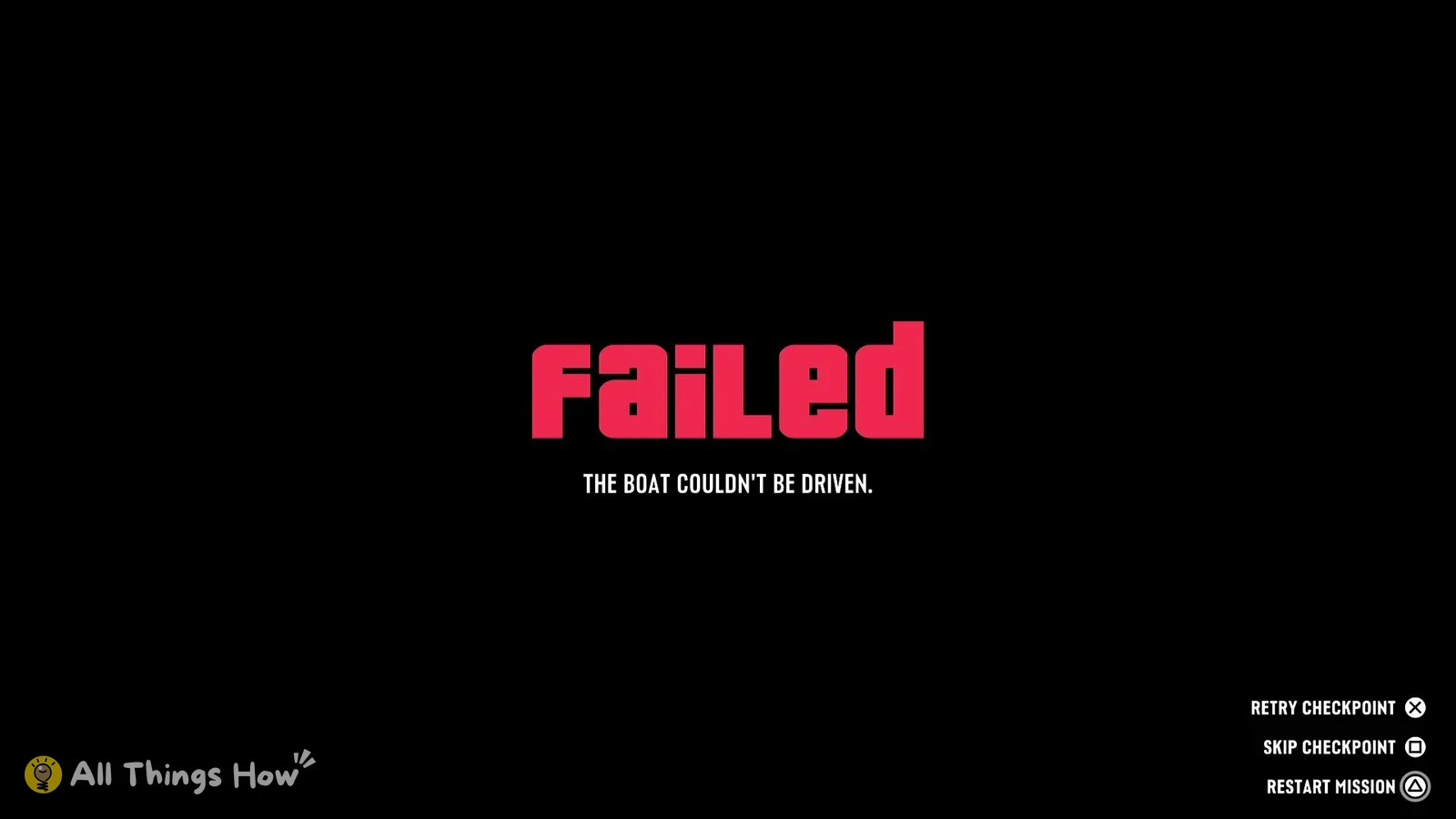
| Option | Button |
|---|---|
| “RETRY CHECKPOINT” | [Cross] |
| “SKIP CHECKPOINT” | [Square] |
| “RESTART MISSION” | [Triangle] |
Here’s what each one does and when to use it: retry or skip a checkpoint.
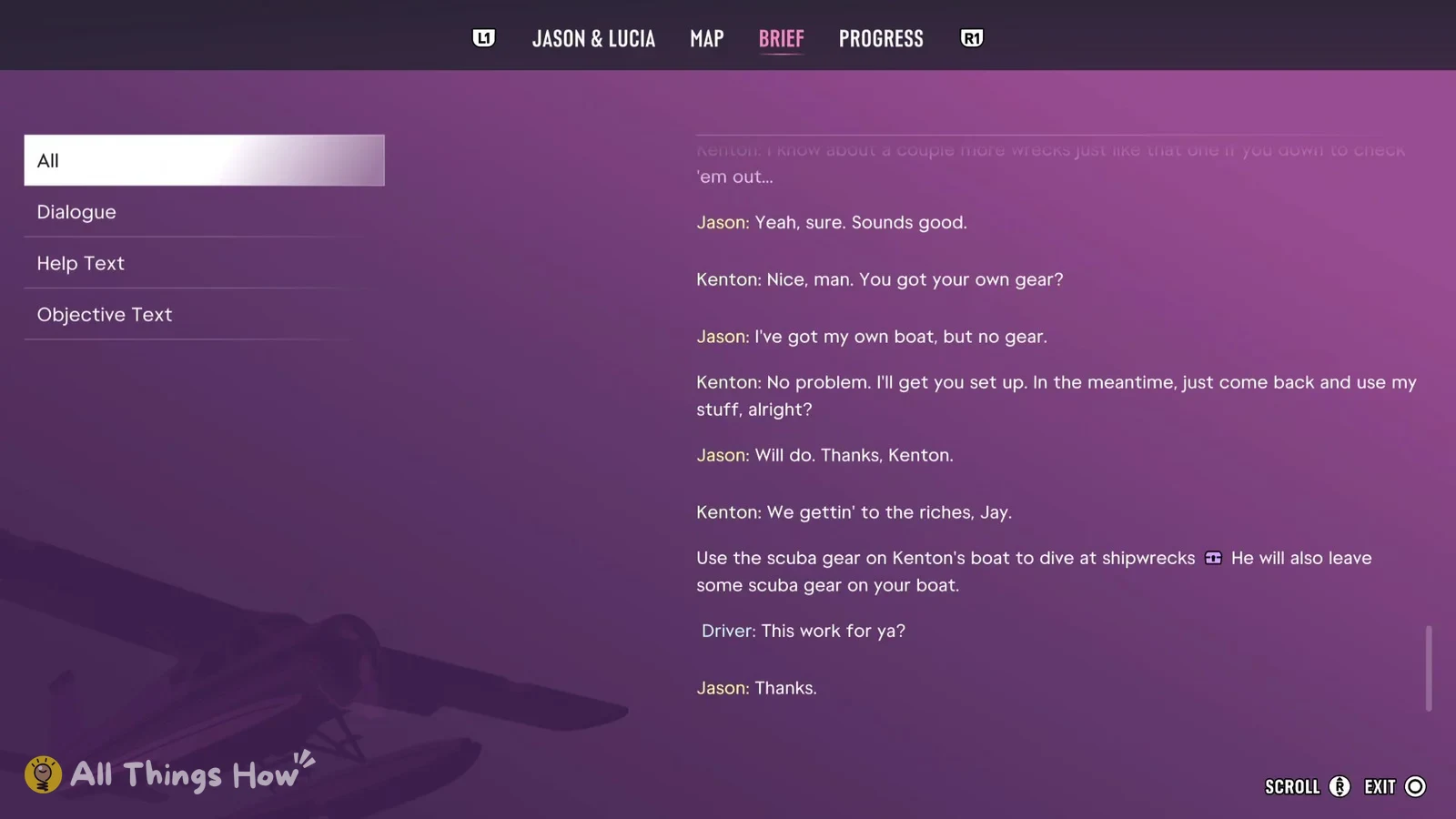
Kenton leaves scuba gear for the dive sites
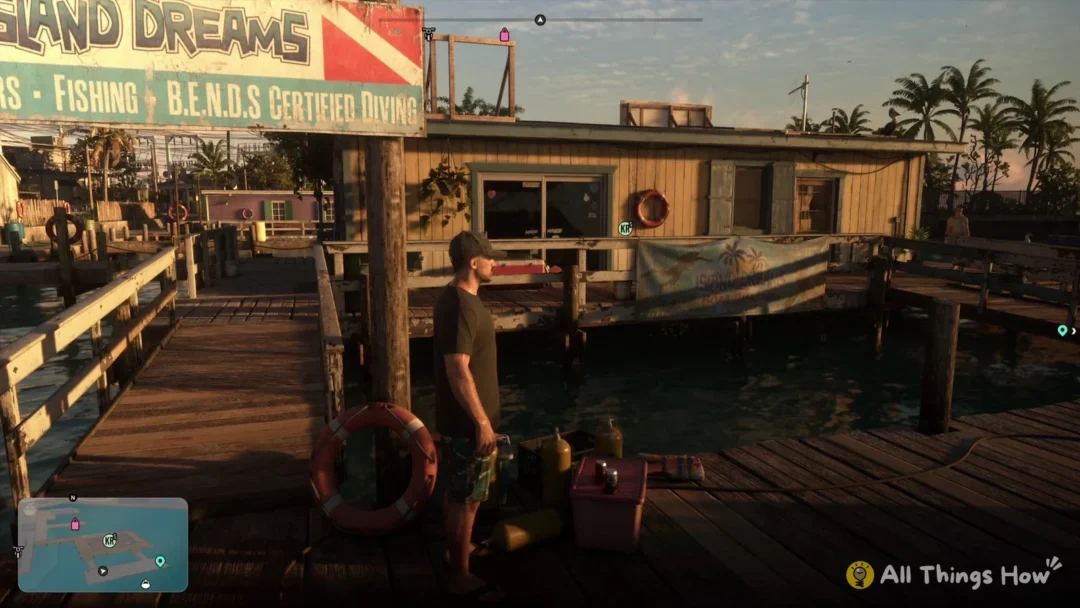
After Island Dreams, a tip in the Brief log tells you where to get diving gear: “Use the scuba gear on Kenton’s boat to dive at shipwrecks. He will also leave some scuba gear on your boat.” The wrecks are mapped in GTA 6 shipwreck dive sites.
Cal marks a stoplight parrotfish spot on your map
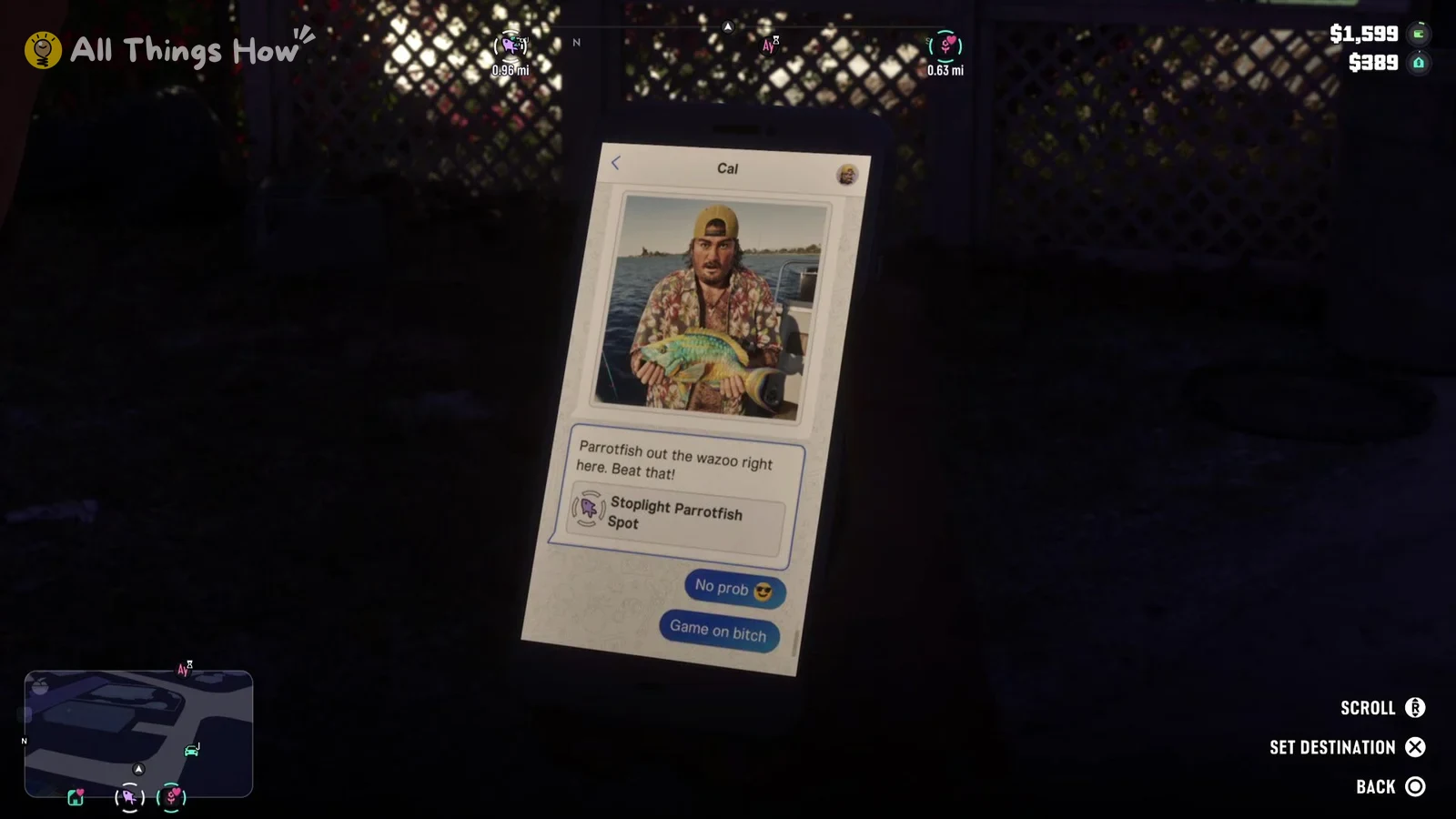
Cal texts you “Parrotfish out the wazoo right here. Beat that!” and the message comes with a “Stoplight Parrotfish Spot” map pin. You can set that pin as your destination and drive straight there. Bait and timing are covered in where to find a stoplight parrotfish.