GTA 6 Walkthrough & Guides Money
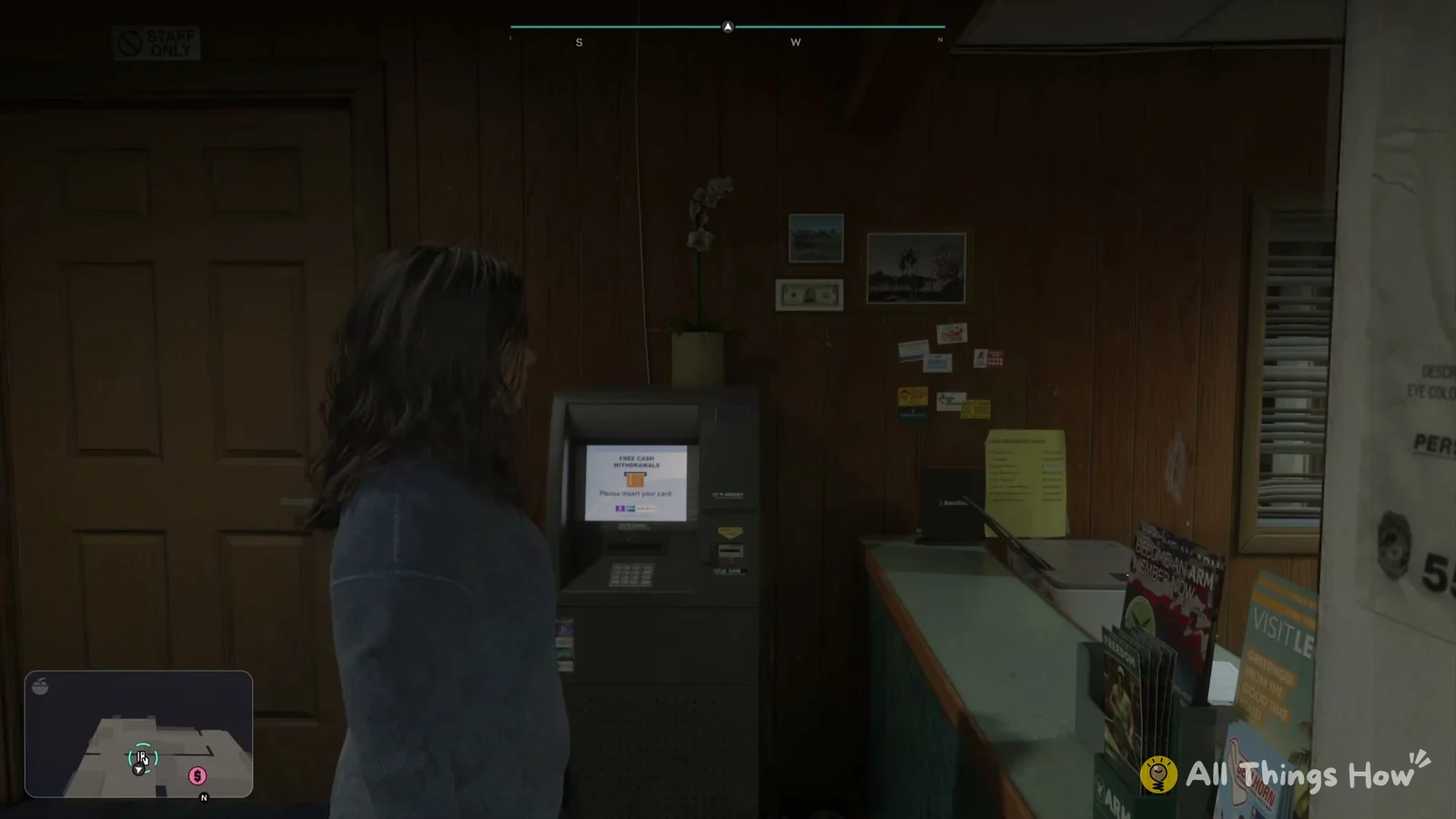
Your money in Grand Theft Auto VI sits in your BuckMe account until you take it out as cash, and you do that at an ATM. The same machine also has a full list of your BuckMe payments, so you can see who paid you and what you’ve spent without opening another menu.
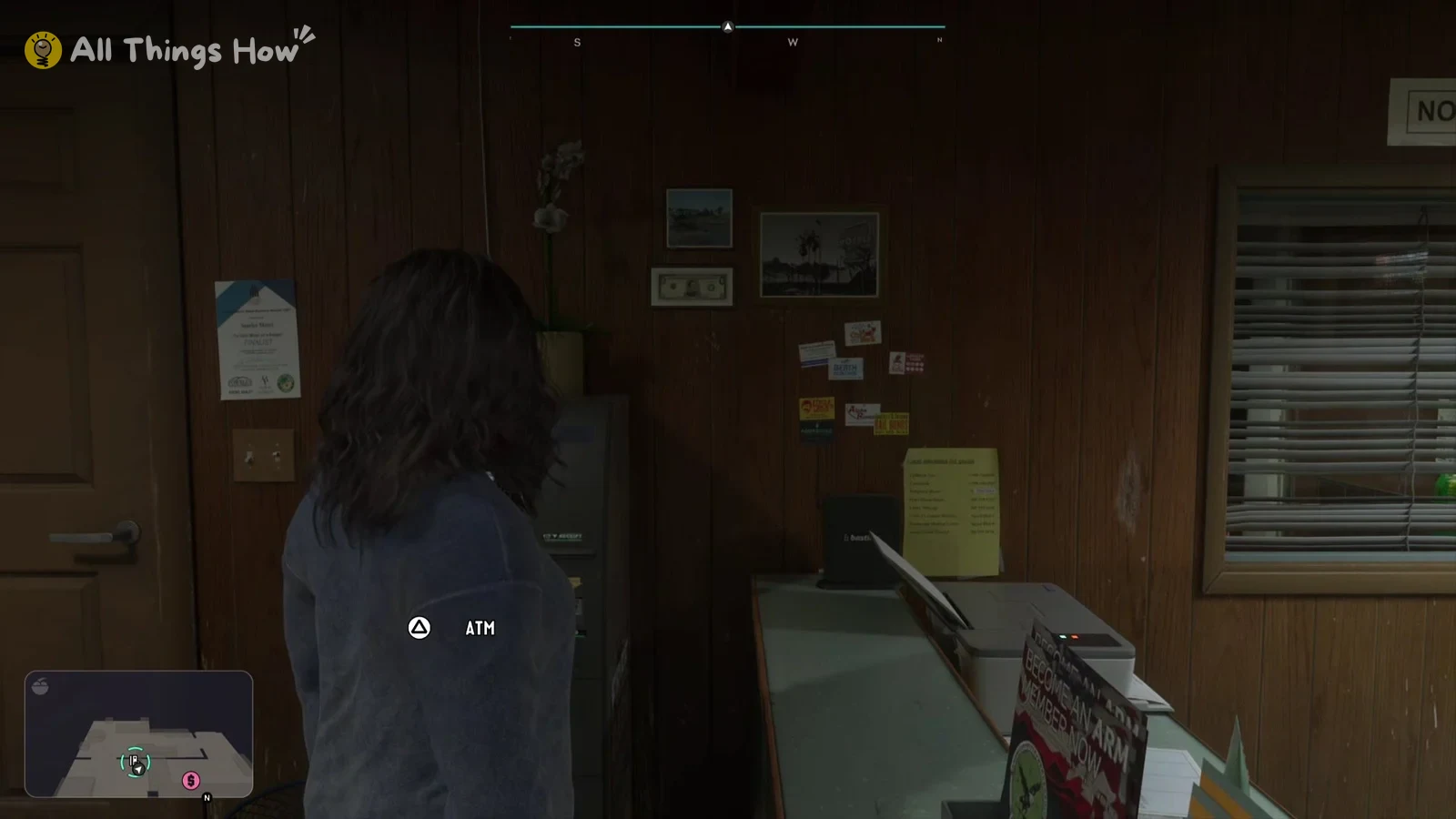
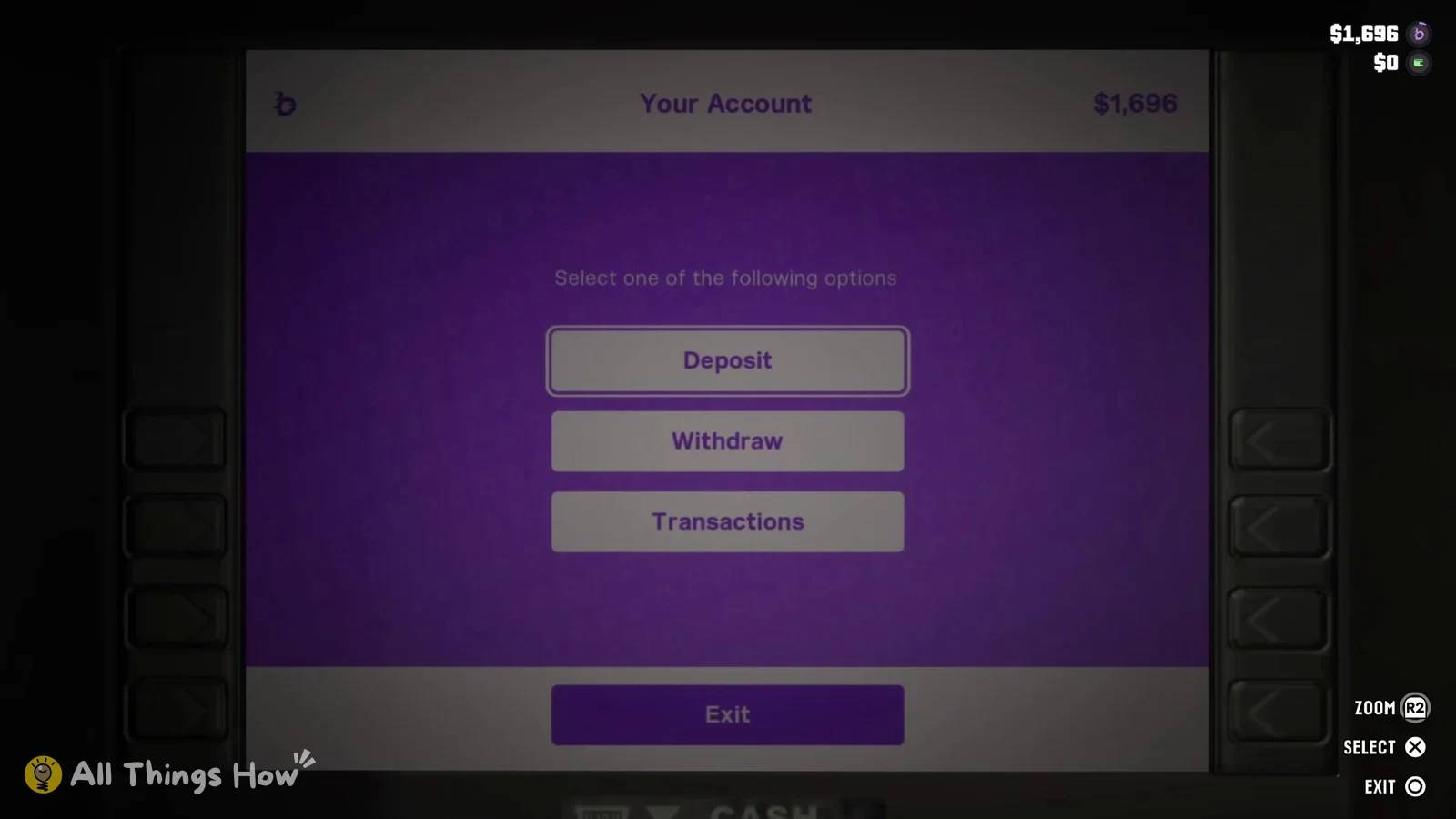
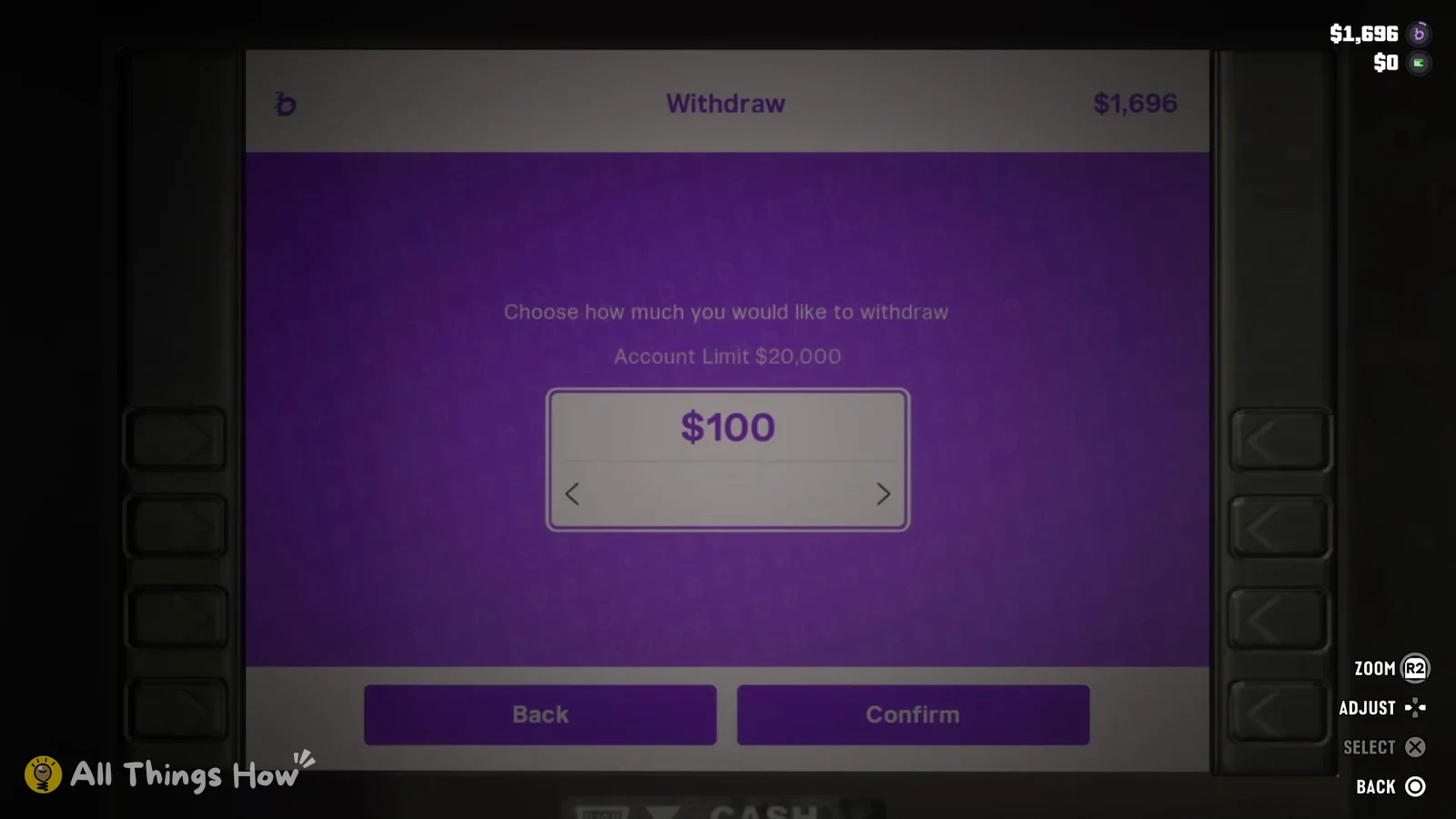
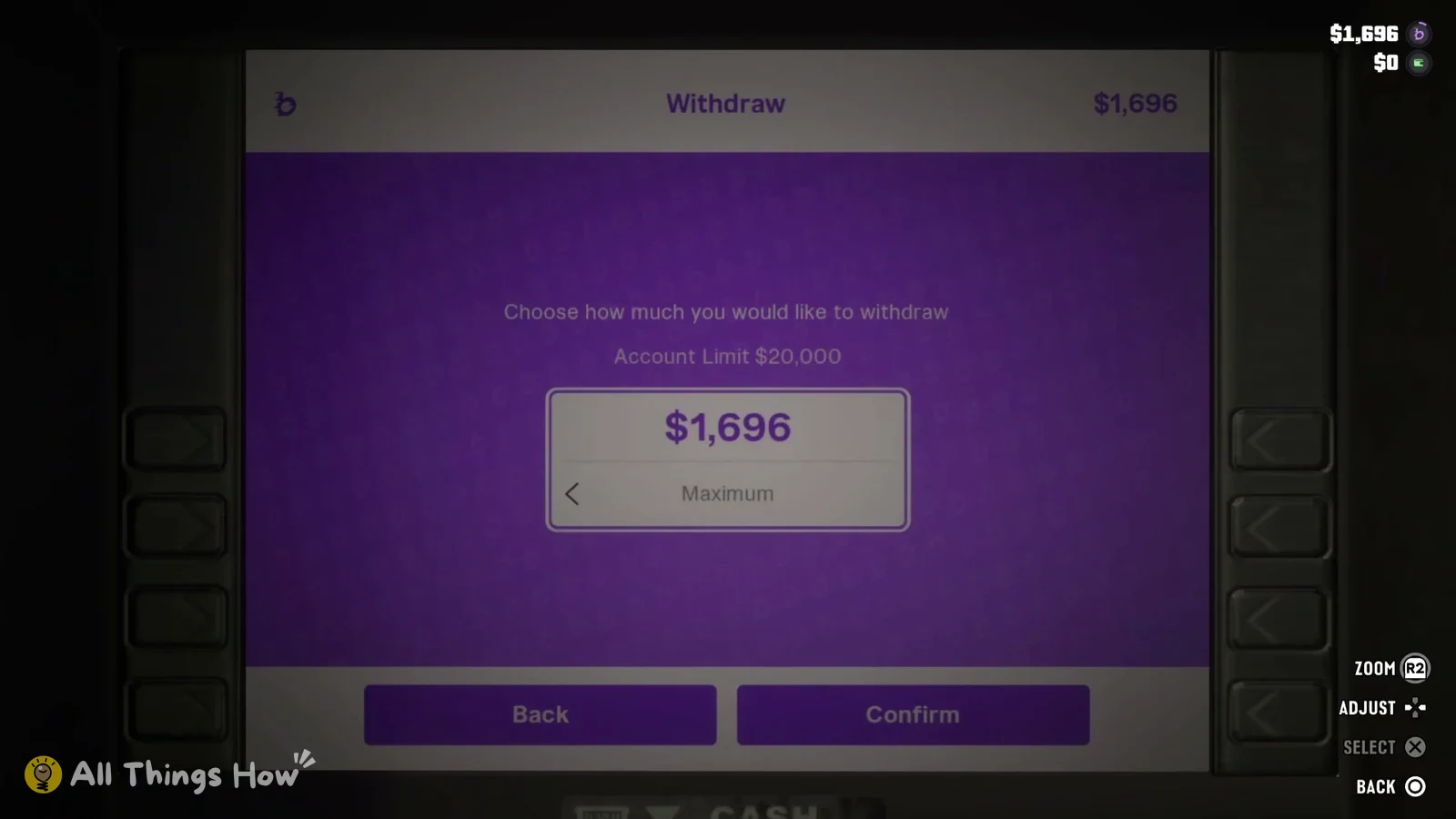
Quick answer: Walk up to a working ATM, press [Triangle] on “ATM”, pick “Withdraw”, set the amount with the d-pad (hold right to reach “Maximum”) and choose “Confirm”. The money moves from BuckMe into your pocket.
Why you’d withdraw cash in GTA 6
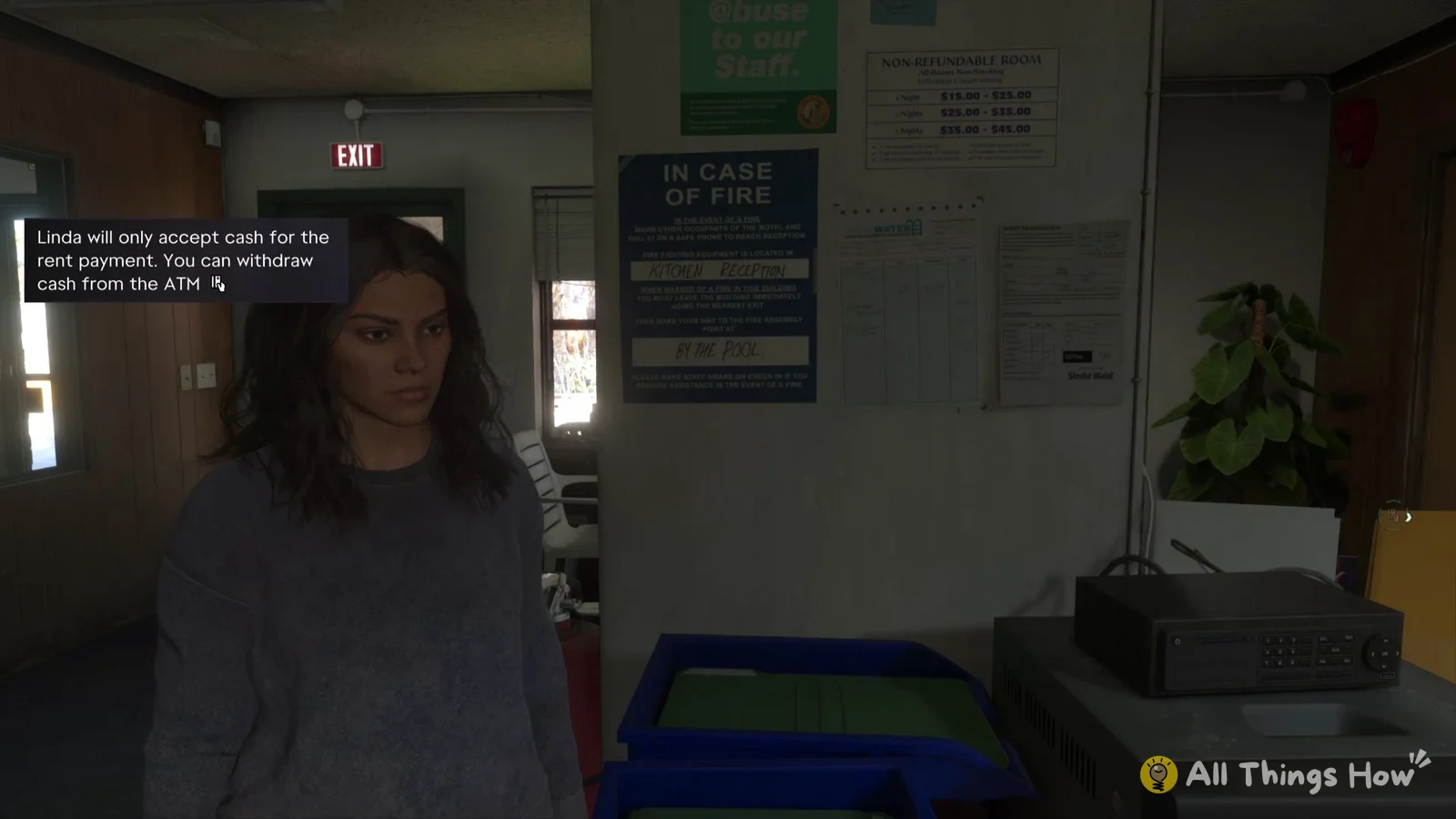
Some people in the game only take cash, so a BuckMe balance won’t cover them. In Chapter 2, the tip in the Starlet Motel office in Port Gellhorn reads “Linda will only accept cash for the rent payment. You can withdraw cash from the ATM”, which means you need to visit a machine before you can pay Linda’s rent.
How to find an ATM
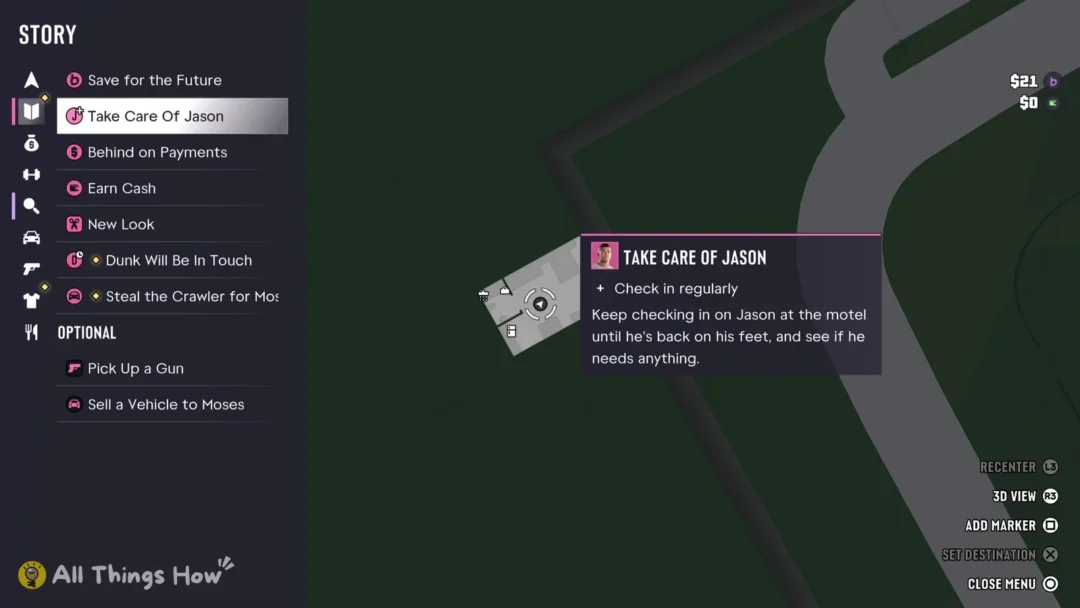
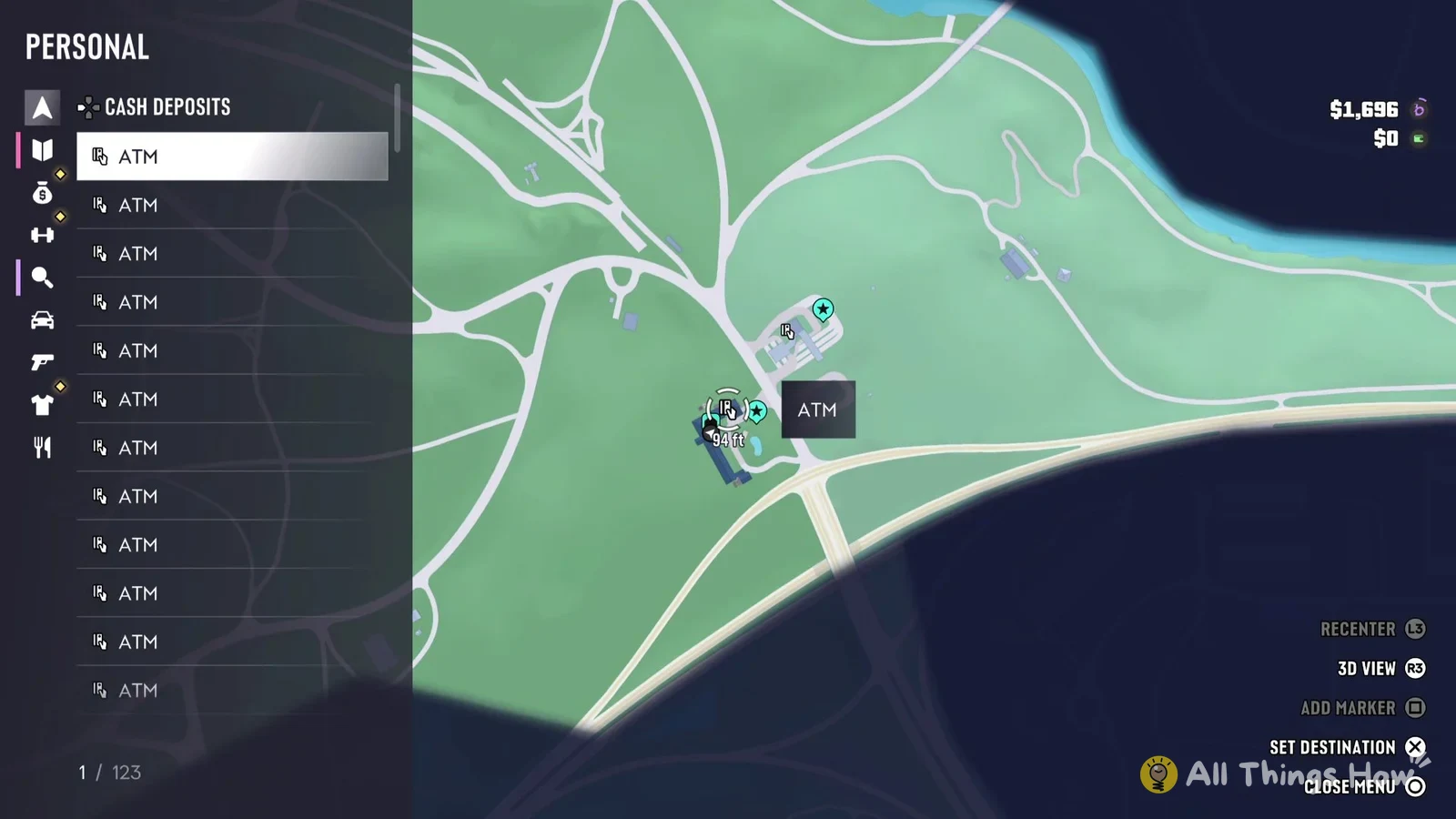
Open the pause menu, go to Map and then the index, and look under PERSONAL for “CASH DEPOSITS”. That entry lists the machines, each one named “ATM”, and in Chapter 2 its counter reads “1 / 123”. Highlight a machine and press [Cross] to SET DESTINATION, then follow the route.
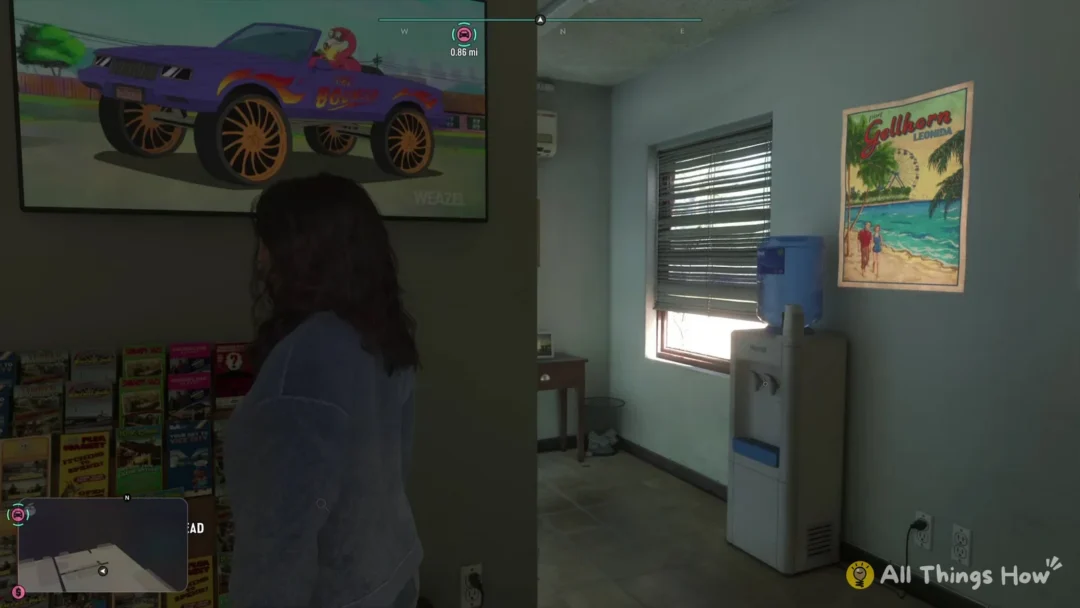
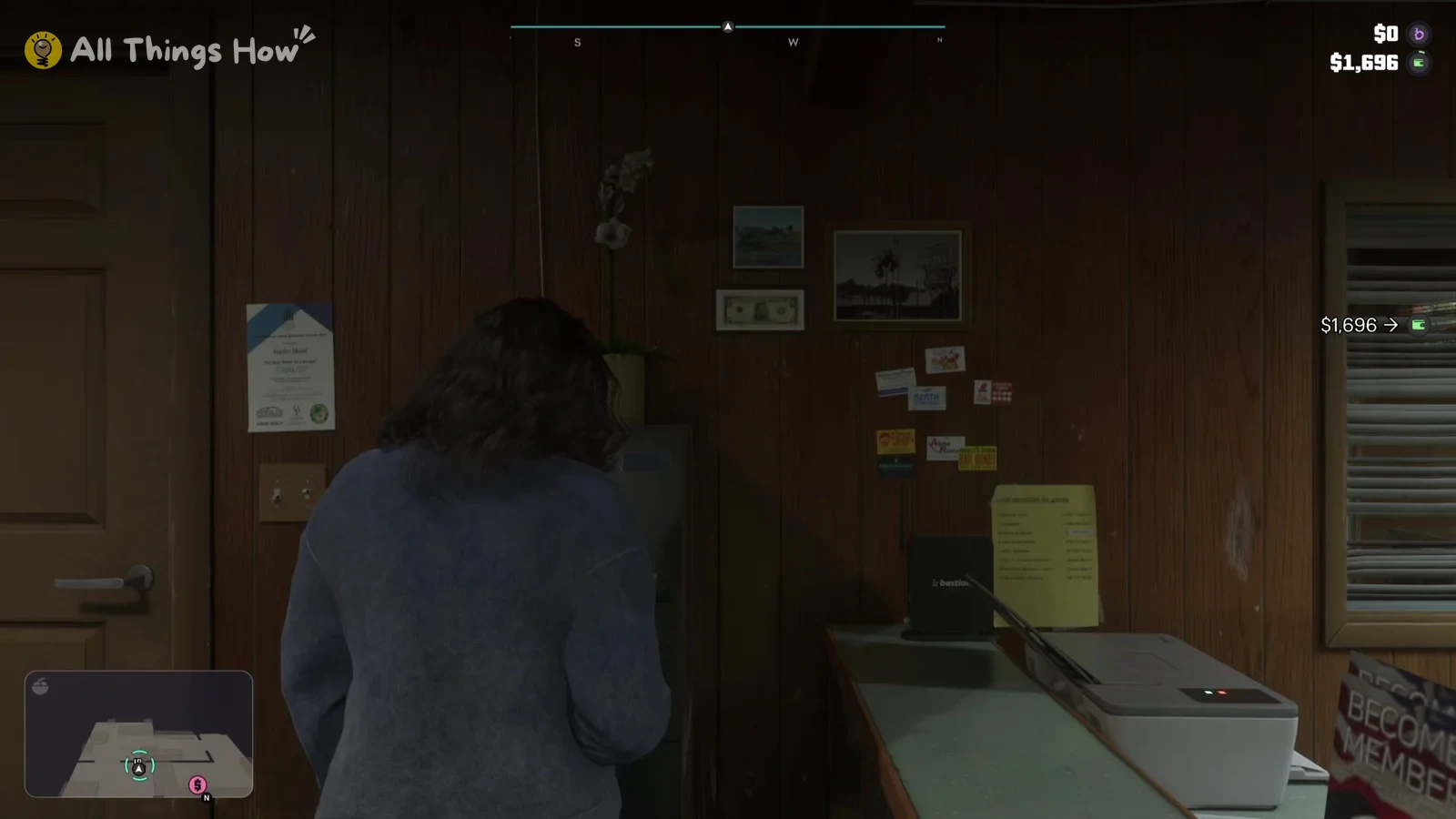
If you’re already at the Starlet Motel, you don’t need the map at all. There’s an ATM inside the office, to the left of the reception counter. You can also check the full list of ATM locations.
How to withdraw money from an ATM
How to check your BuckMe transactions at an ATM
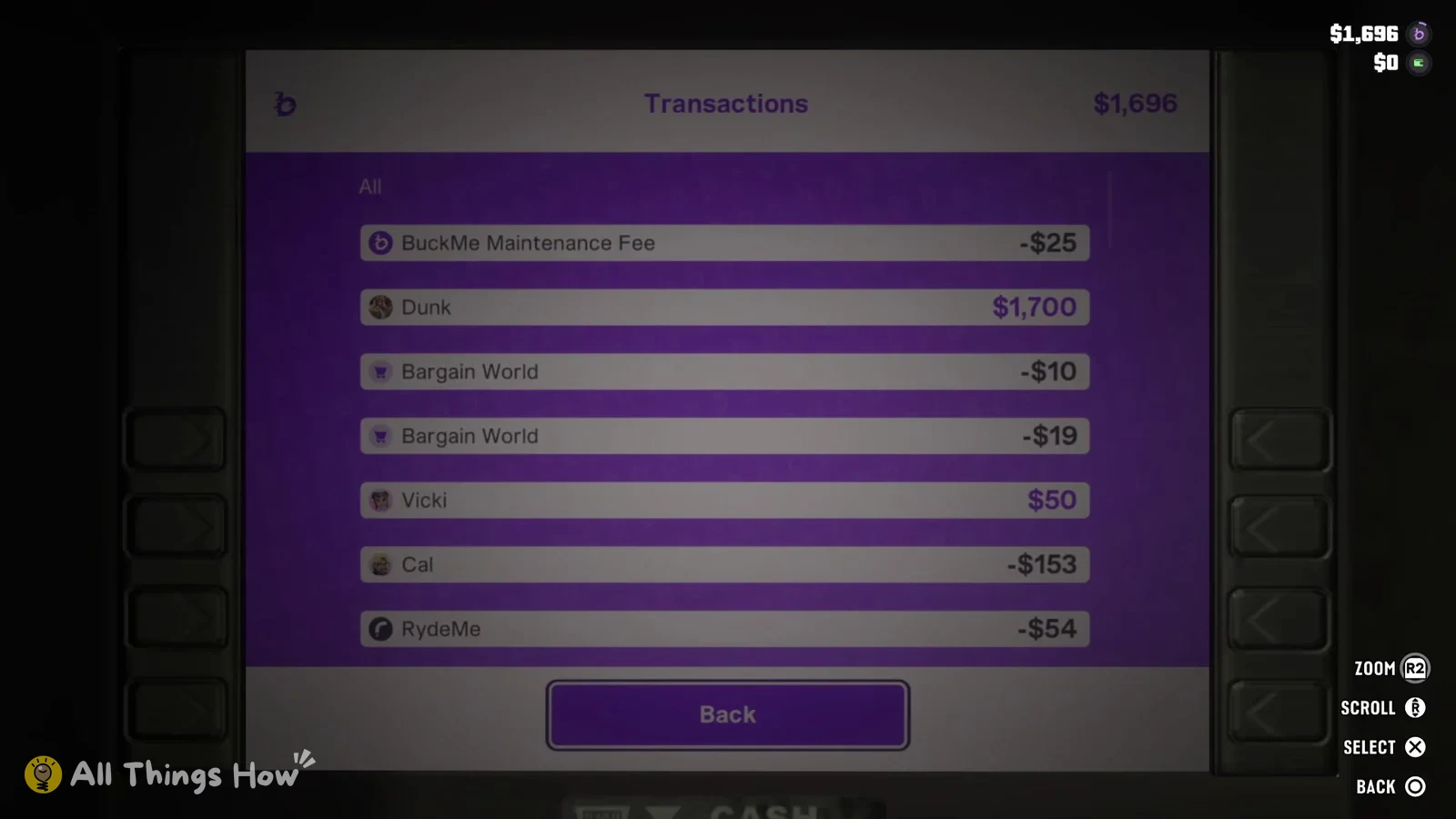
Pick “Transactions” on the same “Your Account” menu to see every payment that’s gone in or out of your BuckMe account. Money people send you shows as a plus amount and anything you’ve paid shows with a minus. A list from Chapter 2 looks like this:
| Entry | Amount |
|---|---|
| BuckMe Maintenance Fee | -$25 |
| Dunk | $1,700 |
| Bargain World | -$10 |
| Bargain World | -$19 |
| Vicki | $50 |
| Cal | -$153 |
| RydeMe | -$54 |
The $1,700 from Dunk is the payment for the story mission Slam Dunk, and it shows up on the list the same way any other incoming payment does.
Cash or BuckMe?
Cash in your pocket is the money you can lose if you’re busted or die, while your BuckMe balance stays in the account. It’s worth taking out only what you need for the payment in front of you, like Linda’s rent, and leaving the rest in BuckMe. You can read more about what happens when you get busted.