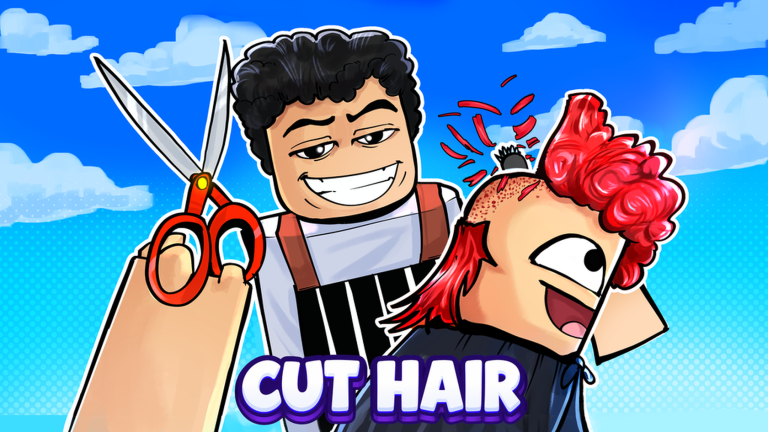
Barber Simulator is a Roblox game from 67 Studio Games where you run your own barbershop. Every customer who sits in your chair brings a reference photo of the cut or shave they want, and your rating depends on how close you get to it. Between appointments you also sweep the floor, take out the trash and collect cash from the register. Servers hold up to six players, and the game is free to join.
Quick answer: Press E to Assist a customer, cut or shave to match their photo, dust their shoulders with the neck duster, then collect the rating and cash. Sweep and empty the bin before the next client.
How to serve a customer in Barber Simulator
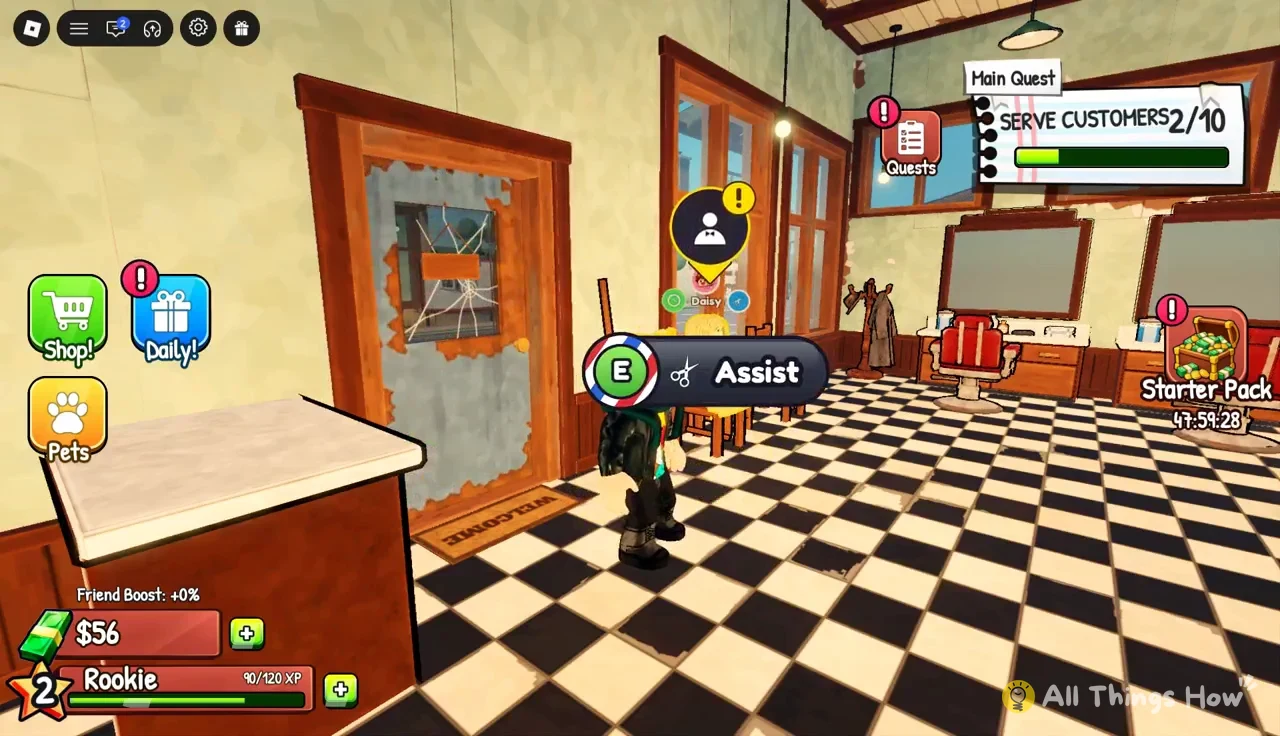
Your first customer is Tony, and he’s already waiting when you start. Golden arrows on the floor point you toward whatever needs doing next, and a yellow exclamation point inside a circle floats above any customer or station that needs you.
[E] Seat instead, and it walks them over to your chair.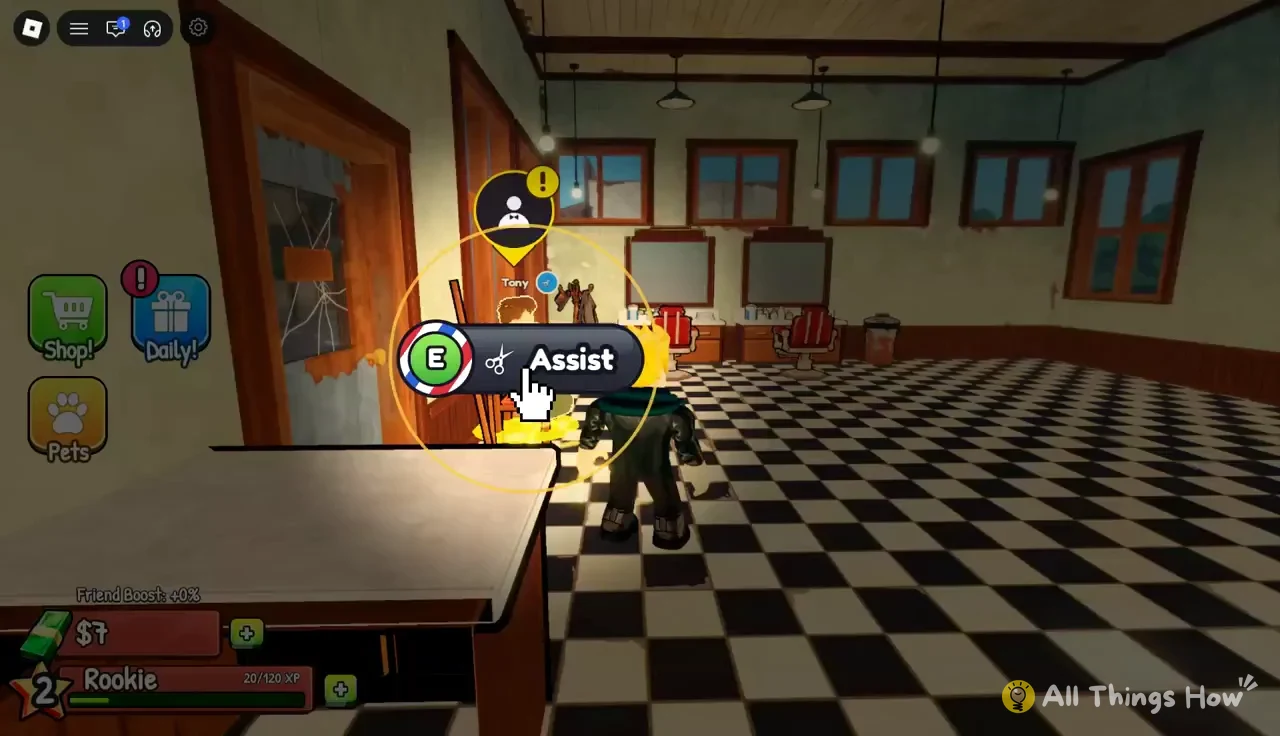
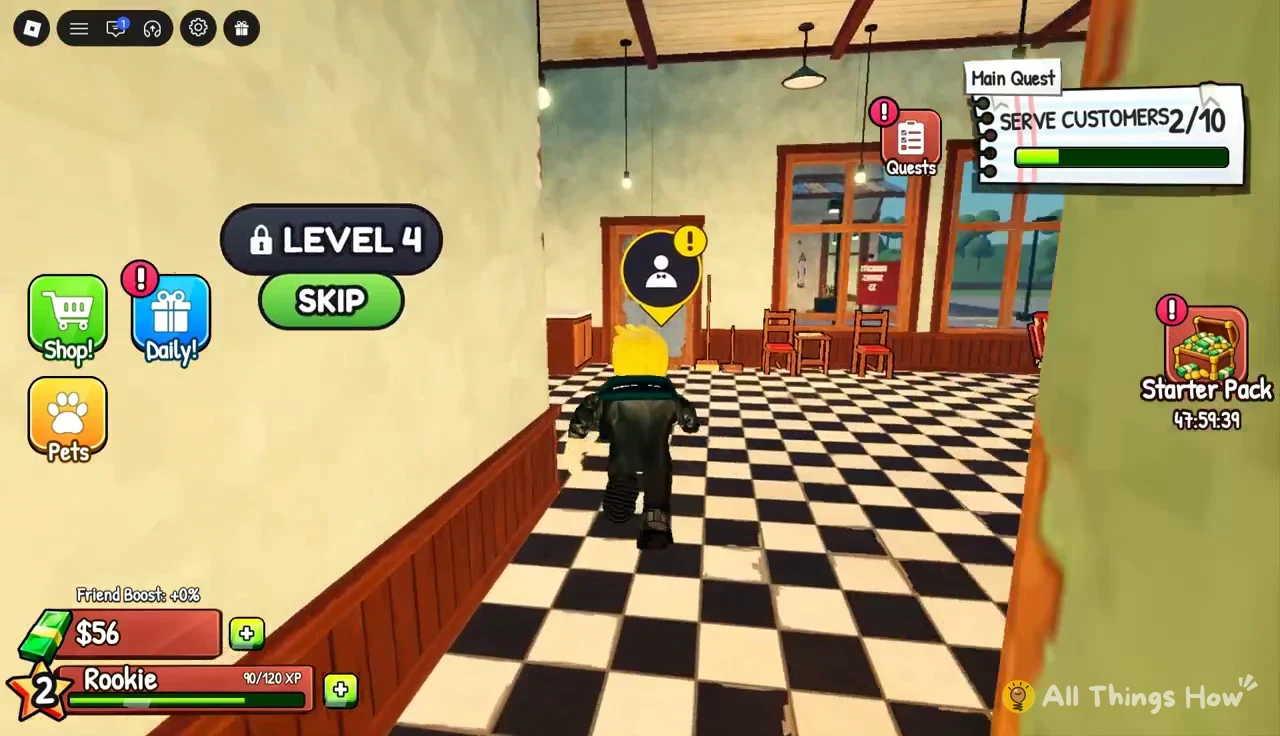
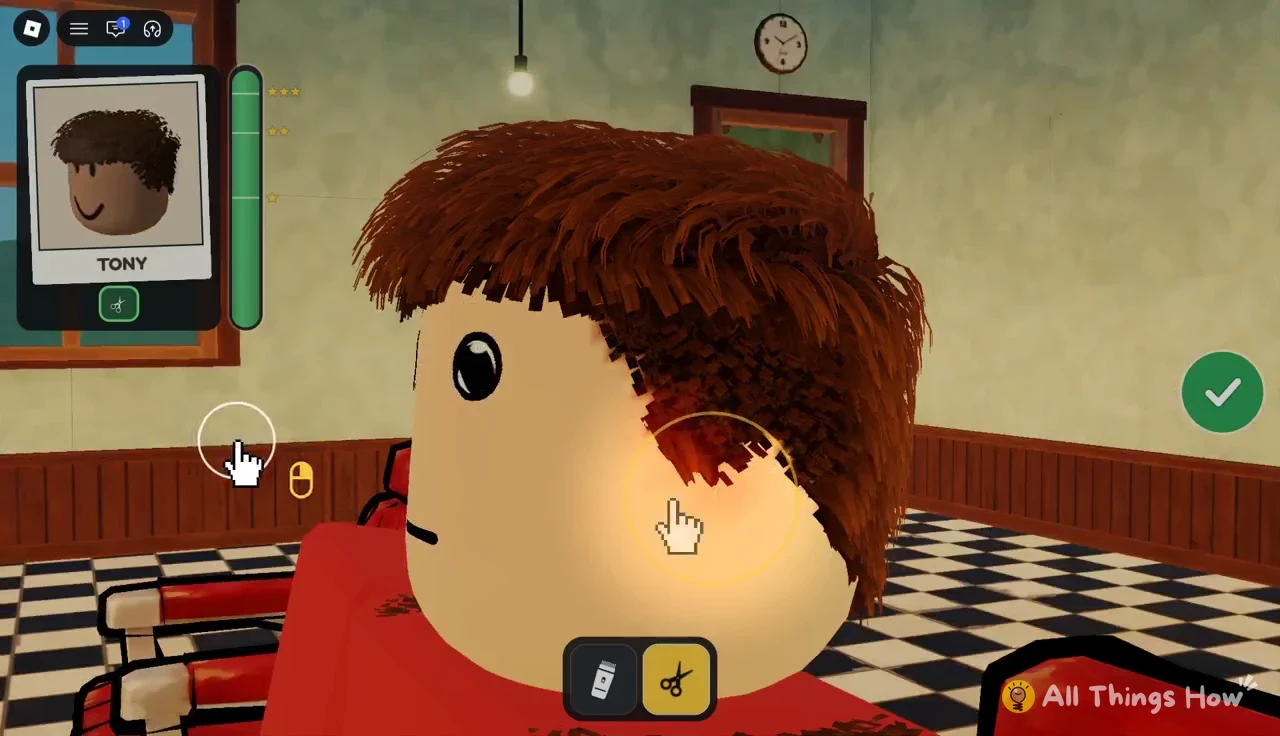
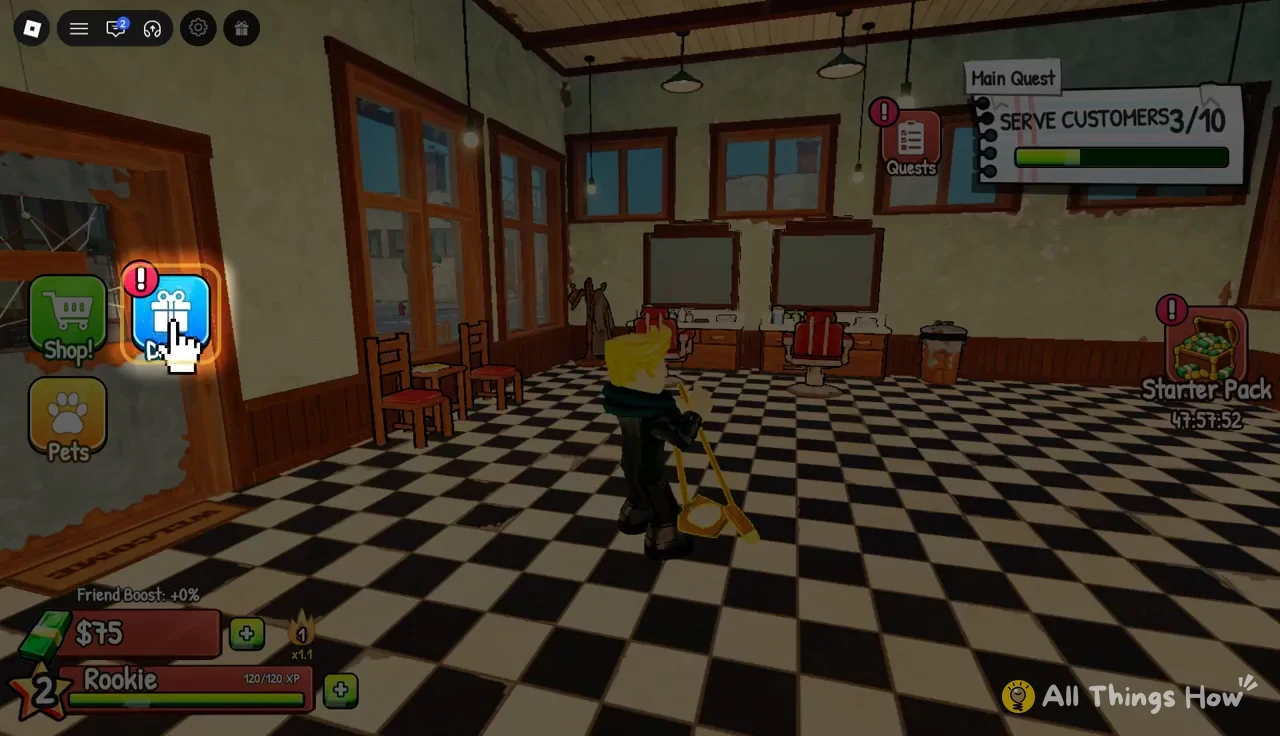
Each finished customer moves the Main Quest: SERVE CUSTOMERS counter along at the top of the screen, which goes up to 10. Before that, the very first quest is USE THE SCISSORS.
Barber Simulator tools and what they do
| Tool | Used for | When you get it |
|---|---|---|
| Scissors | Trimming sections of hair | From the start |
| Electric clipper | Buzzing and fades | Early on |
| Razor | Clean shaves | Level 3 |
| Neck duster | Clearing cut hair before rating | From the start |
| Broom | Sweeping the floor | From the start |
| Lollipop | Calming unhappy kids | From the start |
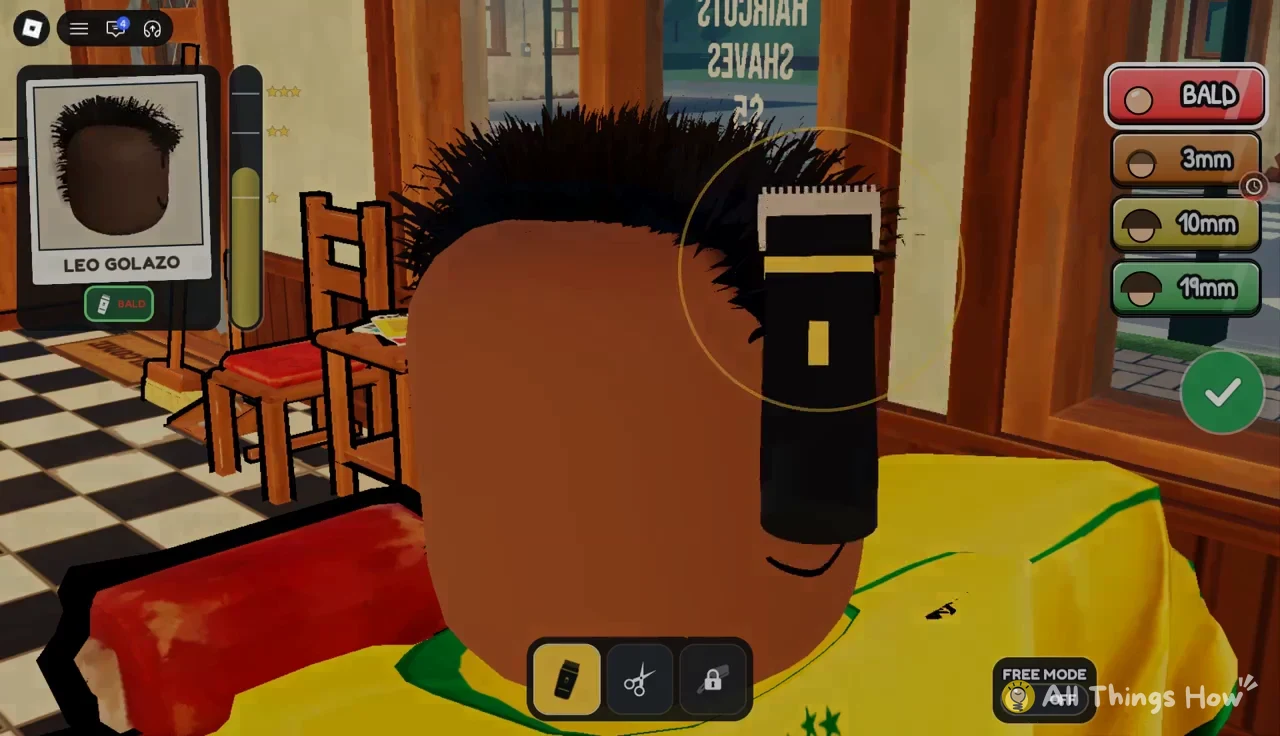
The clipper has four guard settings: BALD, 3mm, 10mm and 19mm. BALD takes the hair right down to the skin, which is what you want for skin fades and the shaved sides of a mohawk. The longer guards leave more length behind. There’s also a FREE MODE toggle on the cutting screen that switches between ON and OFF.
Star ratings and the rainbow star
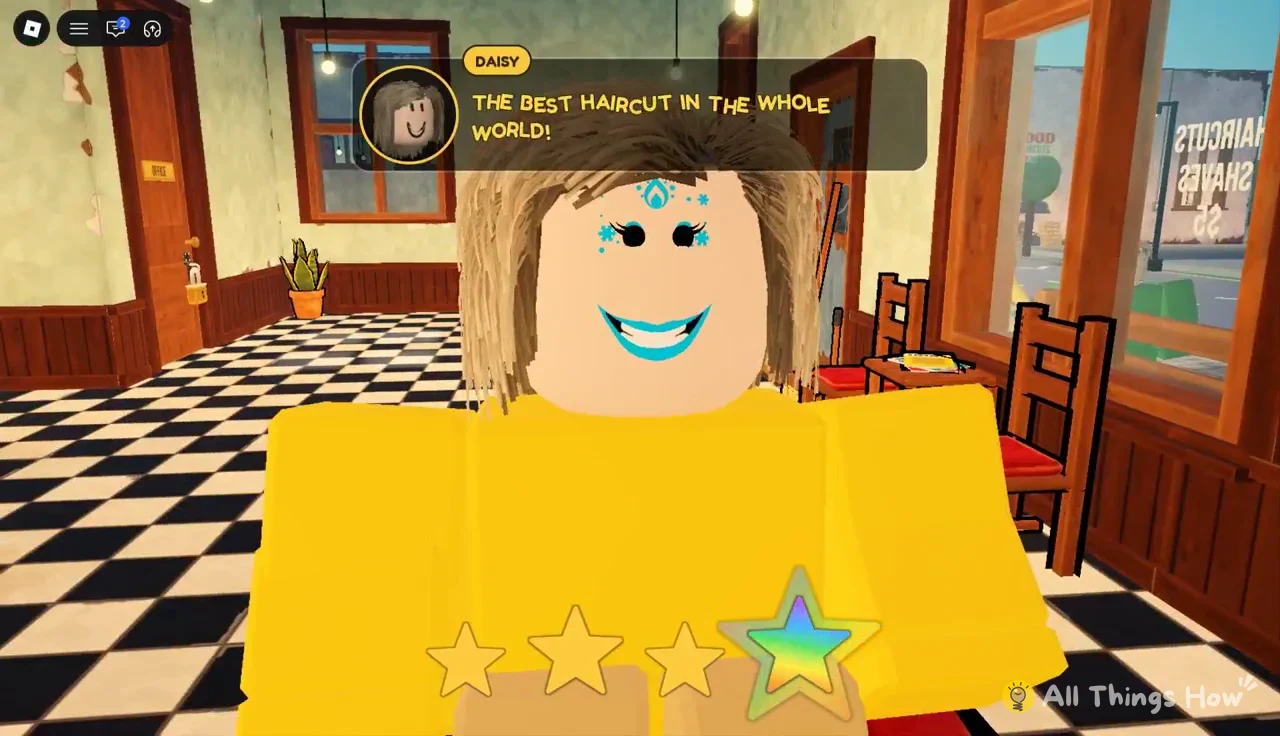
Customers score you out of three gold stars. If the cut is close enough to the photo, a fourth rainbow star can show up on top of the three gold ones as a bonus. A careless job can drop you all the way to a single star.
| Customer | Request | Result |
|---|---|---|
| Tony | Fringe and short sides | 3 stars |
| Daisy | Bob cut | 3 stars plus rainbow star |
| Ben | Clean shave | 1 star, foam left on |
Happy customers let you know in the chat bubble. Daisy shouts “THE BEST HAIRCUT IN THE WHOLE WORLD!” for her rainbow-star bob, and Tony asks “Wow, is that really me?” An unhappy customer like Ben says “I’ll wear a hat for a while…” instead.
Kid customers and the lollipop
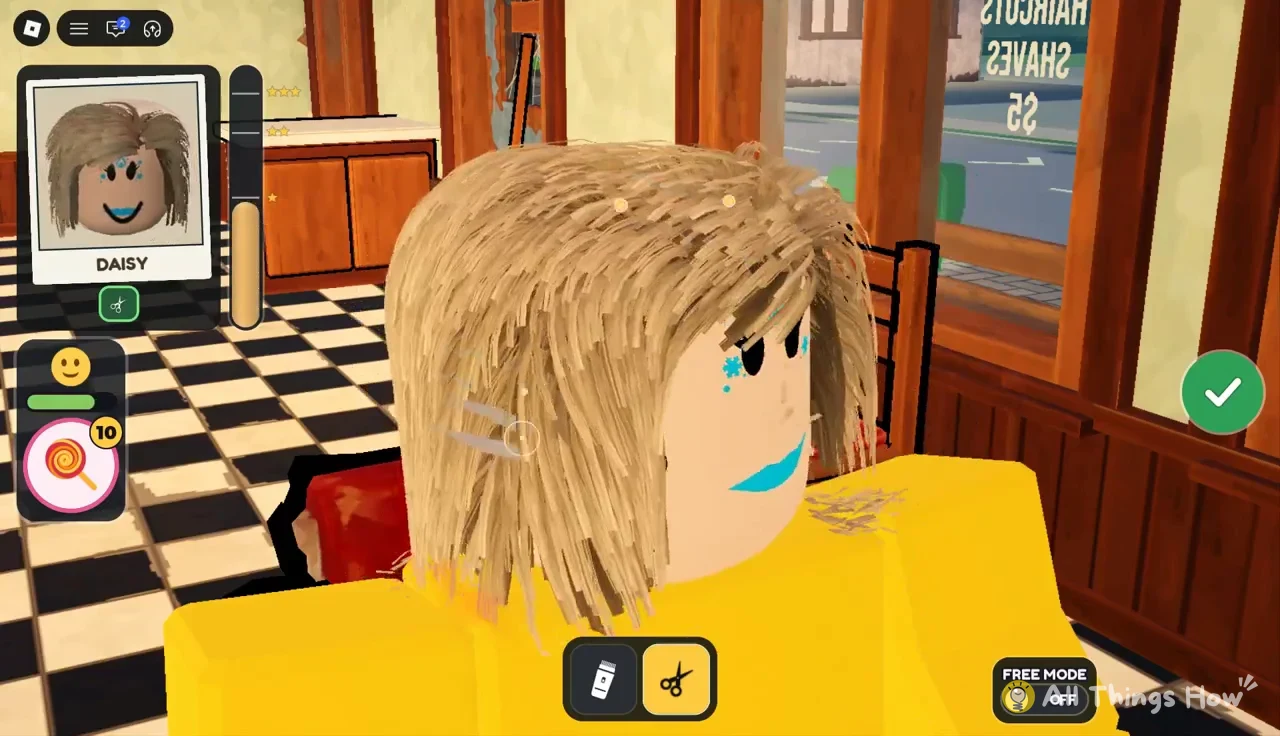
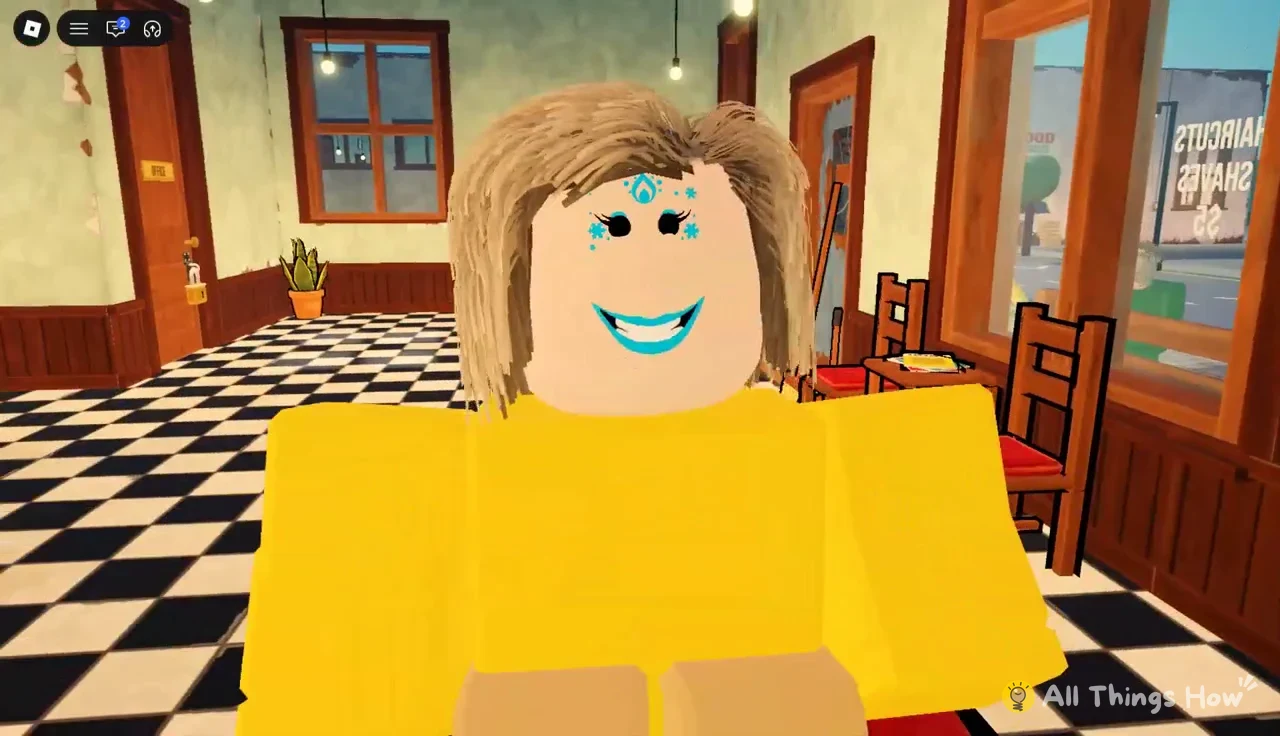
Young customers lose patience while you work on them. Daisy walks in with “Hi! Mom says I need a bob!” and gets upset partway through the appointment. Hand her a lollipop and her mood comes back (“Okay… I’ll be good now.”), and you can carry on cutting without the visit going wrong.
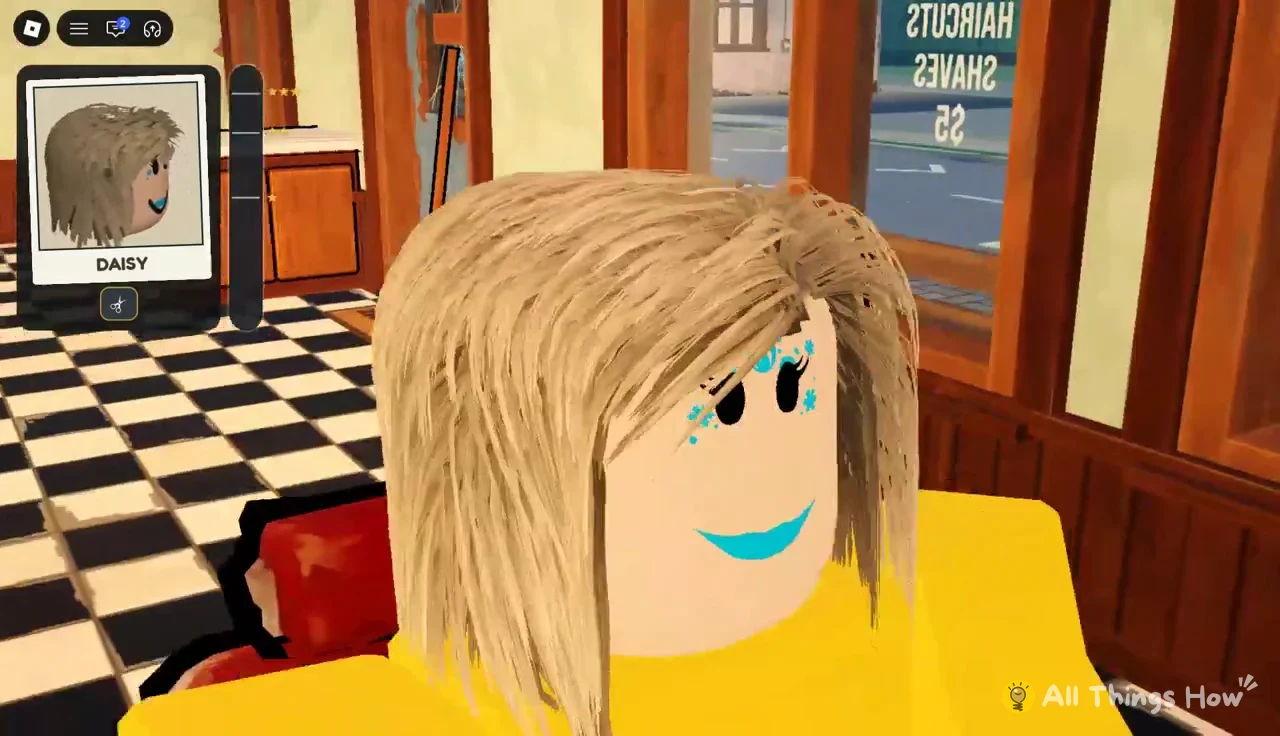
A bob is scissors work from start to finish. Shape her blonde hair to the length in the photo, then dust her off the same way you did with Tony.
How to do a clean shave with the Razor
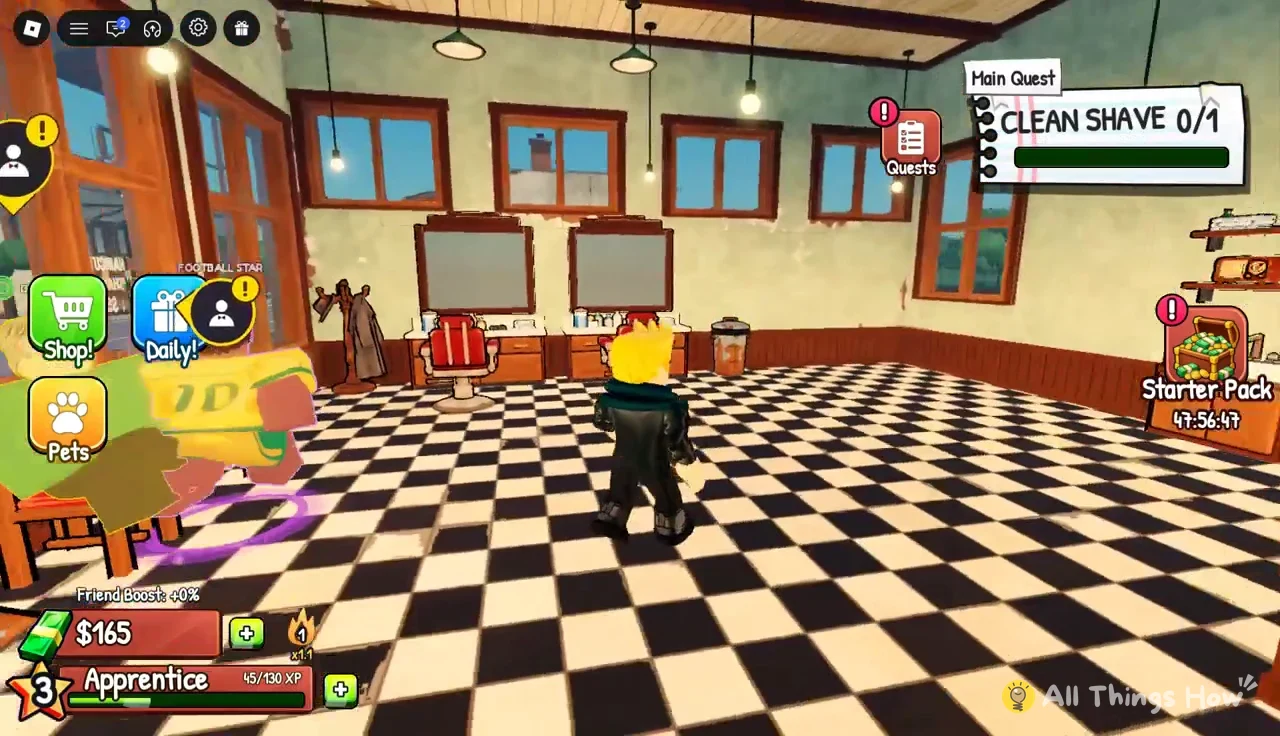
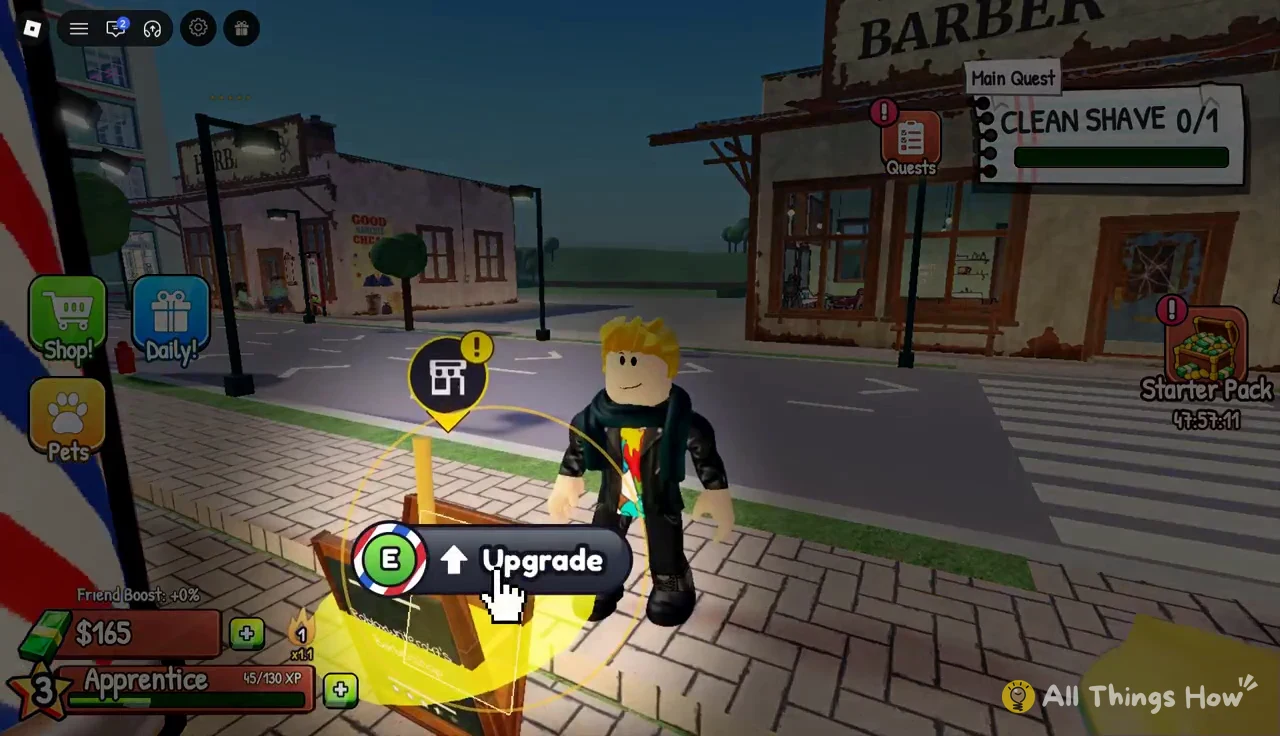
Shaves open up at Level 3. That’s when the game shows “Level Up! Level 3! New tool unlocked! RAZOR,” and your title changes from Rookie to Apprentice. A new quest then appears, Main Quest: CLEAN SHAVE 0/1.
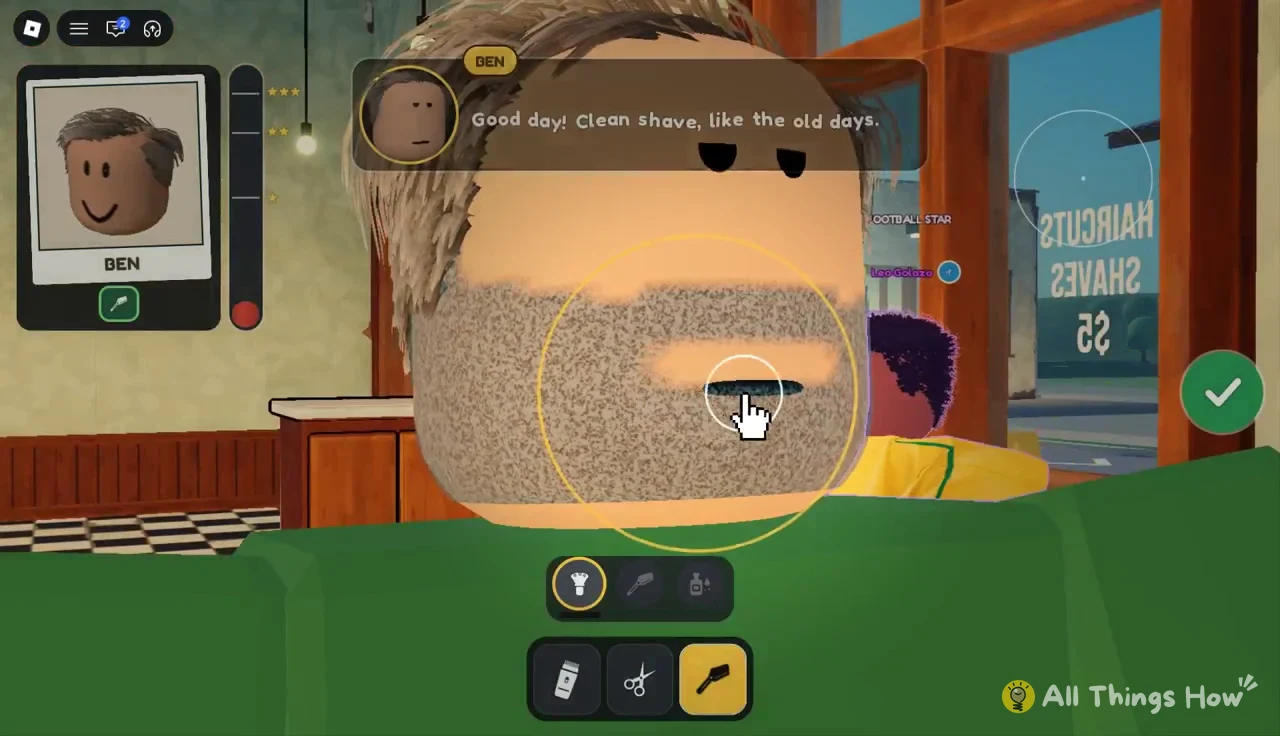
Ben is the shave customer here (“Good day! Clean shave, like the old days.”). Brush the shaving foam over his whole beard area first, then drag the razor over each foamed patch until the stubble and foam are both gone. If you end the visit with foam still on his face, he gives you one star.
Epic customers: Leo Golazo’s punk mohawk
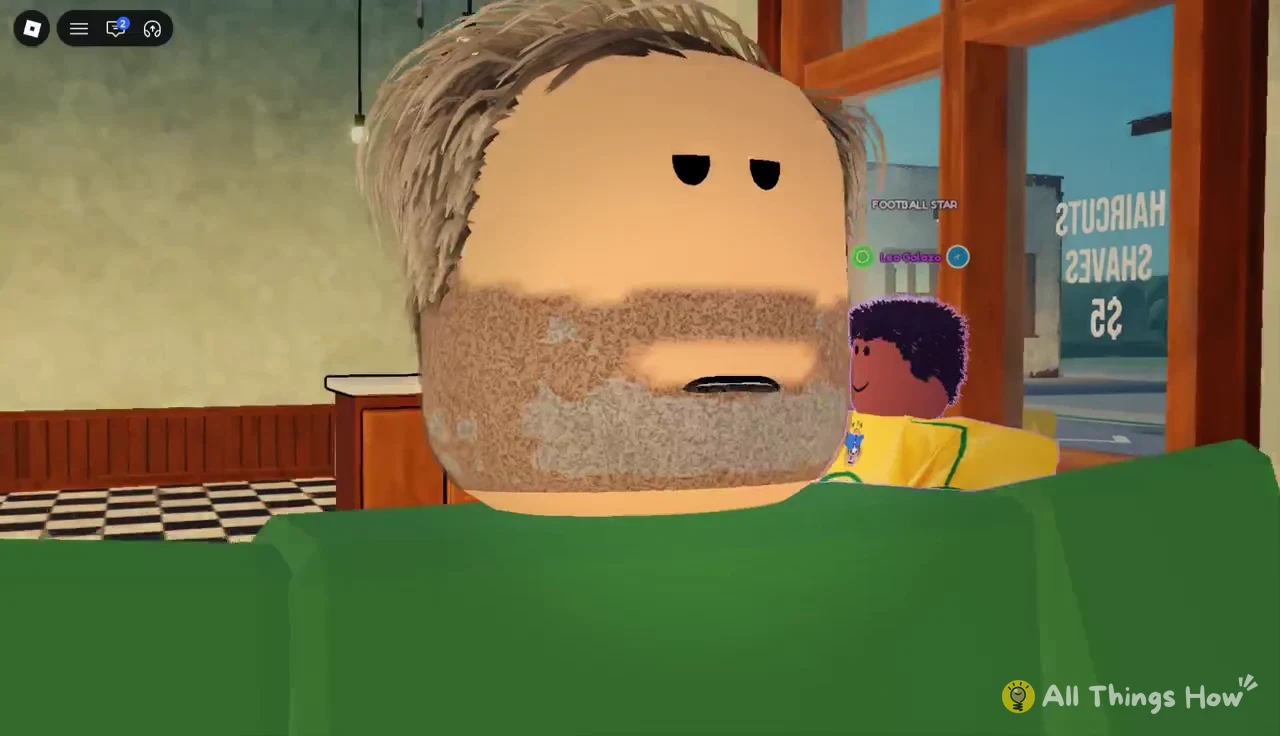
Epic customers arrive with their own cutscene. Leo Golazo is tagged “EPIC! FOOTBALL STAR,” and a short cinematic plays outside the shop when he shows up in town. Call him into the chair once your current client has left, and he asks for a “Punk mohawk! Big party tonight!”
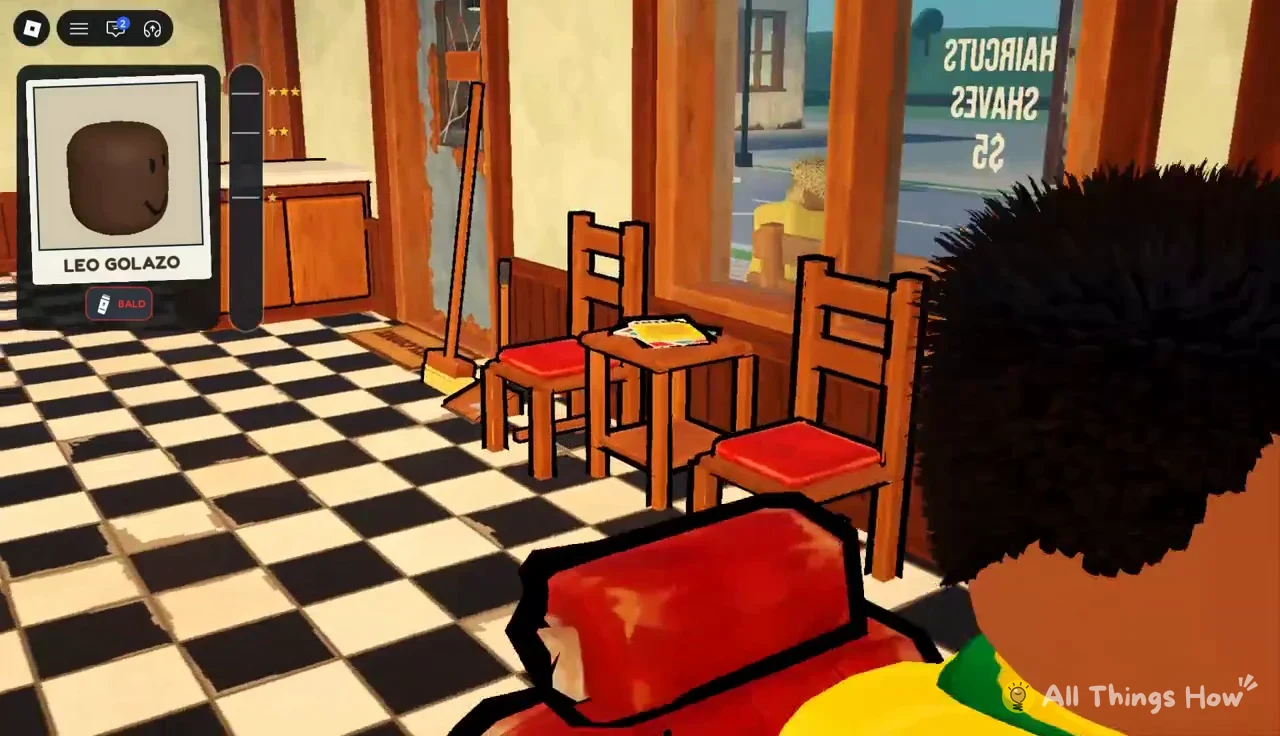
Pick the electric clipper and set it to BALD. Shave the sides and back down to the skin and leave the strip on top alone.
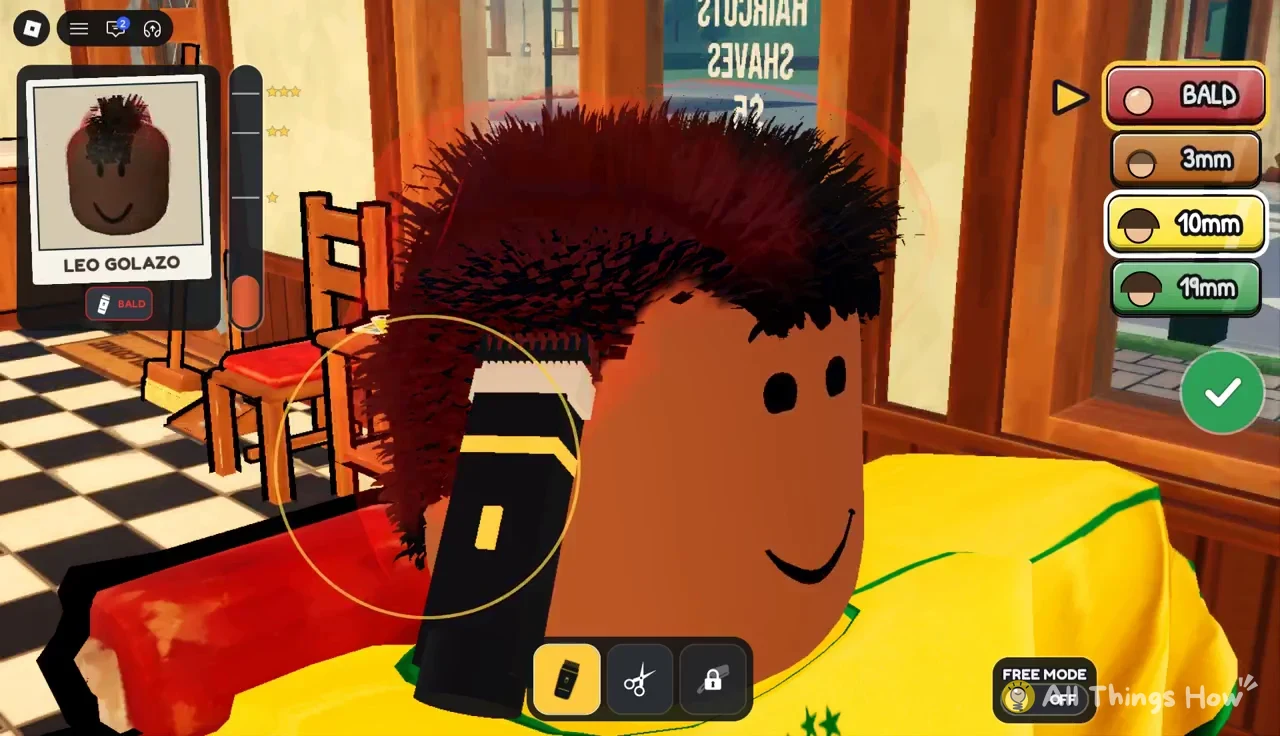
Once the bulk is off, go back around the edges of the mohawk to clean up the fade so it matches the photo. Leo reacts while you work, with lines like “Hehe, that tickles!” and “You’re good at this!”
Cleaning the shop between customers
Every cut leaves hair on the floor, and the shop chores get the same exclamation markers as customers. Grab the broom and use the [E] Clean prompt on the floor and the barber chair. Then walk to the counter register and pick up the cash your last few customers left there.
The shop bin fills up too, and emptying it takes a few steps:
Throw. The bag goes in and the chore clears.Emptying the bin gives you XP, so chores push you toward the next level as well as the cuts do.
Barber Simulator Daily Rewards
Click the blue Daily gift button on the left side of the screen to open the Daily Rewards! calendar, then claim the reward for the day you’re on.
| Day | Reward |
|---|---|
| Day 1 | $90 |
| Day 2 | Pet Roll |
| Day 3 | x2 Cash for 15 minutes |
| Day 4 | $260 |
| Day 5 | VIP |
| Day 6 | +100 XP |
| Day 7 | Sapphire Clipper |
Once you claim a day, the game shows “Reminder! Free pet roll tomorrow!” for the Day 2 reward. The same screen also has a WATCH AN AD! option that gives you x2 Cash for 5 minutes.
How to rename your barbershop
Your shop starts out named after your Roblox username, something like “RobloxWriter047’s Barbershop.” To change it, walk to the wooden signboard outside the front of the shop and interact with it. Type the new name, and the sign updates to show it straight away. The sign also has an [E] Upgrade prompt, the same one used on stations inside the shop.
Rename the shop whenever you like; it doesn’t affect your ratings or earnings, and customers keep walking in through the front door no matter what the sign says.