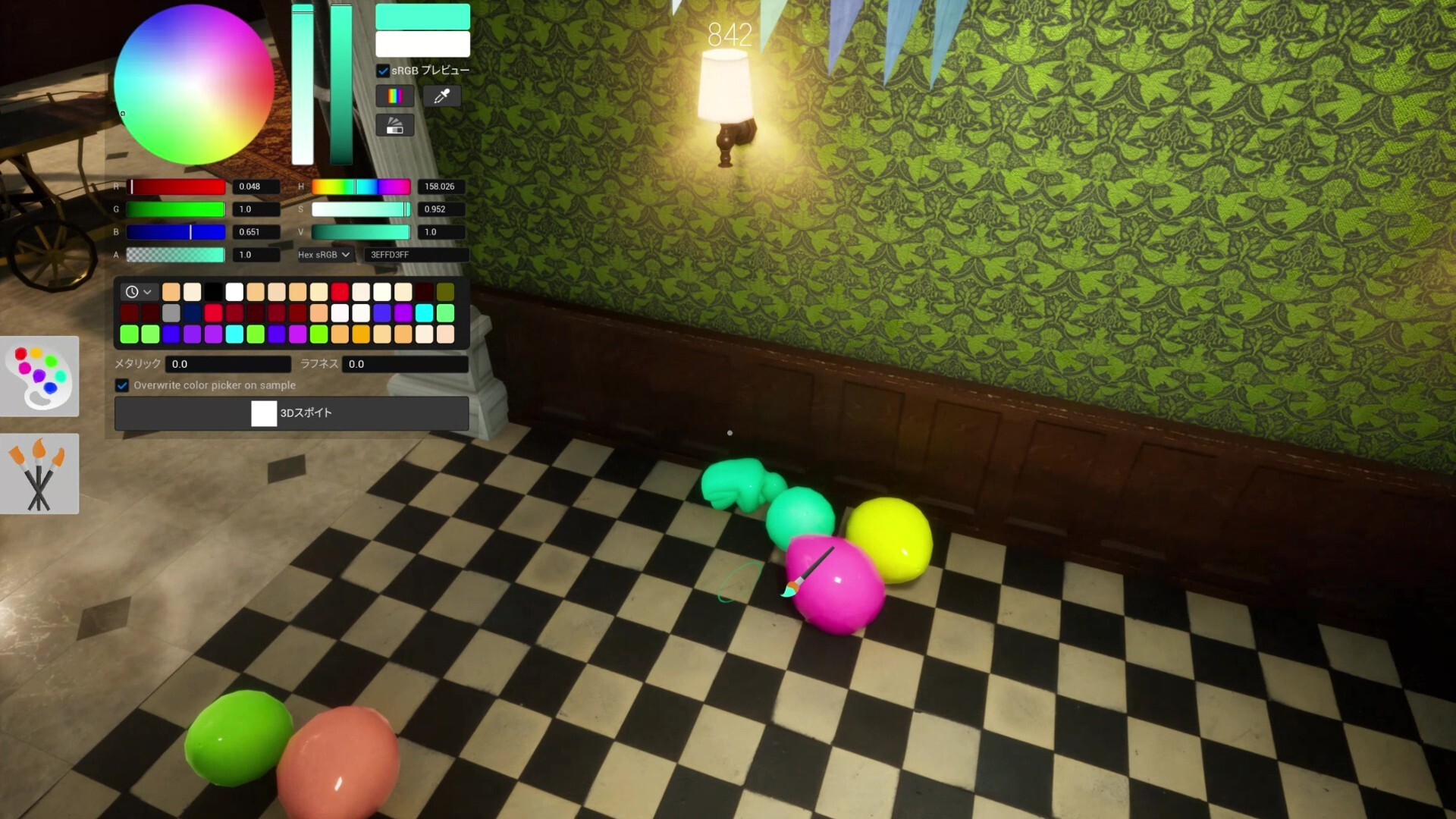
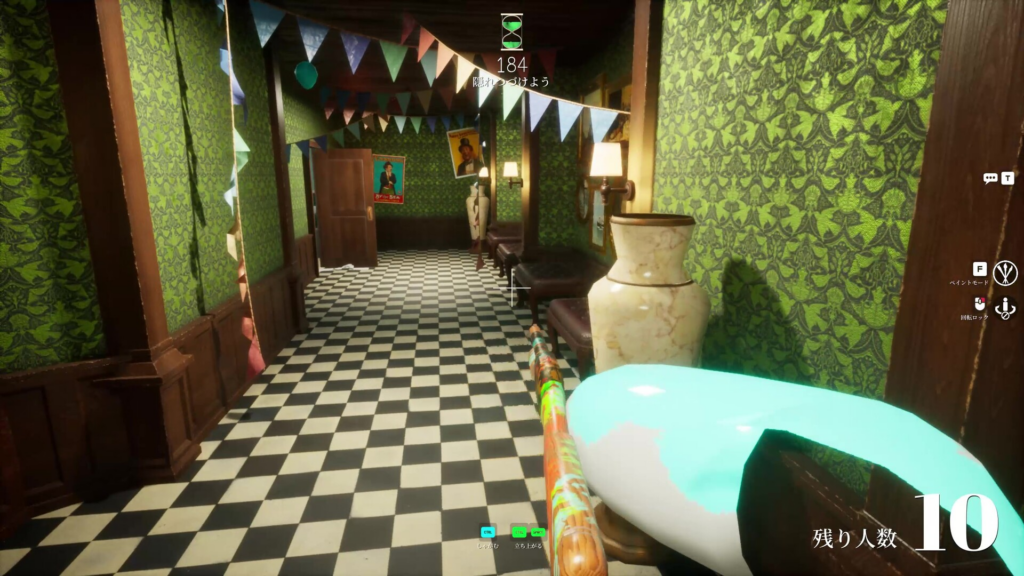
MECCHA CHAMELEON, the paint-and-hide multiplayer game from Japanese indie developer lemorion_1224, has pulled in tens of thousands of concurrent players since launch. If you are on a Mac, the question is simple. Can you actually run it? The honest answer is that there is no native Mac build, and every method that works comes with a catch.
Quick answer: There is no native macOS or Linux version of MECCHA CHAMELEON. It is a Windows 10 64-bit game sold only on Steam. To play on a Mac you need a Windows environment, a compatibility layer like CrossOver, or an Intel Mac running Boot Camp.
MECCHA CHAMELEON platform support (no native Mac build)
As of June 2026, MECCHA CHAMELEON ships on a single platform. It runs on Windows PCs through Steam, with keyboard and mouse as the primary input. There is no PS5, Xbox, Nintendo Switch, iOS, or Android version, and no native Mac or Linux client. Because the game lives on one platform, there is also no crossplay to worry about. Everyone in a lobby is already on a Windows machine.
| Platform | Native support |
|---|---|
| PC (Steam, Windows 10 64-bit) | Yes |
| macOS (Apple Silicon or Intel) | No native build |
| Linux | No native build |
| PS5 / Xbox / Switch | No |
| iOS / Android | No official game app |
The game itself is light. The minimum spec sits around a Core i5 with a DirectX 11 or 12 graphics card, so raw Mac hardware is not the bottleneck. The barrier is purely software. Apple Silicon Macs cannot boot Windows the way old Intel Macs could, which is why your route depends entirely on what kind of Mac you own.
Run MECCHA CHAMELEON on Mac with CrossOver (partial success)
CrossOver is the most common way Mac players try to run Windows-only Steam games. With MECCHA CHAMELEON, the install completes, and the core game can render, but the launcher trips over a prerequisite check. Going in with realistic expectations matters here, because the standard launch path currently does not work cleanly.
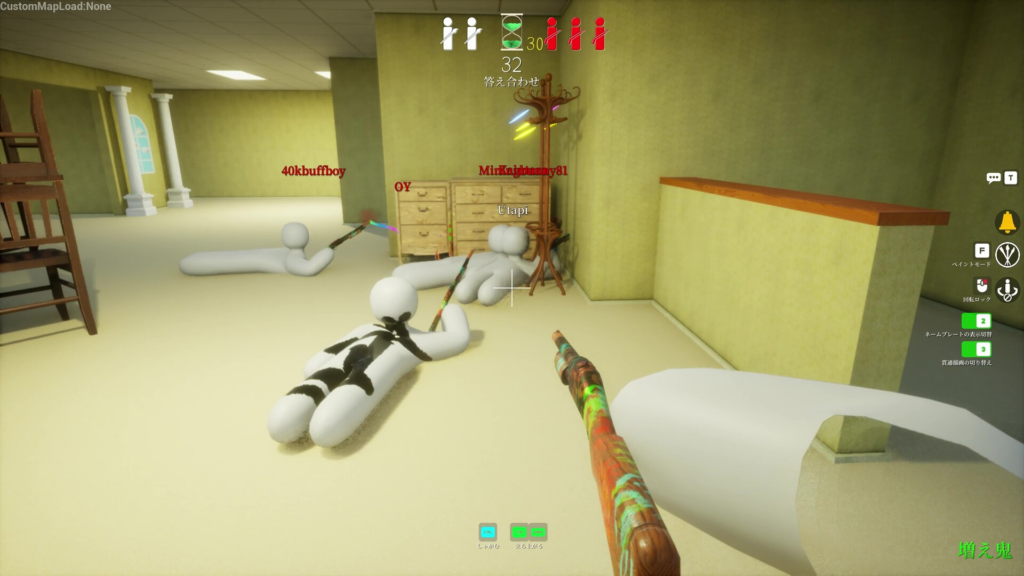
PenguinHotel.exe) throws the error “Microsoft Visual C++ 2015-2022 Redistributable (x64) is required to run this program,” even when both the x64 and x86 versions of the Visual C++ V14 redistributable are already installed in the same bottle.PenguinHotel-Win64-Shipping.exe skips the launcher and starts the game. Graphics, menus, and rendering all load correctly, which confirms the game engine runs under CrossOver.Here is the wall. Bypassing the launcher also bypasses Steam and EOS authentication, so the game reports “Failed due to invalid or missing authentication token for user (e.g. not logged in).” Since MECCHA CHAMELEON is online multiplayer, that login failure means you cannot actually join a match this way. The launcher’s failed Visual C++ prerequisite check is the blocker, and there is no confirmed fix for it yet.
Note: You know the workaround has failed when you see the authentication token error after launching the shipping executable. You know it has succeeded only when the game launches through Steam itself without the Visual C++ message and signs you in.\
Boot Camp on Intel Macs
If you own an older Intel-based Mac, you can install Windows 10 64-bit through Boot Camp and run MECCHA CHAMELEON as a normal Windows game. This is a full Windows environment, so Steam, EOS authentication, and the launcher all behave the way they do on any Windows PC. The downside is obvious. Apple Silicon Macs (M1 and later) do not support Boot Camp, so this path only exists for Intel hardware.
The “Mecha Chameleon” App Store app is not the same game
Search the App Store, and you will find a free “Mecha Chameleon” listing from developer Youssef Drioua. It is tagged as designed for iPad and “Not verified for macOS,” and on an Apple Silicon Mac it can install because the listing allows it to run with macOS 12.0 or later on an M1 chip or newer. Do not confuse it with the Steam game.
This is a separate mobile camouflage hide-and-seek app, not a port of the lemorion_1224 title. Player reviews describe it as ad-heavy, with ads appearing repeatedly before a round even starts, alongside glitches like walking through walls. Several reviewers flag it as an imitation of the viral game rather than the real thing. If you are after the actual MECCHA CHAMELEON experience that blew up on Steam, this download is not it.
Which Mac option fits you
| Method | Works for online play? | Notes |
|---|---|---|
| CrossOver (Apple Silicon or Intel) | Not currently | Game renders, but the launcher’s Visual C++ check fails, and the direct-launch workaround breaks authentication. |
| Boot Camp (Intel Mac only) | Yes | Full Windows 10 install runs the game normally; not available on M1 or later. |
| App Store “Mecha Chameleon” | N/A | A different, ad-heavy clone, not the Steam game. |
For now, the cleanest way to play MECCHA CHAMELEON with friends is still a Windows PC on Steam, where the launcher, EOS login, and matchmaking all work as intended. Mac players can experiment with CrossOver, but the authentication block makes online matches unreliable until a workaround for the launcher’s prerequisite check surfaces. Console ports are common for breakout party games, so the platform list could expand later, but as of June 2026 a native Mac version does not exist.