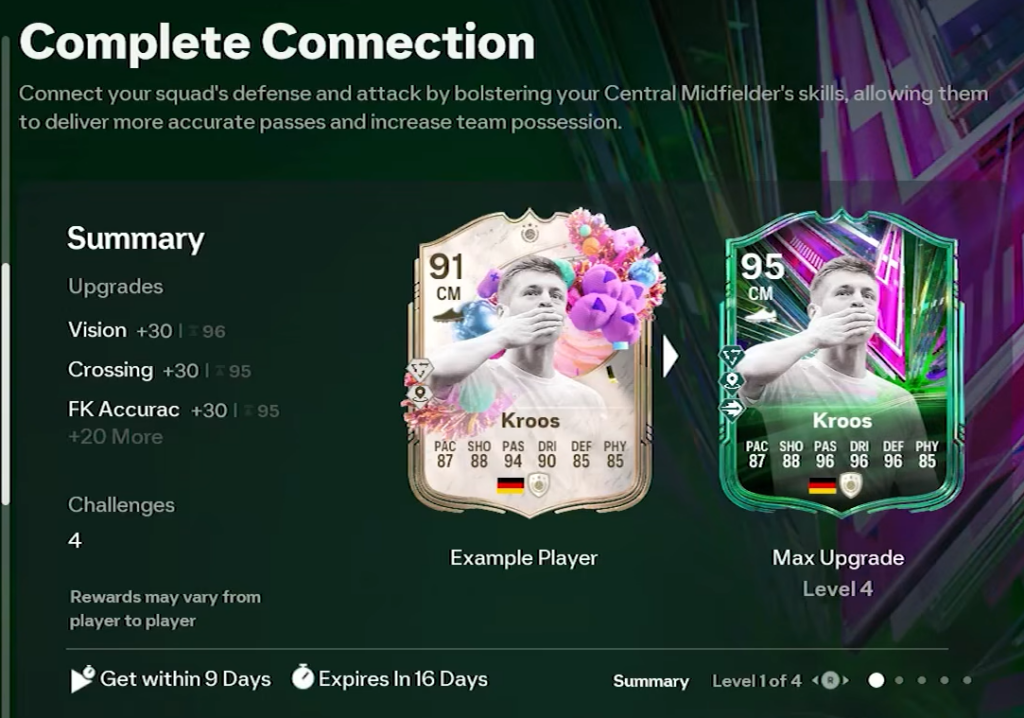
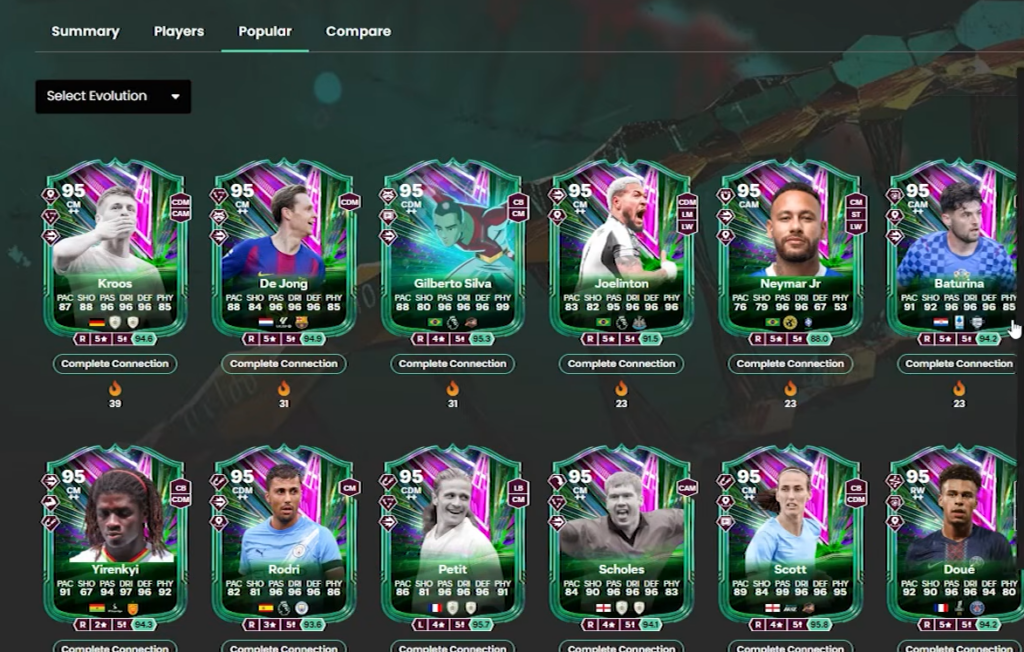
The Complete Connection Evolution in EA FC 26 Ultimate Team upgrades a single eligible card, and the value you get out of it depends entirely on the player you put in. The smartest pick is a card that already has the position, PlayStyles, and Roles you want, with enough room left in its stats and ratings for the boost to matter.
Quick answer: Open the EA FC 26 player database, switch the version filter to UT 26 EVO, then sort candidates by position, Roles, PlayStyles, Rating, Skill Moves, and Weak Foot to find the eligible card that fits your squad best.
Filter the EA FC 26 database for eligible Evolution players
Every Evolution applies its boost to the card you select from your club, so the first step is narrowing the pool to players who fit your team. The UT 26 player database lets you filter by version, position, league, club, price, Rating, Skill Moves, and Weak Foot, which is enough to shortlist a candidate quickly.
What to prioritise when comparing candidates
PlayStyles and Roles decide how a card actually plays, so weight them heavily. A striker with Finishing PlayStyles such as Finesse Shot, Power Shot, or Low Driven Shot behaves very differently from one without them, and a midfielder benefits from Passing options like Incisive Pass or Pinged Pass.
| Trait | Why it matters |
|---|---|
| Position | Must match the squad slot you want to fill |
| Roles | Sets in-game behaviour, such as Advanced Forward, Inside Forward, or Box-to-Box |
| PlayStyles | Adds concrete bonuses to shooting, passing, defending, or pace |
| Skill Moves and Weak Foot | Improve dribbling and finishing flexibility |
| Rating headroom | Lower base stats leave more room for the Evolution boost to land |
Roles like Wingback, Inverted Wingback, Deep-Lying Playmaker, or Shadow Striker can change a card’s positioning more than a raw stat bump, so check them before committing.
Confirm the player is eligible before you start
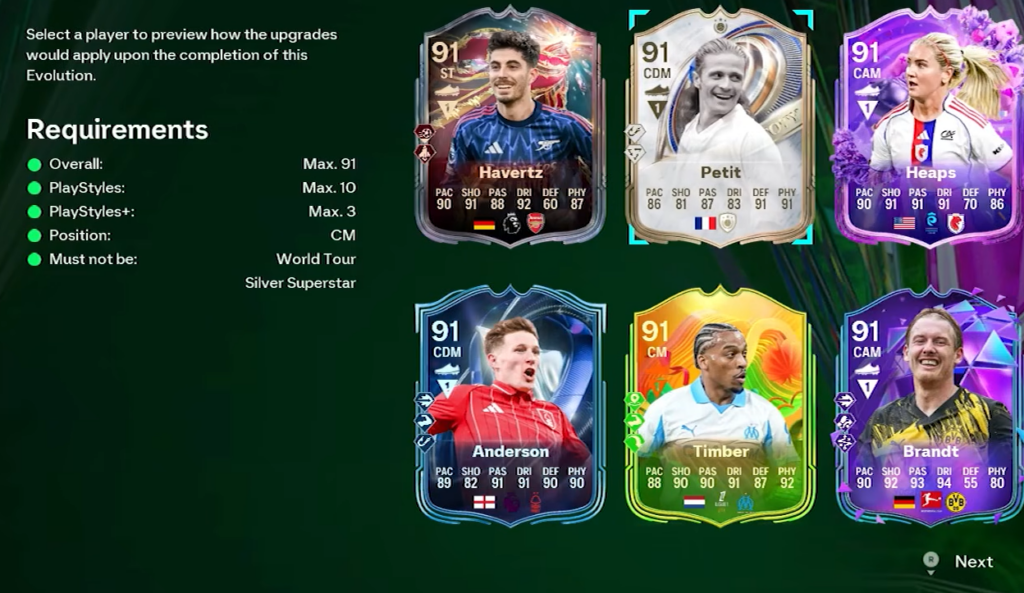
An Evolution only accepts cards that meet its entry requirements, and the game will block any player who falls outside them. If your chosen card does not appear in the selection list, it is failing one of the limits on rating, position, PlayStyles count, or version, so check those values against what the Evolution allows and pick another candidate.
You will know the upgrade has applied when the card shows its new EVO badge and updated stats in your club. Plan around your most-used position, lean on PlayStyles and Roles over small rating gains, and the Complete Connection Evolution will produce a card you actually keep in your starting eleven.