Auto Steal is the headline feature in most third-party scripts built for Grow a Garden 2, the Roblox farming sim where nighttime turns peaceful plots into open targets. The function automates the game’s risky after-dark phase, walking your character across rival islands and pulling ripe fruit out of their gardens without manual input. It runs on PC and mobile through external executors, and several hubs now ship a reworked version that chases the richest plots first.
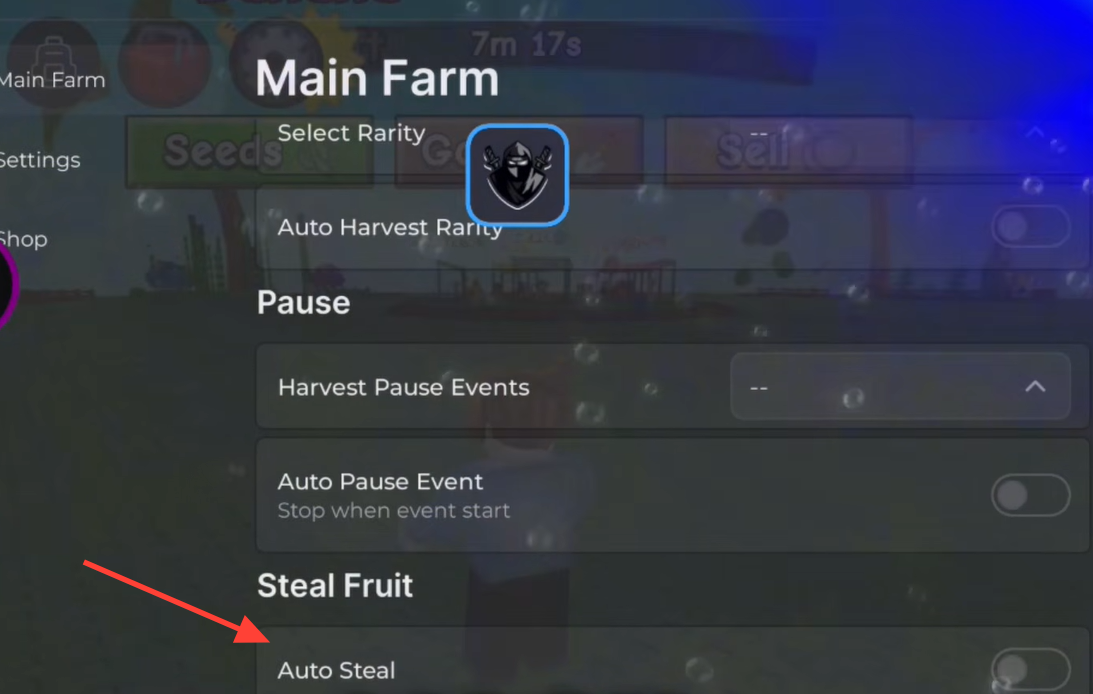
Quick answer: Auto Steal loops through other players’ gardens during the night cycle, grabs their fruit automatically, and skips any island where the owner is standing guard. You toggle it on inside the script menu after executing the loadstring in-game.
How Auto Steal works in Grow a Garden 2
Grow a Garden 2 splits play into farming by day and survival by night. When darkness falls, other players can enter your garden and take crops, and you can do the same to them. Auto Steal automates your side of that exchange. Once enabled, it identifies gardens across the server and moves your character to collect mature fruit on its own.
The current reworked loop no longer limits itself to the nearest island. It scans every plot on the server and prioritizes the garden holding the most fruit, so each run targets the highest payout first instead of clearing low-value plots in order.
Instant and Walk modes
Most hubs expose two ways to run the theft loop. The behavior differs in how your character reaches and clears each target garden.
| Mode | Behavior |
|---|---|
| Instant | Pulls fruit from a targeted plot immediately, with minimal travel time across the map. |
| Walk | Physically moves your character to the garden before collecting, which reads as more natural movement. |
Both modes are designed to complete a full clear without leaving a stolen fruit stuck in your character’s hands, an issue that affected earlier builds.
The condition that stops Auto Steal
Auto Steal skips any garden where the owner is standing guard on their own island. If a defender is present, the loop moves on to the next target rather than forcing a steal. This is the main built-in stop condition, so a server full of active, stationary owners will leave fewer plots for the loop to hit.
Island defenses are the other obstacle. Some gardens deploy hazards like fire and dragons. The reworked loop pairs with an Anti-Death function that keeps your character alive through those defenses, so the run can continue across hostile plots instead of ending on death.
Features bundled alongside Auto Steal
Auto Steal rarely ships alone. The automation hubs that include it usually wrap it inside a full farming toolkit, so the night loop runs while the rest of your garden manages itself.
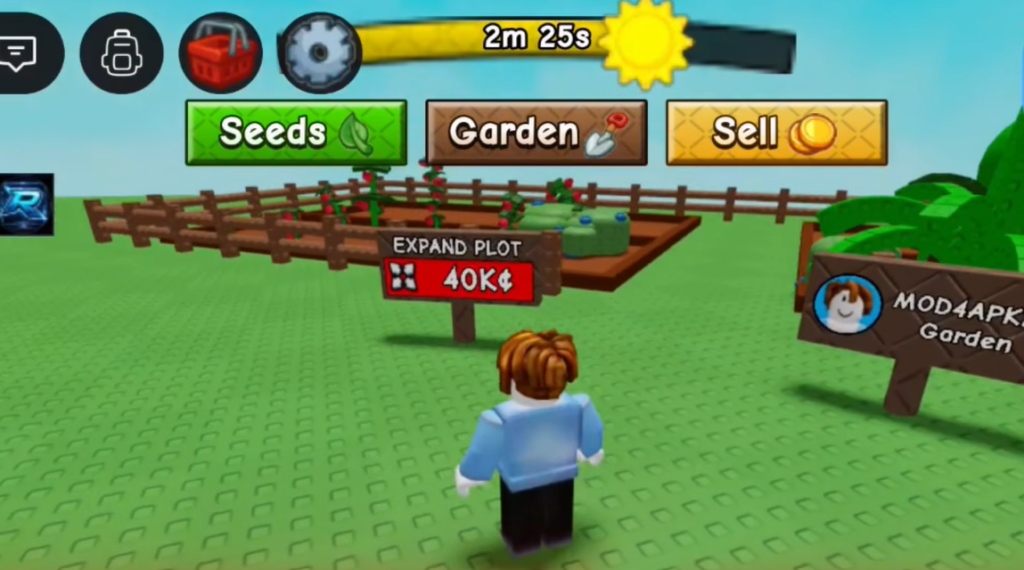
- Auto Plant, Auto Harvest, and Auto Sell to keep your own plot cycling and converting fruit into Sheckles.
- Mutation filters that sell only chosen types such as Gold, Rainbow, Frozen, Electric, Bloodlit, Chained, and Starstruck.
- Favorite Protect, which auto-favorites your good fruit so Auto Sell never offloads it by accident.
- Island Defense and Kill Aura, which grab your shovel to knock thieves off your island while you are away.
- ESP for spotting players, wild pets, and event seed packs through walls.
How to run an Auto Steal script
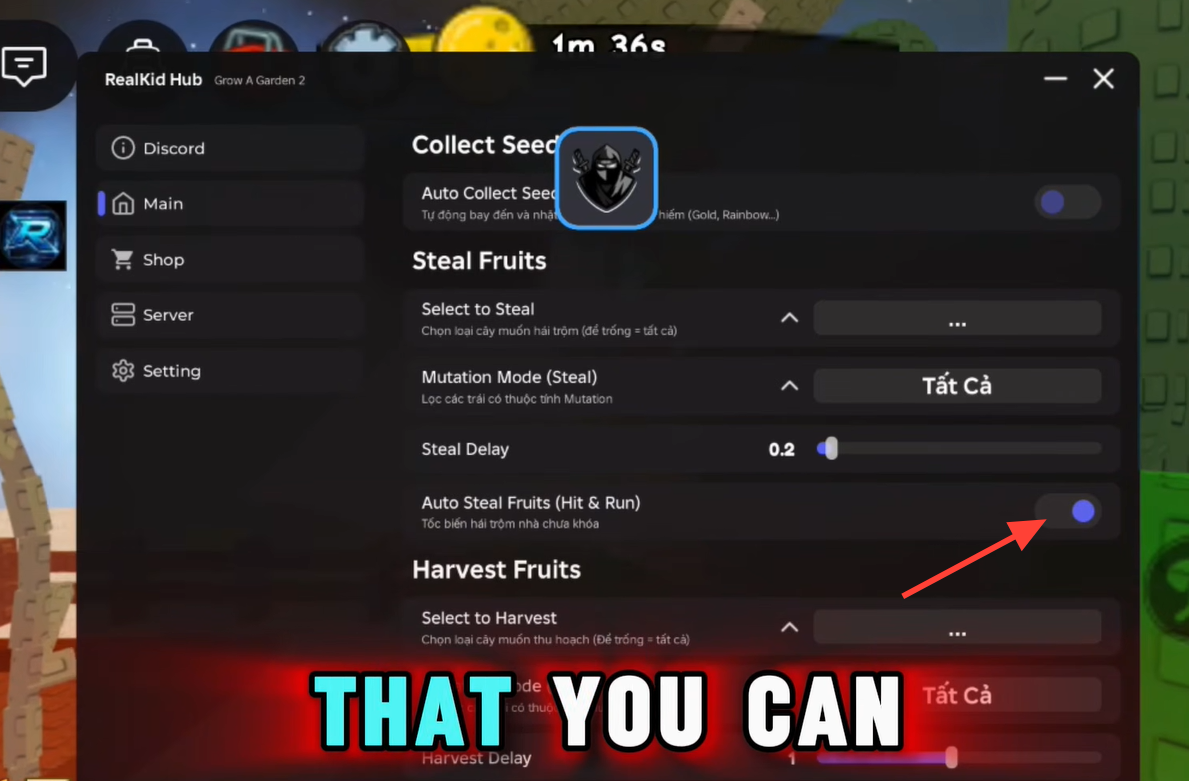
You know it is working when your character begins moving to other islands during the night phase and stolen fruit lands in your inventory. The live inventory display in most menus updates as each plot is cleared.
Note: These scripts are third-party tools that run outside the official game, and using them carries the risk of account action on Roblox. Auto Steal’s behavior also depends on the current game version and how each hub is updated, so the modes and stop conditions can shift after a patch. Treat it as an automation layer over a deliberately competitive night mechanic rather than a guaranteed, permanent feature.