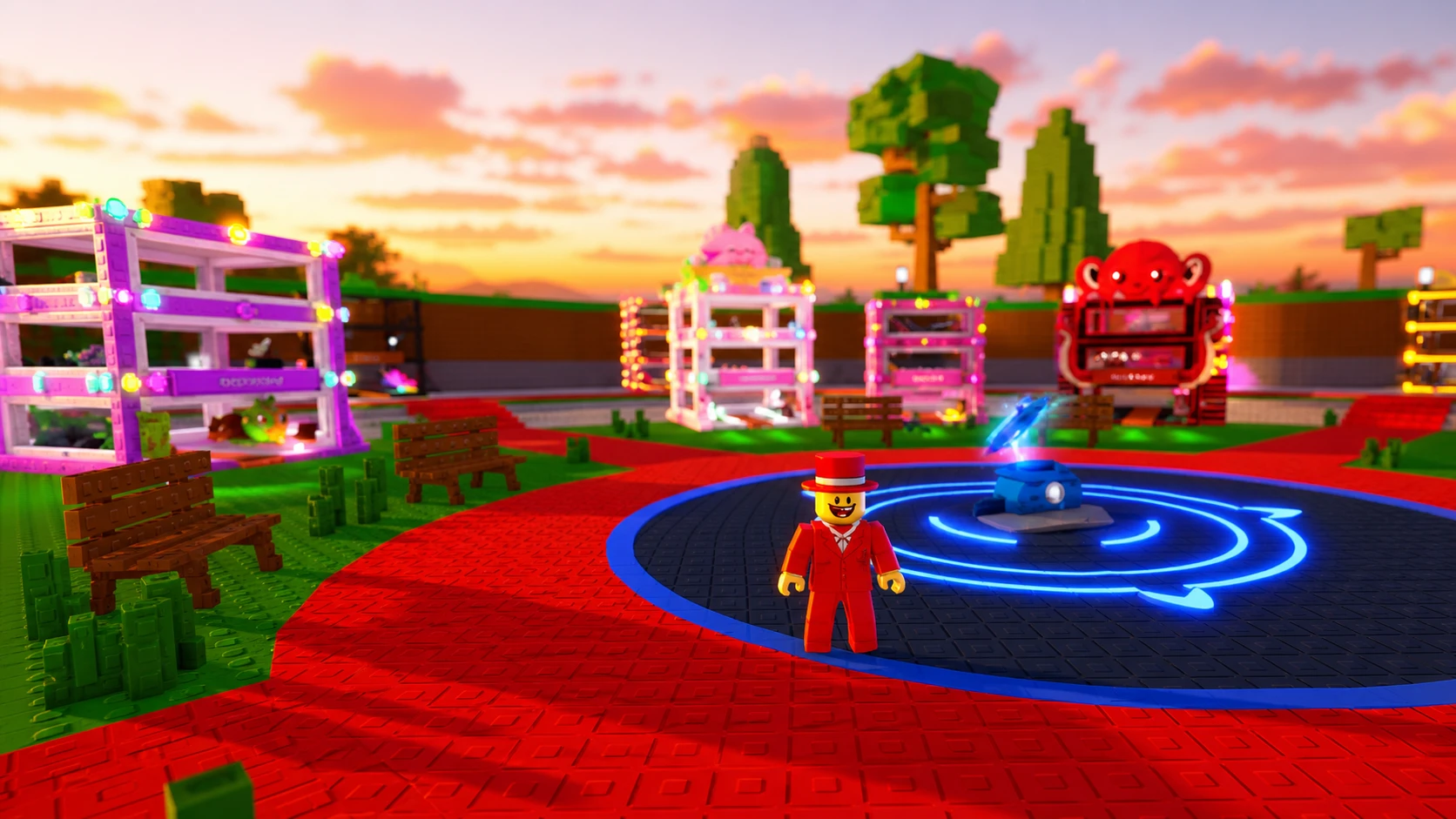
Trading in Steal a Brainrot changed for good with the Summer Update (Update 53), which went live on June 13, 2026. The old Trade Machine is gone, and player-to-player trading now lives permanently inside the game’s interface. With a Trading Plaza expected to surface during the June 20 Admin Abuse, the smart move is to get your brainrots and seasonal base skins ready before activity spikes.
Quick answer: Open the trade interface using the trading button next to the Codes menu, add brainrots and any eligible Seasonal Base Skins, and both players must press Confirm for the swap to go through. Keep valuable brainrots and tradable base skins on hand so you can act during the Admin Abuse window.
What changed in Steal a Brainrot trading (Update 53)
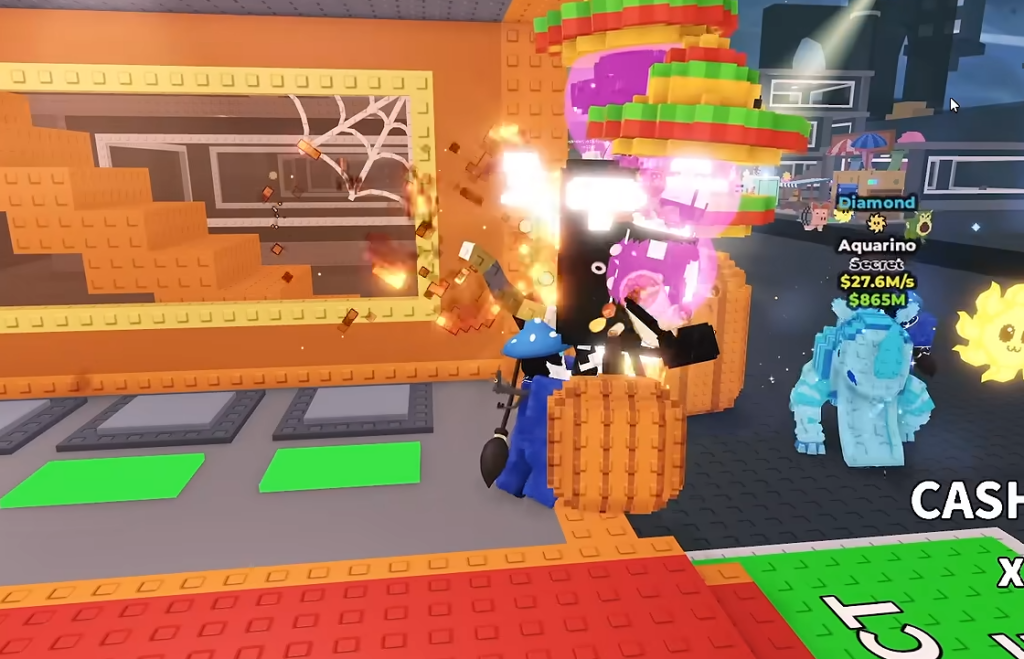
The biggest shift is that trading no longer requires a dedicated machine or a trip to a fixed spot. A trading button now sits in the main game GUI, right next to the Codes menu, so you can open a trade from anywhere. This removes the old bottleneck where you had to reach the Trade Machine before exchanging anything.
The spot the Trade Machine used to occupy is being taken over by a new RNG Machine, which gives another way to obtain brainrots at varying odds. Update 53 also added the ability to trade Seasonal Base Skins, the cosmetic skins you apply across your storage base, so a base skin can now be bundled alongside brainrots in a single offer.
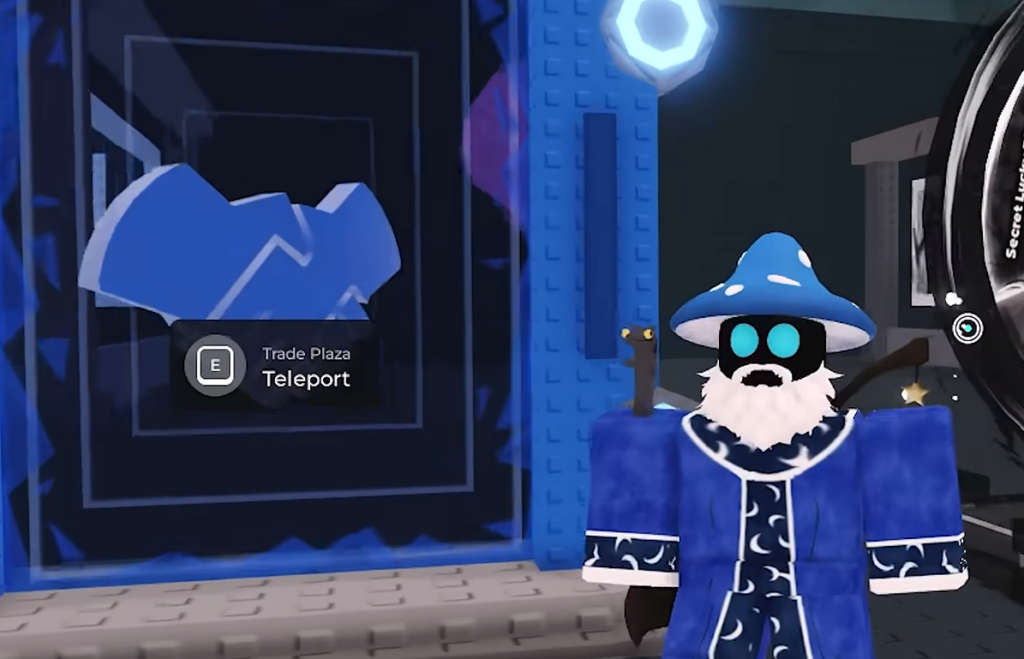
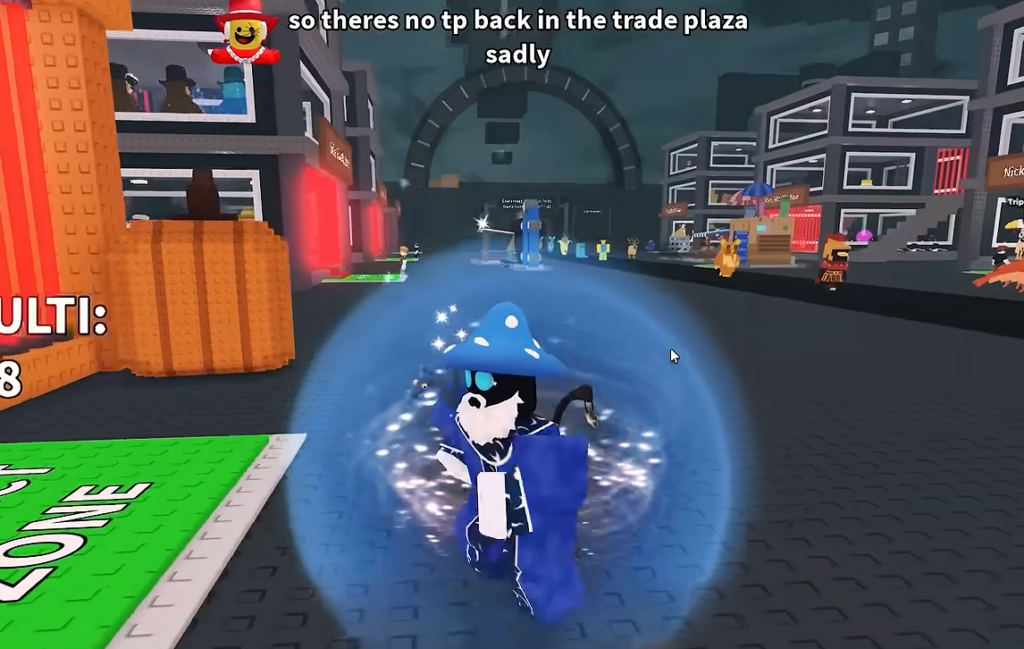
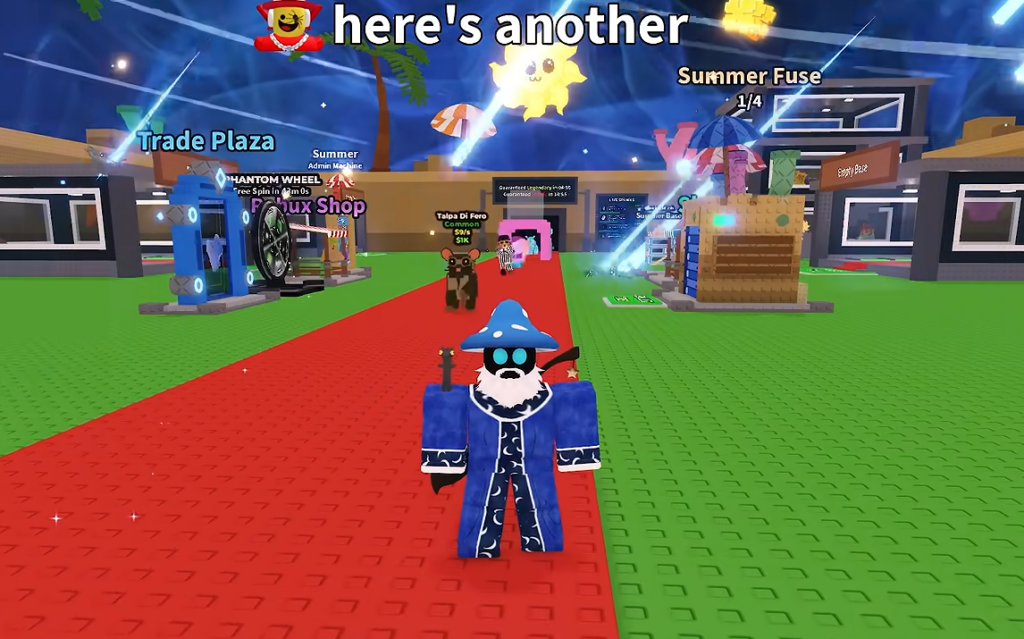
Trading Plaza during the June 20 Admin Abuse
A Trading Plaza is expected to appear during the Admin Abuse event on June 20. No official start time has been confirmed, so treat the exact window as unannounced and keep an eye on the in-game event. Admin Abuse sessions are also where limited-use codes tend to drop, and those codes often have a capped number of redemptions that get claimed within seconds.
The three Summer Update codes, SUMMERUPD3, OCTOBLOCK555, and WSUMMERUPD1, were already released and fully claimed during an earlier Admin Abuse session. If you missed them, watch future Admin Abuse events for fresh ones rather than relying on the expired set.
What you can and cannot trade
Base trading expands the trade window to include Seasonal Base Skins, but there are firm limits. Brainrot bases and mutation bases stay locked and cannot be moved. Some fished or event-exclusive “personal prize” brainrots are non-tradable on their own, and the game blocks them from being added to a trade.
| Item type | Tradable? |
|---|---|
| Brainrots (standard) | Yes |
| Seasonal Base Skins (left the game) | Yes |
| Currently obtainable seasonal base skins | No, only tradable once they leave the game |
| Brainrot bases | No |
| Mutation bases | No |
| Personal-prize / event-exclusive brainrots | No |
Because seasonal base skins are now tradable, players who never earned the Cyber base skin before the Phantom mutation arrived get a second chance to acquire one through trading. The new Red Octo premium seasonal base is available directly through purchase in-game.
How to start a trade in Steal a Brainrot
You know the trade worked when both sides confirm and the items move between inventories. If a confirmation does not register, the most common reason is that one player added an item the game treats as non-tradable, such as a mutation base or a personal-prize brainrot, which the trade window will refuse.
Avoid scams during base trading
Adding base skins to trades opens new ways for bad deals to slip through. Verify the trade window itself, not the chat. Always confirm the items shown match exactly what was agreed before you press Ready, since a common trick is to describe one offer and load a different one at the last second.
- Price the brainrots independently and treat any base skin as a separate add-on, not as something that makes an unequal brainrot swap fair.
- Check mutation and traits before accepting. The same brainrot can be worth very different amounts depending on its mutation, so a common-mutation copy is not equal to a rare one.
- Resist urgency. Countdowns, repeated re-invites, and “accept now or I’m leaving” are pressure signals; a fair trade stays fair in thirty seconds.
- If an offer claims to include a brainrot base or mutation base, the claim is wrong, because those cannot be traded.
Note: Whether trading away a Seasonal Base Skin removes it permanently or duplicates it has not been officially confirmed, so treat the loss as permanent until that is verified. With permanent trading now built into the interface and a Trading Plaza expected during the June 20 Admin Abuse, having your brainrots, mutations, and tradable base skins sorted ahead of time is the difference between landing a clean deal and missing the window entirely.