

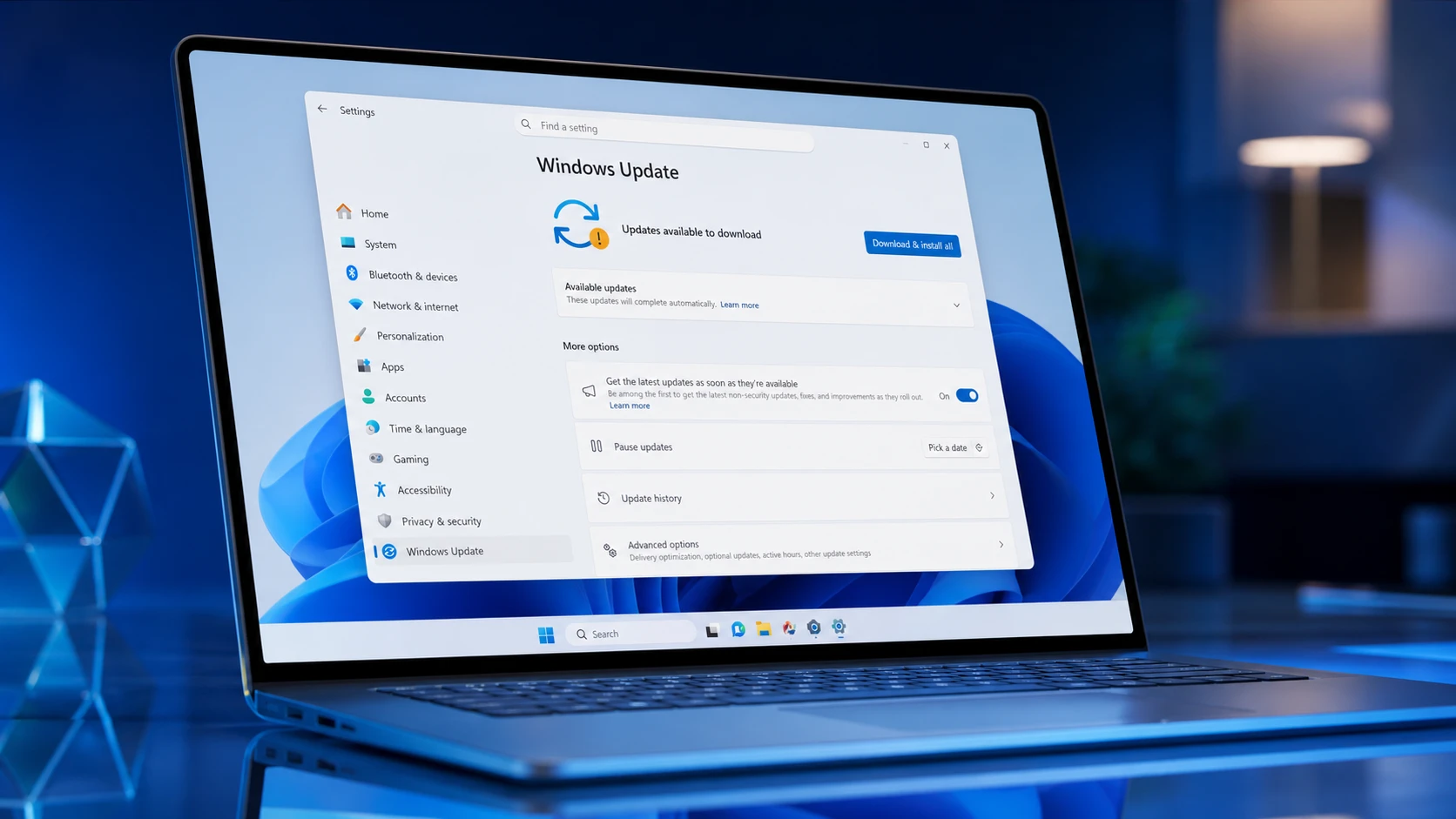
Two fresh Windows 11 version 26H1 flights are now rolling out to Windows Insiders, and both lean toward cleanup rather than headline features. Build 28020.2308 goes to the Beta channel, while build 28120.2315 arrives in the Experimental channel. The common thread is stability work, with the inbox HD Audio driver and live captions getting the most attention.
Quick answer: Enroll your device in the Beta or Experimental channel, open Settings > Windows Update, turn on Get the latest updates as soon as they’re available, and click Check for updates to pull build 28020.2308 (Beta) or 28120.2315 (Experimental).
Windows 11 build 28020.2308 changes (Beta channel)
Build 28020.2308 is a small maintenance update aimed at reliability instead of new features. It ships general bug fixes and under-the-hood adjustments meant to keep the system steady.
The most concrete change is an update to the inbox HD Audio driver. The work improves the driver’s stability and is intended to cut down on audio glitches across supported hardware. There are no new user-facing features bundled with this flight.
Windows 11 build 28120.2315 changes (Experimental channel)
Build 28120.2315 follows the same maintenance-first approach but adds slightly broader polish. It also improves the reliability of the inbox HD Audio driver, continuing the same audio-handling work seen in the Beta flight.
Accessibility gets a notable tweak. Live captions now respond faster to style changes by redrawing captions right away when you adjust settings. When no caption is currently on screen, a sample caption string appears so you can preview how your chosen style looks. The rest of the build is made up of minor bug fixes and incremental polish across the operating system.
Build 28020.2308 vs 28120.2315 at a quick comparison
| Detail | 28020.2308 | 28120.2315 |
|---|---|---|
| Channel | Beta | Experimental |
| Version | 26H1 | 26H1 |
| HD Audio driver fix | Yes | Yes |
| Faster live caption redraw | No | Yes |
| Sample caption preview | No | Yes |
| Focus | Stability fixes | Stability plus accessibility polish |
Who can install Windows 11 26H1 builds
Version 26H1 is a hardware-optimized release built to support next-generation silicon, and it is not a feature update for existing PCs. It will not be offered through Windows Update for current devices and ships preinstalled on select new hardware. Devices on Windows 11 25H2 and 24H2 keep getting their own monthly security and quality updates.
Inside the Windows Insider Program, these 26H1 flights reach the Beta and Experimental channels. Experimental builds can be unstable and may arrive with limited documentation, and many changes roll out gradually using Controlled Feature Rollout, so not every Insider sees everything at once.
How to download builds 28020.2308 and 28120.2315
Confirm the build installed correctly
To verify the update applied, open Settings > System > About or run winver. The version should read 26H1 with OS build 28020.2308 for the Beta flight or 28120.2315 for the Experimental flight. A desktop watermark in the lower-right corner is normal on pre-release builds and is not a sign of a failed install.
Because these are incremental updates over recent 26H1 builds, the upgrade is usually quick, and in many cases it installs alongside the routine security update in a single pass. If captions or audio still misbehave after installing, report the problem through the Feedback Hub so the behavior can be tracked against your hardware.



