
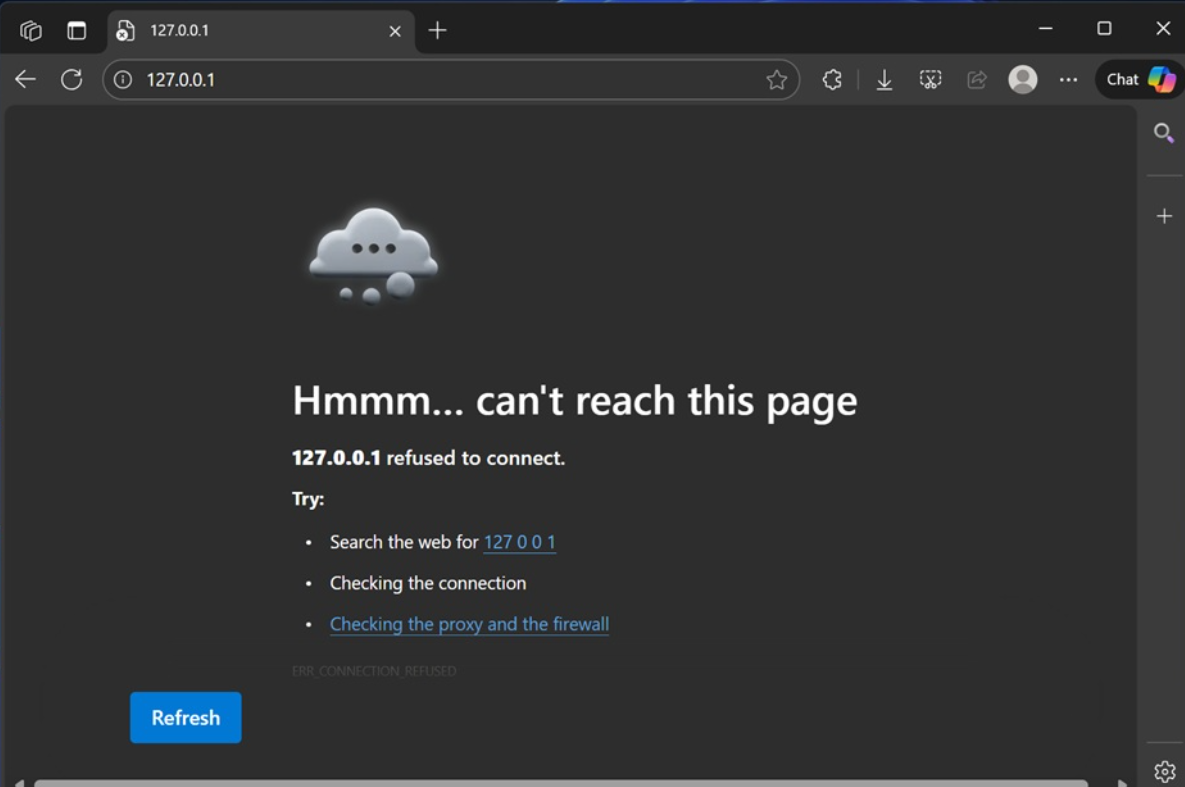
Local IIS, Kestrel, and IIS Express sites may fail on Windows 11 after installing KB5066835, with browsers showing ERR_CONNECTION_RESET or ERR_HTTP2_PROTOCOL_ERROR. The regression is tied to HTTP/2 handling over the loopback address (127.0.0.1/localhost). This guide outlines proven fixes, starting with Microsoft’s rollback and update path before moving to safe, reversible workarounds.
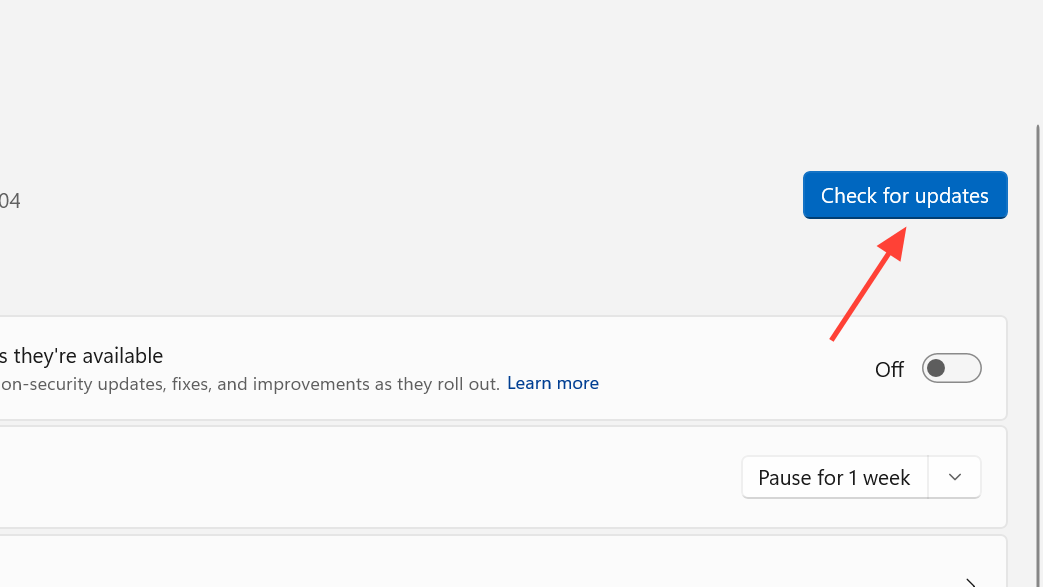
Fix localhost after KB5066835 using Windows Update or KIR
Microsoft has rolled out a resolution through Windows Update and a Known Issue Rollback (KIR). This avoids removing security patches and is the preferred approach for most devices. Managed environments can apply the KIR Group Policy package to enforce the rollback on affected versions.
Workaround: Disable HTTP/2 at the OS (HTTP.sys) level
This quick registry change forces local web traffic to HTTP/1.1, bypassing the HTTP/2 regression for all apps using HTTP.sys on localhost. You can revert it later to restore HTTP/2. Always back up the registry before changes.
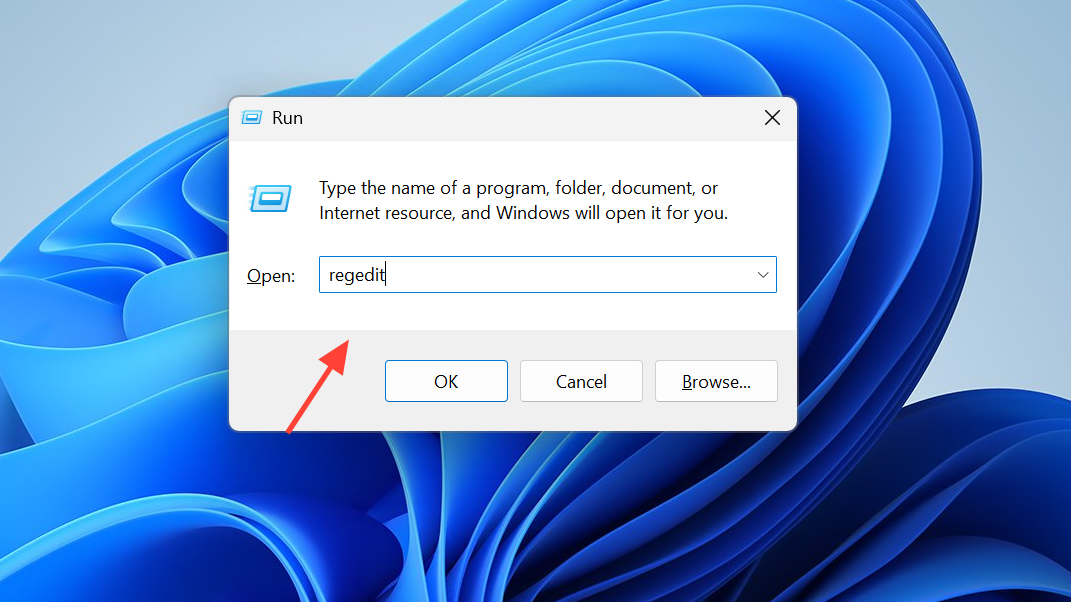
HKEY_LOCAL_MACHINE\System\CurrentControlSet\Services\HTTP\Parameters. This key controls HTTP.sys behavior.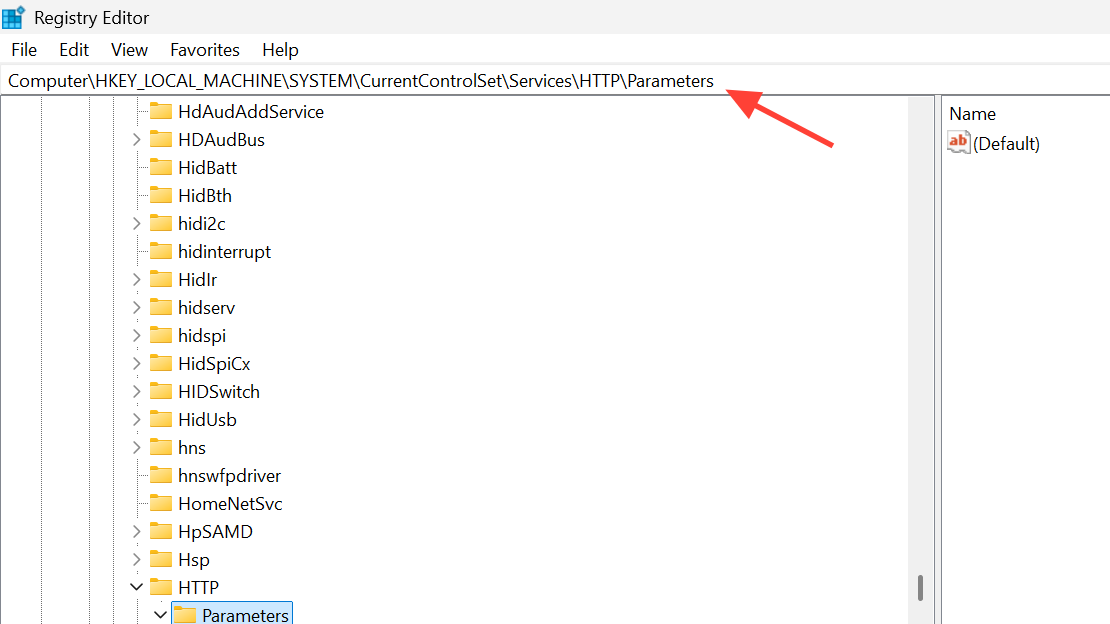
EnableHttp2Tls. Set its value to 0 to disable HTTP/2 over TLS on localhost.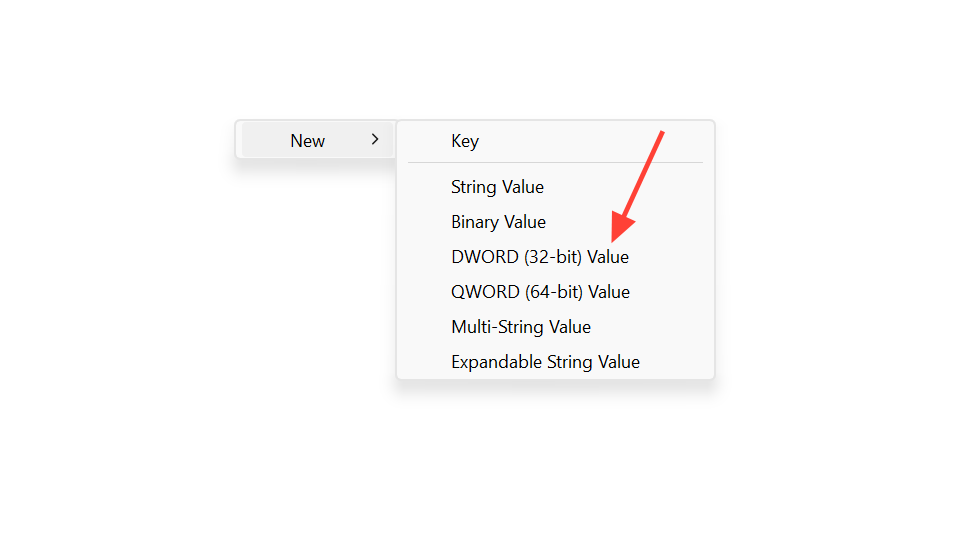
EnableHttp2Cleartext. Set its value to 0 to disable HTTP/2 for non‑TLS localhost traffic.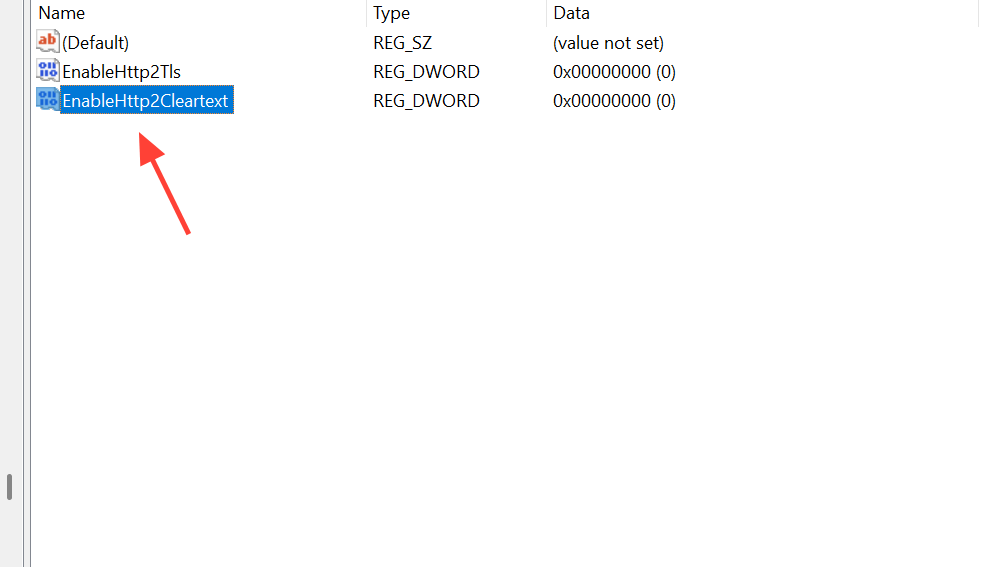
1, then restart again.Workaround: Disable HTTP/2 for IIS only
If you only need to fix IIS-hosted sites and prefer not to change system-wide HTTP.sys behavior, disable HTTP/2 at the IIS scope. This limits the workaround to IIS while keeping HTTP/2 available elsewhere.
HKEY_LOCAL_MACHINE\SOFTWARE\Microsoft\IIS\Parameters. Create the key if it does not exist.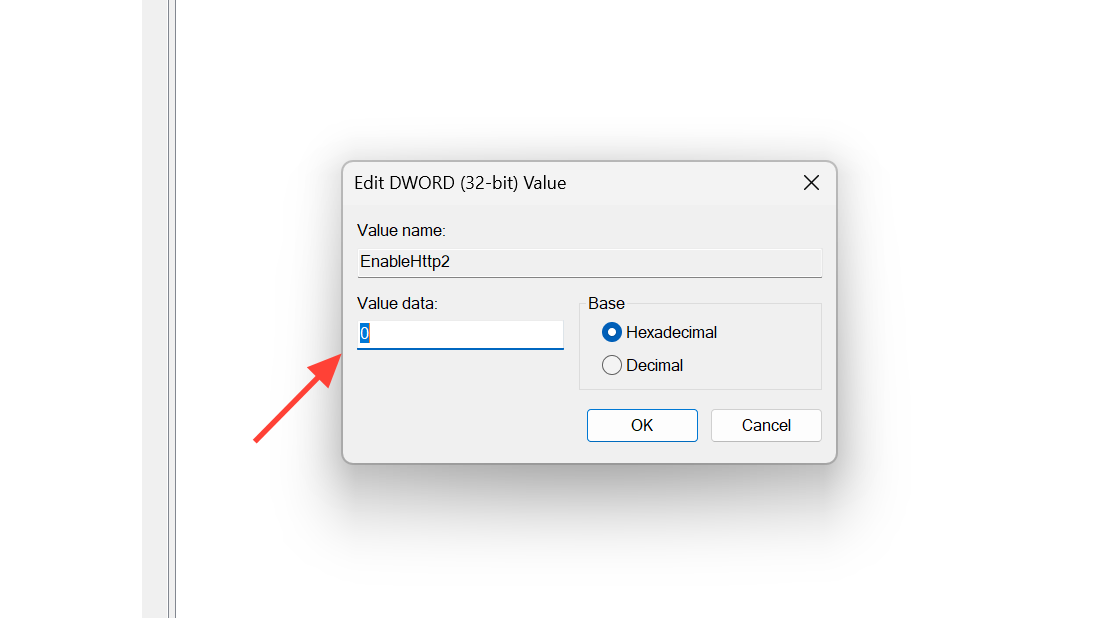
EnableHttp2OverTls and set it to 0. This disables HTTP/2 over HTTPS for IIS sites.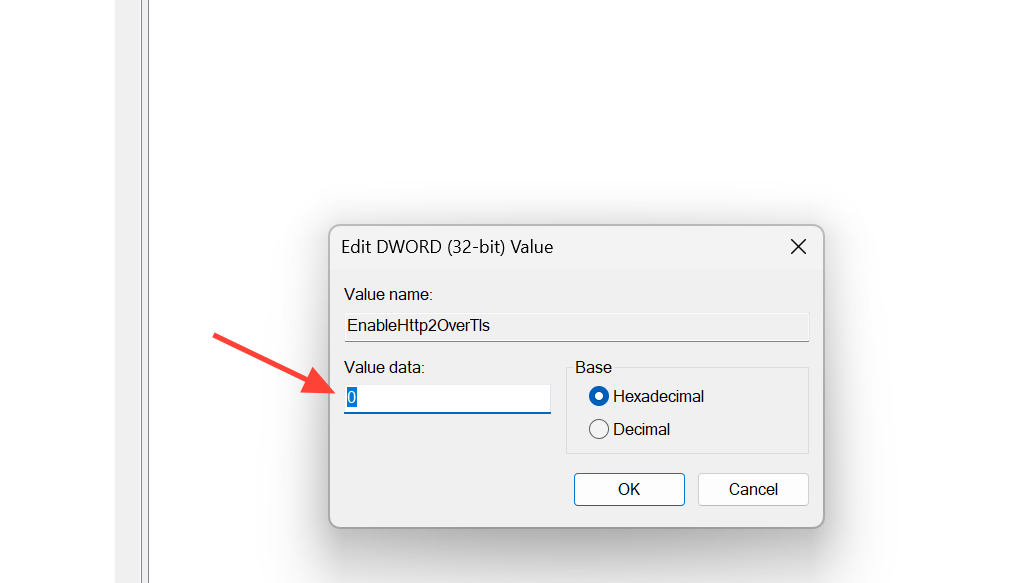
1 later to restore HTTP/2.Last resort: Uninstall the problematic updates
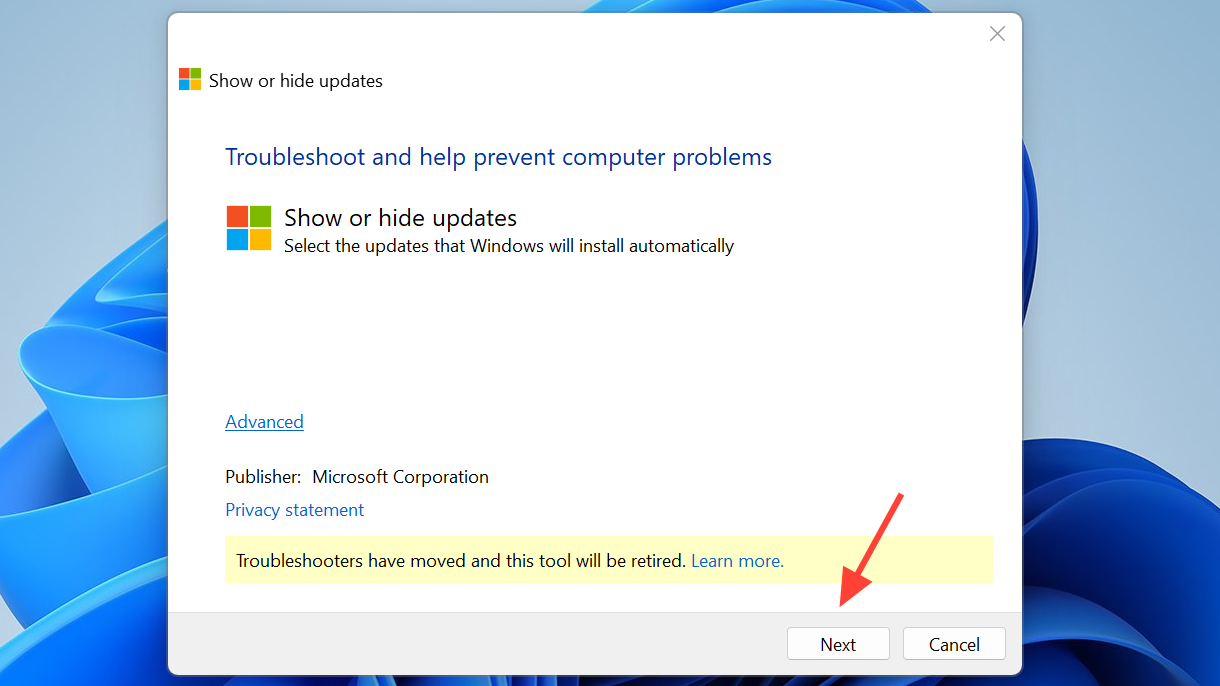
Removing updates immediately restores localhost for affected systems but also removes recent security fixes. If you choose this path, hide the update afterward to prevent automatic reinstallation, then reapply updates once Microsoft’s permanent fix is installed on your device.
wusa /uninstall /kb:5066835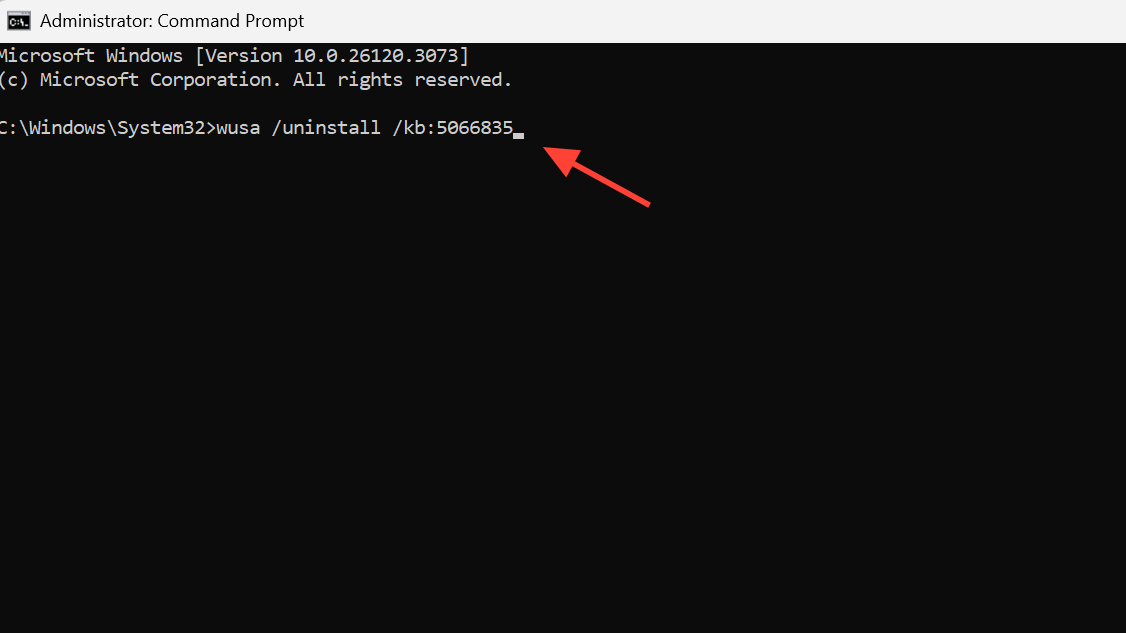
wusa /uninstall /kb:5065789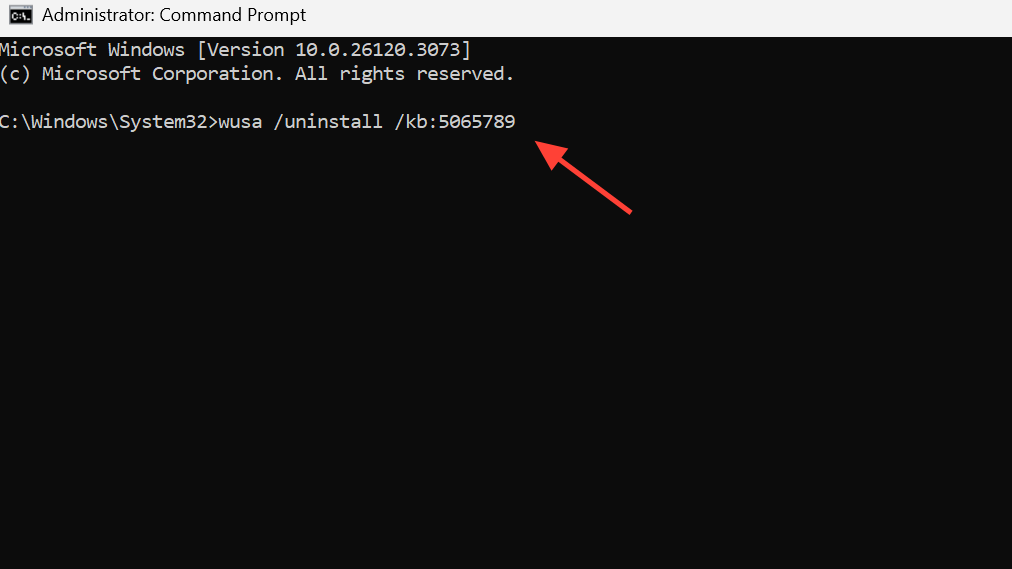
wusa /uninstall /kb:5066131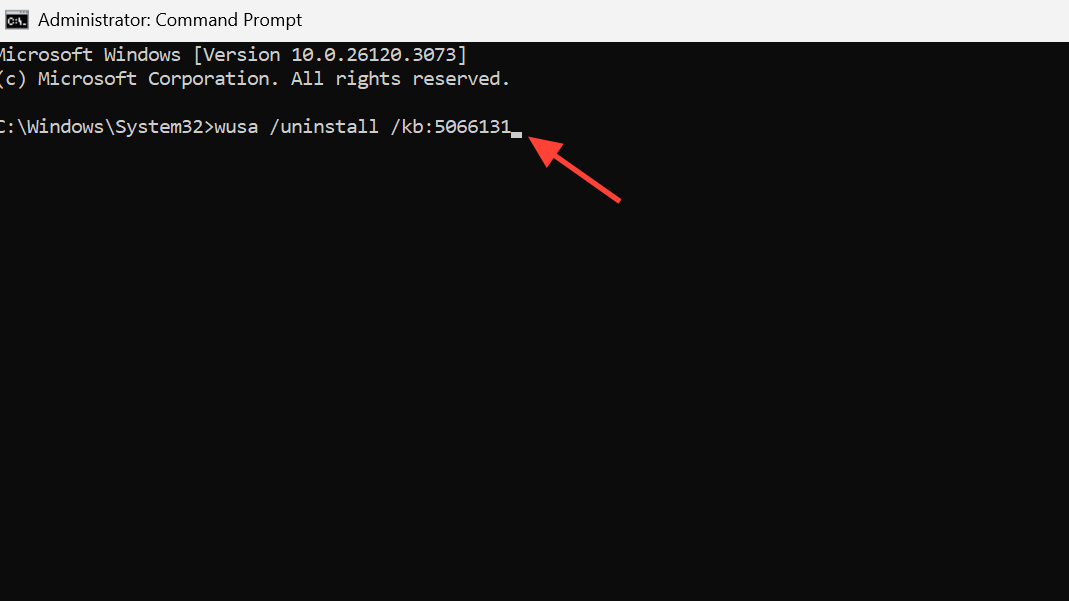
Notes on scope and symptoms
This issue impacts HTTP/2 loopback connections on Windows 11, including versions 24H2 and 25H2, with reports from 22H2 systems that received the affected code. Typical failures include ERR_CONNECTION_RESET and ERR_HTTP2_PROTOCOL_ERROR when accessing http(s)://localhost or 127.0.0.1. Developers have seen IIS, IIS Express, Kestrel, Visual Studio debugging, and some authentication flows fail until a fix or workaround is applied.
Some systems recover after installing the latest Windows Defender security intelligence update and rebooting. If your device remains impacted, apply the Windows Update/KIR steps or one of the HTTP/2 workarounds above.
After applying one of these fixes, keep Windows Update enabled and recheck periodically. Once your device receives Microsoft’s final patch, you can revert any registry changes and restore normal HTTP/2 behavior.



