Connect Copilot to Gmail, OneDrive, and more on Windows 11
Link Microsoft and Google accounts to search emails, files, and contacts directly from Copilot.
Link Microsoft and Google accounts to search emails, files, and contacts directly from Copilot.
by Pallav Pathak
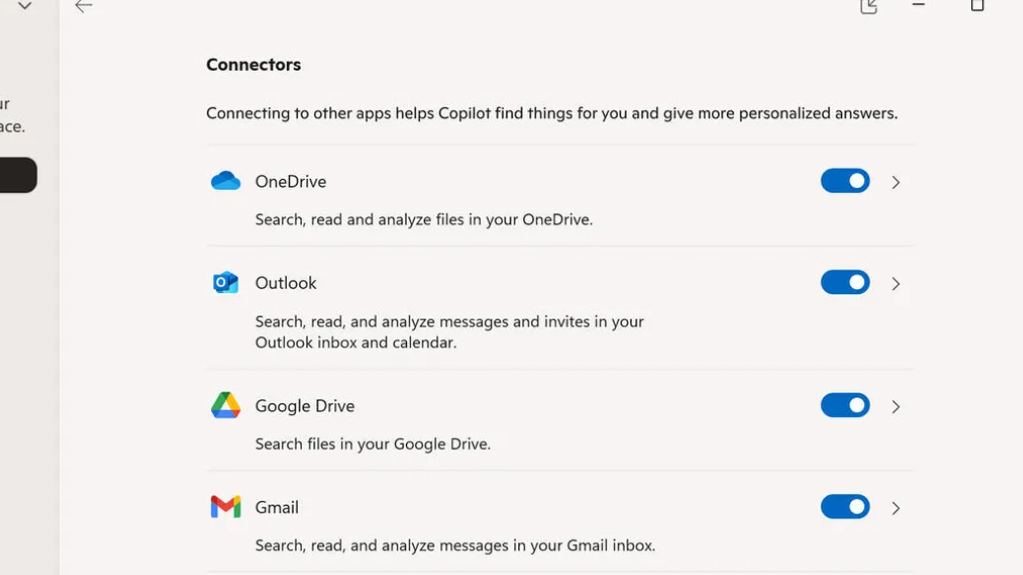
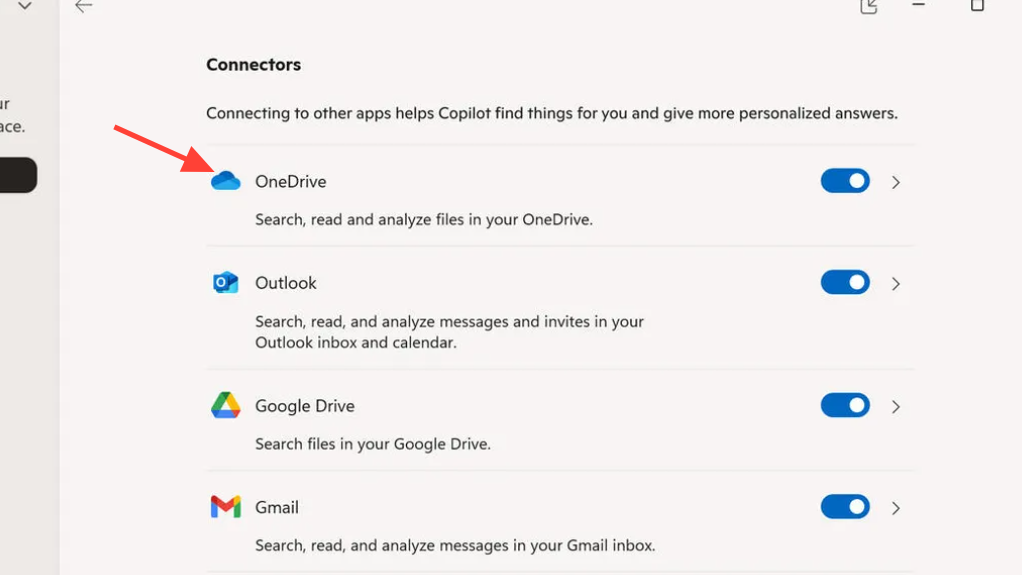
Copilot’s new Connectors feature brings your Gmail, Google Drive, Google Calendar, Google Contacts, OneDrive, and Outlook data into a single place, so you can ask for what you need and get it without switching apps. This setup is opt-in and takes just a few minutes per service.
Copilot Connectors availability and requirements (Windows 11)
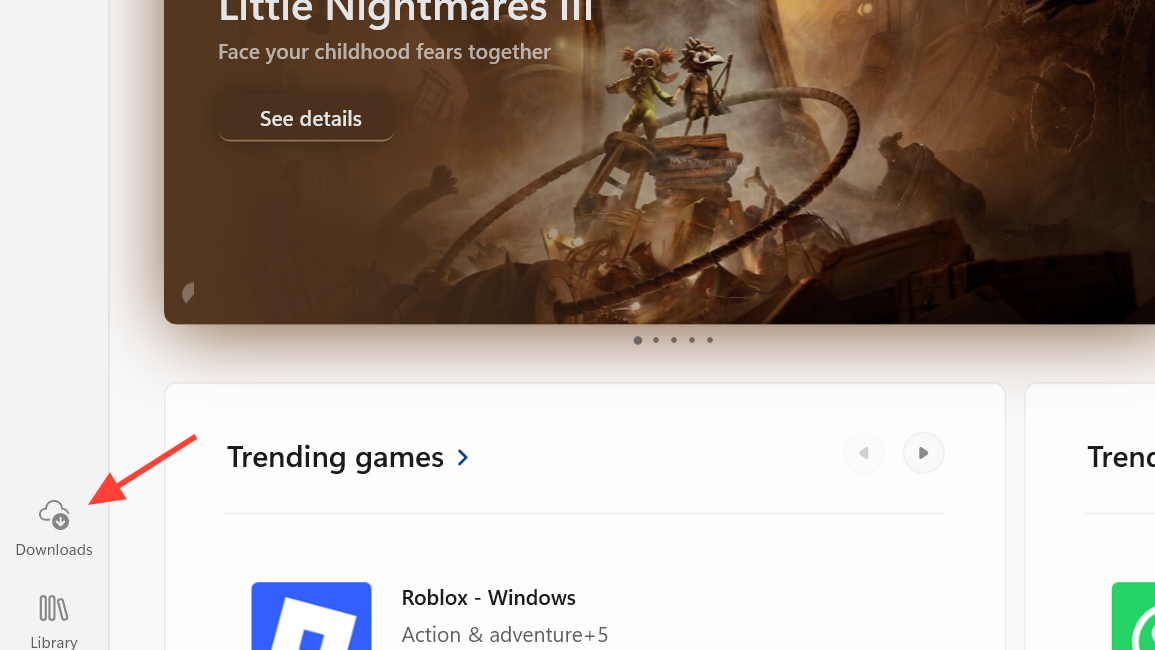
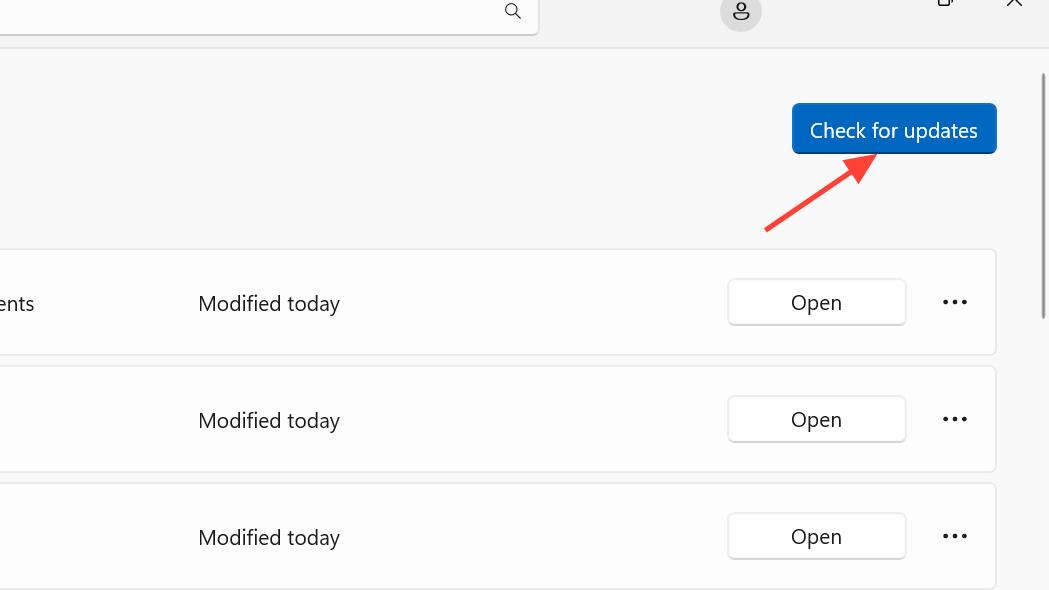
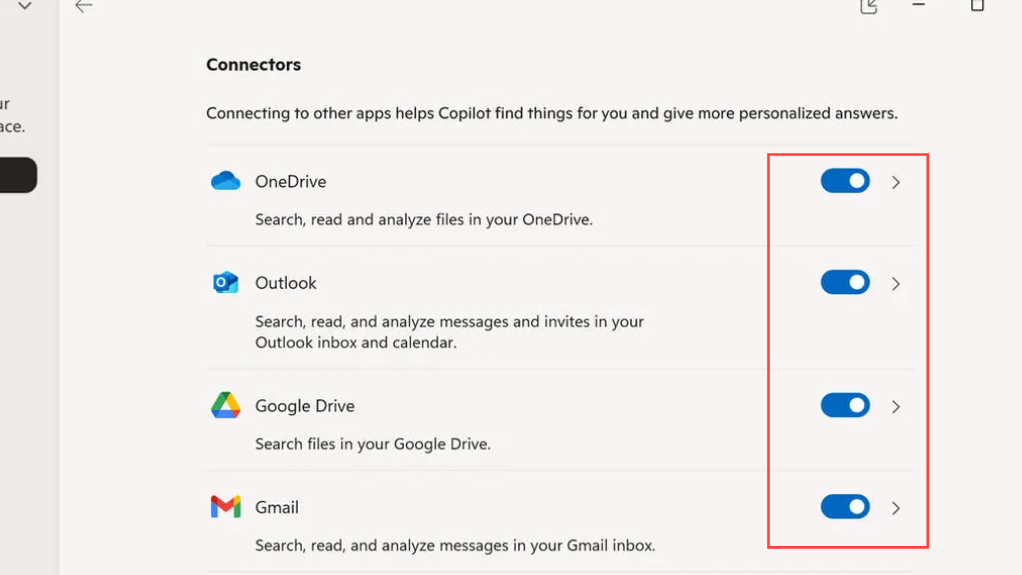
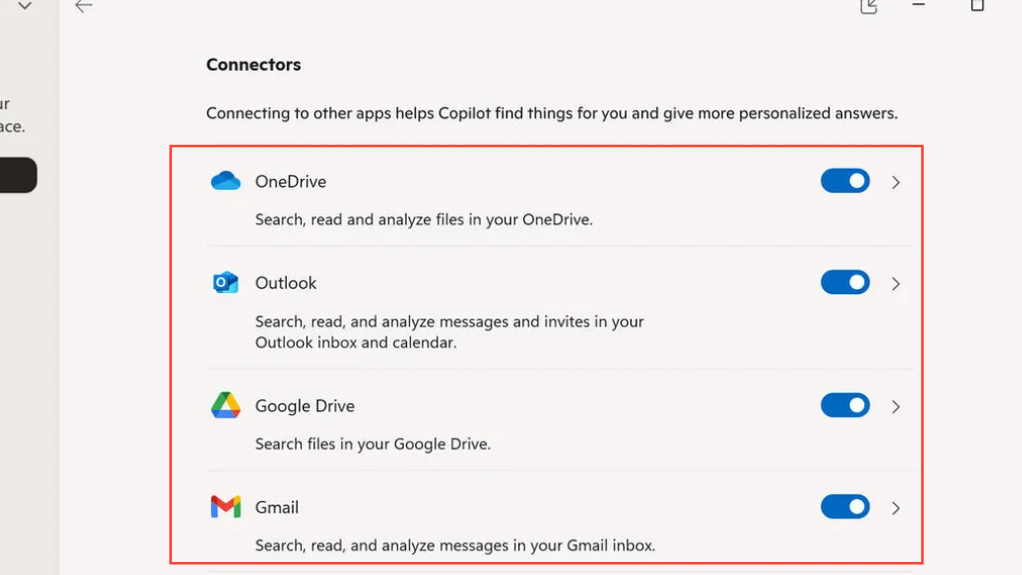
Connectors are rolling out to the Copilot app on Windows 11, initially for Windows Insiders on app version 1.25095.161.0 and later. The feature is opt-in and supports personal services including OneDrive, Outlook (email, contacts, calendar), Google Drive, Gmail, Google Calendar, and Google Contacts. If you’re in the Insider program, you can check the latest update details on the Windows Insider blog: Copilot on Windows: Connectors and Document Creation.
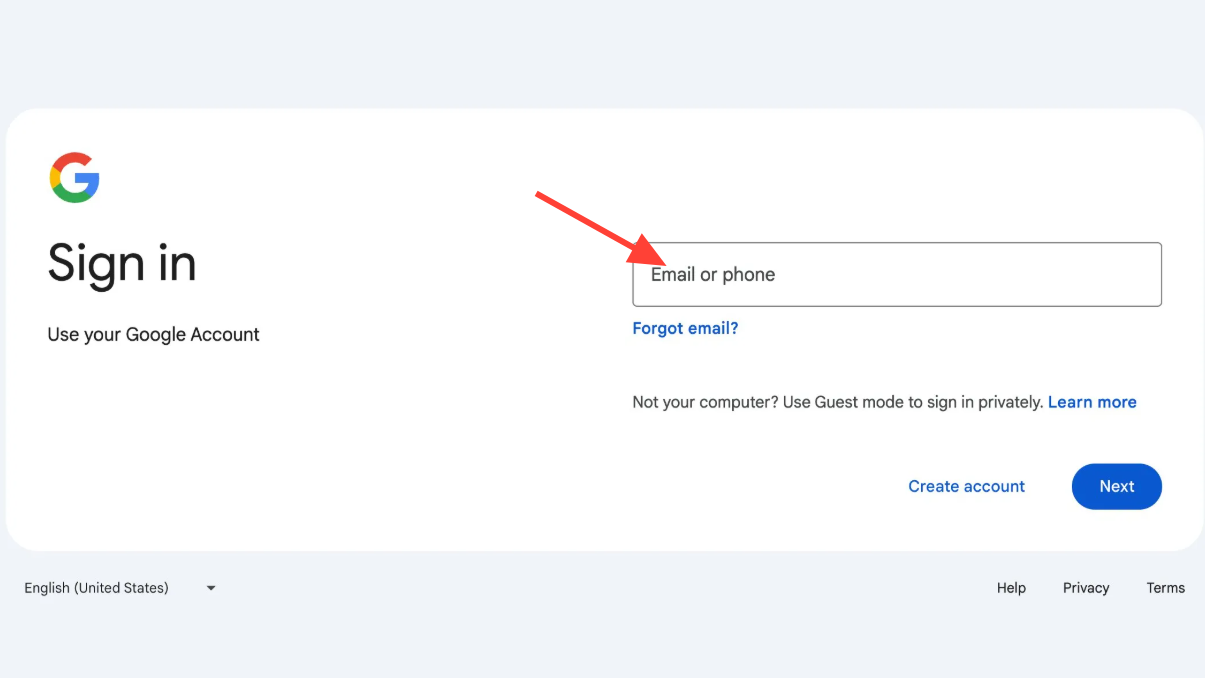
Connect Gmail, Google Drive, Calendar, and Contacts
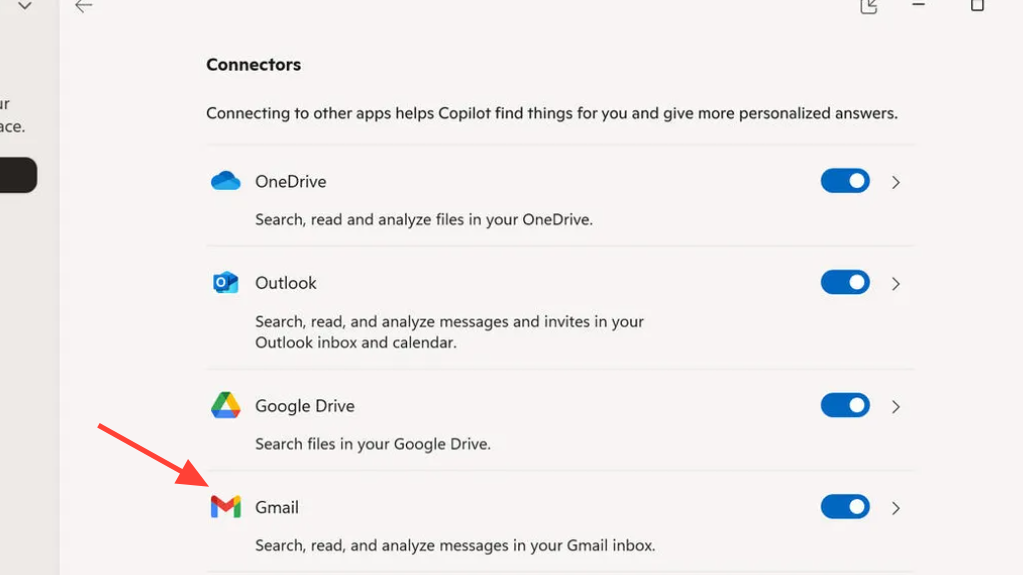
Repeat for Google Drive, Google Calendar, and Google Contacts. Link each service you want Copilot to search, so your files, events, and contacts are included in the results.
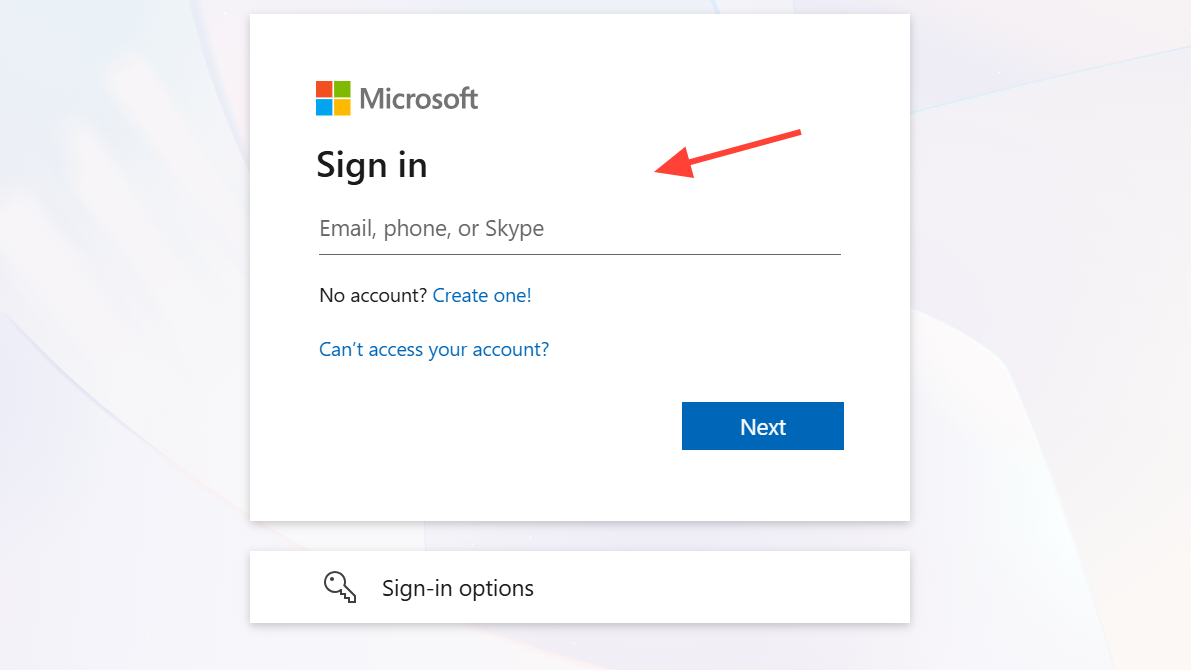
Connect OneDrive and Outlook (email, contacts, calendar)
Draft or paste the content you want to turn into a file in a Copilot chat. This can be text for a document, a table for a spreadsheet, or an outline for slides.
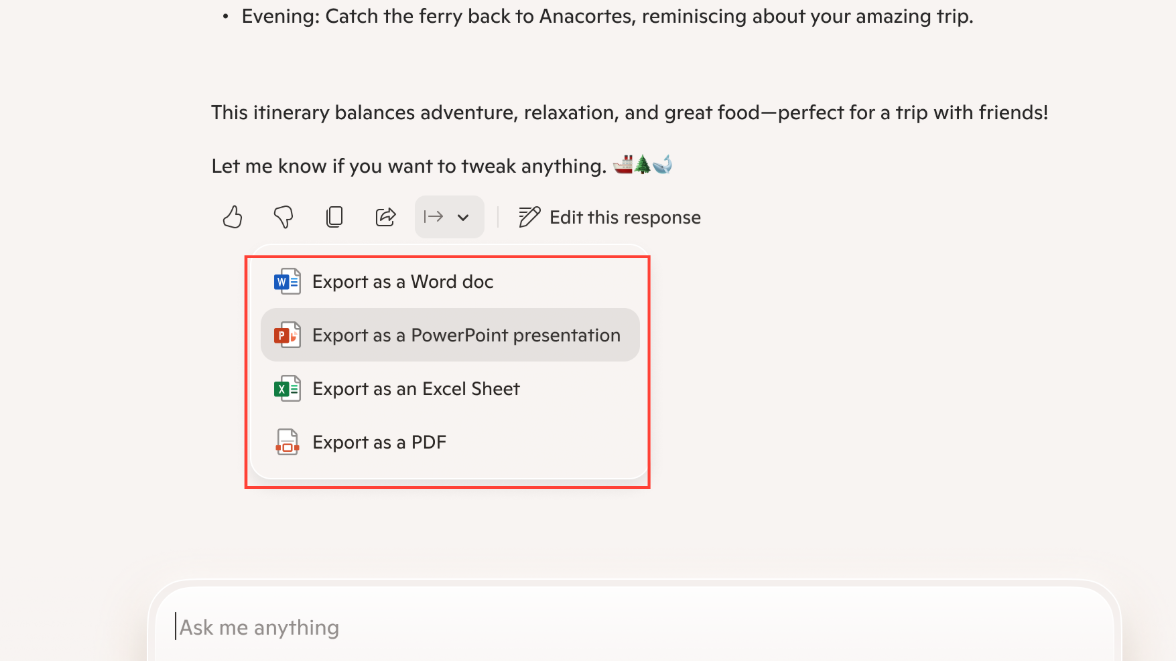
Use the export button on longer replies. When a response is roughly 600 characters or more, an export option appears to send the content directly to Word, PowerPoint, Excel, or PDF.
Repeat for additional services as needed. You can re-enable them anytime and restore access with a fresh consent.
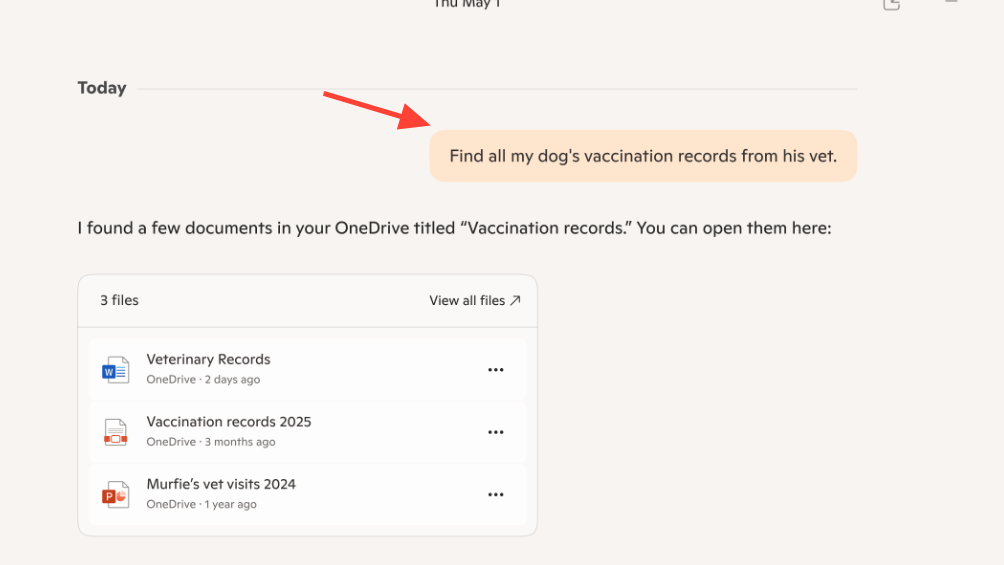
Once your accounts are linked, Copilot streamlines everyday tasks like finding messages, pulling contact details, and turning drafts into shareable files. Link only what you need, and adjust connections over time to fit your workflow.