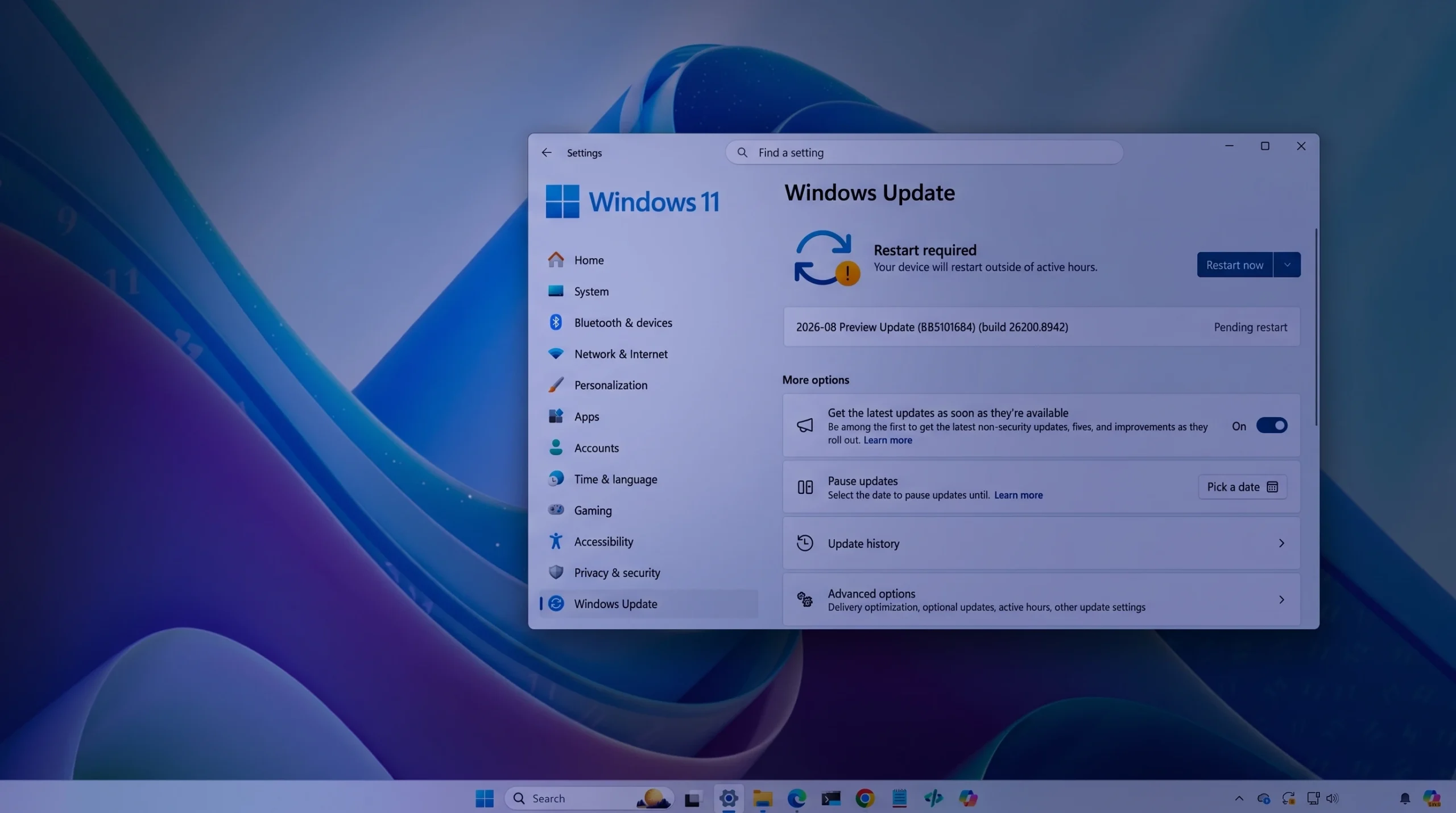
Windows 11 has a fresh non-security preview in the Release Preview Channel, landing as builds 26100.8942 (version 24H2) and 26200.8942 (version 25H2) on July 20, 2026. It bundles a wide set of interface and reliability changes, headlined by Voice Isolation for Voice Access, new precision touchpad gesture controls, and broader Windows Hello Enhanced Sign-in Security support for plug-in fingerprint readers.
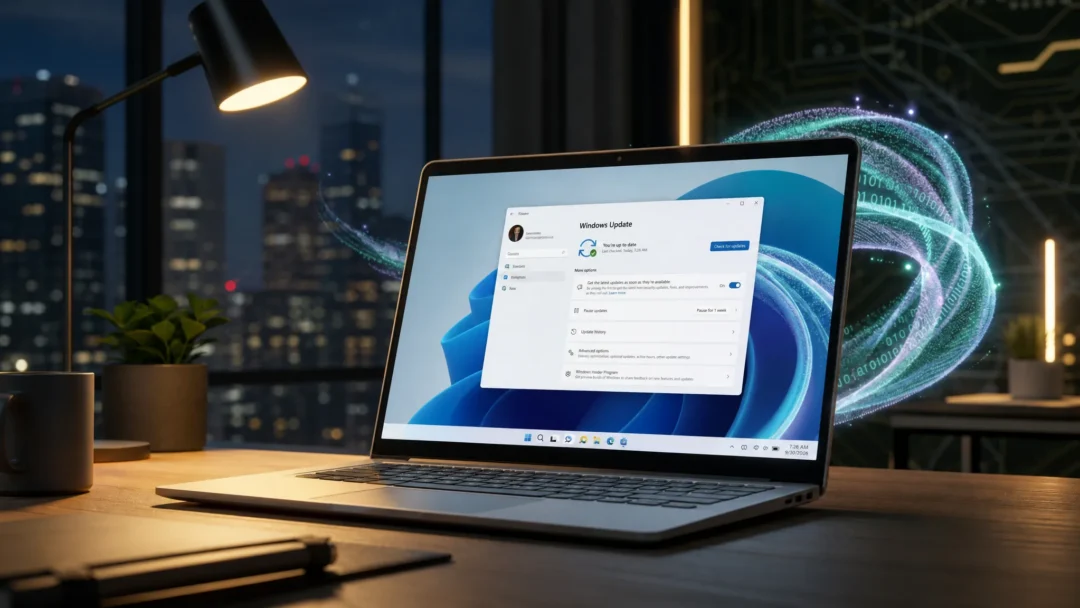
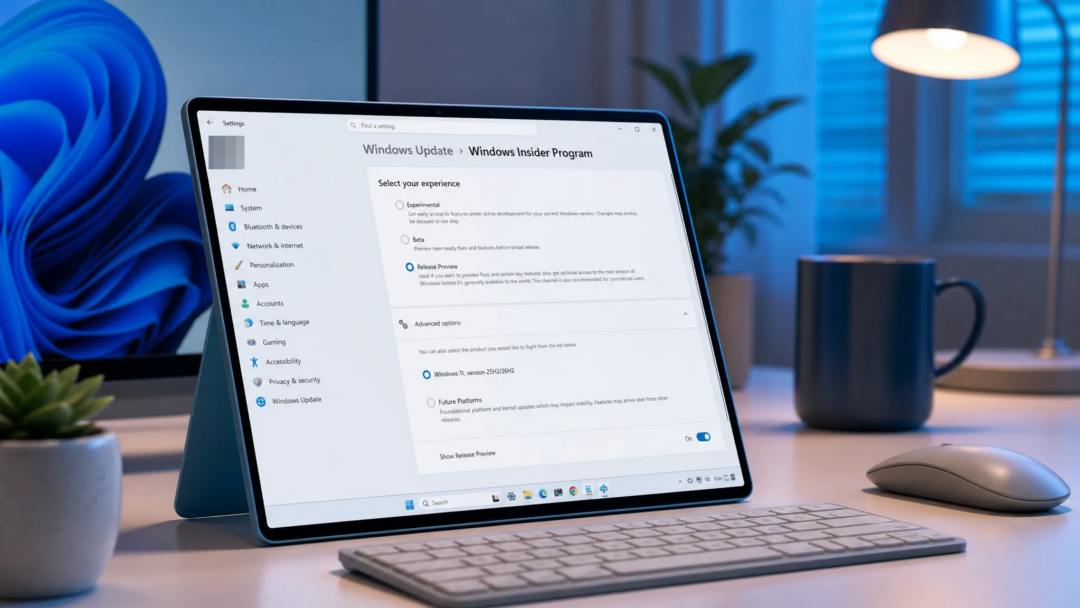
Quick answer: Builds 26100.8942 (24H2) and 26200.8942 (25H2) are non-security preview updates. Enroll a device in the Release Preview Channel, then open Settings > Windows Update and install the update. After it applies, running winver should show build 26100.8942 or 26200.8942.
How the gradual and normal rollout works
The update reaches devices through two phases. A gradual rollout delivers features in stages, so availability varies by device and not everyone sees the same changes at once. A normal rollout is the broad release that reaches all eligible devices at the same time. Most of the visible feature work here sits in the gradual rollout, while the normal rollout carries general quality improvements.
Because delivery is staged, some items listed below may not appear immediately after you install. Feature availability also varies by market.
Voice Access, Magnifier, and voice typing changes
Voice Access gains Voice Isolation, which helps it pick out your voice by cutting interference from other speakers and background noise. Three recognition modes now sit under Voice Access settings > Improve speech recognition.
| Mode | Behavior |
|---|---|
| Voice Isolation | Filters out other speakers and background noise; requires a one-time voice setup. |
| Remove background noise only | Filters non-speech sounds like typing or door slams; no extra setup. |
| No filtering | Uses default microphone input with no added processing. |
To turn on the first mode, open Voice Access settings > Improve speech recognition and select Voice Isolation. Voice Access also adds Korean language support.
On touch devices, Magnifier no longer shows the horizontal and vertical touch bars by default, so they stop covering magnified content. If you pan with touch, turn the bars back on in Settings > Accessibility > Magnifier. Separately, Fluid dictation in voice typing is now off by default for new users, with a teaching tip shown the first time the feature is used. Mouse cursor size now persists more reliably.
File Explorer and Windows Search improvements
File Explorer sizing and navigation get several practical fixes. File sizes in Details view now show KB, MB, or GB instead of only KB, so large files are easier to read. Middle-clicking a folder in the address bar or on the Home page opens it in a new tab. The Home page no longer flashes gray on load or jumps to the top in certain cases, and thumbnails in the Recommended section render more sharply.
Windows Search widens what it can find across local, cloud, and connected content, including two-character file searches. App search handles typos and partial names more accurately, and Settings results surface more relevant options higher in the list.
Windows Hello sign-in and account control
Windows Hello Enhanced Sign-in Security (ESS) now works with peripheral fingerprint sensors. That extends the secure sign-in option beyond built-in readers to desktops and other Windows 11 PCs, including Copilot+ PCs. To set it up, plug in a supported ESS fingerprint reader, open Settings > Accounts > Sign in options, and follow the enrollment prompts. This capability was first disclosed in January 2026 and is now beginning to roll out.
The Start menu account control has a refreshed design and a badge showing subscription status. Open the Start menu and select your account picture in the lower-left corner to view it. This experience is available when you are signed in with a Microsoft account.
Windows setup adds a parental controls notice that highlights available family safety features during installation.
Touchpad, Widgets, Start menu, and taskbar
Precision touchpads gain new gesture controls under Settings > Bluetooth & devices > Touchpad. You can set the baseline speed for scroll and zoom gestures, and enable accelerated scrolling that moves faster the more you repeat the gesture, which helps with long documents.
| Area | Change |
|---|---|
| Widgets | Taskbar notification badges use your Windows accent color instead of red; Weather is the only default Lock screen widget for new users. |
| Start menu | Your selected view is retained more reliably, and keyboard navigation improves when focus is on the apps list. |
| Taskbar | The system tray area loads more reliably on touch devices in a tablet posture. |
Power, battery, and Windows Update
Global power settings now apply consistently. Changes to display, sleep, hibernate timeouts, power and sleep button actions, and lid-close actions made in Settings are applied to all power plans, so your preferences stay in sync. You can again set a threshold for when Energy saver turns on under Settings > System > Power & battery.
Windows Update calculates install progress more accurately in Settings, and revised clean-up logic aims to improve system performance right after an update finishes.
Fonts, date and time, network, print, and clipboard fixes
| Area | Fix |
|---|---|
| Fonts | Restores Unicode variation sequences in Myanmar Text; improves character shaping for Mongolian Baiti. |
| Date and time | Better detection for time zone change notifications; updated DST data for Beirut, Casablanca, Jerusalem, and Nuuk. |
| Network | More reliable DHCP renewals, especially after NACKs and on Modern Standby devices. |
| Faster print speed (pages per minute) for IPPS printers. | |
| Clipboard | More reliable clipboard in some Remote Desktop and Azure Virtual Desktop scenarios. |
| Sounds | Improved system sounds when using dark mode. |
| AI Component | Lets you remove the Image Generation AI component on supported Copilot+ PCs where it is installed. |
Several general reliability fixes are included as well. These improve explorer.exe stability when opening jump lists and recent files, sharing files and folders, and using Task View and multiple desktops. Sign-in and lock screens hold up better when system memory is low, and the Start menu and taskbar load more reliably during startup.
How to install and confirm the build
winver, and press Enter. Version 24H2 devices should report build 26100.8942, and version 25H2 devices should report build 26200.8942.Because delivery is staged, individual features may take time to show up even after the build number updates. If a specific item is missing, it is likely still rolling out to your device rather than failing to install.