Windows 11, version 26H2, is the next annual feature update, and it is not a full operating system swap. It shares the same servicing branch as 24H2 and 25H2, so for most managed and home devices it arrives as a tiny enablement package that flips the version number after one restart. The catch is that the delivery method changes completely depending on the version a machine runs today.
Quick answer: If your PC runs 24H2 or 25H2, 26H2 installs as a ~174 KB enablement package with a single restart and moves the build to 26300. If it runs 23H2 or older, or Windows 10, you get the full ~6.5 GB feature-update path. Devices on 26H1 sit on a separate core branch and do not roll forward through the standard enablement package.
What the enablement package actually does
An enablement package (eKB) is a small switch that turns on features already delivered to the device through monthly cumulative updates but kept dormant. Because 24H2, 25H2, and 26H2 use the same underlying source code, security updates, and testing baseline, the eKB simply changes the version and build number without a multi-gigabyte download or a long offline install phase.
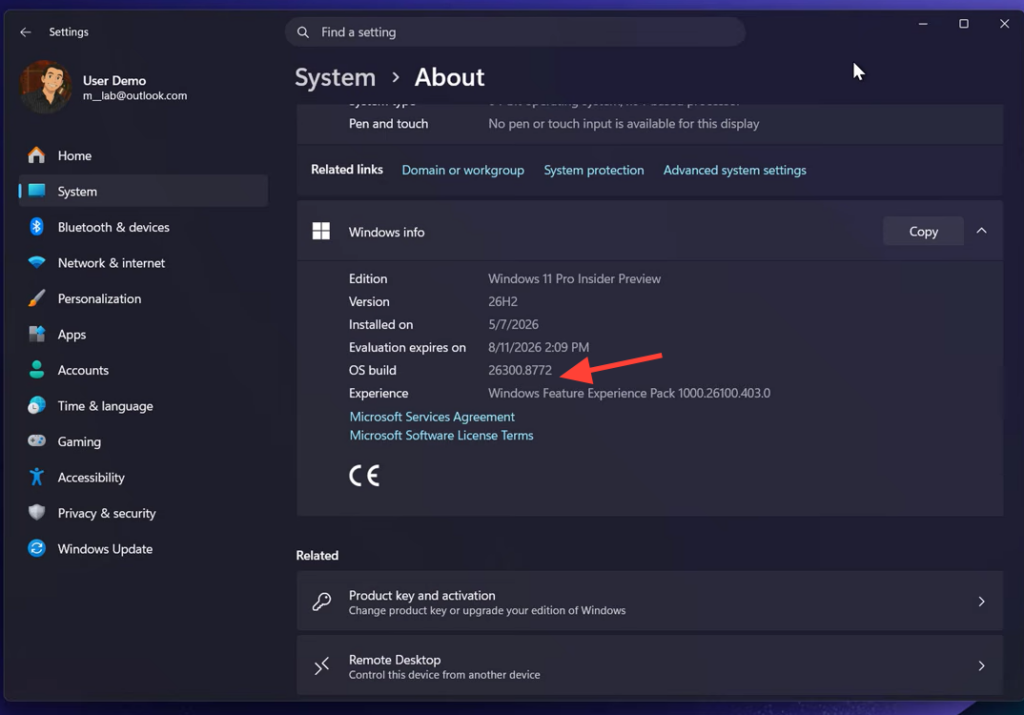
Once installed, 26H2 reports build numbers in the 26300 series, while 25H2 stays on 26200. Both versions typically receive the same cumulative update (KB) number because they carry the same code, so 26H2 does not introduce a separate feature set at launch. It activates a new version number while preserving the experience you already have. Microsoft has confirmed the update in its Windows IT Pro blog announcement and has not announced any changes to Windows 11’s hardware requirements for this release.
Upgrade paths by current version
The path a device takes to 26H2 depends entirely on where it sits right now. The table below shows what to expect for each starting point.
| Current version | Path to 26H2 | Download size / restart |
|---|---|---|
| Windows 11 24H2 or 25H2 | Direct enablement package | ~174 KB, one restart |
| Windows 11 23H2 and older | Full feature-update media (different servicing branch) | ~6.5 GB, full upgrade experience |
| Windows 11 26H1 | Separate core branch, no standard eKB roll-forward | Requires a different route |
| Windows 10 | Full upgrade or device replacement | Full upgrade path |
For most fleets, the 24H2/25H2 group is the easy majority. The devices that create work are the long tail on 23H2 and older, or on Windows 10, which cannot take the shortcut. If you have any 26H1 machines from specialized or Insider scenarios, flag them separately because they will not follow the standard enablement path.
Prepare the long tail before the enablement package
The single most useful action before general availability is an inventory split by operating system version. Anything already on 24H2 or 25H2 is ready for the one-restart enablement package. Anything else needs handling first so 26H2 becomes a quick switch rather than a large project.
Installing 26H2 on a single PC
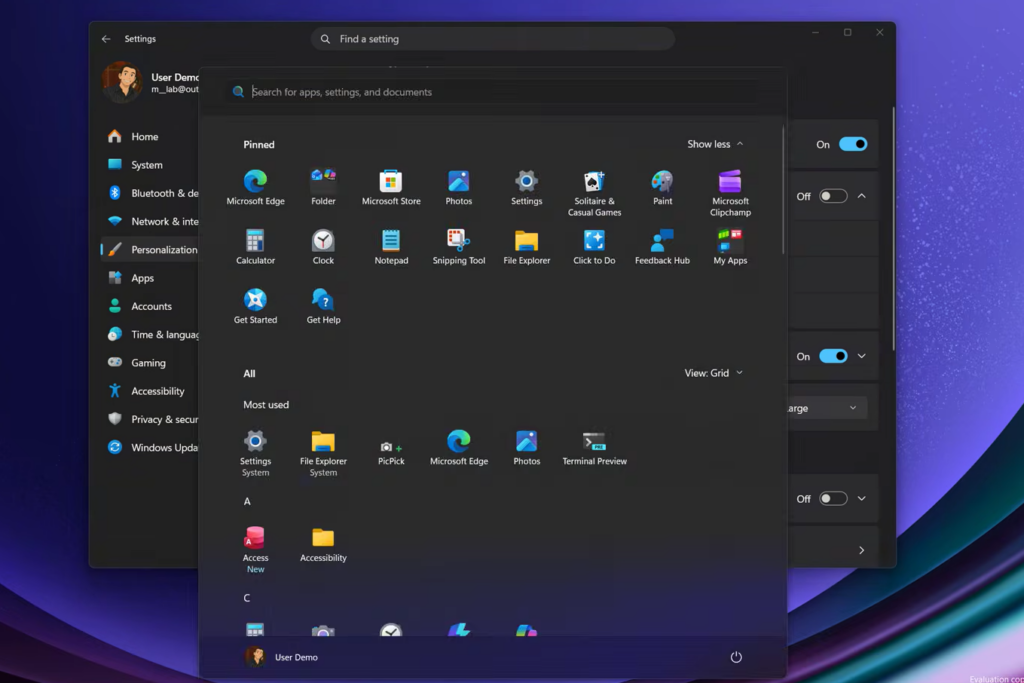
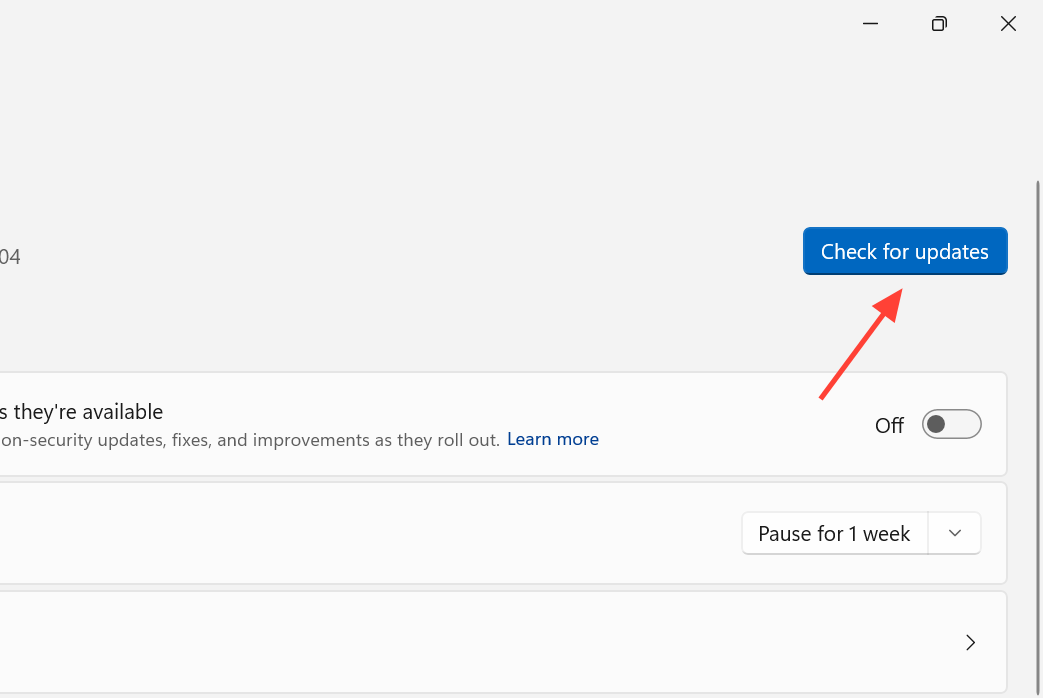
On an individual device already running 25H2 or 24H2, the enablement package behaves much like a regular monthly cumulative update. Microsoft is expected to offer it as an optional install at first, then push it automatically to eligible devices as 25H2 nears the end of its support lifecycle.
If 26H2 does not yet appear in Windows Update, wait for the official rollout rather than forcing an unofficial ISO. General availability is expected in the fall of 2026, in line with previous H2 releases; no exact date has been confirmed.
Rolling out 26H2 with Autopatch or Intune
For managed estates, 26H2 appears in the feature update flow like any other release, and because the payload is small, distribution can finish in a day rather than weeks. Windows Autopatch splits devices into deployment rings named Test, First, Fast, and Last. If you do not define extra rings, Test acts as your pilot and Last as production, and releases flow through the rings in order.
Autopatch watches device telemetry throughout the rollout. If failure or compatibility signals spike, it can automatically pause progression to the next ring, and you keep Pause, Resume, and Rollback for feature updates directly from Intune. Keep the pilot ring small but representative, mixing hardware models, key line-of-business apps, and a few power users who will report friction. The value of a pilot is the soak window, not the download time, so give each ring a real bake period even though the eKB is tiny.
If you are not on Autopatch, the same staged model works with Intune Feature Update profiles plus Update Rings. You target 26H2 as the feature update version and stagger deferrals manually. You lose the automatic ring progression and telemetry-driven pause, but the phased approach is the same.
Confirming the upgrade landed
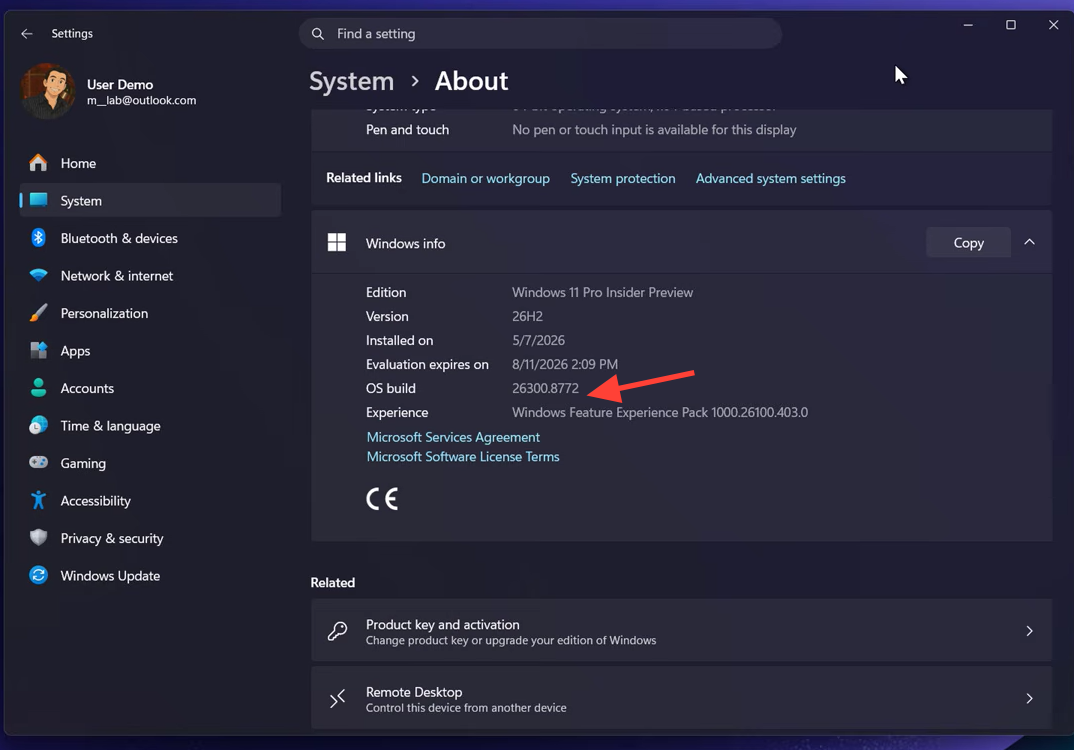
The clearest signal that 26H2 installed is the build number. A device on 26H2 reports build 26300; if it still shows 26200, it is on 25H2. For a single machine, check Settings and confirm the version reads 26H2 after the restart.
Across a fleet, track the count of devices reporting build 26300 over time as your single “percentage on 26H2” figure, and watch the curve per ring rather than only the total. The Reports section in Intune gives you two Autopatch reports for ring-level rollout status and update health, plus a Windows Updates report and readiness reporting that show which devices are eligible or blocked. Keep your Autopatch admin contacts current so proactive alerts reach you instead of sitting in a dashboard. Set your exit criteria before you start, for example a pilot ring above 95% success with no unresolved severity-one app issues for a fixed number of days before promoting the next ring.
Support lifecycle for 26H2
How long 26H2 stays supported depends on the edition, which can affect whether you treat it as a move-now or a this-fall decision for a given group of devices.
| Edition | Support length |
|---|---|
| Enterprise, Education, IoT Enterprise, Enterprise multi-session | 36 months |
| Home, Pro, Pro Education, Pro for Workstations | 24 months (running to roughly October 2028) |
The practical takeaway is simple. For devices already on a current branch, 26H2 is an approval and a single restart, not a migration. Spend the real effort on the long tail, the 23H2-and-older and Windows 10 machines that need a full upgrade first, and on a disciplined pilot-to-production cadence. Handle those correctly and the enablement package itself becomes the smallest part of the job.