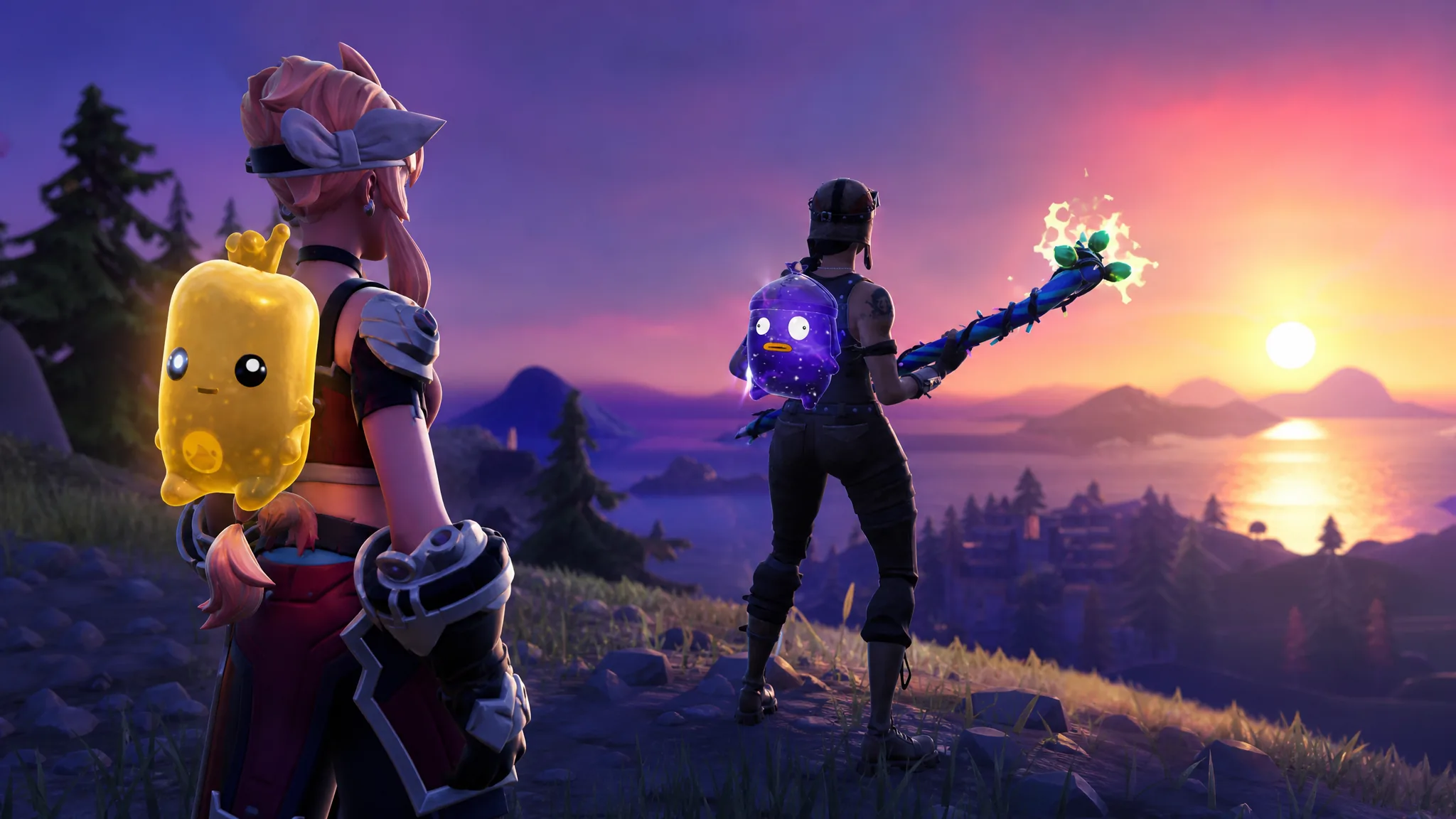
Sprites are the centerpiece of Fortnite Chapter 7 Season 3, and keeping track of which ones you own gets messy fast. There are 16 base Sprites and 61 released variant rows, spread across Normal, Gold, Gummy, and Galaxy forms, so screenshots and memory stop working after a few matches. A dedicated Sprite Checklist fixes that by turning your locker into a single grid you can mark, read, and hand to a friend.
Quick answer: Open spritelocker.com, tap each Sprite you have extracted to mark it collected, then use Export Image, Share link, or Copy for Discord to send your exact collection to friends for comparing and trading.
What the Sprite Checklist does
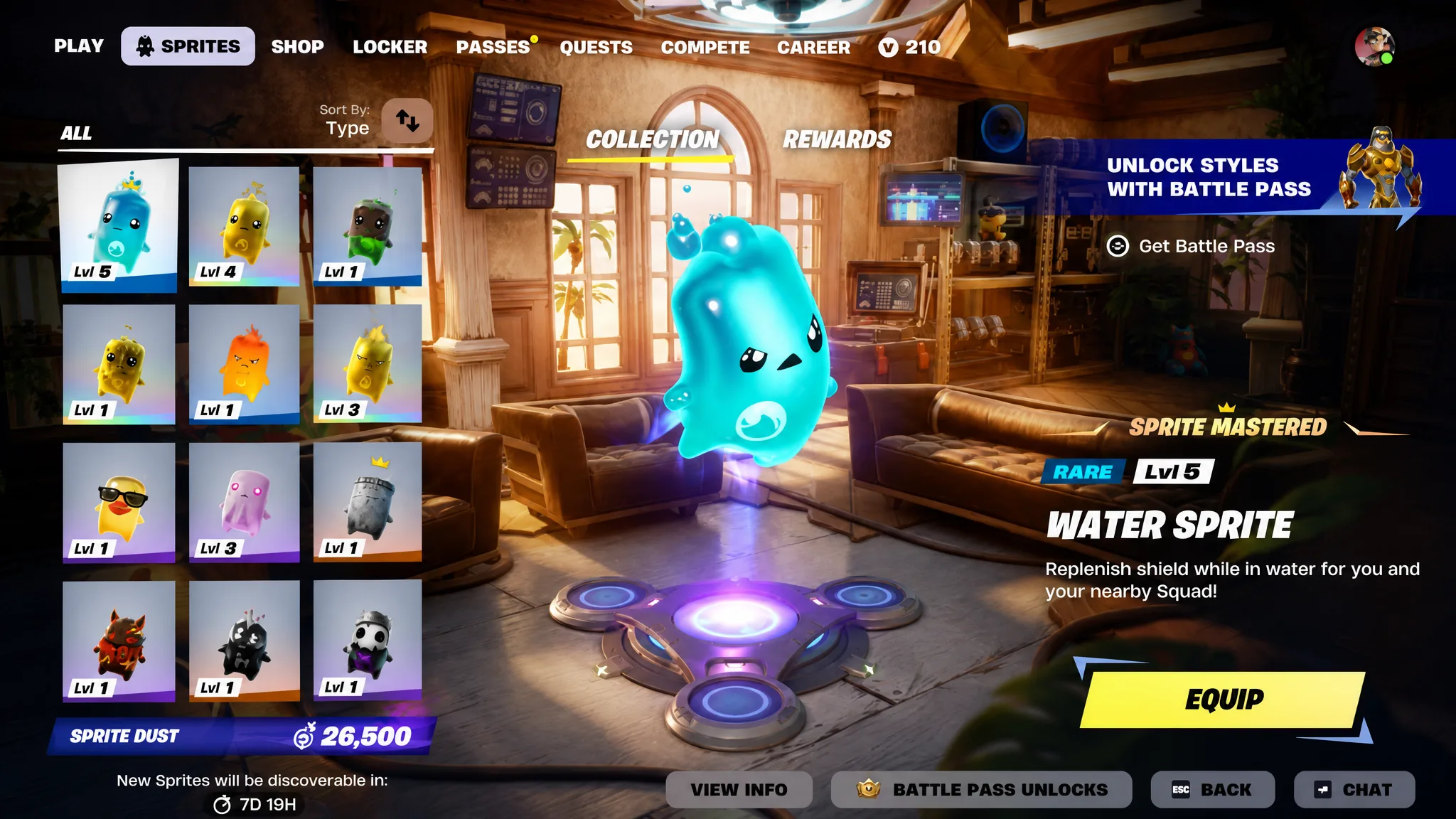
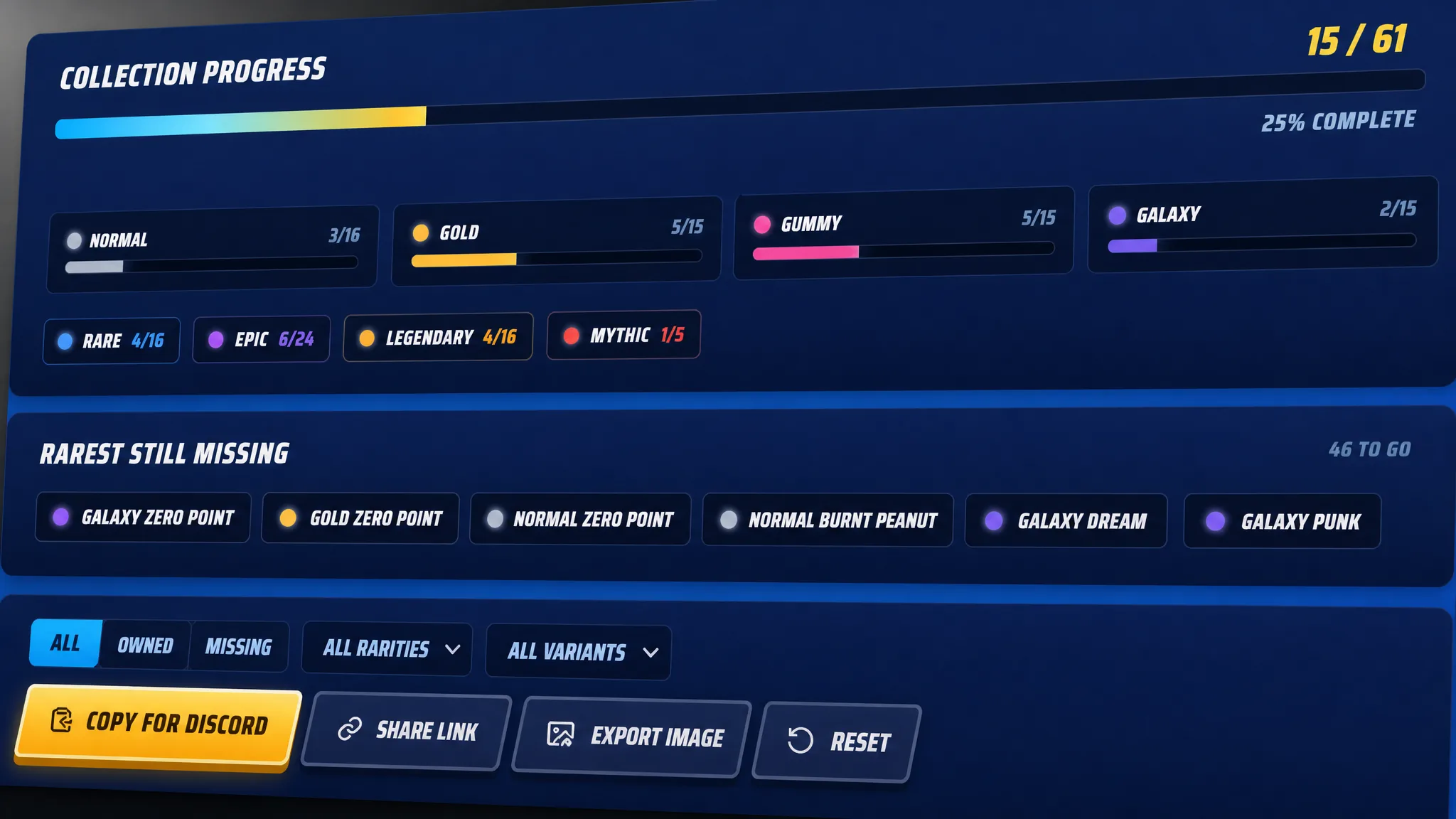
The Sprite Checklist is a free browser tool that records every Sprite and variant you have unlocked. It saves your progress locally, needs no account, and shows two things at a glance: your Collection count and your Mastery count. Collection tracks each variant you have extracted, while Mastery tracks the Sprites you have leveled to 5 and officially mastered.
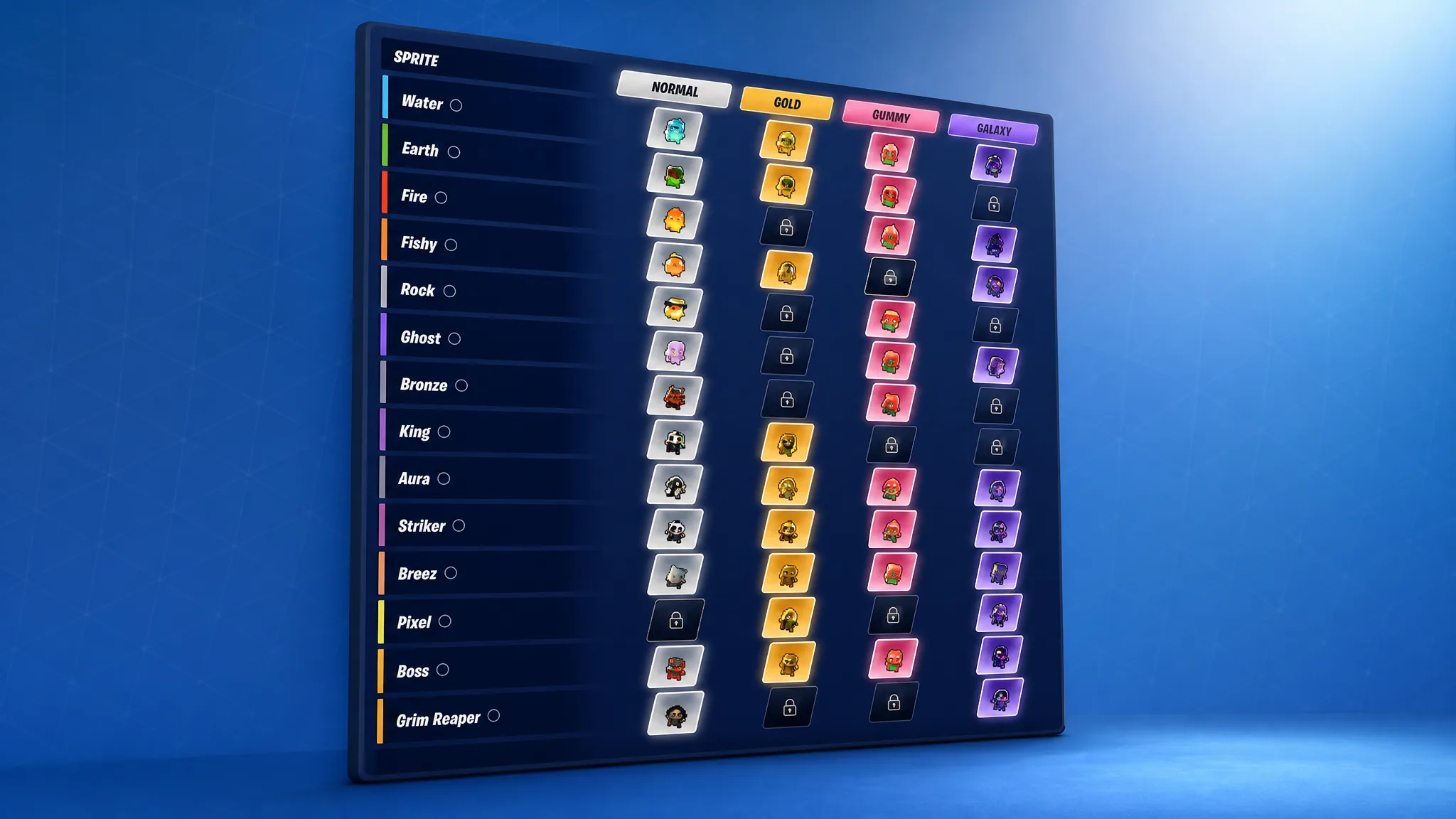
Because a single Sprite like Water appears as Normal, Gold, Gummy, and Galaxy, and each of those is its own unlock, the checklist treats every variant as a separate row. When a family reaches 4/4 it is complete, and at 2/4 you can instantly see whether the missing piece is the base Sprite or one of the colored variants.
Mark your Sprite collection
Share your Sprite collection with friends
Once your collection is marked, sharing takes seconds and is built for trading. The tool gives you several ways to hand your progress to another player without changing your own saved tracker.
| Option | What it produces | Best for |
|---|---|---|
| Share link | A URL that carries your checked Sprite keys | Letting a friend open your exact collection state |
| Export image | A visual summary with your count and missing list | Posting a progress snapshot or comparing lockers |
| Copy for Discord | Plain text of your progress and missing Sprites | Pasting into a Discord trade channel |
| Copy Reddit post | A ready caption for a Reddit thread | Finding trade partners on Reddit |
| Backup code | A short progress code you can save or import | Moving your list to another device |
For trading, the share link is the most useful option. When a friend opens it, they see the same collection you are tracking, so both of you can line up which variants each side needs and swap accordingly. The text options are more accurate for exact missing lists, while the export image is cleaner for a quick post.
Note: A share link opens your collection in someone else’s browser without overwriting their own saved tracker, so you can send it freely.
Pick your next Sprite to chase
The Next to chase panel gives every run a target based on how you play. It reads your marked progress and points you at one of three goals, which matters because a Sprite is gone if you are eliminated before extracting it.
- Rarest missing surfaces the hardest Sprite left by listed drop chance, currently the Galaxy Grim Reaper Sprite.
- Closest set shows the variant family you can finish fastest, so you complete a full row instead of chasing random pulls.
- Easiest missing points to the missing Sprite with the highest listed chance, ideal for steady progress.
As you mark Sprites, the tool also updates the amount of Sprite Dust needed to re-summon them. That gives you a clear sense of what is at stake if a risky run ends before you reach an Extraction Site or use a Portable Extractor.
Save and back up your progress
Your checklist is stored in your browser’s local storage, not on an account. That keeps it private and instant, but it also means progress is tied to the device and browser you use. Clearing browser data, switching devices, or using private browsing can wipe the saved list.
To protect a long update session, copy your missing list or grab the backup code before you switch devices. Importing that code on a phone, tablet, or desktop restores the same collection without any sign-in.
What the checklist cannot do
Two limits are worth knowing before you rely on it. The checklist is a third-party website, so you cannot open it inside Fortnite itself. It also only records what you own, so it cannot grant, unlock, or transfer Sprites into your game. Every Sprite still has to be found and extracted in a match.
Used the right way, though, the checklist does the one job the in-game system does poorly. It keeps your full collection, your missing variants, and your next target in a single place, and it turns that progress into something a friend can open in one tap when it is time to trade.