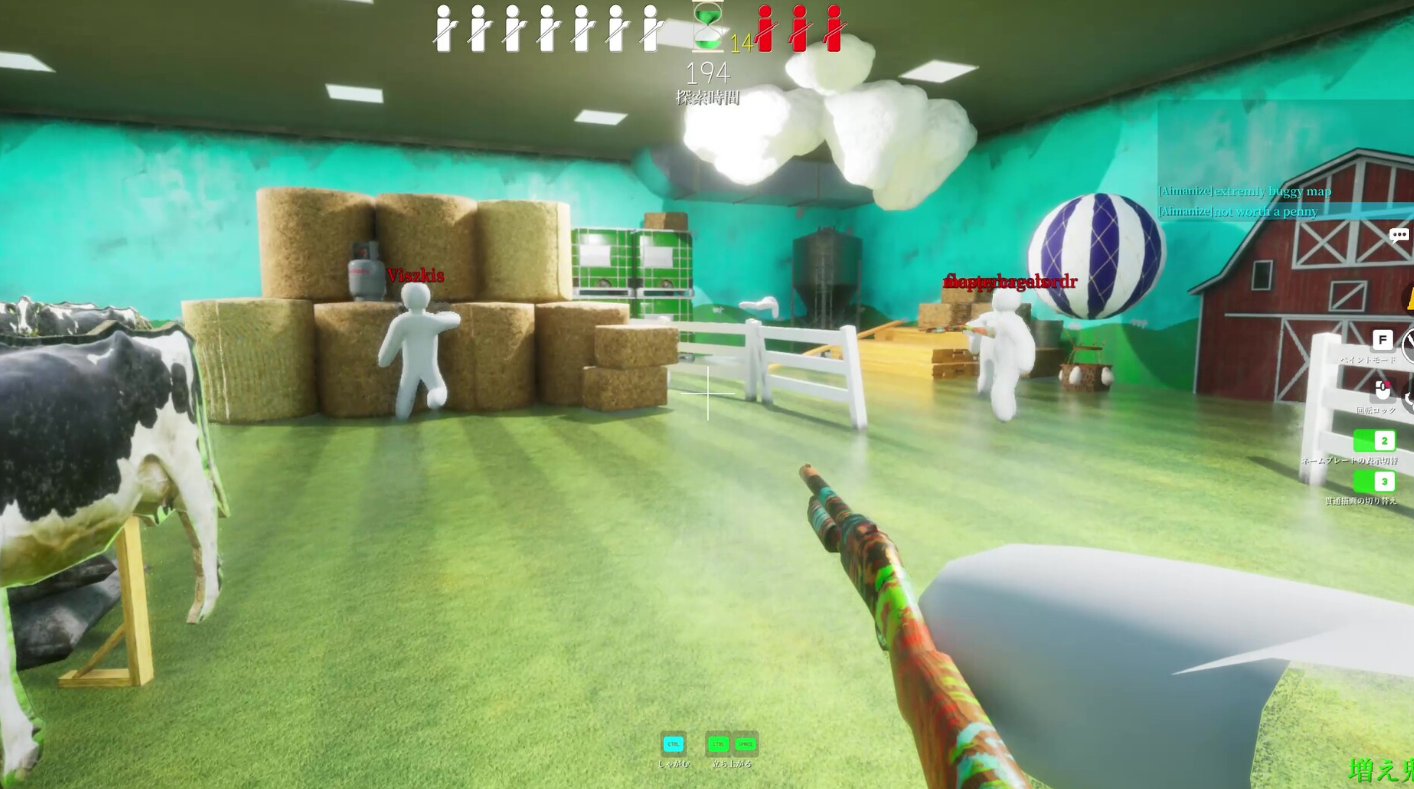
In Meccha Chameleon, the Q key drops a clone of your character. It duplicates your body exactly as you have painted and posed it, then leaves you free to run somewhere else and set up a second disguise. The clone system landed as a permanent feature across every mode, and you cannot switch it off in the lobby, so it now shapes how each round plays.
Quick answer: Press Q to place a clone of your current paint and pose. You can have your main body plus two clones active, with a 30 second cooldown between placements. Press X to instantly delete every clone before a hunter shoots one.
What pressing Q does
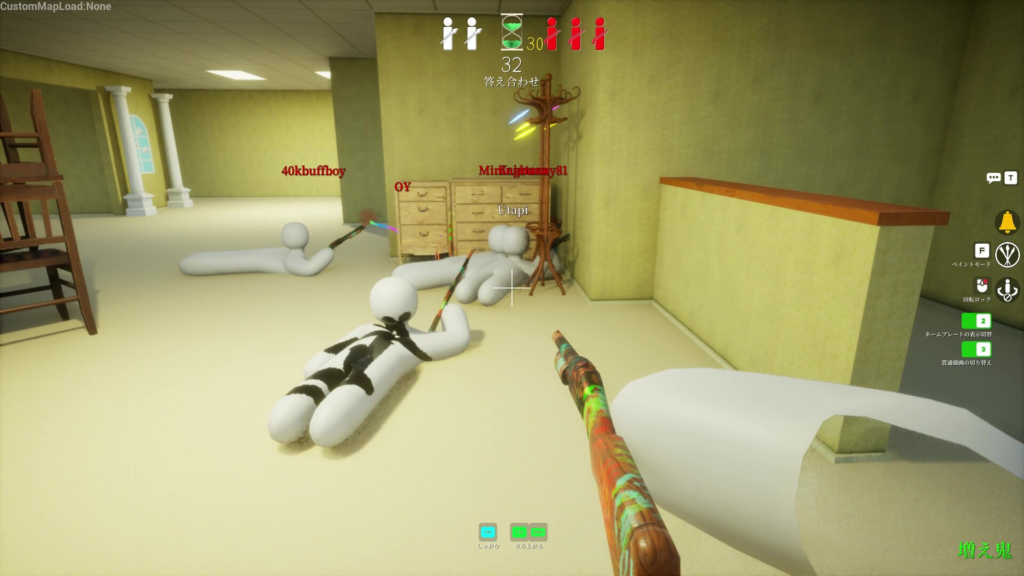
Once your paint and pose are locked in, pressing Q copies your character in place. The clone keeps the exact colors, patterns, and pose you set. After it appears, you can move to another corner of the room, repaint, and hide your real body somewhere new.
You are limited to three characters at any one time. That means your actual body and up to two clones, not an endless stream of decoys. Because setting up several separate hiding spots burns through the prep timer, it helps to ask the lobby host to raise the hunter wait time in the settings menu.
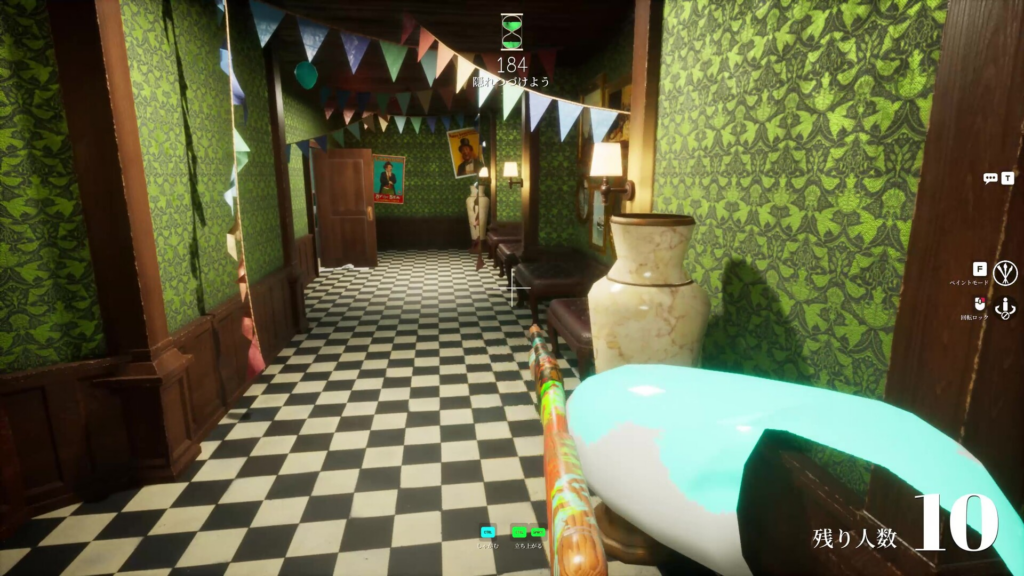
Each clone runs on a 30 second cooldown. Two green diamonds at the bottom of the HUD track this. The left diamond follows your first clone and the right diamond follows your second, so you can see when the next placement is ready.
Clones share your health, so a shot decoy ends your round
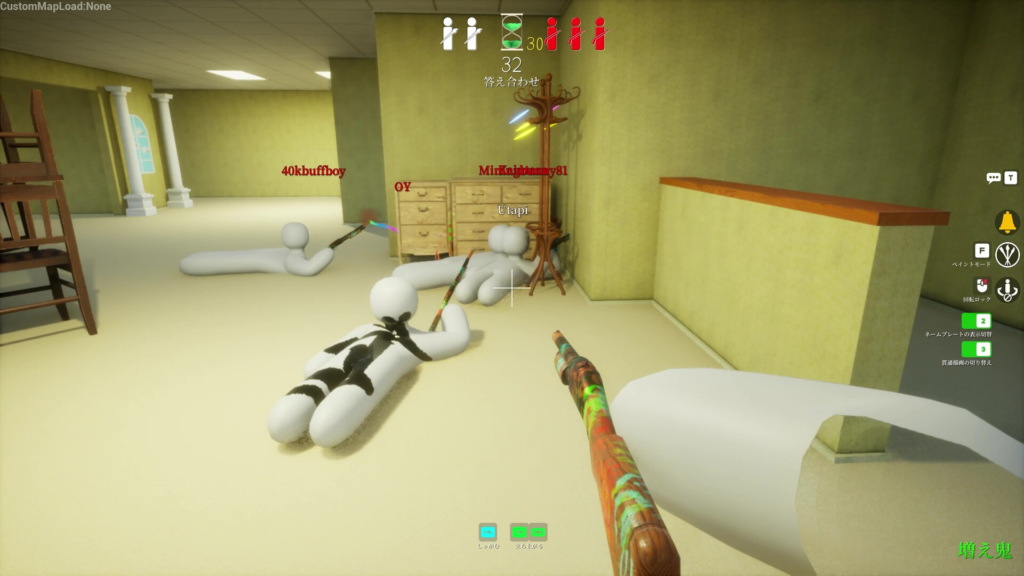
Clones are not harmless illusions. They are tied directly to your health pool. If a hunter finds and shoots any clone, you are eliminated from the round, exactly as if they had shot your real body. A sloppy decoy left in the open is effectively a second way to lose.
The counter to this is the X key. Pressing X instantly deletes every clone you have placed. Keep a finger near it during the hunt phase. If a hunter starts lingering on one of your decoys, remove it before they take the shot.
Note: You cannot press X while you are in free camera mode. If you are flying around with the 5 key to watch the hunters, you have to leave that view first before you can delete your clones. Be ready to snap back to your body when things get risky.
Q and X key summary
| Key | What it does | Limits |
|---|---|---|
| Q | Places a clone of your current paint and pose | Max two clones (three characters total); 30 second cooldown |
| X | Instantly deletes all active clones | Cannot be used in free camera mode |
Clone physics: stacking and floating
Clones behave differently from your normal body around solid objects. Pushing your real character into a prop usually triggers a bright red warning that ruins the disguise. Clones are the exception. You can walk your body straight into your own clones with no warning at all, which lets you stack several together to build bulky, odd shapes or mimic larger furniture.
Clones also ignore gravity. Jump into the air and press Q at the top of the jump, and the clone freezes there in mid-air. Floating clones work well as distractions in high corners that hunters rarely check.
How Q behaves in Double mode
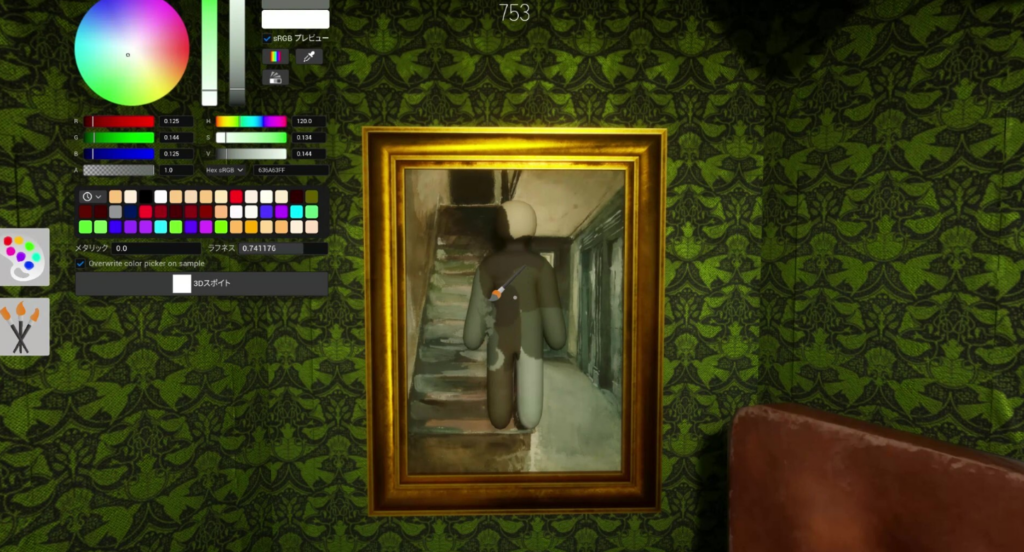
Double mode has everyone hunt at the same time after the prep phase, and clones raise the stakes. Every decoy you place is another target the lobby can shoot. A hunter only needs to find one version of you to score the kill, and the moment that happens your remaining clones vanish.
One more detail carries across modes. During the final answer check at the end of a round, the game highlights the very last character you placed down, regardless of which mode you are playing. Plan your final placement with that reveal in mind.
Used with care, Q turns one hider into three moving targets and racks up missed spot points. Used carelessly, it leaves an unguarded copy of you sitting in plain sight. Keep X ready, watch the two diamond timers, and never let a clone stay exposed longer than it needs to be.