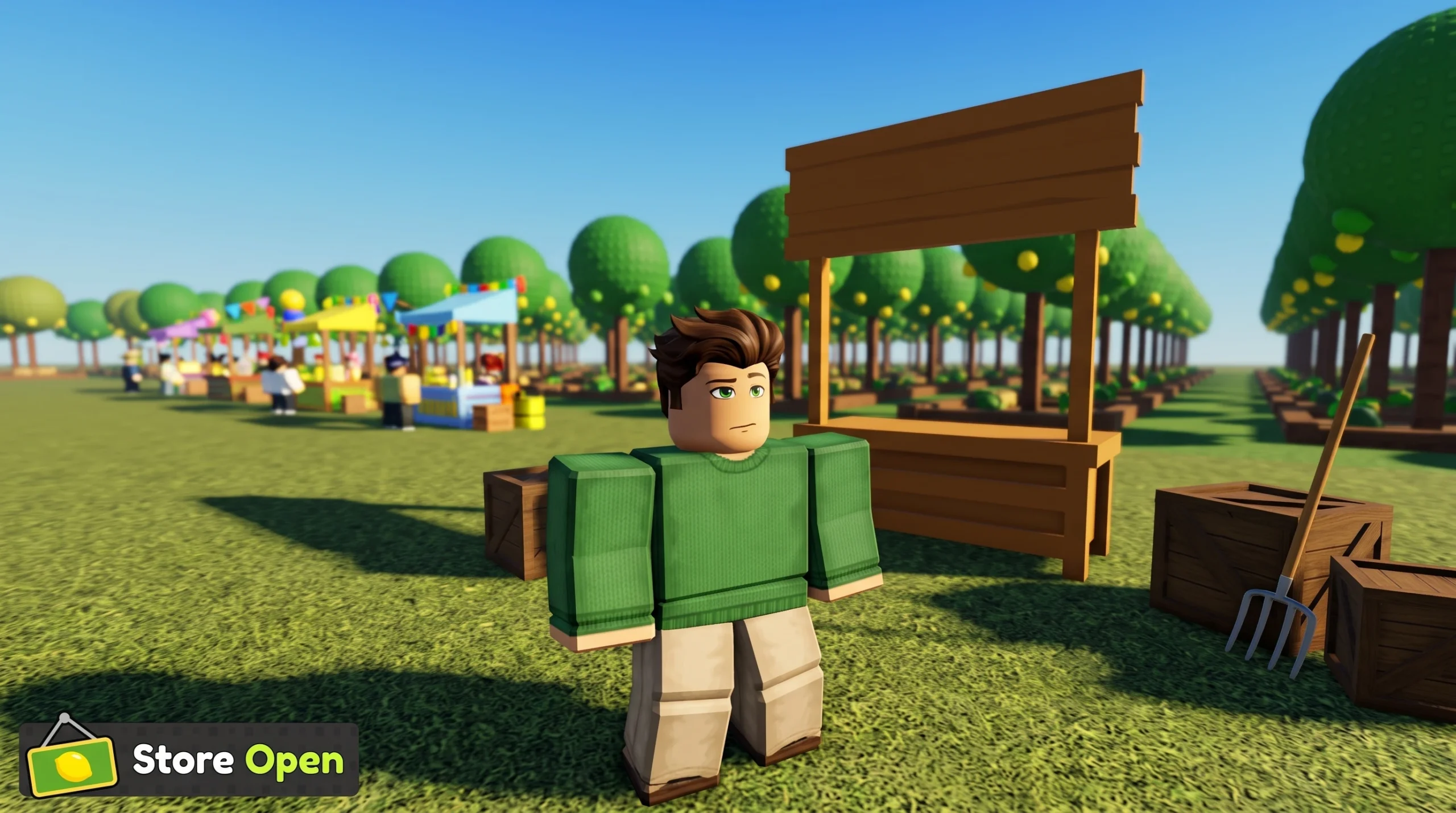
Decorations became a real feature in Sell Lemons only after the Orchard Update. Before that, the lemonade tycoon had no orchard to decorate, which is why players searching for a decoration shop kept coming up empty. The BloxByte Games tycoon now includes an orchard system where placing decorations is a core part of the loop.
Quick answer: Decorations arrived with the Orchard Update (v1.1.0) on July 3, 2026. Update the game to v1.1.0, unlock the orchard, and buy decorations there to fill it out. There are no standalone orchard decorations in older builds.
Why decorations were missing before the Orchard Update
At launch on May 16, 2026, Sell Lemons shipped as an incremental tycoon built around income tiers, rebirth, and prestige. It did not include a dedicated decoration system for an orchard because the orchard itself did not exist yet. The word “decorations” in the base tycoon refers to structure pieces such as roofs, walls, and fences that act as progression gates, not cosmetic items you freely place.
So if you were looking for a decorations menu and found nothing, you were most likely on a version before v1.1.0. The buyable, place-anywhere decorations are tied to the orchard content that BloxByte Games added on July 3.
What the Orchard Update (v1.1.0) added
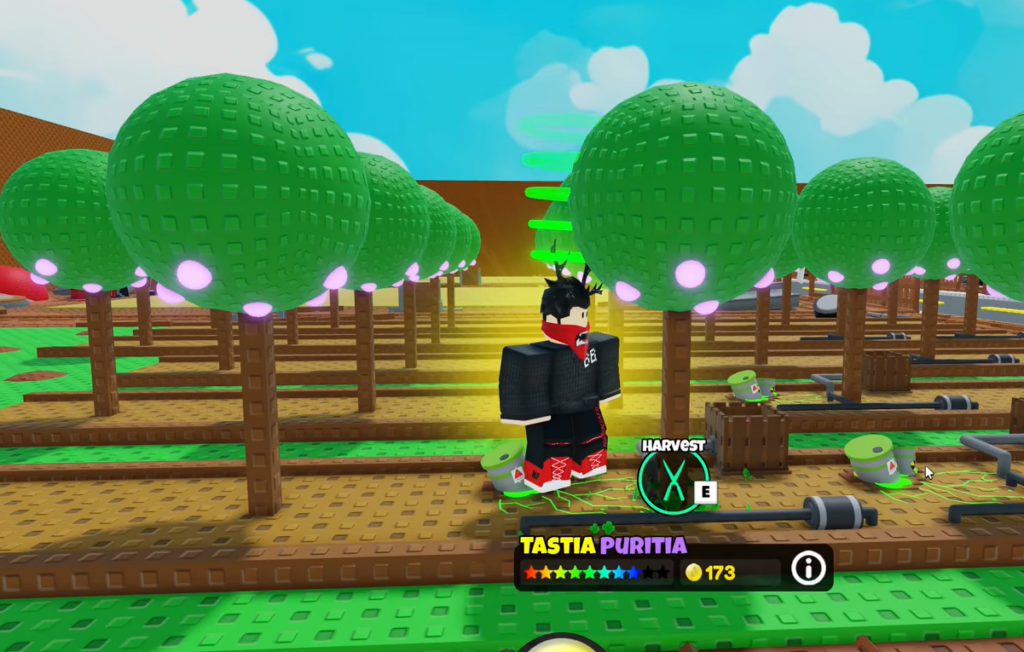
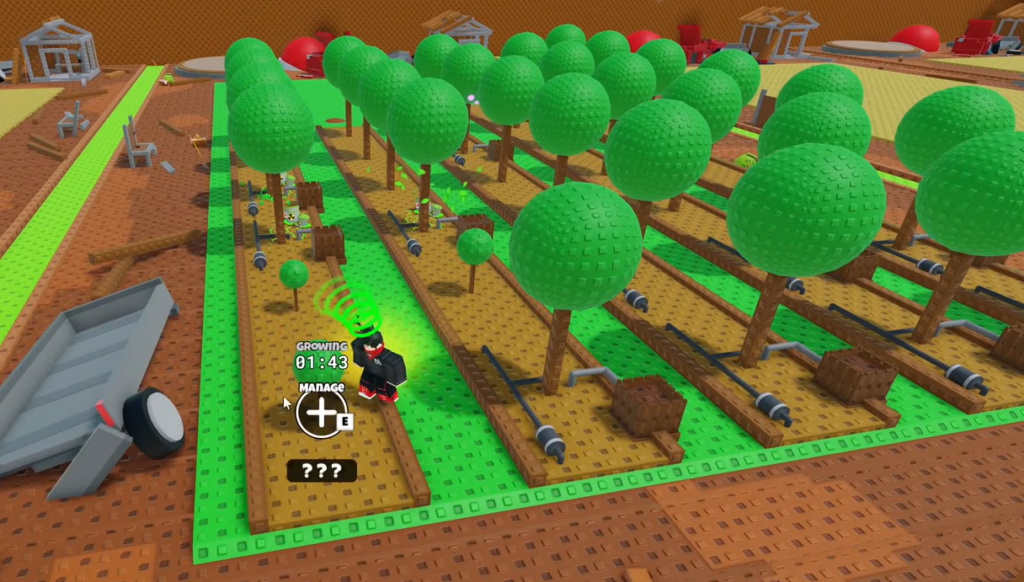
The Orchard Update turns the “when life gives you lemons” premise into a growing system. You plant lemons, grow trees, and work the harvest into new currencies. Decorations are one piece of that larger orchard layer.
| Feature | What it does |
|---|---|
| Grow lemon trees | Plant lemons and raise trees over time |
| Mutate lemons | Roll mutations for powerful effects |
| Eat lemons | Consume lemons to gain buffs |
| Sell lemons for tokens | Convert harvested lemons into tokens |
| Expand your orchard | Add more trees to increase output |
| Buy decorations | Purchase and place cosmetics to fill out the orchard |
How orchard decorations work
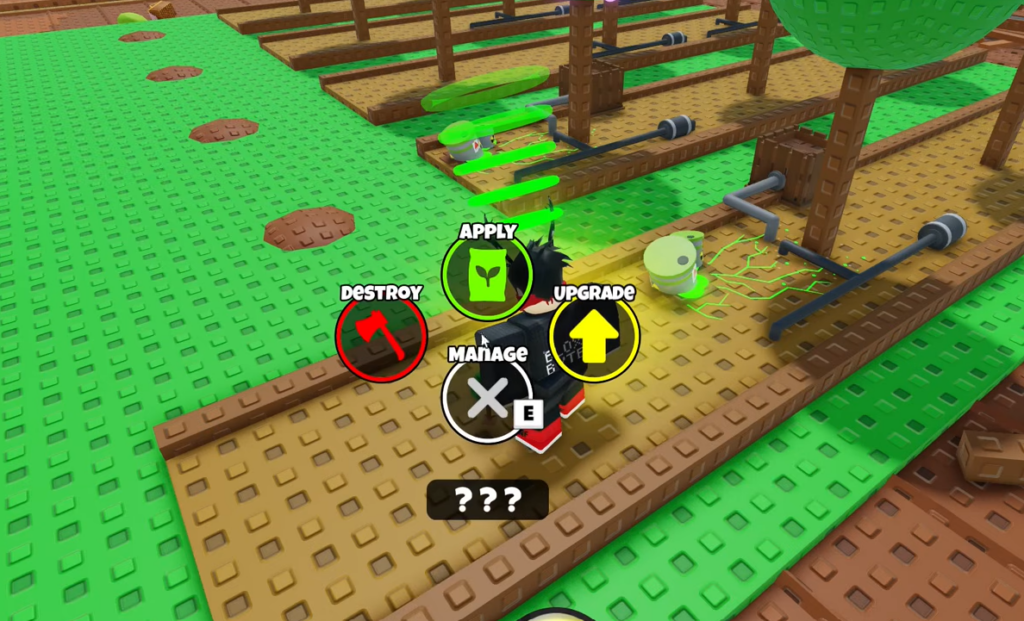
Decorations in the orchard are cosmetic. You buy them and place them around your trees to make the space feel lived in, rather than to unlock hidden mechanics. They sit alongside the functional orchard actions like growing, mutating, and selling for tokens.
Tip: Because decorations here are cosmetic, they do not need to come before income progress. Prioritize trees, mutations, and token conversion first, then spend on decorations once your orchard is producing steadily.
Decoration gates in the lemon tycoon (hidden button unlocks)
There is a second, older meaning of “decorations” that trips people up. In the main tycoon, certain structure pieces are required purchases that reveal new upgrade buttons. Buying only income upgrades while skipping these pieces leaves the next buttons hidden.
- Roofs, walls, and lights often need to be bought before Lemon Depot buttons appear.
- Follow the in-game hint arrow, since it points to the exact gate you still need.
- After every major purchase, walk each floor so you do not miss buttons that only unlock behind a specific piece.
These structure gates are not the same as the freely placed orchard decorations. If a new button is missing in the tycoon, the fix is usually buying the required structure piece, not the orchard cosmetics.
How to confirm the Orchard Update is live for you
If you were stuck wondering where the decorations went, the short version is that they are a new orchard feature rather than something the base tycoon ever had. Get on v1.1.0, work your way into the orchard, and the decoration options will be waiting there.