Fortnite’s cosmetic art is everywhere, but pulling a clean, editable version of a single icon or logo used to mean digging through game files. Beyond Assets, the graphics tool hosted on Fortnite.GG, gathers those images in one place so you can browse, recolor, and export them without touching the game itself. It’s the practical answer to the shift toward streamed assets, where a lot of art loads on demand rather than sitting in a folder you can easily open.
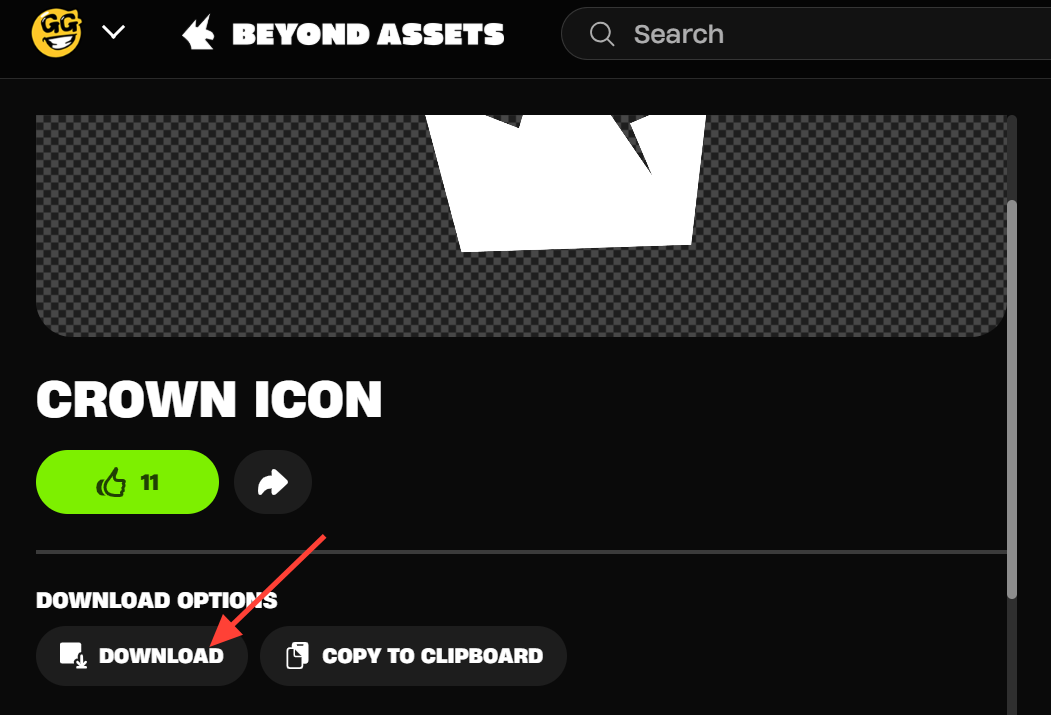
Quick answer: Open Beyond Assets (including Beyond Assets Spark) on Fortnite.GG, pick an asset from a category, adjust its color or image settings if you want, then use Download or Copy to Clipboard to save it.
What Beyond Assets is
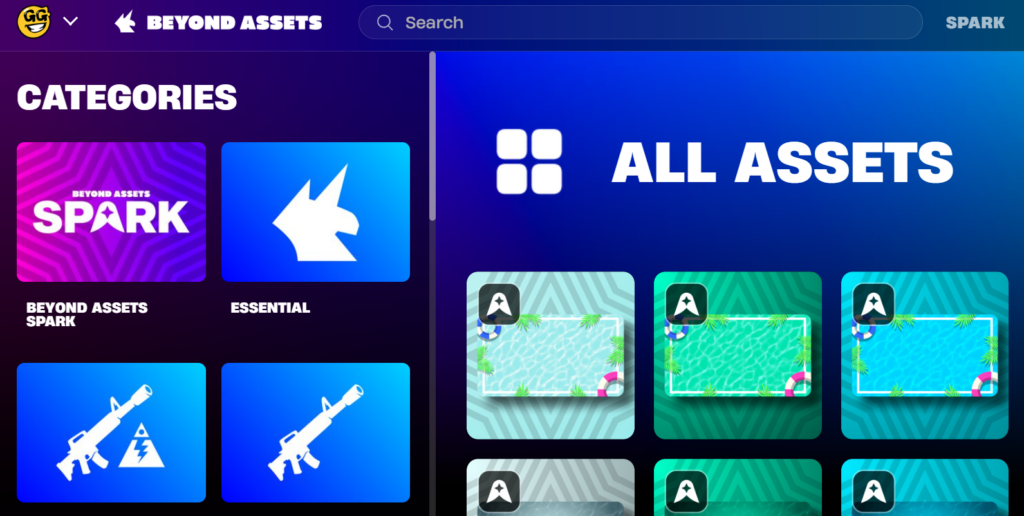
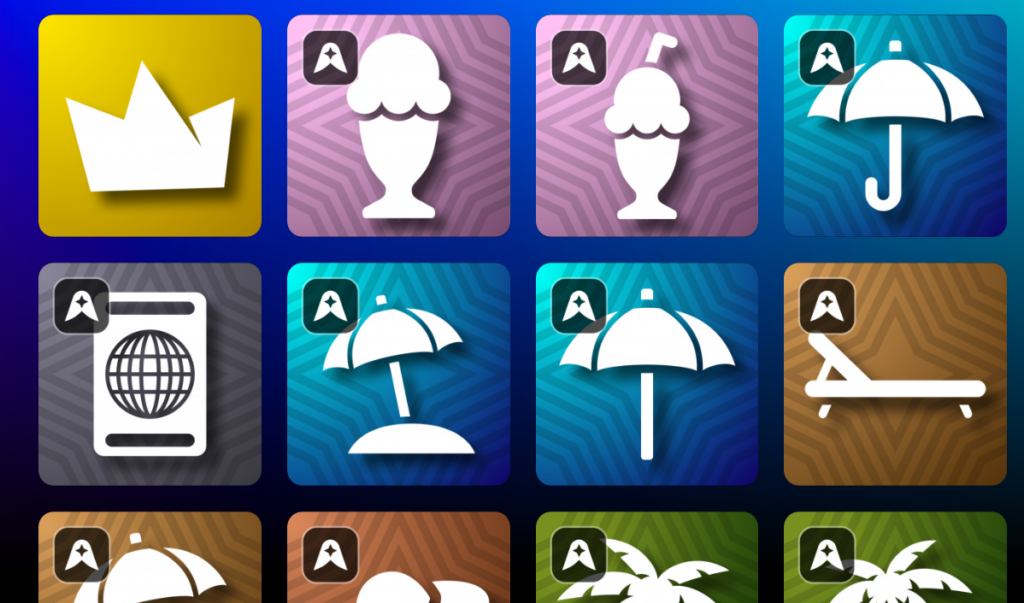
Beyond Assets is a library and editor for Fortnite-related graphics. It splits its content into two sides. There is the broad asset collection covering items and cosmetics, and there is Beyond Assets Spark, a set of building blocks aimed at making thumbnails and layouts, such as backgrounds, icons, graphics, and logos.
Fortnite.GG, Beyond Assets, and Beyond Assets Spark are not sponsored, endorsed, or administered by Epic Games. It is a community-run tool, so treat anything you export as fan-made material rather than an official download from the developer.
Asset categories you can browse
Assets are grouped so you can jump straight to the type you need instead of scrolling through everything.
| Category | What it holds |
|---|---|
| Beyond Assets Spark | Backgrounds, icons, graphics, logos, patterns, and thumbnail assets |
| Essential | Core, frequently used pieces |
| STW Weapons & Items | Save the World weapons and items |
| Weapons & Items | General weapon and item art |
| Game Creation | Assets aimed at creators |
| Fortnite Seasons | Season-specific graphics |
| Holiday & Seasonal | Spring, Summer, Fall, and Winter sets |
| Colors | Color-based assets |
| Collabs | Marvel, Star Wars, DC, and TMNT crossovers |
How to download and customize an asset
You know it worked when the file lands in your downloads or the image pastes into your editor with the color and stroke settings you applied. If you changed your mind, the Reset button clears your edits and returns the asset to its default look.
Customization options
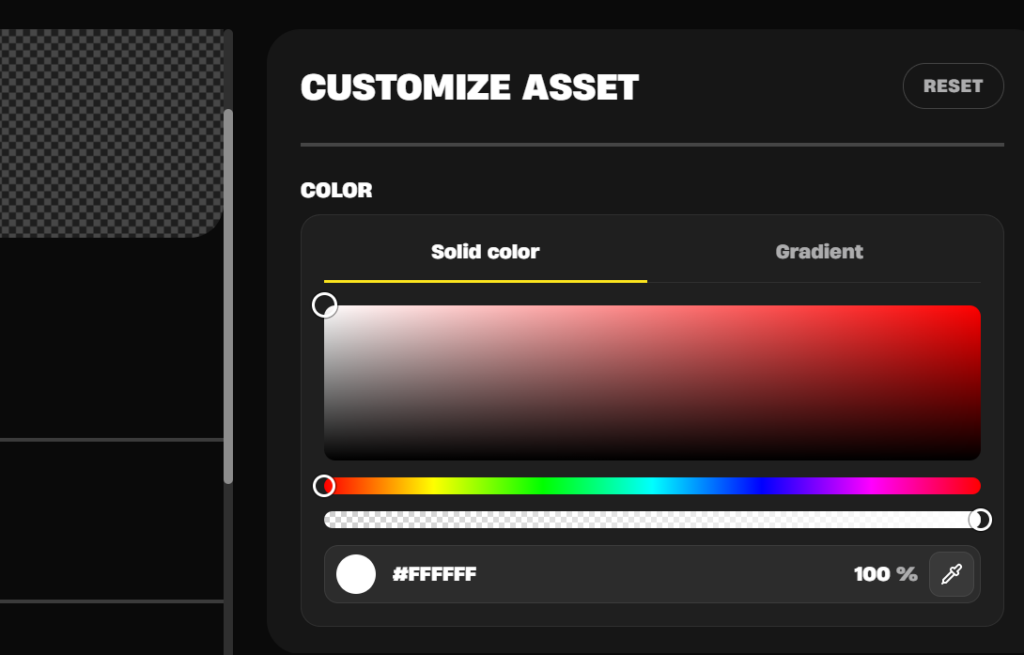
The editor covers both shape styling and image adjustments, so you can match an asset to a specific palette or thumbnail style.
| Control group | Options |
|---|---|
| Color | Solid color or gradient, with gradient colors and percentage |
| Stroke | Stroke size and color, placed Outside, Center, or Inside |
| Image tone | Temperature, Tint, Saturation, Hue, Vibrance |
| Light and contrast | Brightness, Contrast, Highlights, Shadows, Whites, Blacks |
| Detail and finish | Sharpness, Clarity, Vignette |
A safety note before you visit
There have been reports of fortnite.gg serving aggressive pop-ups and behaving as if it were hijacked. If you land on a version of the site that throws unexpected pop-ups, offers, or redirects, close the tab rather than clicking through. Keep your browser and security tools up to date, and avoid downloading anything the page pushes at you outside of the normal asset export buttons.
Because the site is community-run and its item data is maintained by people rather than Epic, small errors do slip in, such as availability listings that don’t match what actually unlocks in-game. Treat Beyond Assets as a handy way to grab and recolor Fortnite art, double-check anything tied to unlock claims, and you’ll get the most out of it without the headaches that come with streamed assets being harder to pull on your own.