Resolve the "Error Adding Friend" issue on Steam by following proven steps to restore your ability to add friends and manage your friends list.
Resolve the “Error Adding Friend” issue on Steam by following proven steps to restore your ability to add friends and manage your friends list.
by Pallav Pathak
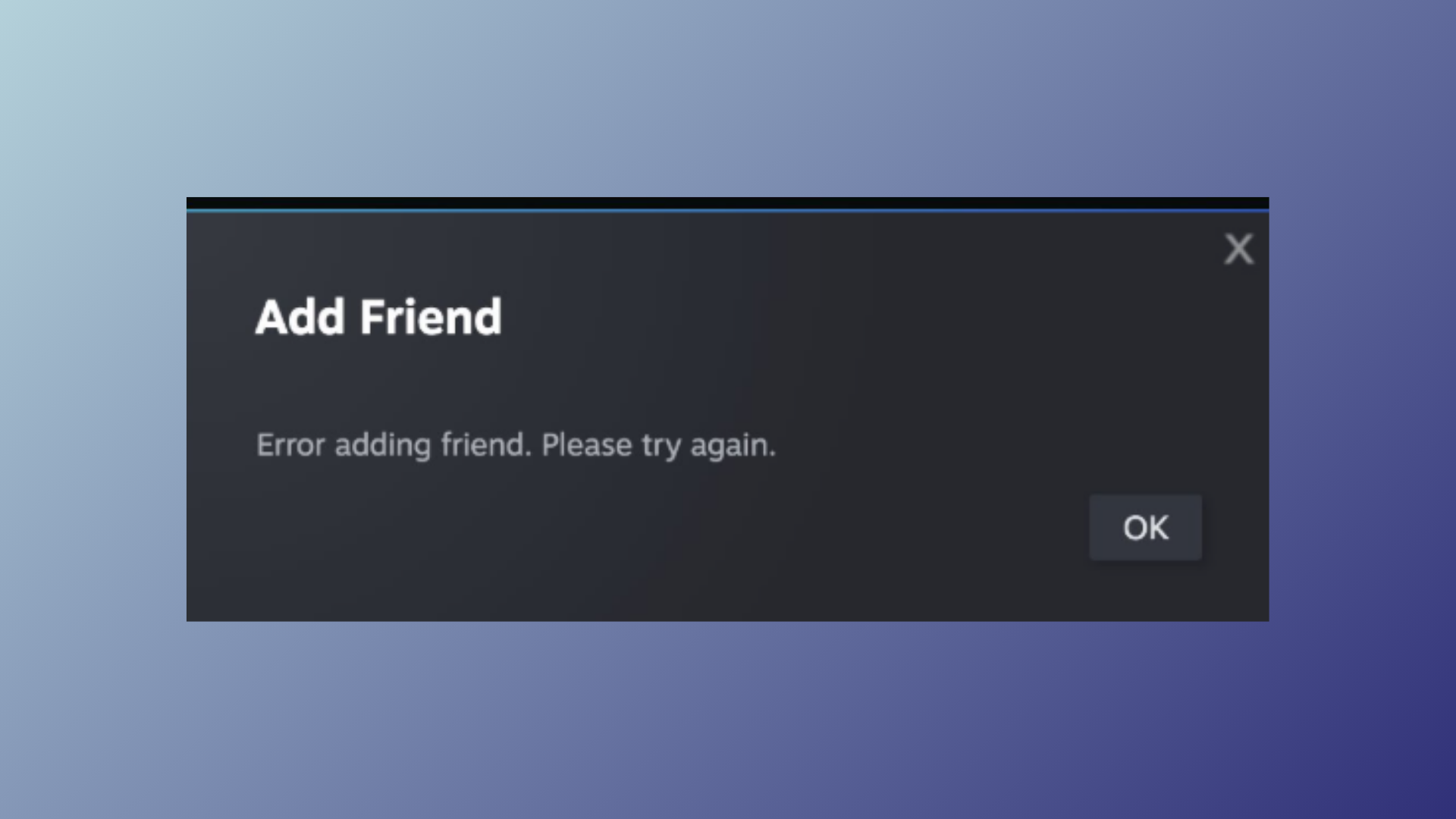
Steam displays the “Error adding friend. Please try again.” message when you attempt to add someone and the request fails, often halting your ability to connect with new players or contacts. This issue can stem from account limitations, friend list caps, blocked users, or glitches within the Steam client. Addressing the problem directly, the most widely effective solution—confirmed by years of user reports—is to block and then unblock the user you want to add. If that does not work, several other methods can resolve the error, each tackling a different root cause.
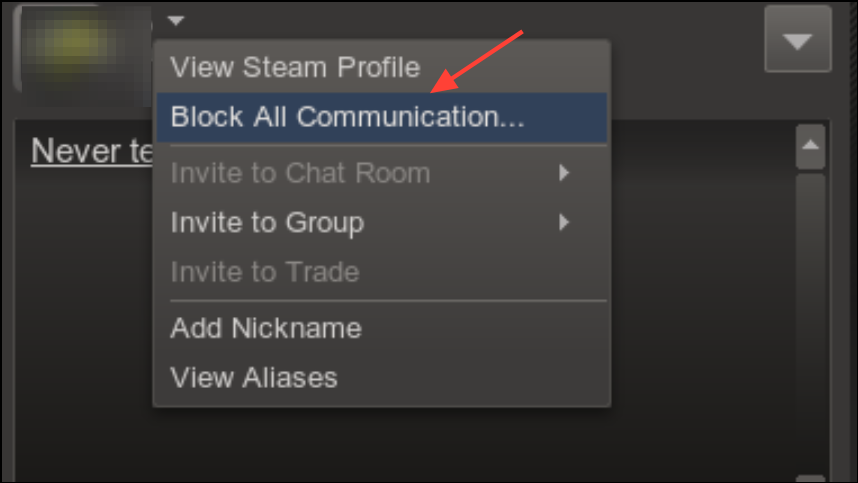
On their profile, click the “More” button (usually represented by three dots) and select “Block All Communication.” This action temporarily blocks the user, which resets certain flags in Steam’s system.
Wait a few seconds, then click “More” again on the same profile and choose “Unblock All Communication.” This step removes the block and can clear up any stuck friend request states.
Press Ctrl + F and search for the word “limited” on your account page. If your account is limited, you must make a purchase on Steam (such as buying a game or adding funds to your wallet) to unlock the ability to add friends.
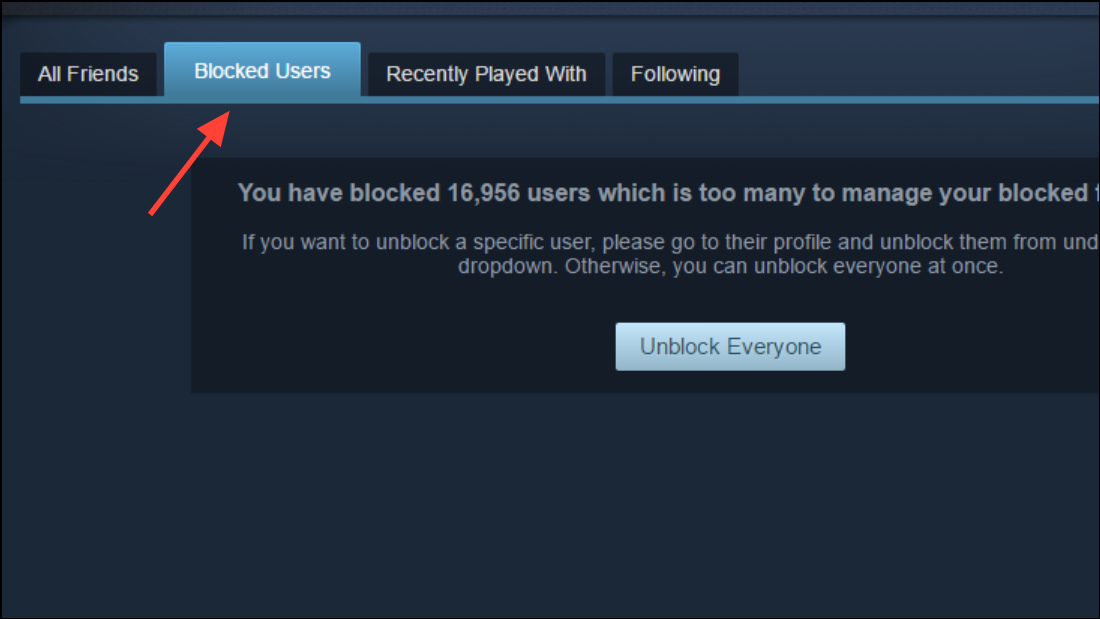
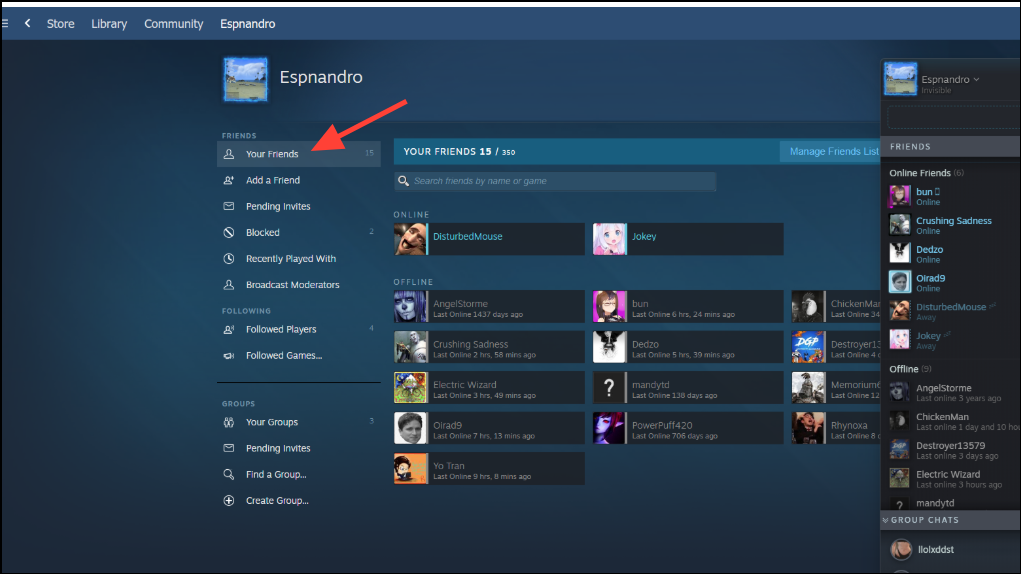
If the person you want to add appears here, right-click their name, select “Manage,” and choose “Unblock All Communication.” After unblocking, restart Steam and try the friend request again.
Note: If both you and the other user have blocked each other in the past, both parties need to unblock before friend requests will work.
If you are at or near the limit, remove old friends or clear out pending requests. Steam users start with a base limit (e.g., 250 friends) and gain more slots as their account level increases—every 10 levels adds 5 more friend slots.
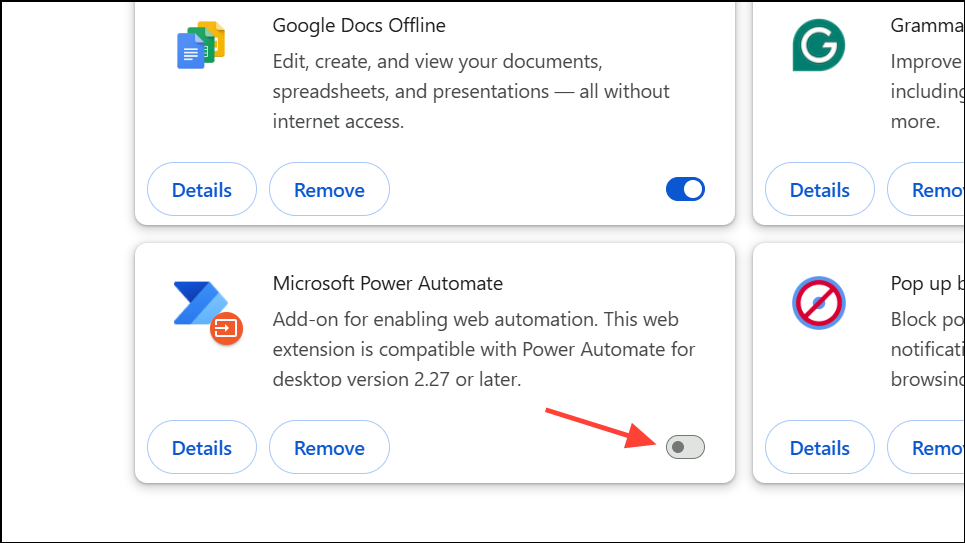
If you receive the error while using a web browser, check for extensions like HTTPS Everywhere or similar privacy tools. These can interfere with Steam’s friend system.
Temporarily disable such extensions and attempt to add friends again. Alternatively, use the official Steam desktop client, which often bypasses browser-specific issues.
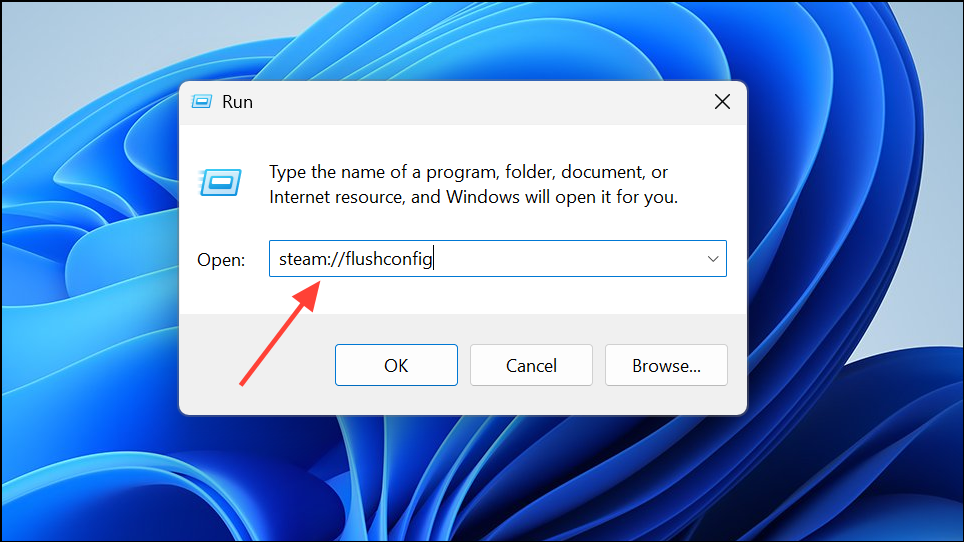
Restart Steam and attempt to add your friend again.
Contact Steam Support
If none of the above methods resolve the issue and you have verified that neither account is blocked or limited, submit a support ticket through Steam Support. Provide details about the error, steps taken, and any relevant account information. Steam Support can investigate deeper account problems or system bugs that are not user-fixable.
Working through these methods restores your ability to add friends on Steam and keeps your connections active. If the error persists after troubleshooting, Steam Support can provide further help or escalate the issue for a long-term fix.