Reposting a reel on Instagram now takes just a single tap, thanks to the new “Repost” button that appears prominently beneath posts and reels. This update streamlines sharing but also leads to frequent accidental reposts, especially since the button sits near the comments icon. When you repost, the content shows up in a dedicated “Reposts” tab on your profile and may be visible to your followers or even trigger notifications. Acting quickly can remove the repost before it spreads further.
Un Reposting a Reel Using the Profile Tab
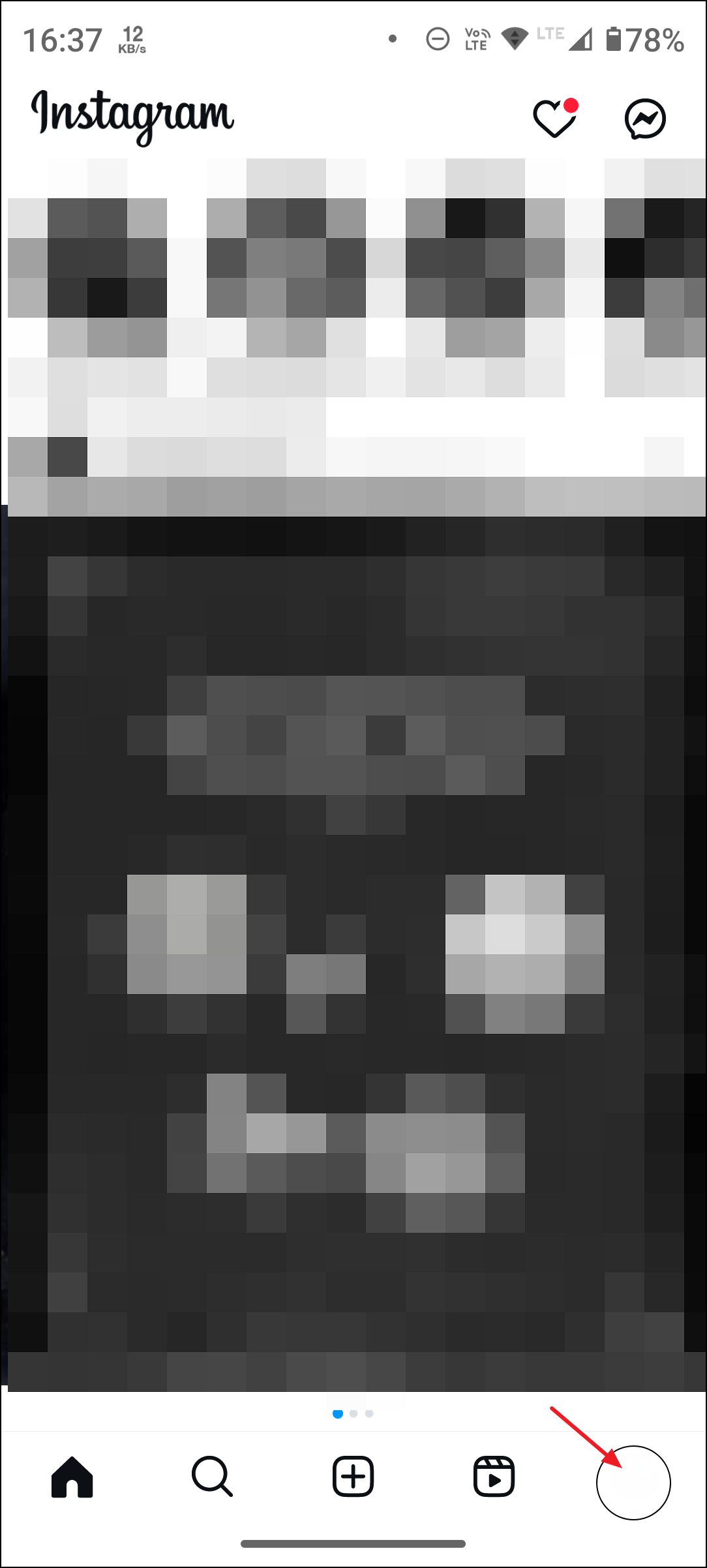
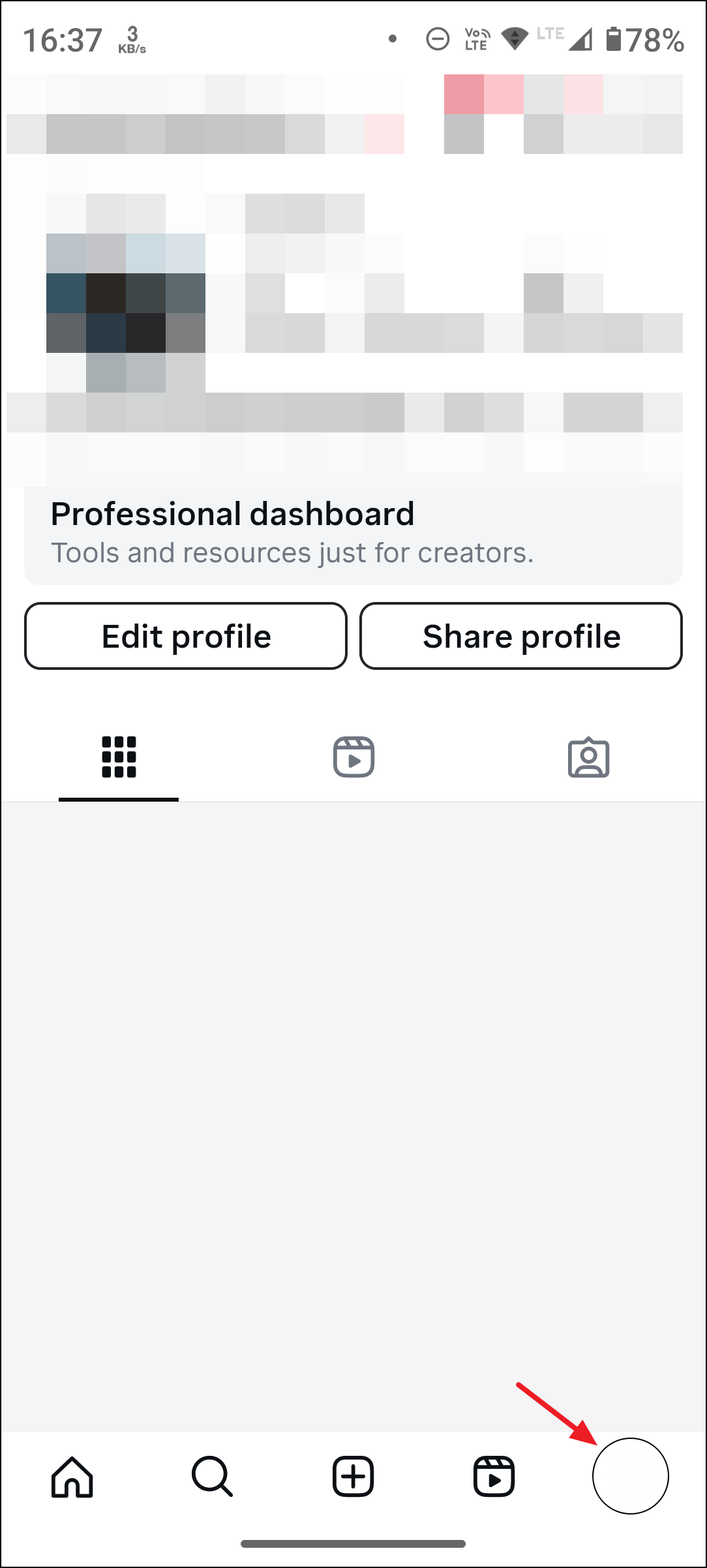
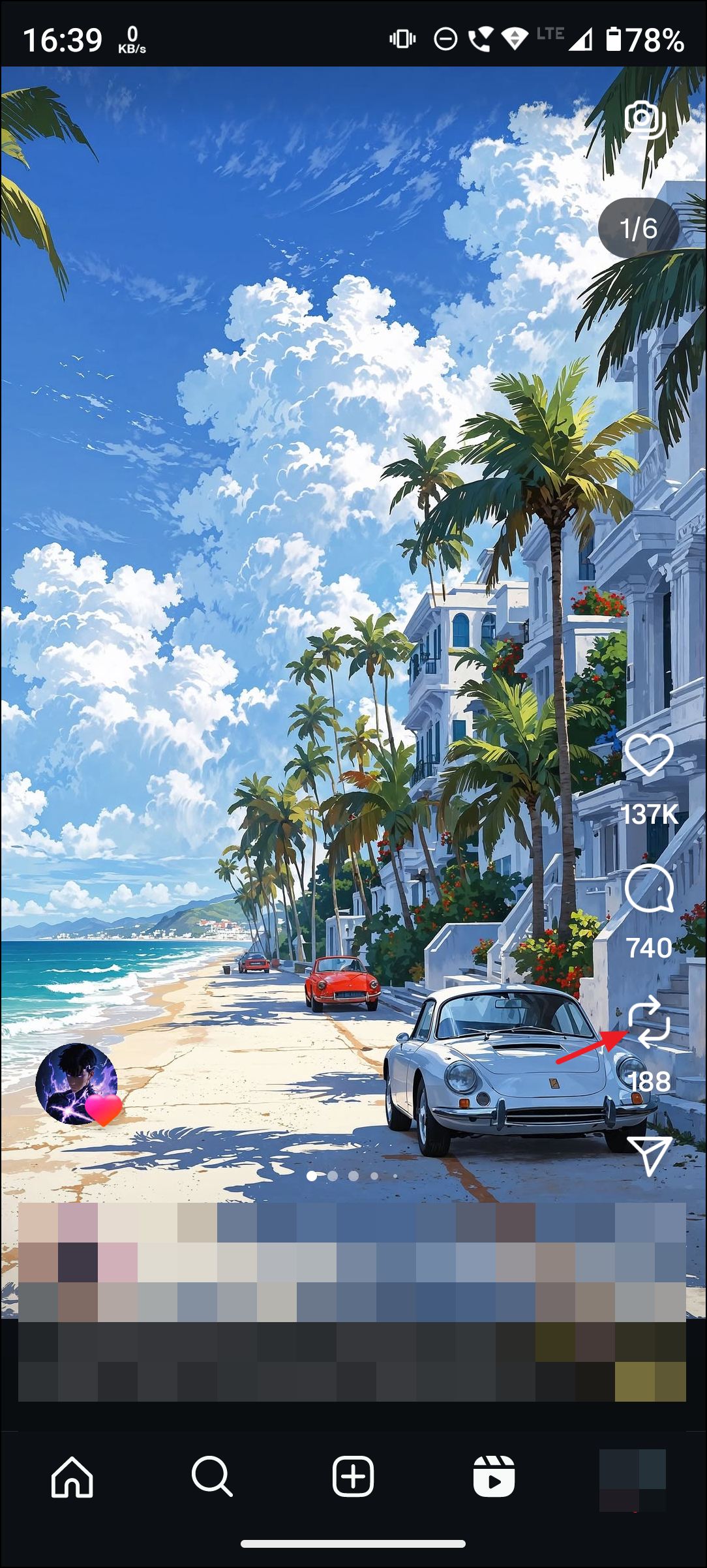
This method is the most reliable and direct way to un repost a reel. It works for both reels and standard posts that you have shared using the new repost feature.
Un Reposting Immediately After Accidental Tap
This immediate action prevents the repost from being published to your “Reposts” tab. However, if you miss the prompt or navigate away, use the profile method above to remove it afterward.
Alternative: Removing Reposts from Settings
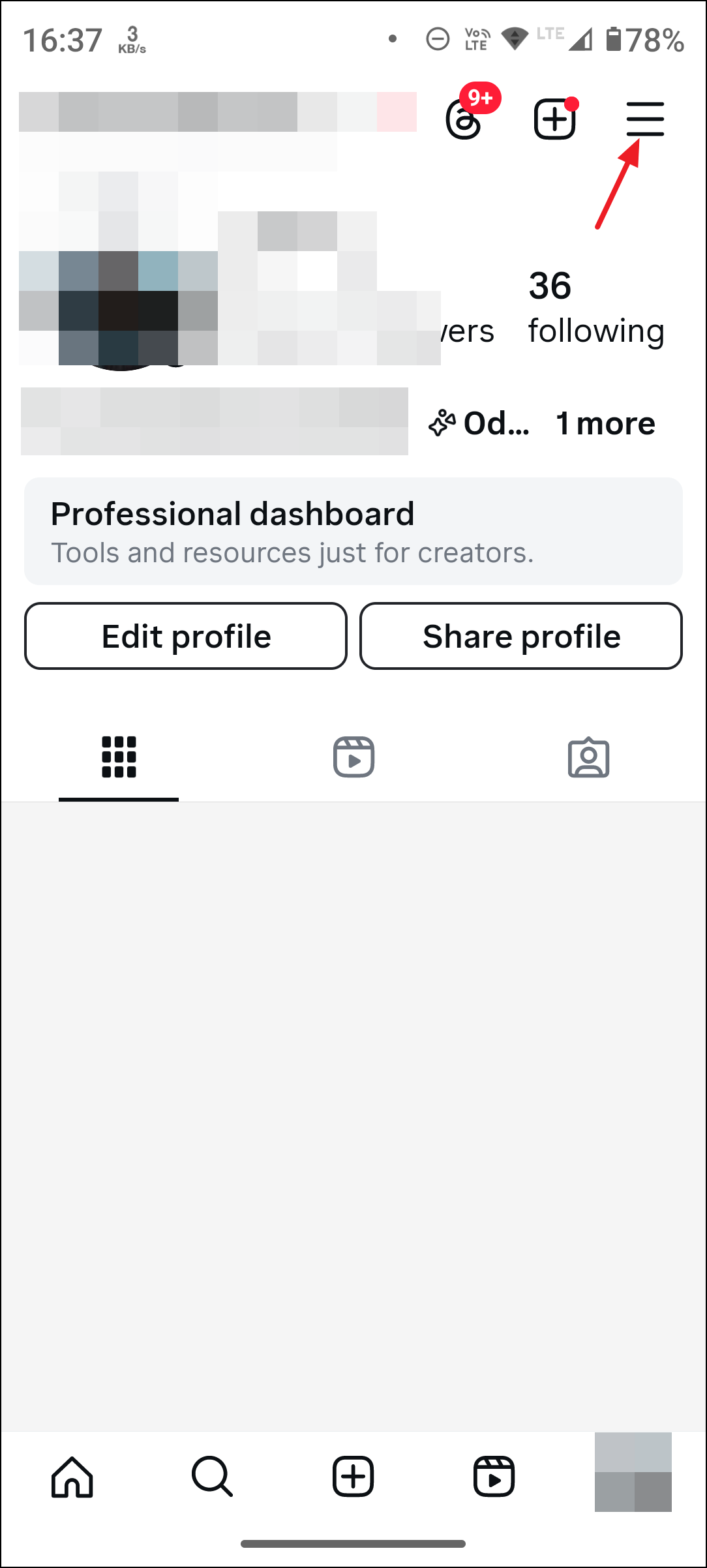
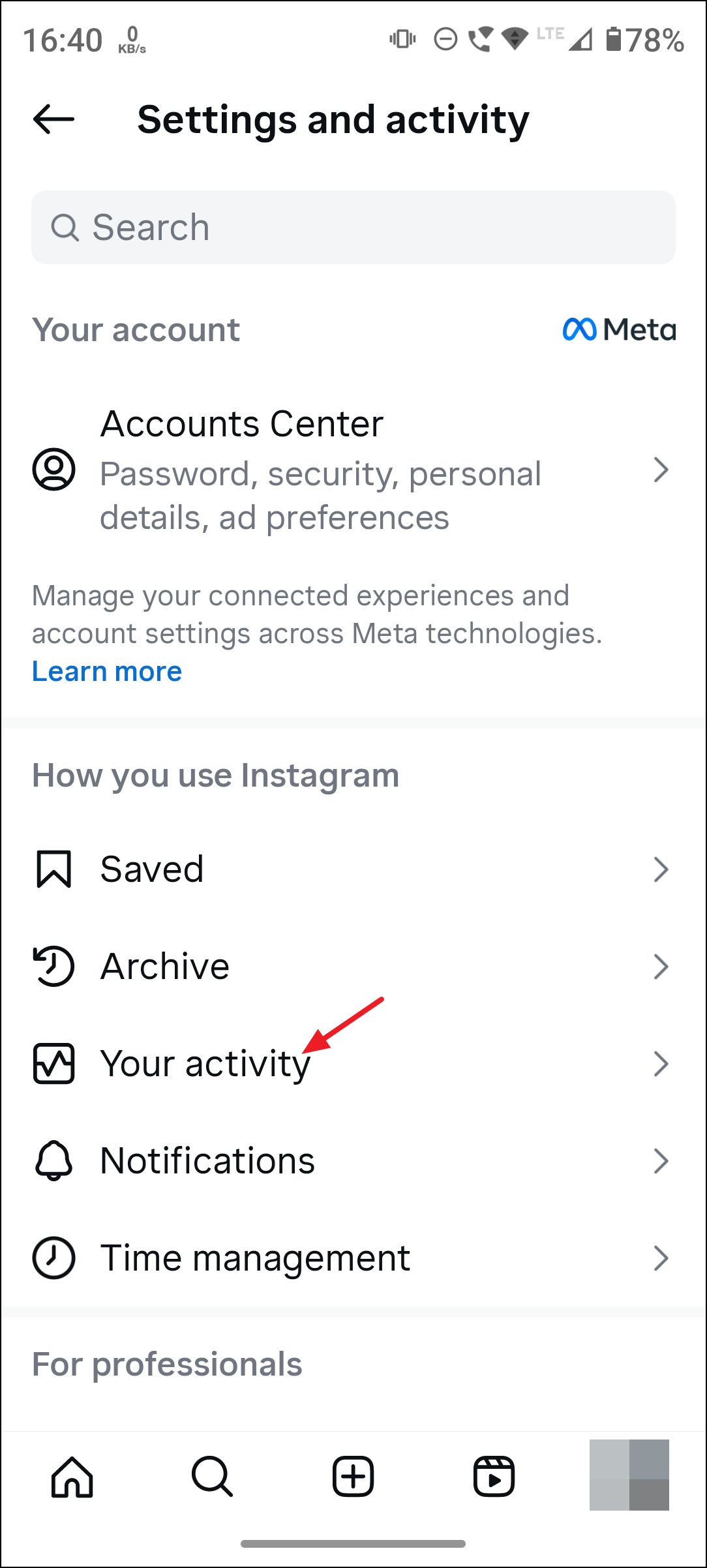
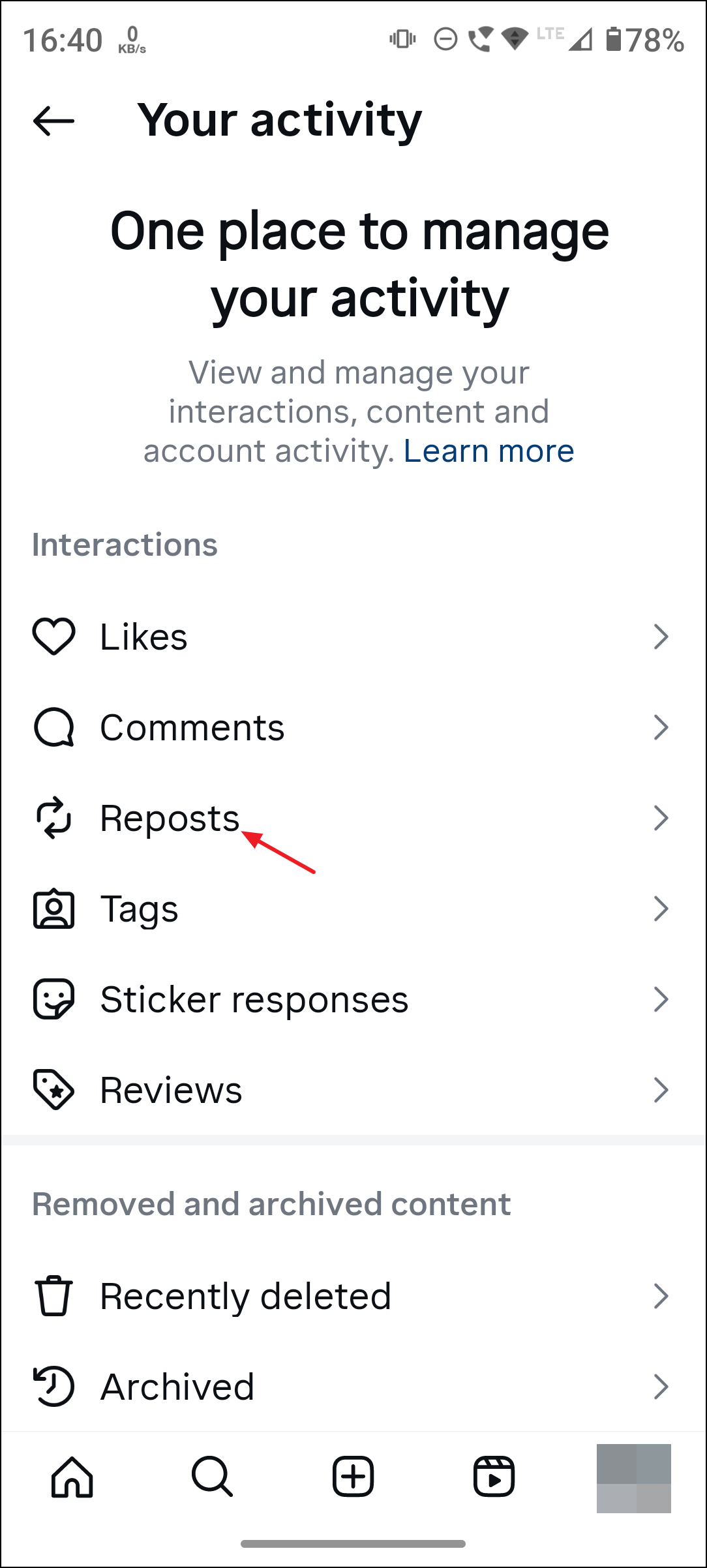
Delete or Remove from profile.This approach is especially helpful if you want to review all your reposts in one place and remove several at once.
Additional Tips and Cautions
- Reposting is instant and does not require confirmation, so accidental taps are common. Take care when navigating around the new button placement.
- Notifications may go out to your followers or the original creator when you repost, but these are typically not sent if you remove the repost quickly. However, notification timing may vary.
- You cannot currently remove or disable the repost button itself. The only available option is to manually remove reposted content as described above.
- To prevent others from reposting your content, go to your profile, tap
Menu>Sharing, and switch offAllow reposts.
Staying on top of accidental reposts is crucial for maintaining your preferred profile appearance and privacy. If you have reposted something unintentionally, acting quickly ensures minimal visibility to your followers.
Removing a reposted reel from Instagram is straightforward once you know where to look. Keeping your app updated and double-checking before tapping buttons can help avoid future mishaps.