
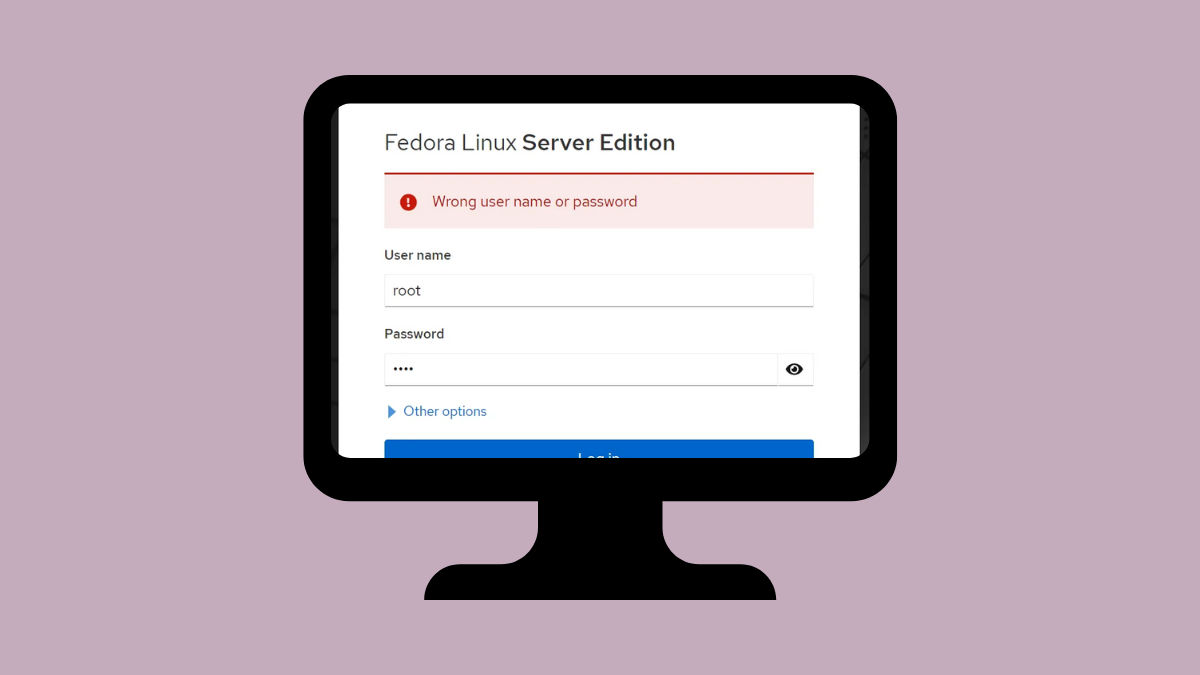
Login attempts to GNOME on Xorg in Fedora 41 may result in a persistent black screen, especially on systems equipped with both NVIDIA GTX 1050 and Intel 630 graphics. This issue prevents access to the desktop environment and disrupts normal workflow. Addressing the root causes—driver conflicts, misconfigured display managers, or session misselection—restores reliable system access.
Update and Configure NVIDIA and Intel Drivers
Ctrl + Alt + F3 to switch to a TTY if you cannot access the graphical environment.sudo dnf updateReboot after updates complete.
nouveau driver may not provide stable support for newer NVIDIA cards like the GTX 1050. To install the proprietary driver, enable RPM Fusion repositories:sudo dnf install https://download1.rpmfusion.org/free/fedora/rpmfusion-free-release-$(rpm -E %fedora).noarch.rpm
sudo dnf install https://download1.rpmfusion.org/nonfree/fedora/rpmfusion-nonfree-release-$(rpm -E %fedora).noarch.rpm
sudo dnf install akmod-nvidia
sudo dnf install xorg-x11-drv-nvidia-cuda # Optional, for CUDA support
sudo dnf install xorg-x11-drv-nvidia-cuda-libs # Optional, for CUDA libraries
Reboot the system to load the new drivers.
nvidia-smiIf the command returns information about your GPU, the driver is active. If not, check the output for errors indicating misconfiguration.
nvidia-prime or bumblebee to manage GPU switching. For most users, the default configuration with the proprietary NVIDIA driver and Intel’s i915 driver is sufficient.Set GNOME to Use Wayland or Select Correct Session
Reconfigure Display Manager and Xorg Settings
systemctl status gdmIf GDM is inactive, start or enable it with:
sudo systemctl enable gdm --now/etc/X11/xorg.conf or /etc/X11/xorg.conf.d/. To move the main config file:sudo mv /etc/X11/xorg.conf /etc/X11/xorg.conf.backupRestart the system and try logging in again.
journalctl -b -p errLook for lines mentioning Xorg, NVIDIA, or GDM. Address any errors such as missing modules, permission issues, or driver loading failures.
Switch to a Different Display Manager (Optional)
sudo dnf install lightdmSet LightDM as the default:
sudo systemctl disable gdm --now
sudo systemctl enable lightdm --now
Reboot and attempt to log in to GNOME on Xorg again.
Resolving the GNOME on Xorg black screen login issue on Fedora 41 with GTX 1050 and Intel 630 graphics typically involves updating drivers, selecting the correct session, and checking display manager configuration. Keeping your system and drivers current helps prevent similar issues in the future.





