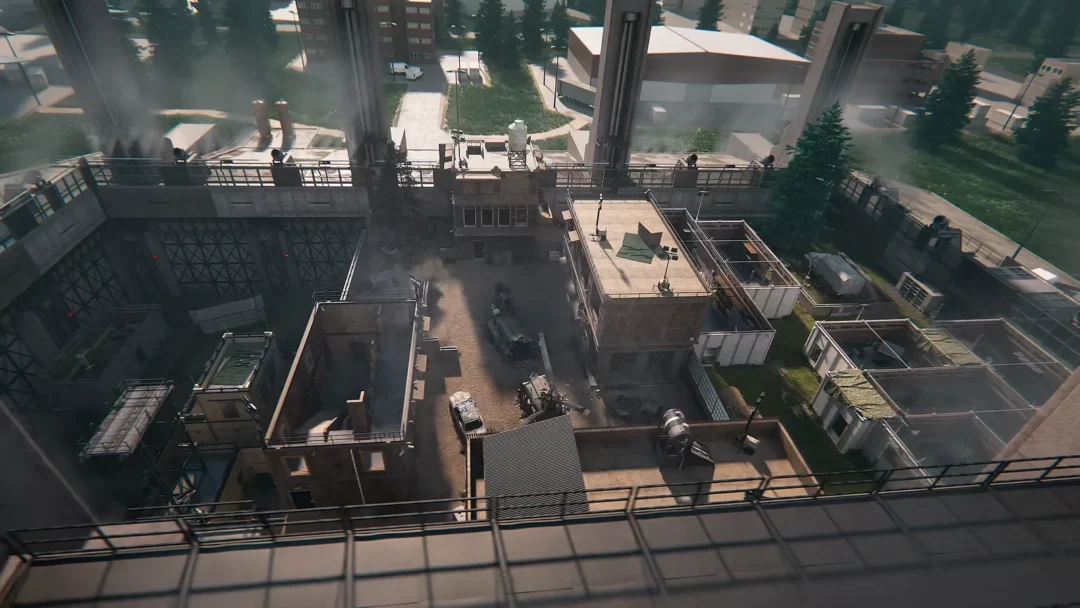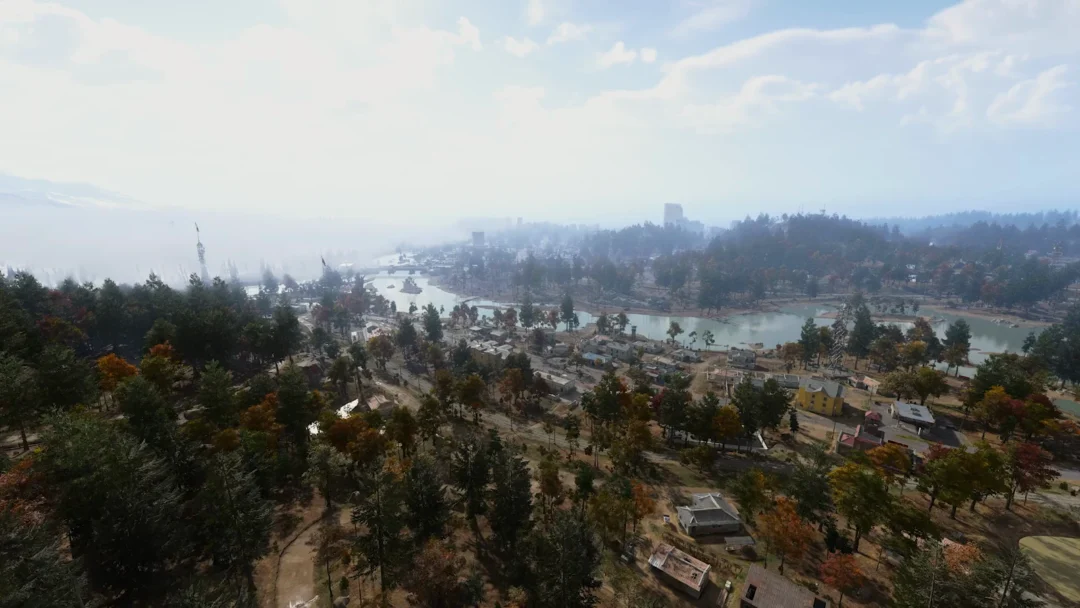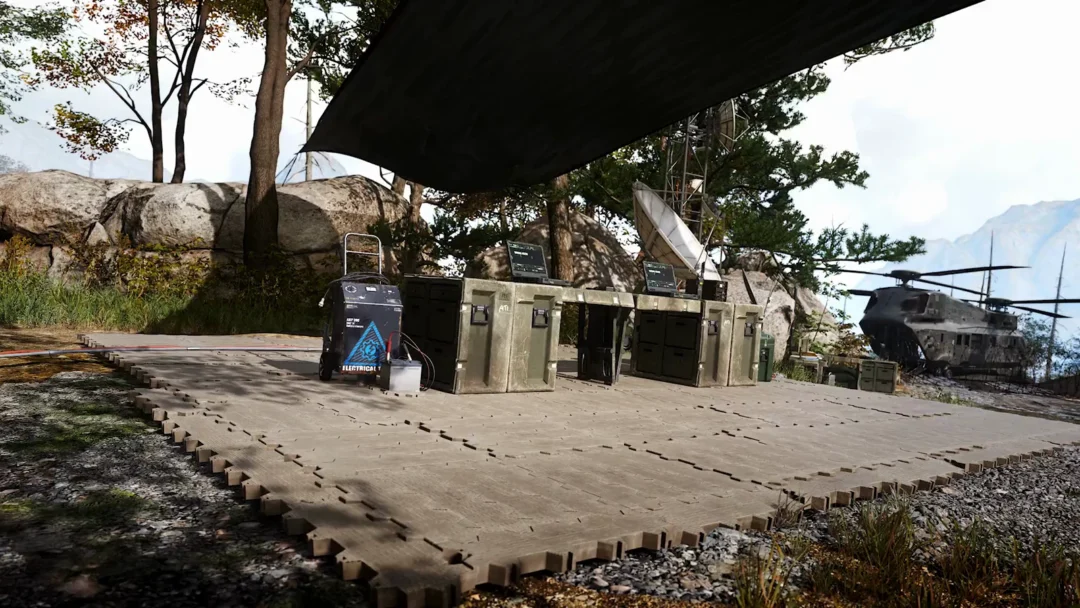
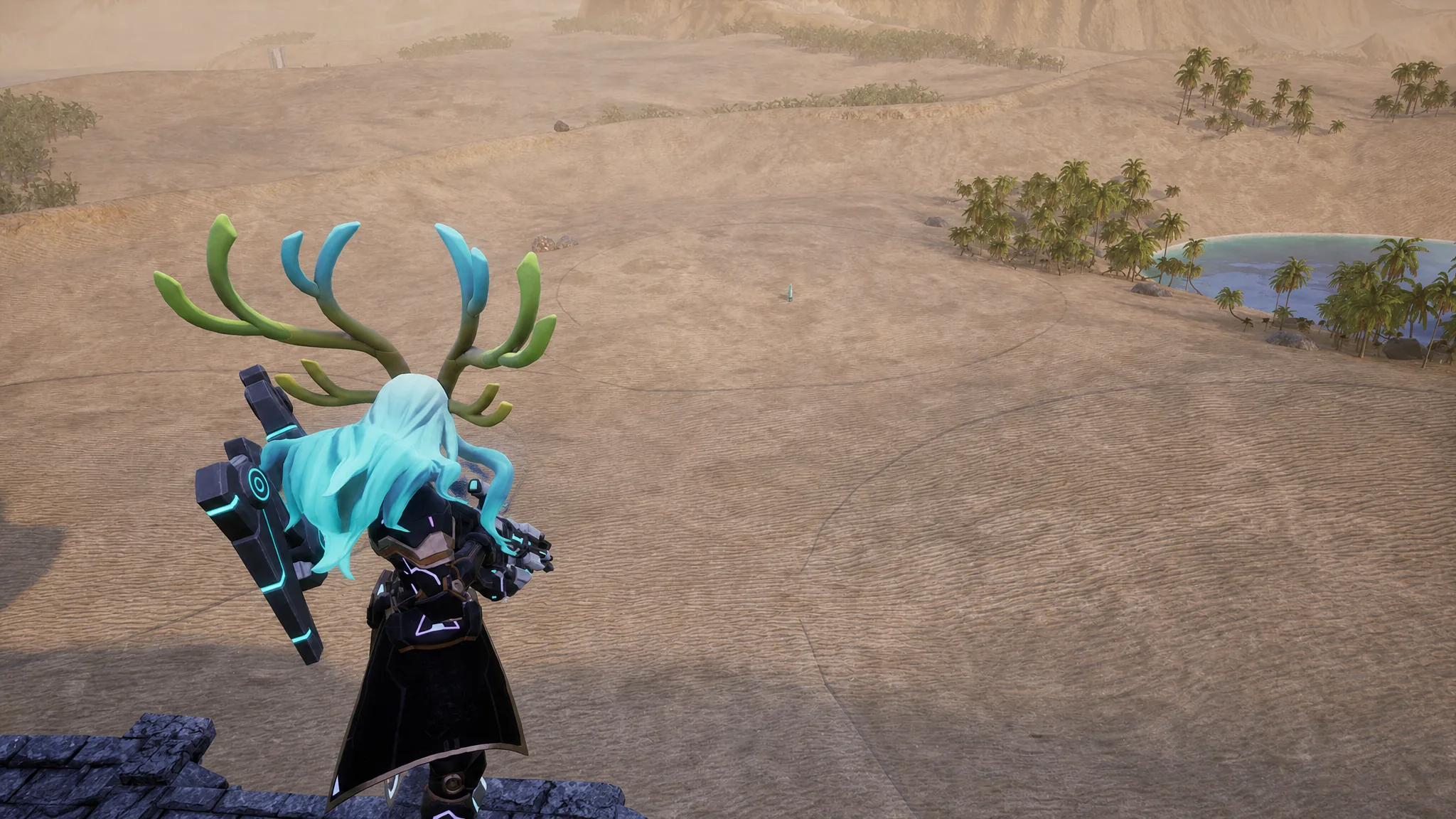
Every base in Palworld is capped by the blue circle that appears the moment you drop a Palbox. That radius sets your building limit, and there is no upgrade, technology, or menu toggle that stretches it. What you can do is stack the space you already have and expand outward with a few reliable tricks.
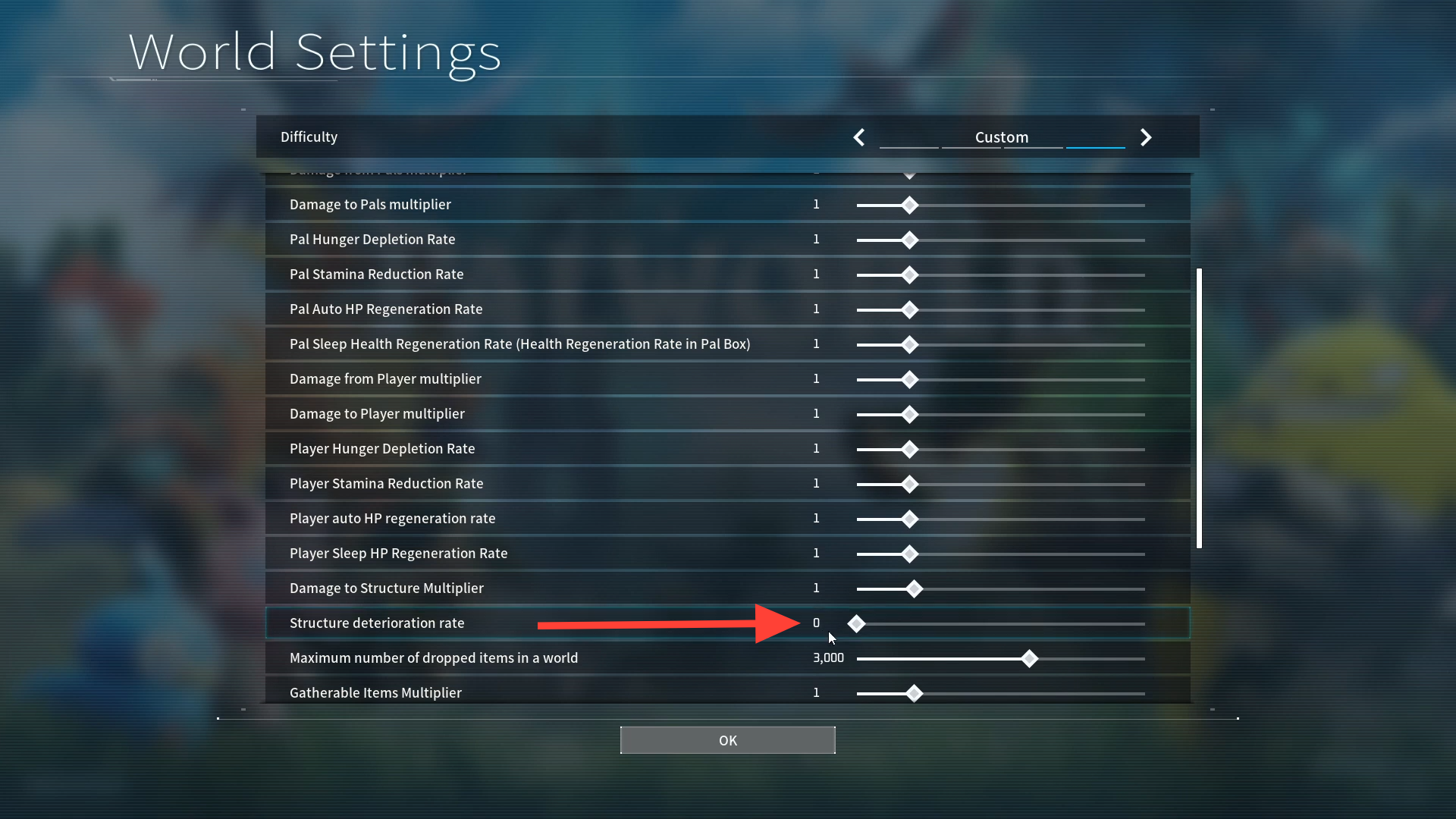
Quick answer: You cannot grow a single Palbox radius. To gain room, unlock and place up to three Palboxes close together in a triangle, build past the border after setting the Structure deterioration rate to zero, and stack floors vertically since there is no height limit until roughly 250 walls.
Why the Palbox radius is fixed
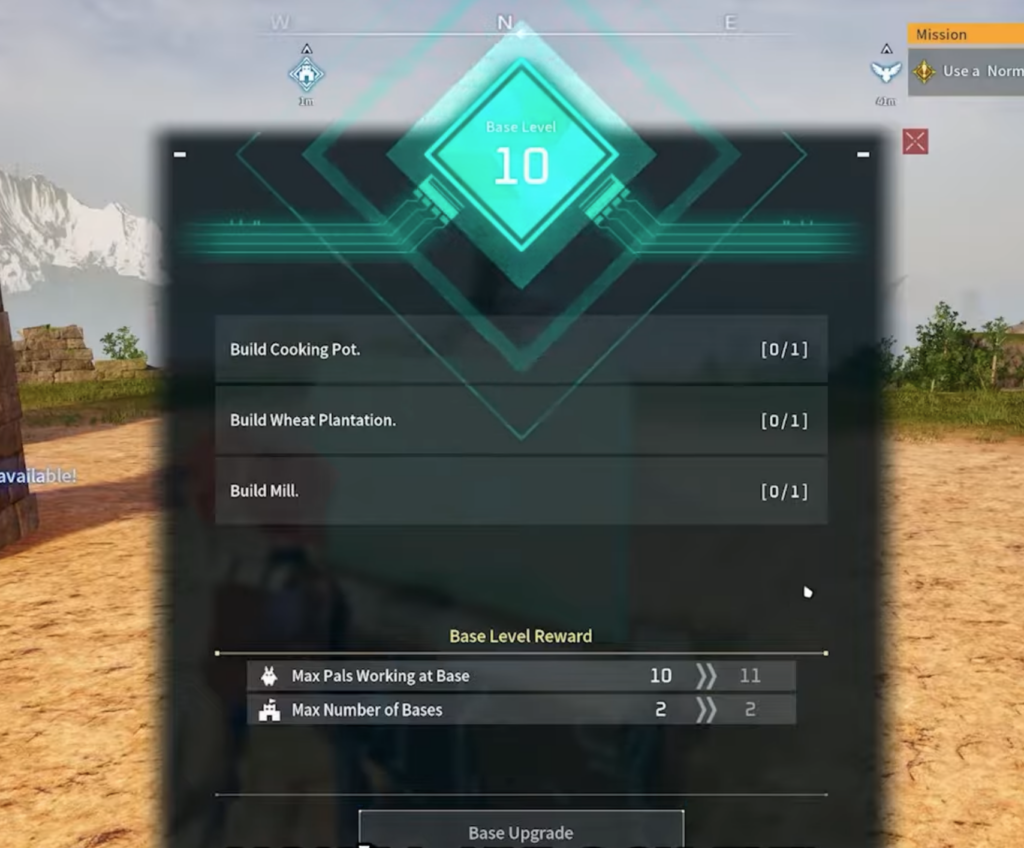
You unlock the Palbox from the Technology tree at Player Level 2, and placing it draws a radial build zone centered on the box. That circle is the entire footprint the game gives you, and upgrading the base does not widen it. Leveling a base instead raises how many Pals can work there and eventually grants extra Palboxes, which is the real lever for more space.
Note: If you want a clean slate, you can deconstruct a Palbox at any time and rebuild elsewhere. Your first base is rarely your permanent one, so picking flat, open terrain early makes every later expansion easier.
Cluster multiple Palboxes for one large base
The most effective way to enlarge a base is to run more than one Palbox in the same spot. As you level a base, you gain the ability to place three additional Palboxes wherever you like. Set them near each other and their circles overlap into a much bigger connected area.
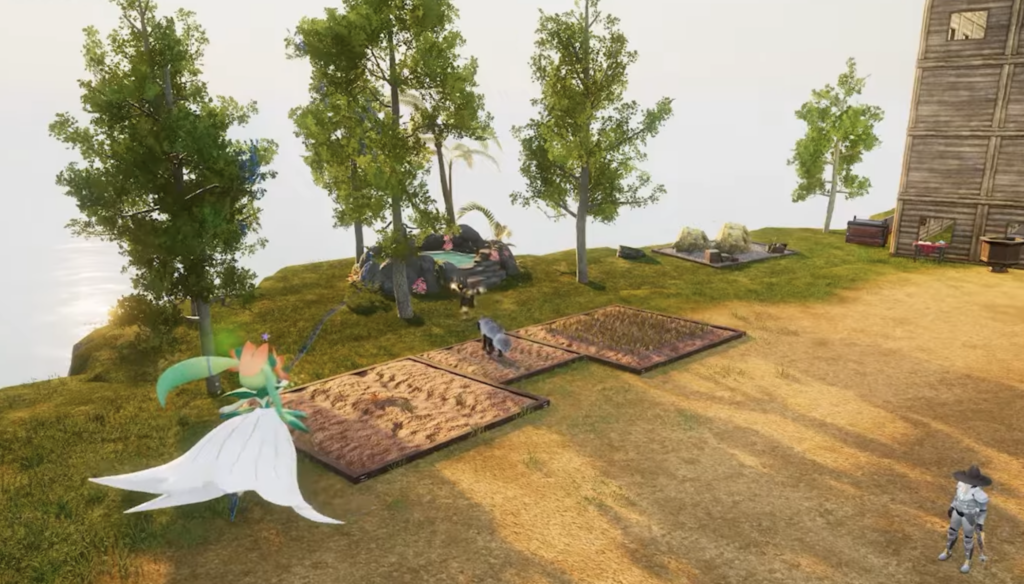
Drop a foundation in that middle zone with at least one corner touching each Palbox area, then build your main facility there. Because the space is shared, a tall central structure lets you pack in crafting stations and storage without spreading across the map.
Build past the border and stop structures from collapsing
You can extend construction beyond the blue line, but anything outside the zone begins to decay and eventually falls apart. Placing foundations from outside the circle is fiddly, though it works if you set it up correctly. Keep in mind that stored base resources cannot be used for anything past the border, and hostile Pals can also destroy those exposed structures.
Build vertically to multiply floor space
There is no height cap on the base footprint until you reach around 250 walls, so building upward is the cheapest way to add usable area without touching the radius. A tall base fits crafting stations, storage, and living quarters on separate levels while keeping the ground plan small.
- Lay a large 24×24 foundation and place four columns for every 6×6 grid to keep the support area strong.
- Attach roofs to those columns so interior structures like crafting stations have a stable surface above.
- Run stairs outside the central square grid to avoid blocking your build. Disable building auto-placement to set balcony-style stairs on the edge.
- Keep turrets and machine guns at floor level. Placing defensive gear on upper floors can bug the Pals operating them during raids.
A very tall base can strain performance, so build up as far as you need and stop before frame rates suffer.
Best flat locations for a multi-Palbox base
The triangle trick and vertical builds both need level ground. These flat areas leave enough room for several Palboxes plus nearby ore and trees for resources.
| Location | Coordinates or landmark |
|---|---|
| Southeast of Sealed Realm of the Frozen Wings teleport | 167, -236 |
| North of Sea Breeze Archipelago Church teleport | -72, -544 |
| Southeast of the Salt Desert coastline | -117, -76 |
| East of Fisherman’s Point, along the shoreline | -482, -748 |
| Flat area beside the Deep Bamboo Thicket | Open bamboo flatland |
| Ruined Fortress City | Largest open build area |
| Lavender Fields | Wide flat terrain |
The Ruined Fortress City and the Lavender Fields have the most open space, which makes them well suited to dedicated platforms for mining, logging, breeding, and Pal enhancement. Scout the ground first, then lay out your Palboxes and Pal Gear Workbench before filling in the rest.
Raise base and worker limits on a server
If you host a dedicated server, you can change how many bases exist in the world and how many Pals work at each one. Higher caps allow larger operations, but they also raise the load on your hardware because of extra pathfinding and rendering.
Using mods for far larger bases
Mods can push past the vanilla limits entirely. An older option that overrode base size, Teh Extra Base Area by xTeh, no longer supports Palworld 1.0. The Increased base amount and worker pals mod by Vuxacha does work and lets you build around 100 bases. If you would rather stay on the official build, the clustering, vertical, and boundary methods above remain your best options.
Between overlapping Palboxes, tall multi-floor designs, and disabled decay, you can turn a single cramped circle into a sprawling settlement. Start small on flat land, move once you have the Pals and resources to support it, and let the triangle of Palboxes carry your final base.