Halo: Campaign Evolved is a full remake of Halo: Combat Evolved built in Unreal Engine 5, and it lands on July 28, 2026 across Xbox Series X/S, PC, and PlayStation 5. Anyone who owns the Digital Premium Edition or Collector’s Edition gets in earlier through a five-day early-access window that opens July 23. If you want to be shooting Covenant the moment the servers flip on, the smart move is to queue the download ahead of time.
Quick answer: Pre-order or own the game, open your platform’s library, and select the game entry. When the preload window opens, a Download or Preload button appears. Early-access owners can expect to preload around July 21, and standard owners around July 26. The install finishes when the game shows as Ready to play, but you still cannot launch until the unlock time for your edition.
Halo: Campaign Evolved preload start times
The launch is global, so preload availability and unlock moments happen at the same instant everywhere rather than rolling out region by region. Halo Studios has not published the exact preload clock yet, so the times below are the expected windows based on how these launches usually work. Because the game ships with an early-access period for Premium and Collector’s Edition owners, preload opens in two waves.
- Early-access preload: July 21, 2026, around 11 AM EDT
- Standard release preload: July 26, 2026, around 11 AM EDT
Here is how those two waves line up across major regions so you can plan around your own clock.
| Region | Early-access preload | Standard preload |
|---|---|---|
| US West (PDT) | Jul 21, 8:00 AM | Jul 26, 8:00 AM |
| US East (EDT) | Jul 21, 11:00 AM | Jul 26, 11:00 AM |
| Brazil (BRT) | Jul 21, 12:00 PM | Jul 26, 12:00 PM |
| UK (BST) | Jul 21, 4:00 PM | Jul 26, 4:00 PM |
| Germany / France (CEST) | Jul 21, 5:00 PM | Jul 26, 5:00 PM |
| UAE (GST) | Jul 21, 7:00 PM | Jul 26, 7:00 PM |
| India (IST) | Jul 21, 8:30 PM | Jul 26, 8:30 PM |
| Japan (JST) | Jul 22, 12:00 AM | Jul 26, 12:00 AM |
| Australia (AEST) | Jul 22, 1:00 AM | Jul 27, 1:00 AM |
Note: preloading only reserves the files. The game stays locked until the unlock time for the edition you own, which is July 23 for early-access buyers and July 28 for everyone else.
Halo: Campaign Evolved download size by platform
Because the campaign is rebuilt from the ground up with high-definition visuals, remade cinematics, and new prequel content, it needs a meaningful chunk of storage. PC carries the heaviest footprint. The recommended target on PC is a 100 GB solid-state drive, so clear that much before the window opens.
| Platform | Estimated file size |
|---|---|
| PC (Steam / Xbox app) | ~100 GB (SSD space required) |
| Xbox Series X | ~69.80 GB |
| Xbox Series S | ~70 GB (estimated) |
| PlayStation 5 | ~70 GB (estimated) |
The large PC install is tied directly to the Unreal Engine 5 rebuild, which combines UE5 rendering with parts of the older Halo engine for underlying systems.
Tip: keep an SSD below roughly 80 percent full for headroom. A 100 GB game on an already-crowded drive can slow installs and leave no room for the mandatory day-one updates these releases usually ship with.
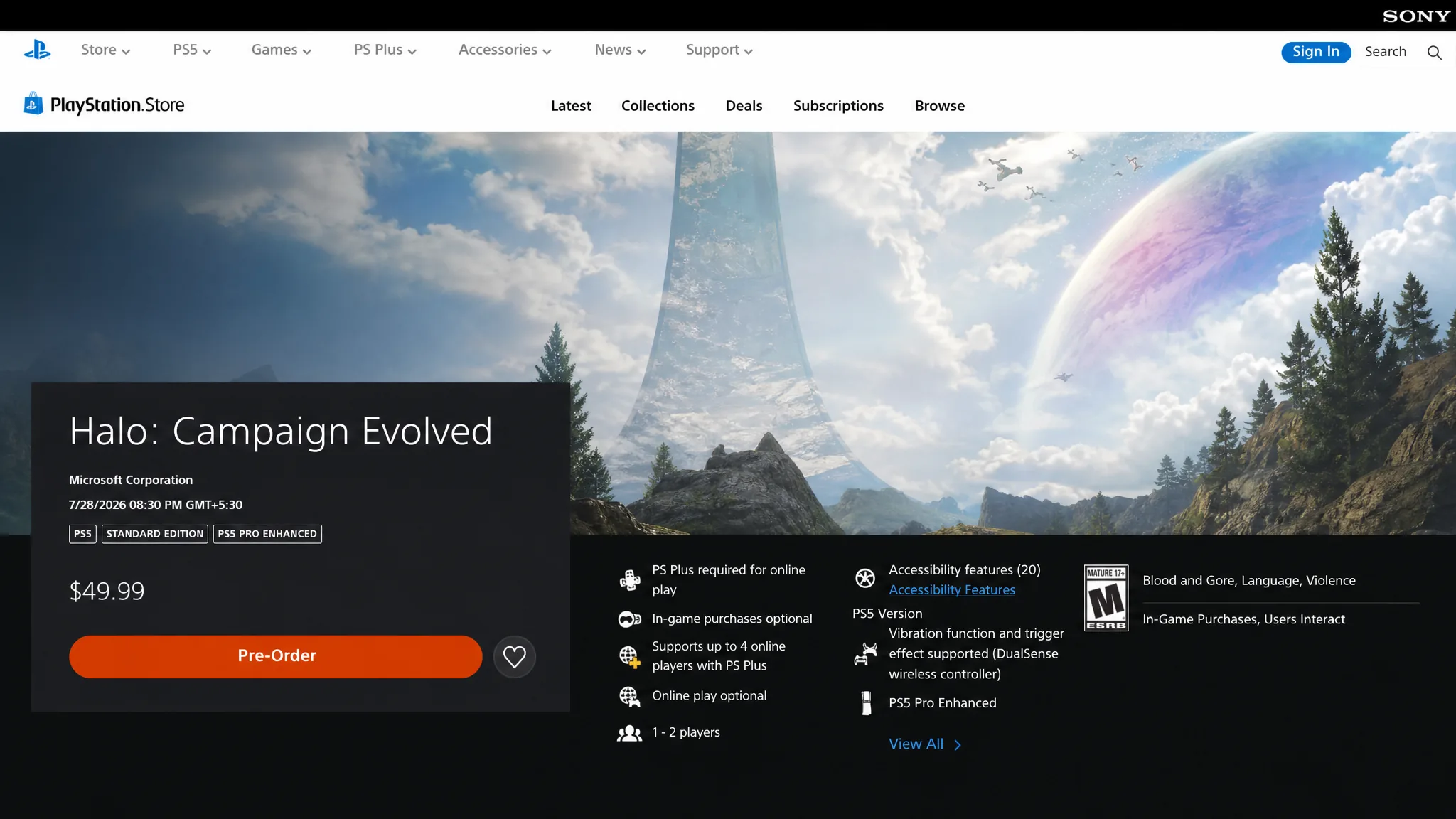
How to preload on PlayStation 5
How to preload on Xbox Series X/S
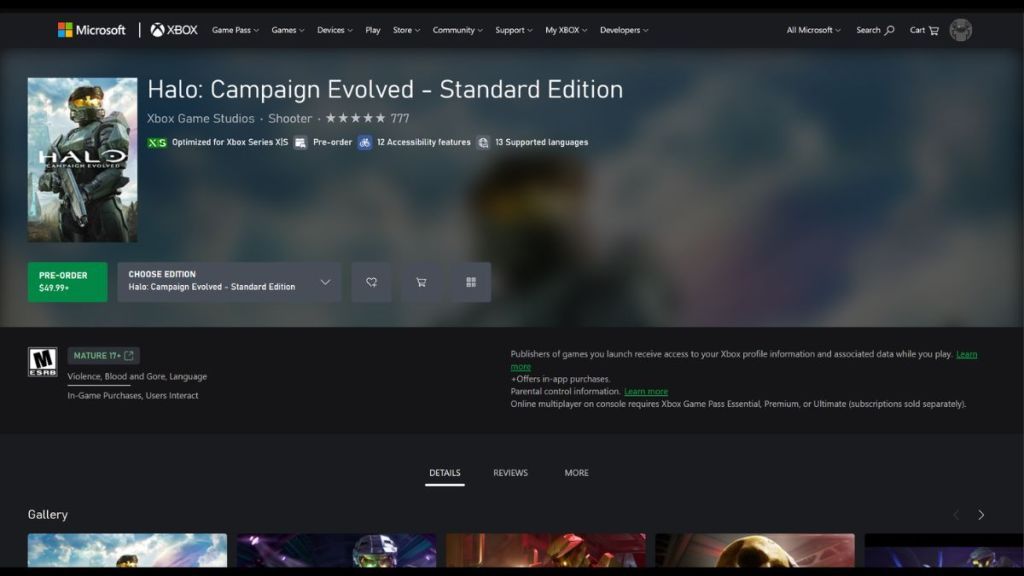
Because the game supports Xbox Play Anywhere, buying it once covers both your Xbox console and PC through the Xbox app at no extra cost.
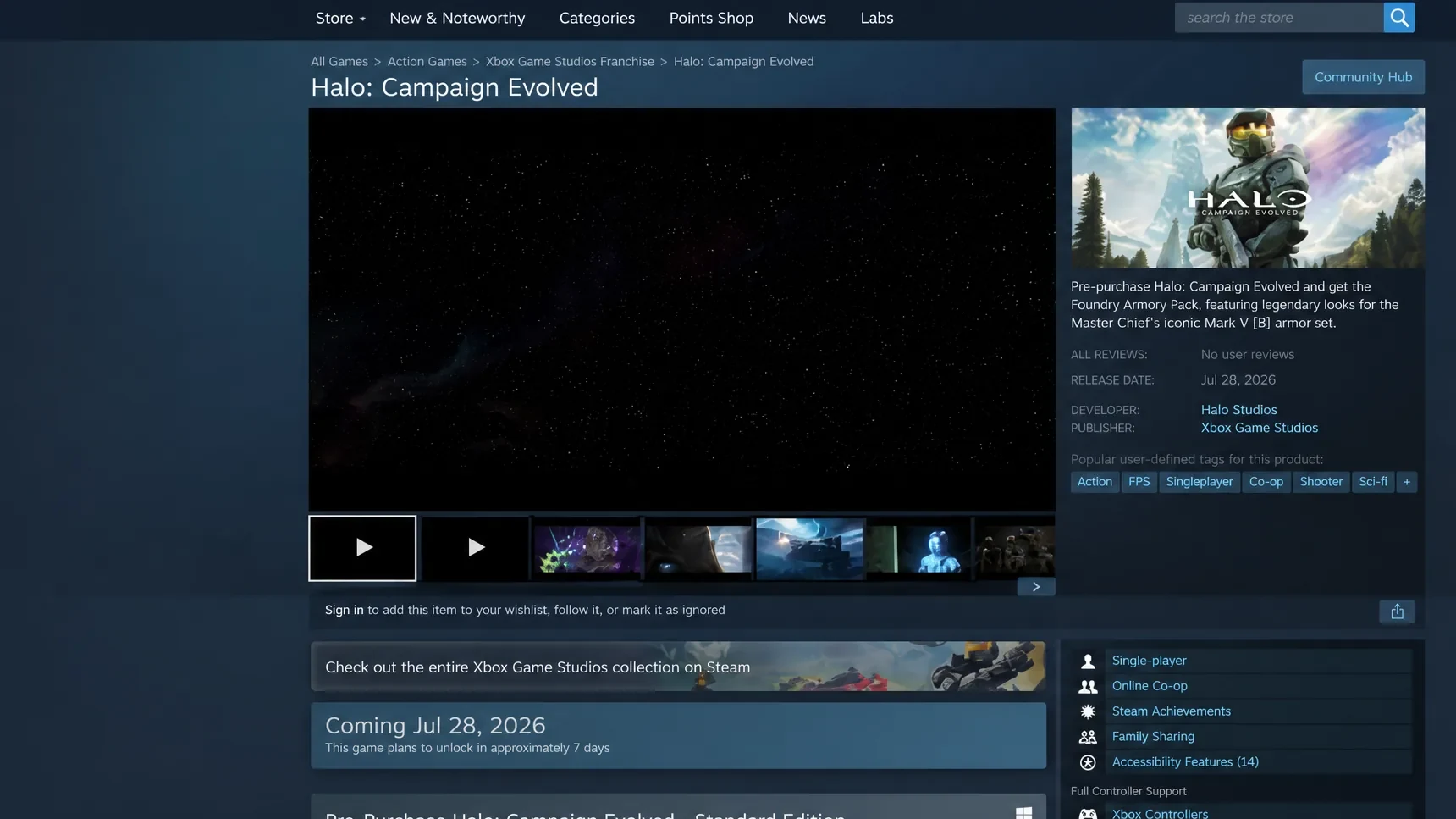
How to preload on PC (Steam)
Once the download completes, your platform marks the game as ready even though it stays locked until your unlock time. If your edition qualifies for the July 23 early-access window and the launcher still refuses to open the game, the usual cause is that the countdown to unlock has not hit zero yet rather than a broken install. Get the files down early, keep the drive under capacity, and you will drop onto the ring the second Halo: Campaign Evolved goes live.