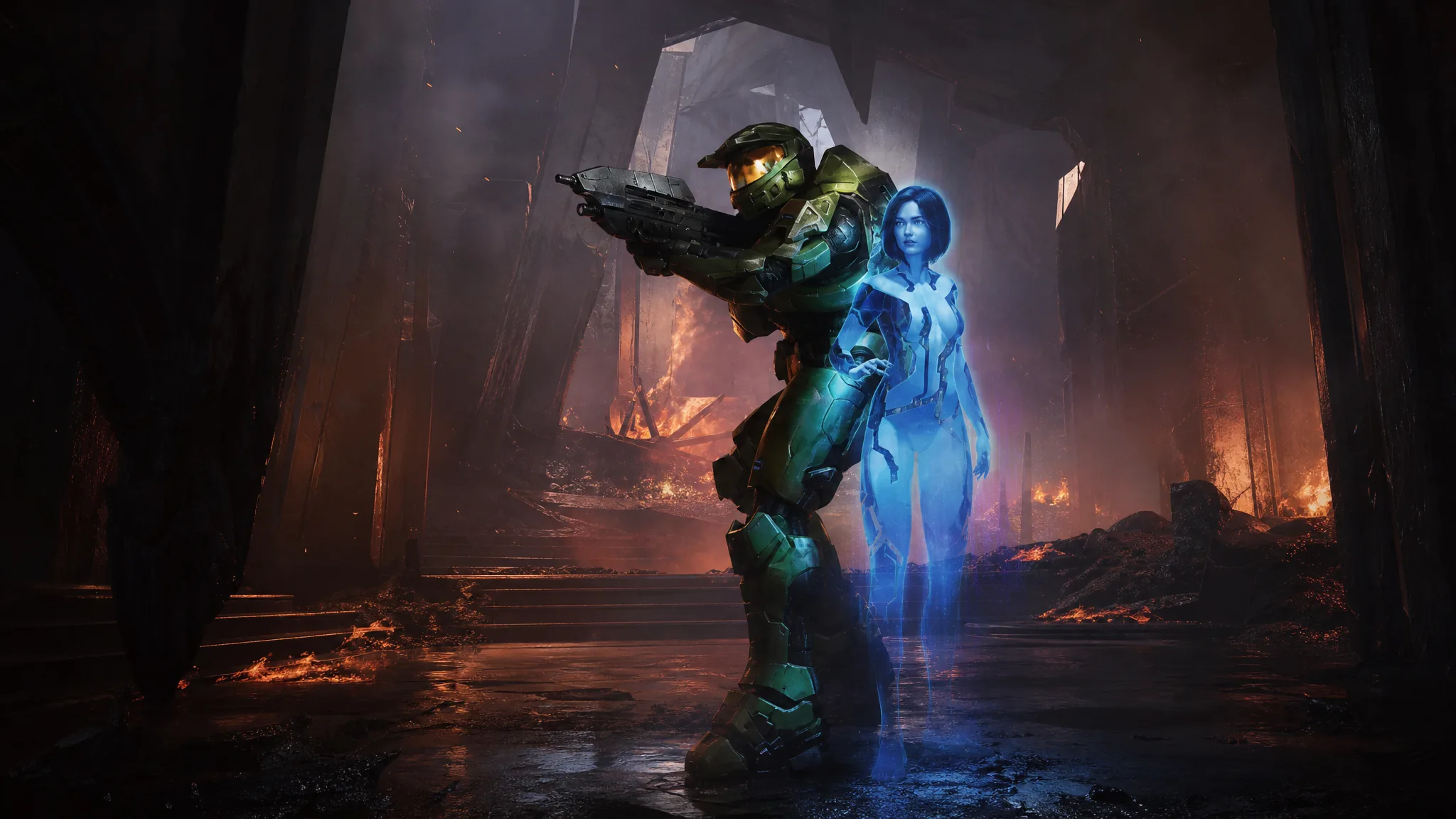
Local split-screen co-op was left out of the PC menus in Halo: Campaign Evolved, even though the console versions on Xbox Series X|S and PlayStation 5 ship with it. The feature was never actually stripped from the PC build. It sits dormant in the game files, and a community mod switches it back on without rebuilding anything.
Quick answer: Install UE4SS, then add the split-screen mod from NexusMods, copy its two files into the game directory, and update your Steam launch options. Plug in a second controller and start a mission to get two-player local co-op.
Split-screen is already in the PC build
The PC version launched on July 28, 2026, without a visible option for couch co-op. What the modder JPurd123 found is that the code and assets for the mode were never removed. The configuration file still carries the flag bUseSplitscreen=True, and the supporting pieces remain cooked into the shipped files.
Everything needed to render two players on one screen is present. Only the menu entry that would let you turn it on is missing. The mod does not recreate the mode or patch the game’s executable. It calls the code that already exists and adds a second local player during runtime through UE4SS, then clears the restriction that keeps the option hidden.
| Component | Status in PC build |
|---|---|
| Split-screen config flag | Enabled (bUseSplitscreen=True) |
| Split-screen HUD layouts | Present in files |
| Local sign-in interface | Present in files |
| Split-screen VFX variants | Present in files |
| Audio parameters for local co-op | Present in files |
| In-game menu option | Missing (unlocked by the mod) |
What you need before you start
A few requirements decide whether the mod will run at all. Confirm each one before installing.
- The Steam version of Halo: Campaign Evolved. The Xbox app version is untested and may fail because its executable signatures differ.
- The UE4SS scripting system, which must be installed first.
- Two controllers. Controllers for all players is the most reliable input setup.
- A legitimate copy. Pirated versions do not work because of unknown changes in cracked files.
Enable split-screen with the base mod
You know it worked when the screen divides for two players and the second sign-in appears. If the second player never shows up, the most common causes are a keyboard-and-mouse player instead of a controller, joining after the mission has already loaded, or running the Xbox app build rather than the Steam version.
The second mod adds more control
A separate release goes beyond simply unlocking the mode. If you want per-player customization or mixed input, use the expanded split-screen mod instead. It also requires UE4SS and targets the Steam version.
- Independent armor and weapon customization for the second player
- Separate customization profiles and settings for Player 2
- Keyboard and mouse for one player plus a controller for the other
- Fixes for pause menu and second-player interface issues
- An editable name for the second player
Note: even with mixed-input support, controllers for both players stay the most stable choice. Mixing keyboard and mouse can leave the second player uncontrollable.
Current limits to expect
Both mods are experimental workarounds. Local co-op currently supports two players sharing one screen, matching the console setup. Input is the main sticking point, so a controller for each player avoids the reported bug where a keyboard-and-mouse participant becomes unresponsive.
Support is limited to the Steam release. The Xbox app version has not been verified, and cracked copies are unsupported.
Could Halo Studios enable it officially?
Because the framework already ships with the game and only the menu entry is absent, an official patch would not have to build the mode from scratch. Console players can already connect a second controller, sign in with another account, and start co-op through the menus. Halo Studios has not said whether official split-screen is planned for PC.

Until that happens, the community mods are the way to play Halo: Campaign Evolved’s campaign on a single PC with a friend beside you, the way local co-op has worked in the series for years.