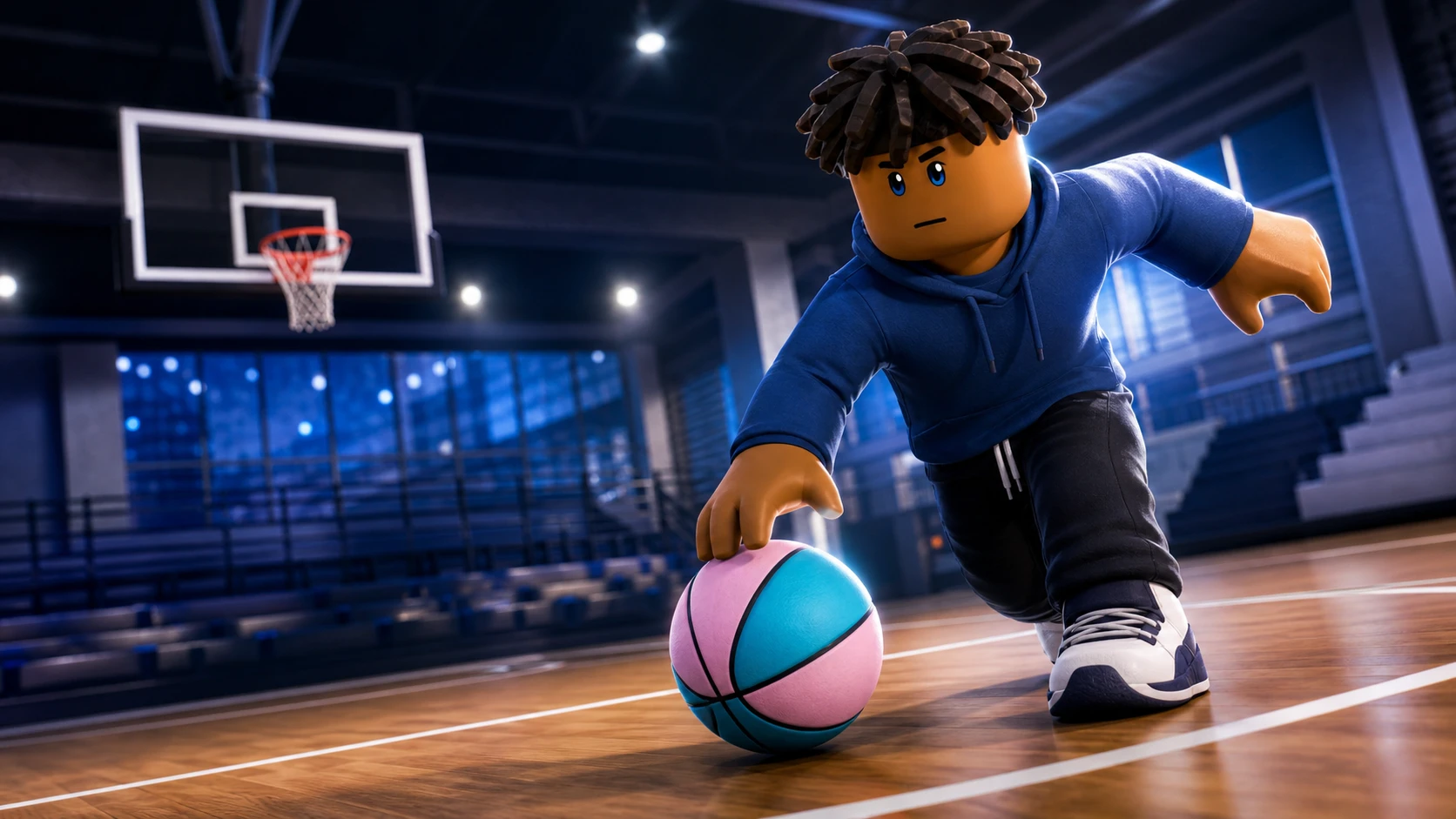
Practical Basketball runs on real inputs, not hidden dice rolls. Every crossover, shot, pass, and lob is something you physically press, and your timing decides whether the ball goes in. That makes the control layout the single most important thing to learn before you queue a park run, because clean separation and turnovers come down to which keys you hit and when.
Quick answer: On PC, hold E to shoot and release at the peak, tap E to pump fake, use Shift + Space for a driving dunk and hold Space for a standing dunk, pass with 1/2/3/4, and throw a self alley-oop with F while driving. Console uses controller bindings shown in an on-screen overlay, and mobile mirrors the same systems through touch buttons.
How the control system works
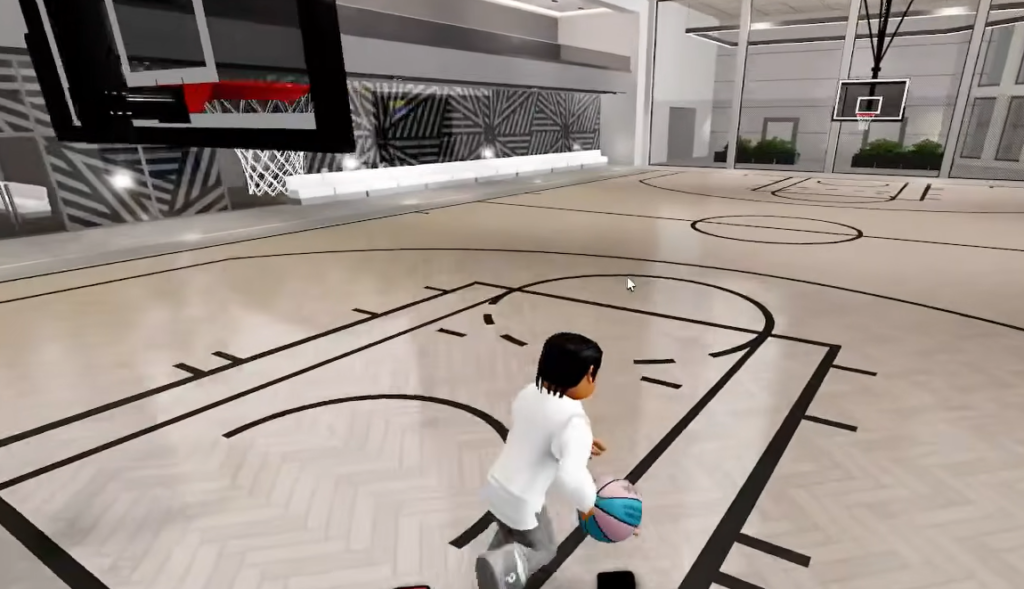
The whole game rewards skill execution over stat rolls. Ball handling uses individual key inputs instead of one generic dribble button, and each move is tied to a specific hand. Chaining those inputs is what forces a defender to shift and opens the lane.
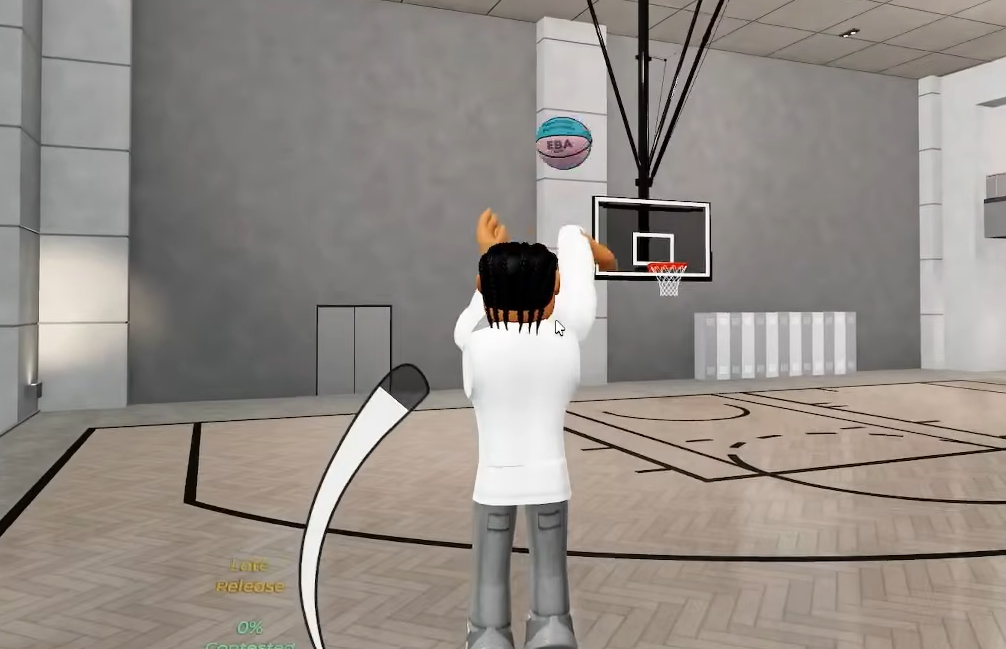
Shooting behaves the same way. You hold to begin the motion and release at the right point in the animation, and the game returns direct feedback such as “Perfect Release” or “On Contested” so you know whether your timing landed. There are no upgrade systems, assisted shooting, or arcade auto-finishes, which is why keyboard and mouse give the cleanest control.
Shooting and gathers (PC)
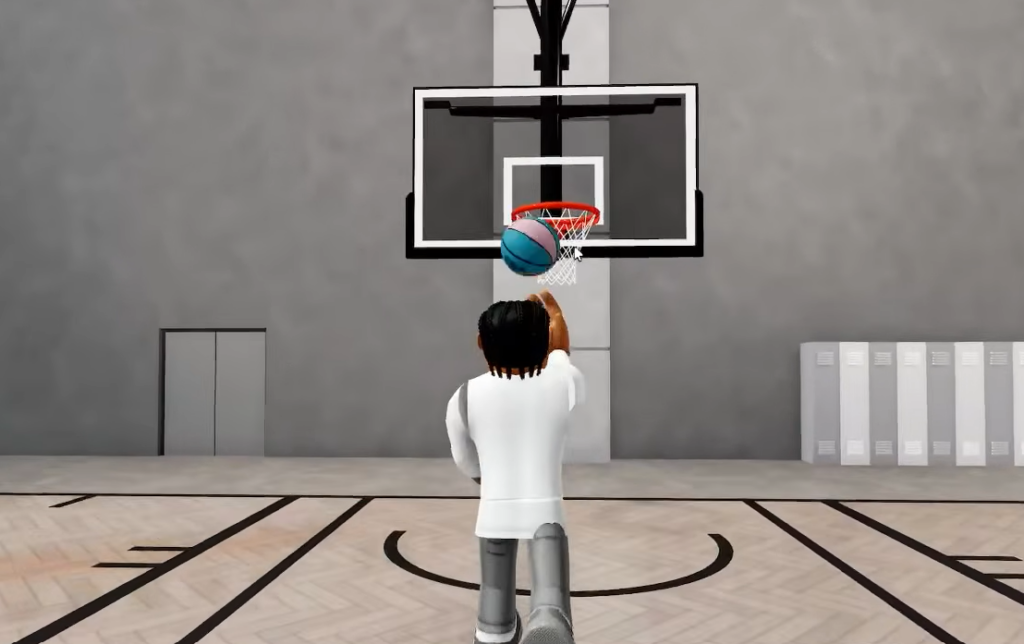
Shooting is the core skill check and uses a hold-to-release window on E. Release too early or too late and the shot bricks. Start with stationary, open looks, square your player to the rim, and learn one spot before you expand your range.
| Action | PC input | Notes |
|---|---|---|
| Jump shot | Hold E, release at peak | Practice in free shootaround first |
| Pump fake | Tap E | Sells closeouts before a drive or pass |
| Alt pump fake | Hold E briefly, release early | Slower sell against aggressive jumps |
| Layup | Hold E while driving | Momentum and angle both matter |
| Hesi shot | Shift + tap E | Pick-and-roll staple |
| Hesi pull | Tap E while moving | Creates step-back space |
Gather moves combine movement keys with Shift and E for euro steps, hop steps, and direction changes at the rim. If a gather fails, low speed-with-ball or layup attributes on your build can cut the animation short.
Confirming a make
Passing controls (PC)
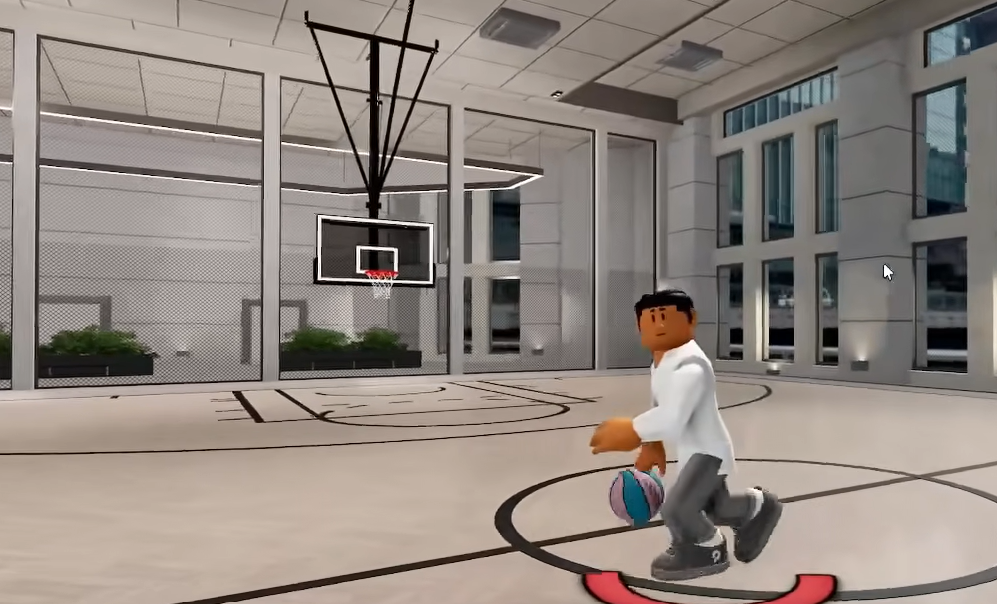
Passing decides organized games. The number keys 1, 2, 3, and 4 map to your teammates, and modifiers change the pass type. Low pass accuracy makes bounce and flashy passes sail out of bounds, so raise playmaking before you spam highlight feeds.
| Pass type | PC input | Best use |
|---|---|---|
| Overhead pass | Single press 1/2/3/4 | Clears taller defenders |
| Chest pass | Shift + 1/2/3/4 | Fastest ball movement |
| Bounce pass | Double-tap 1/2/3/4 | Beats tight on-ball coverage |
| Flashy pass | Shift + double-tap 1/2/3/4 | Style only if accuracy supports it |
| Fake pass | Hold Q + 1/2/3/4 | Freezes help for a beat |
| Alley-oop to teammate | T + number | Time it to a cutter, not a stationary player |
| Swing pass (right) | Hold D + pass key | Skip pass along the perimeter |
| Swing pass (left) | Hold A + pass key | Mirror of swing right |
Dribble moves (Z / C / X / V)
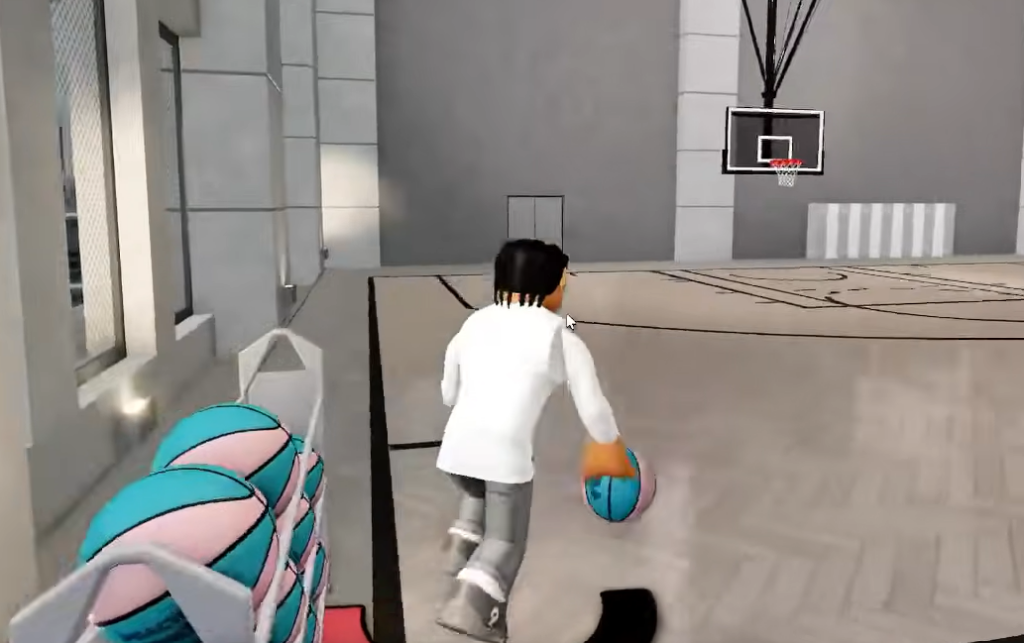
On-ball creators map dribble packages to Z, C, X, and V, and each move depends on which hand holds the ball. Escape and push crossovers, hesitations, spins, and the Shammgod are separate inputs rather than variations of one button. The switch-hands control matters because it sets which side your next move attacks.
| Key | Typical role | Usage tip |
|---|---|---|
Z | Primary cross / hesi hand | Chain after a screen |
C | Secondary cross or between | Change pace without sprint spam |
X | Behind-the-back or wrap | Punishes over-aggressive on-ball defense |
V | Step-back or snatch-back | Creates three-point space on hold E |
Sprint is Shift, and short bursts beat holding it through every possession. Release sprint before firing a V step-back so the timing lands, and read the defender’s hip angle. These moves punish overcommitment, not idle standing.
Dunking and alley-oops (PC)
Dunks are never automatic. You need approach angle, momentum, and the right height or vertical thresholds from your build. Missed dunks almost always come from bad spacing rather than the wrong button, so wait for the help defender to commit before you gather.
| Action | PC input | Notes |
|---|---|---|
| Standing dunk | Hold Space near the rim | Use only when unguarded |
| Driving dunk | Shift + Space on approach | Most common slasher finish |
| Contact dunk | Momentum + Shift + Space | Higher dunk and strength help |
| Dunk cancel / jelly | Tap E during the gather | Changes finish timing; hard to block |
| Self alley-oop | F toward the backboard while driving | Keep forward momentum; finish before defenders recover |
Alley-oops come in two forms. A self lob is thrown off the glass while you drive an open lane, and a teammate lob uses T plus the teammate number, timed to a cutter’s path to the rim. Both fail in crowded paint situations, so treat them as reads rather than reactions.
Post moves, screens, and defense (PC)
Post scoring matters when a mismatch appears after a switch. Post actions run off G, consume stamina, and need strength gates to work. If you keep getting pushed off the block, add strength to your build before learning more fakes.
| Action | PC input | Notes |
|---|---|---|
| Enter post | Walk into defender, face up | Requires post rating for the full package |
| Post hook | G | Safe two vs smaller guards |
| Post fade | G + direction | Creates space on double teams |
| Up-and-under | G chain after a fake | Punishes jumping bigs |
| Screen | Hold T | Follow with a pass key for pick-and-roll |
| Sprint | Shift | Tap, do not hold all possession |
| Steal attempt | On-ball read + steal rating | Reach fouls hurt in close games |
On defense, position beats button spam. Aim with the mouse and stay in front with movement rather than reaching, and use the steal read only when the handler exposes the ball.
Controller and mobile differences
Keyboard is the recommended platform because the layered inputs map cleanly to keys. Console uses controller bindings, and the game shows an on-screen overlay with D-Pad inputs for moves like the double crossover and switch hands. That overlay is the fastest way to confirm a binding mid-session. Mobile relies on touch controls for movement, dribbling, shooting, and passing, so the same systems exist while the input method changes.
Controller mappings differ from the PC layout above, and the developers keep the current controller list in their community server rather than a fixed in-game menu.
Where the exact keybinds live and why they change
Practical Basketball runs through stress-test and early-access windows, and inputs can change between builds. The developers may add new gathers, adjust pass modifiers, or rebalance shot timing during a patch, so the full current control list stays in the community server while the in-game overlay surfaces individual bindings as you play. Confirm the latest layout there before a session instead of relying on an older sheet.
The game also runs active anti-cheat detection during tests, and the developers ask players to report bugs and suspicious behavior through the official Discord. Learning the real inputs is the intended path, since the entire skill gap is built on timing and hand-dependent moves.
To check the overlay and drill each input in a shootaround before you queue park, jump into a live build.
A short practice order gets these inputs into muscle memory fast. Hold E shooting with no defense for a few minutes, run chest and bounce passes on 1 through 4, drill one dribble chain per hand with Z/C/X/V, then add one driving dunk line, one standing dunk, and a few post hooks on a mismatch. Once those inputs feel automatic, keep the bindings handy on a second screen and take the same reads into a full park run.