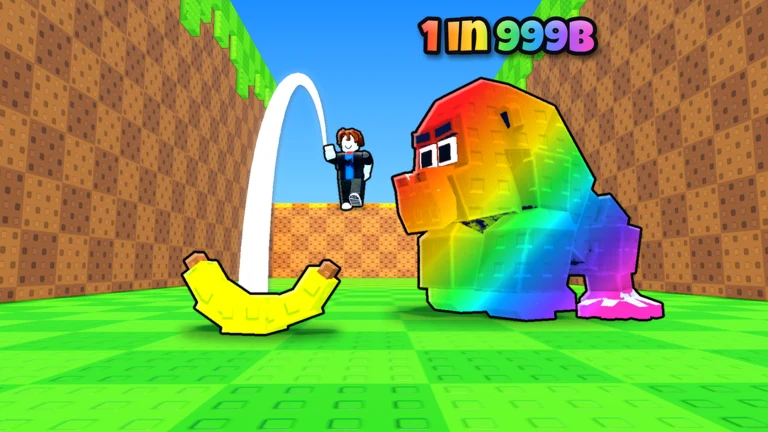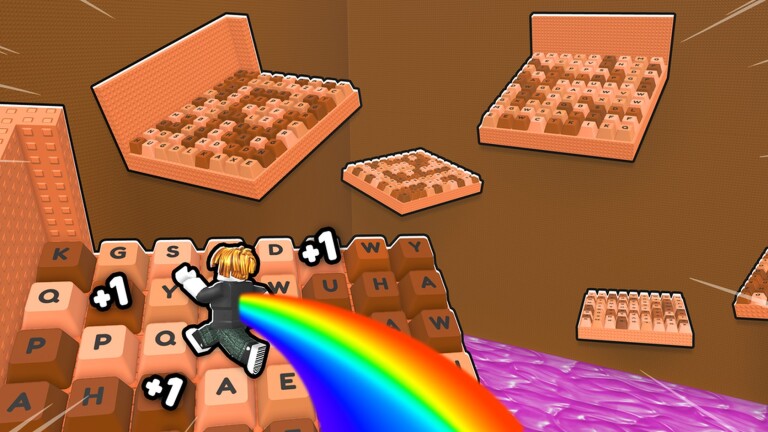
Speed Keyboard Escape is a Roblox parkour game where players sprint and jump across candy-coated keyboard keys, training on treadmills and spending earned speed on boosts. Codes are the fastest way to pad out that speed total without grinding the treadmills for hours.
Working Speed Keyboard Escape codes
There are no working Speed Keyboard Escape codes right now. The developer, SecretVerse Studio, tends to drop new codes around updates and milestones, so it’s worth checking back on this page or the game’s official Discord server for new releases.
Get free speed with the social code
Outside of the regular codes list, Speed Keyboard Escape has a separate reward tied to a personal, one-time “social code” generated through Discord. This code hands out 15,000 Speed when redeemed, and it’s currently the most reliable way to get a free boost.
There’s also a second freebie tied to social tasks rather than a code. Liking the game’s Roblox page and joining the official SecretVerse Studio Roblox group unlocks an additional 15,000 Speed. After completing both tasks, press the “FREE!” gift button in-game, then hit “Verify & Claim” to collect the reward.
How to redeem codes in Speed Keyboard Escape
A successful redemption adds the reward straight to your Speed total, which you can see update on screen immediately. If nothing changes after hitting OK, the code has likely already expired.
Expired Speed Keyboard Escape codes
These codes no longer work but are listed for reference.
BYP4SS1— Previously gave extra speedCHOCO20262026
Between the Discord social code and the like-and-join bonus, players have two dependable ways to stack up free Speed while waiting on the next batch of shareable codes.